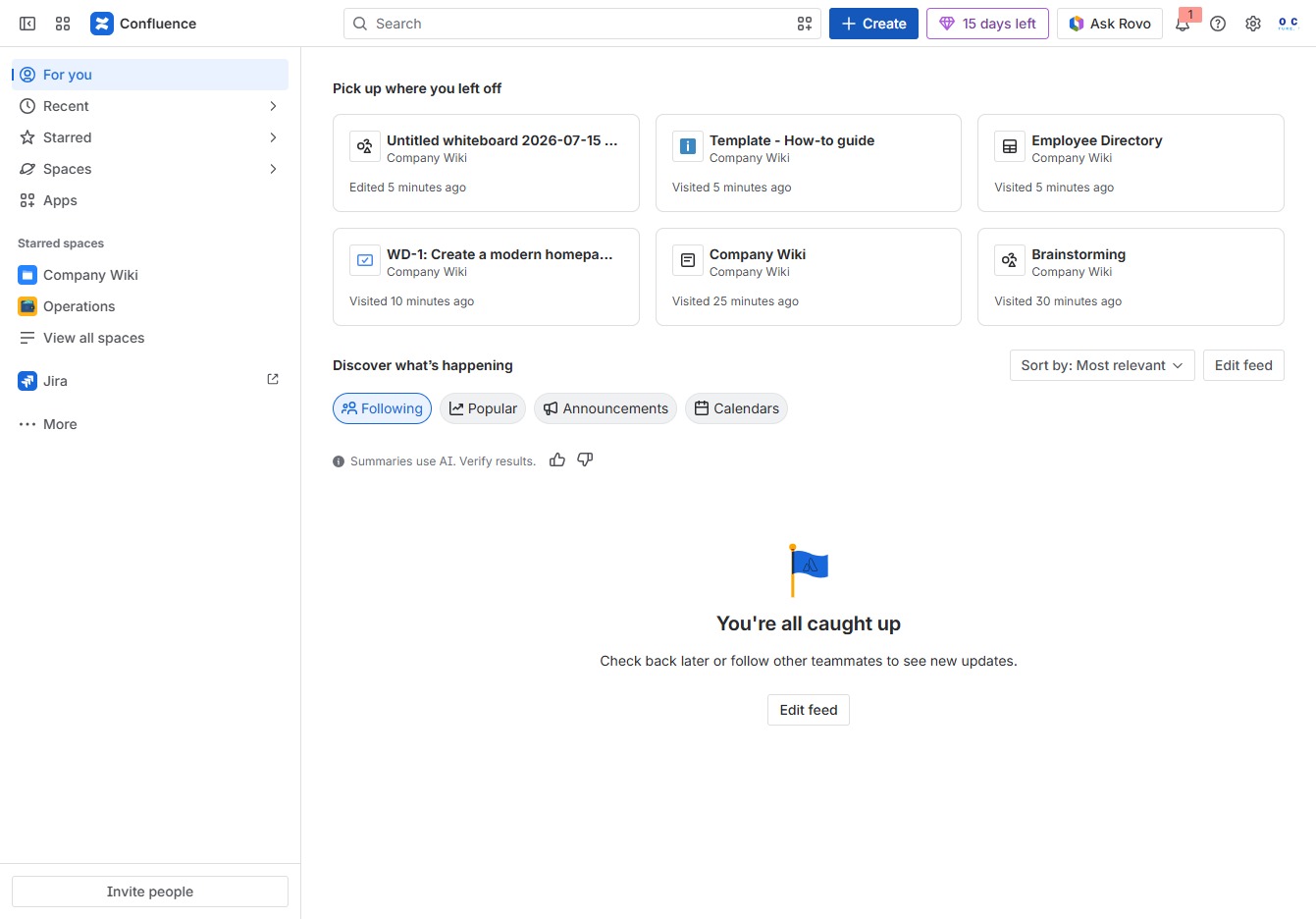
Click the Create button
Clicking the 'Create' button allows you to initiate the process of adding new content, such as pages or templates, within your Confluence workspace.
Loading screenshot…
100%
This how-to guide walks you through creating effective brainstorming sessions in Confluence, from setting up a new whiteboard to utilizing professional templates and tools for…
 viktoria
This how-to guide walks you through creating effective brainstorming sessions in Confluence, from setting up a new whiteboard to utilizing professional templates and tools for enhanced collaboration. Learn to navigate the platform and engage your team in generating creative ideas with a structured approach.
Clicking the 'Create' button allows you to initiate the process of adding new content, such as pages or templates, within your Confluence workspace.
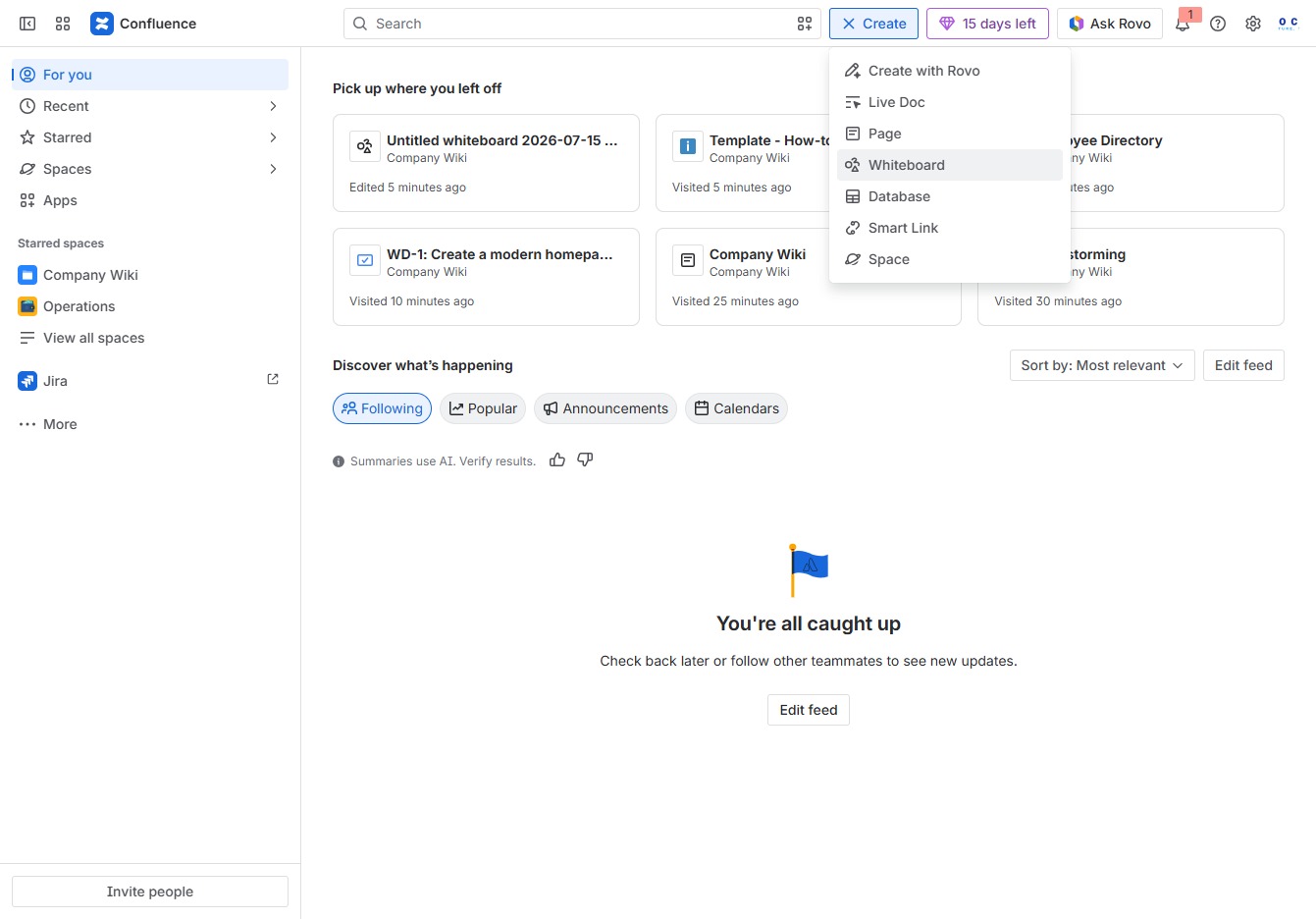
This action opens a new whiteboard where you can brainstorm, collaborate, and organize ideas visually with your team.
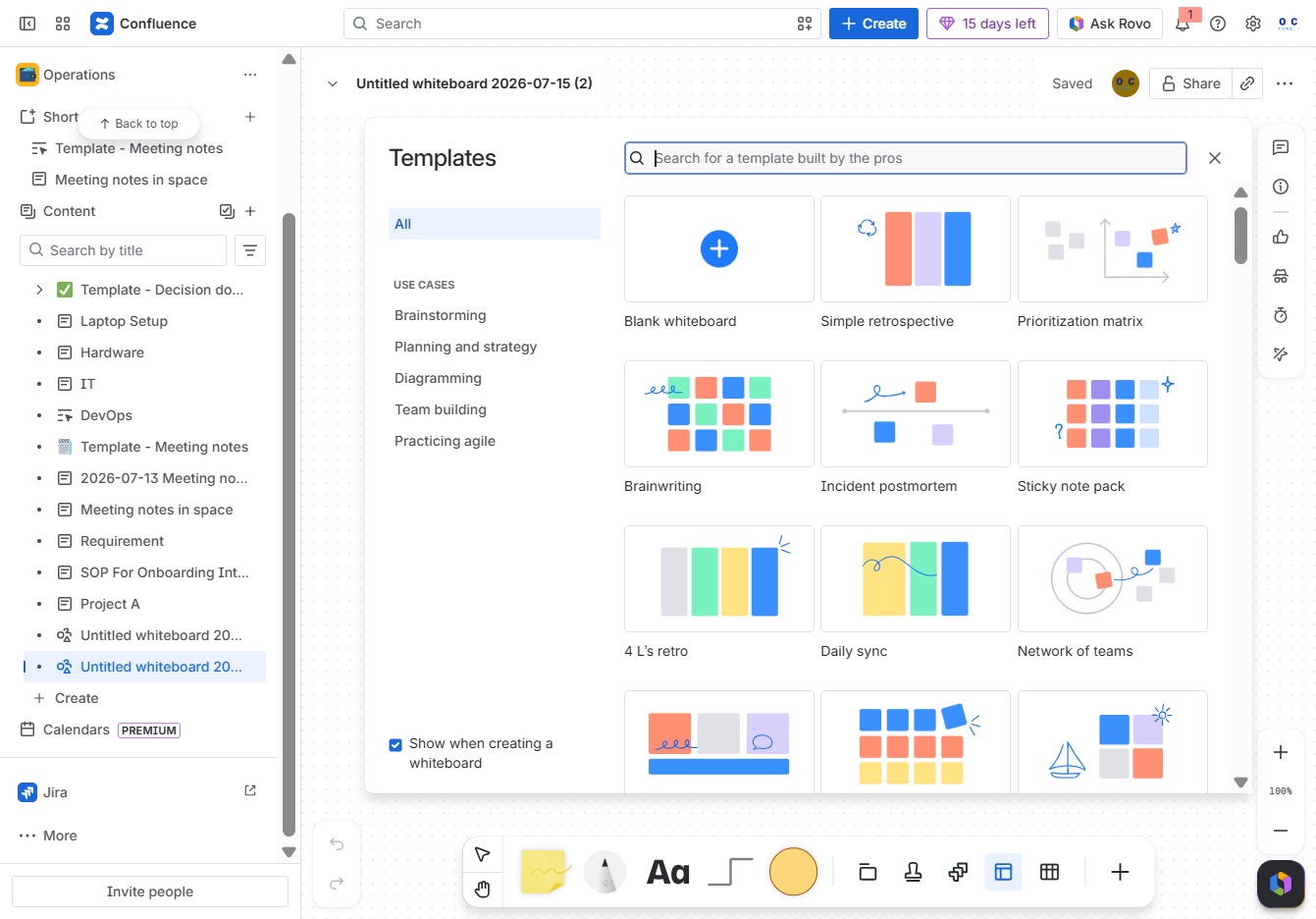
Clicking this input field allows you to enter text or commands relevant to your current task in the Confluence whiteboard.
Enter 'brai' in the Search for a template built by the pros field to filter and find relevant templates for brainstorming and related use cases.
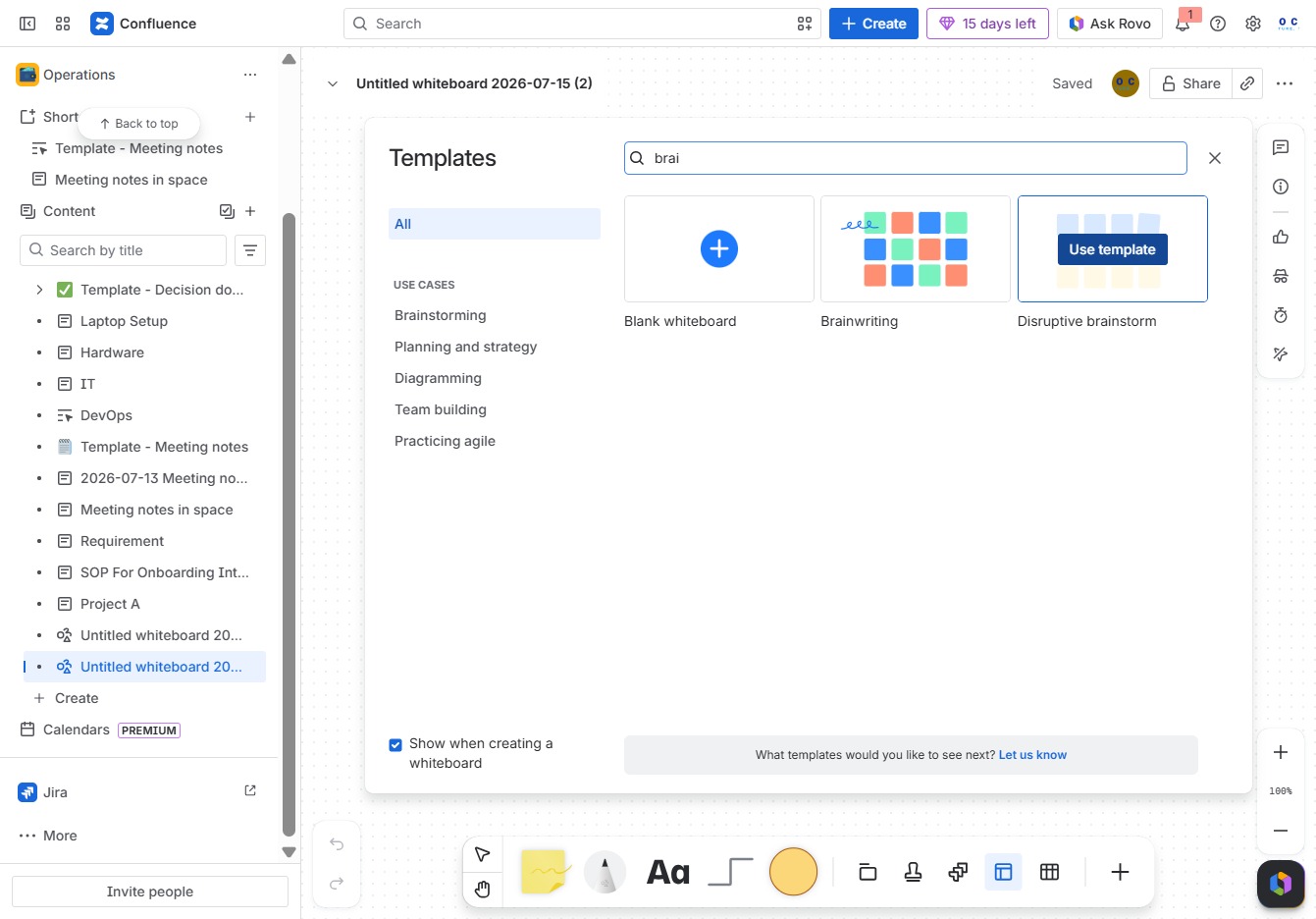
This action opens the selected template for use in the whiteboard, allowing you to start with a predefined structure for your brainstorming session.
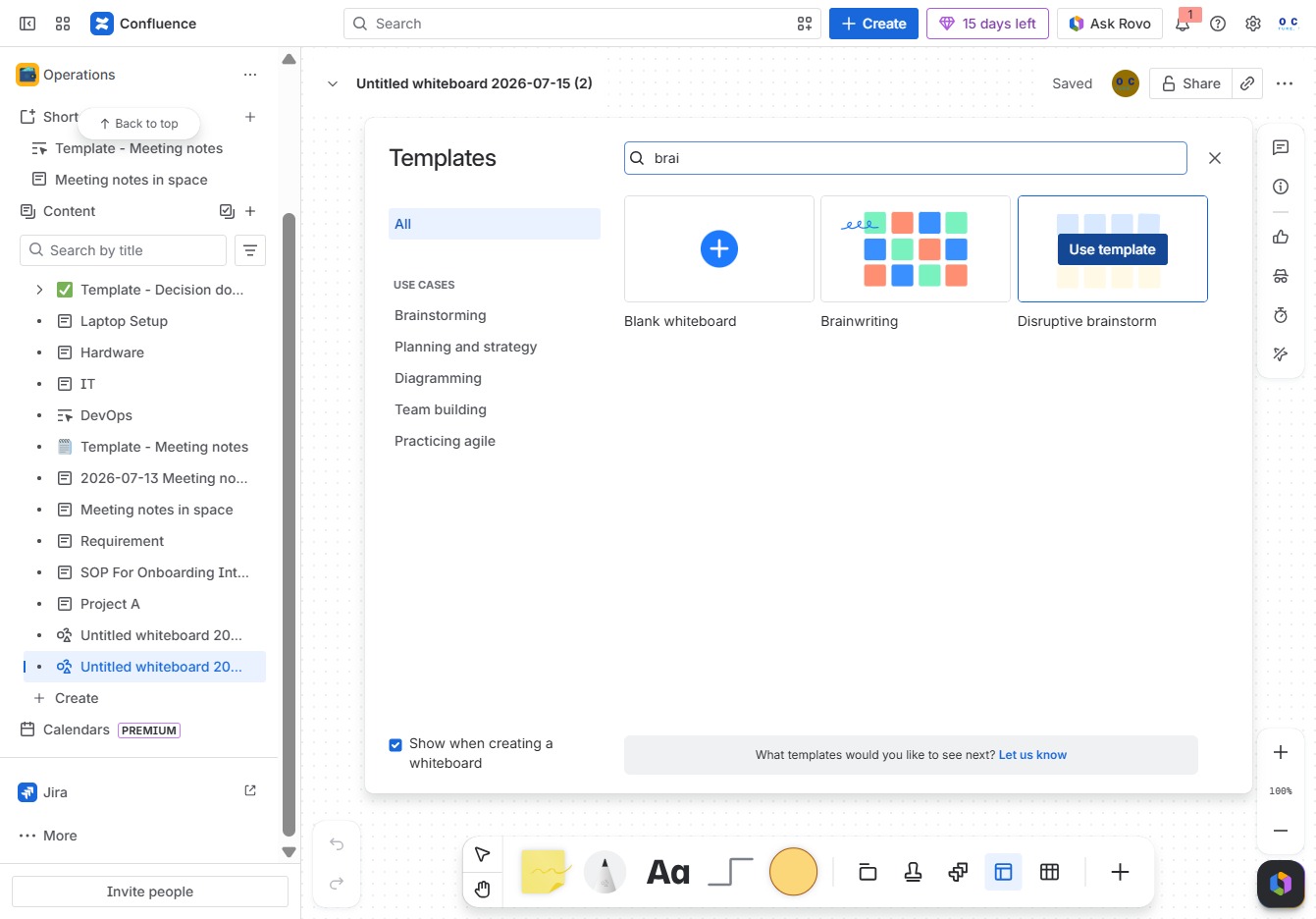
Click the Rovo Button to initiate a brainstorming session with a creative twist, allowing your team to generate and capture fresh ideas in the designated areas.
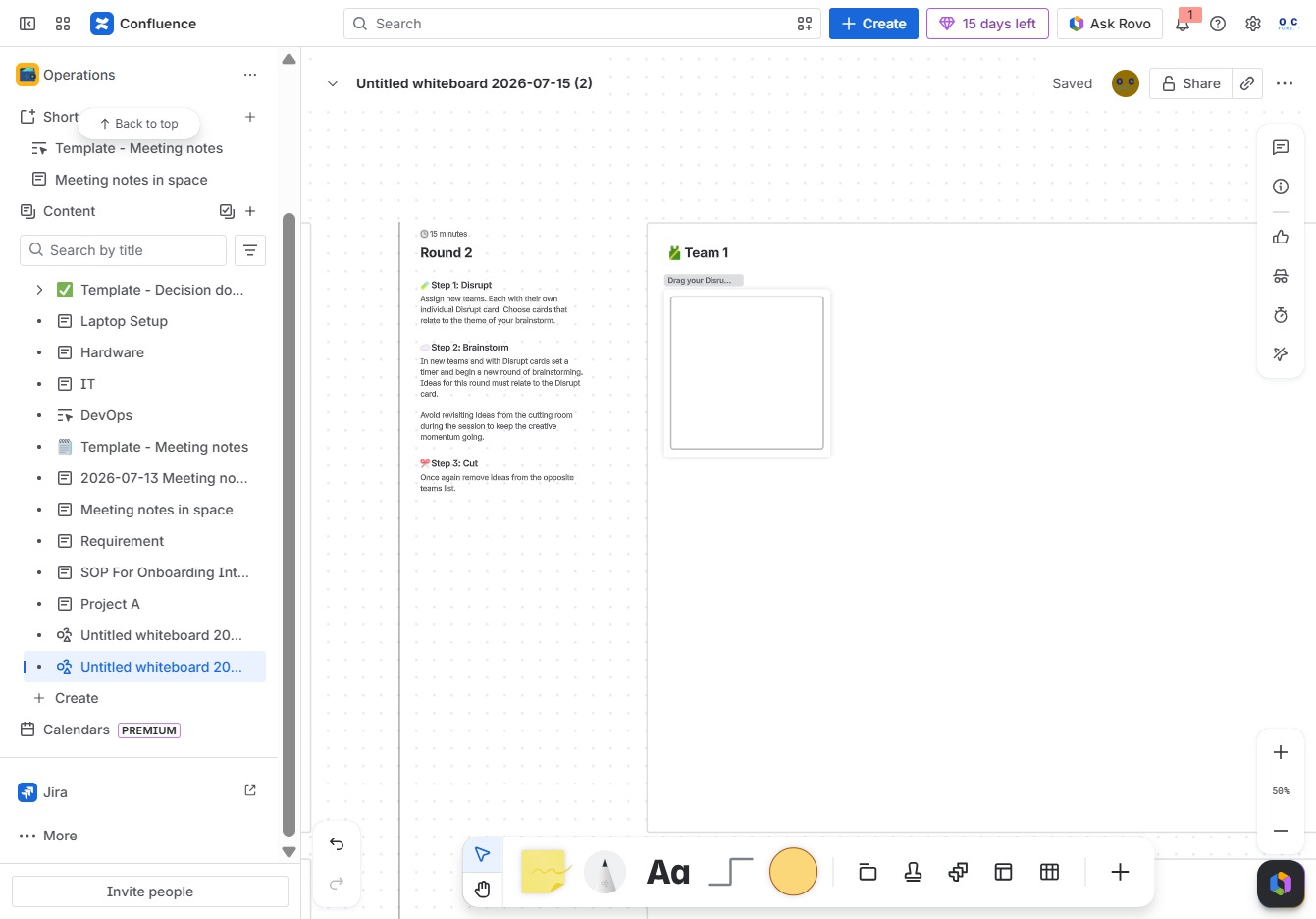
Enter the text 'Jane DoeJohn Doe' in the Ak editor textarea to add the specified information. This will update the content within the current editing session in the document.
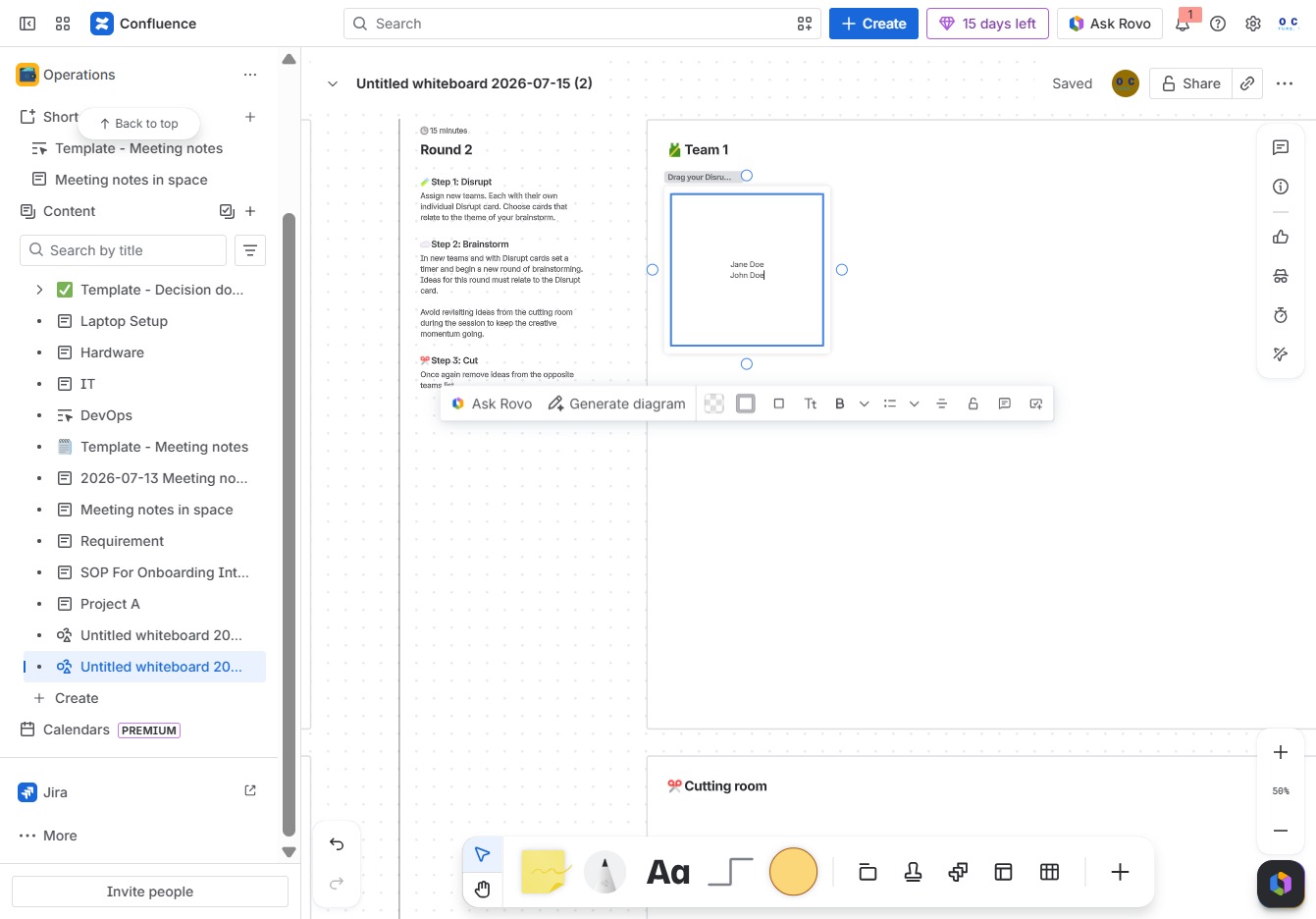
This action initiates a brainstorming session designed to generate creative ideas with a unique twist in the Atlassian tool. You'll be able to explore innovative solutions collaboratively.
