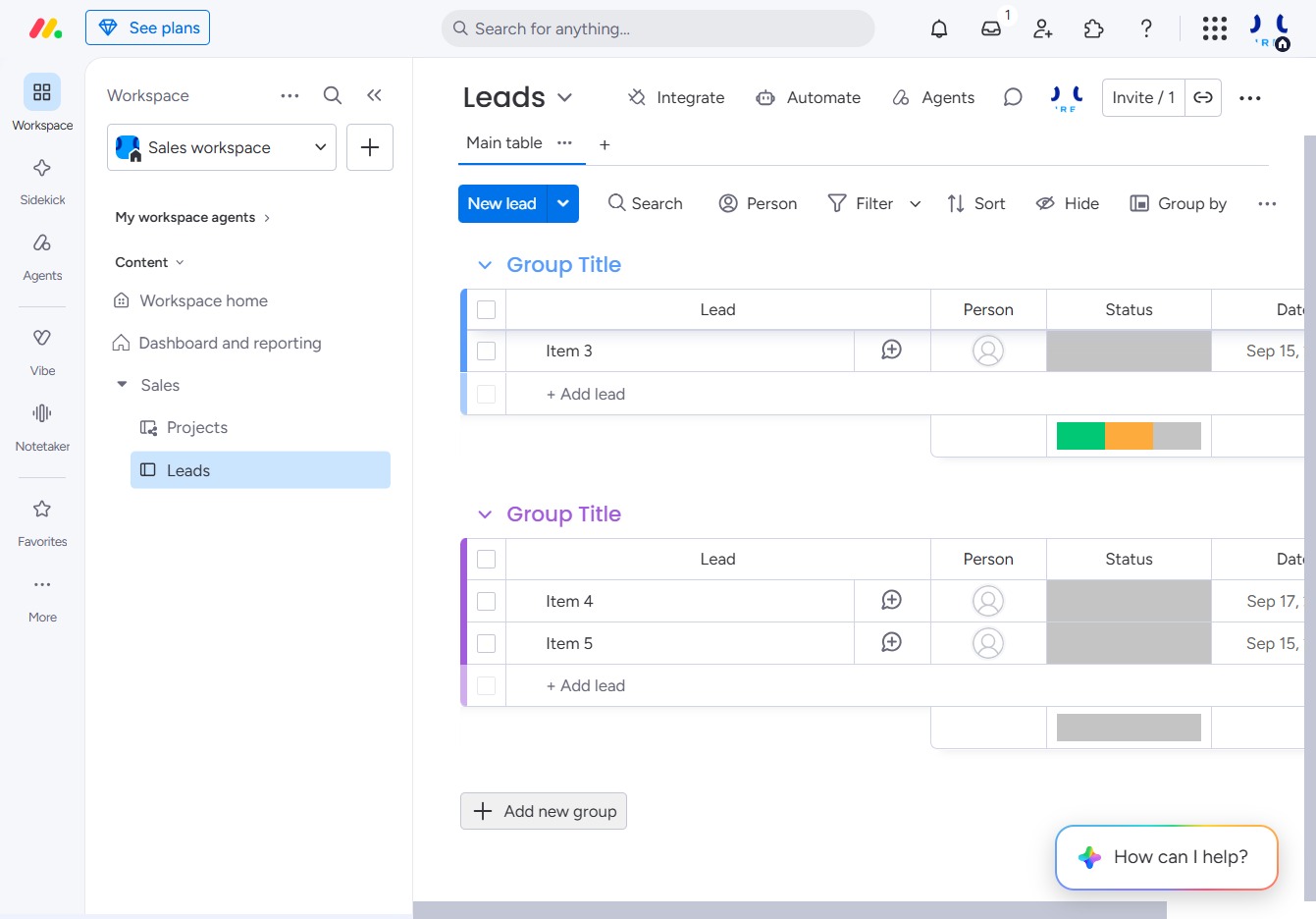
Click the Leads section
This action will navigate you to the Leads area where you can manage and review your sales prospects and information.
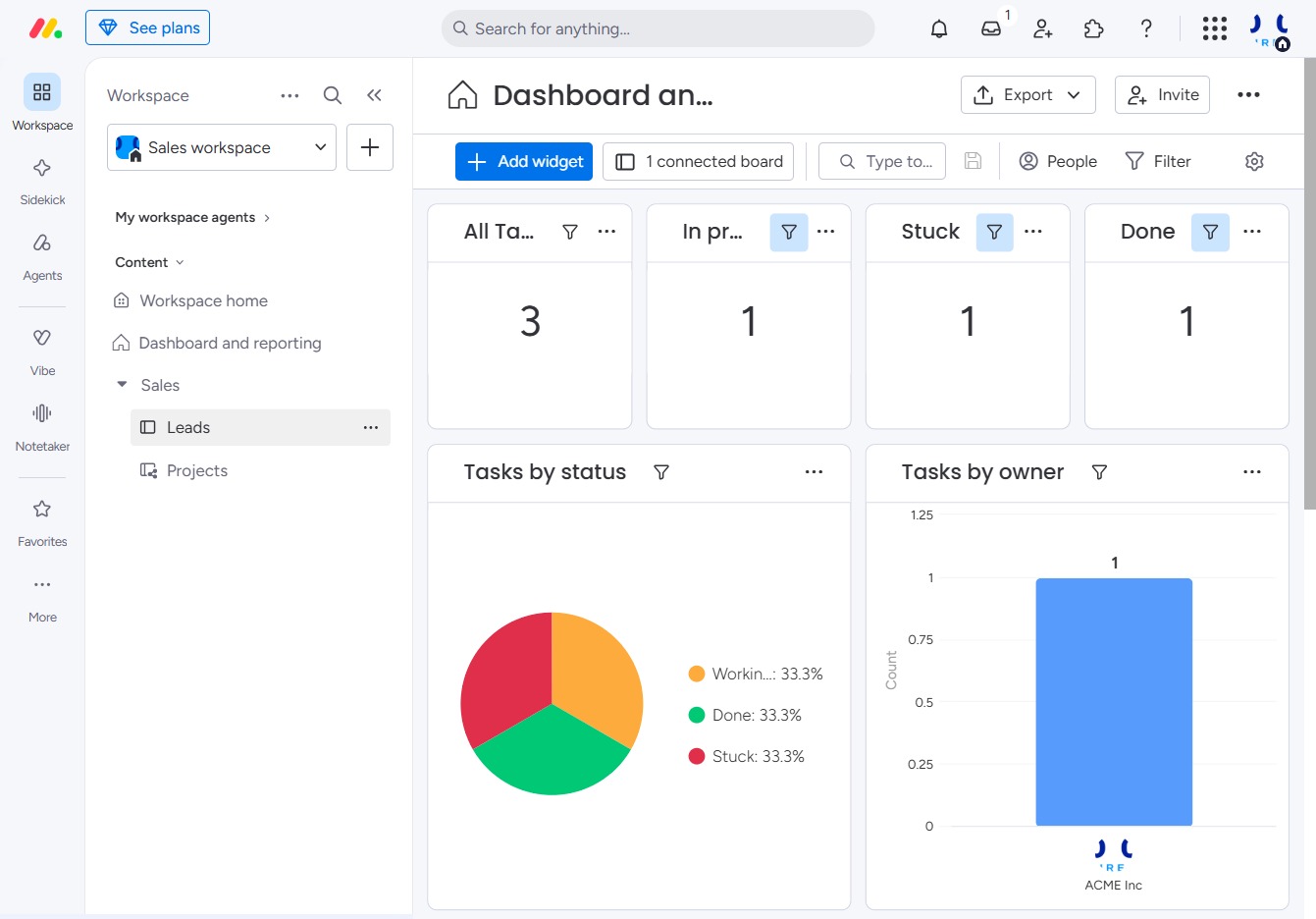
Loading screenshot…
100%
This how-to guide will walk you through the process of creating board groups in the Leads area, allowing you to organize and prioritize your sales prospects effectively.
 viktoria
This how-to guide will walk you through the process of creating board groups in the Leads area, allowing you to organize and prioritize your sales prospects effectively. By following these simple steps, you'll learn how to categorize your leads and enhance your sales pipeline management.
This action will navigate you to the Leads area where you can manage and review your sales prospects and information.
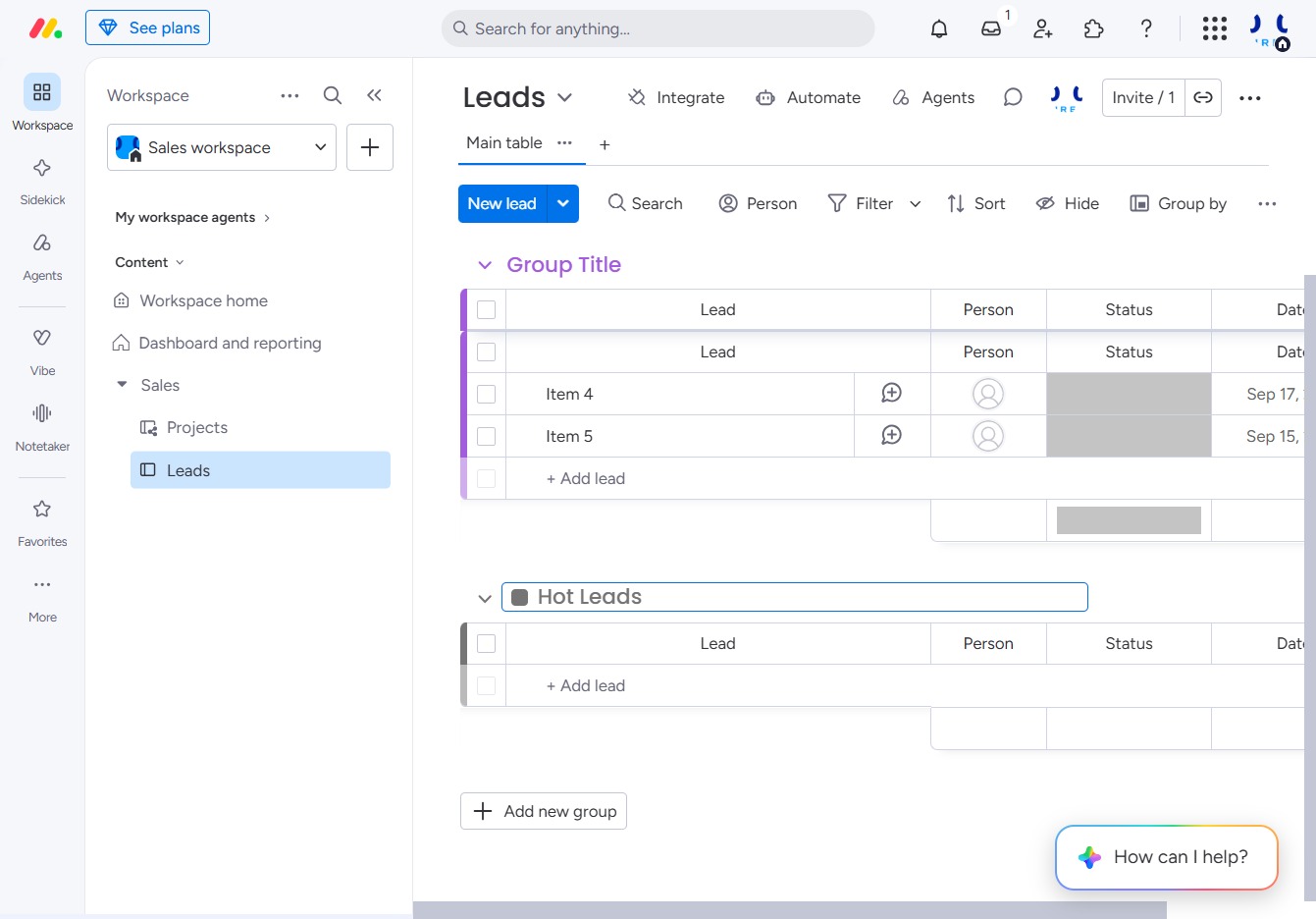
Clicking this button allows you to create a new group in the Leads section, enabling better organization and management of your leads.
Enter 'Hot Leads' into the specified input field to categorize and prioritize your leads within the Leads section. This will help you manage your sales pipeline more effectively.