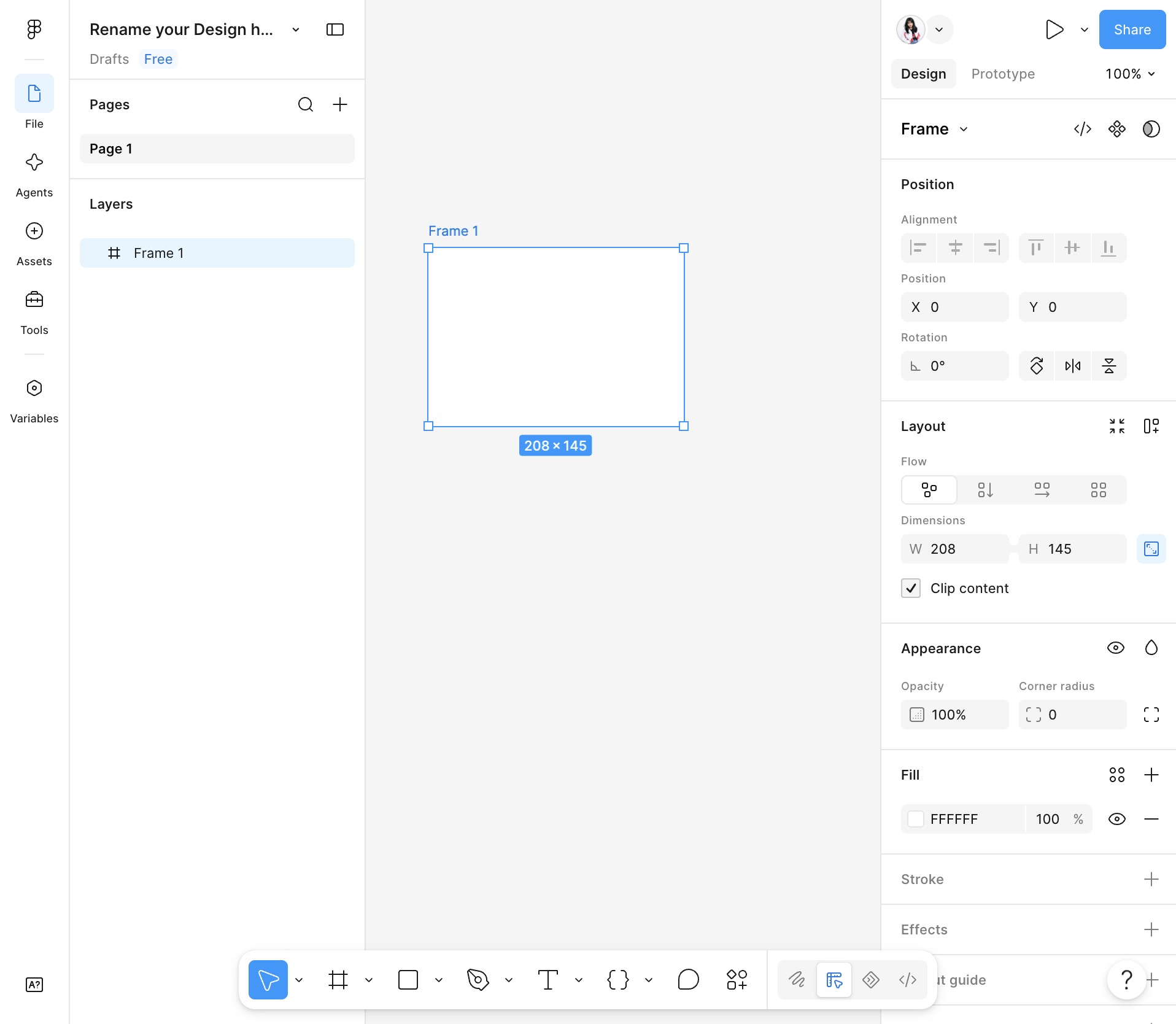
Click Create a new design file
Click New Design file to start a blank canvas for your design project.
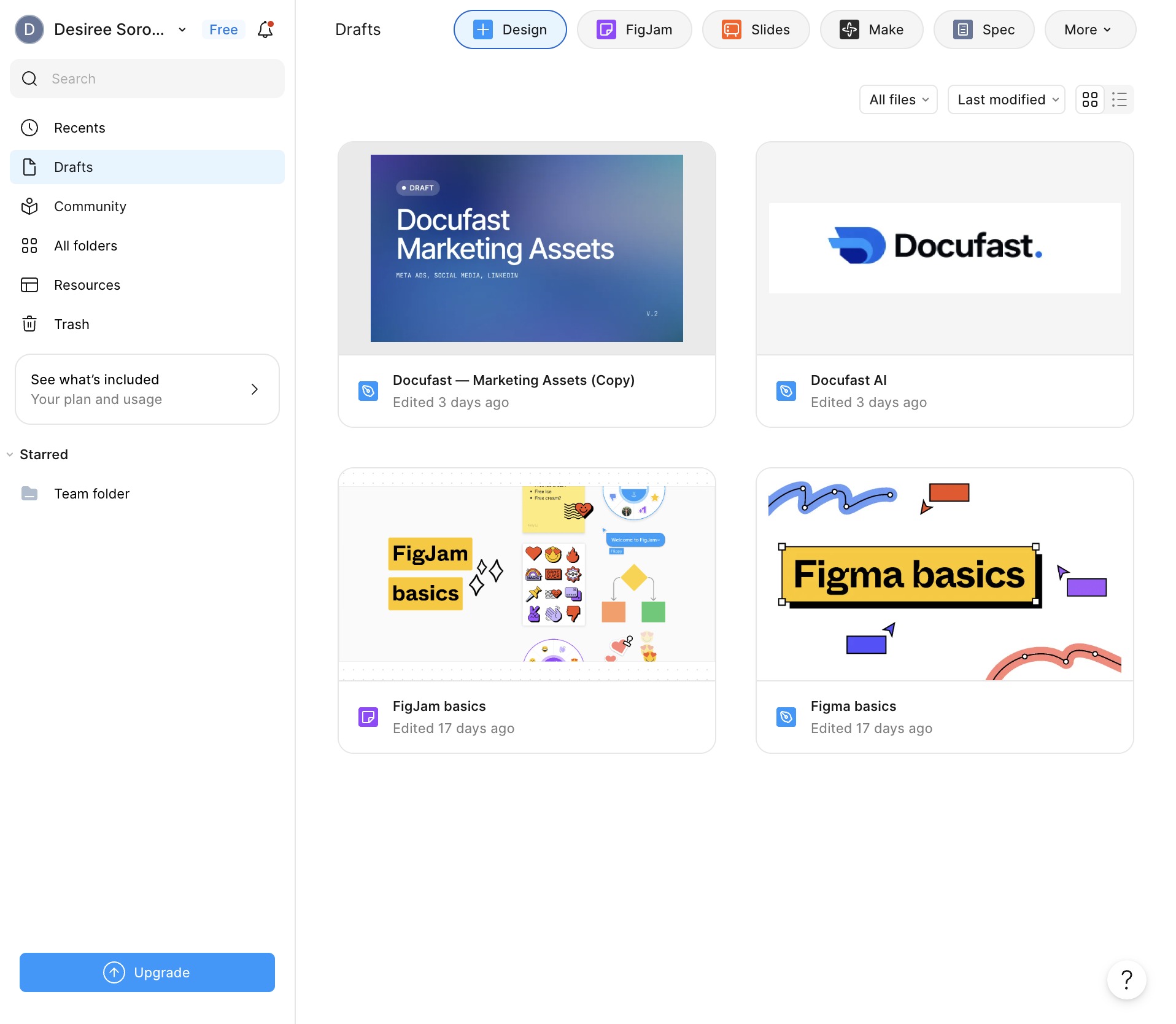
Loading screenshot…
100%
Create and rename a design file in Figma to organize and update your project workspace.
Create and rename a design file in Figma to organize and update your project workspace.
Click New Design file to start a blank canvas for your design project.
Tip
Select File to reveal the menu with options for creating, opening, or managing your design files.
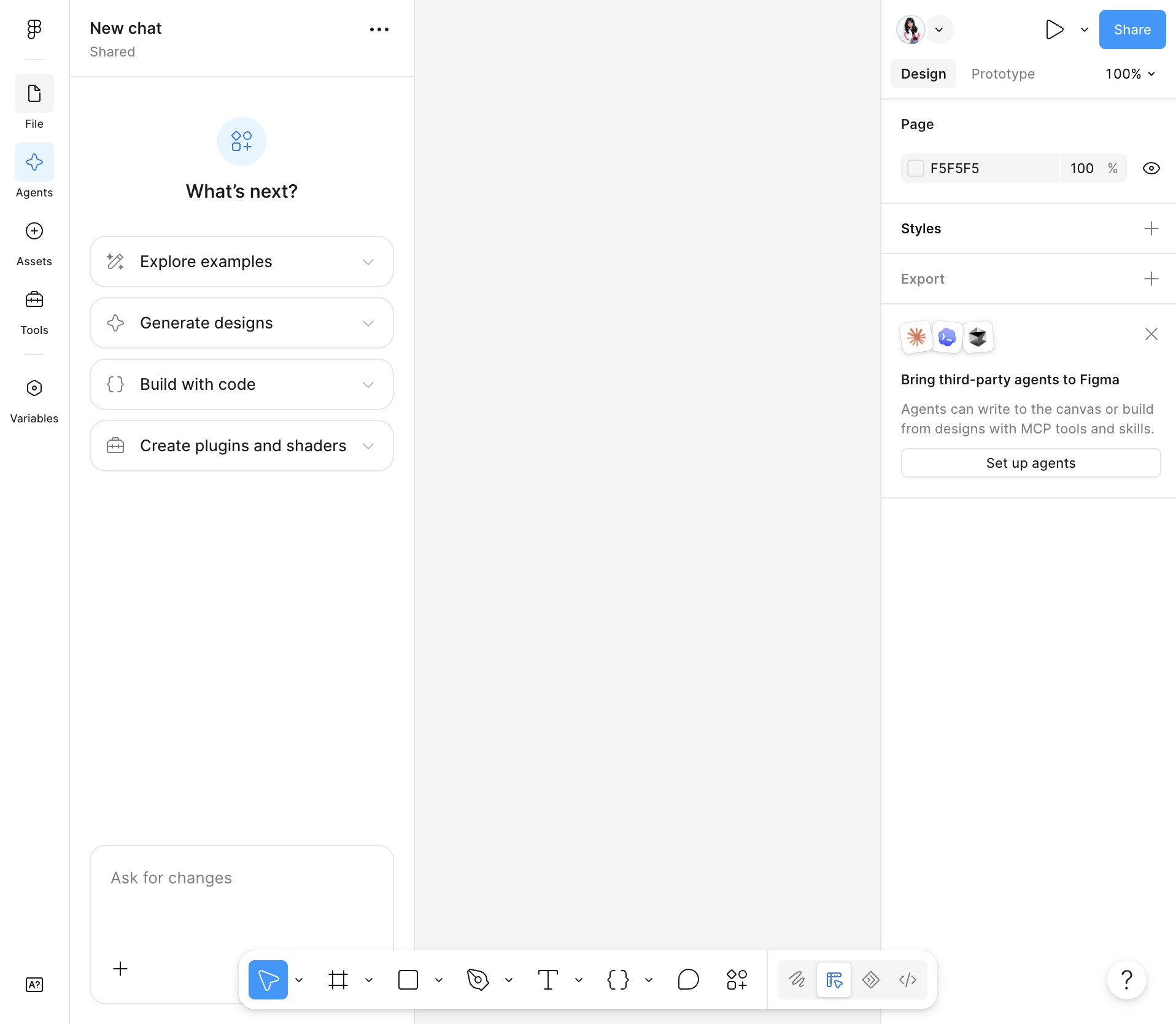
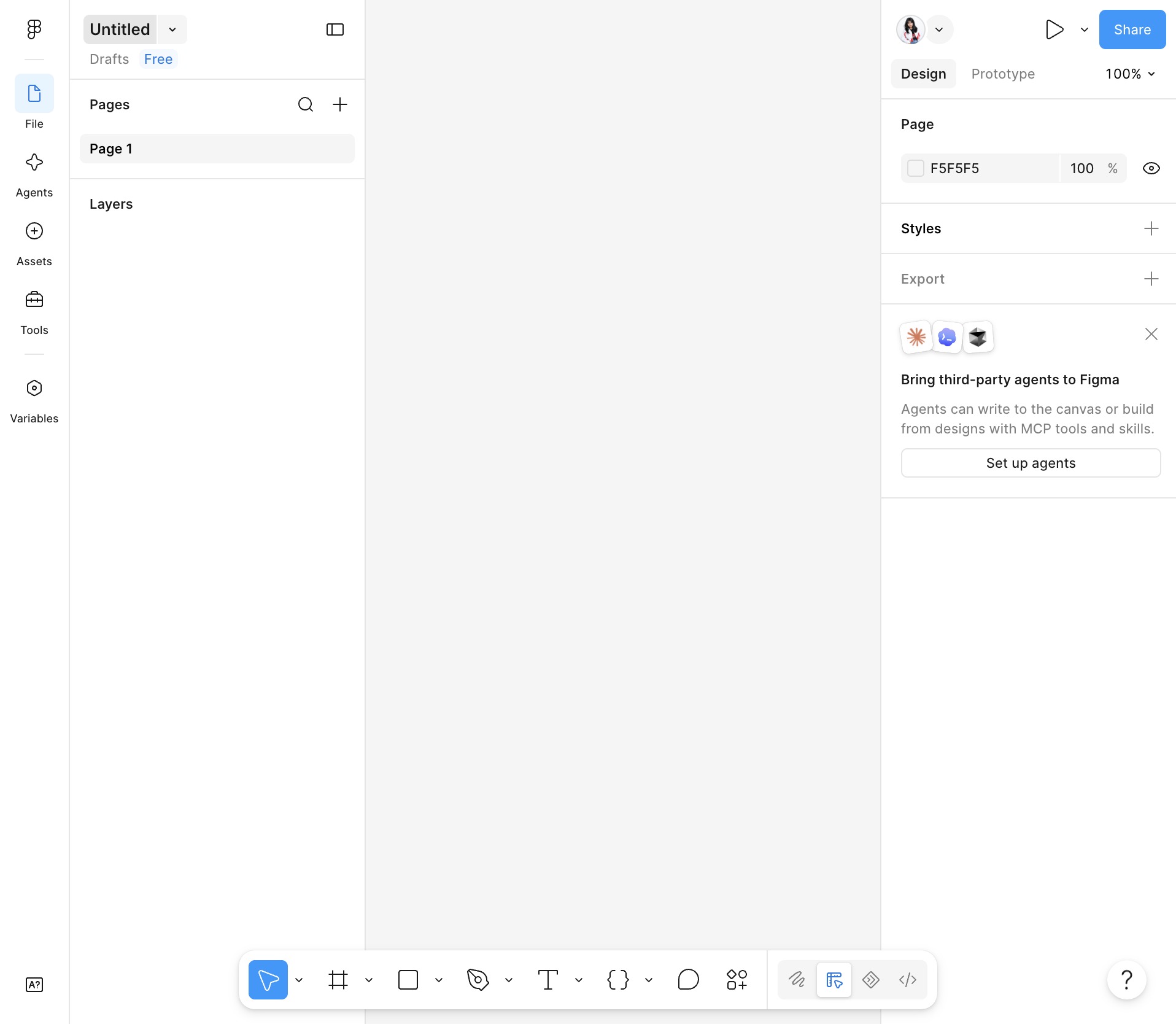
Select the file name at the top of the canvas to rename it.
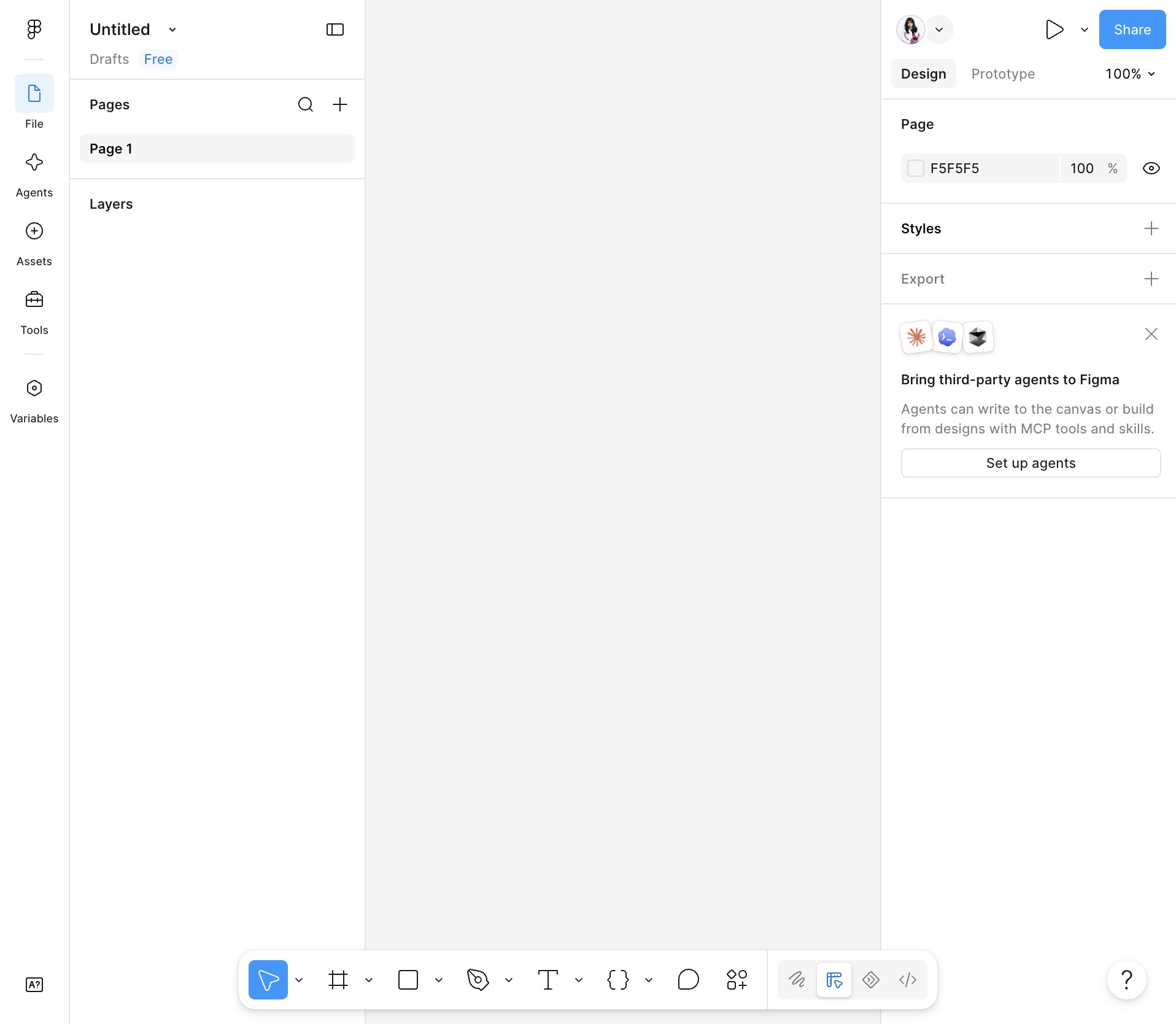
Select the file name at the top of the screen to start renaming it.
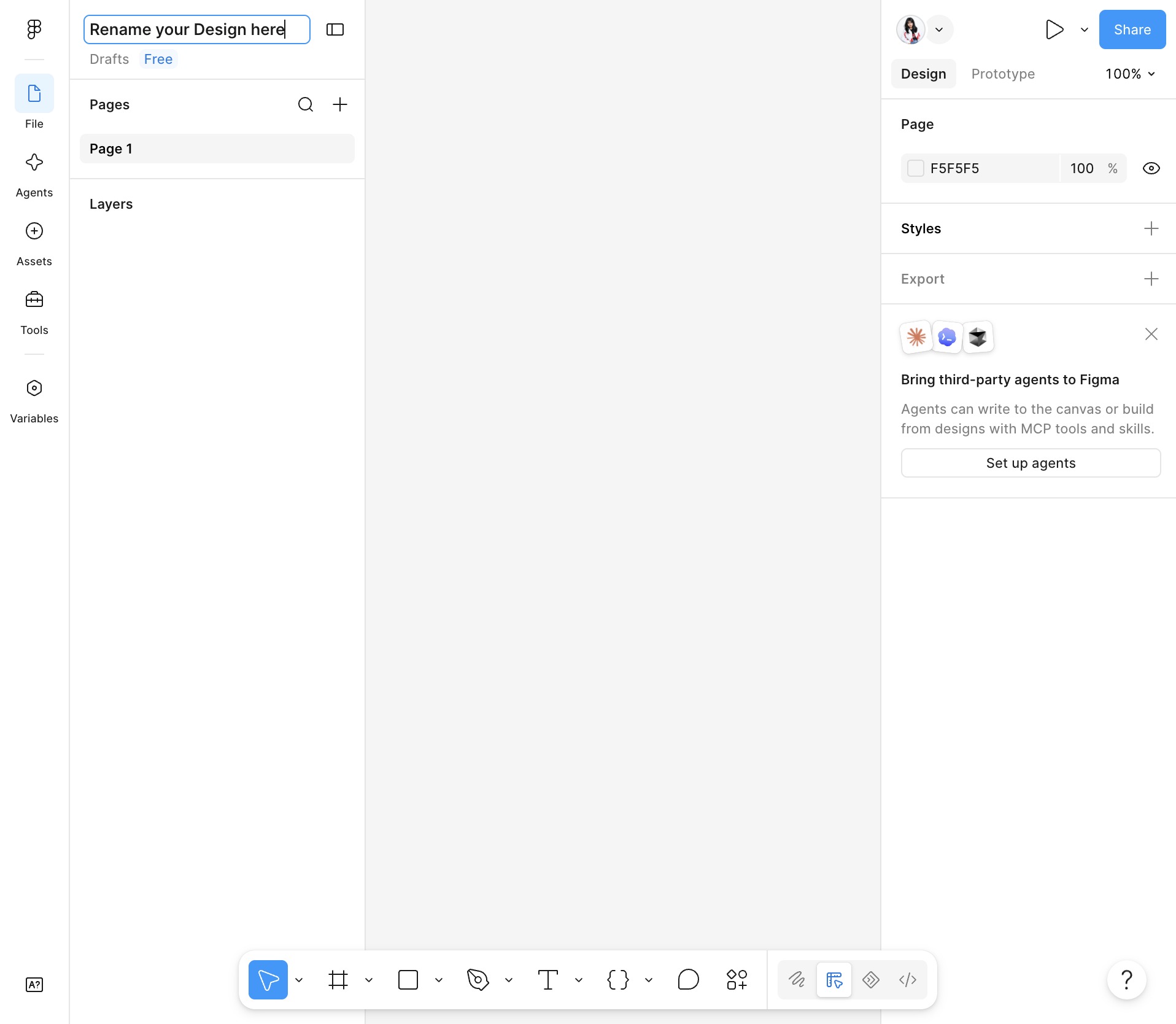
Type the new file name here and press Enter.
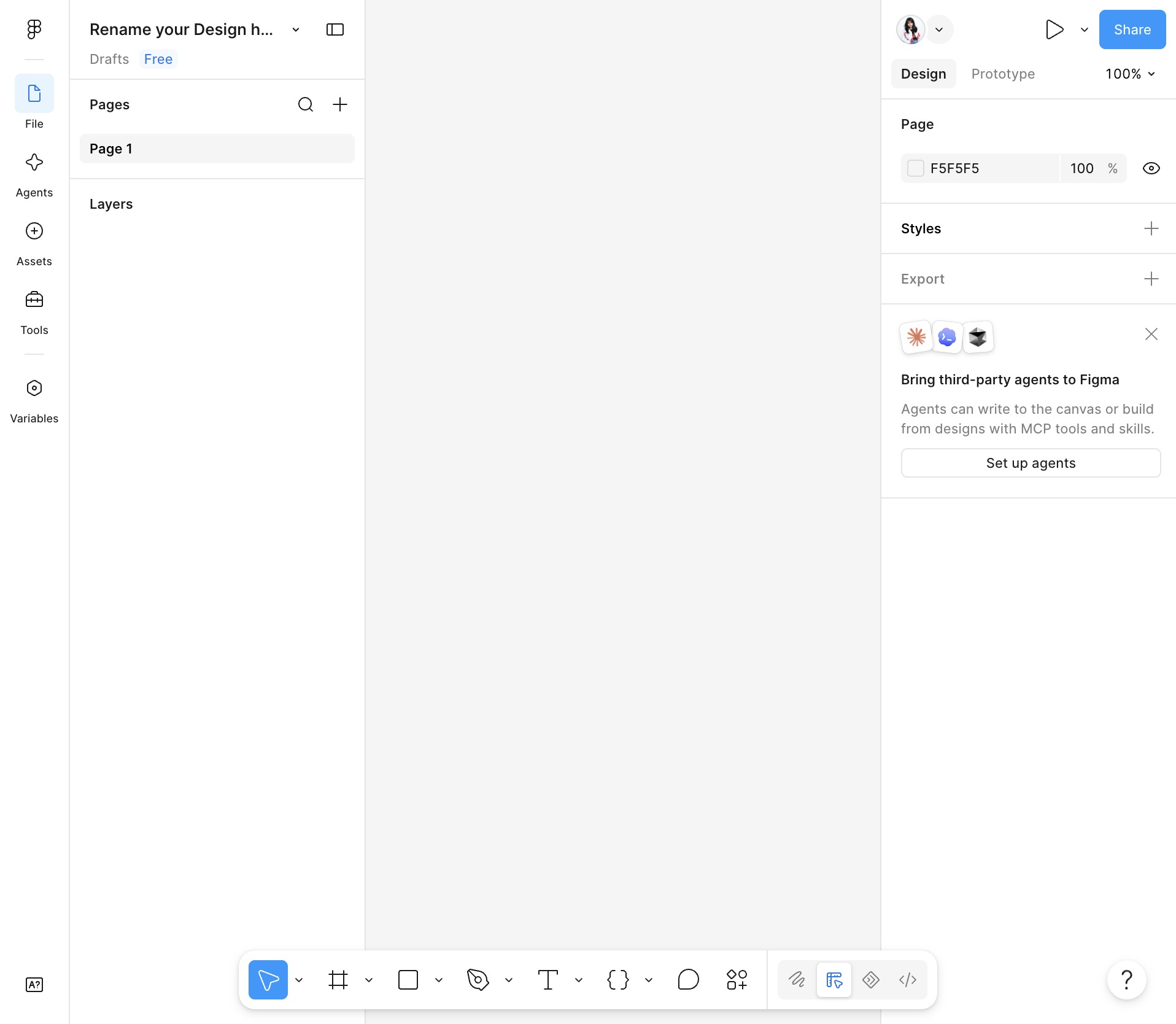
Click anywhere on the canvas to begin creating your design.
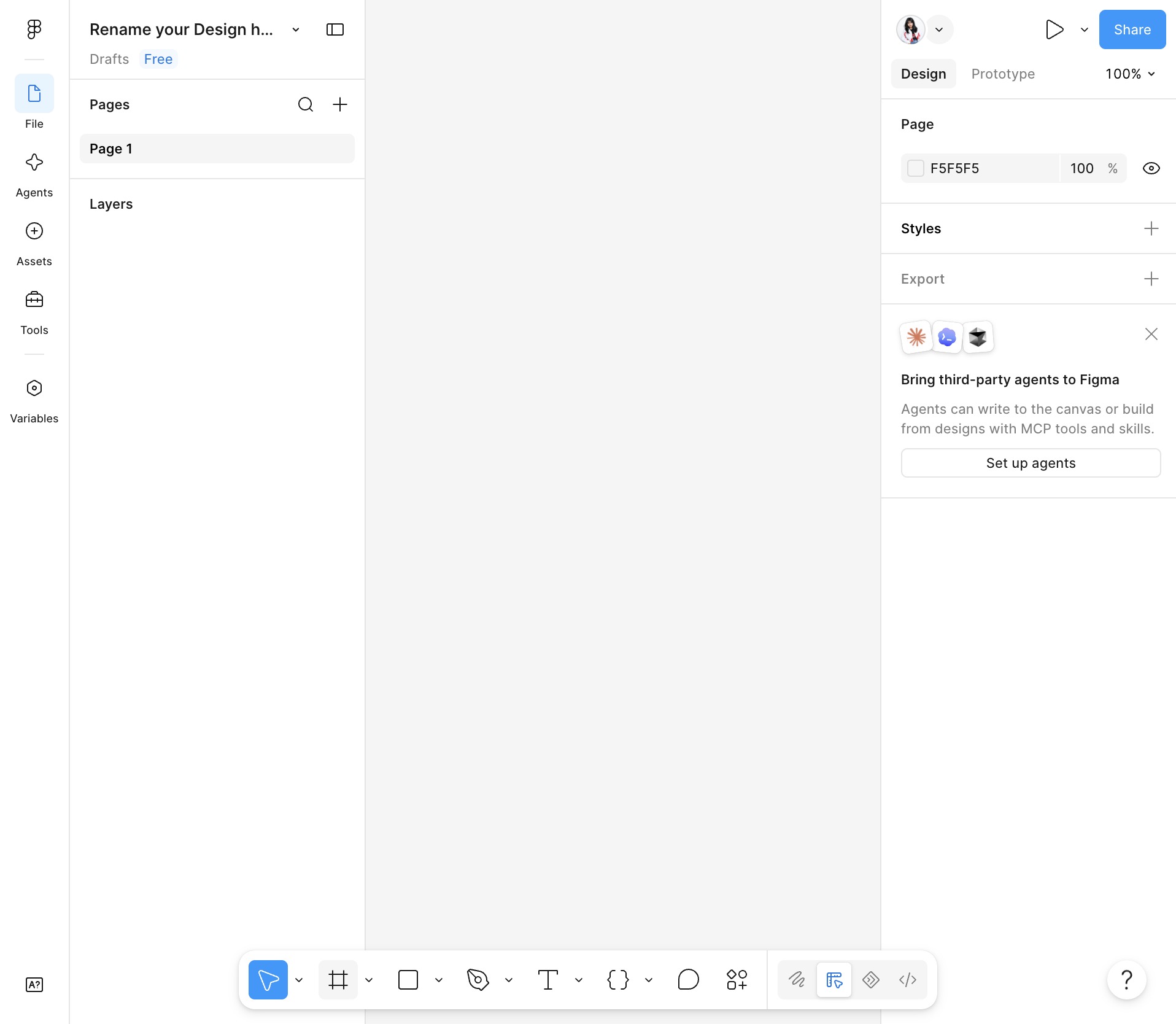
Select Frame to add a new frame to your design canvas.
Pick the device frame you want to use for your design from the list.
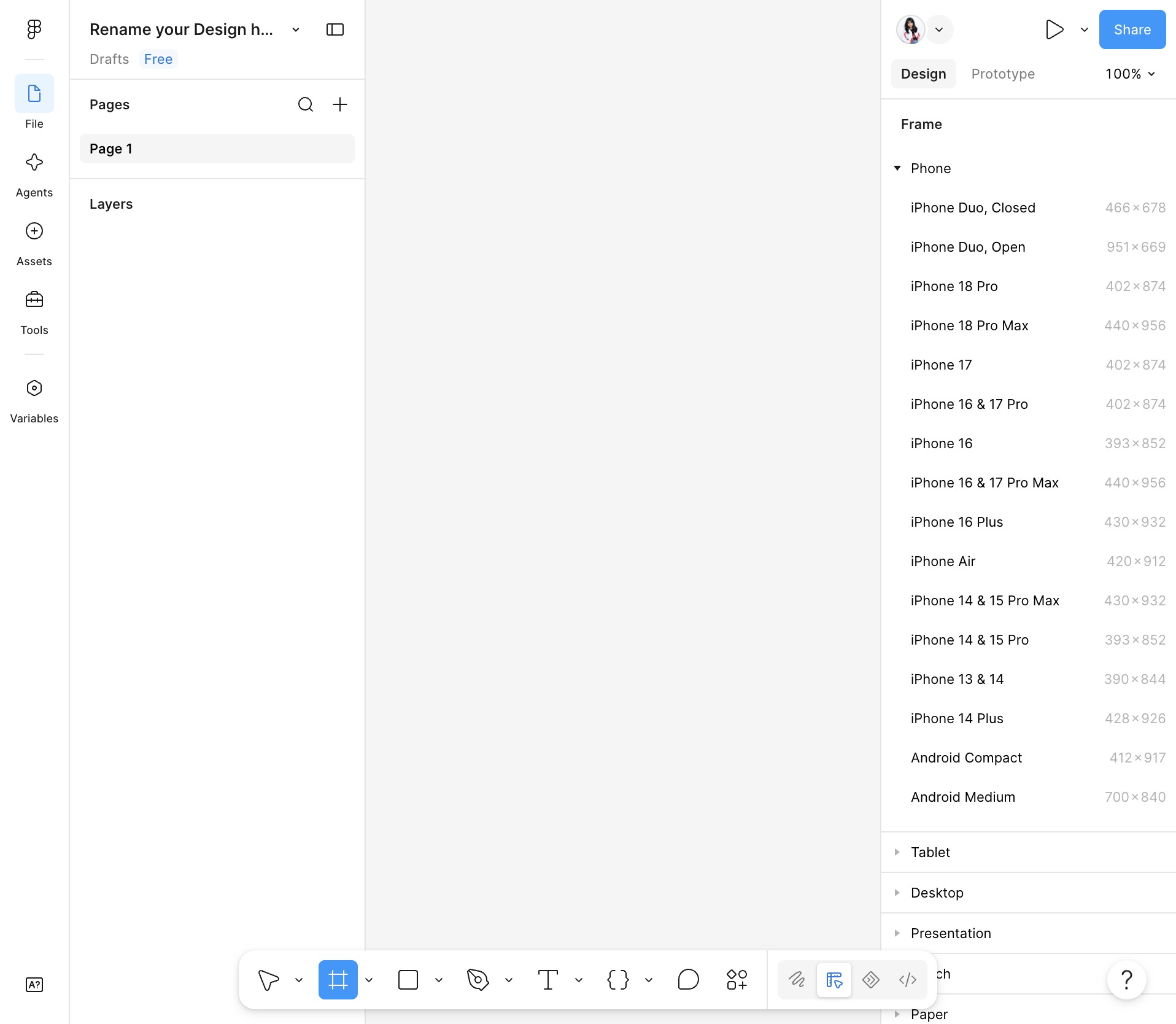
Click the Create button to add a new frame to your design.
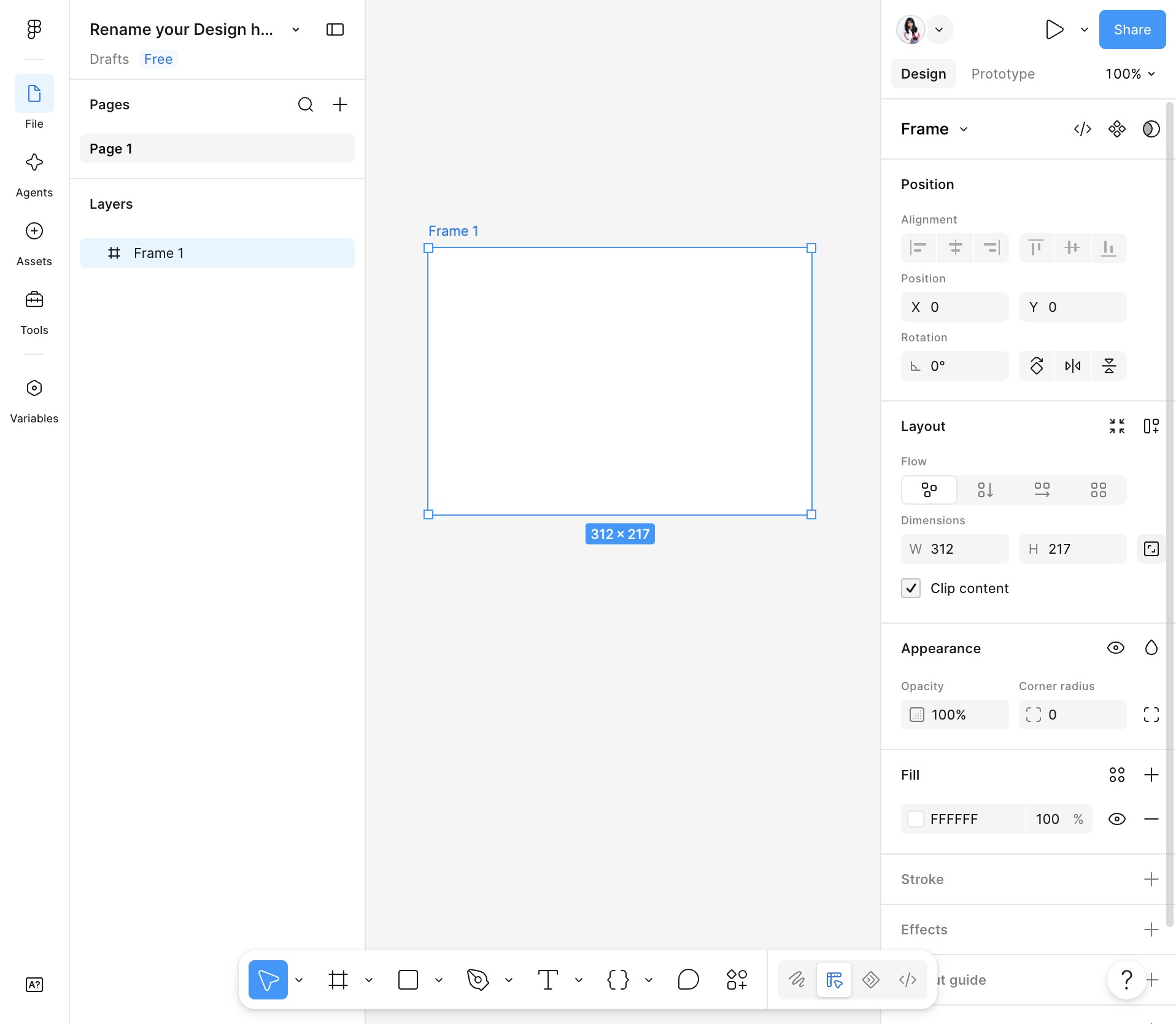
Select the Create button to add a new frame to your design.
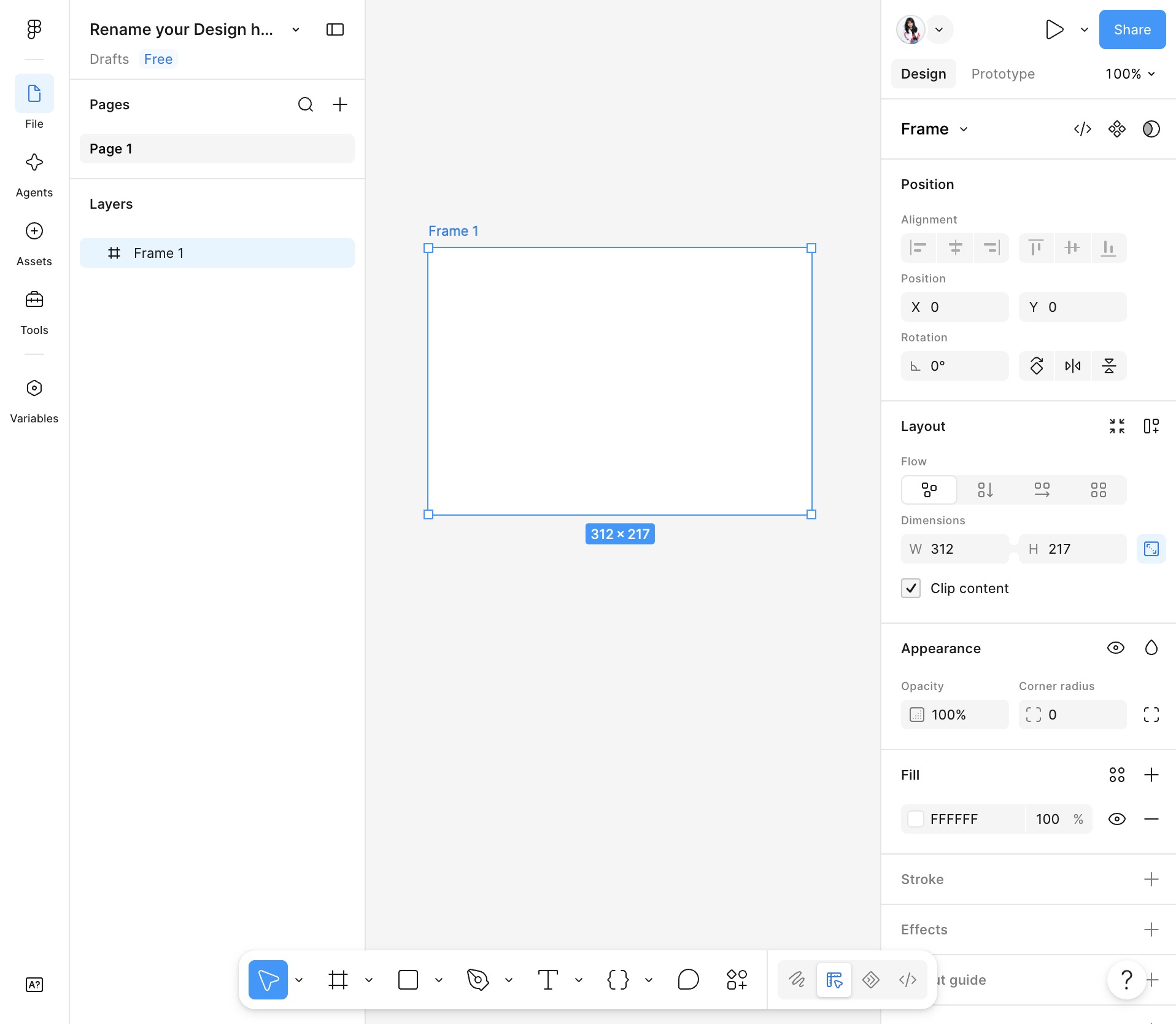
Select the canvas to begin editing your design.