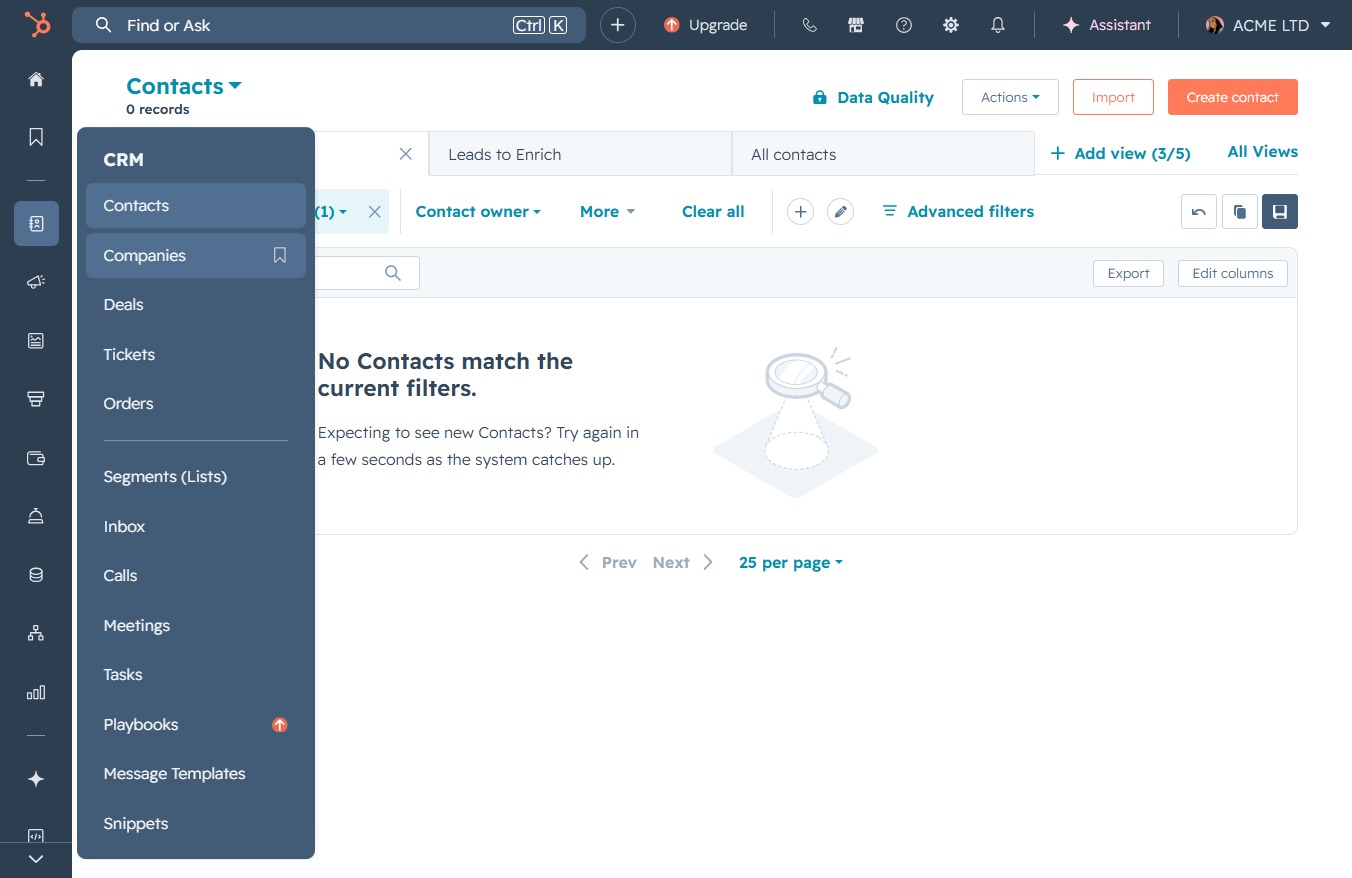
Click the Companies option
Selecting the 'Companies' option allows you to view and manage your organization’s company records within the CRM. This section is crucial for tracking company-related information and interactions.
Loading screenshot…
100%
Create a new company in the CRM by entering essential details like the company name, domain, location, and financials to effectively manage and categorize your organization’s…
 viktoria
Create a new company in the CRM by entering essential details like the company name, domain, location, and financials to effectively manage and categorize your organization’s records.
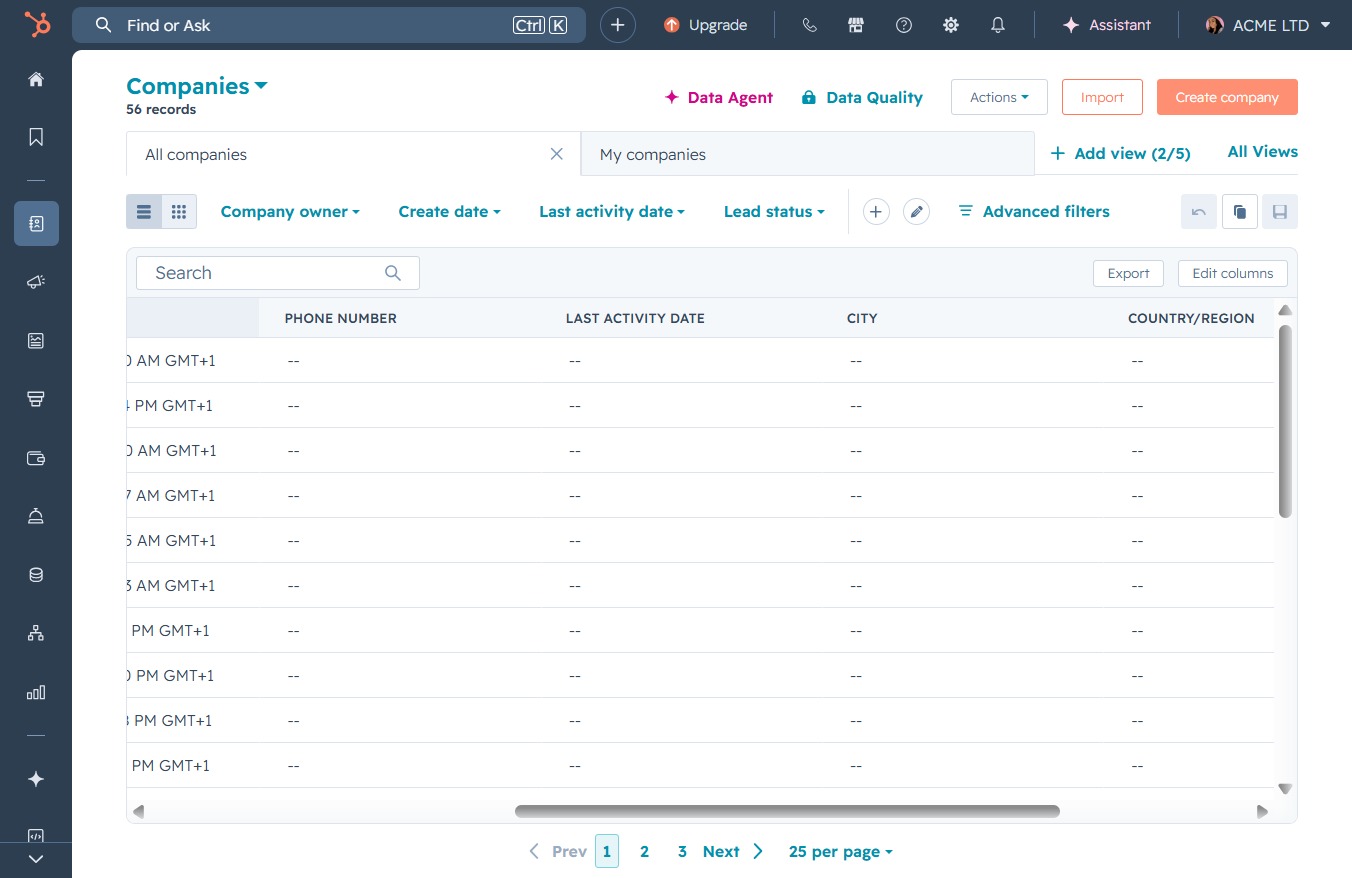
Selecting the 'Companies' option allows you to view and manage your organization’s company records within the CRM. This section is crucial for tracking company-related information and interactions.
This action opens a form where you can enter the details for a new company. Fill in the required fields to add the company to your records.
Click in the 'Company domain name' field to input the domain associated with your new company. This helps in identifying and categorizing businesses in your records.
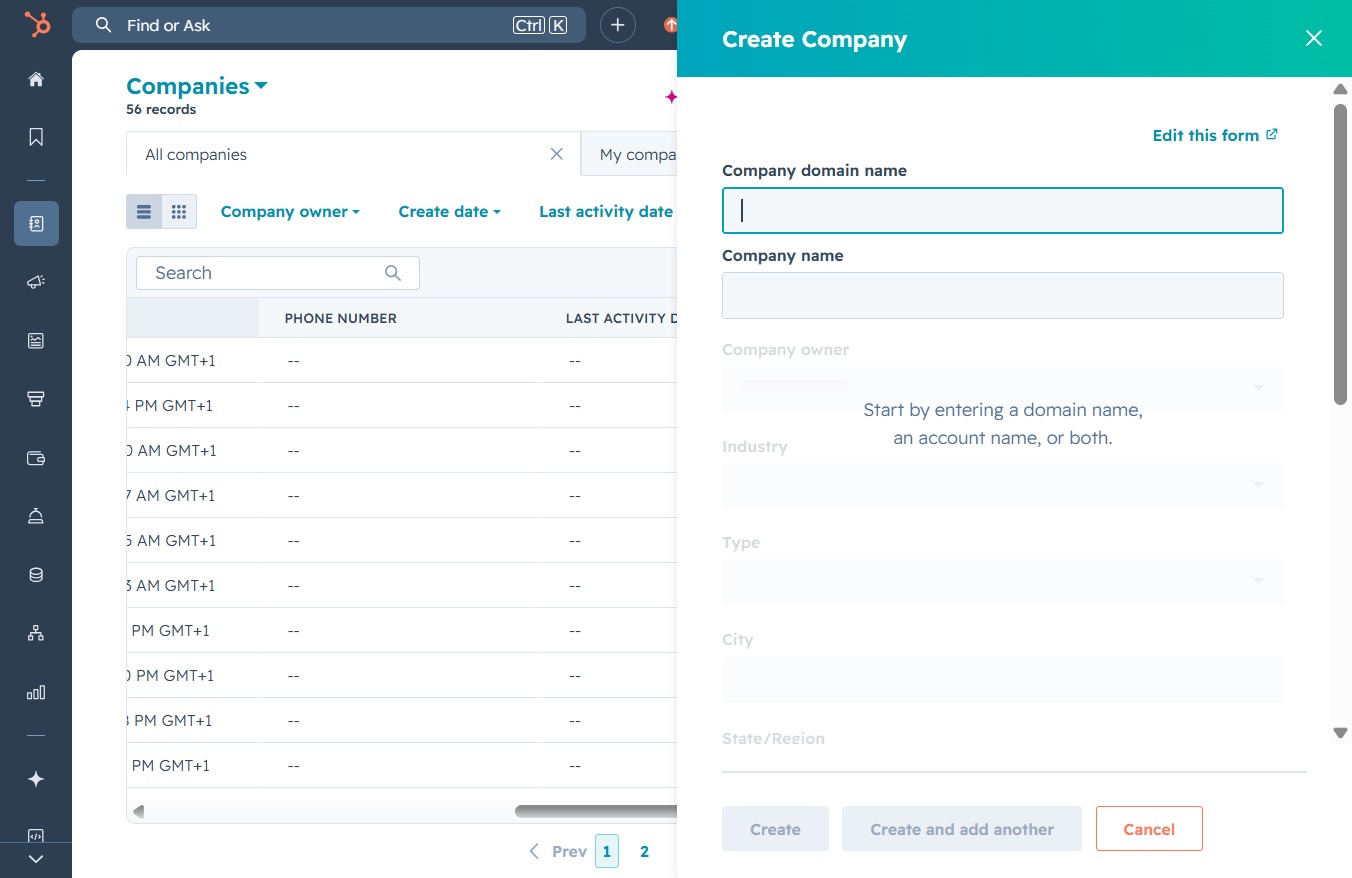
In the 'Company domain name' field, enter 'Samplecompany.com' to identify the company's online presence. This information will be used for associating the company's profile with its official website.
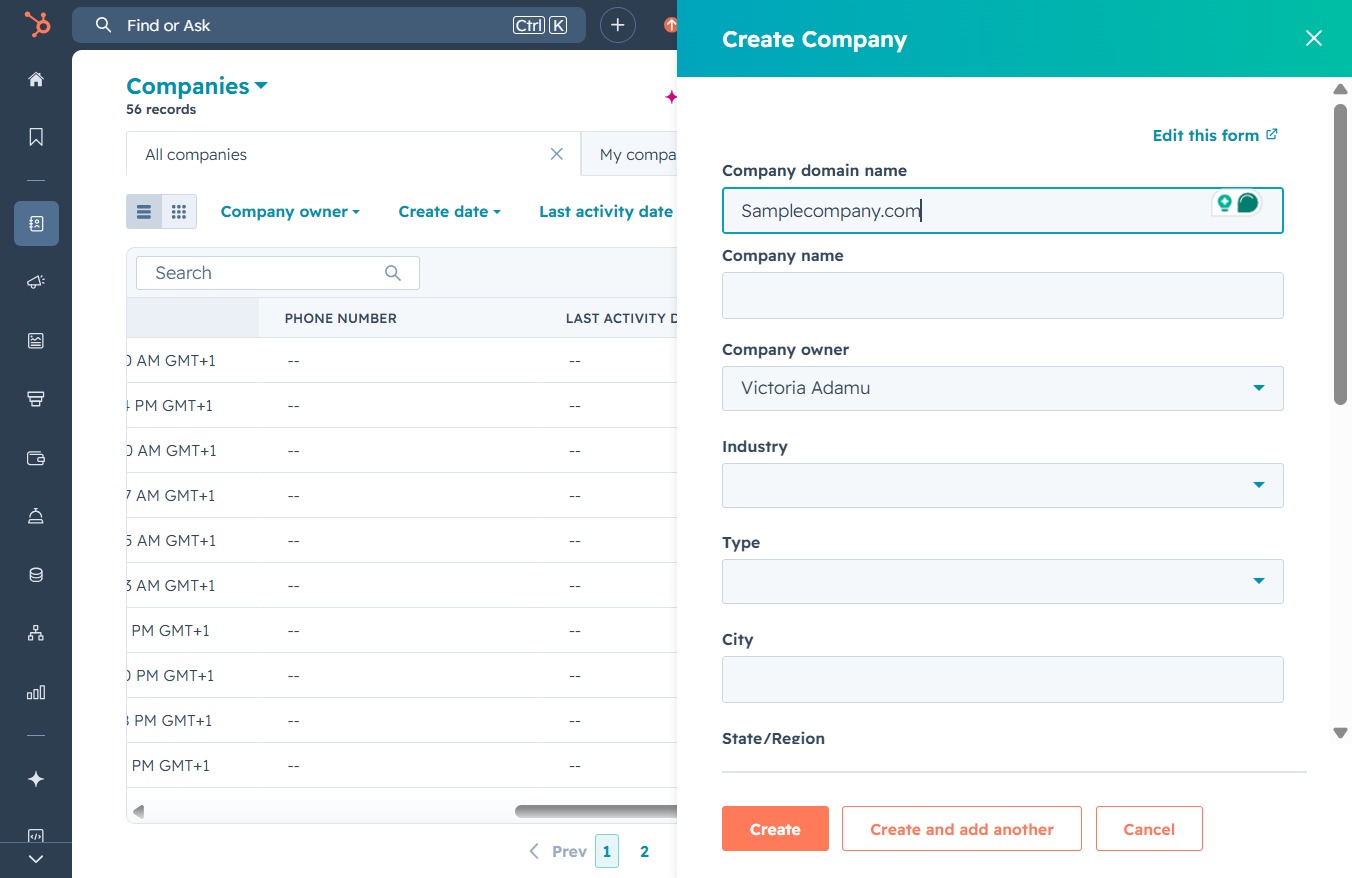
Clicking the 'Click here' text area allows you to enter the company name for the new company you are creating in the system.

Enter 'Sample Company' in the Company name field to specify the organization you are adding to the system. This will help categorize and manage company-related information effectively.
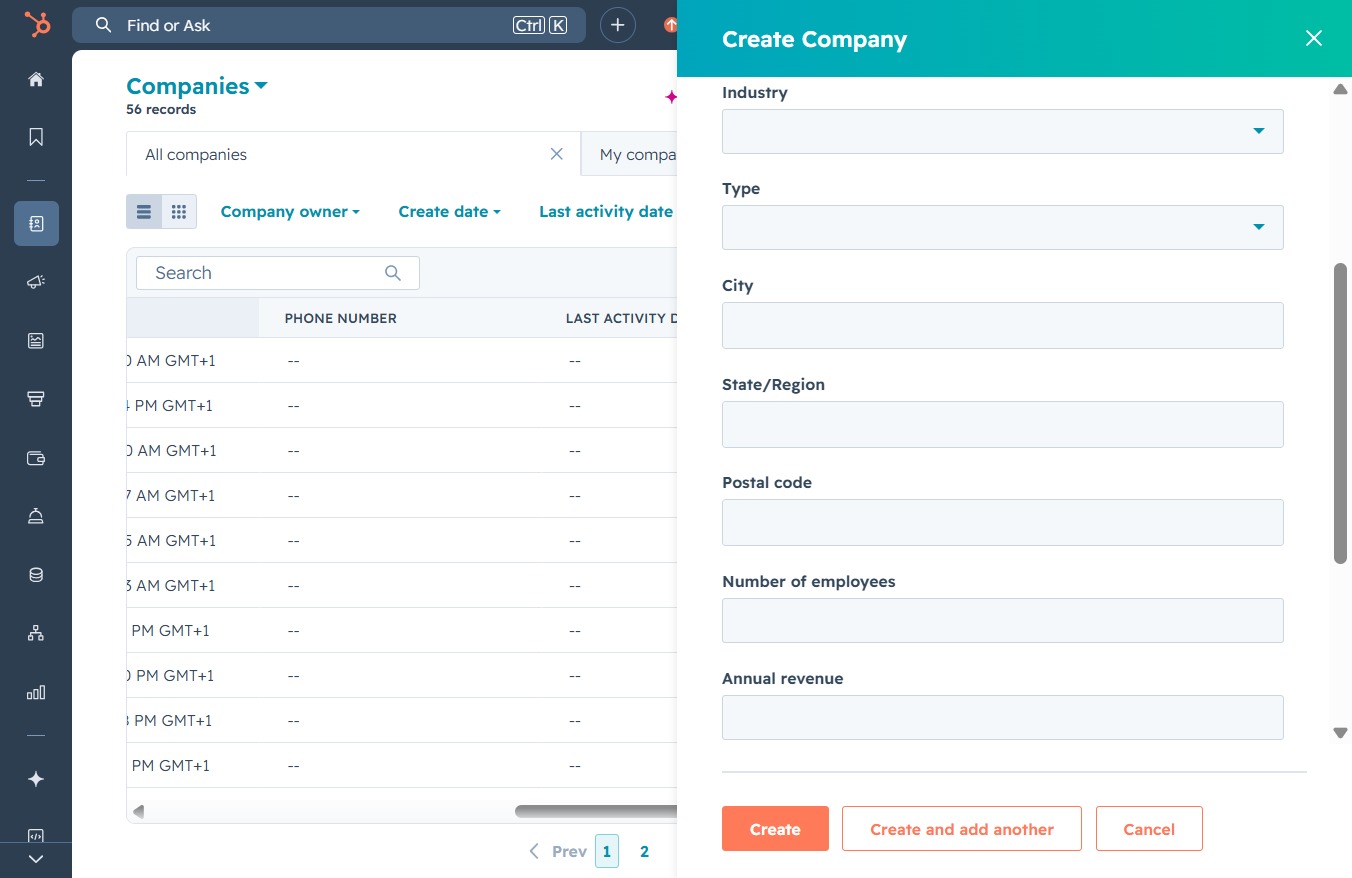
Clicking this link will open the 'Create Company' form, allowing you to enter details such as industry, type, and number of employees for the new company.
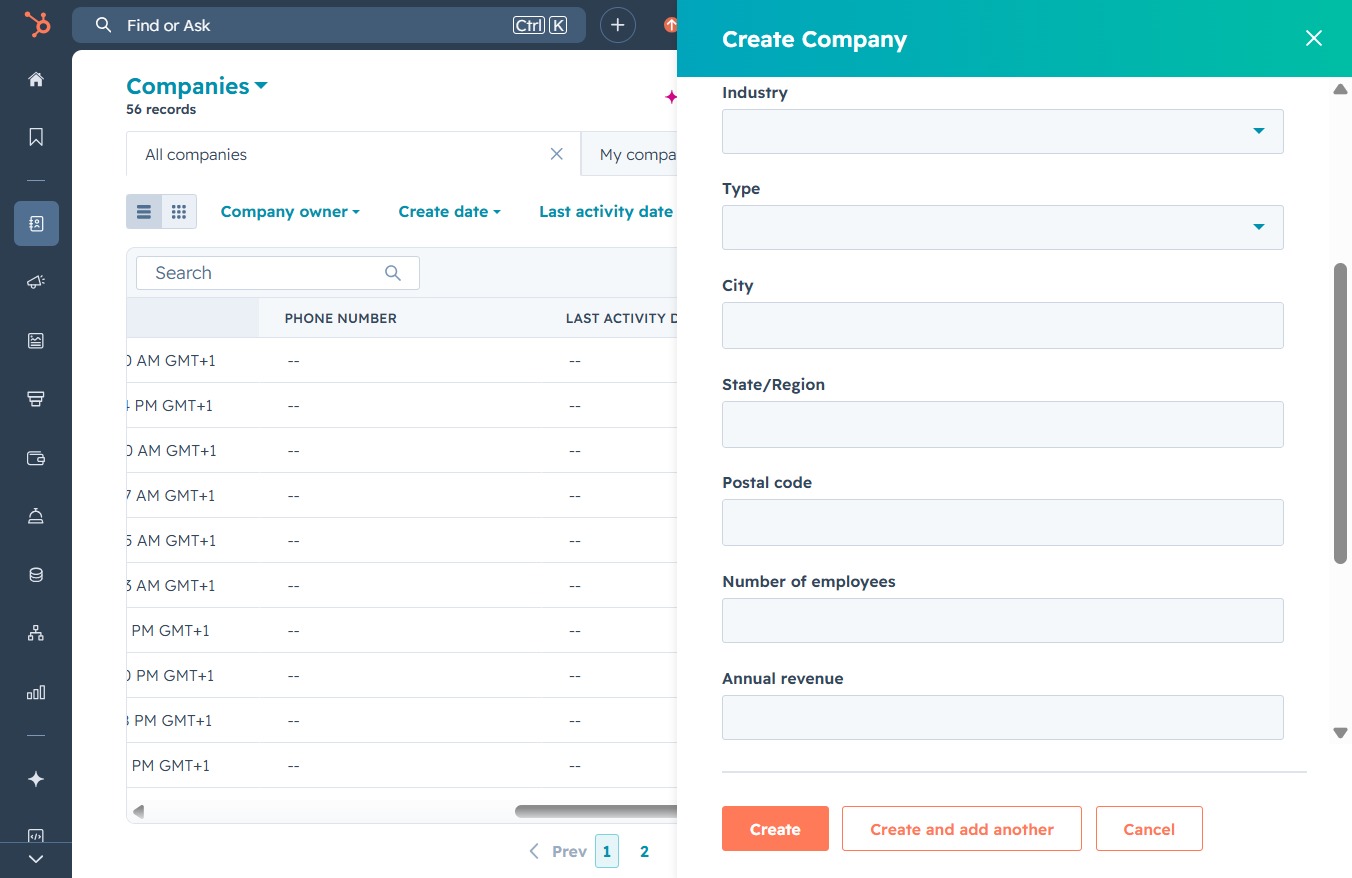
Selecting the Accounting button allows you to categorize the company under the Accounting industry, which may help in organizing and managing your records more effectively.

This action opens the 'Create Company' form, allowing you to input details such as industry, type, and address for a new company entry.
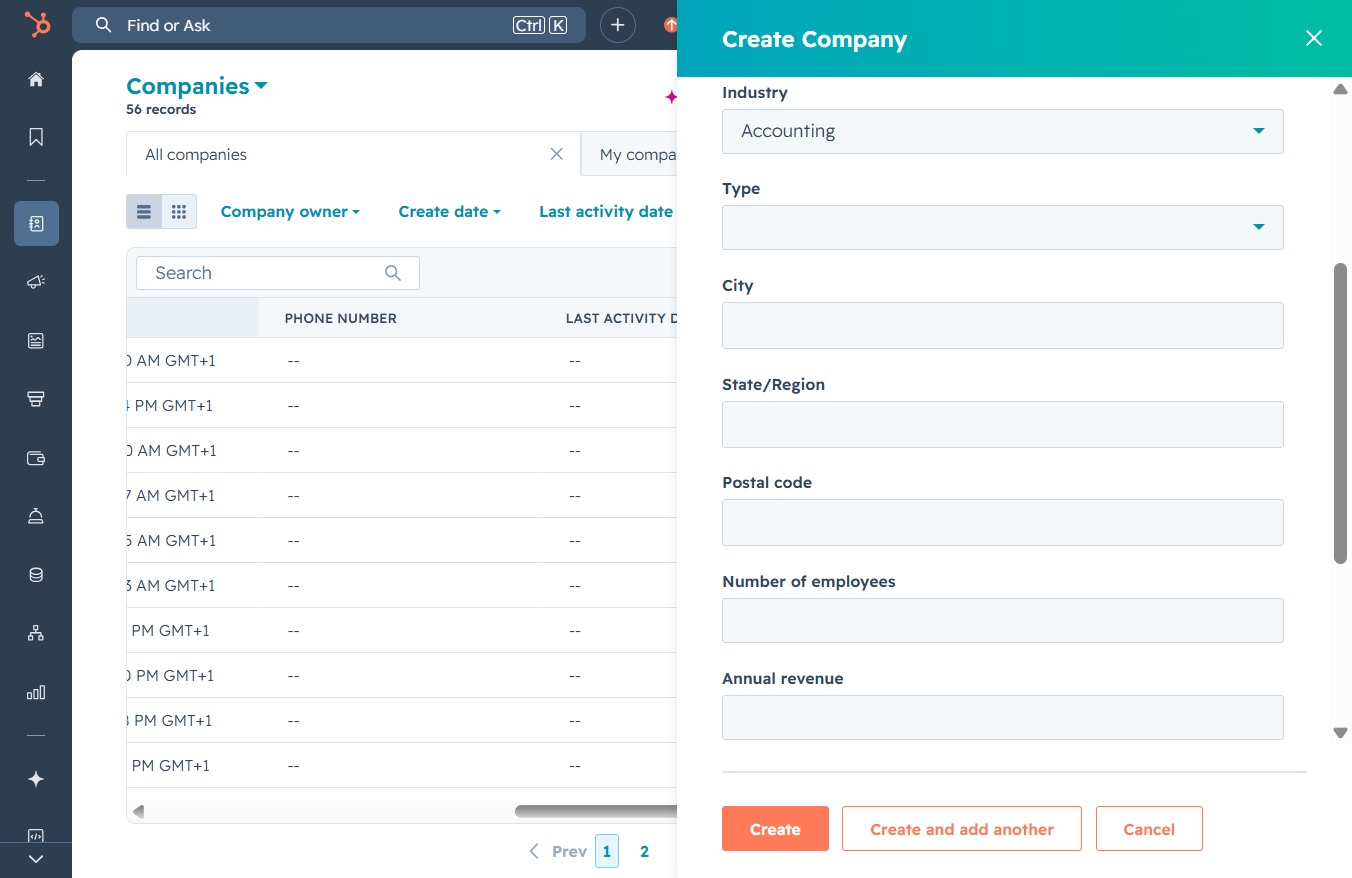
Selecting 'Prospect' designates the type of company you are creating, which helps categorize the company for your business needs.

This action allows you to enter details about the new company, such as industry and type, to initiate the creation process.
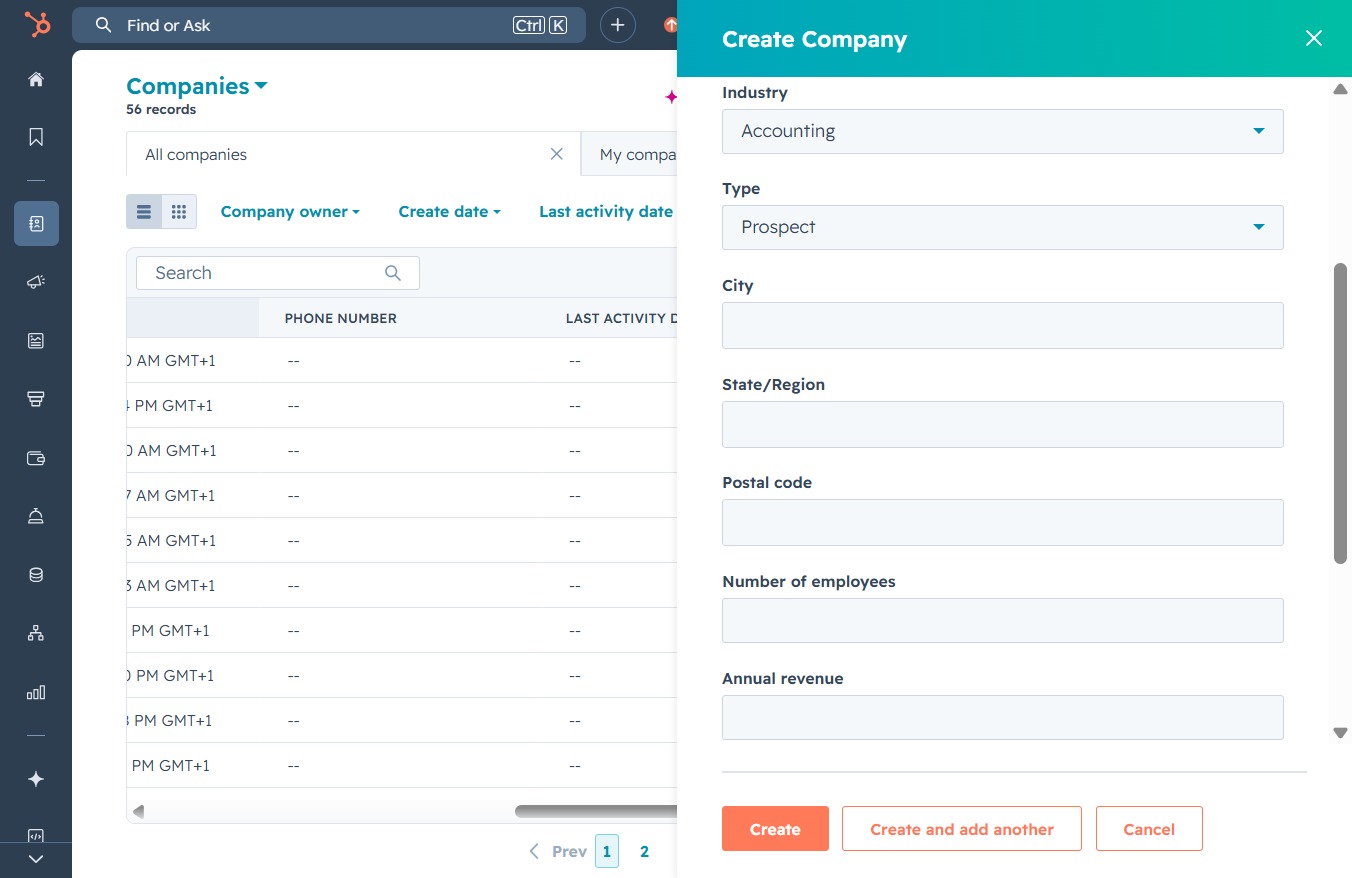
Enter 'LA' in the City field to specify the location when creating a new company. This will help target the company’s geographical area in your records.
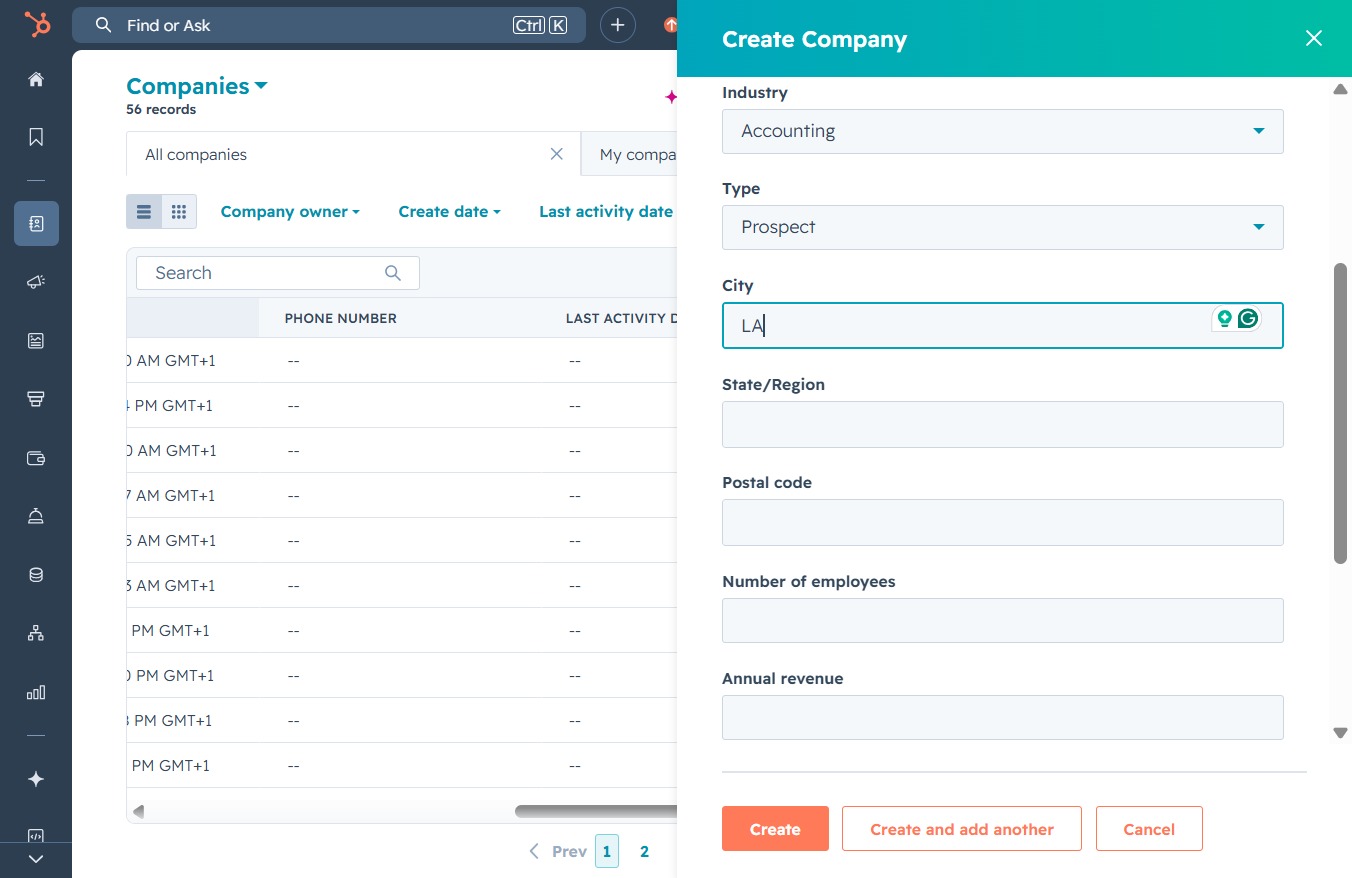
Clicking this will open the 'Create Company' form where you can input details like industry, type, and location for a new company record.
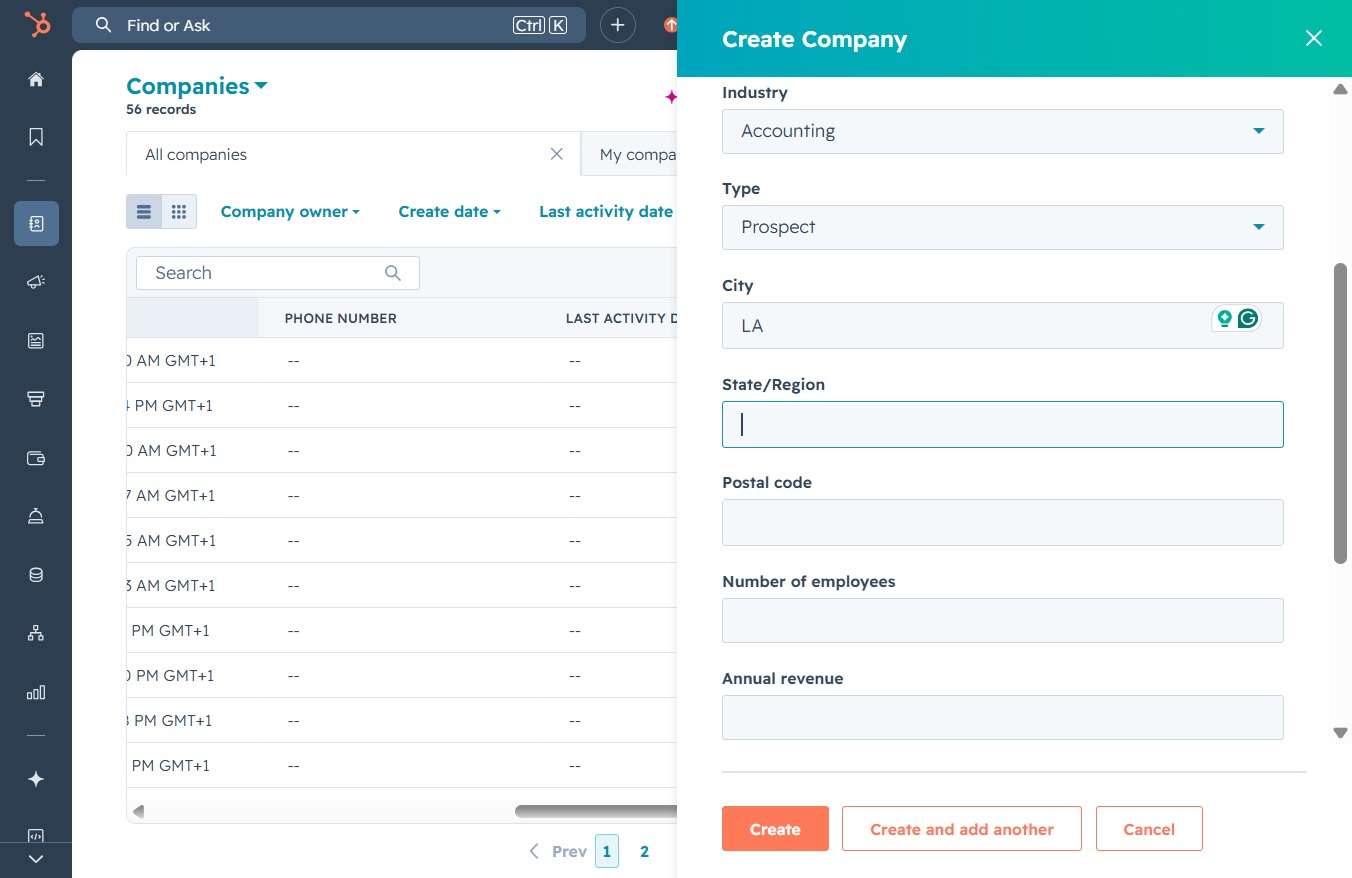
Enter 'California' in the State/Region field to specify the location of the company. This information is essential for categorizing the company correctly within the system.
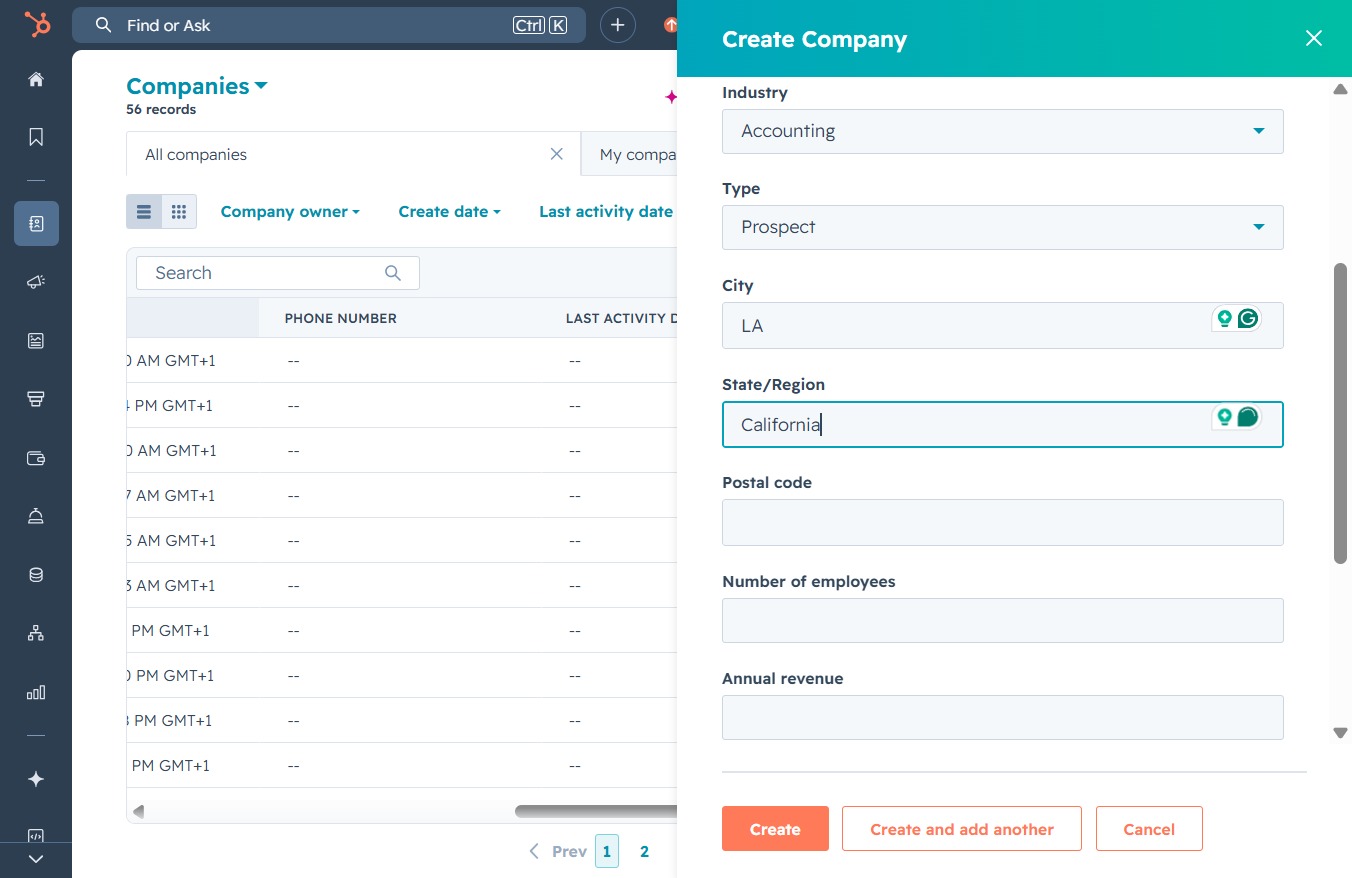
Clicking here allows you to enter essential company information such as industry, type, city, and other relevant fields in the 'Create Company' form.

Enter '91618' in the Postal code field to ensure accurate location data for the company being created.

This action opens the 'Create Company' form where you can enter the company's details such as industry, type, and contact information.
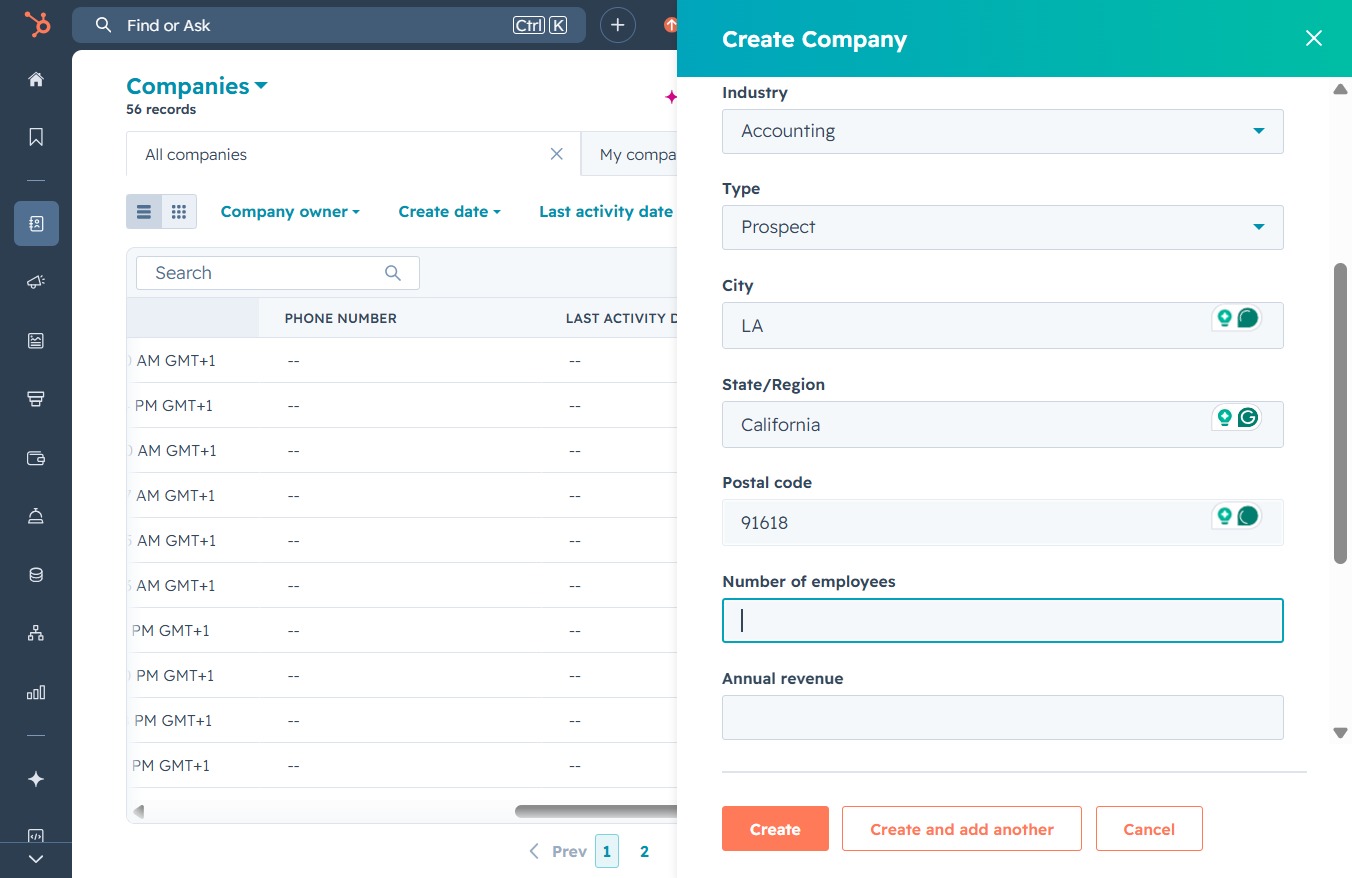
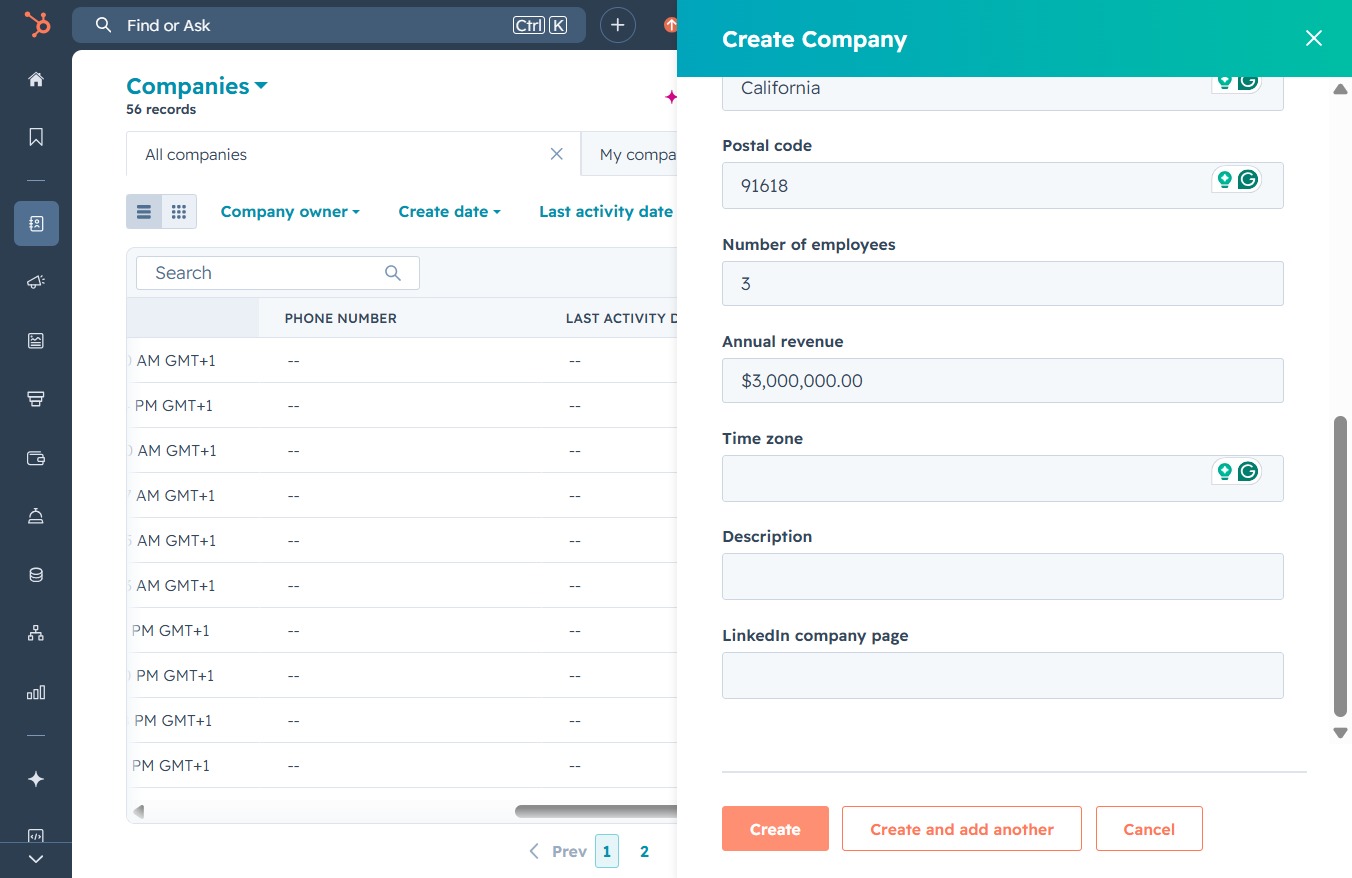
Enter '3' in the Number of employees field to specify the size of your company. This information helps categorize your company in the system.
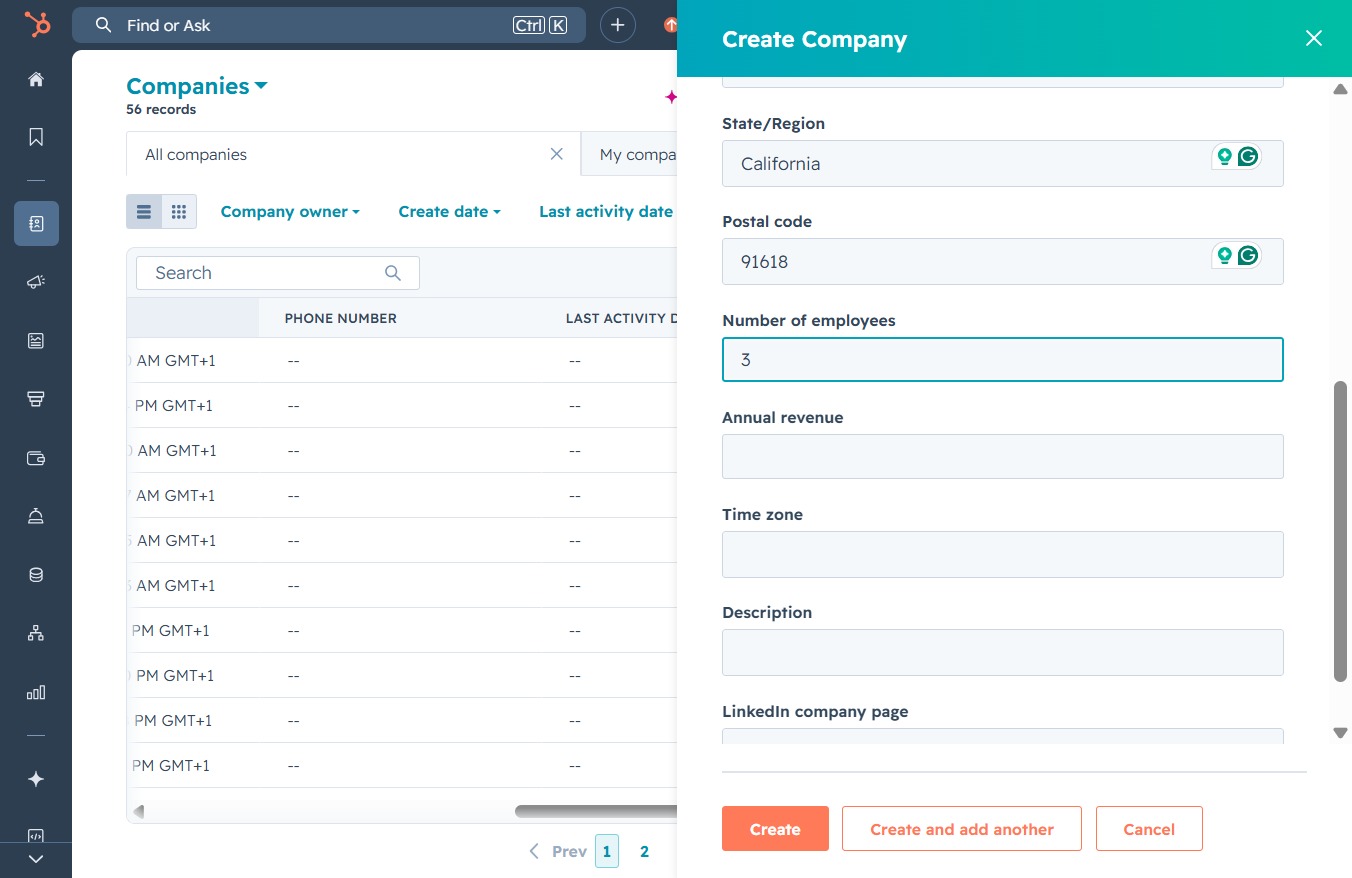
This action opens the 'Create Company' form, allowing you to input relevant details such as state, postal code, number of employees, and annual revenue.

Enter " $3,000,000" in the Annual revenue field to specify the company's earnings. This information will help categorize the company's financial profile within the system.
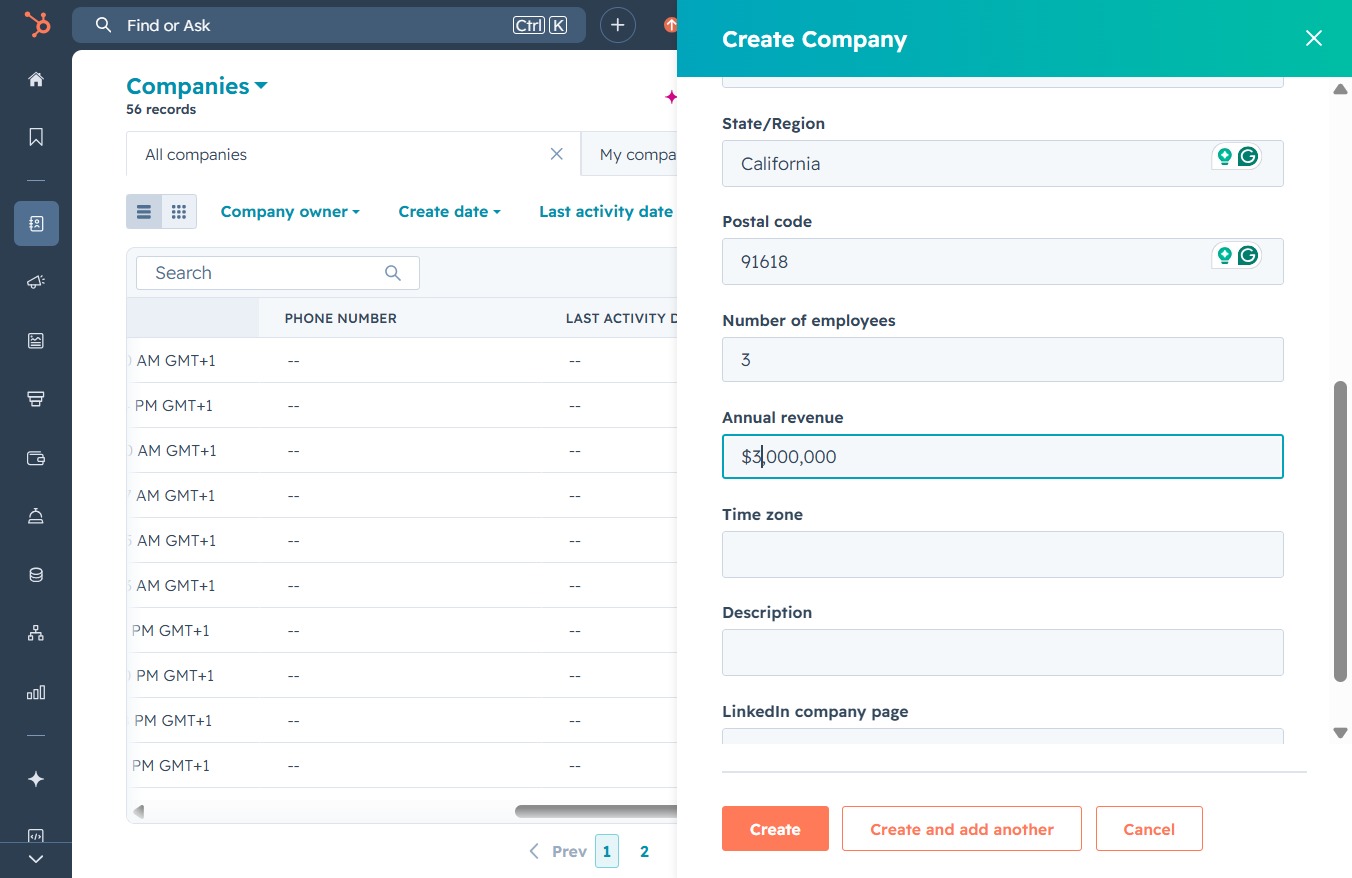
Clicking the 'Create' button will save the new company information you've entered, allowing you to add a new company to your records.