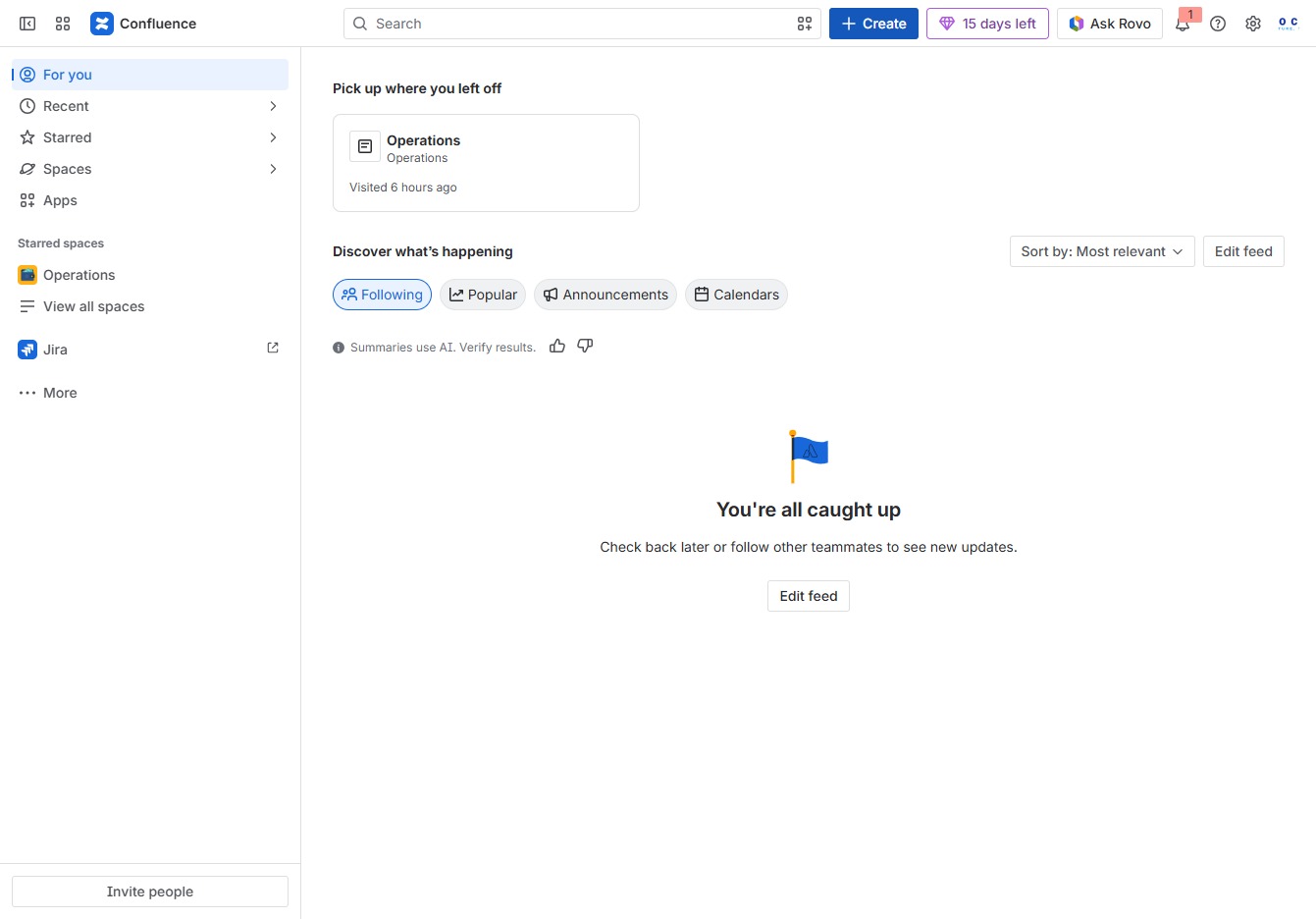
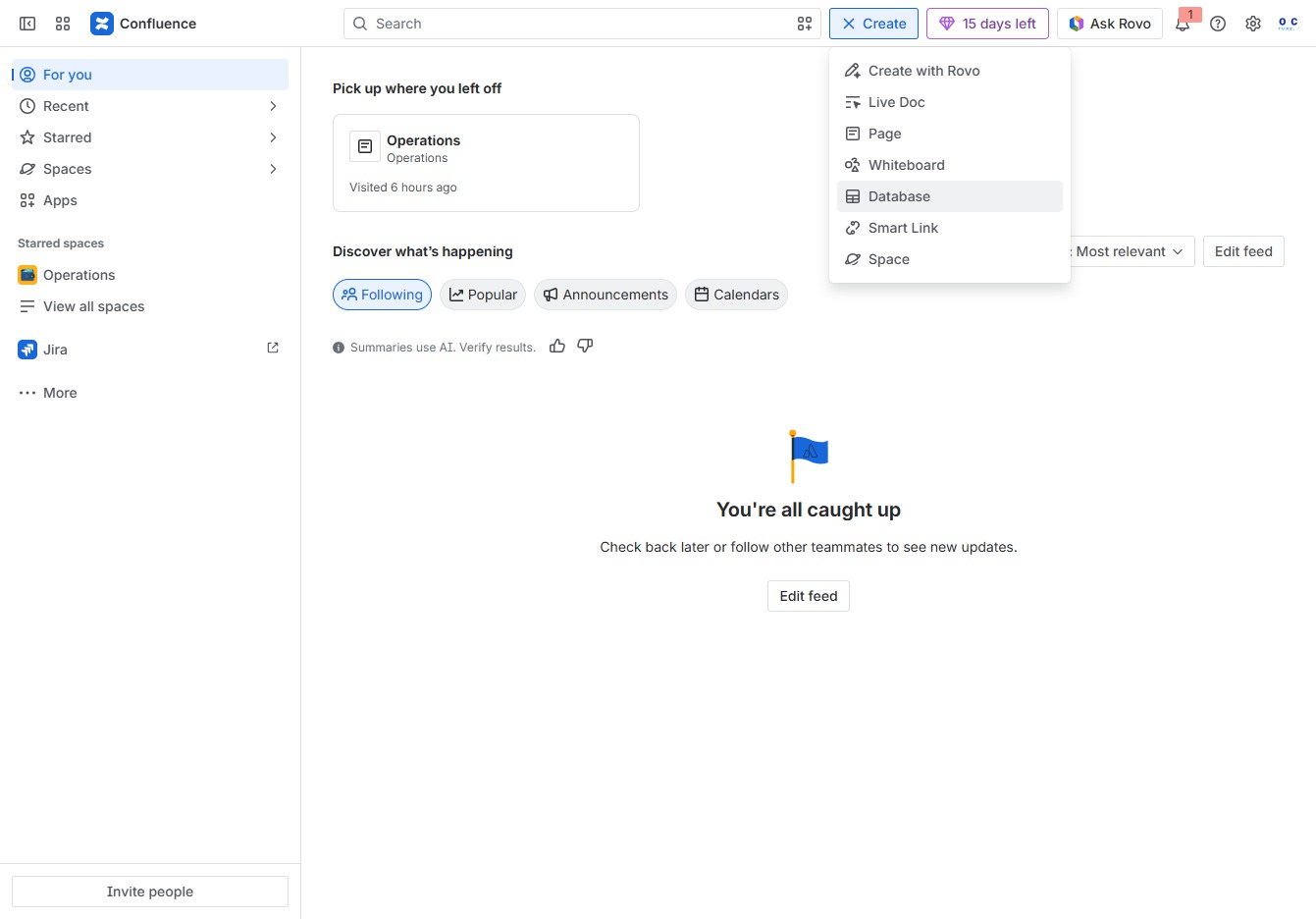
Click the Create button
Clicking the 'Create' button allows you to initiate a new document or page within the Confluence application, providing options to add content or templates.
Loading screenshot…
100%
Learn how to create a database in Confluence by following simple steps to initiate a new document, manage data entries, and search for relevant content like an 'Employee…
 viktoria
Learn how to create a database in Confluence by following simple steps to initiate a new document, manage data entries, and search for relevant content like an 'Employee Directory.' This guide streamlines the process to efficiently organize and access your information.
Clicking the 'Create' button allows you to initiate a new document or page within the Confluence application, providing options to add content or templates.
This action opens the Database section where you can manage and view your data entries.
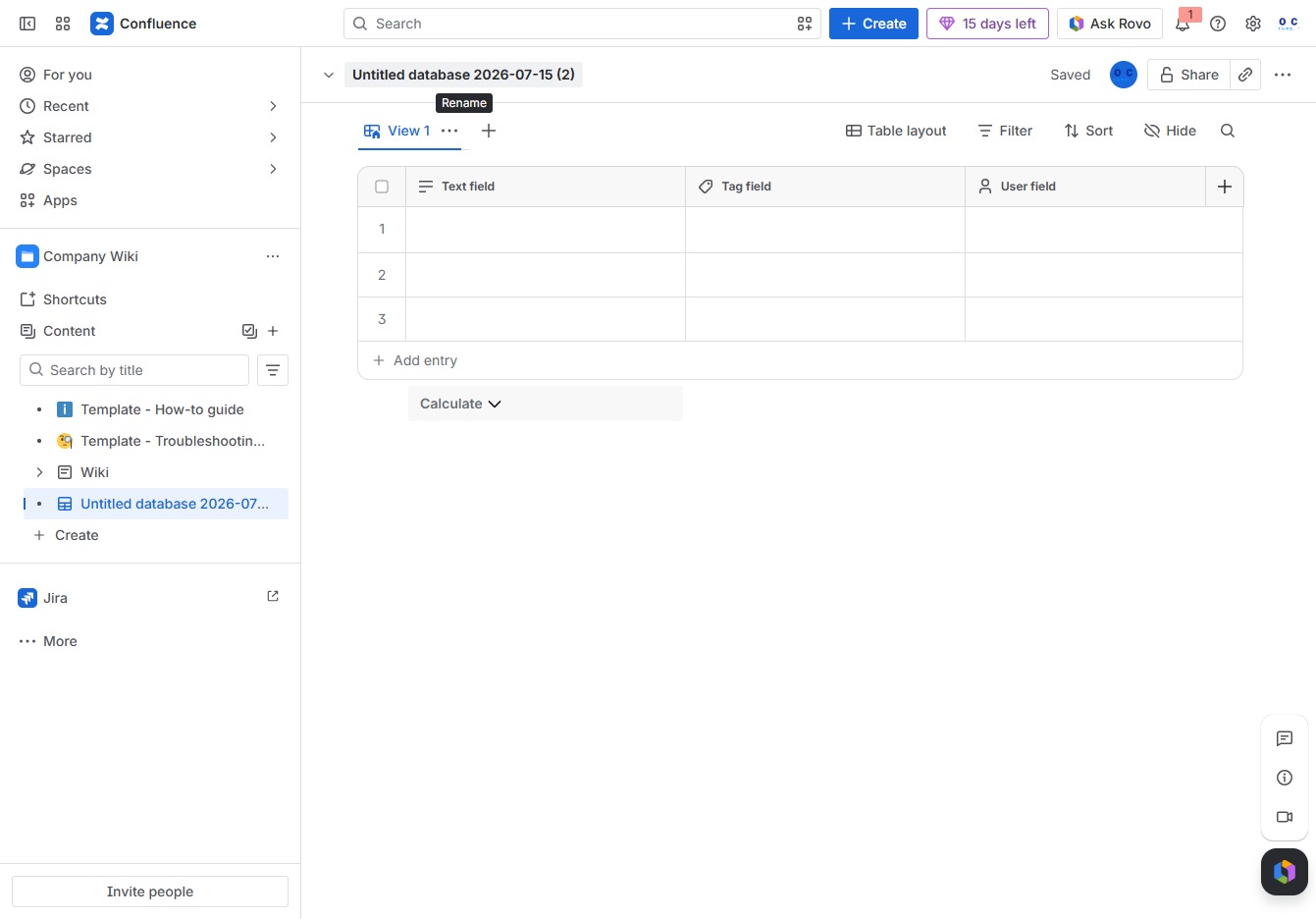
This action opens the details of the selected database, allowing you to view and edit its contents, including entries and fields.
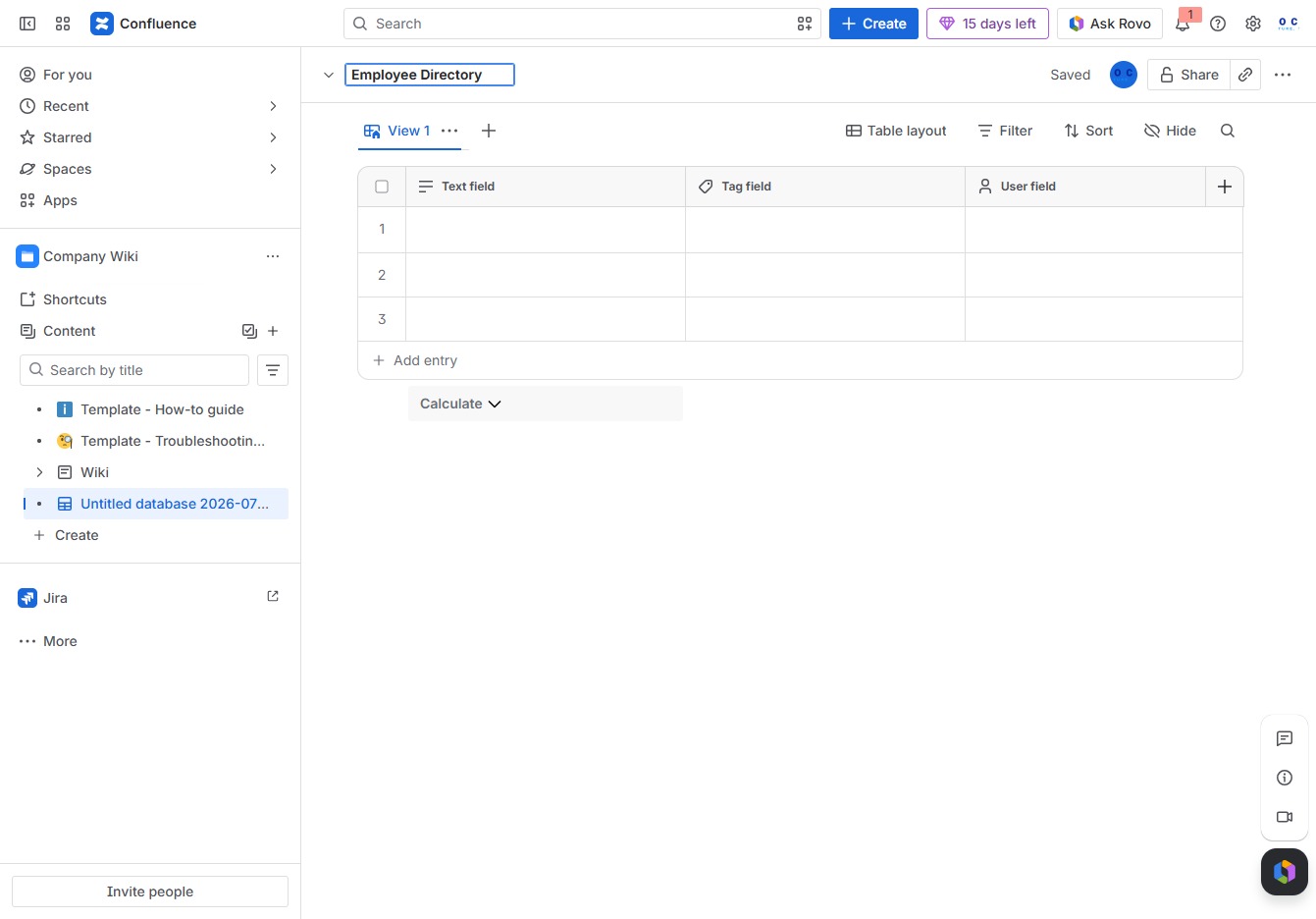
Enter 'Employee Directory' in the Untitled database input field to search for relevant entries within your Confluence workspace.