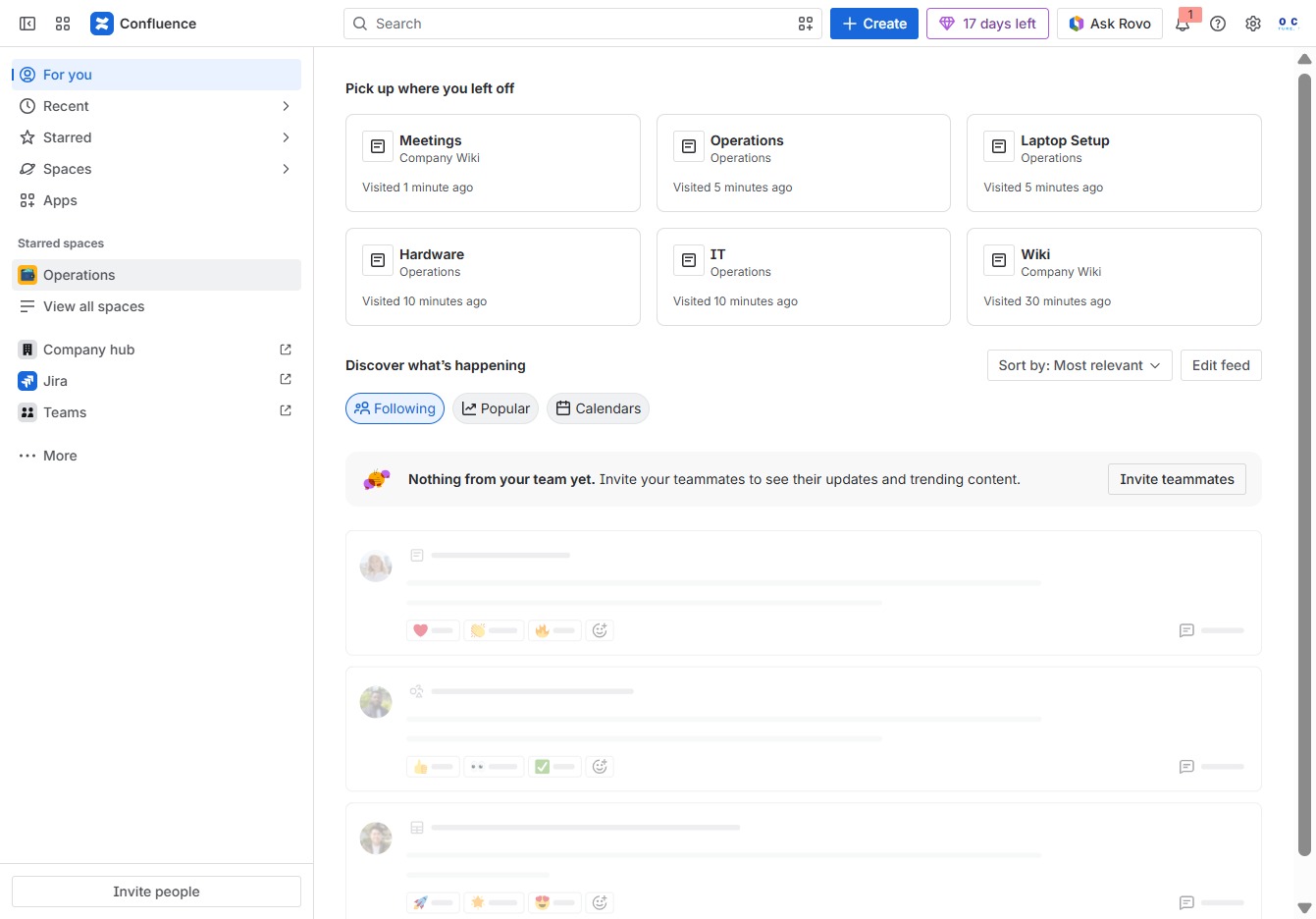
Click the Operations section
This action opens the Operations page, where you can view and manage relevant tasks and documents associated with ongoing projects.
Loading screenshot…
100%
Learn how to easily duplicate a page within your operations space by following this guide.
 viktoria
Learn how to easily duplicate a page within your operations space by following this guide. You'll navigate to the appropriate sections, manage settings, and create a customizable copy without affecting the original content.
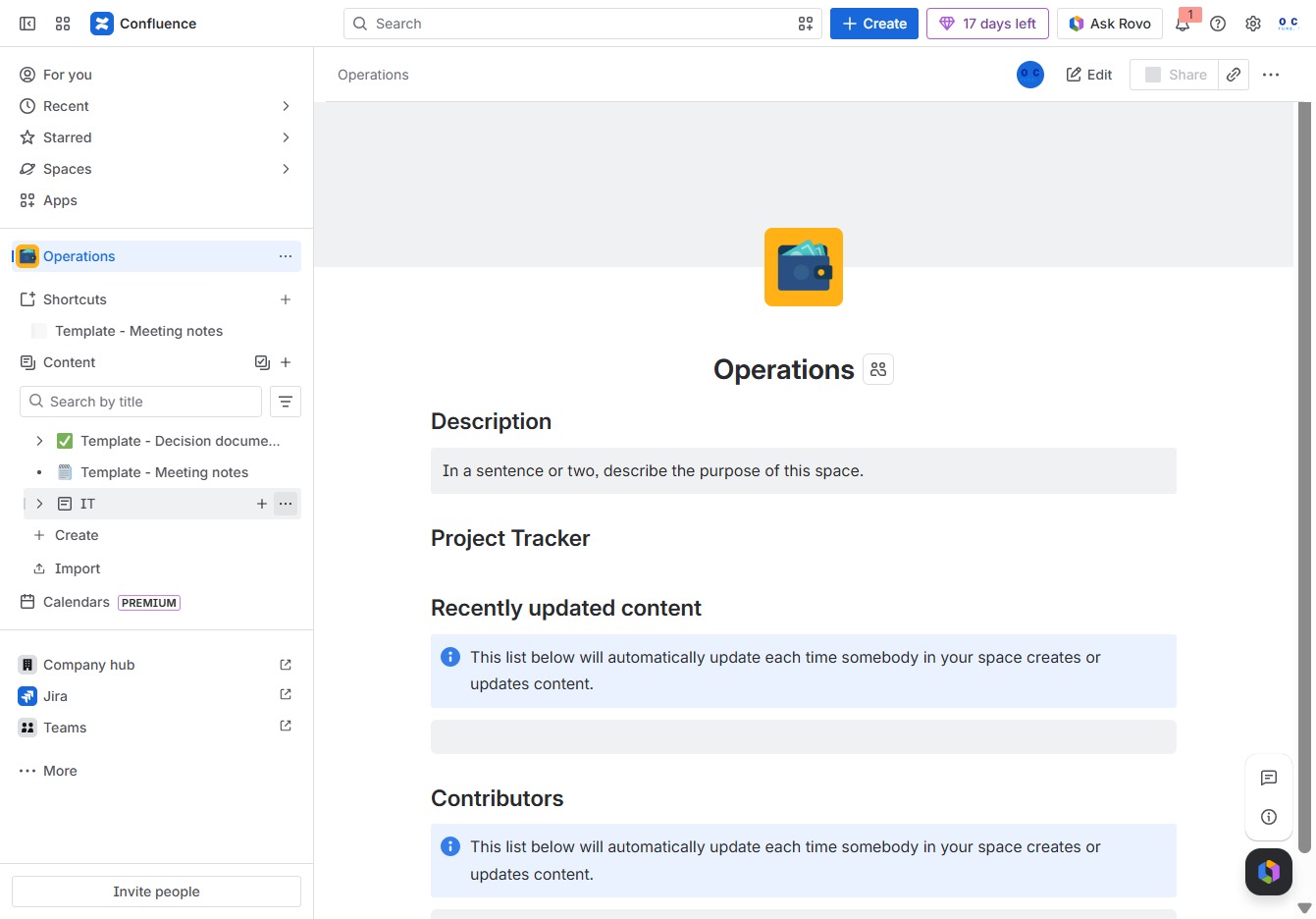
This action opens the Operations page, where you can view and manage relevant tasks and documents associated with ongoing projects.
This will display additional options related to the IT section, allowing you to manage or modify settings for the current operations space.
This action duplicates the current page, allowing you to edit and customize it without altering the original content.
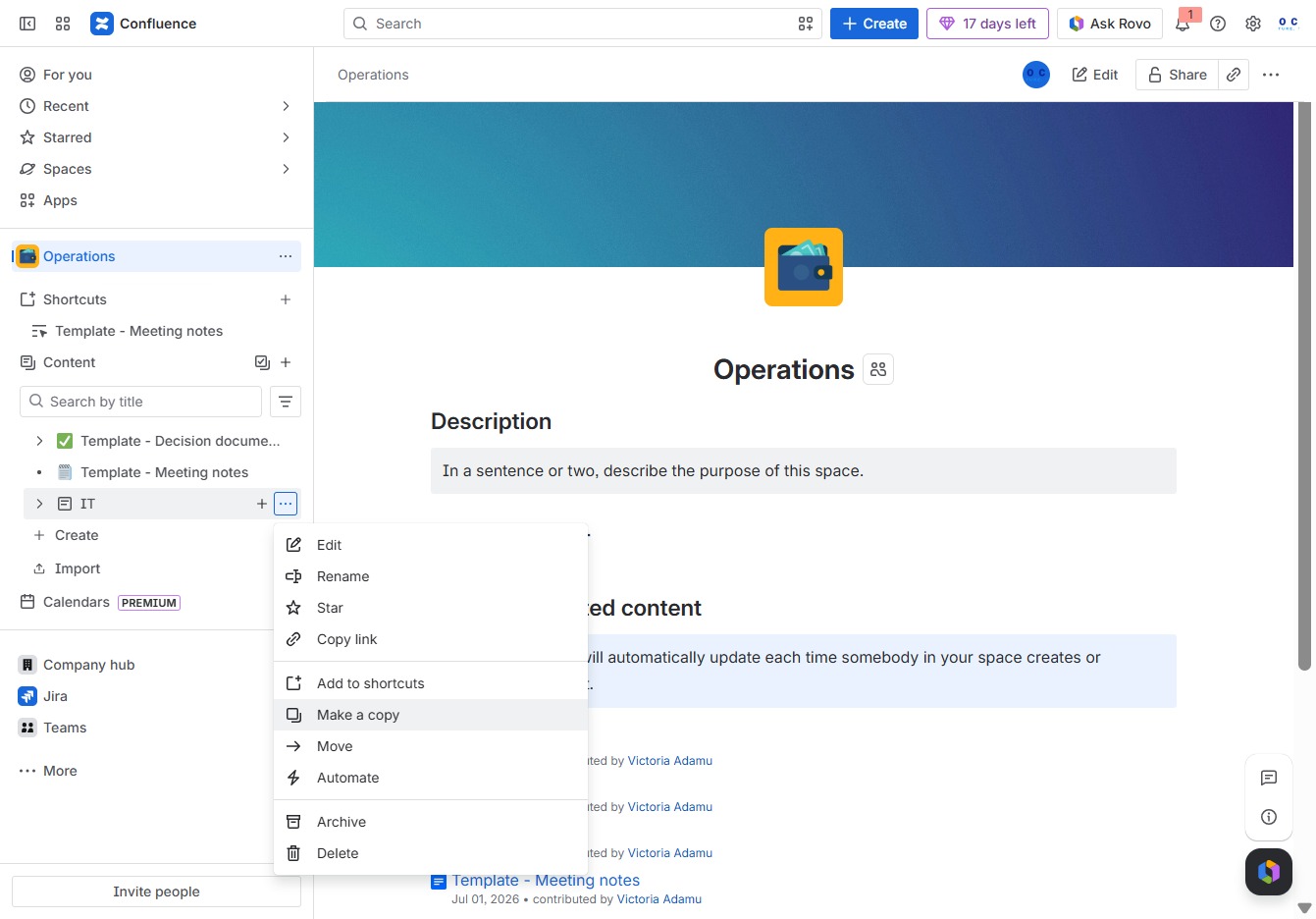
This will initiate the process to create a duplicate of the selected content within the specified space.
