Geteilte Anleitung

How to control guest access at organization level

In this guide, learn how to manage guest access at the organization level by inviting new users through the Admin Portal and Microsoft Entra.

victoriaworkflowsvictoriaworkflows
·9 Schritte·46 Aufrufe·Veröffentlicht

In this guide, learn how to manage guest access at the organization level by inviting new users through the Admin Portal and Microsoft Entra. Follow step-by-step instructions to successfully add guests and control their access within your organization.
Step-by-step Guide9 Schritte
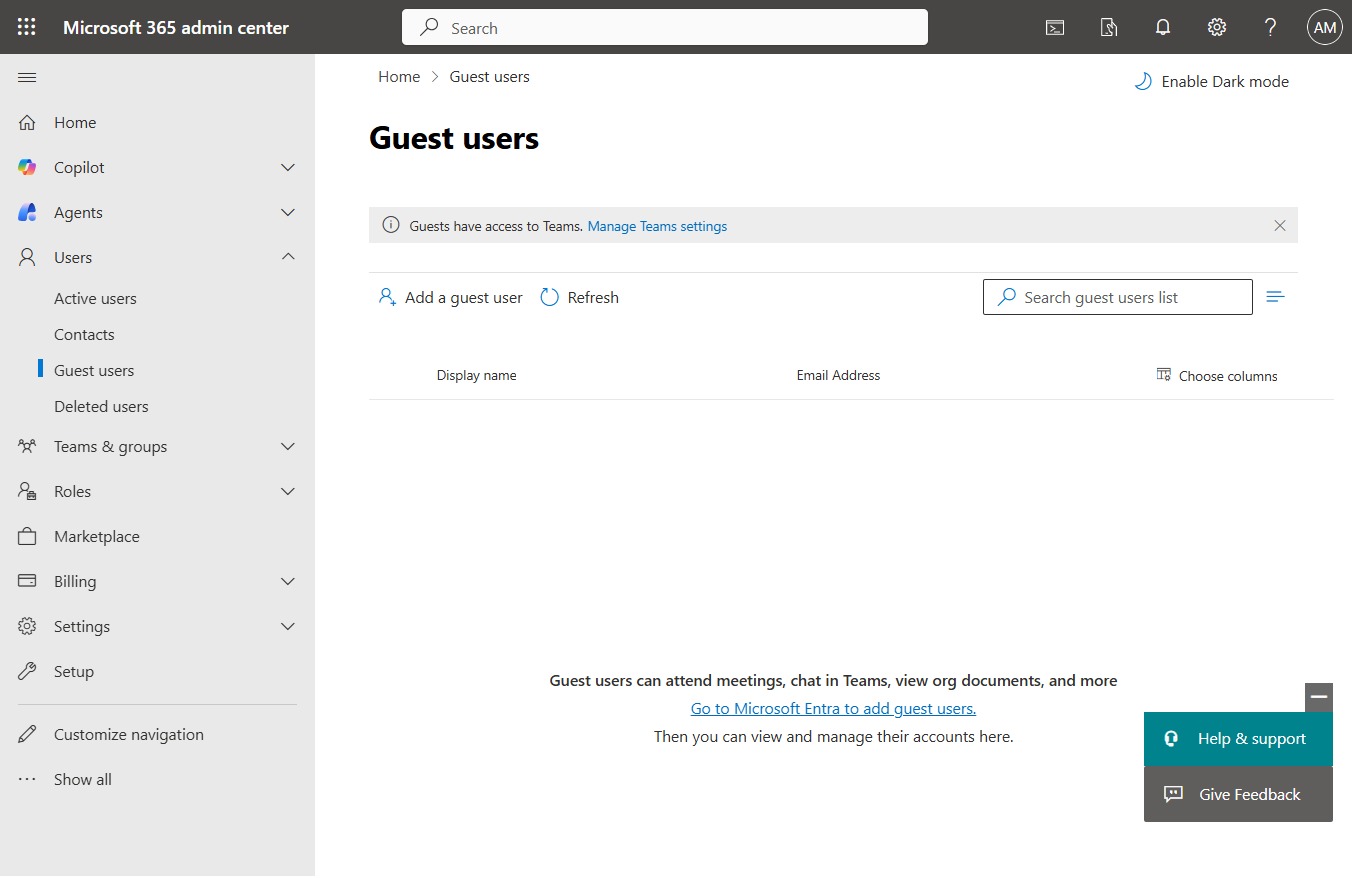
  1. Click Guest users

    Click Guest users
    Loading screenshot…
    100%
  2. Click Go to ‎Microsoft Entra‎ to add guest users.

    Click Go to ‎Microsoft Entra‎ to add guest users.
    Loading screenshot…
    100%
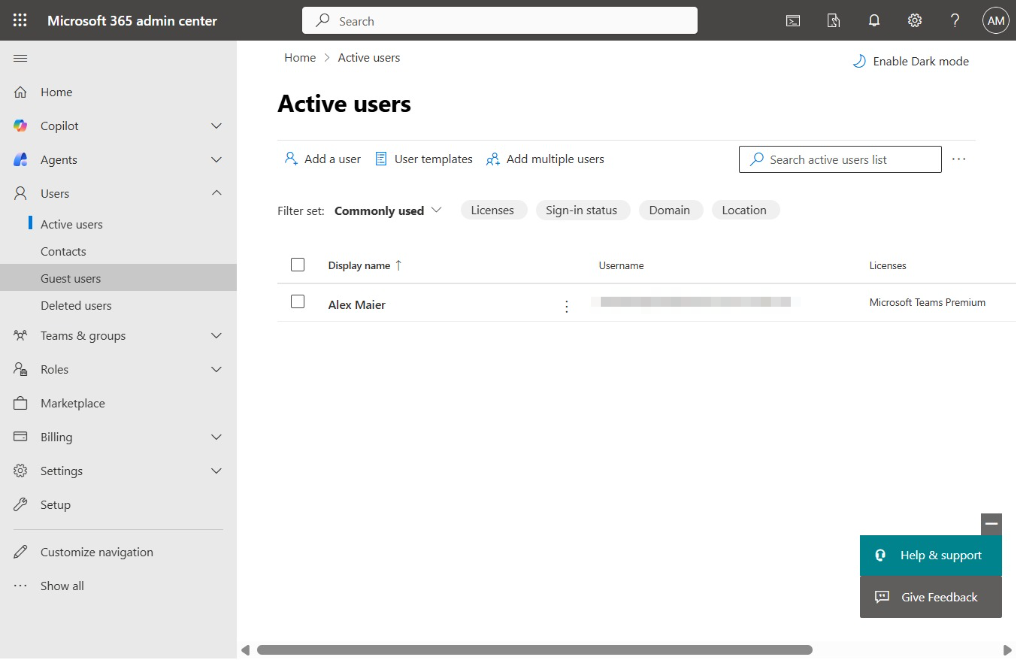
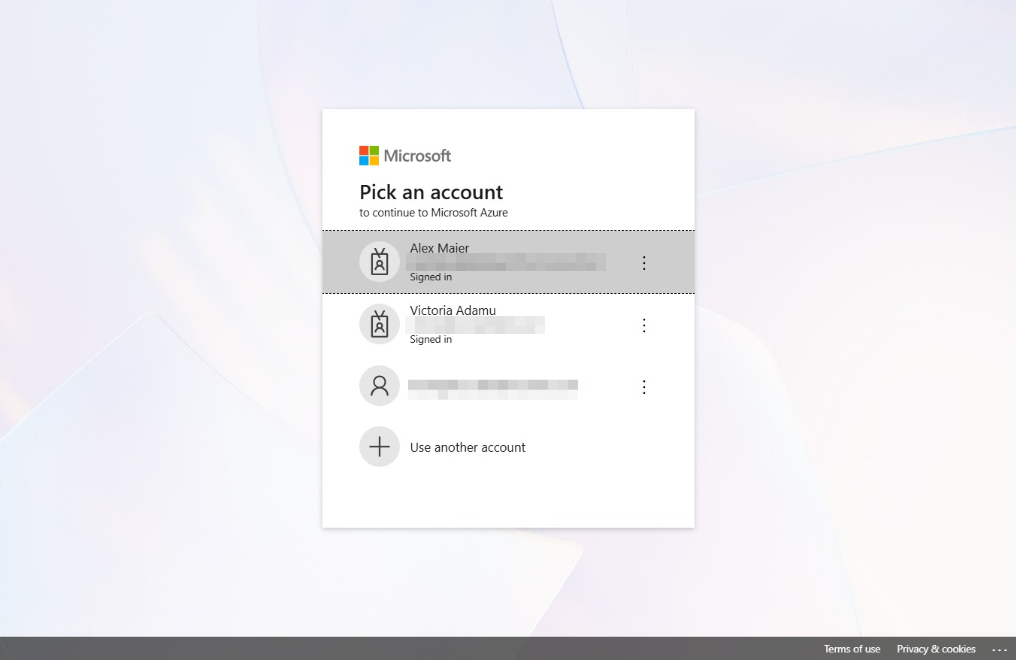
  3. Click Alex Maier

    Click Alex Maier
    Loading screenshot…
    100%
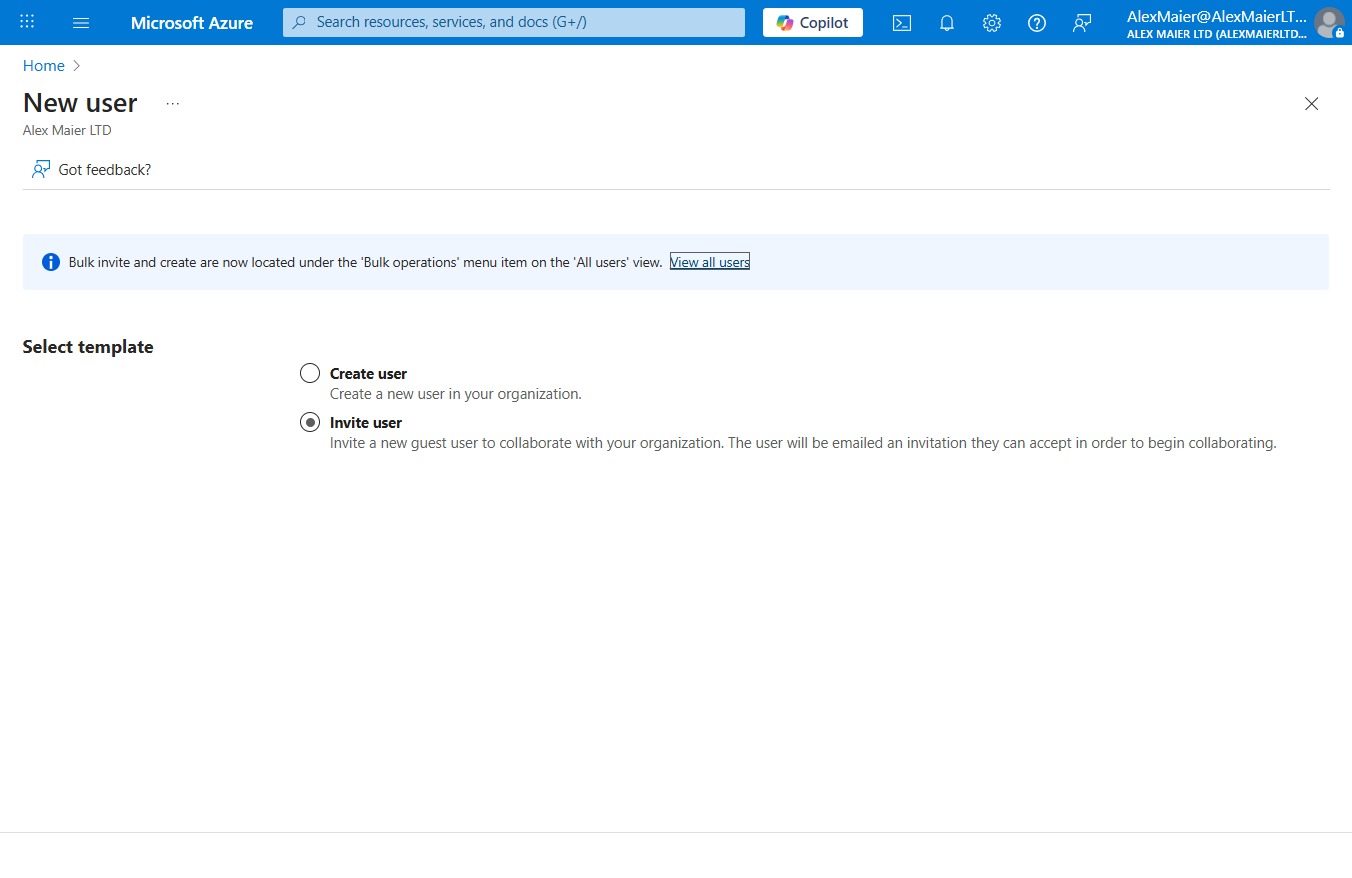
  4. Click Invite user

    Click Invite user
    Loading screenshot…
    100%
  5. Click on "Click here."

    Click on "Click here."
    Loading screenshot…
    100%
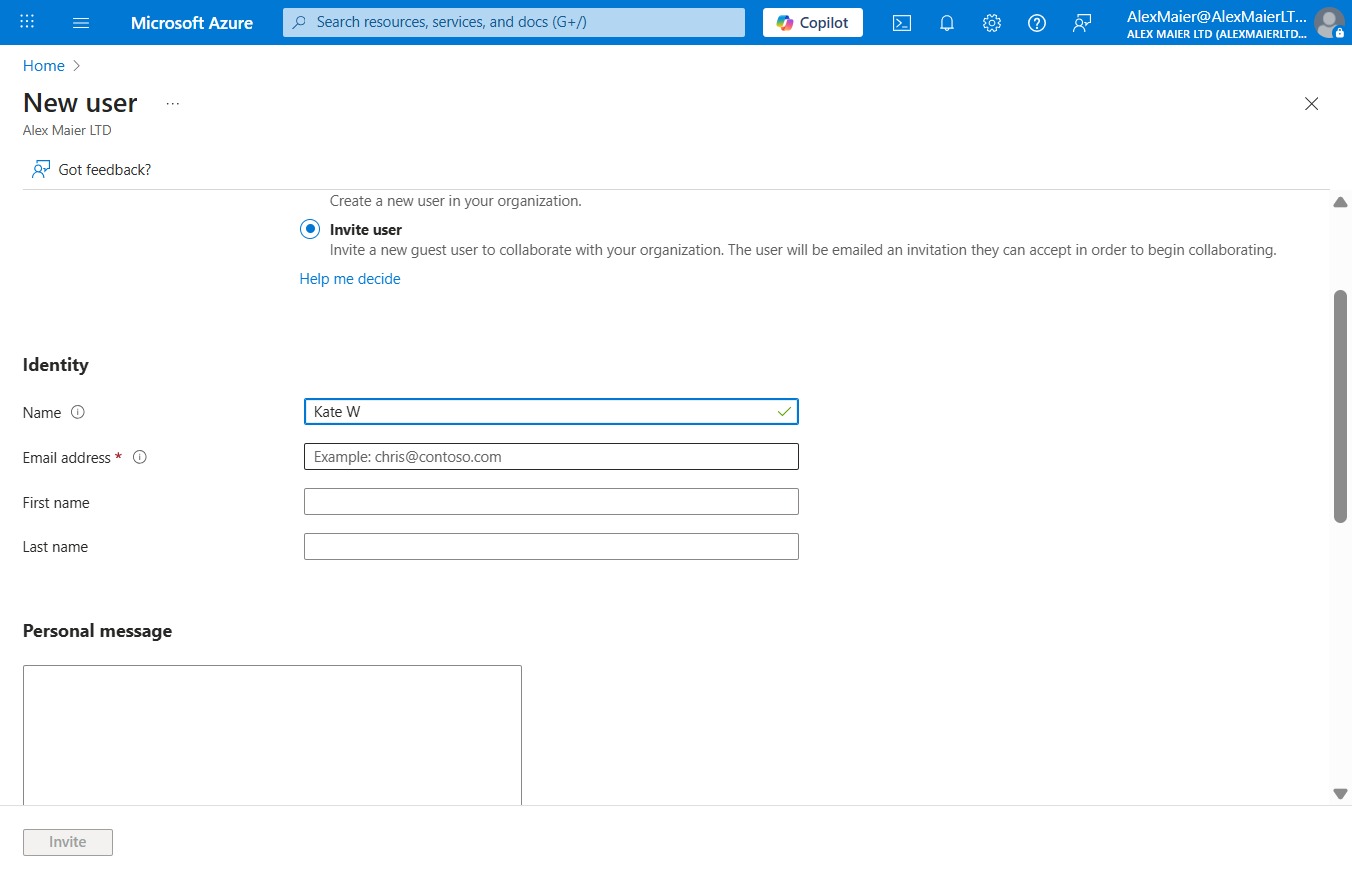
  6. Type "Kate W" in Name

  7. Click on "Click here."

    Click on "Click here."
    Loading screenshot…
    100%
  8. Type "historysayshi@outlook.com" in Email address

  9. Click Invite

    Click Invite
    Loading screenshot…
    100%