Click the Connect your Calendar button
Clicking this button will allow you to link your calendar, highlighting important meetings that can assist you in managing your schedule effectively.

Loading screenshot…
100%
Link your Zoom account with HubSpot Calendar to streamline your scheduling and enhance your meeting management through integrated video, audio, and file sharing features.
 viktoria
Link your Zoom account with HubSpot Calendar to streamline your scheduling and enhance your meeting management through integrated video, audio, and file sharing features.
Clicking this button will allow you to link your calendar, highlighting important meetings that can assist you in managing your schedule effectively.
This action will navigate you to the HubSpot Marketplace, where you can explore various integrations and applications to enhance your HubSpot experience.
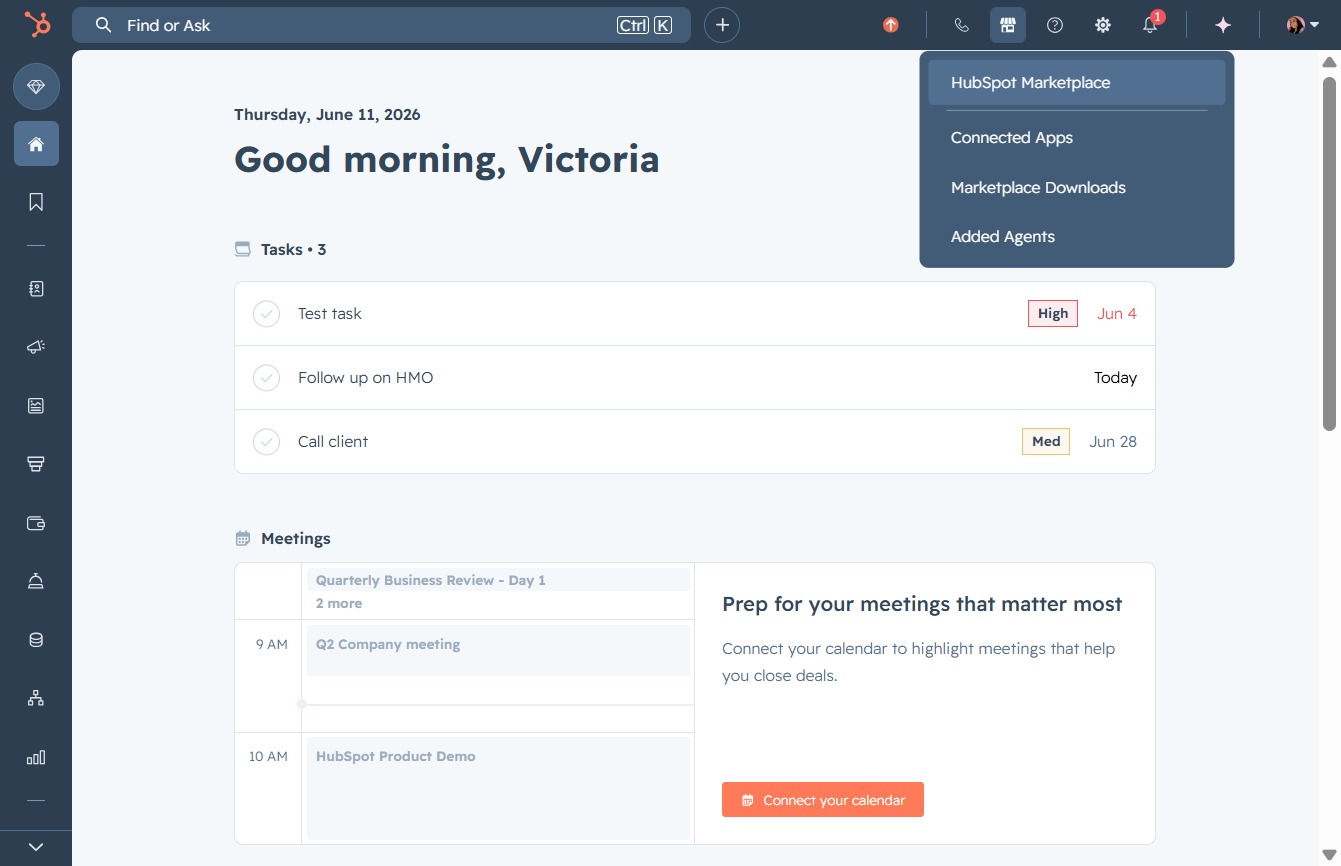
Clicking this link may lead you to additional resources or further actions related to the Marketplace features and offerings.

Entering 'zoom' in the search field will filter the results to show relevant applications and tools associated with Zoom, allowing you to easily access and integrate them.

Clicking the Zoom option will adjust the view scale of your document, allowing you to enlarge or reduce the visible area for easier navigation and detail viewing.

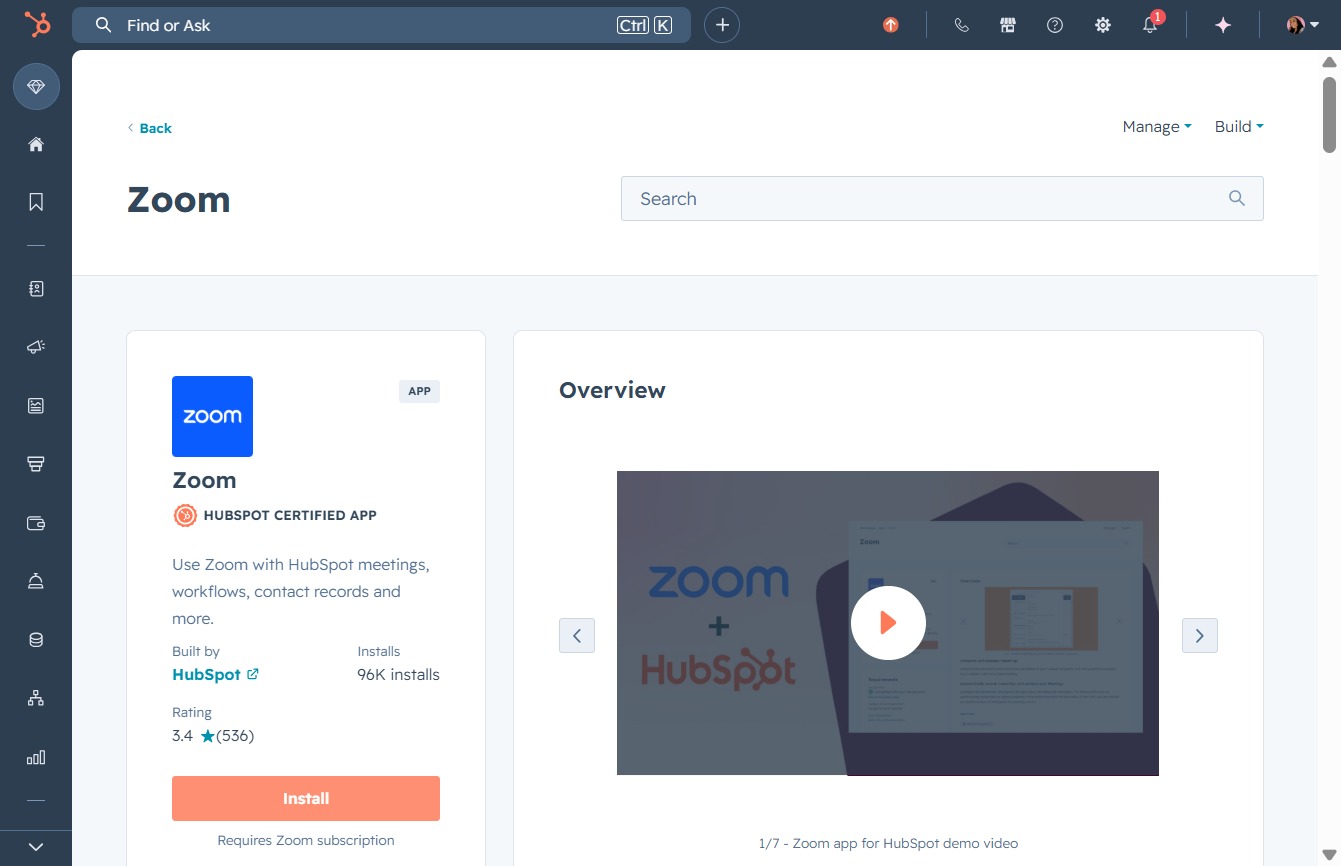
Clicking the Install button will initiate the installation process for the Zoom app within HubSpot, allowing you to integrate Zoom features with your HubSpot account.
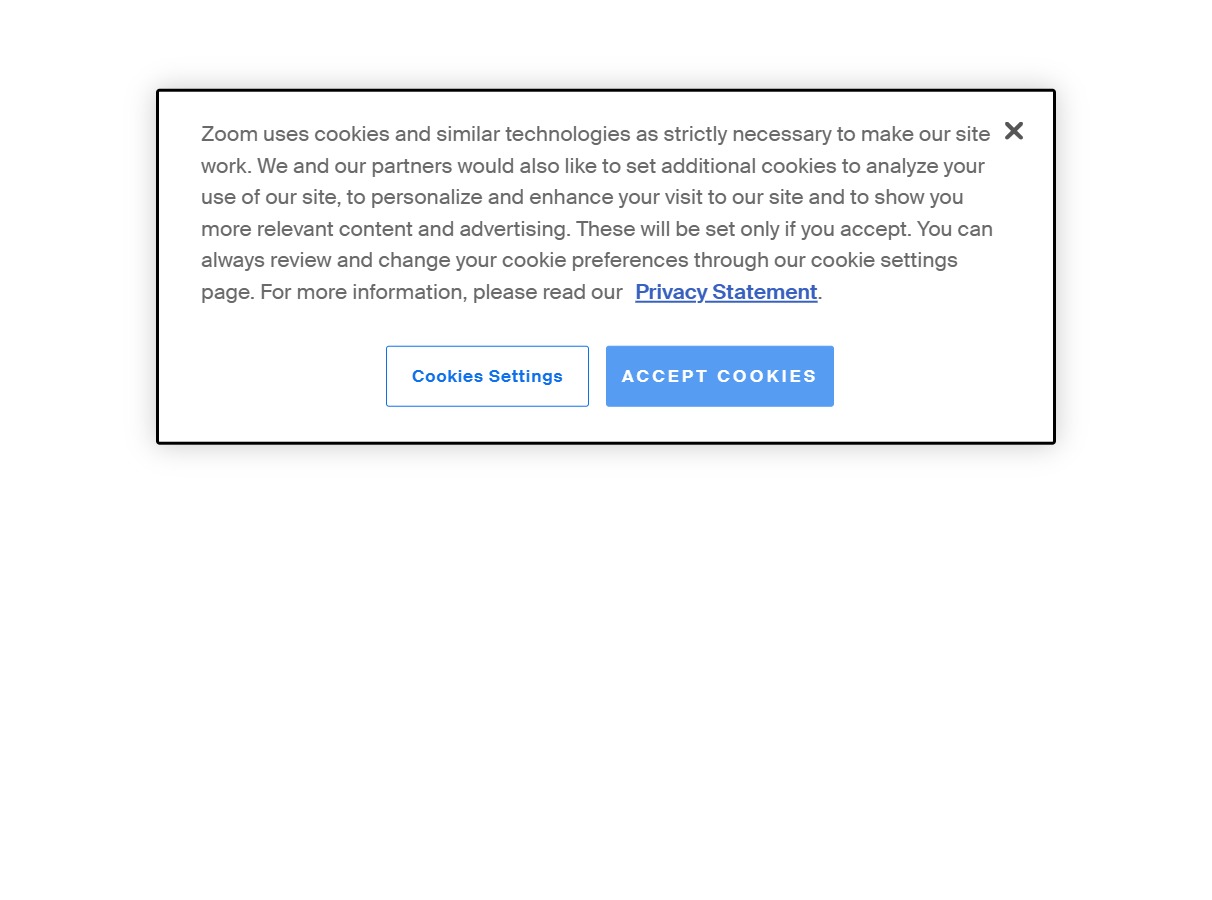
This action confirms your consent to the use of cookies on the Zoom website, allowing for enhanced site functionality and personalized content.
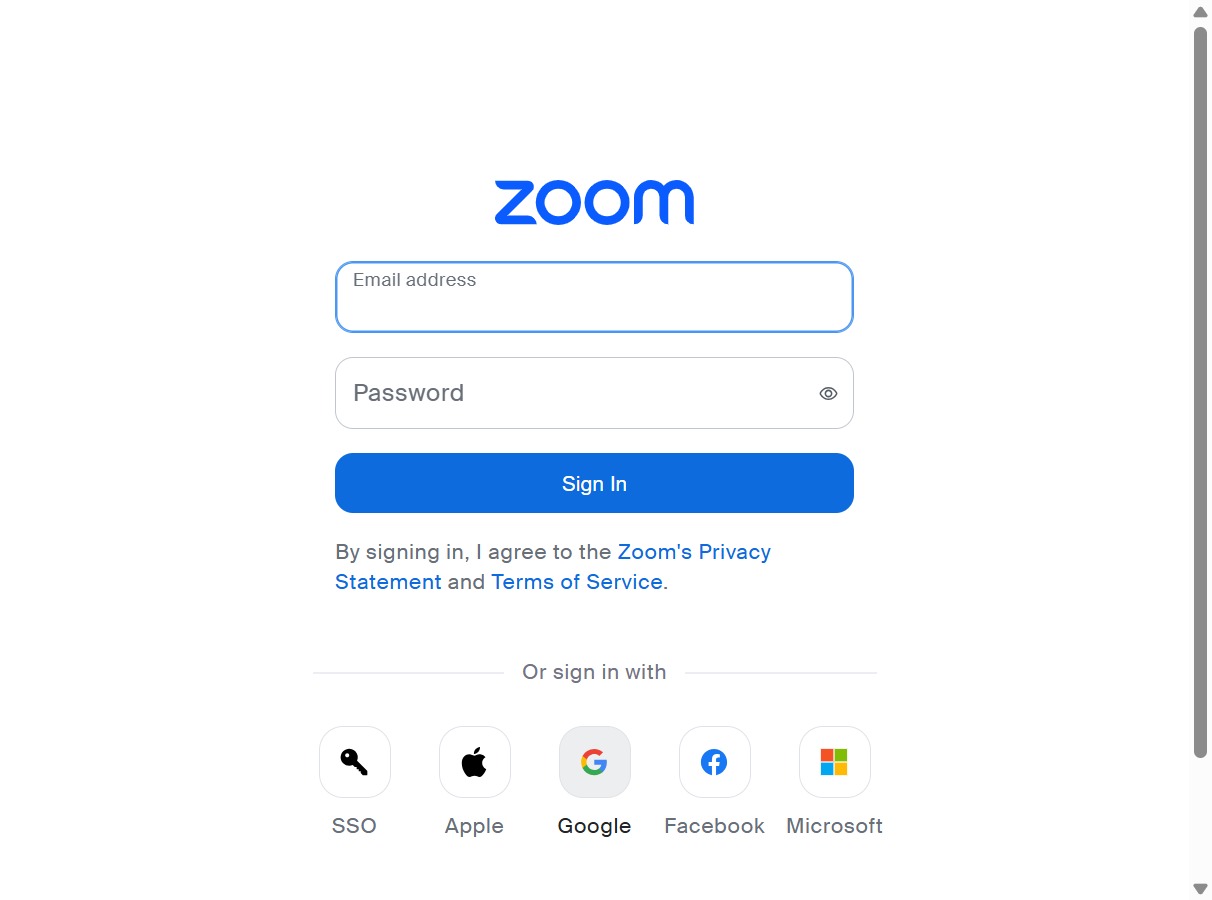
Clicking this will redirect you to the Google authentication page to log in using your Google account credentials.
By clicking on the user's account, you will begin the sign-in process to access Zoom. Ensure that this is the correct account you wish to use.

By clicking Allow, you grant the app permission to access your information according to its Terms and Privacy Policy, enabling the necessary features for real-time video, audio, chat, or file sharing during meetings.
