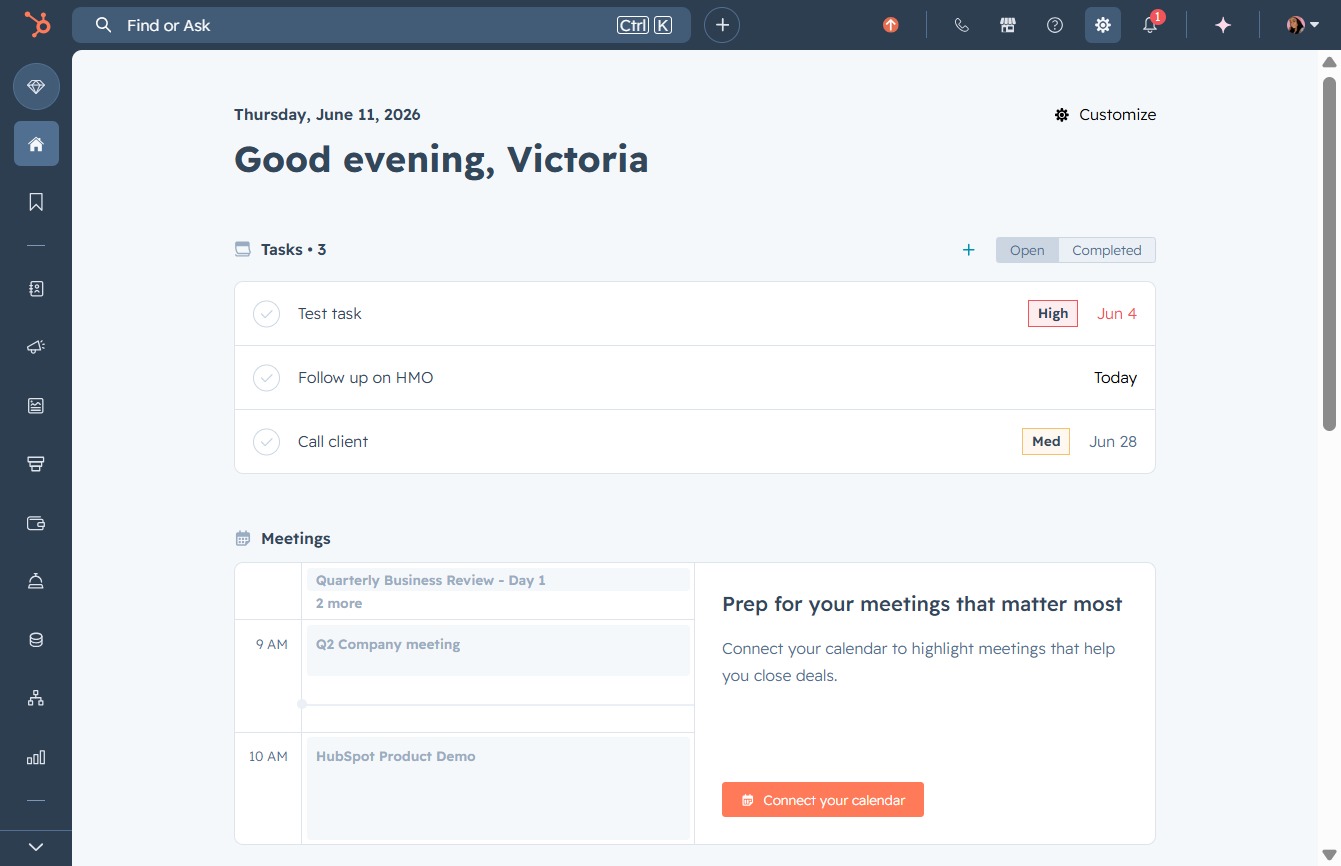
Click here to connect your calendar
Clicking this link will allow you to connect your calendar, helping to highlight important meetings and manage your schedule effectively.
Loading screenshot…
100%
Connect your phone to HubSpot to enhance your call management by setting up telephony preferences, including call recording and transcription settings, for streamlined…
 viktoria
Connect your phone to HubSpot to enhance your call management by setting up telephony preferences, including call recording and transcription settings, for streamlined communication.
Clicking this link will allow you to connect your calendar, helping to highlight important meetings and manage your schedule effectively.
Access the Calling settings to configure your telephony preferences within HubSpot. This section allows you to manage features related to calls, including recording and transcription settings.

This will open the settings for managing your call configuration, including options for call recording and transcription.

Initiate the process of setting up your HubSpot Calling feature. This will guide you through creating a new phone number or connecting an existing one for efficient call management.
