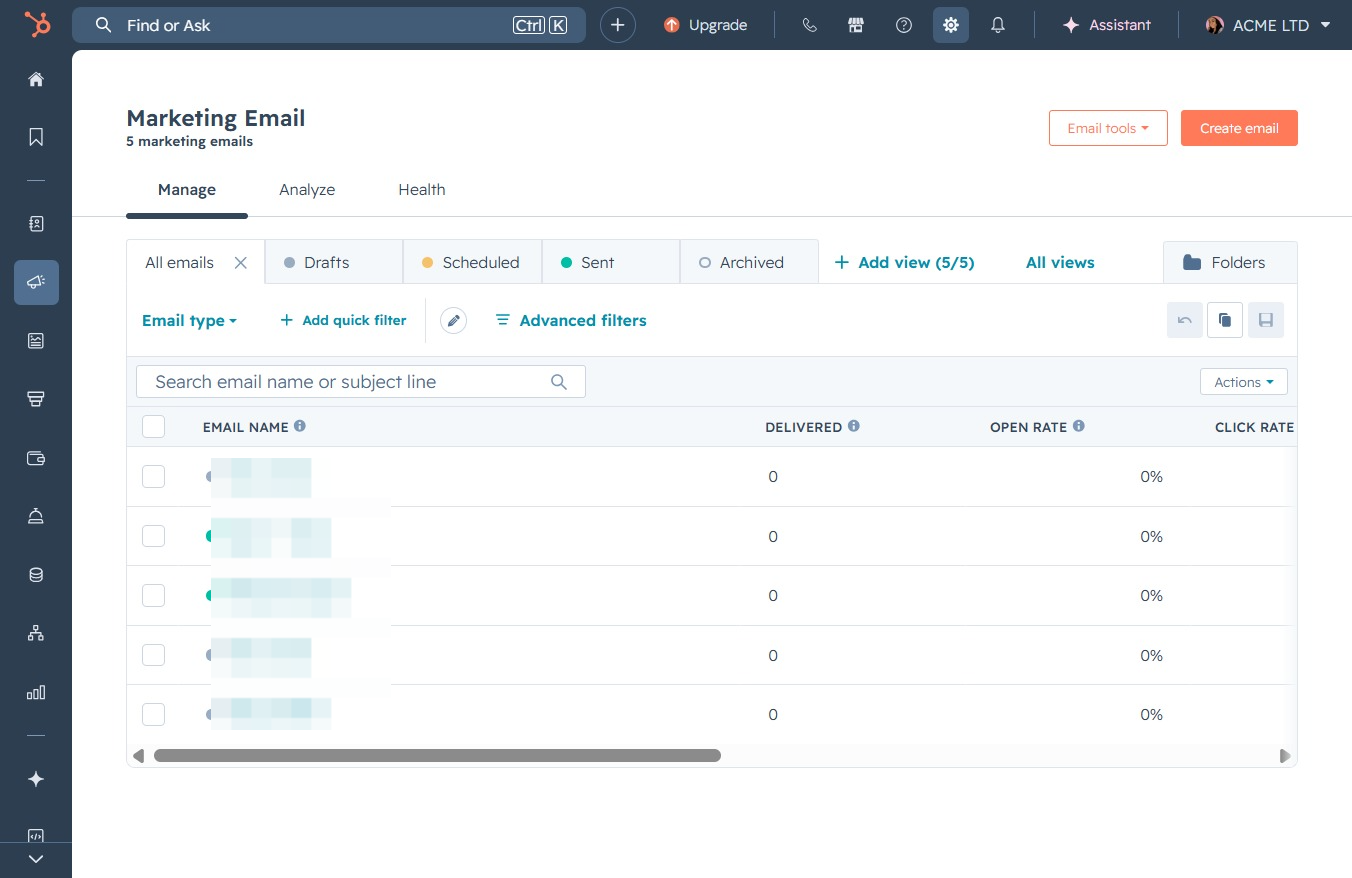
Click the Settings button
This will open the settings menu where you can configure your preferences and account details.
Loading screenshot…
100%
Link your Google Calendar with HubSpot to enable calendar synchronization and effective scheduling management, along with streamlined access to your Google services.
 viktoria
Link your Google Calendar with HubSpot to enable calendar synchronization and effective scheduling management, along with streamlined access to your Google services.
This will open the settings menu where you can configure your preferences and account details.
This will open the General settings for your email preferences, allowing you to manage account settings and configurations.

This will open the Calendar settings where you can manage your scheduling preferences and integrations.

This action will link your calendar with HubSpot Meetings, allowing you to utilize calendar sync features for scheduling and managing your meetings efficiently.

Selecting the Google / Gmail option initiates the connection process to sync your calendar with Gmail, enabling better management of your events and tasks.

This action triggers the calendar connection process, allowing you to select your preferred calendar service such as Google, Microsoft Outlook, or Microsoft Exchange for integration.

By clicking this button, you will authorize HubSpot to access your Google account, allowing features such as syncing Google Calendar events and other integrations with your Google services.

Selecting the email address will initiate the sign-in process for your HubSpot account using the associated Google account.
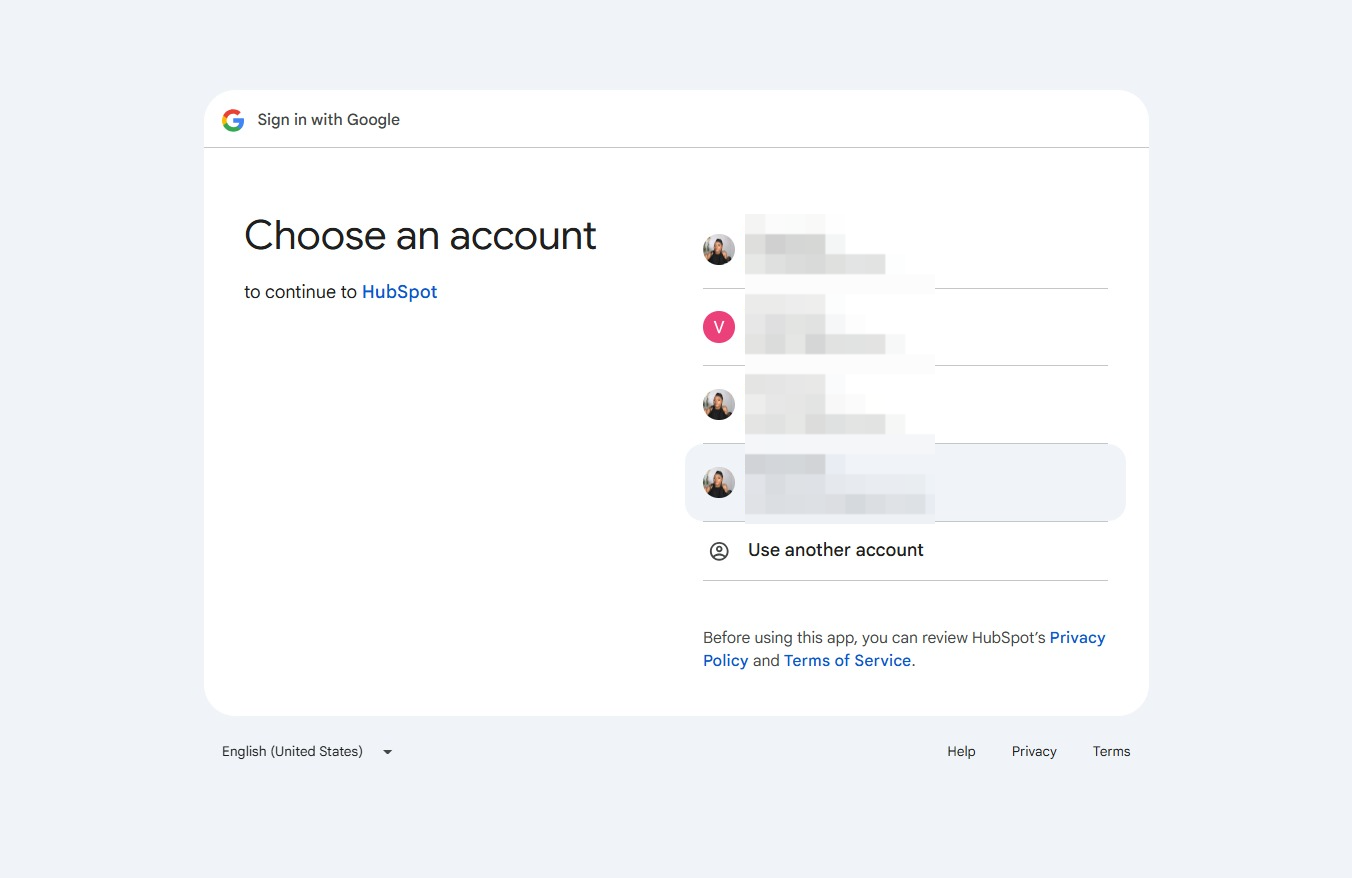
This will proceed with the sign-in process to HubSpot, allowing you to access your account. Ensure you've reviewed HubSpot's privacy policy and terms before proceeding.

By clicking the 'Select all' checkbox, you grant HubSpot permission to view and edit events on all of your Google calendars, facilitating seamless integration between HubSpot and your calendar management.

By clicking 'Continue', you will proceed with granting access to your Google Calendar for HubSpot, allowing the service to view and manage your calendar events as specified.
