Geteilte Anleitung

How to connect your email to Pipedrive

In this guide, learn how to seamlessly connect your email account to Pipedrive by following step-by-step instructions on navigating the settings and authorizing access.

victoriaworkflowsvictoriaworkflows
·12 Schritte·61 Aufrufe·Veröffentlicht

In this guide, learn how to seamlessly connect your email account to Pipedrive by following step-by-step instructions on navigating the settings and authorizing access. By the end of the video, you'll have your email synced, enabling streamlined communication and contact management within the platform.

Step-by-step Guide12 Schritte
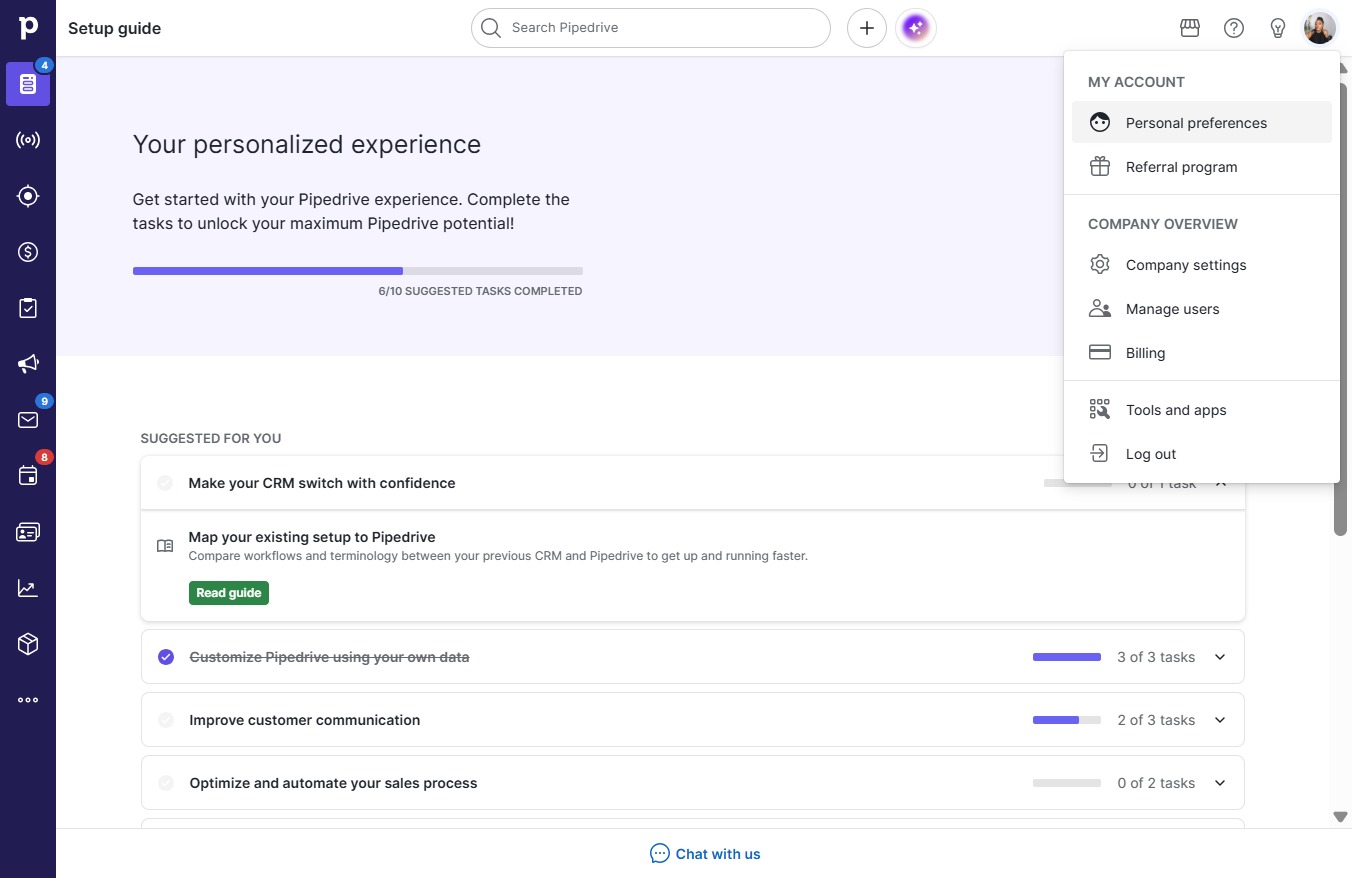
  1. Click on "Click here."
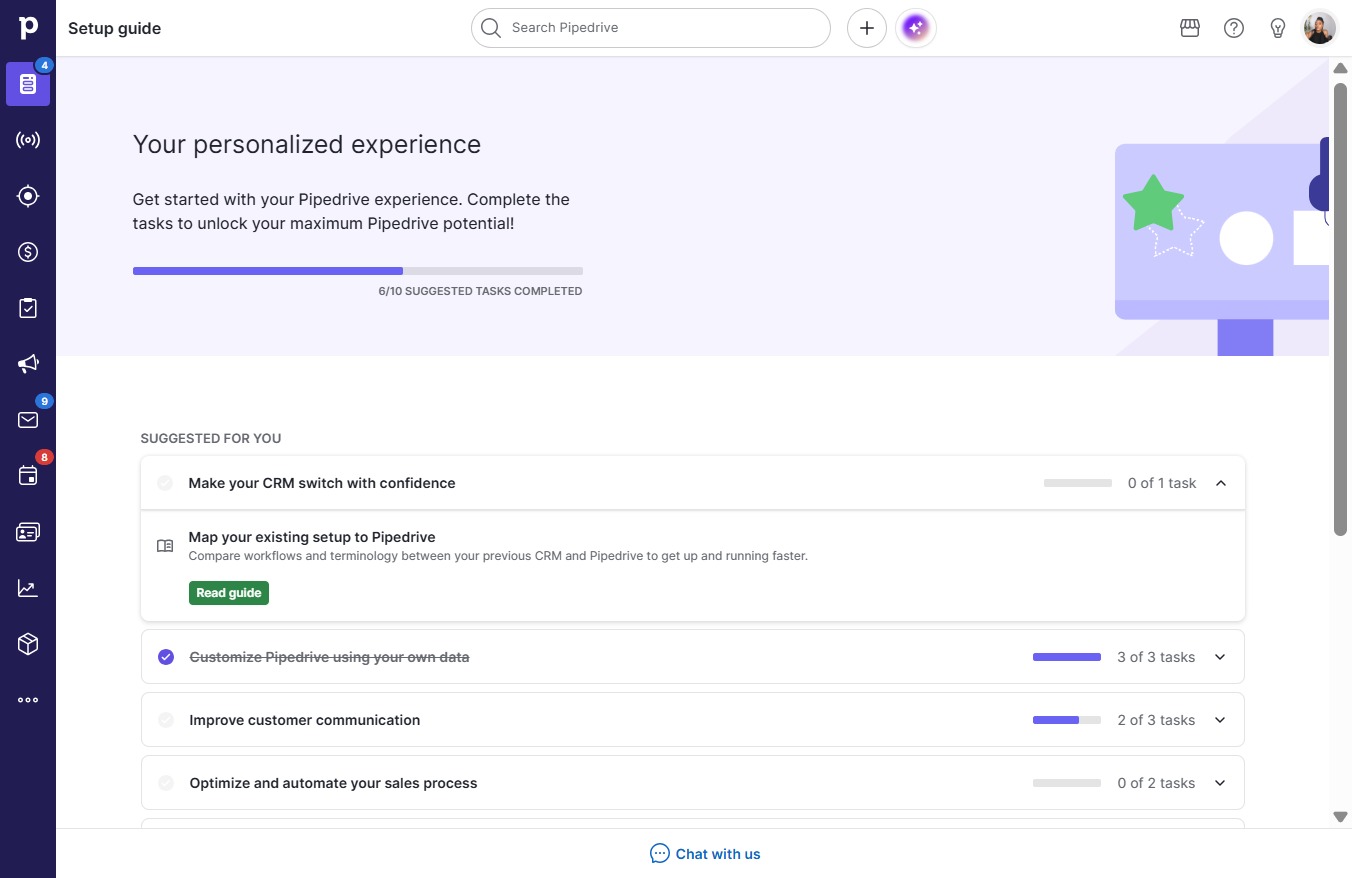
    Click on "Click here."
    Loading screenshot…
    100%
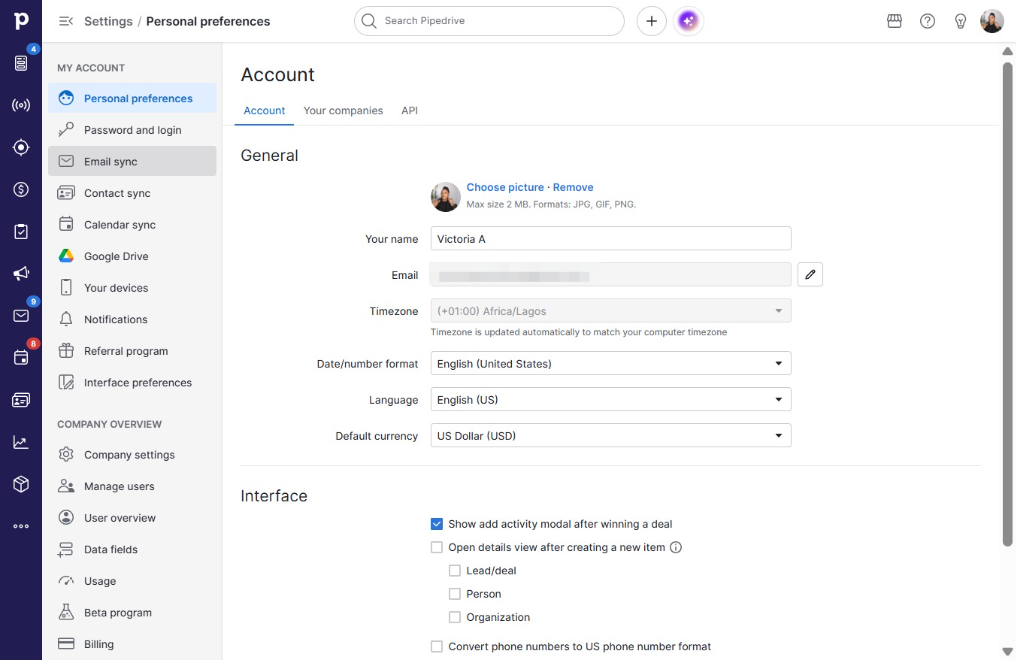
  2. Click Personal preferences

    Click Personal preferences
    Loading screenshot…
    100%
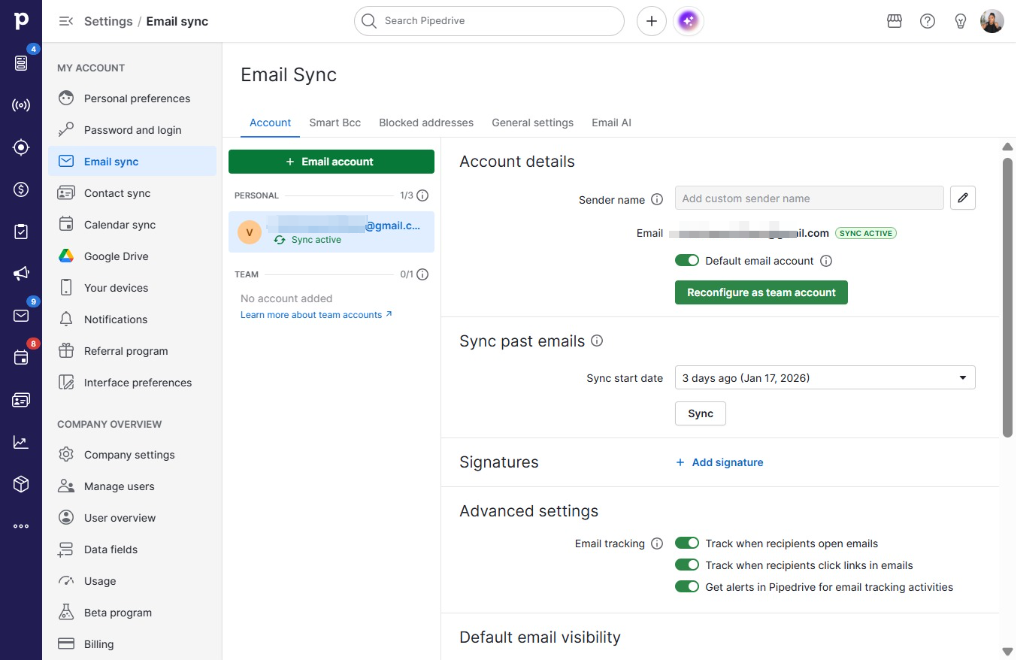
  3. Click Email sync

    Click Email sync
    Loading screenshot…
    100%
  4. Click Email account

    Click Email account
    Loading screenshot…
    100%
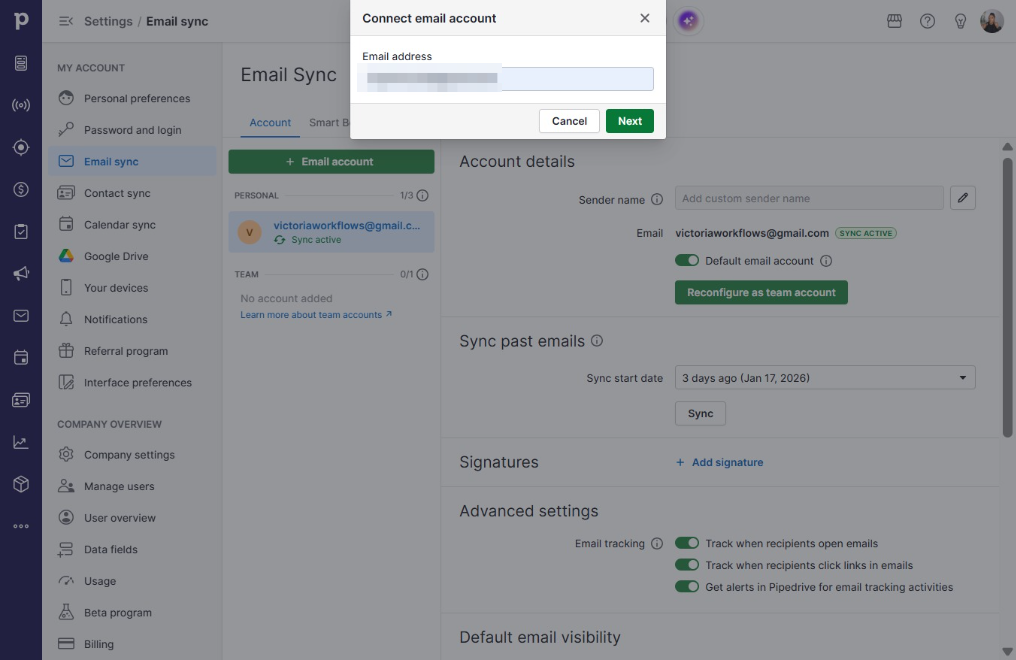
  5. Type your email in you@example.com

  6. Click Next

    Click Next
    Loading screenshot…
    100%
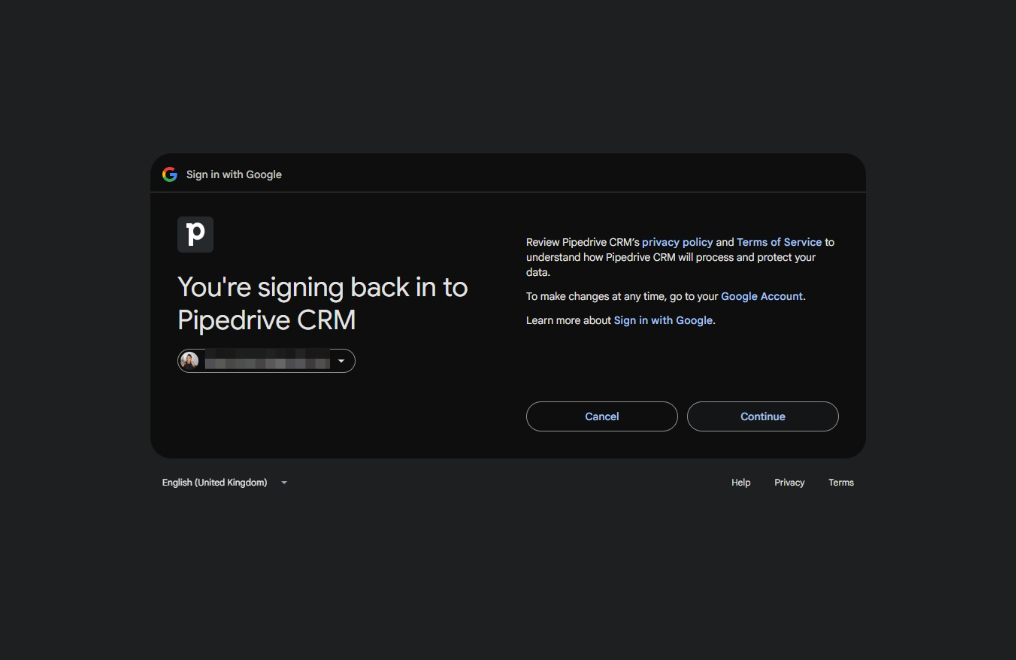
  7. Click on "Click here."

    Click on "Click here."
    Loading screenshot…
    100%
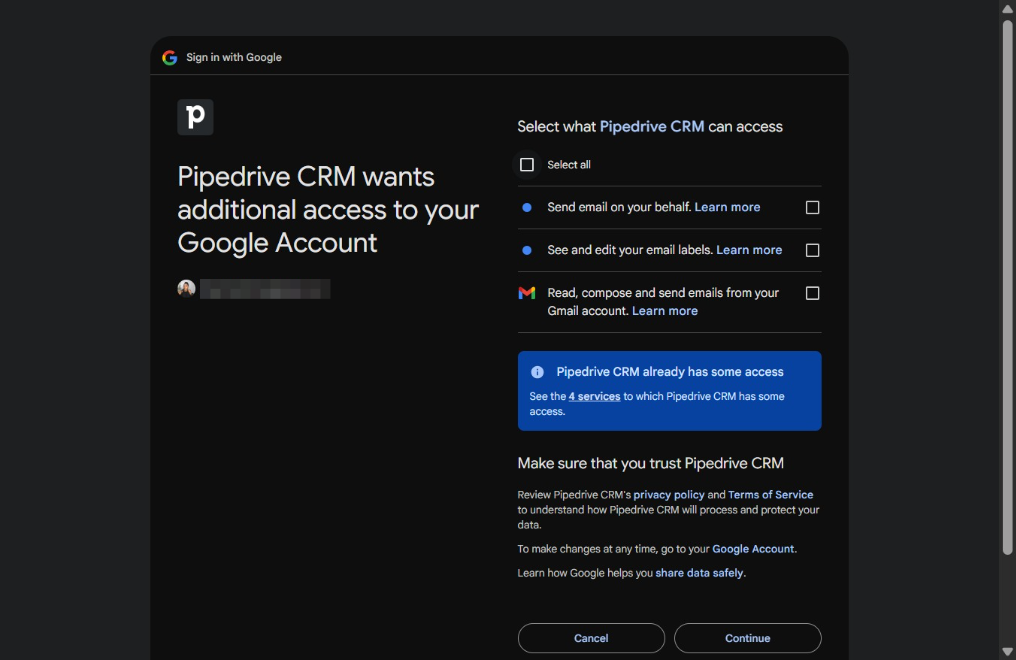
  8. Click on "Click here."

    Click on "Click here."
    Loading screenshot…
    100%
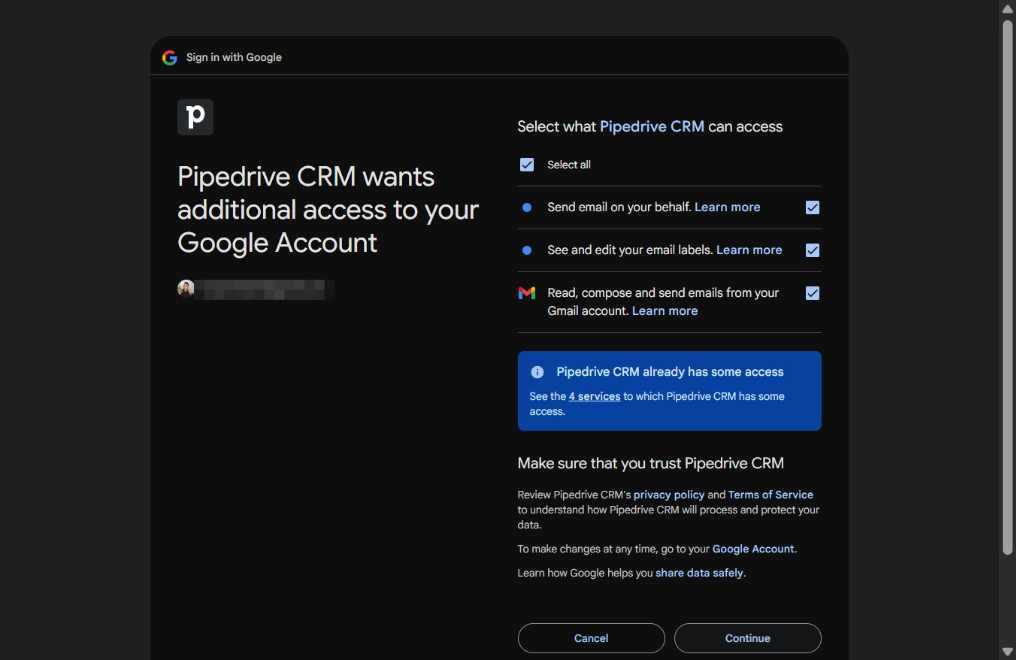
  9. Click on "Click here."

    Click on "Click here."
    Loading screenshot…
    100%
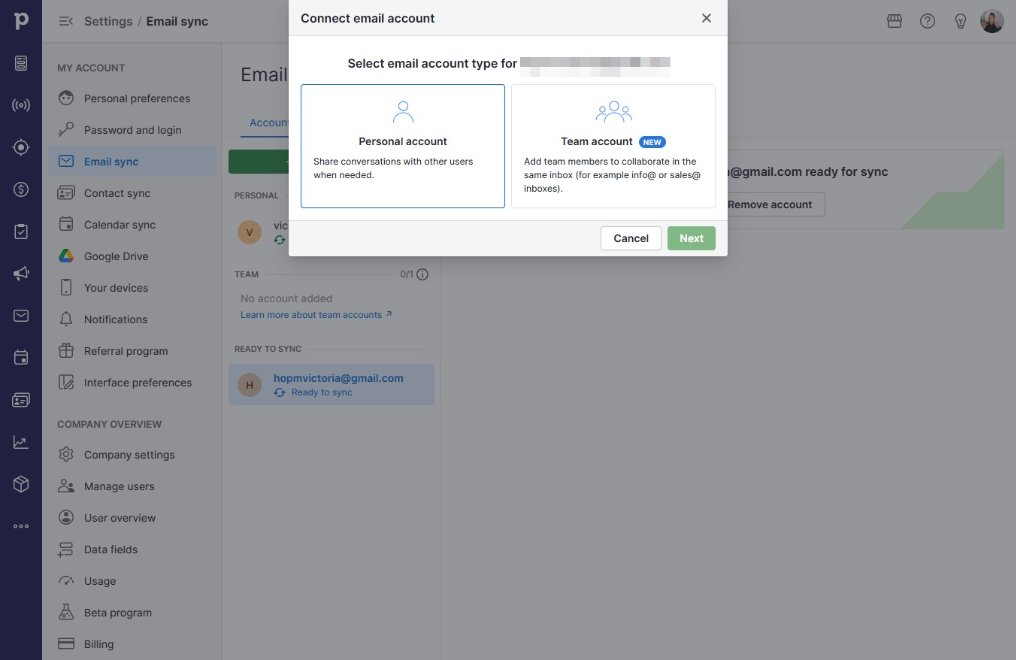
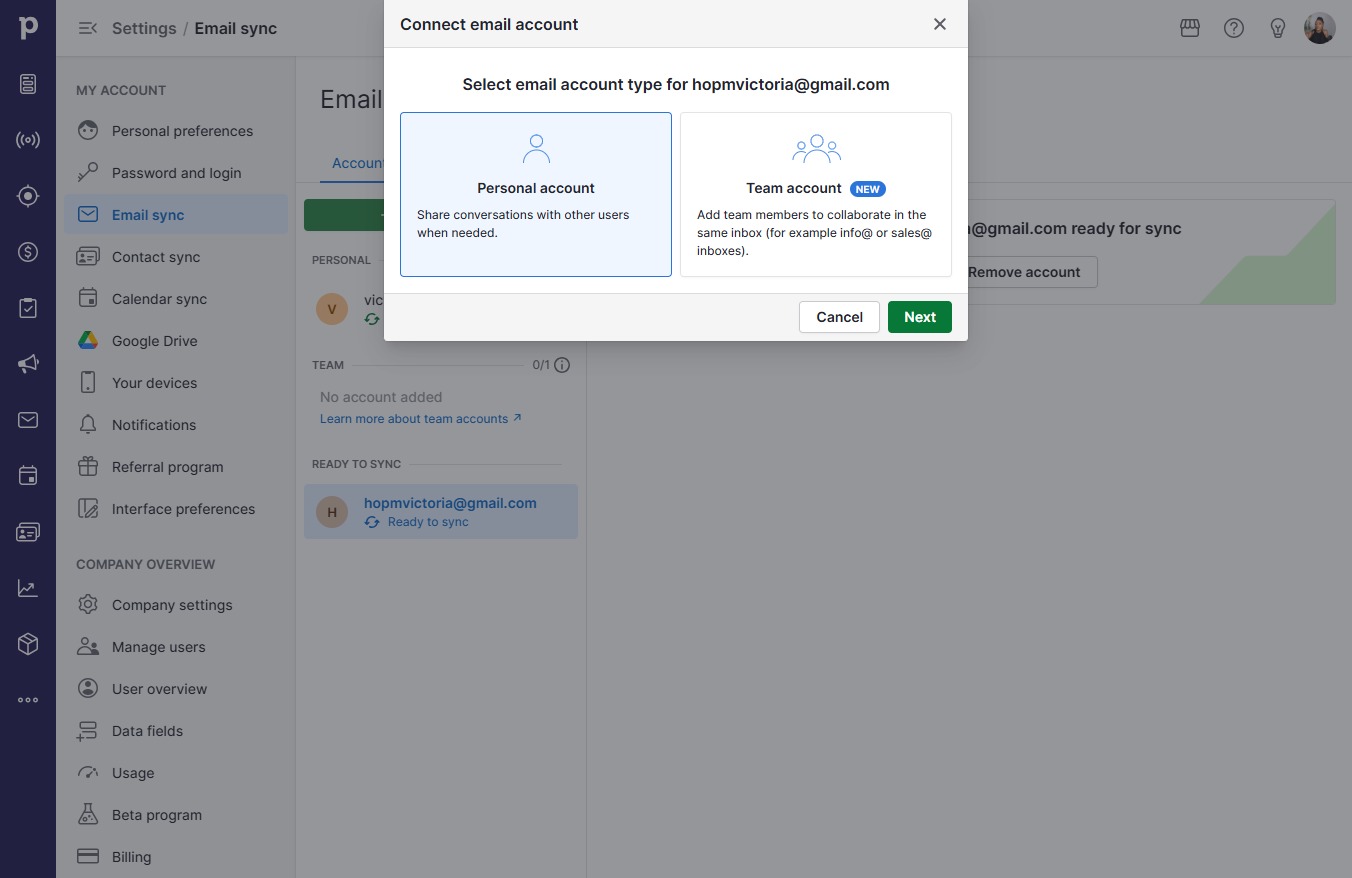
  10. Click Personal accountShare conversations with other users when needed.

    Click Personal accountShare conversations with other users when needed.
    Loading screenshot…
    100%
  11. Click Next

    Click Next
    Loading screenshot…
    100%
  12. Click Start sync

    Click Start sync
    Loading screenshot…
    100%