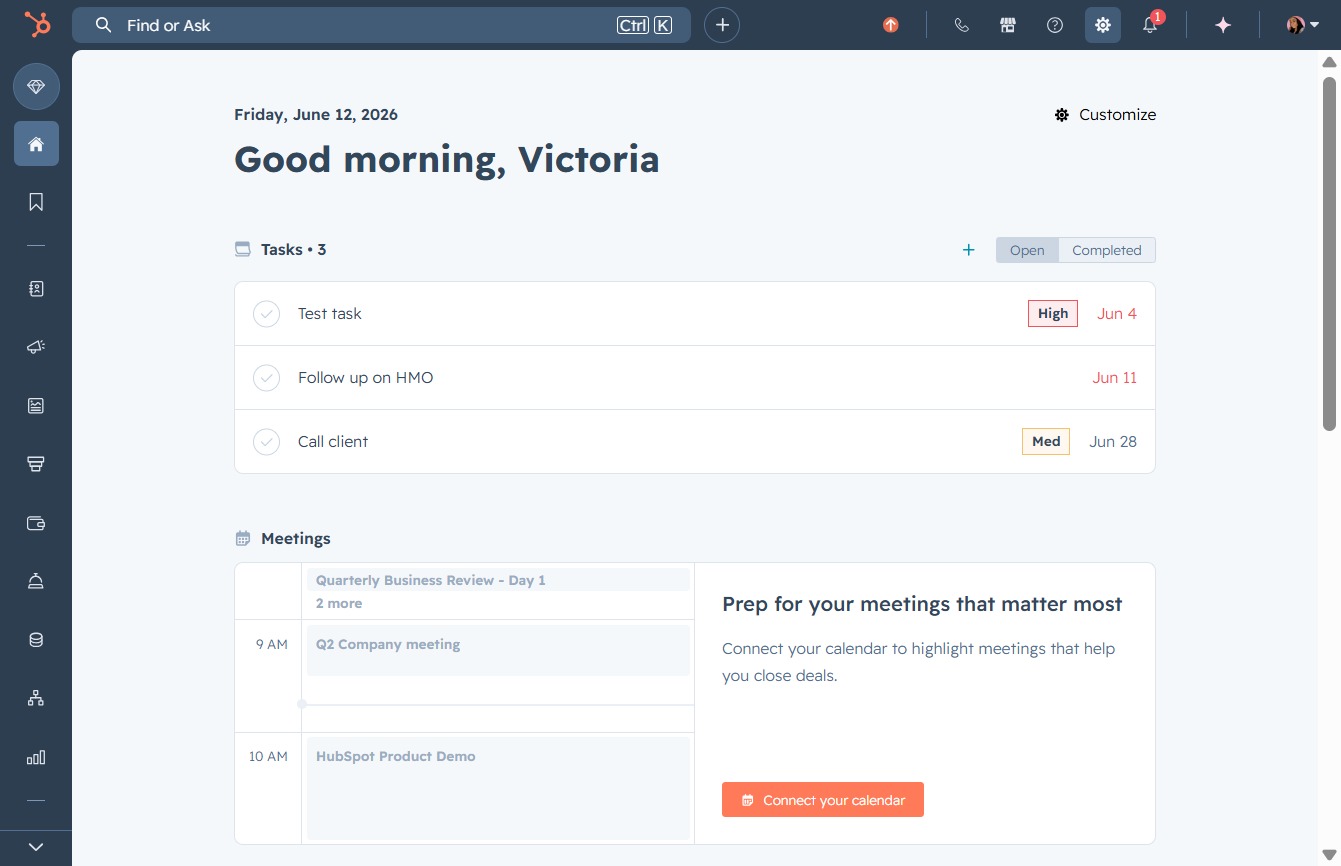
Click here to connect your calendar
This action will initiate the process to connect your calendar, allowing you to integrate your meetings seamlessly into your task management.
Loading screenshot…
100%
Connect your TikTok ad account in HubSpot to streamline advertising management, verify your identity, and gain access to essential campaign features and ad credits.
 viktoria
Connect your TikTok ad account in HubSpot to streamline advertising management, verify your identity, and gain access to essential campaign features and ad credits.
This action will initiate the process to connect your calendar, allowing you to integrate your meetings seamlessly into your task management.
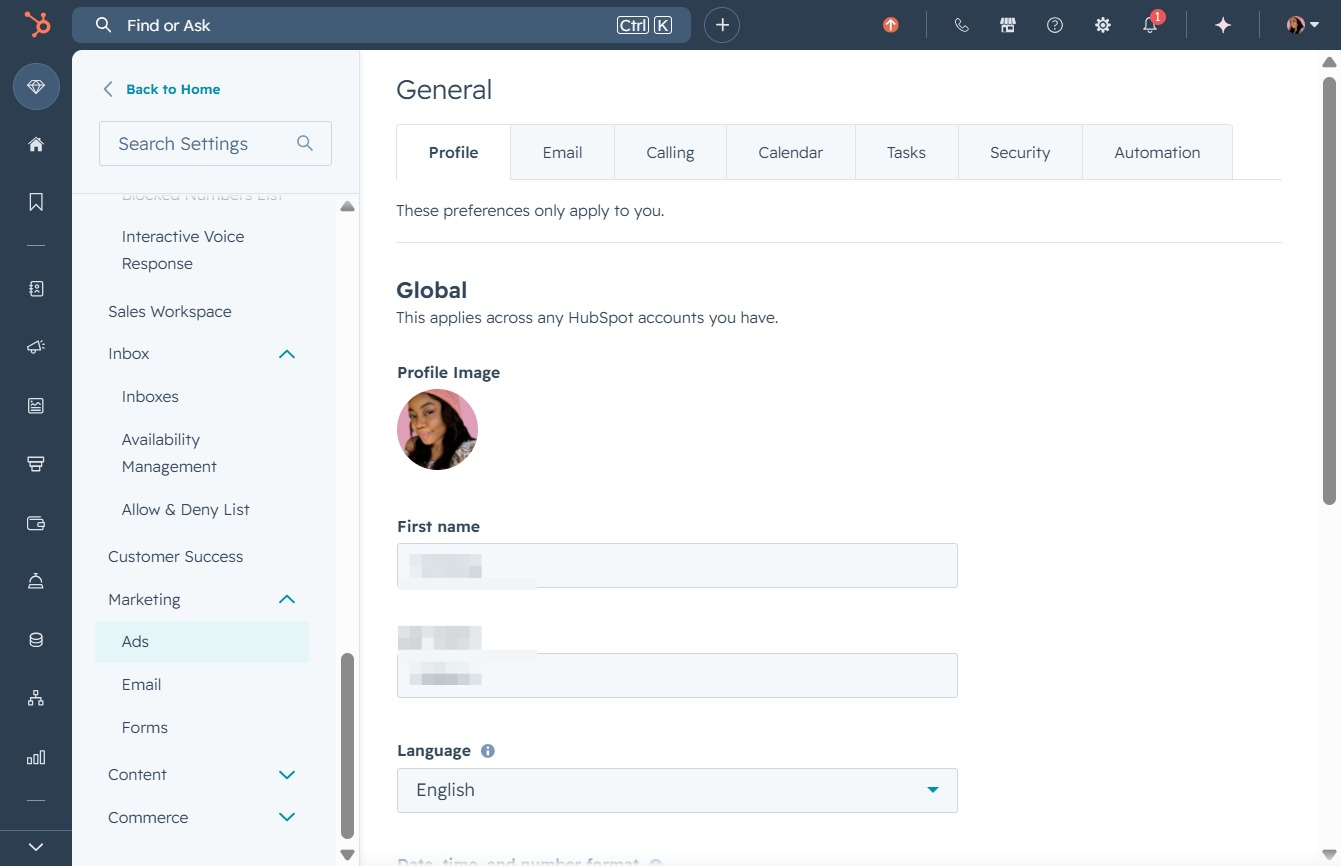
Clicking the Ads section will take you to the advertising management interface, where you can create and manage your ad campaigns.
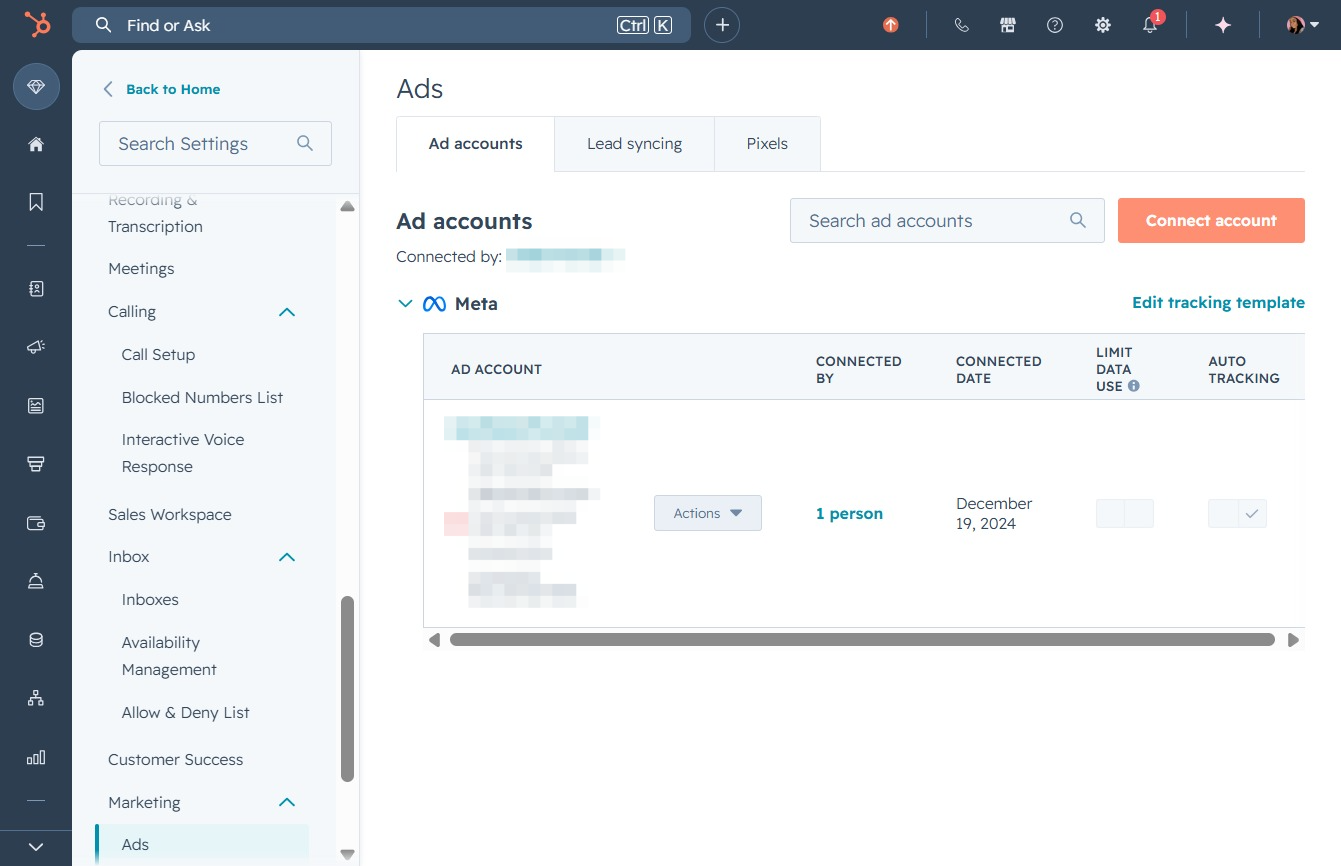
By clicking the 'Connect account' button, you will initiate the process of linking a new ad account to your existing Meta account, allowing for better management and tracking of your advertising efforts.
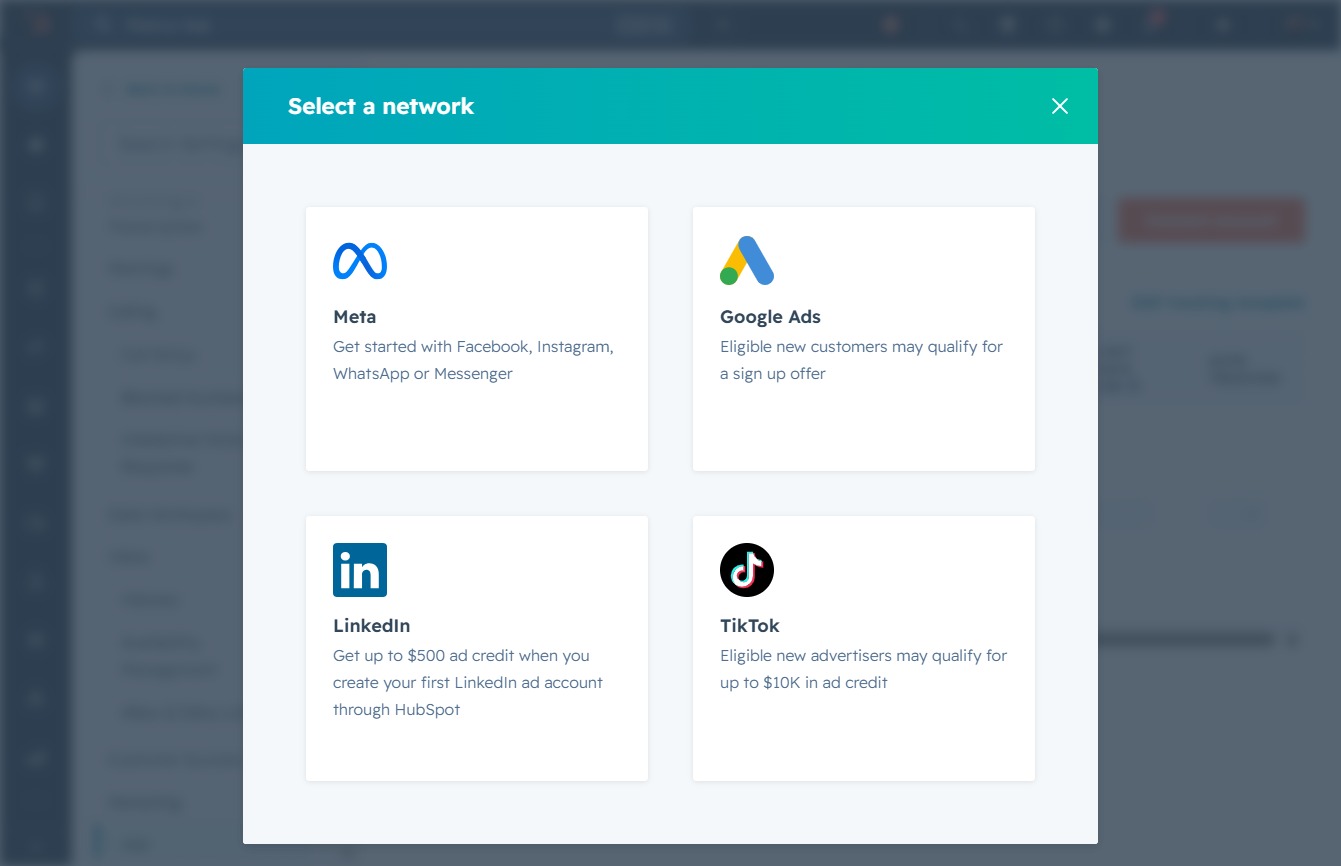
Selecting the TikTok option allows eligible new advertisers to qualify for up to $10K in ad credit. After clicking, you can proceed to set up your TikTok advertising account.
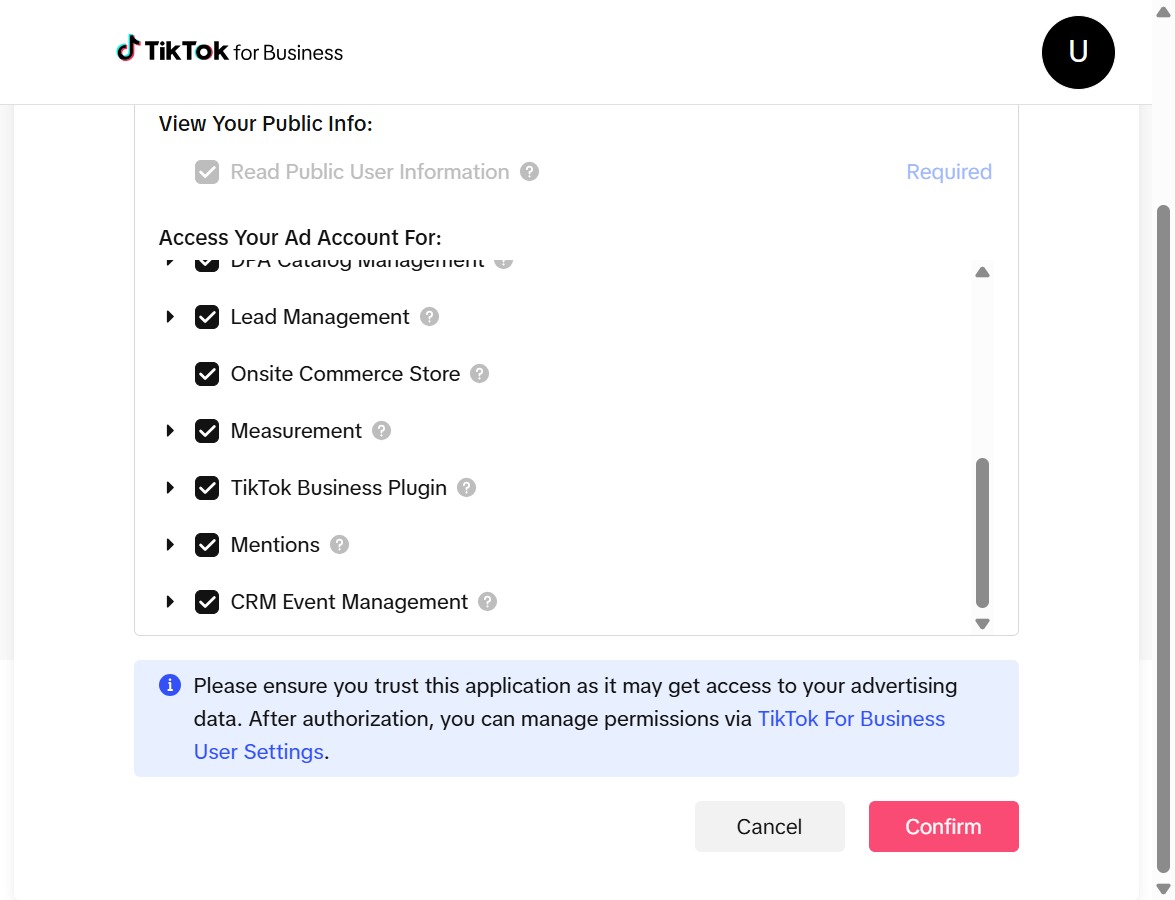
Clicking the Confirm button finalizes your selections for ad account access, enabling the specified features for your TikTok for Business account. Ensure you trust the application as it may gain access to your advertising data.
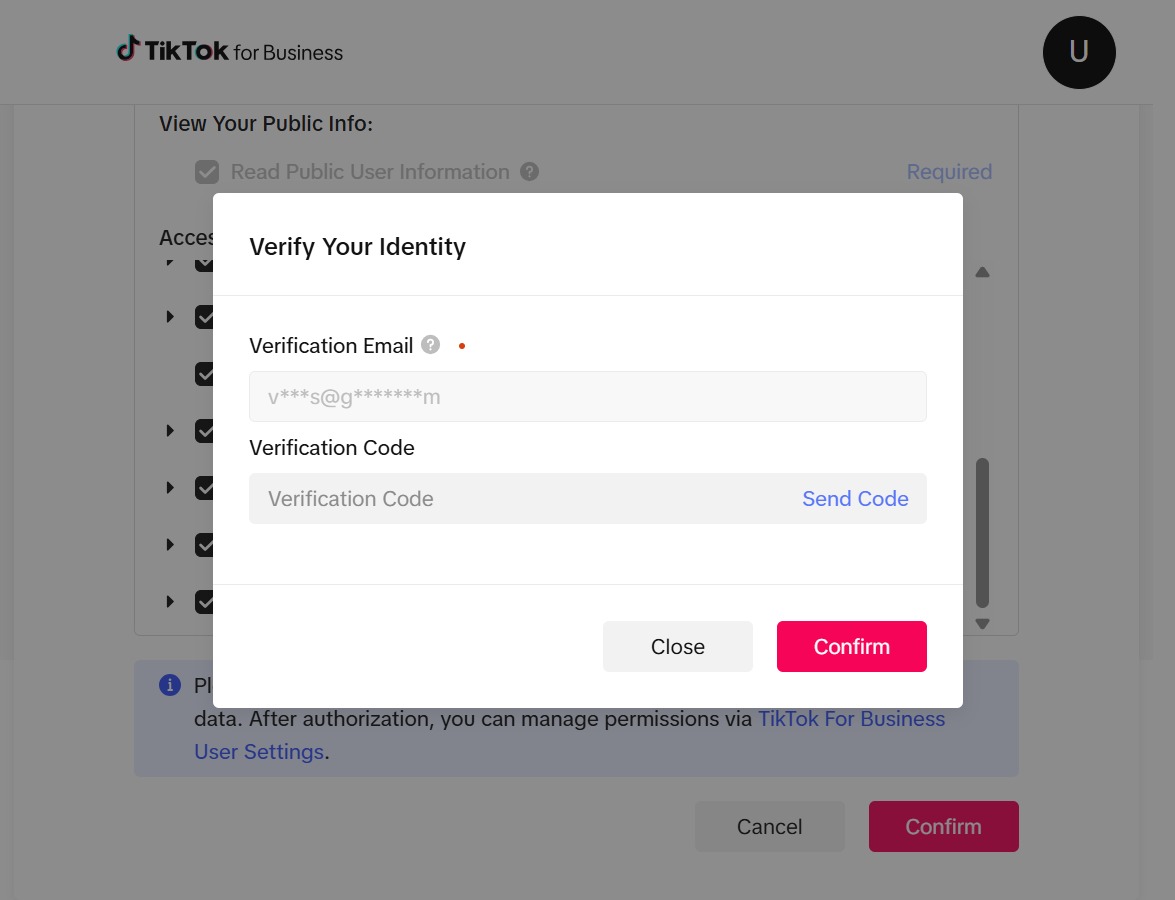
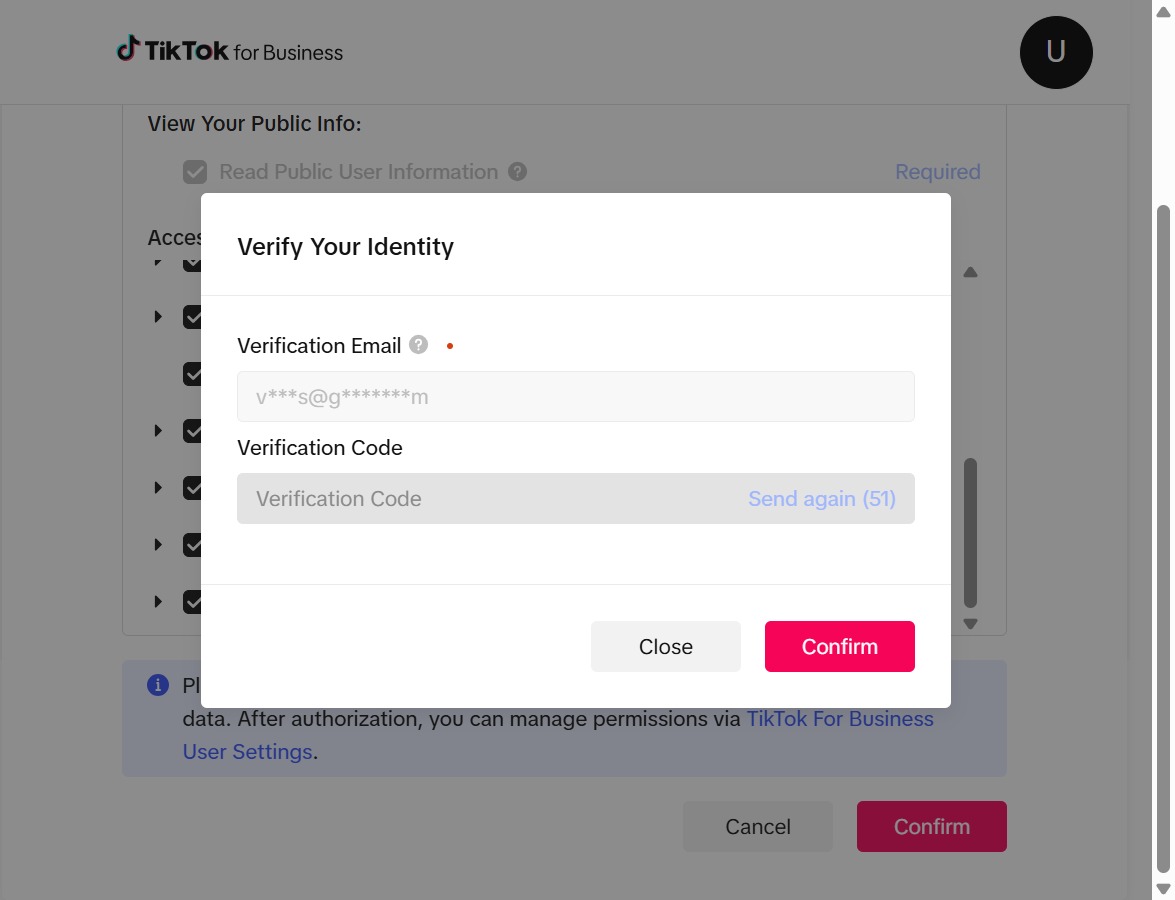
Clicking the 'Send Code' button will trigger the system to send a verification code to the specified email address, necessary for verifying your identity.
Clicking this button initiates a verification process to confirm you are not a robot. You will be prompted to select specific objects as part of this verification.
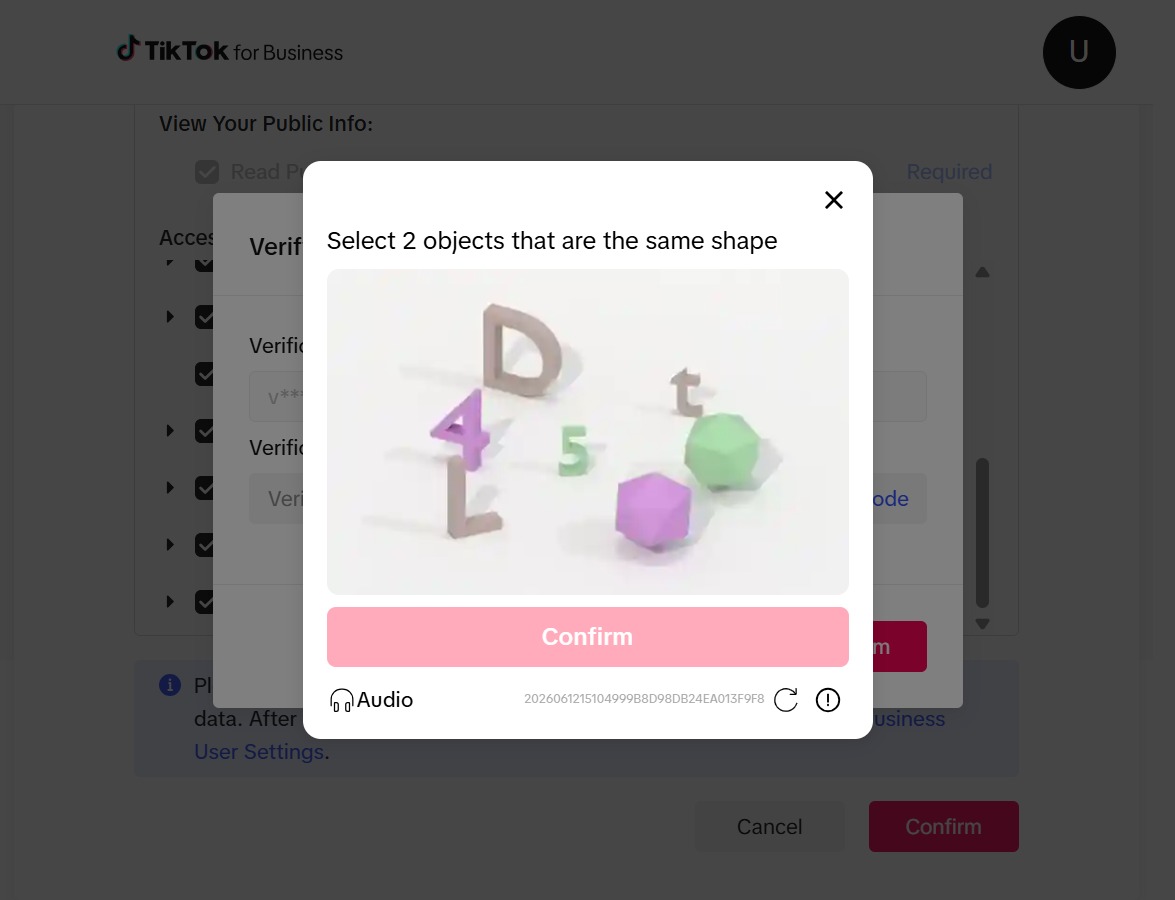
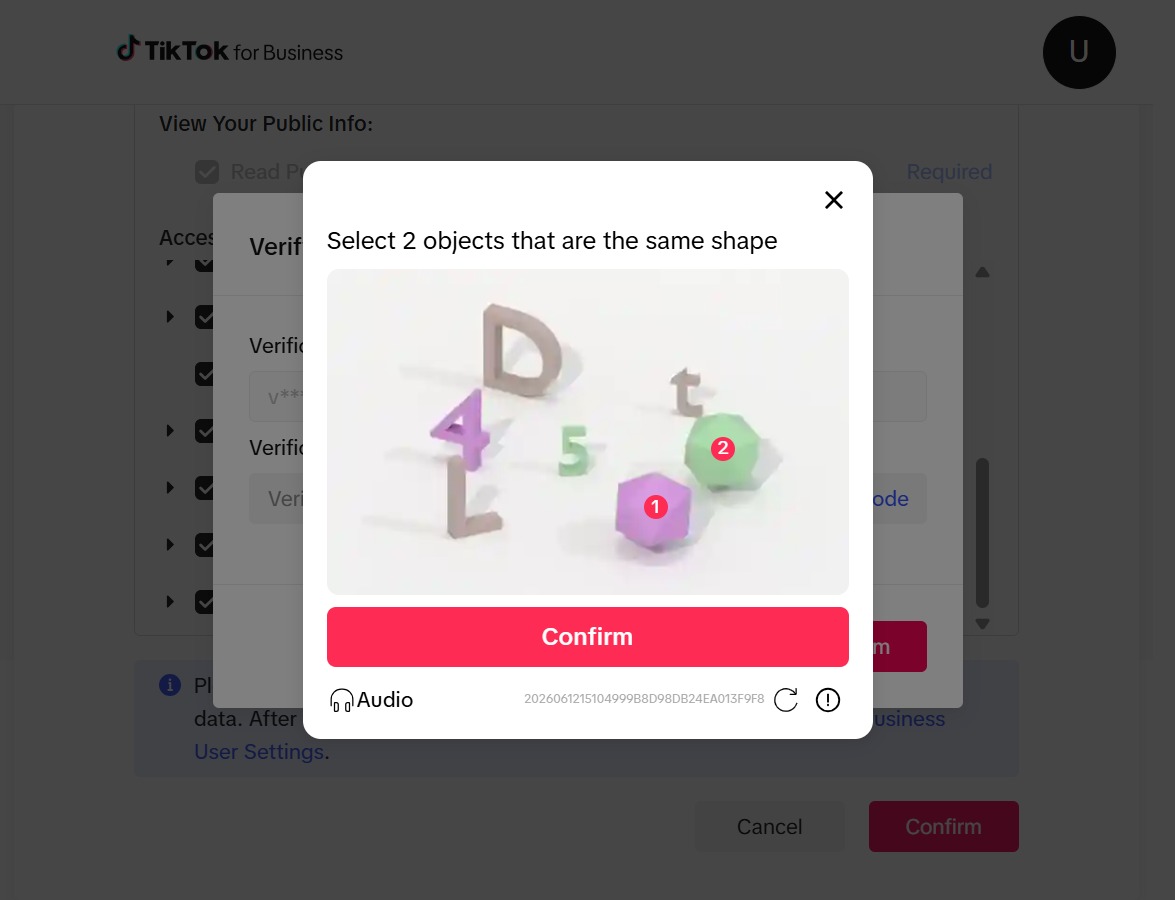
Complete the CAPTCHA challenge by selecting the specified objects, which ensures you are not a bot. After completion, click the 'Confirm' button to proceed.
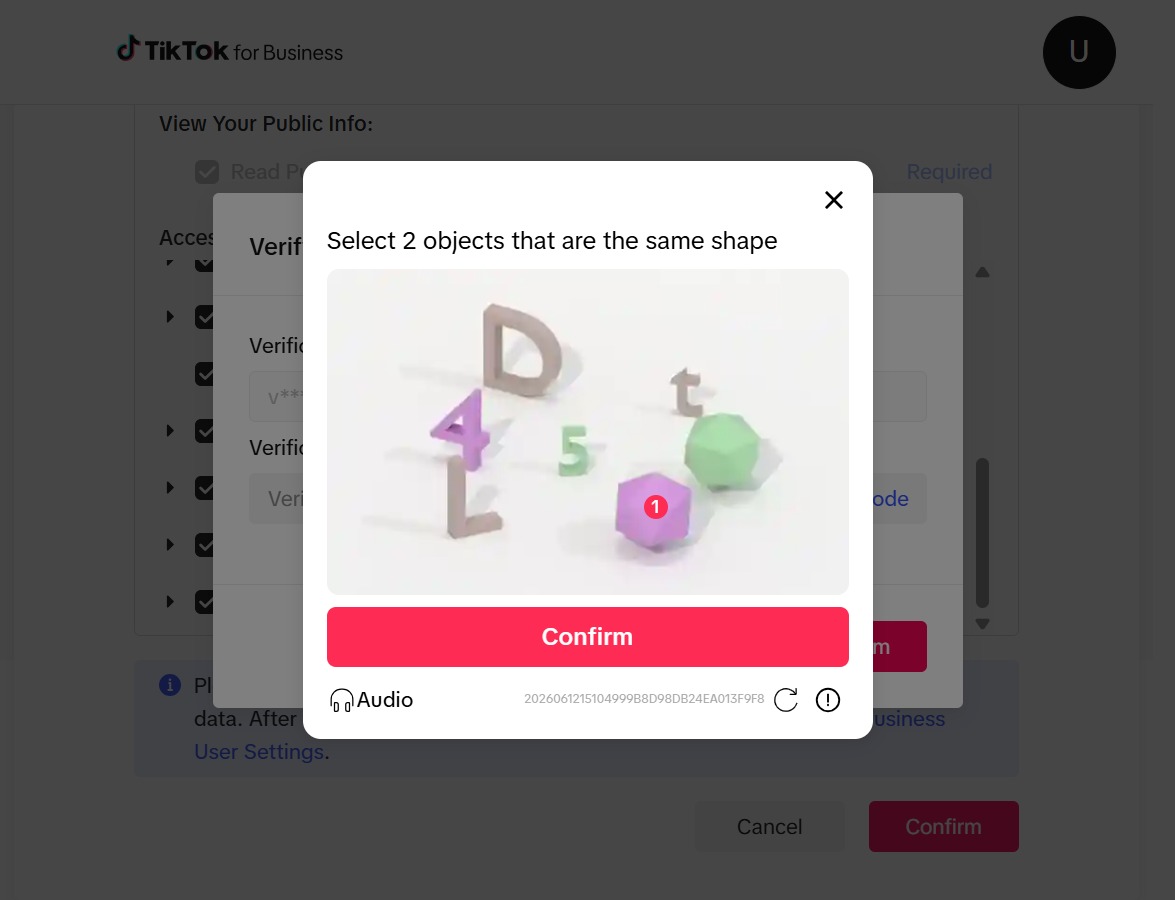
After selecting the two objects that match in shape, click the Confirm button to proceed with the verification process.
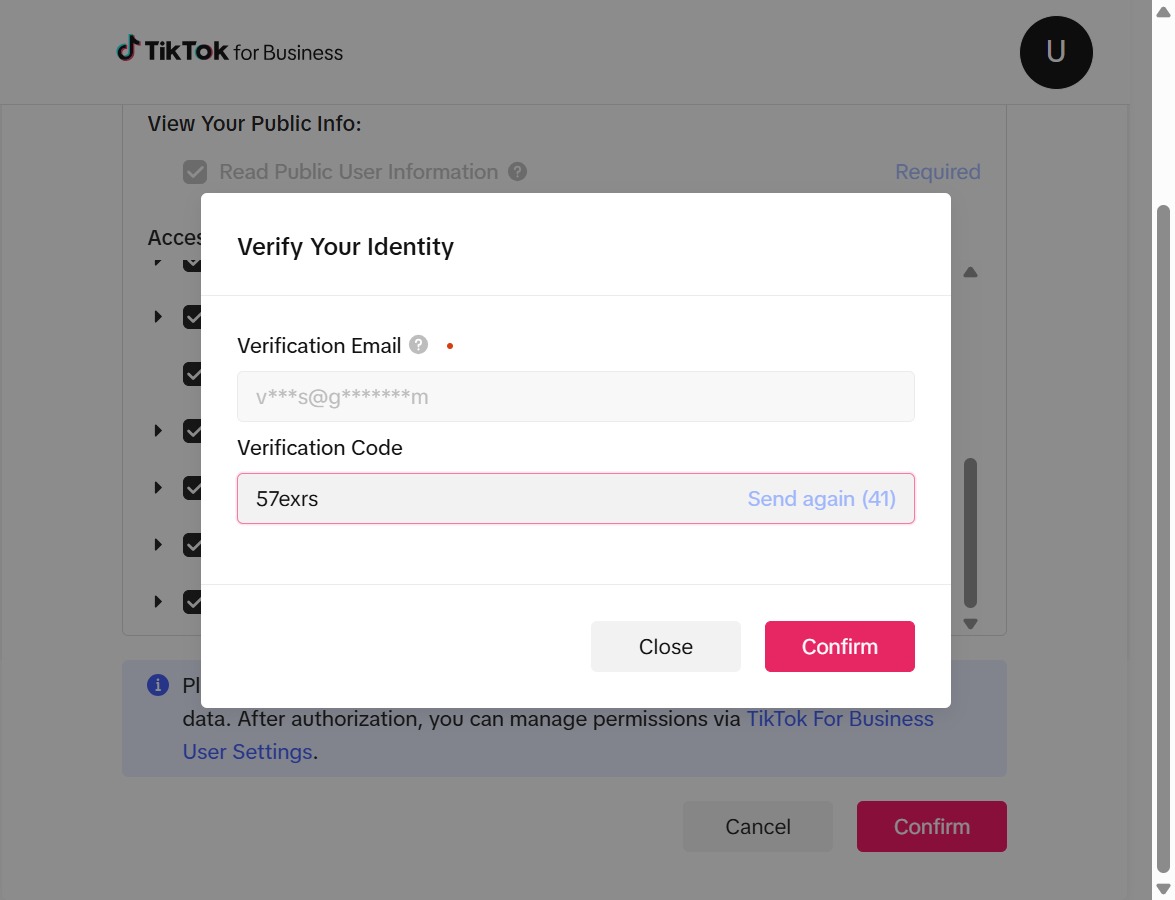
This action will finalize the identity verification process on TikTok for Business. Ensure that your verification email and code are entered correctly before proceeding.
Enter the code '57exrs' in the Verification Code field to verify your identity. After typing the code, click 'Confirm' to proceed.
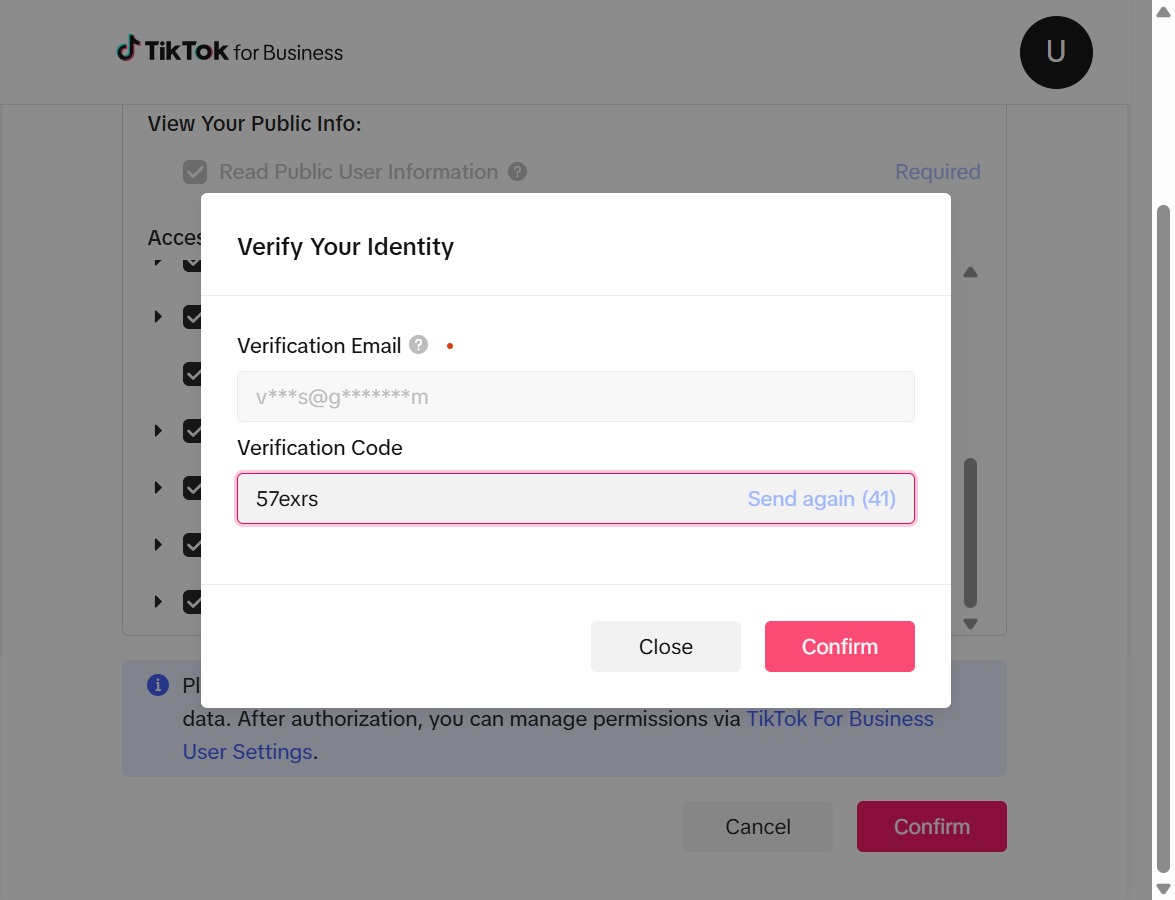
This action verifies your identity by submitting the entered verification email and code. Once confirmed, you will proceed to manage permissions for TikTok for Business.