Click the 'Click here' link
This action connects your calendar to highlight important meetings, allowing you to manage your schedule more efficiently.

Loading screenshot…
100%
Connect your Slack account with HubSpot to streamline your calendar management and enhance your marketing and sales activities through integrated tools and features.
 viktoria
Connect your Slack account with HubSpot to streamline your calendar management and enhance your marketing and sales activities through integrated tools and features.
This action connects your calendar to highlight important meetings, allowing you to manage your schedule more efficiently.
This opens the HubSpot Marketplace, where you can browse and install integrations and applications to enhance your HubSpot experience.
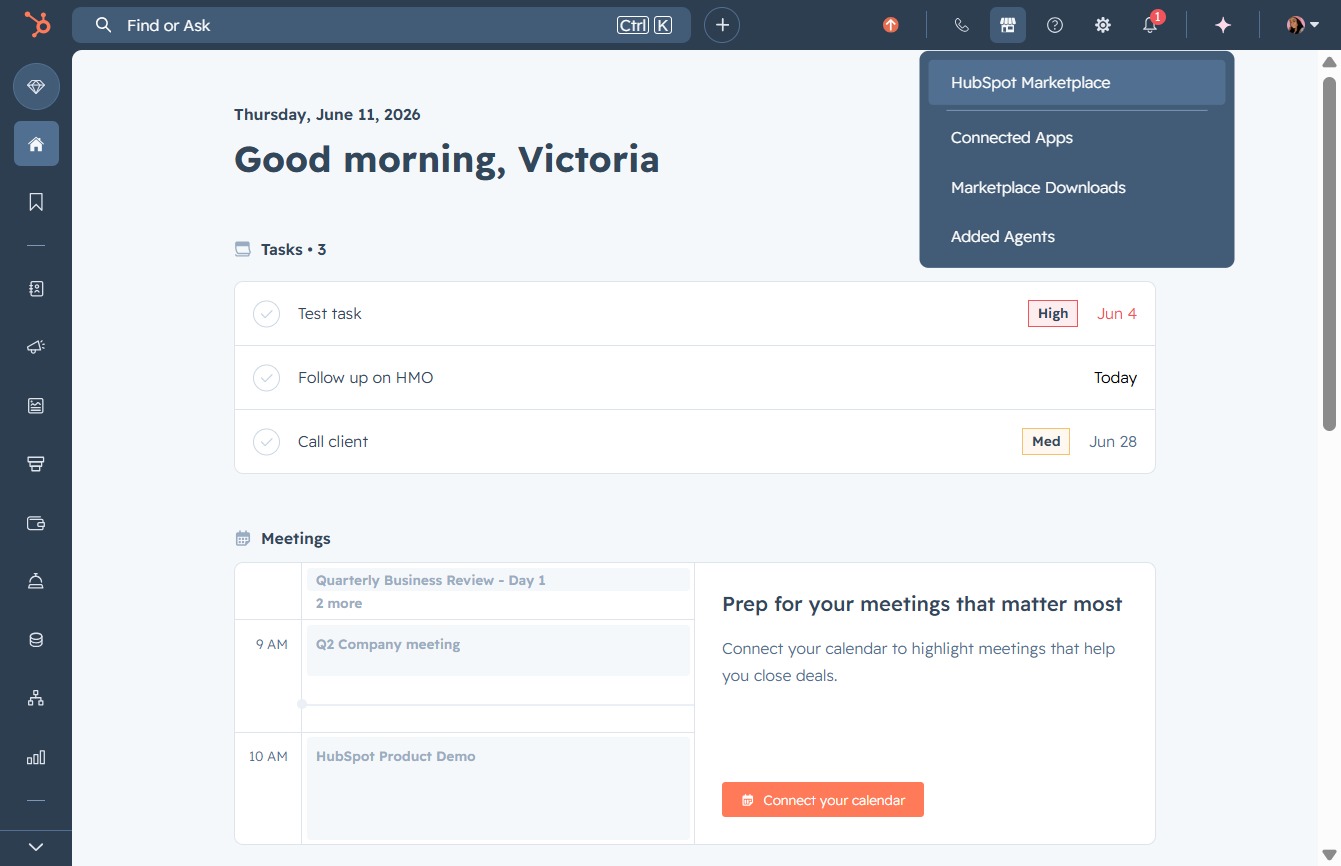
Clicking this link will direct you to additional resources or content relevant to the Marketplace, helping you discover more features and options.
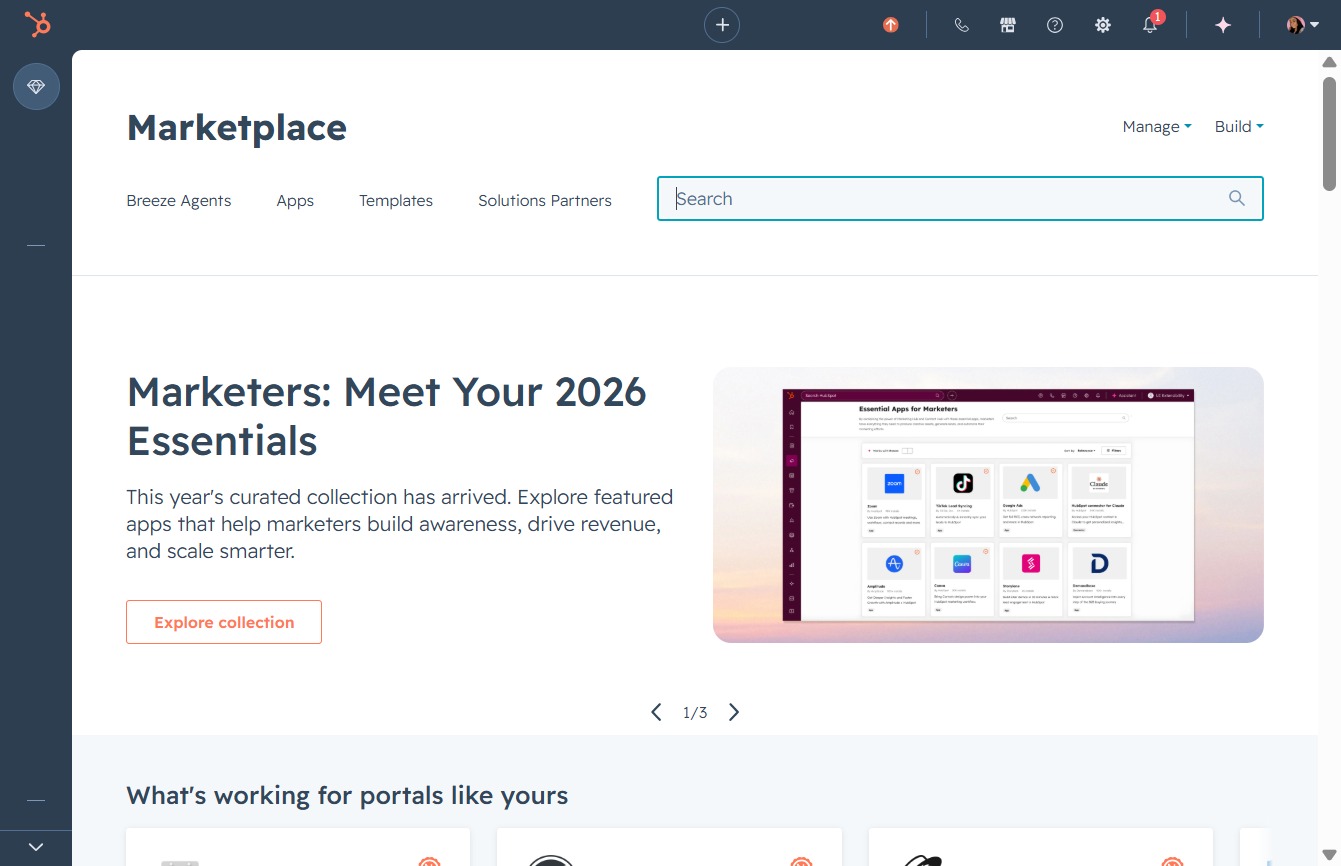
Enter 'slack' in the Search input to filter and display relevant applications in the Marketplace. This will help you quickly locate the Slack app and its related integrations.
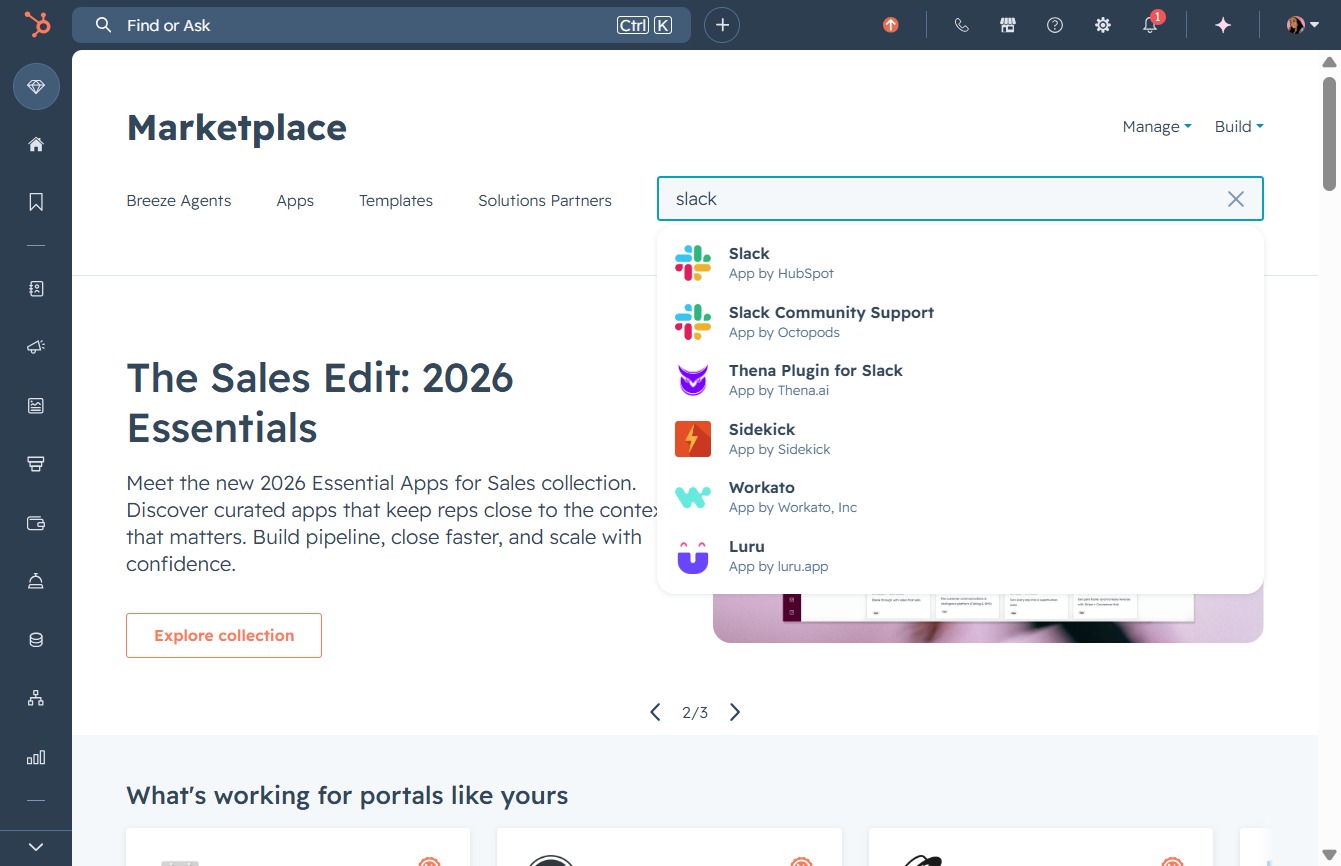
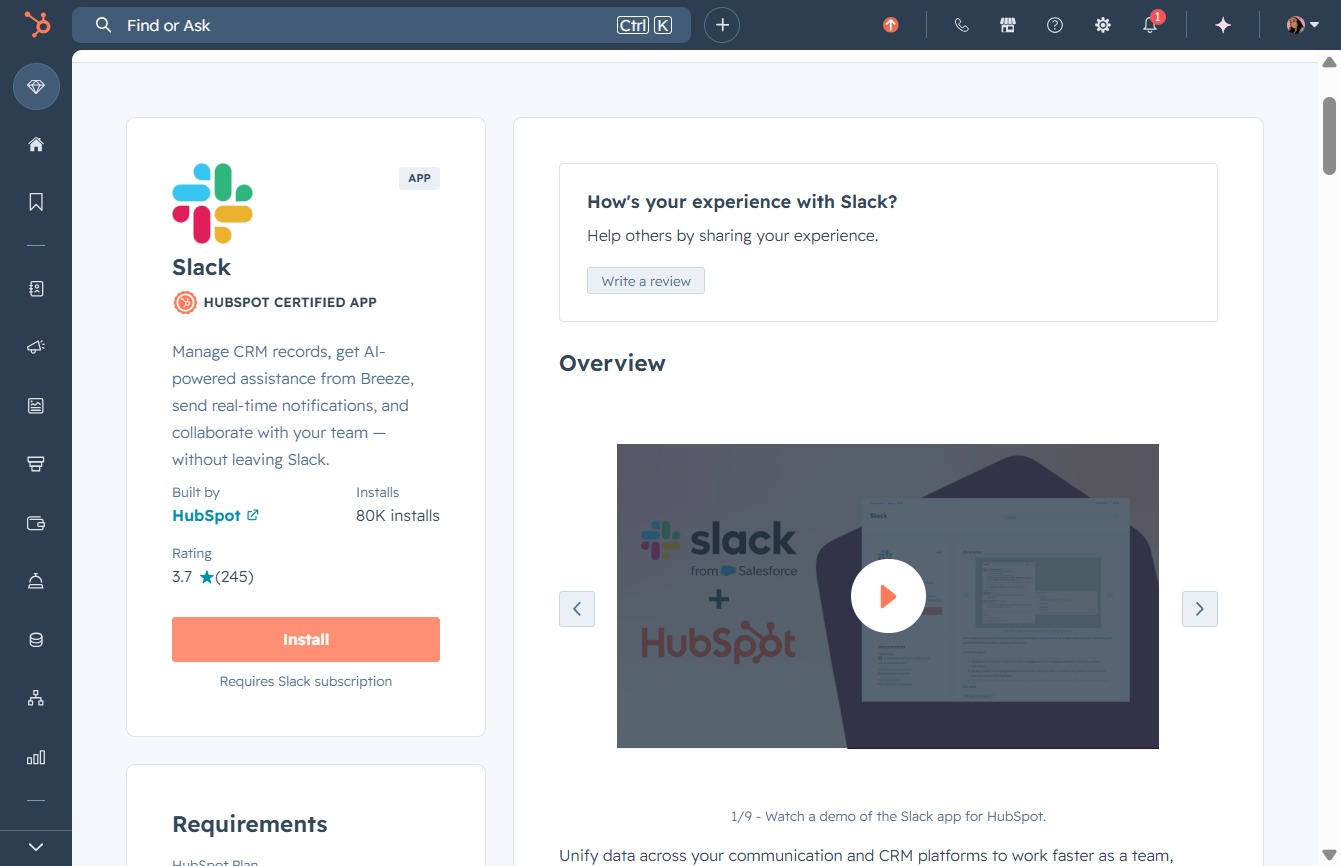
Clicking this link will direct you to the HubSpot app, where you can access tools and features for managing your marketing and sales activities.

Clicking the Install button will initiate the installation process for the Slack app, integrating it with your HubSpot account.
Selecting the 'Docufast Ai' workspace will allow you to grant the necessary permissions for the HubSpot app to access this specific Slack workspace.

This action selects the 'Acme Ltd' workspace, allowing you to configure app access permissions for HubSpot within that specific workspace.

By clicking 'Allow', you grant the HubSpot app permission to access your Slack account and the information specified in the permissions review.
