Geteilte Anleitung

How to connect Pipedrive to Google Meet

This how-to guide provides step-by-step instructions on connecting Pipedrive with Google Meet, ensuring seamless integration for streamlined scheduling and communication.

victoriaworkflowsvictoriaworkflows
·13 Schritte·56 Aufrufe·Veröffentlicht

This how-to guide provides step-by-step instructions on connecting Pipedrive with Google Meet, ensuring seamless integration for streamlined scheduling and communication. Follow the outlined steps to authorize and install the connection, enabling enhanced workflow efficiency in your sales process.

Step-by-step Guide13 Schritte
  1. Click on "Click here."

    Click on "Click here."
    Loading screenshot…
    100%
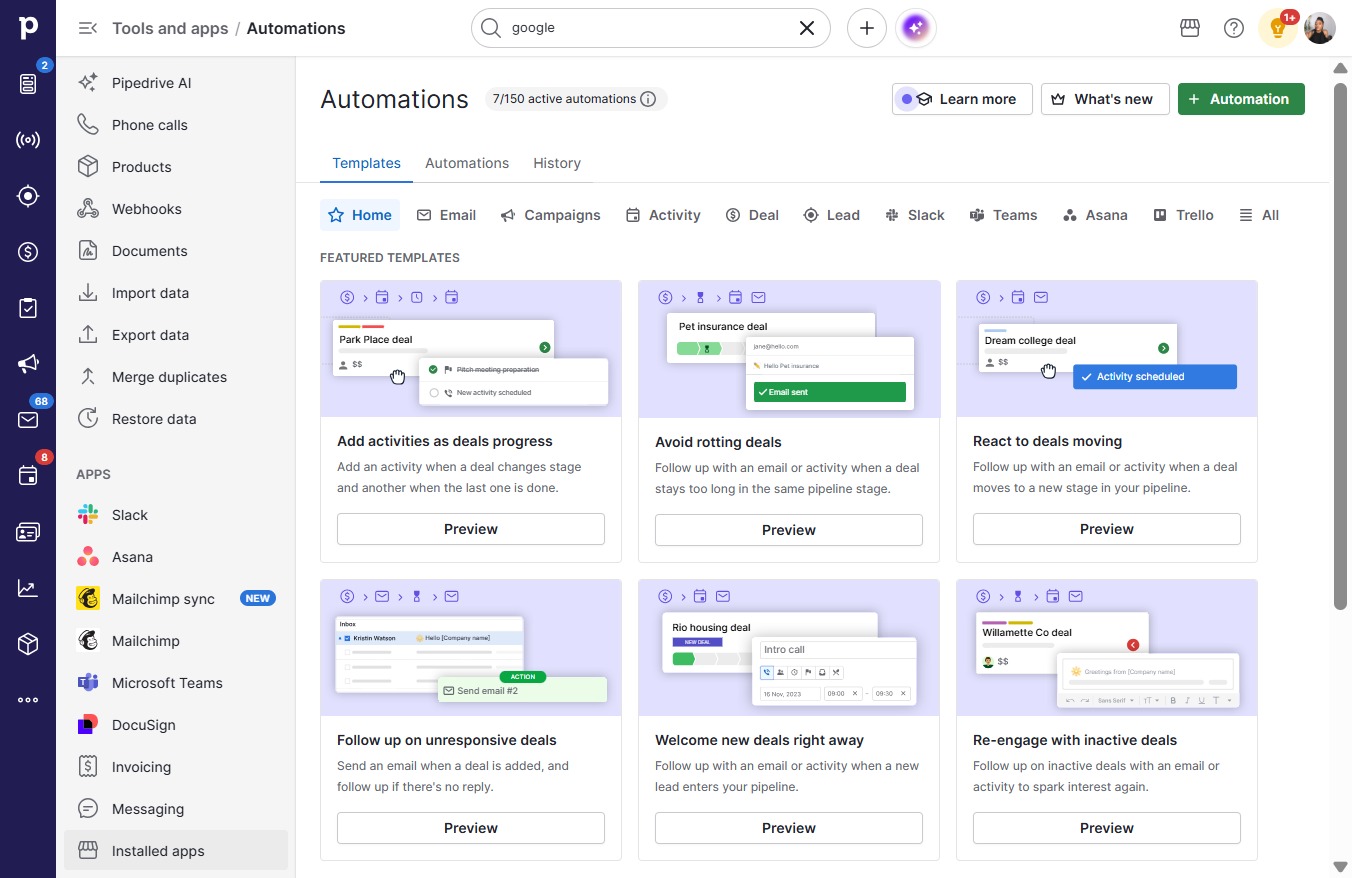
  2. Click Tools and apps

    Click Tools and apps
    Loading screenshot…
    100%
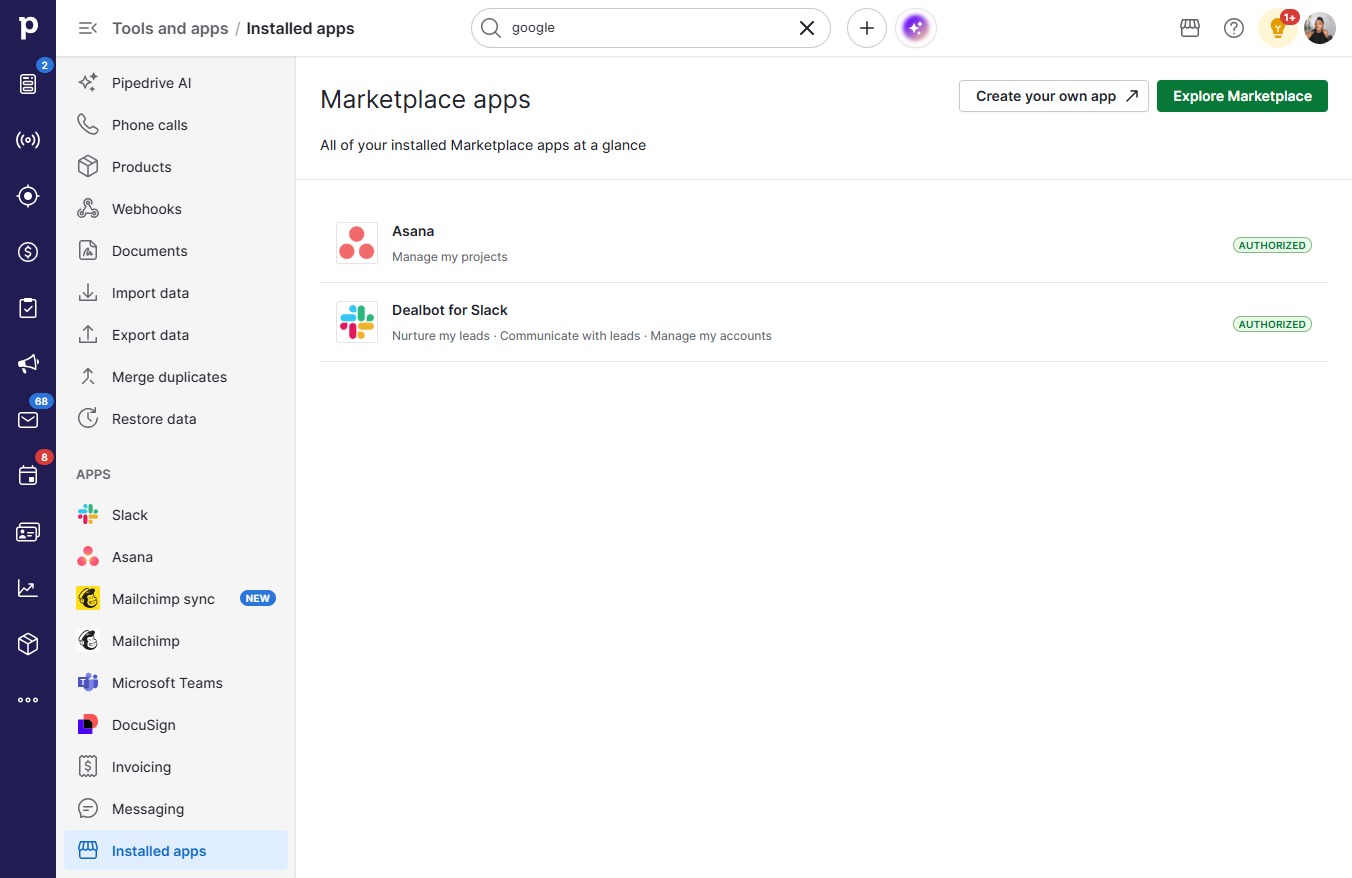
  3. Click Installed apps

    Click Installed apps
    Loading screenshot…
    100%
  4. Click Explore Marketplace

    Click Explore Marketplace
    Loading screenshot…
    100%
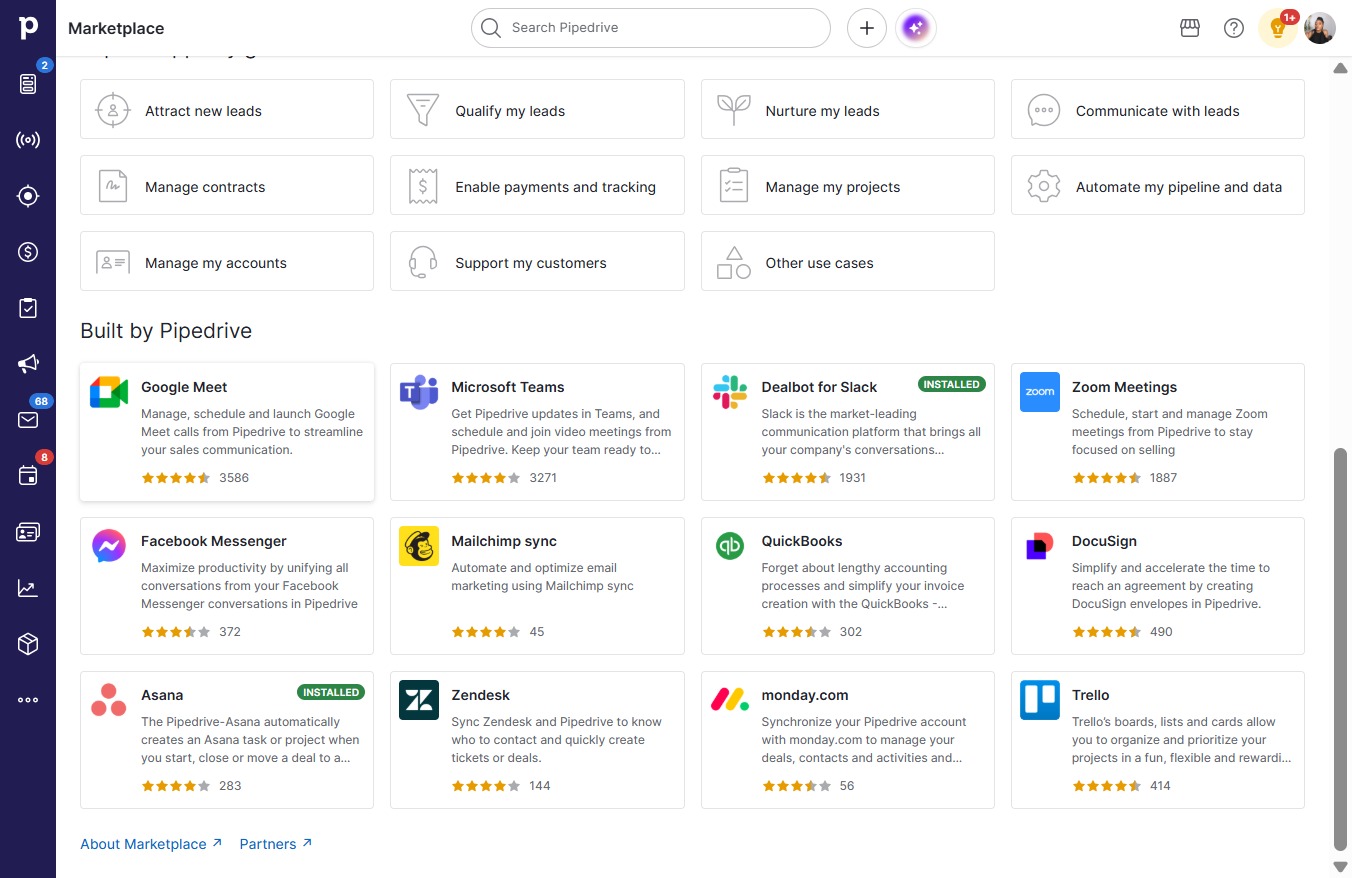
  5. Click Google Meet

    Click Google Meet
    Loading screenshot…
    100%
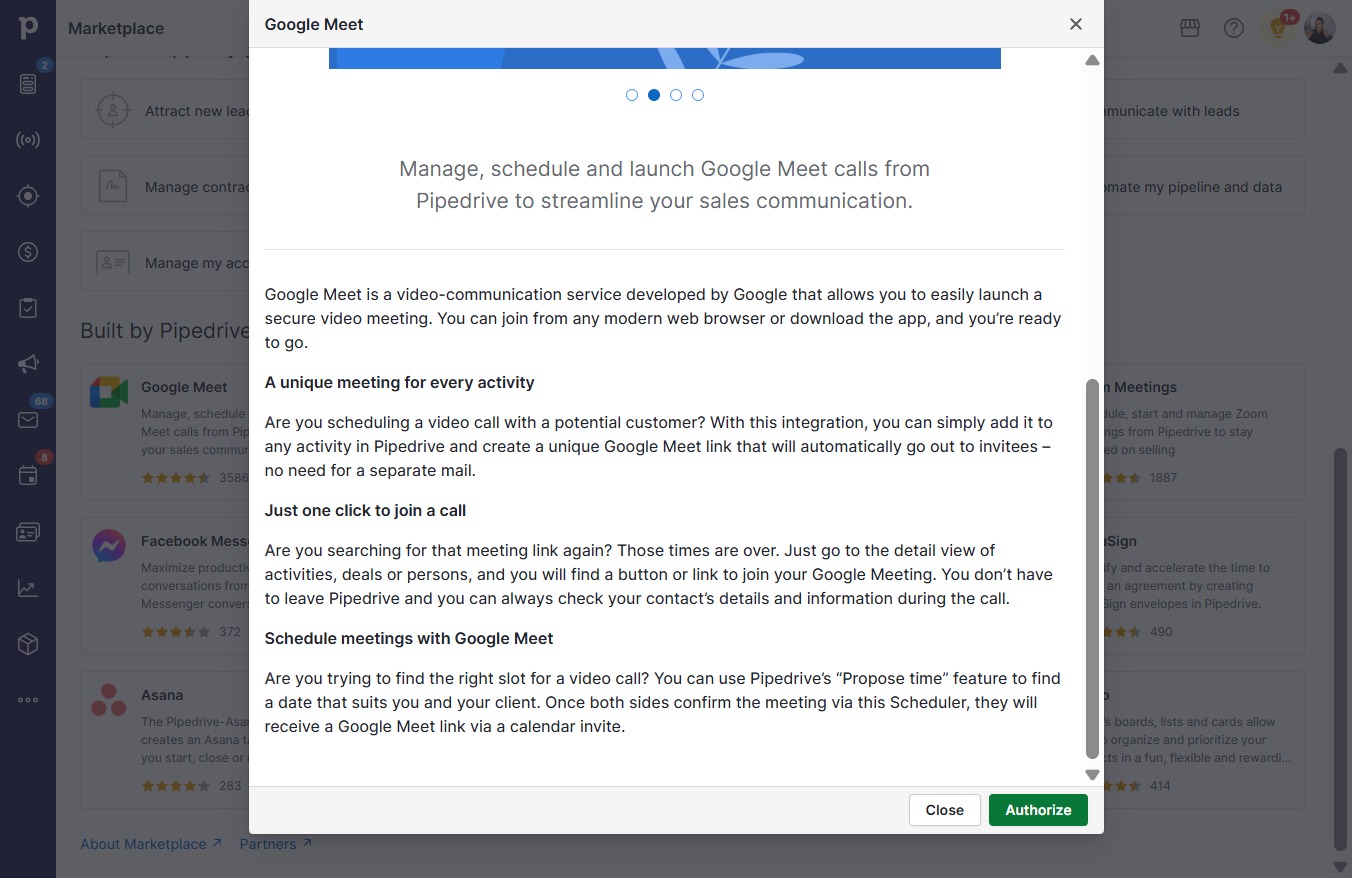
  6. Click Authorize

    Click Authorize
    Loading screenshot…
    100%
  7. Click Next

    Click Next
    Loading screenshot…
    100%
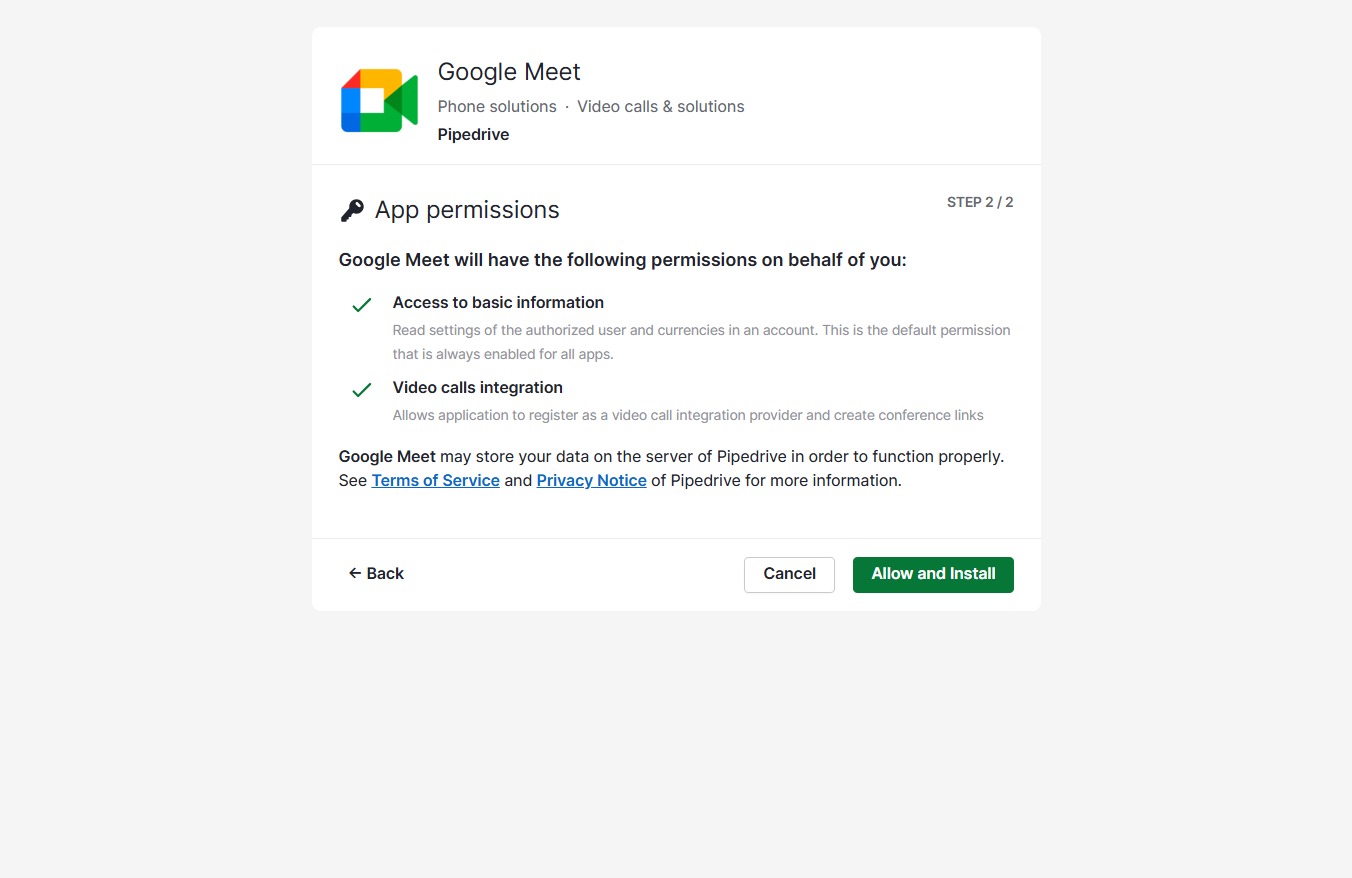
  8. Click Allow and Install

    Click Allow and Install
    Loading screenshot…
    100%
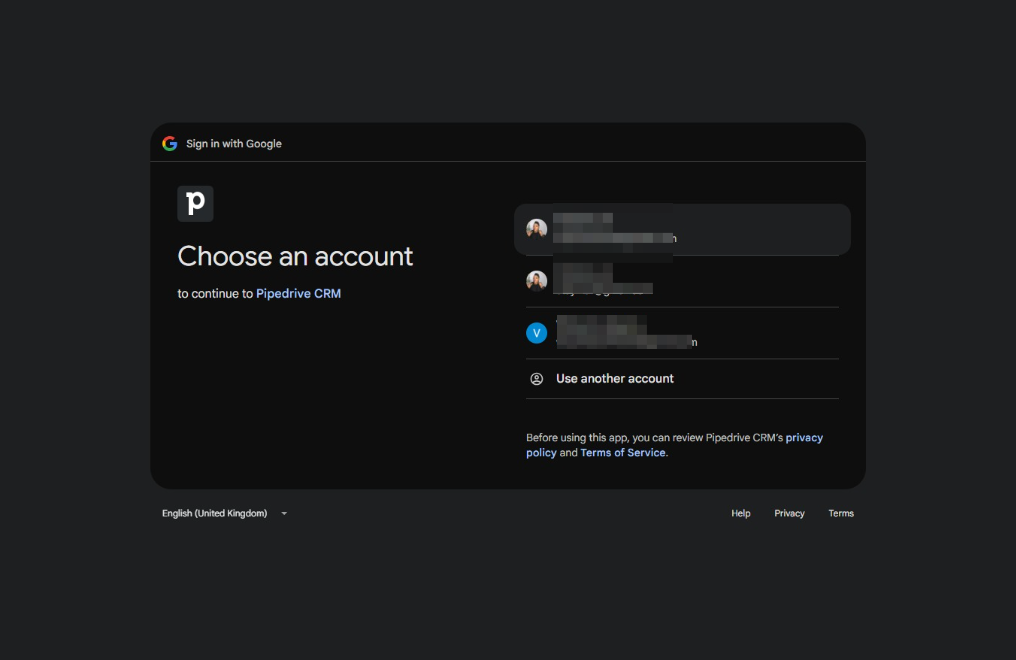
  9. Click hopmvictoria@gmail.com

    Click hopmvictoria@gmail.com
    Loading screenshot…
    100%
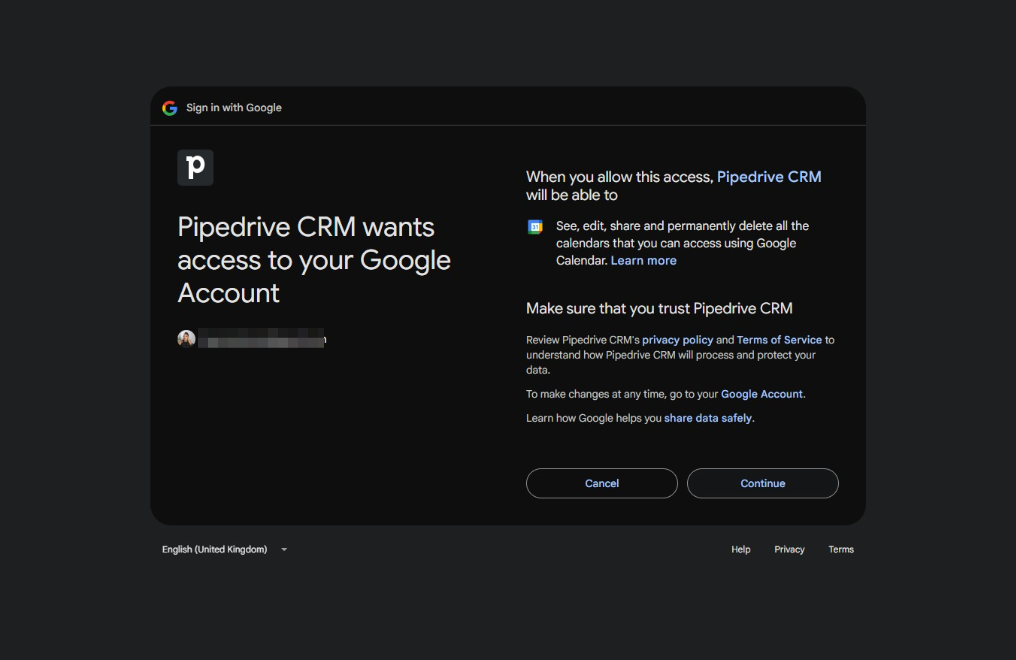
  10. Click Continue

    Click Continue
    Loading screenshot…
    100%
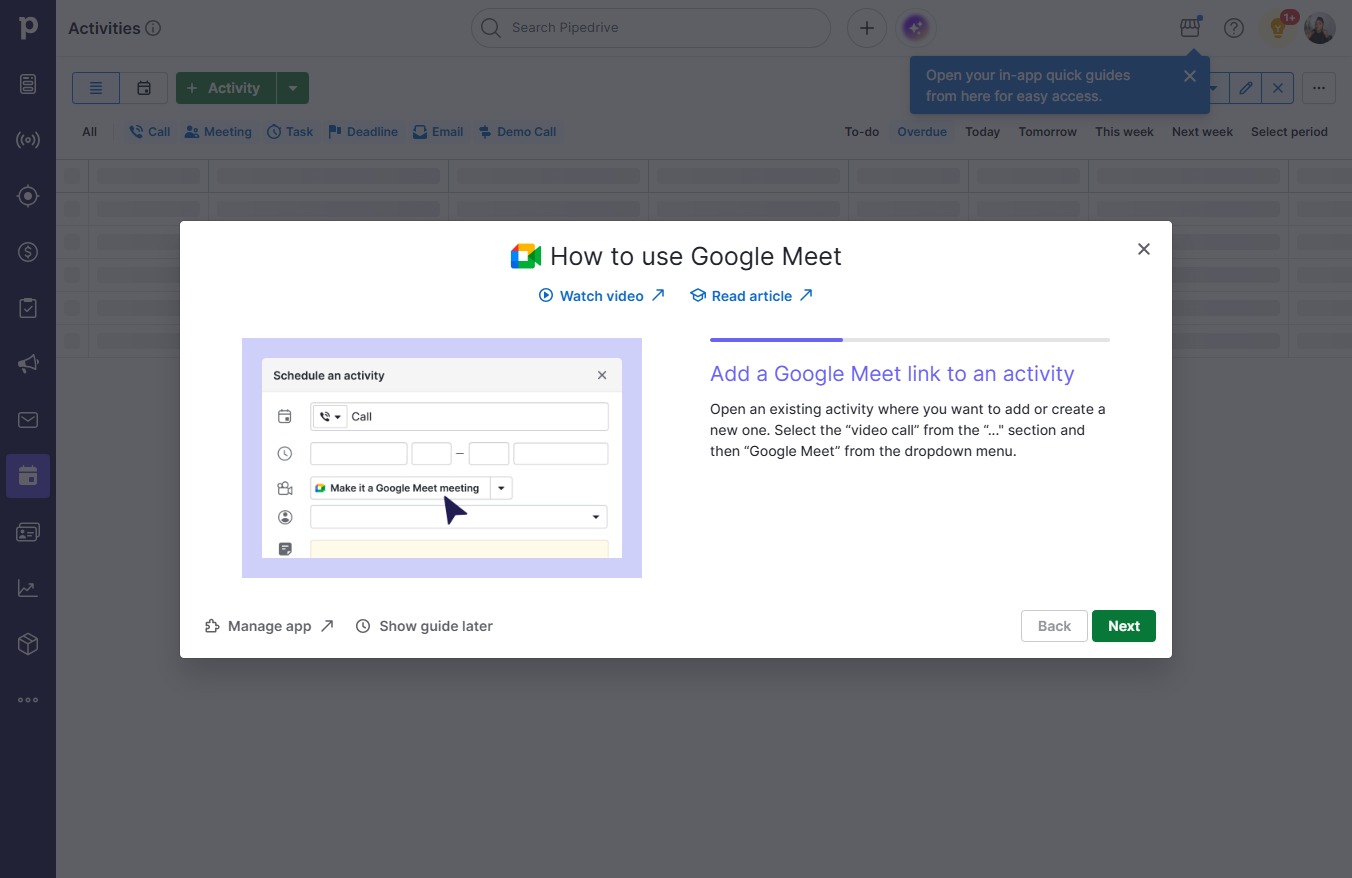
  11. Click Next

    Click Next
    Loading screenshot…
    100%
  12. Click Next

    Click Next
    Loading screenshot…
    100%
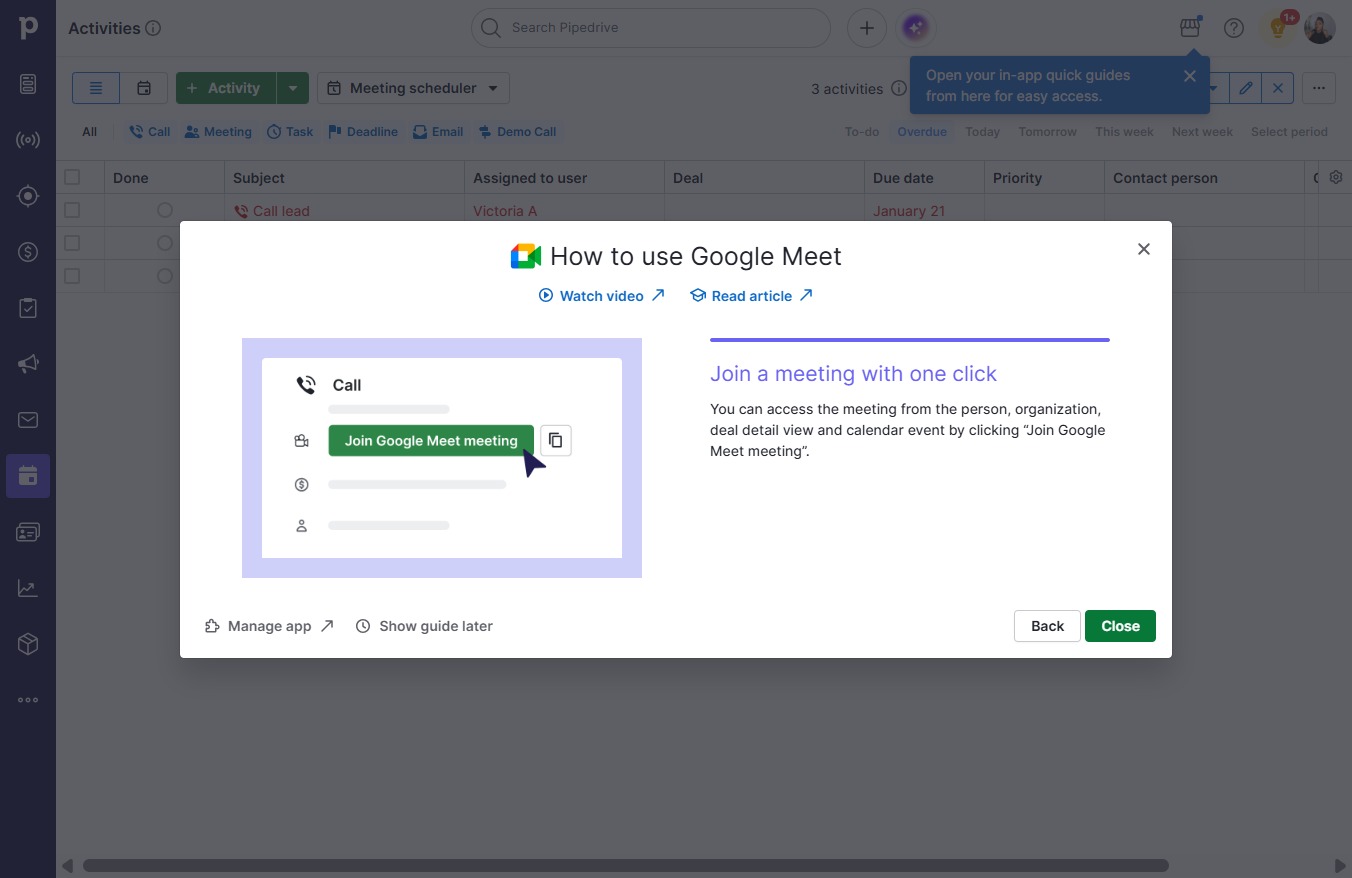
  13. Click Close

    Click Close
    Loading screenshot…
    100%