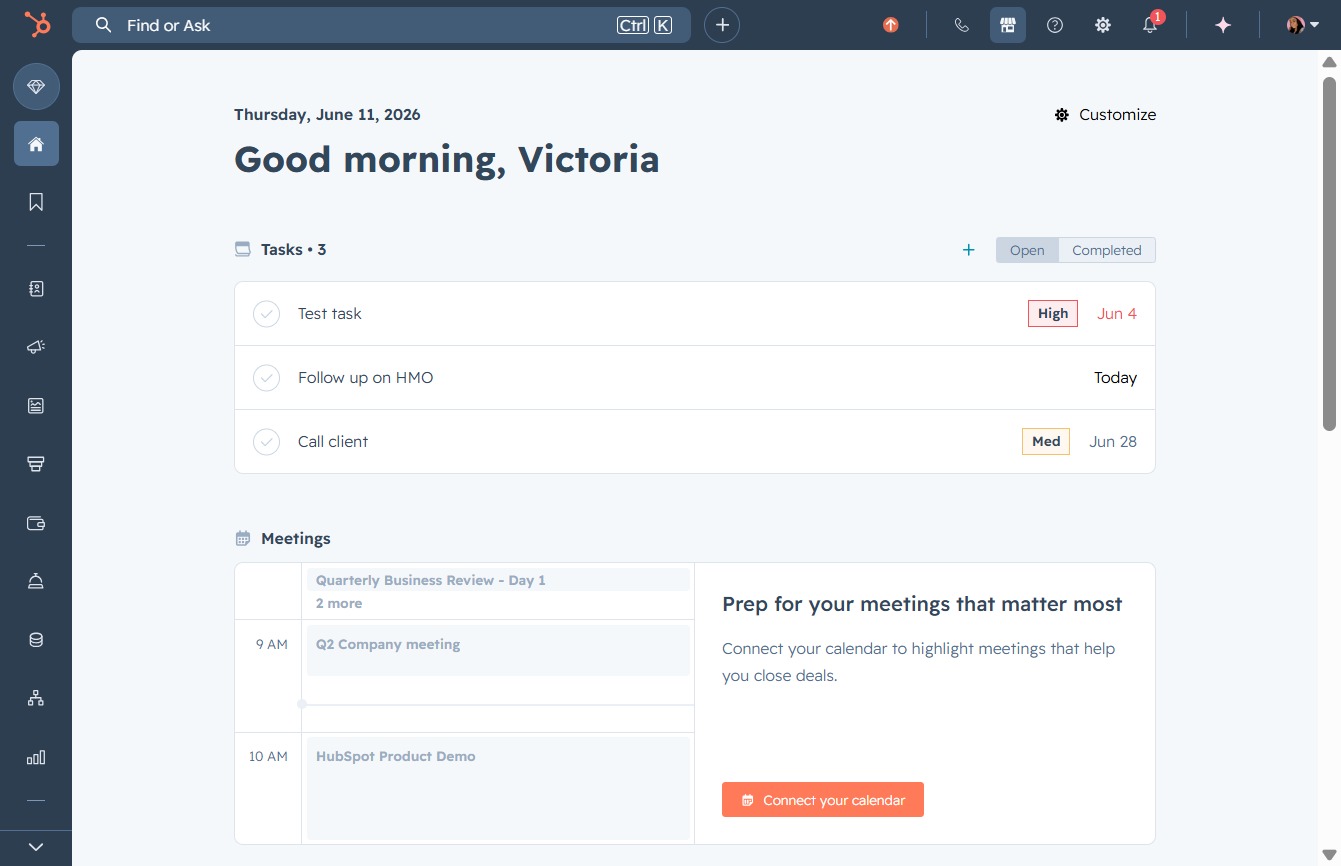
Click here to connect your calendar
This will initiate the process to link your calendar, allowing you to highlight important meetings and streamline your scheduling.
Loading screenshot…
100%
Integrate Google Meet with HubSpot to access meeting links, recordings, and transcriptions directly within your HubSpot account, streamlining your scheduling and enhancing…
 viktoria
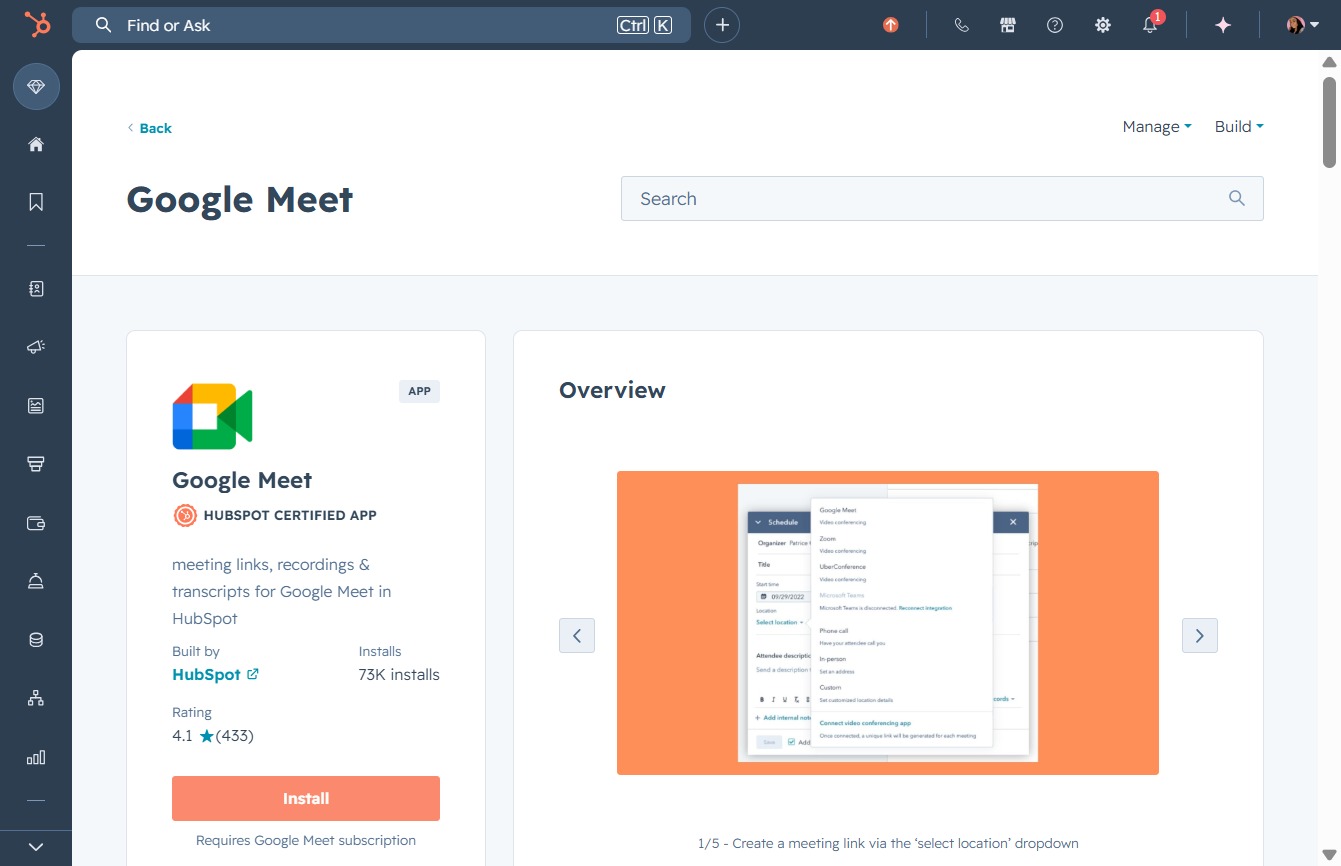
Integrate Google Meet with HubSpot to access meeting links, recordings, and transcriptions directly within your HubSpot account, streamlining your scheduling and enhancing meeting management.
This will initiate the process to link your calendar, allowing you to highlight important meetings and streamline your scheduling.
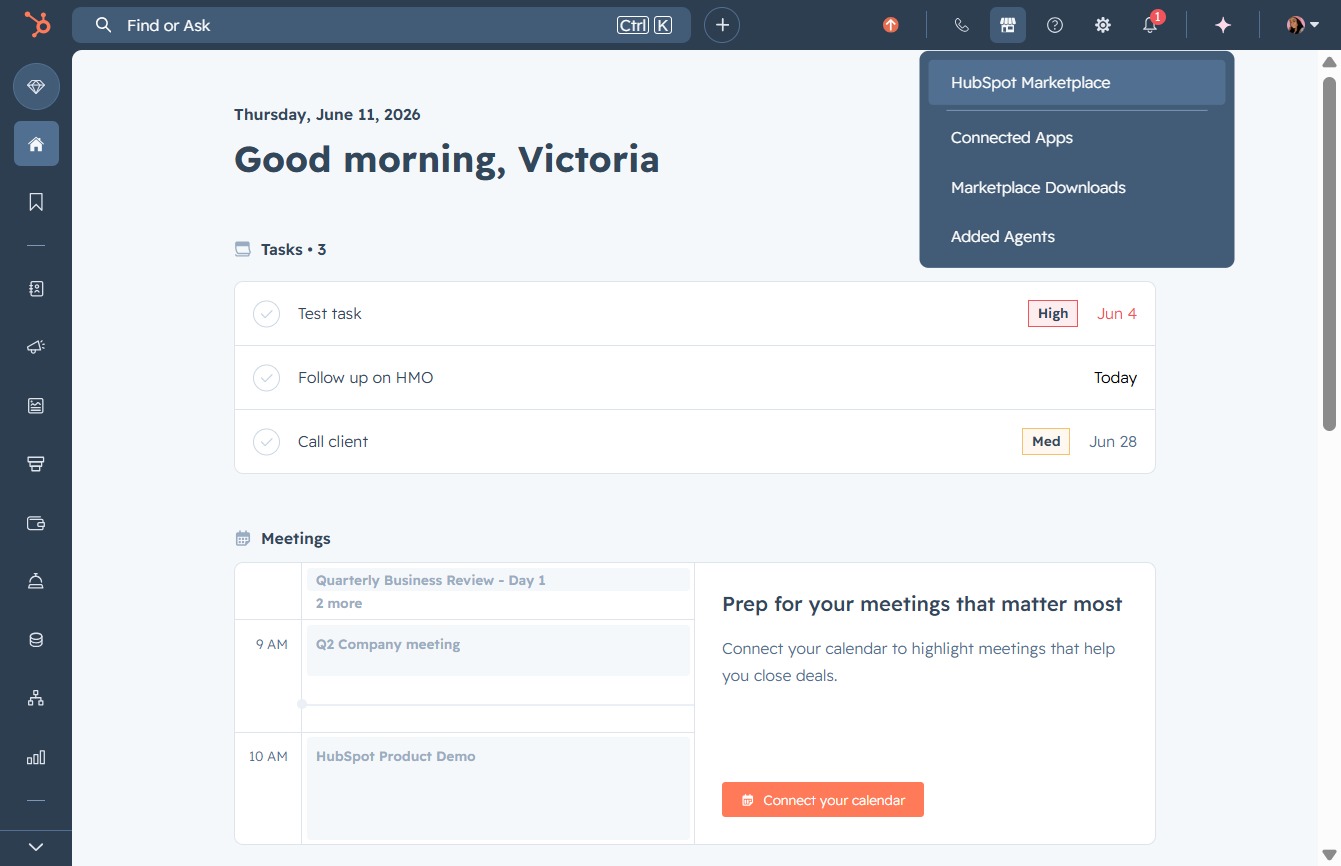
This action takes you to the HubSpot Marketplace where you can explore and install various integrations and add-ons tailored to enhance your HubSpot experience.
Clicking this button will direct you to a curated collection of featured apps designed to enhance your marketing efforts and streamline revenue generation.

Entering 'google meet' in the Search field helps you quickly find the Google Meet application among the listed options, streamlining your access to video meetings.
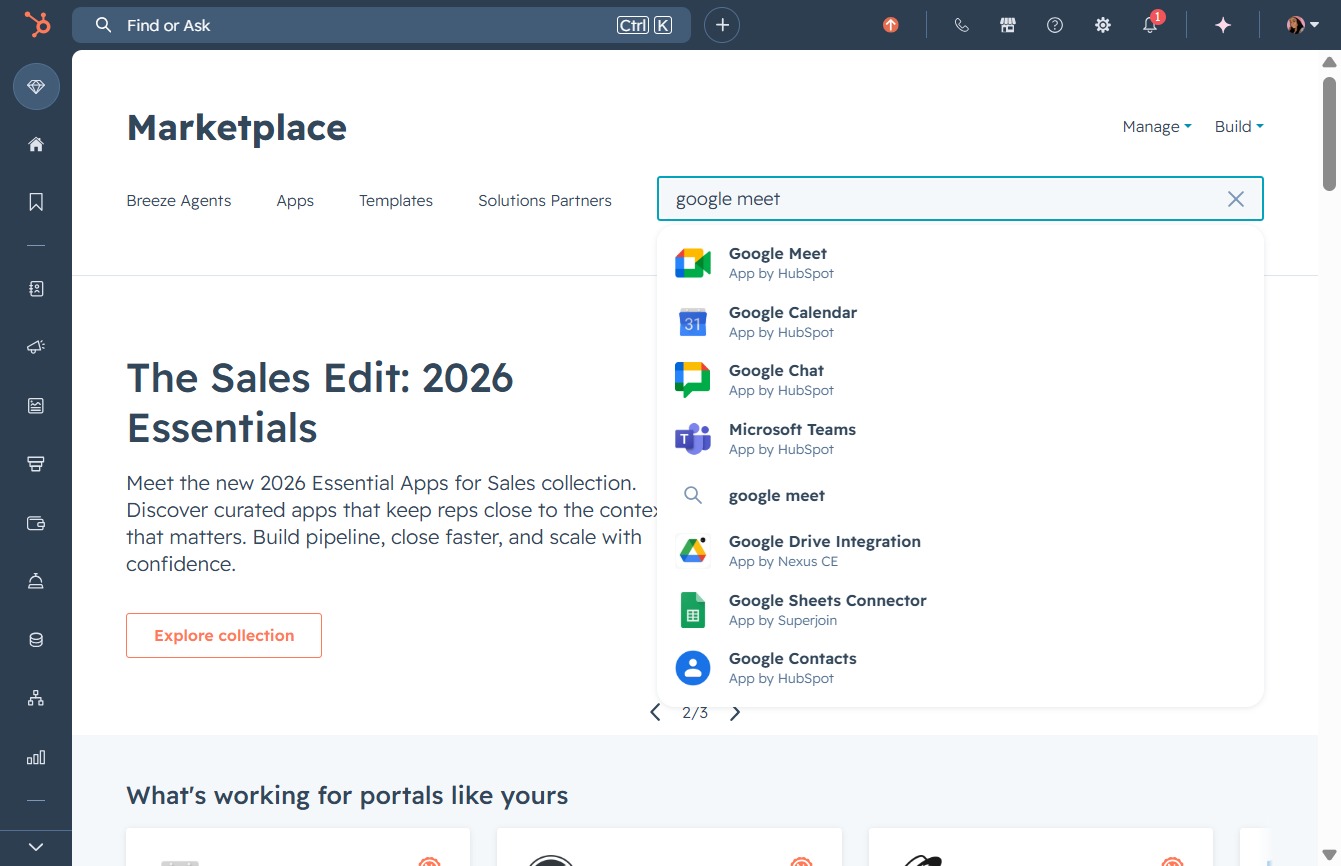
This will open the Google Meet interface, allowing you to start or join a video meeting.

By clicking the Install button, you will begin the installation process for the Google Meet app, allowing you to access meeting links, recordings, and transcriptions within HubSpot.
By clicking on your email address, you will initiate the sign-in process to access your HubSpot account and its features.
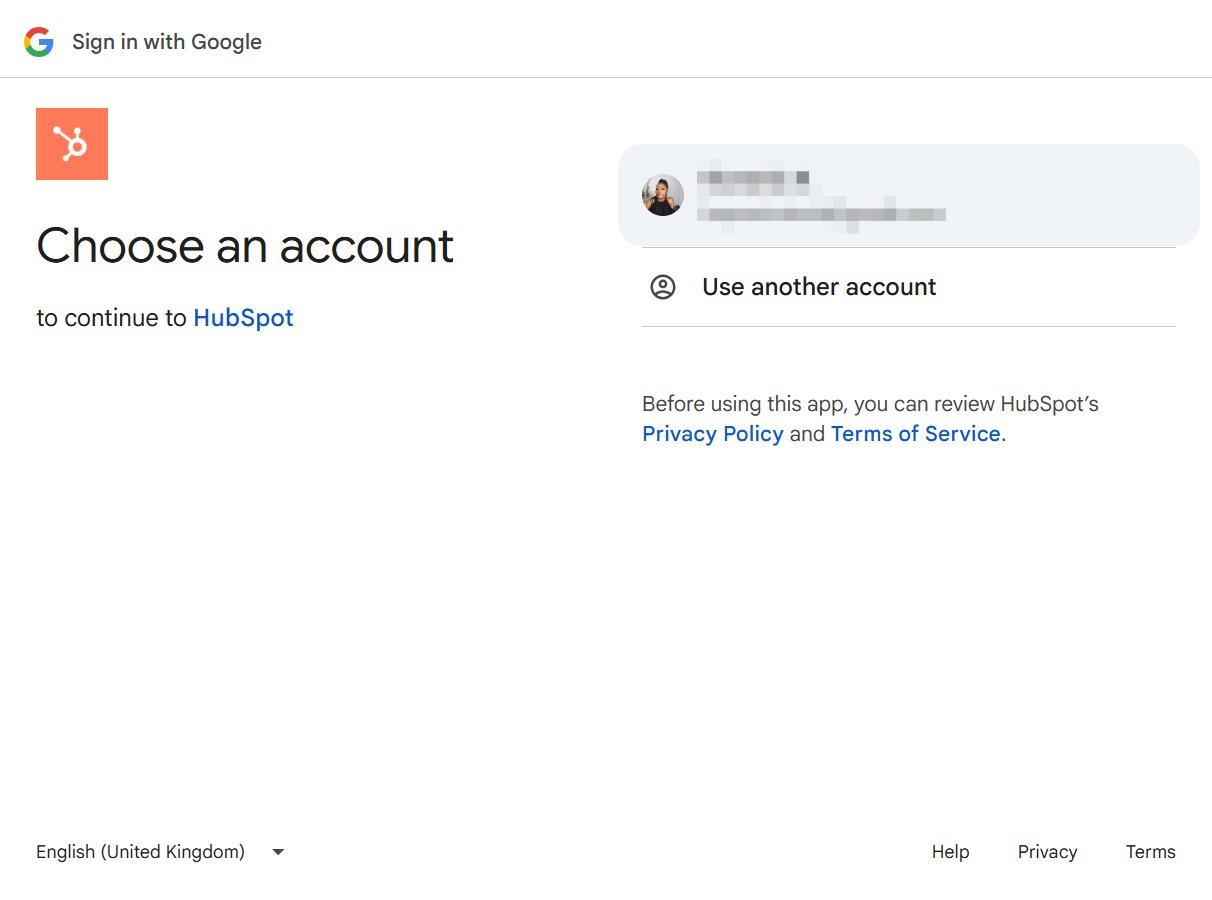
By clicking 'Continue', you'll proceed to sign in to HubSpot and complete the authentication process using your Google account.
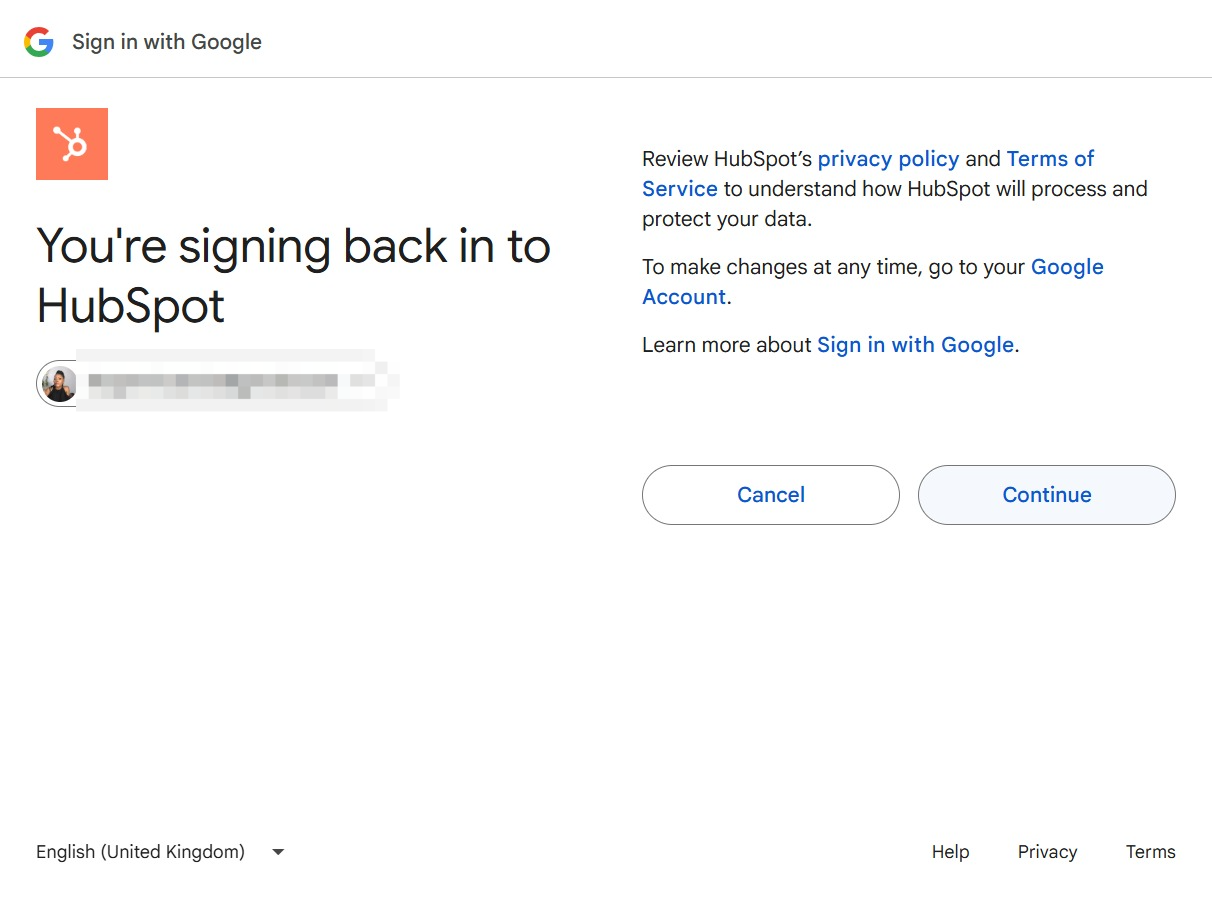
By clicking Continue, you will allow HubSpot to access your Google Account, enabling integration and functionality with its services. Make sure you have reviewed HubSpot's privacy policy and terms of service before proceeding.
