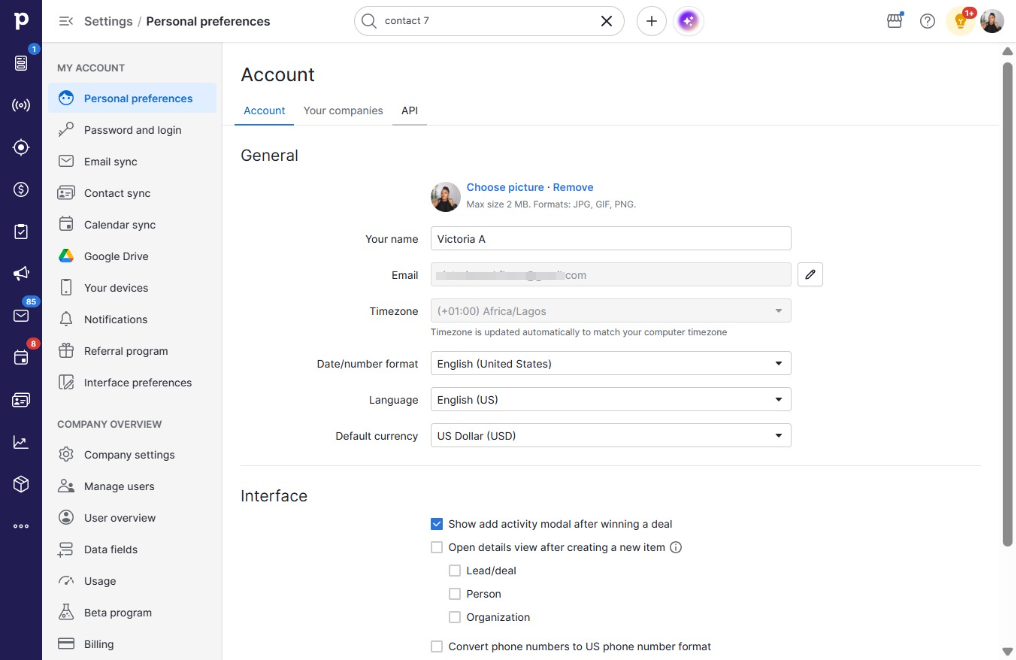
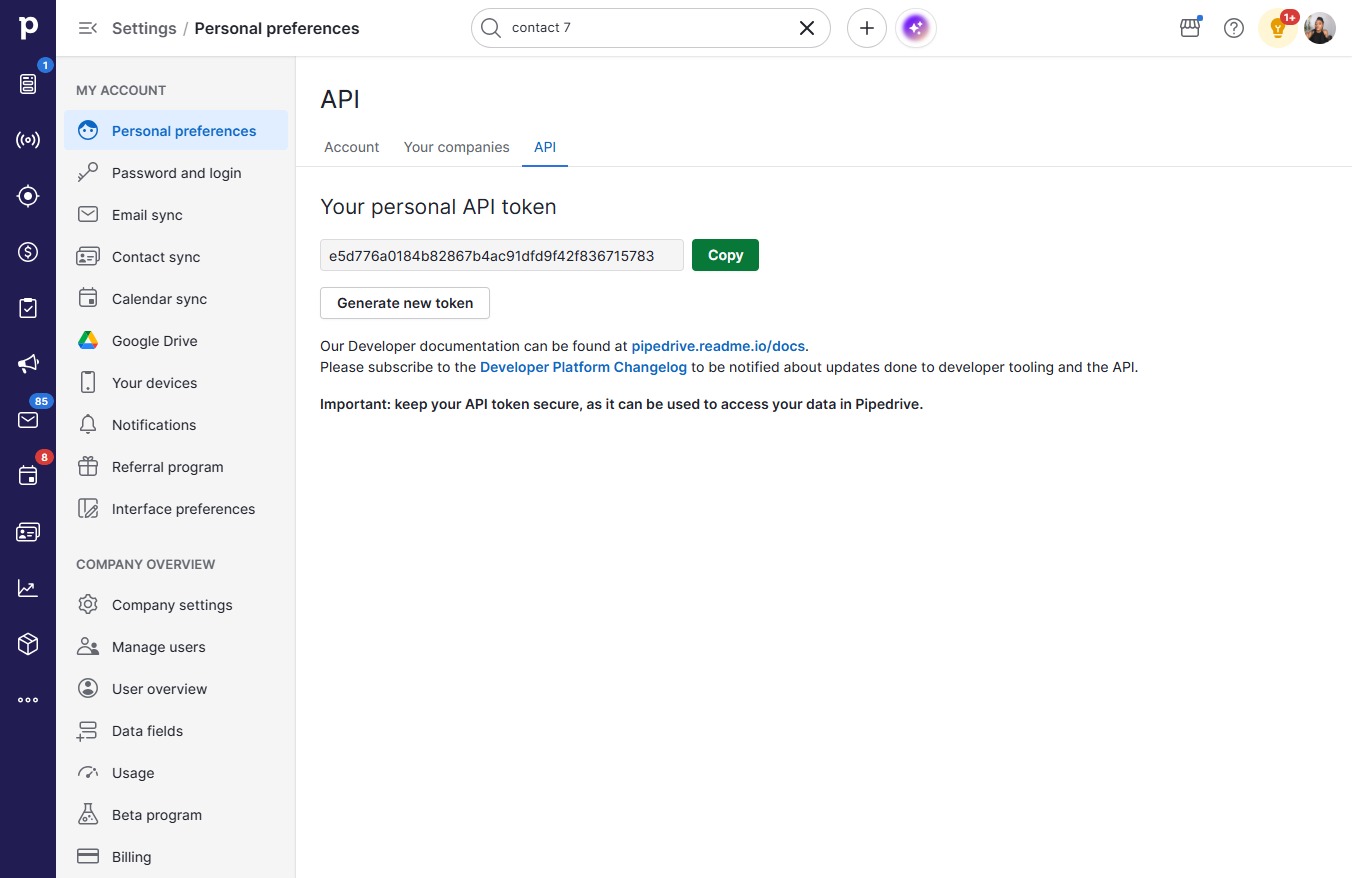
Click on "Click here."
Loading screenshot…
100%
In this how-to guide, you'll learn the step-by-step process to seamlessly connect your CRM with your website, streamlining your data management and enhancing customer engagement.
 victoriaworkflows
In this how-to guide, you'll learn the step-by-step process to seamlessly connect your CRM with your website, streamlining your data management and enhancing customer engagement. Follow these easy instructions to access your API settings and copy the necessary credentials for integration.