Shared guide

How to connect accounting software (Xero, QuickBooks)

This how-to guide provides a step-by-step process for connecting your accounting software, either Xero or QuickBooks, to Pipedrive.

victoriaworkflowsvictoriaworkflows
·13 steps·46 views·Published

This how-to guide provides a step-by-step process for connecting your accounting software, either Xero or QuickBooks, to Pipedrive. Follow along as we navigate through the app catalog, authorize the integration, and finalize the setup to streamline your financial tracking.

Step-by-step Guide13 steps
  1. Click on "Click here."

    Click on "Click here."
    Loading screenshot…
    100%
  2. Type "quick" in Search Pipedrive

  3. Click QuickBooks

    Click QuickBooks
    Loading screenshot…
    100%
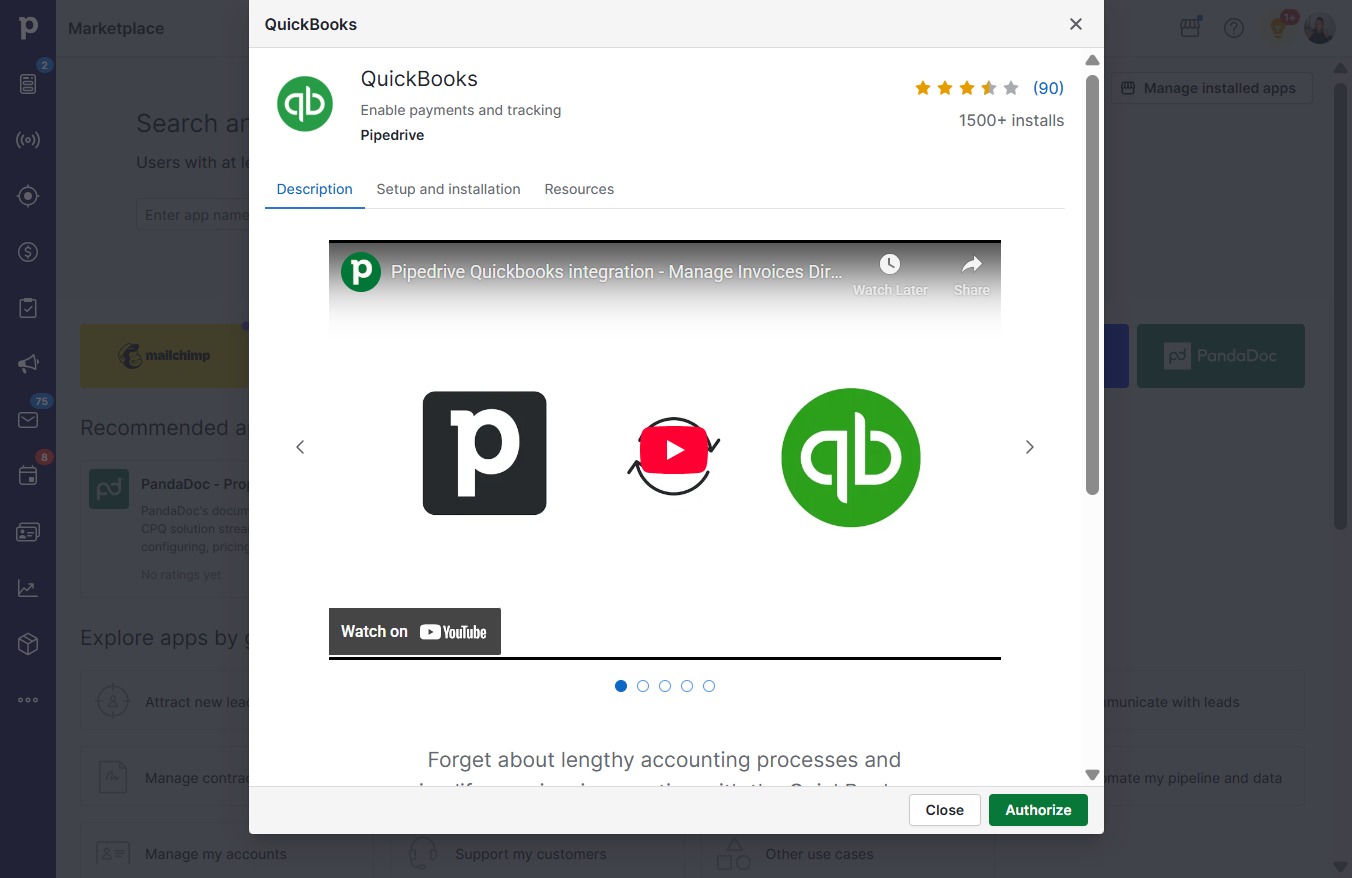
  4. Click Authorize

    Click Authorize
    Loading screenshot…
    100%
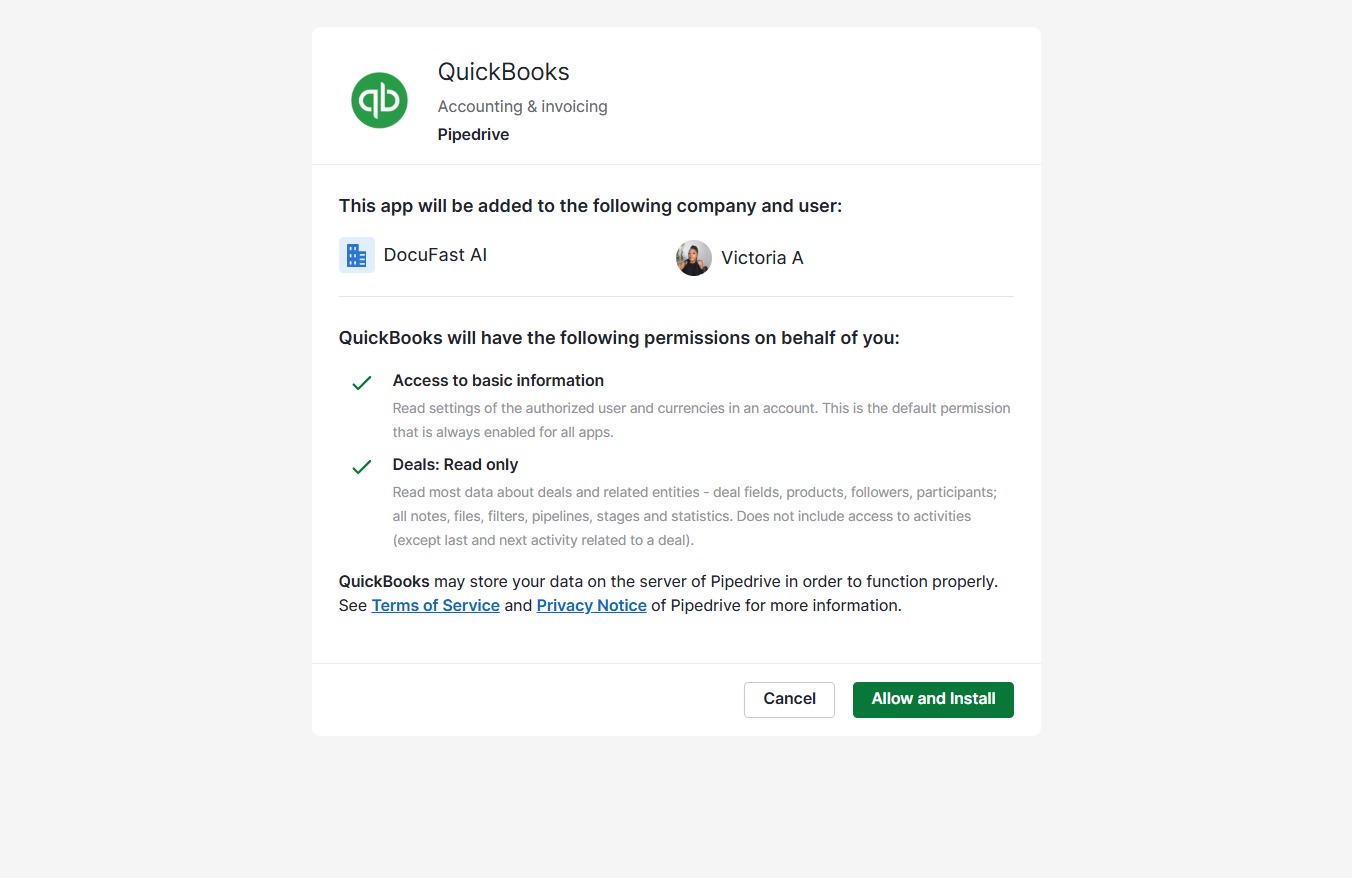
  5. Click Allow and Install

    Click Allow and Install
    Loading screenshot…
    100%
  6. Click Install

    Click Install
    Loading screenshot…
    100%
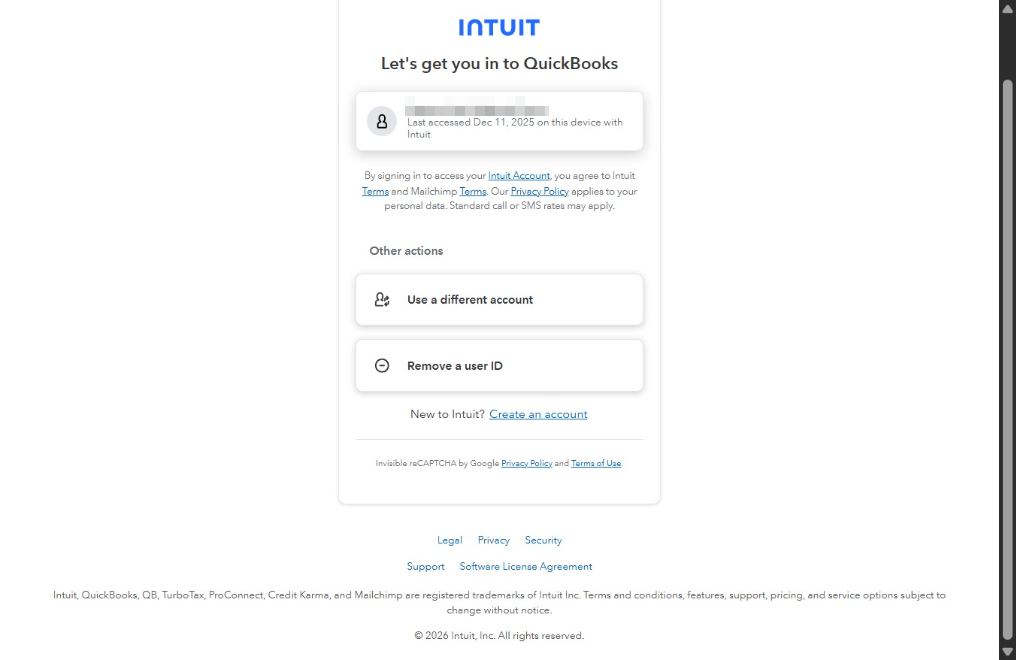
  7. Click @gmail.com ,

    Click @gmail.com ,
    Loading screenshot…
    100%
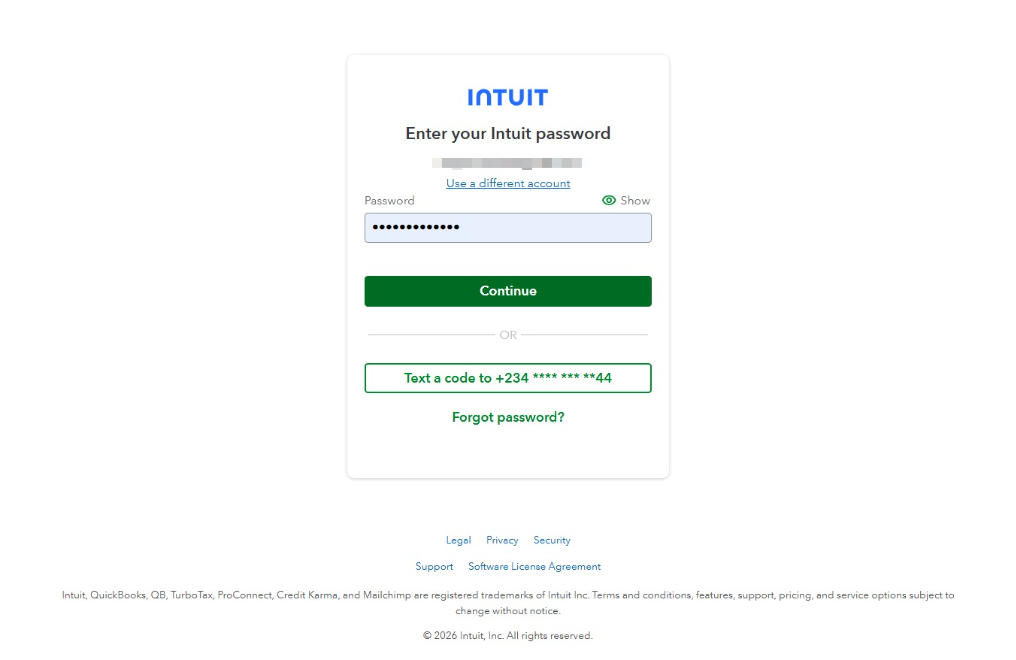
  8. Click Continue

    Click Continue
    Loading screenshot…
    100%
  9. Click on "Click here."

    Click on "Click here."
    Loading screenshot…
    100%
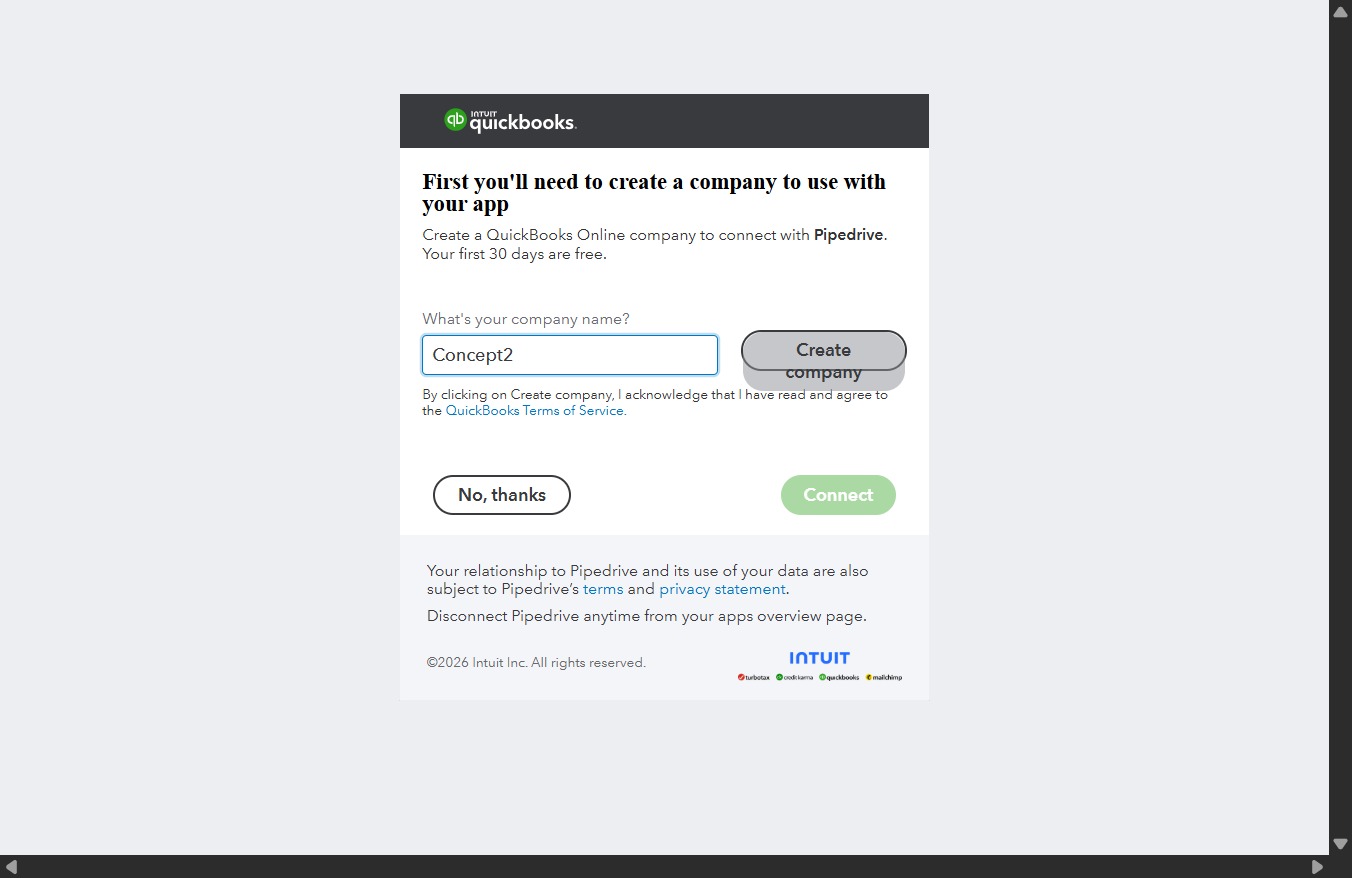
  10. Type "Concept2" in What's your company name?

  11. Click Create company

    Click Create company
    Loading screenshot…
    100%
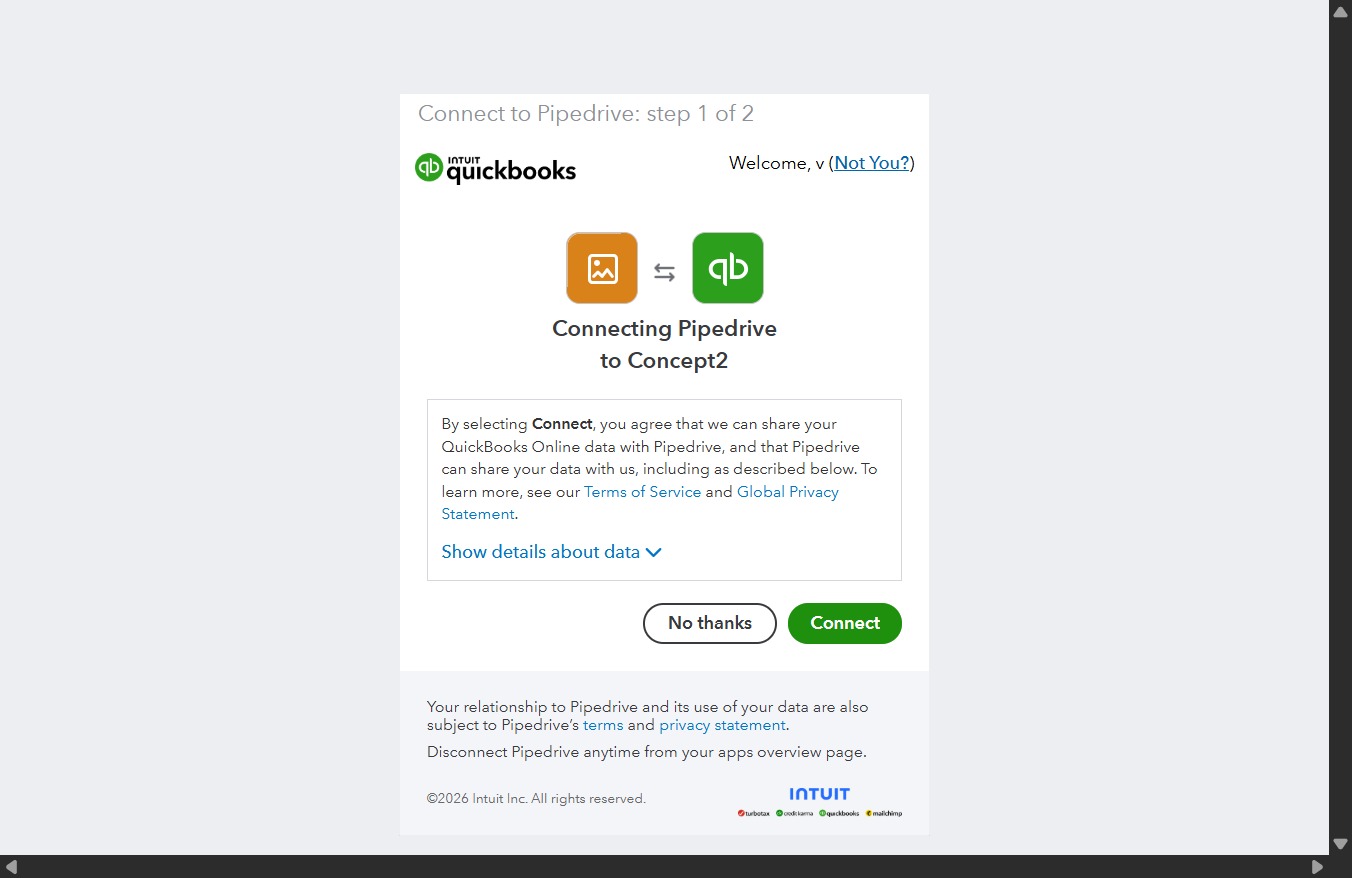
  12. Click Connect

    Click Connect
    Loading screenshot…
    100%
  13. Click Save

    Click Save
    Loading screenshot…
    100%