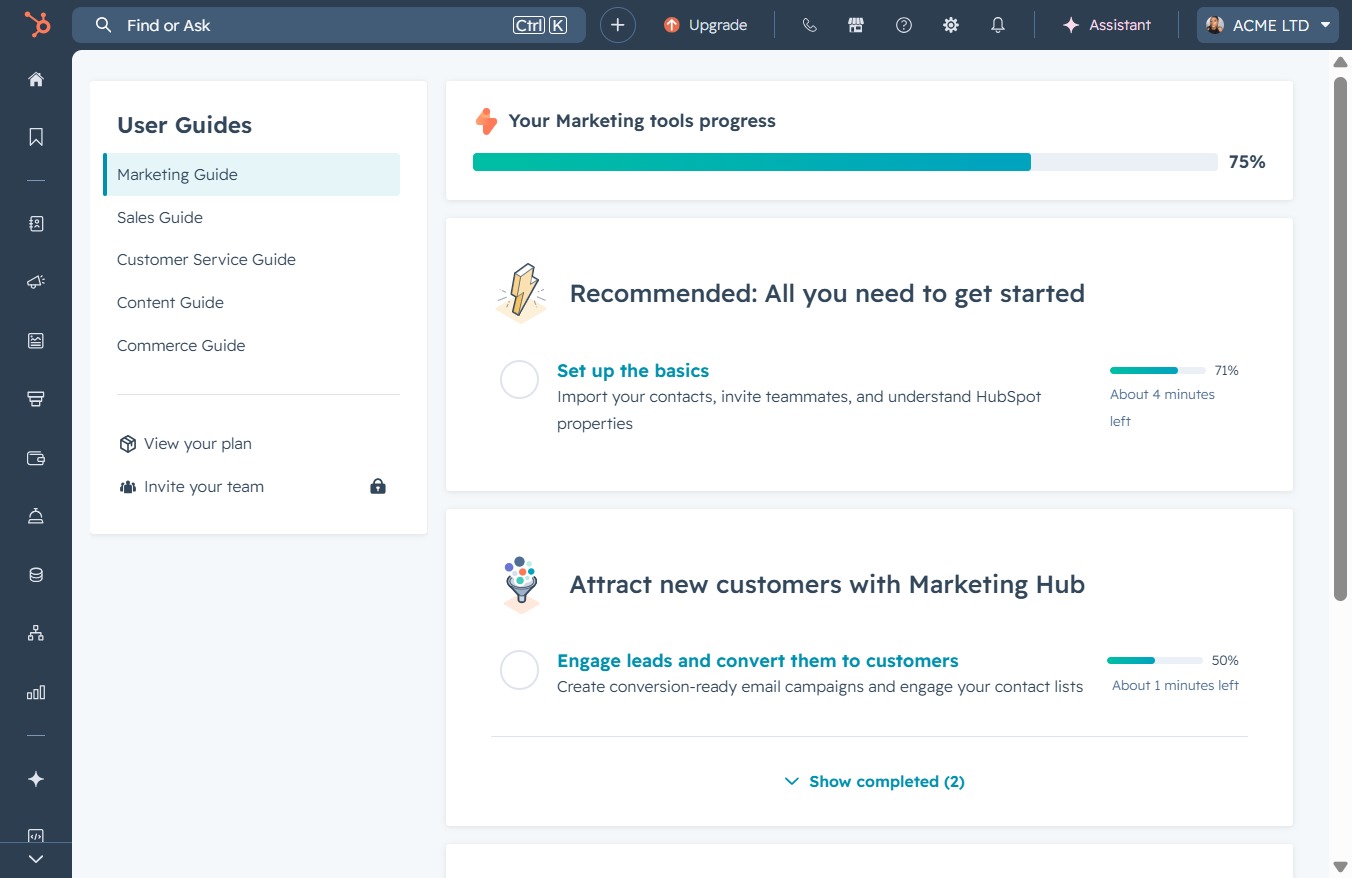
Click the ACME LTD link
This action will navigate you to the ACME LTD profile or settings page, where you can manage your account details and preferences.
Loading screenshot…
100%
Upload a new profile image in ACME LTD from your account settings to ensure your updated avatar appears across all your HubSpot accounts and customization options are accessible.
 viktoria
Upload a new profile image in ACME LTD from your account settings to ensure your updated avatar appears across all your HubSpot accounts and customization options are accessible.
This action will navigate you to the ACME LTD profile or settings page, where you can manage your account details and preferences.
Selecting 'Profile & Preferences' allows you to view and modify your account settings, including personal information and customization options.

Click this button to choose and upload a new profile image for your account. This image will be visible across all your HubSpot accounts.

This action allows you to select and upload a new profile image for your HubSpot account. Once the image is chosen, it will be displayed in the profile section.

This will open your file explorer, allowing you to select an image file to upload for your avatar photo in HubSpot.

By clicking the 'Save' button, your changes to the avatar photo will be saved and updated across HubSpot's tools where your image is displayed.
