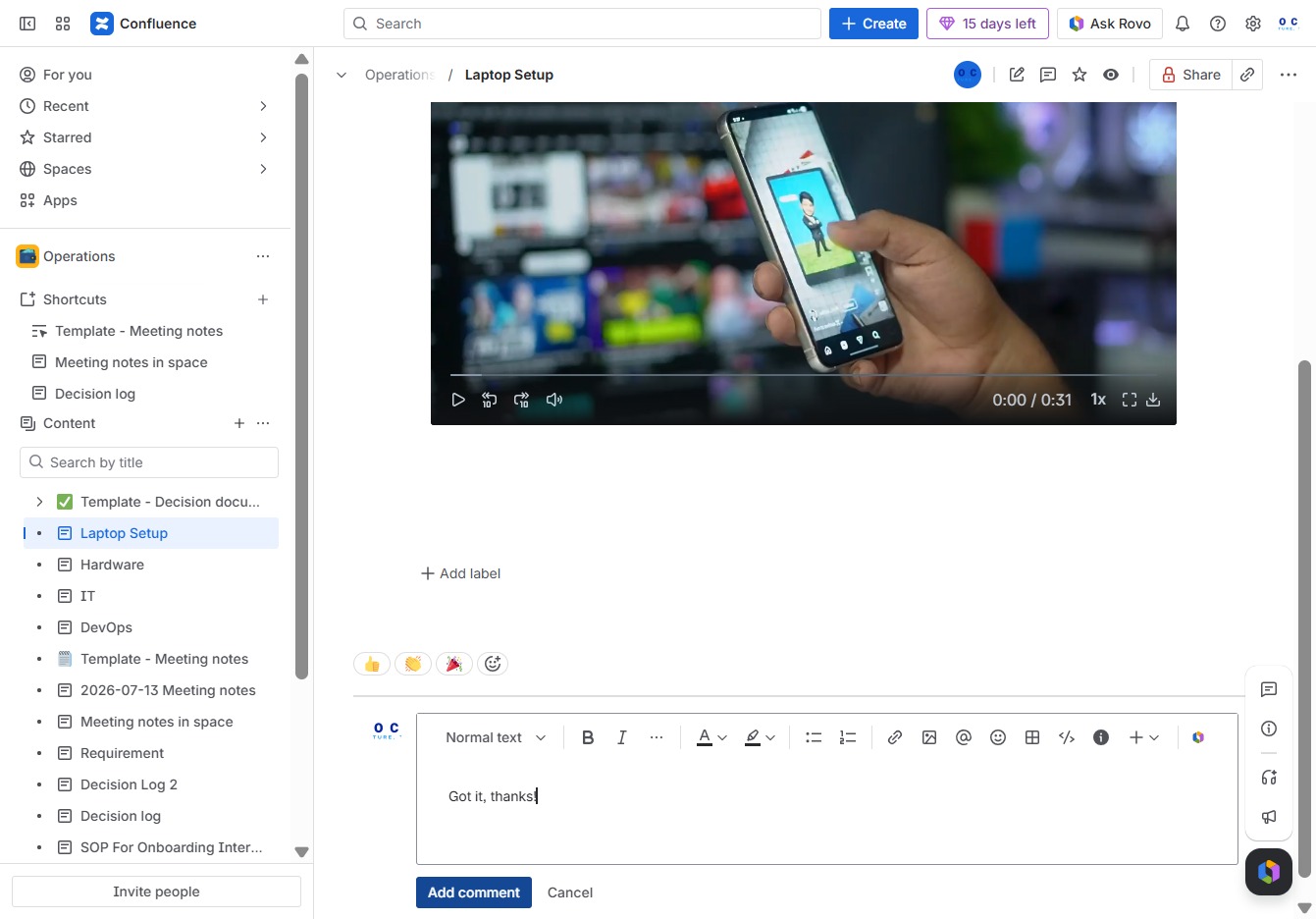
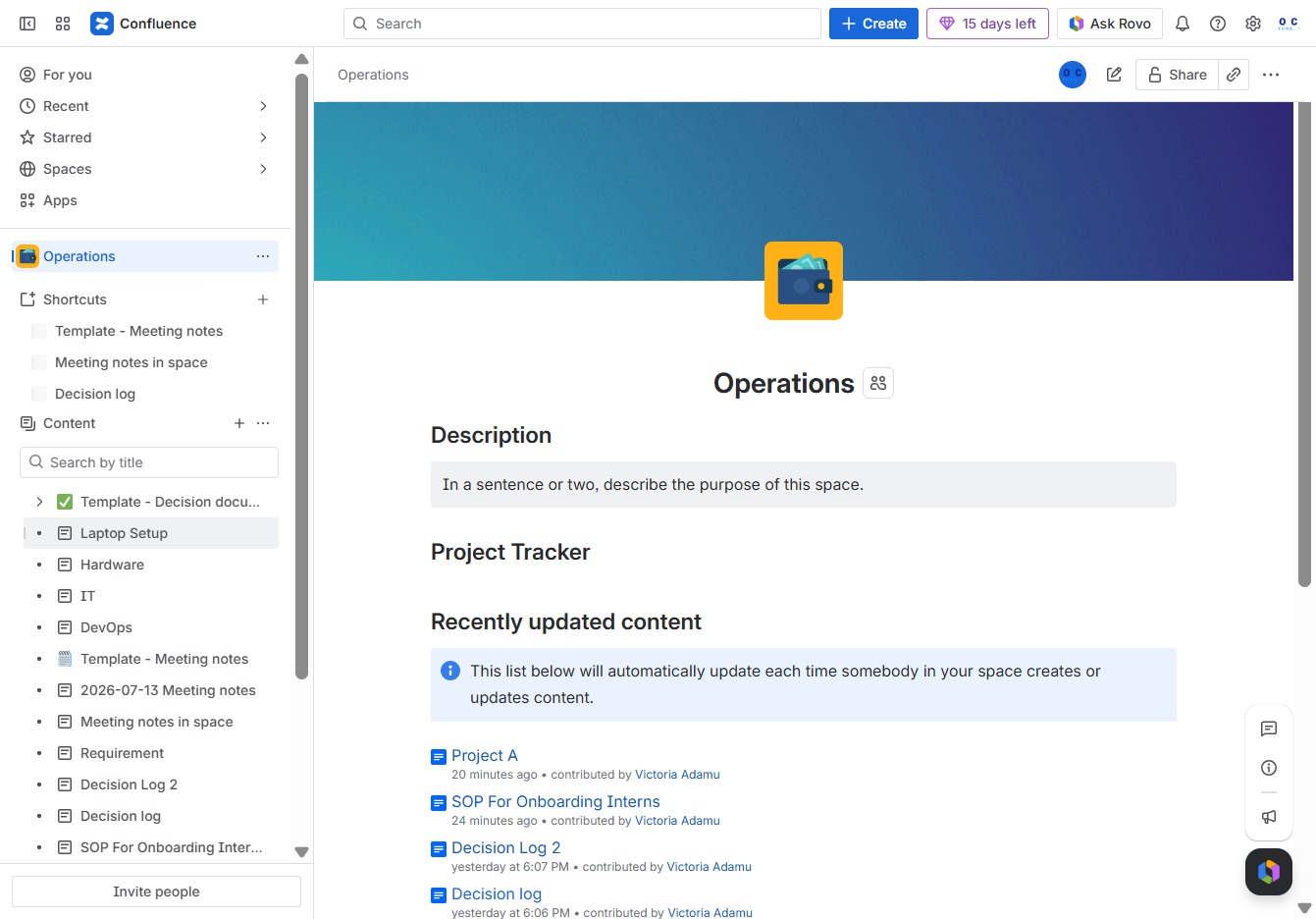
Click the Operations section
Clicking the Operations section will take you to the relevant page where you can manage tasks and documents associated with ongoing projects.
Loading screenshot…
100%
This how-to guide provides a step-by-step process for commenting on the 'Laptop Setup' page within the Operations section.
 viktoria
This how-to guide provides a step-by-step process for commenting on the 'Laptop Setup' page within the Operations section. Learn how to navigate the relevant pages, enter your comments, and ensure your feedback is effectively documented for collaborative communication.
Clicking the Operations section will take you to the relevant page where you can manage tasks and documents associated with ongoing projects.
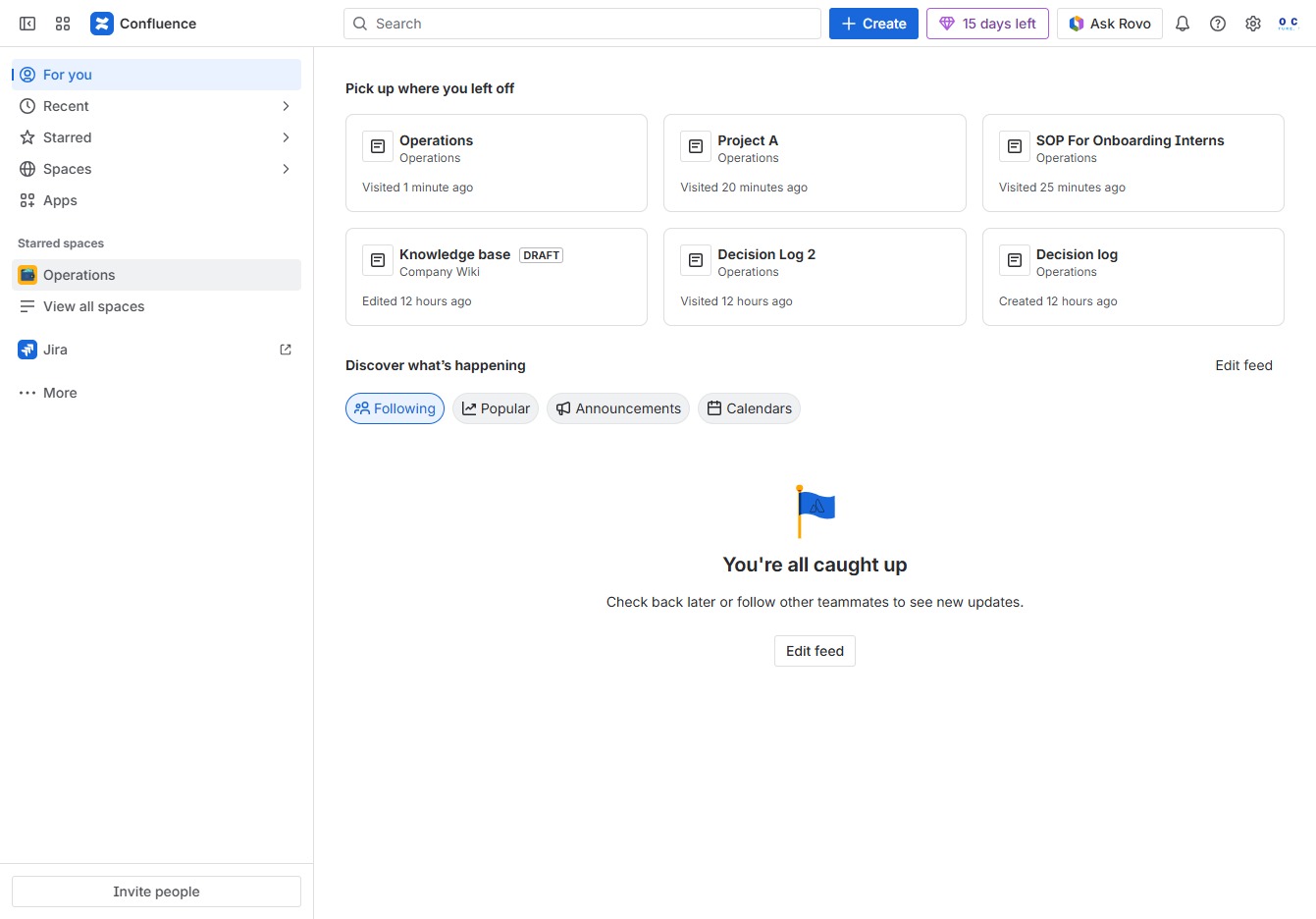
This action will open the Laptop Setup page, where you can find relevant configuration settings and guides for your device.
This action opens a text input field where you can enter your comments related to the 'Laptop Setup' operation.

In the Ak editor textarea, enter the phrase 'Got it, thanks!' to acknowledge receipt of the information or instructions provided. This action will help document your response in the conversation thread.
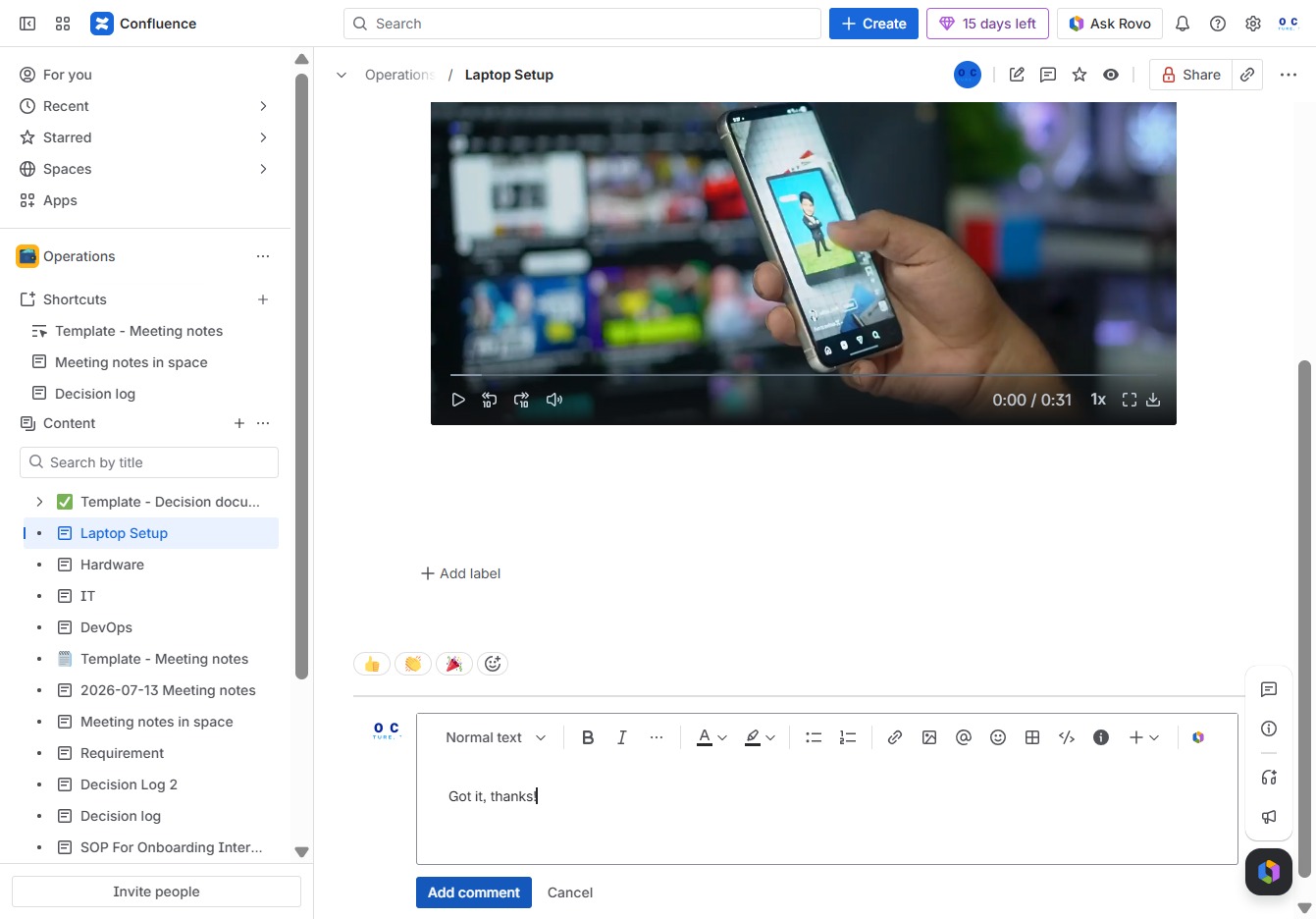
This will open a field for you to enter your comment, allowing you to provide feedback or ask questions about the content. Once submitted, your comment will be visible to other users.