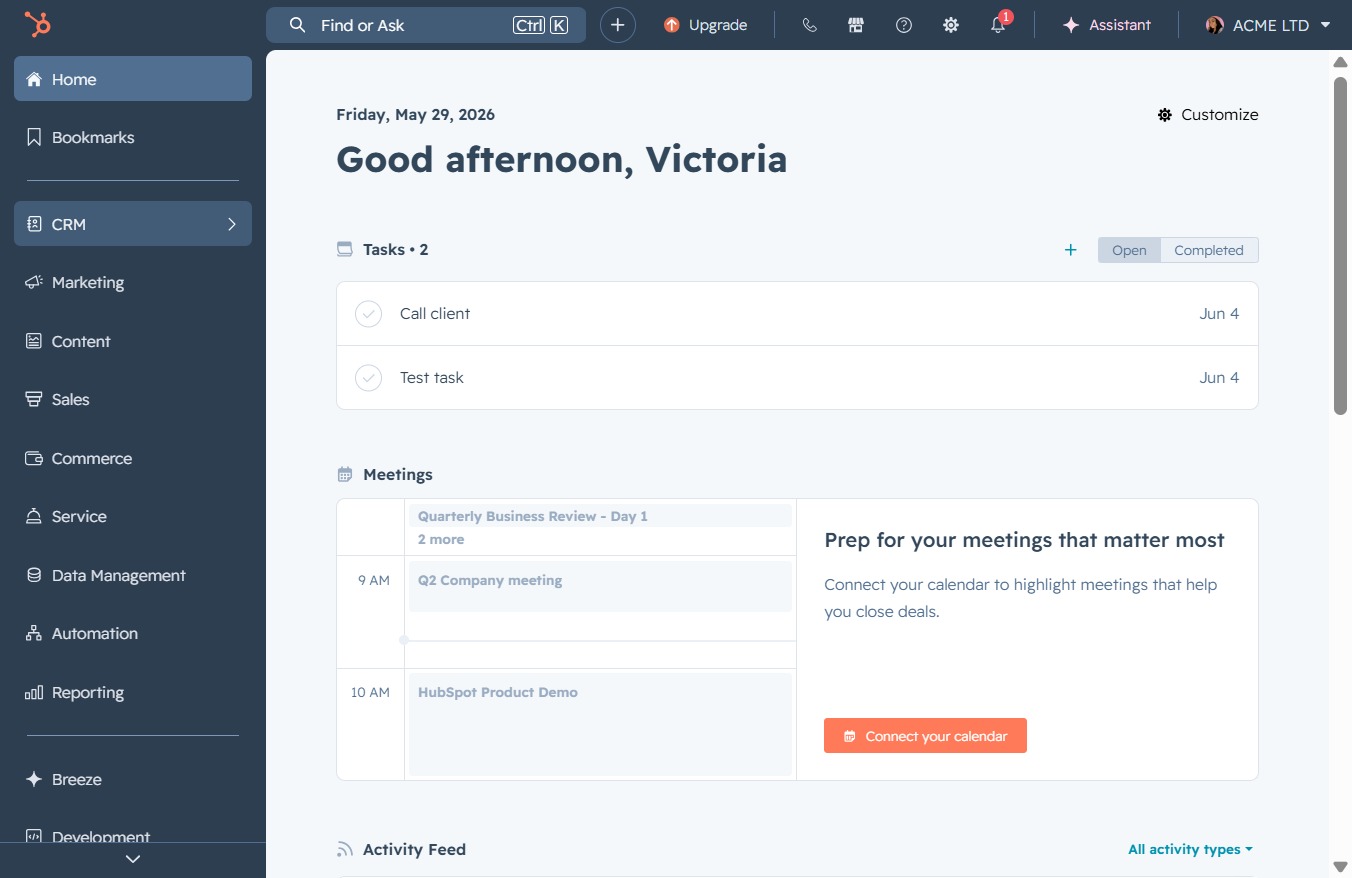
Click the CRM option
Clicking the CRM option will take you to the customer relationship management section, where you can manage tasks, contacts, and meetings related to your clients.
Loading screenshot…
100%
Close a conversation in the CRM Inbox to manage your client communications effectively by initiating a chat with visitors and addressing their inquiries directly.
 viktoria
Close a conversation in the CRM Inbox to manage your client communications effectively by initiating a chat with visitors and addressing their inquiries directly.
Clicking the CRM option will take you to the customer relationship management section, where you can manage tasks, contacts, and meetings related to your clients.
This action will take you to your Inbox section where you can view and manage your messages and communications.

By clicking this option, you can submit your email address to receive a prompt response from support, facilitating easier communication.

Clicking the Live Chat button will initiate a chat session with the Unknown Visitor, allowing for real-time communication and assistance.
