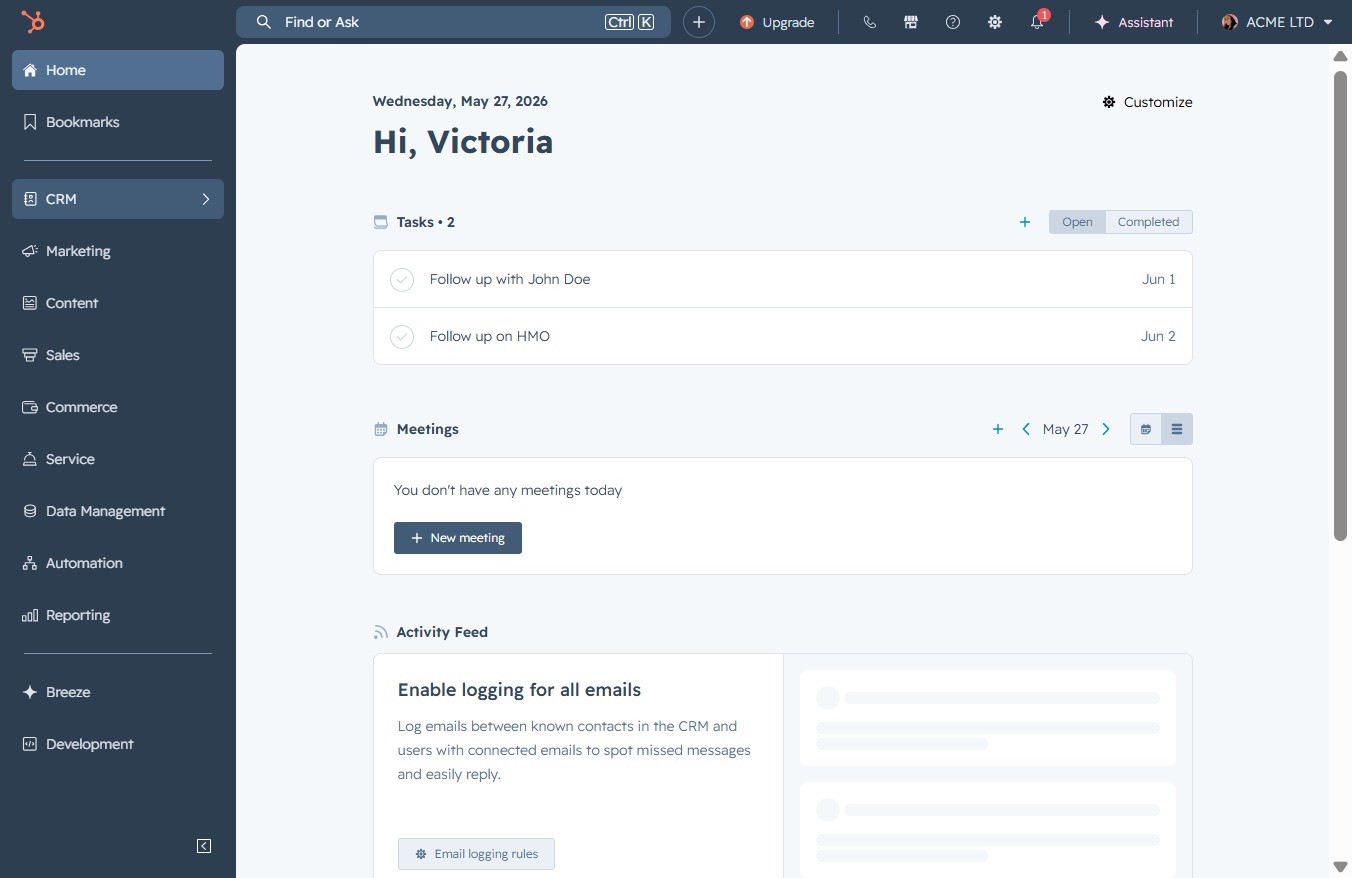
Click the CRM icon
Clicking the CRM icon will take you to the Customer Relationship Management section, where you can manage contacts, sales, and customer interactions.
Loading screenshot…
100%
Clone an existing deal in the CRM system to create a new entry with pre-filled information, streamlining the setup of similar sales deals for improved management.
 viktoria
Clone an existing deal in the CRM system to create a new entry with pre-filled information, streamlining the setup of similar sales deals for improved management.
Clicking the CRM icon will take you to the Customer Relationship Management section, where you can manage contacts, sales, and customer interactions.
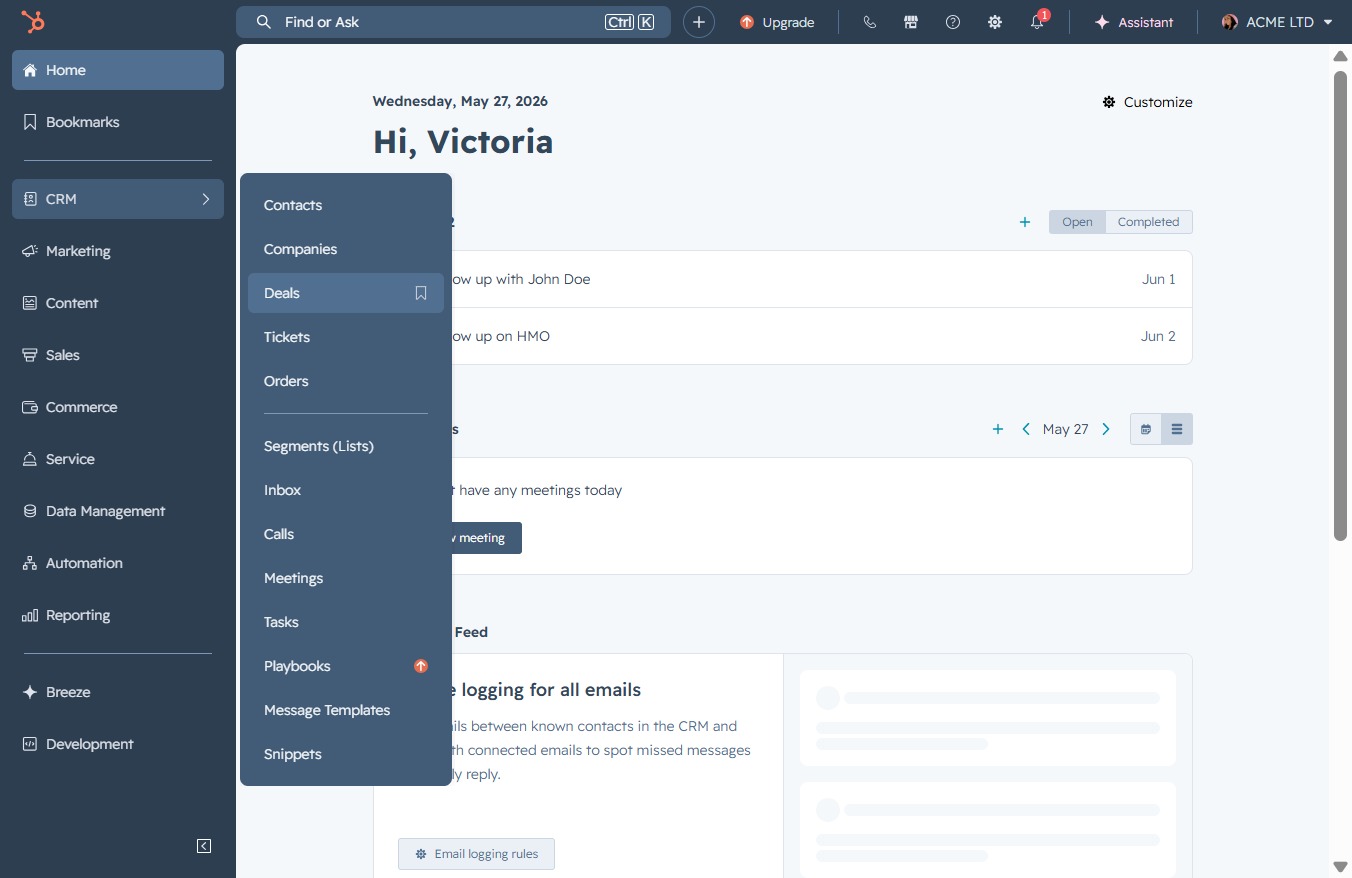
Selecting the 'Deals' link will navigate you to the section where you can manage and view all your sales deals.
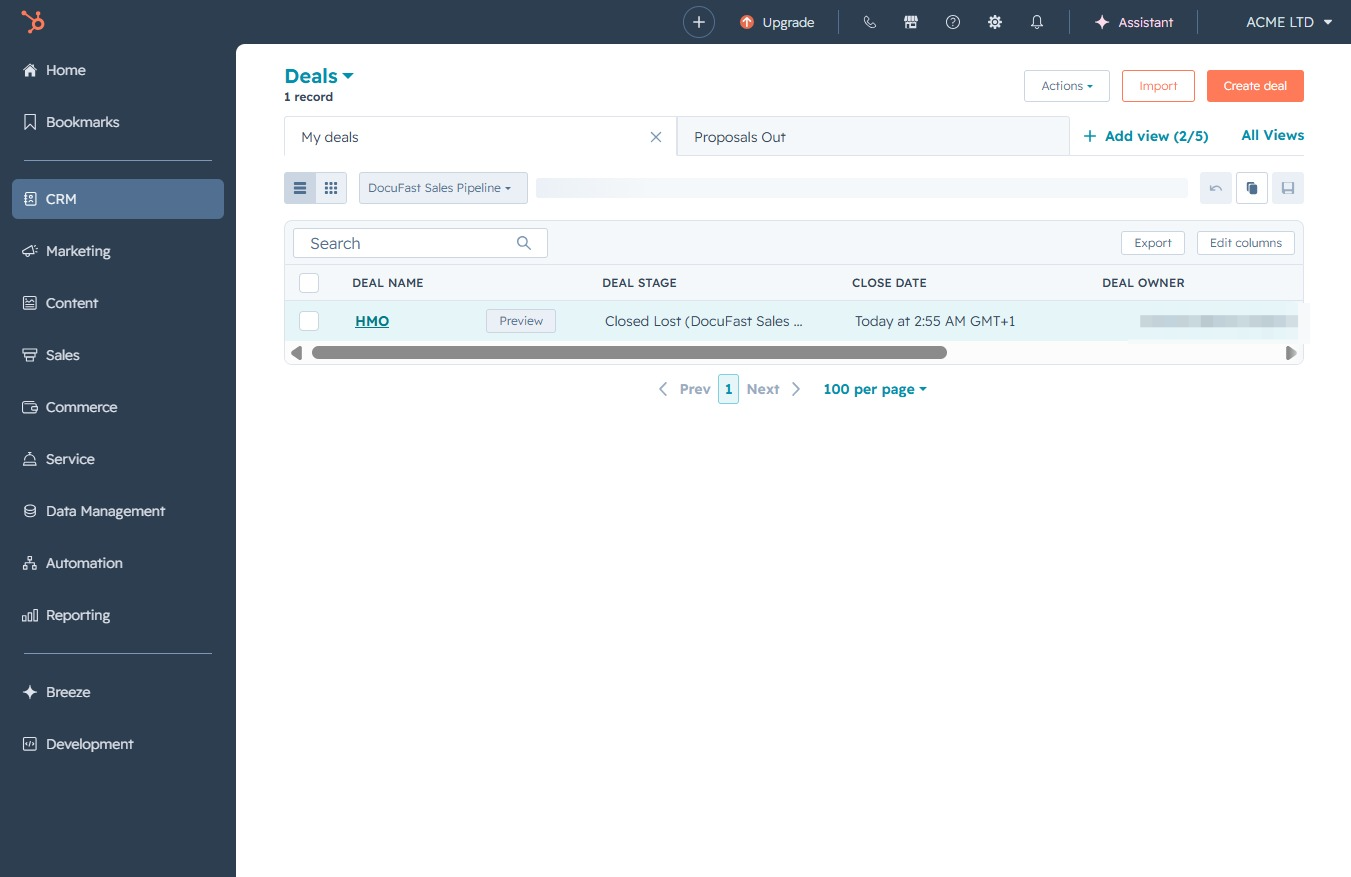
Selecting the HMO entry will open detailed information about this deal, allowing you to view status, stage, and related actions.
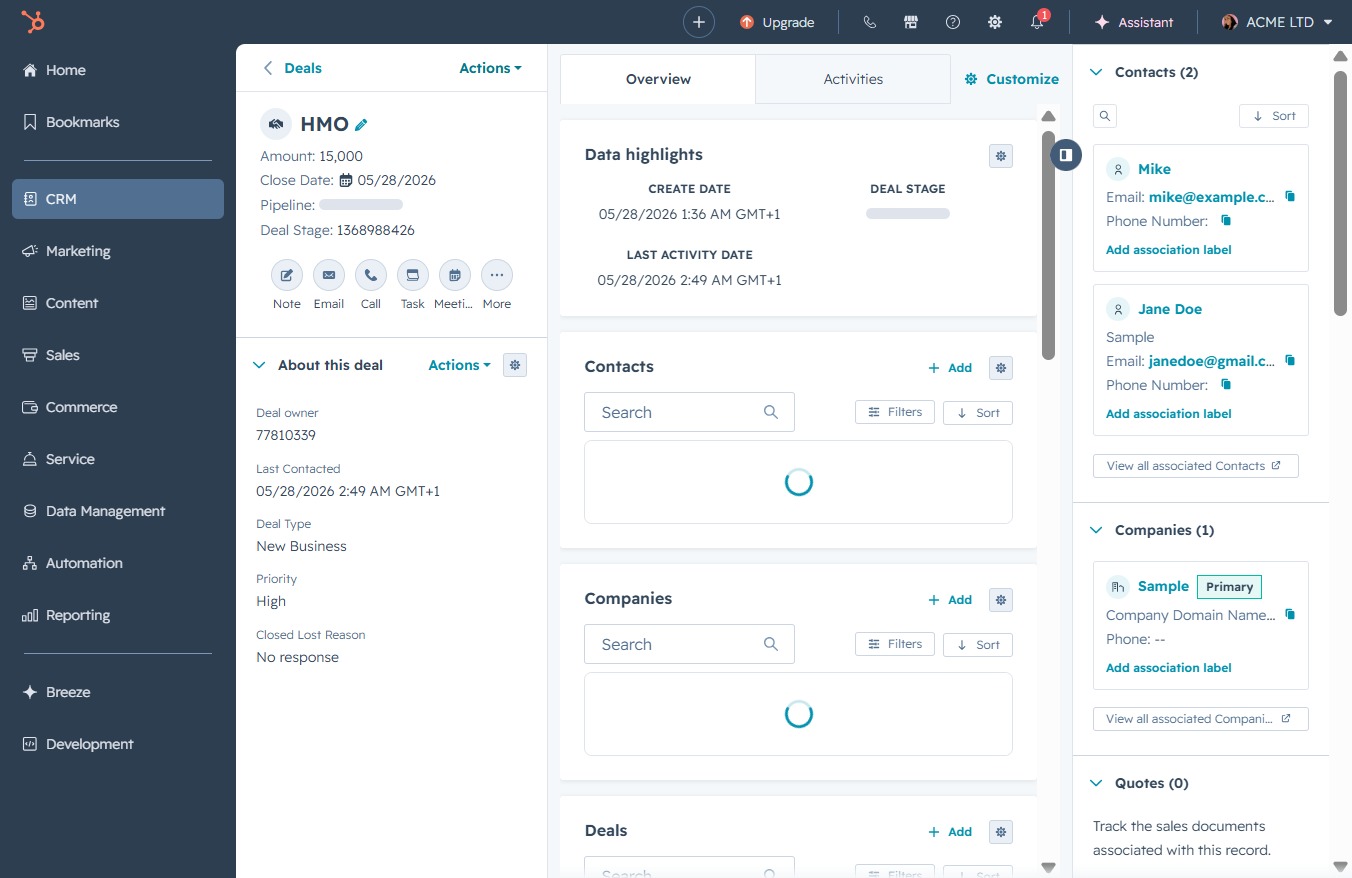
Clicking the Actions button in the Deals section allows you to access various options related to the current deal, such as editing, deleting, or adding associated records.
Selecting the Clone option will duplicate the current deal, allowing you to create a new entry based on the existing information. This is useful for quickly setting up similar deals without starting from scratch.
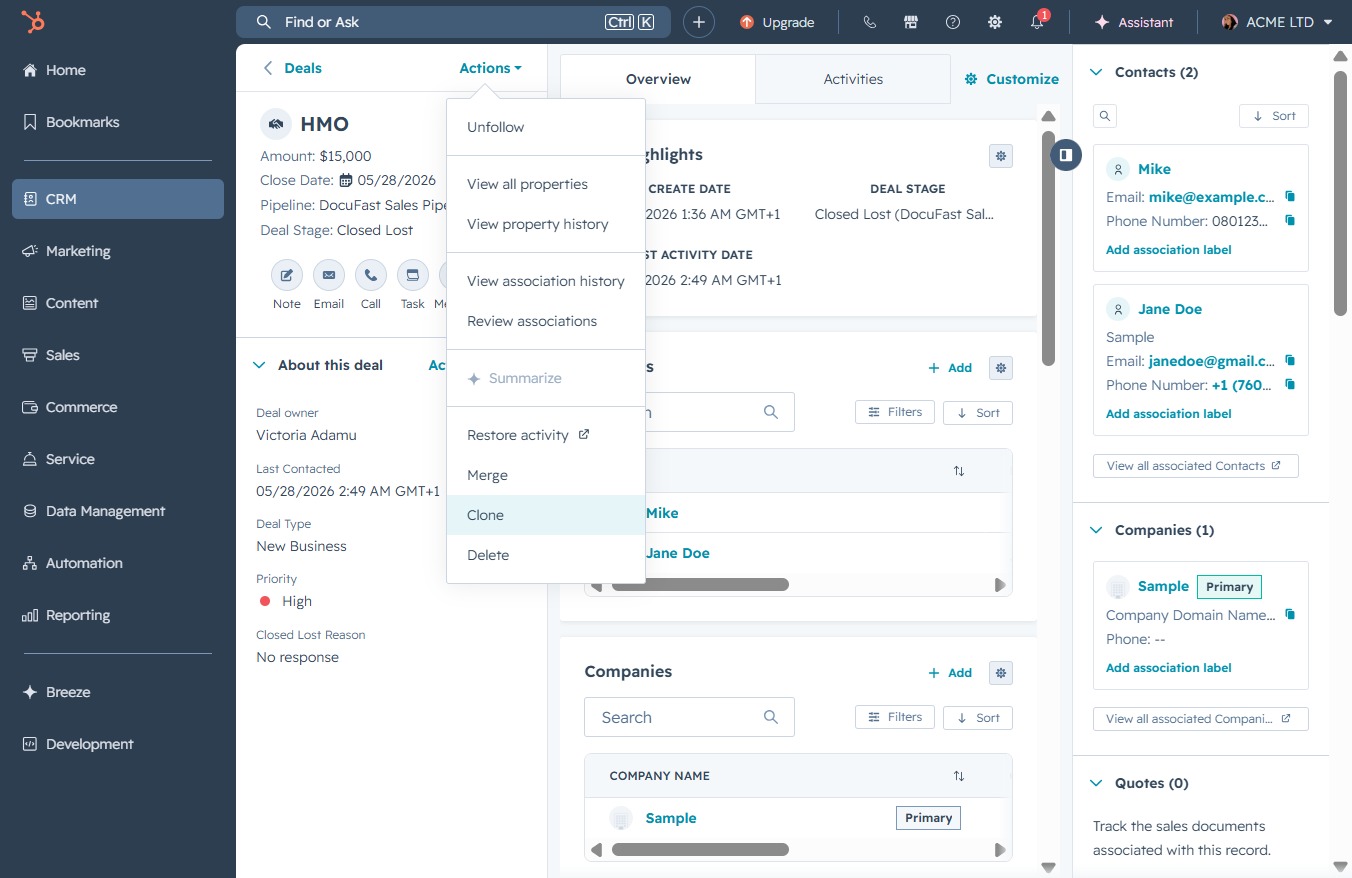
Clicking the CloneLoading button initiates the process to duplicate the selected deal, allowing you to create a new deal entry with pre-filled information from the original.
