Geteilte Anleitung

How to automate activity creation

This guide provides a step-by-step process to automate activity creation by setting up triggers and conditions in your automation settings.

victoriaworkflowsvictoriaworkflows
·39 Schritte·93 Aufrufe·Veröffentlicht

This guide provides a step-by-step process to automate activity creation by setting up triggers and conditions in your automation settings. Learn how to navigate through different sections to efficiently create and customize your automation for person organization events.

Step-by-step Guide39 Schritte
  1. Click on "Click here."

    Click on "Click here."
    Loading screenshot…
    100%
  2. Click Automations

    Click Automations
    Loading screenshot…
    100%
  3. Click Automation

    Click Automation
    Loading screenshot…
    100%
  4. Click Event trigger

    Click Event trigger
    Loading screenshot…
    100%
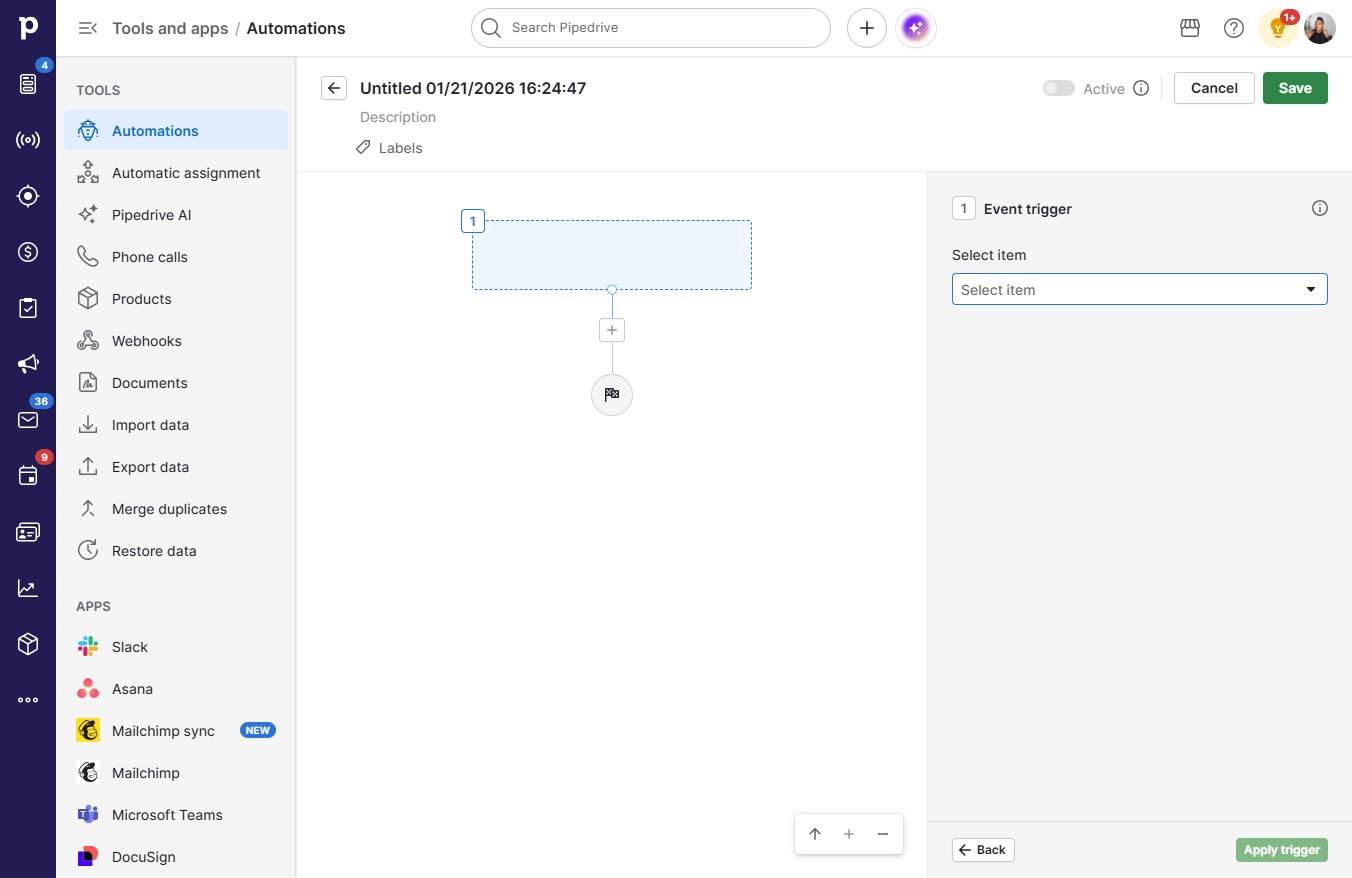
  5. Click Select item

    Click Select item
    Loading screenshot…
    100%
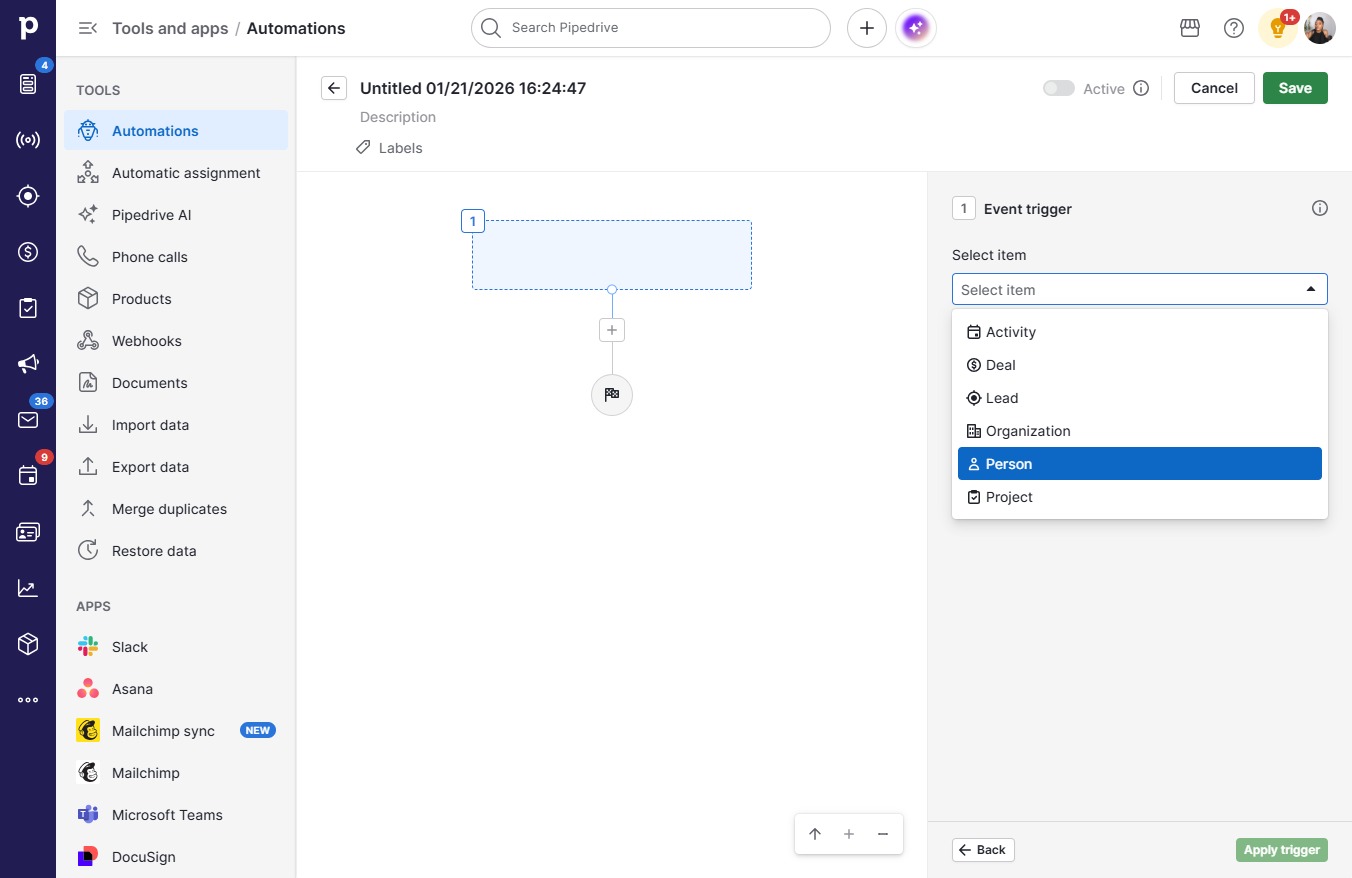
  6. Click Person

    Click Person
    Loading screenshot…
    100%
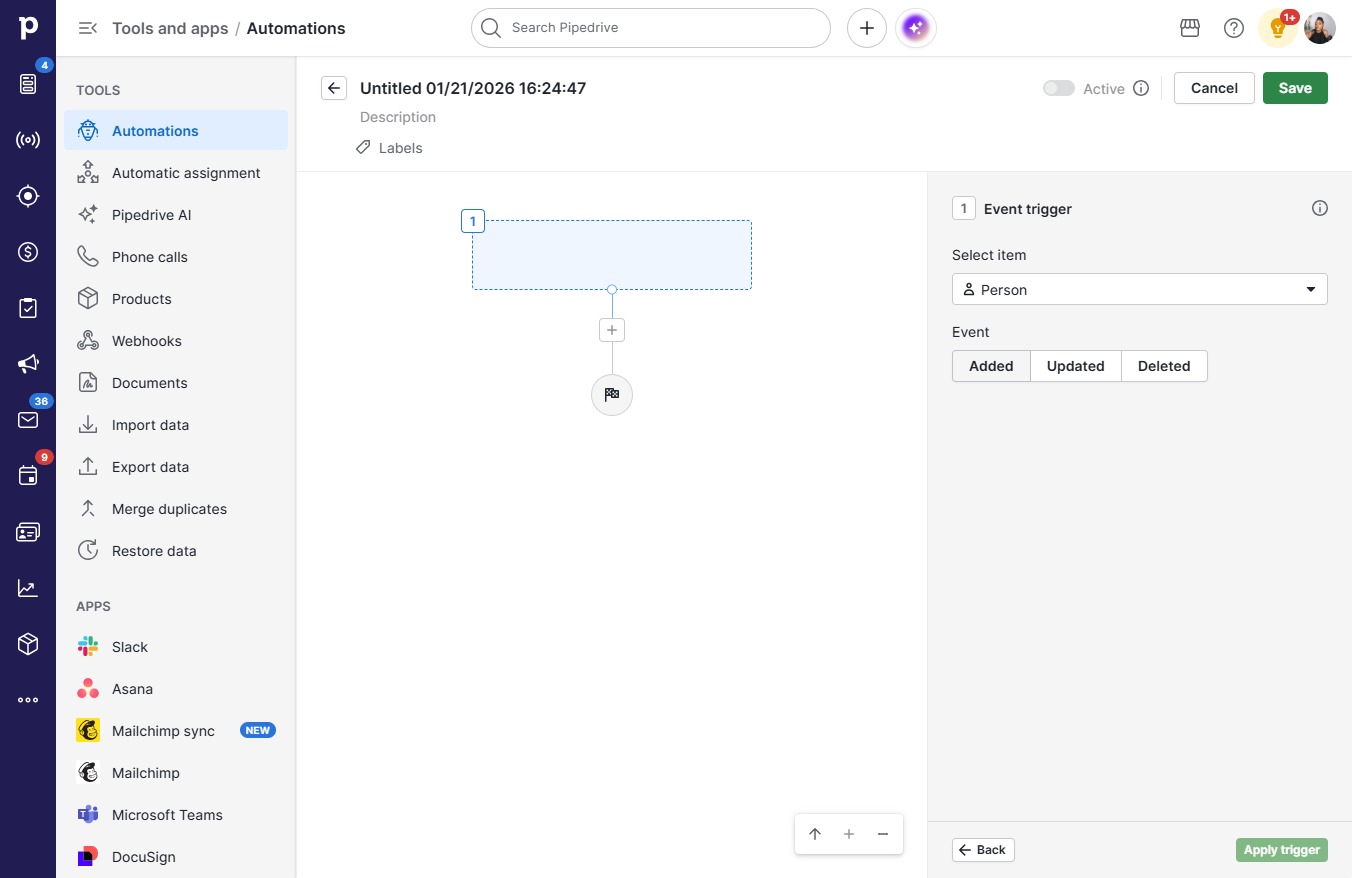
  7. Click Added

    Click Added
    Loading screenshot…
    100%
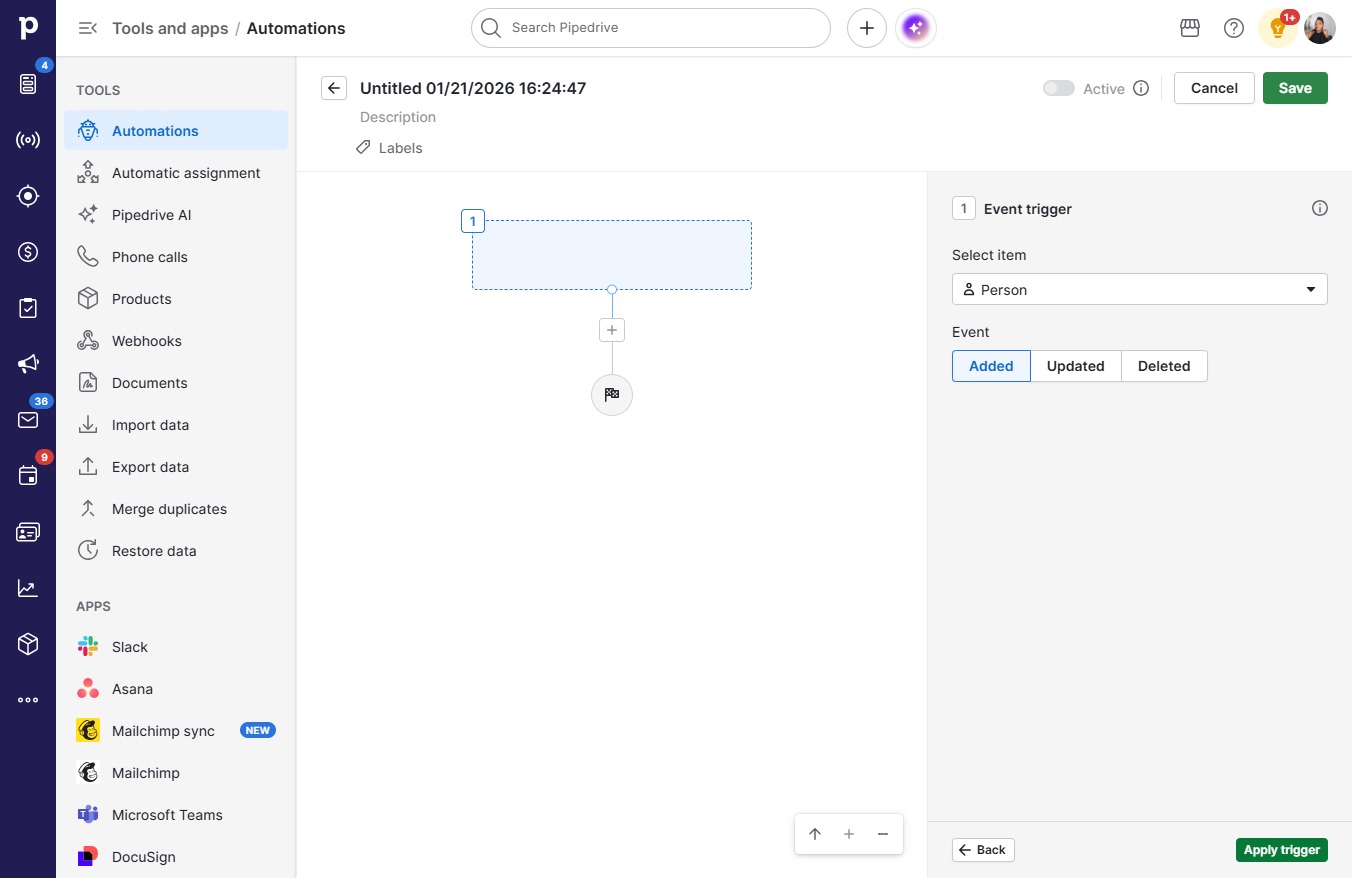
  8. Click Apply trigger

    Click Apply trigger
    Loading screenshot…
    100%
  9. Click on "Click here."

    Click on "Click here."
    Loading screenshot…
    100%
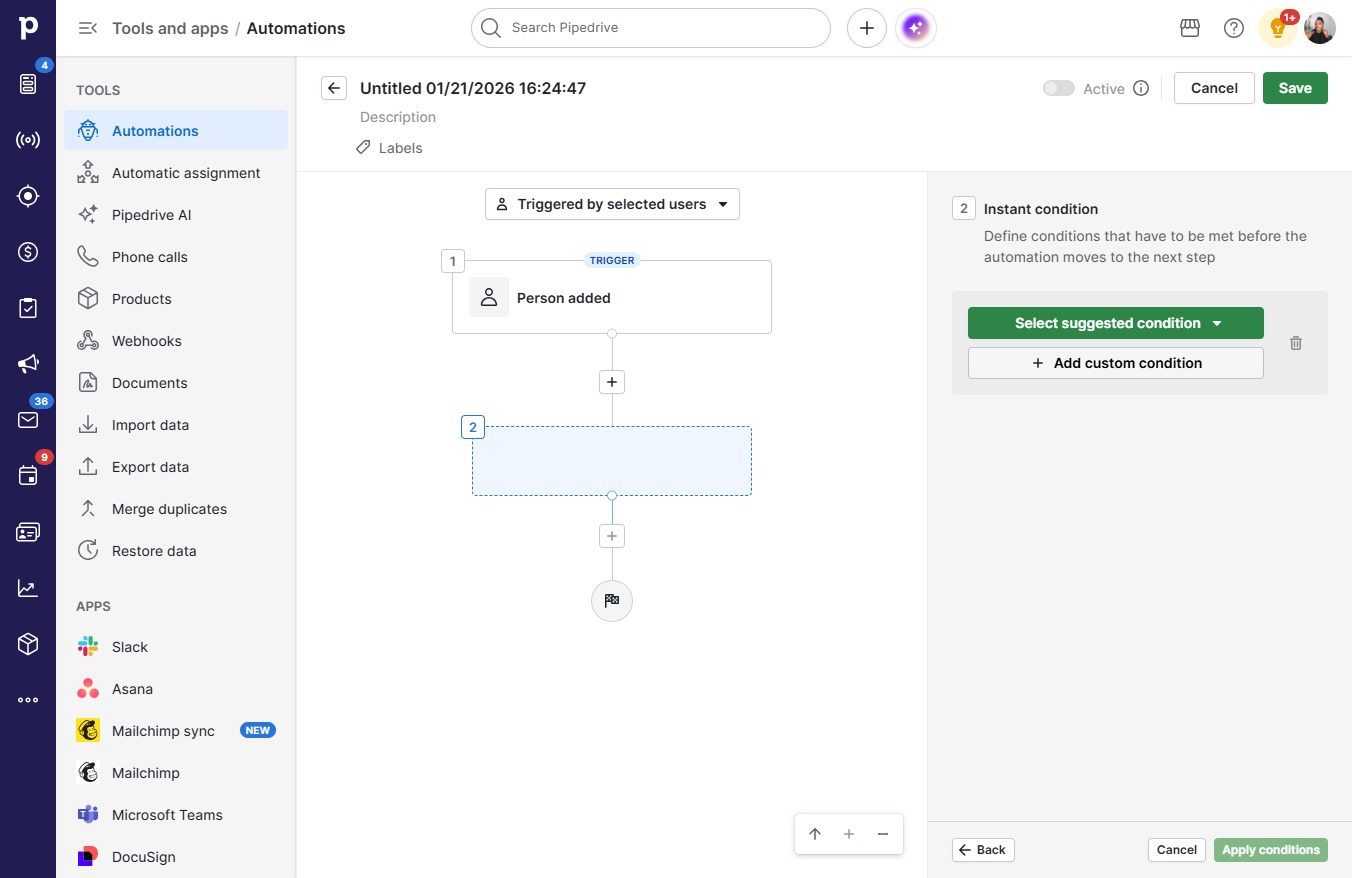
  10. Click Add custom condition

    Click Add custom condition
    Loading screenshot…
    100%
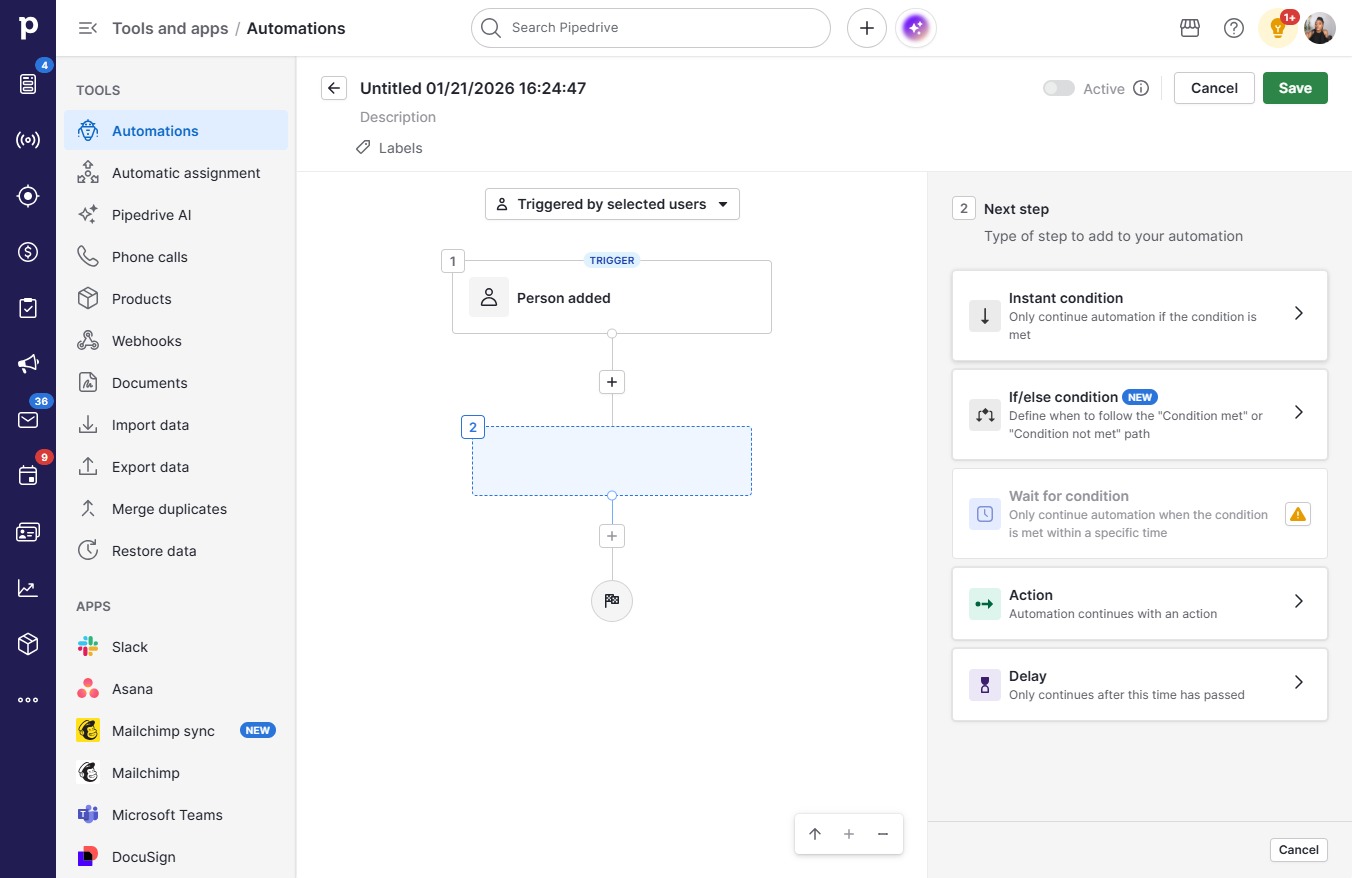
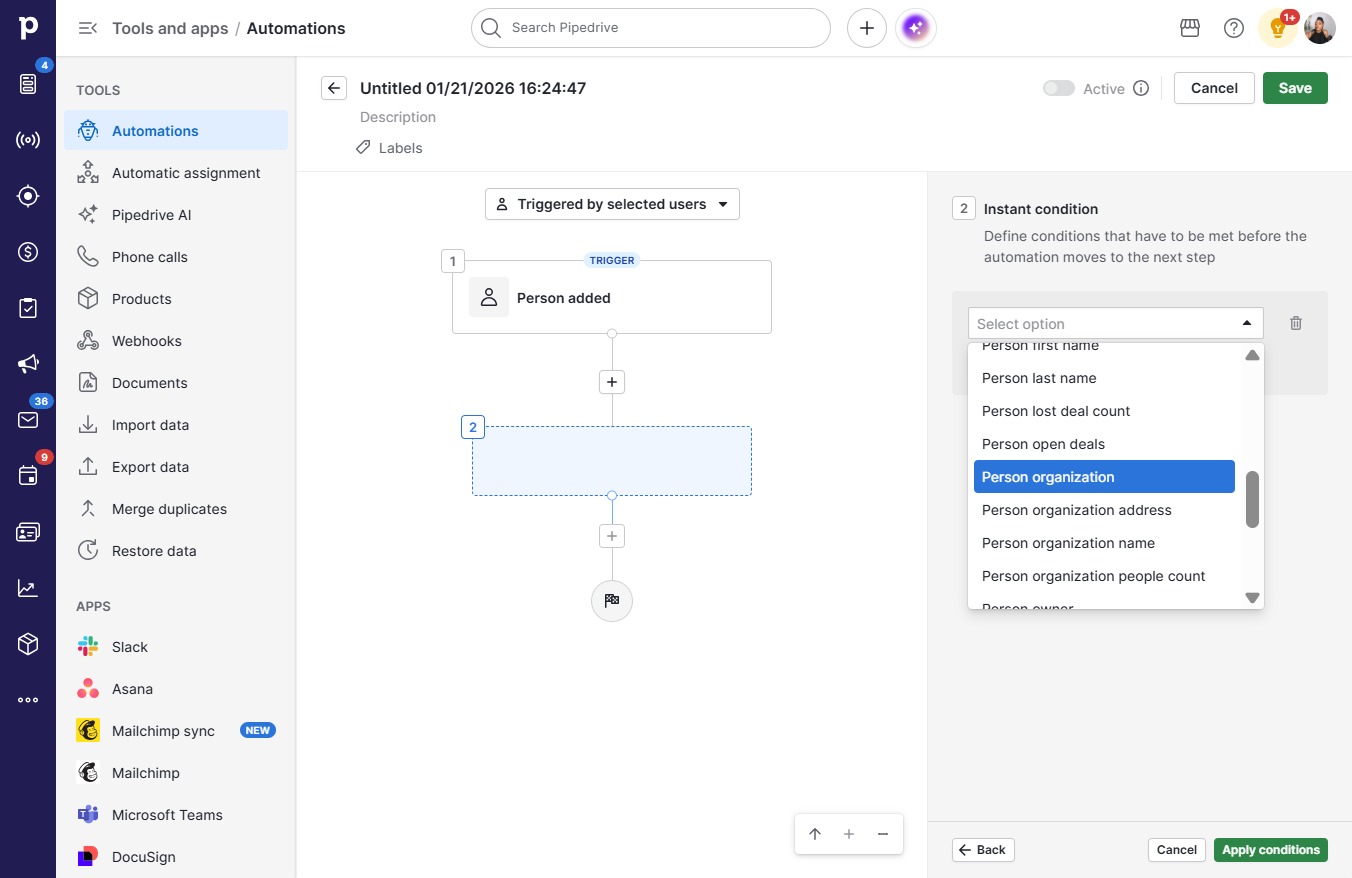
  11. Click Person organization

    Click Person organization
    Loading screenshot…
    100%
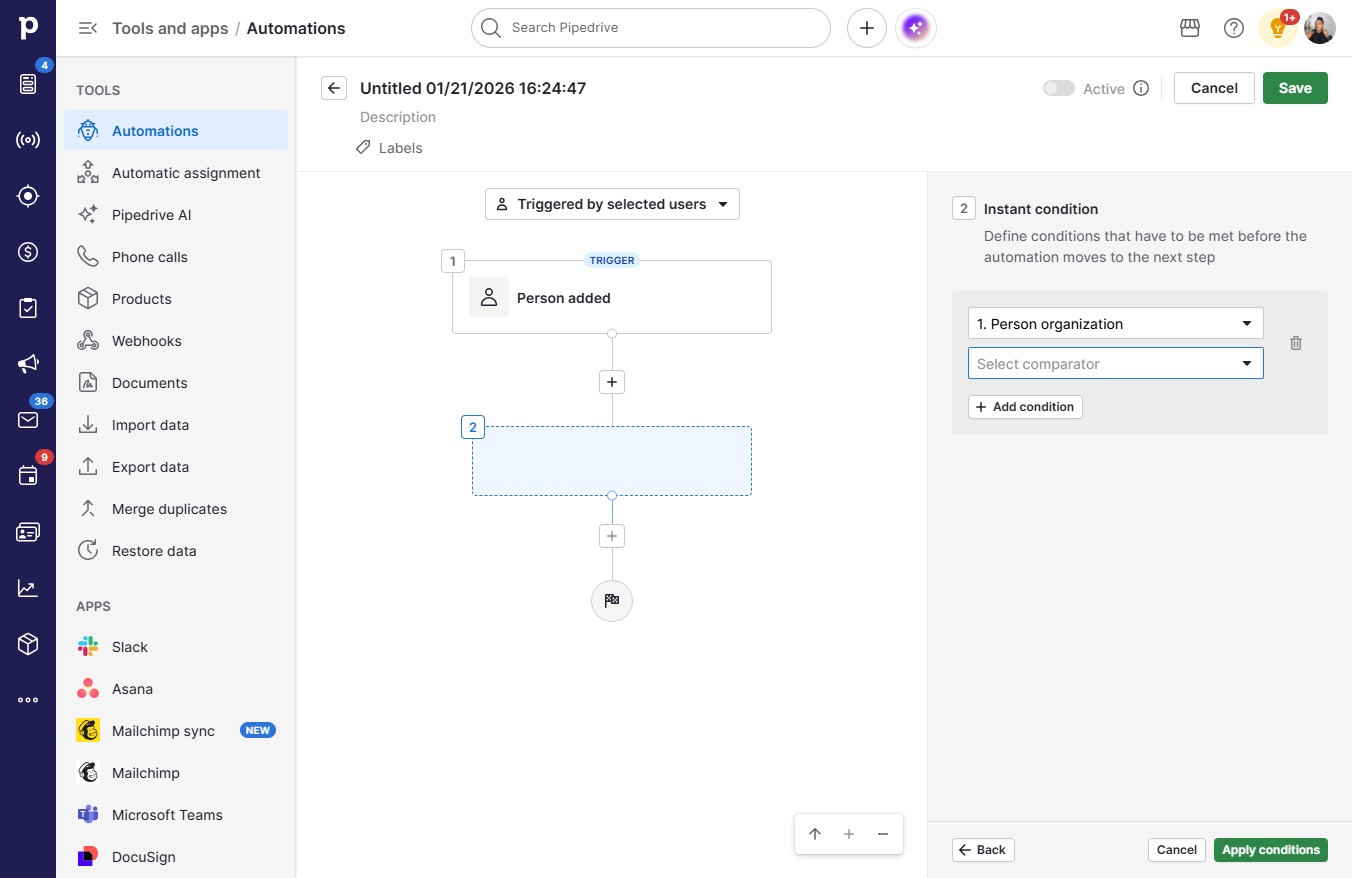
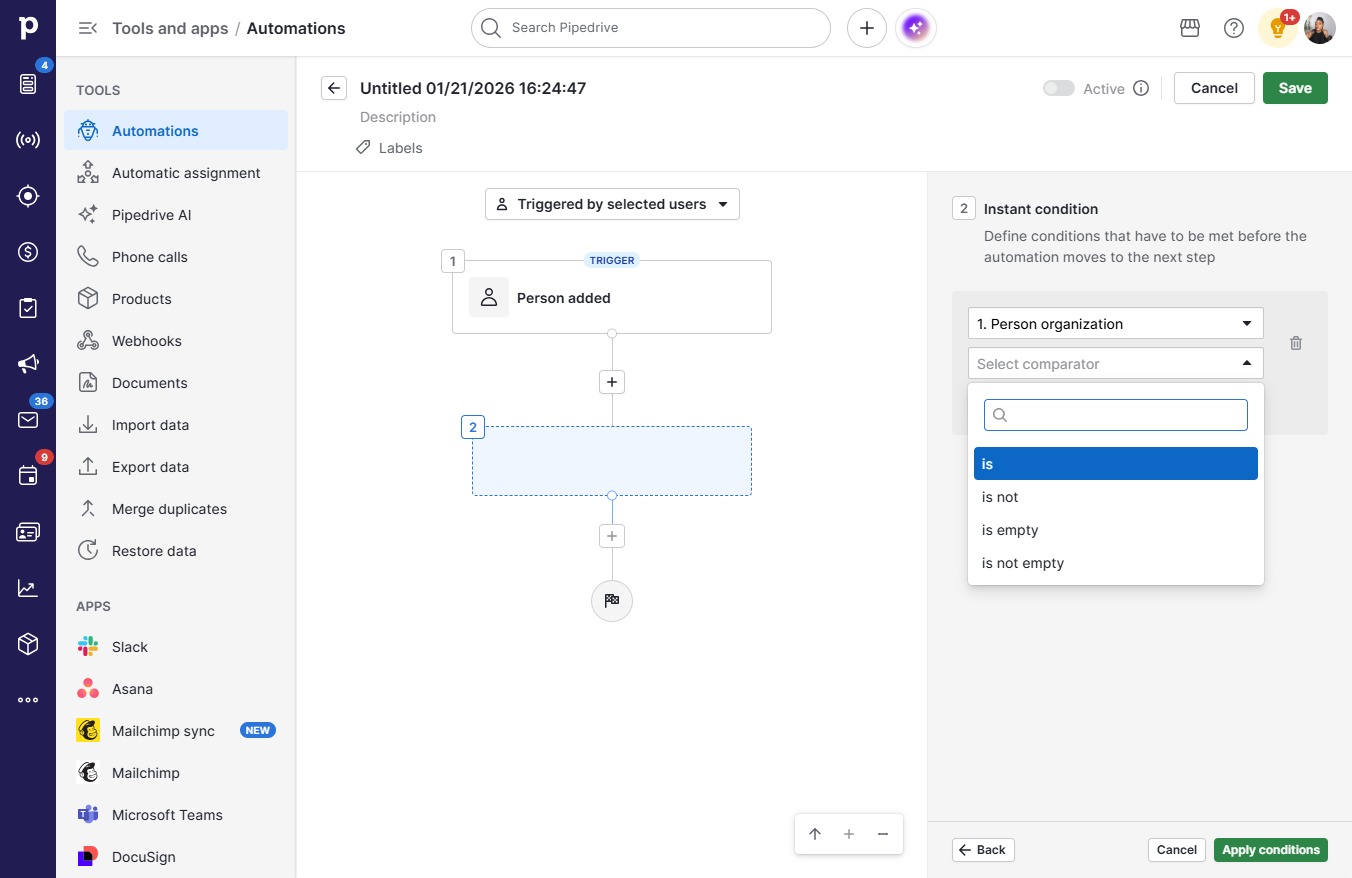
  12. Click Select comparator

    Click Select comparator
    Loading screenshot…
    100%
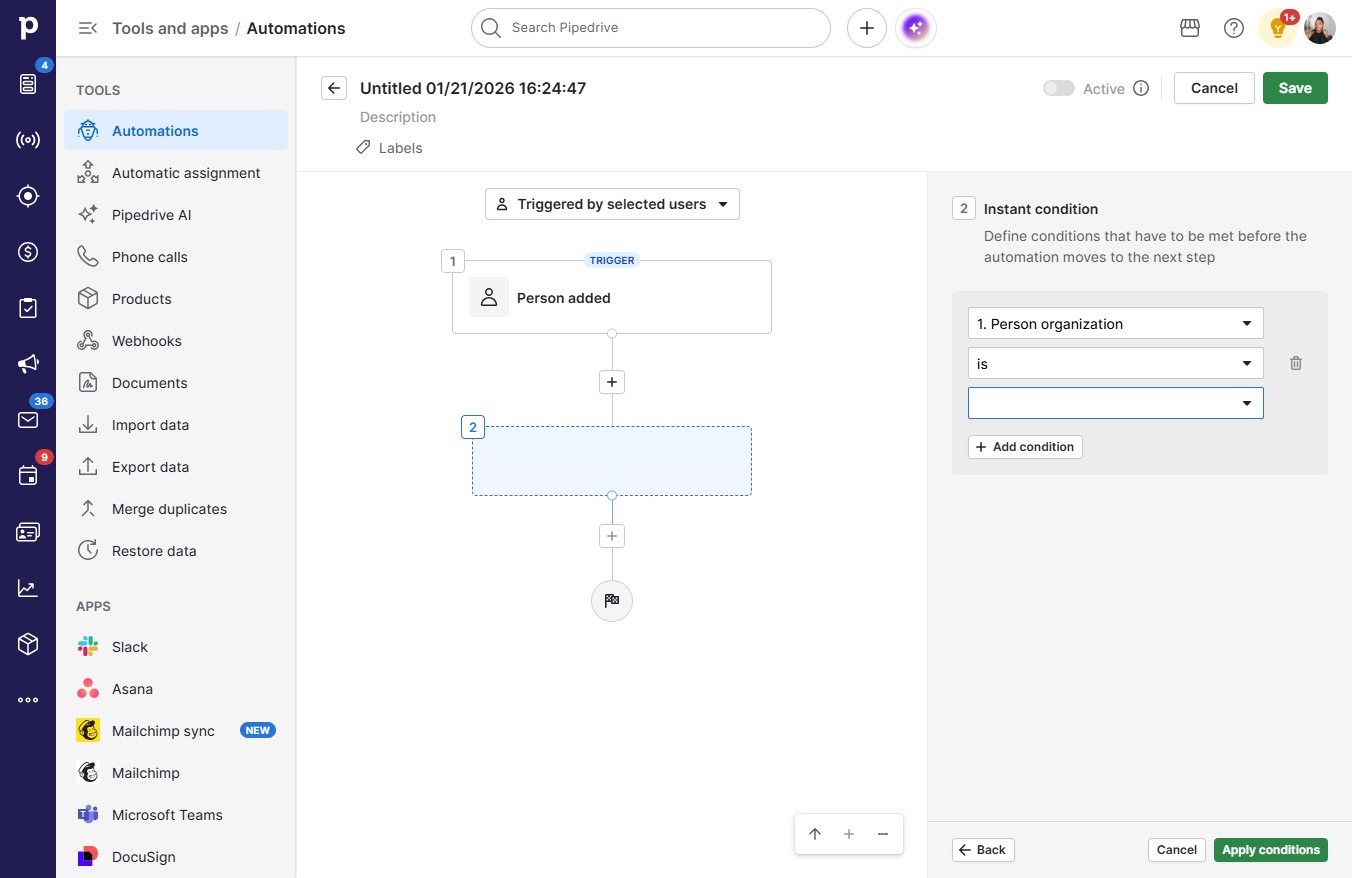
  13. Click is

    Click is
    Loading screenshot…
    100%
  14. Click on "Click here."

    Click on "Click here."
    Loading screenshot…
    100%
  15. Type "lib" in Search

  16. Click Libre

    Click Libre
    Loading screenshot…
    100%
  17. Click Apply conditions

    Click Apply conditions
    Loading screenshot…
    100%
  18. Click ActionAutomation continues with an action

    Click ActionAutomation continues with an action
    Loading screenshot…
    100%
  19. Click on "Click here."

    Click on "Click here."
    Loading screenshot…
    100%
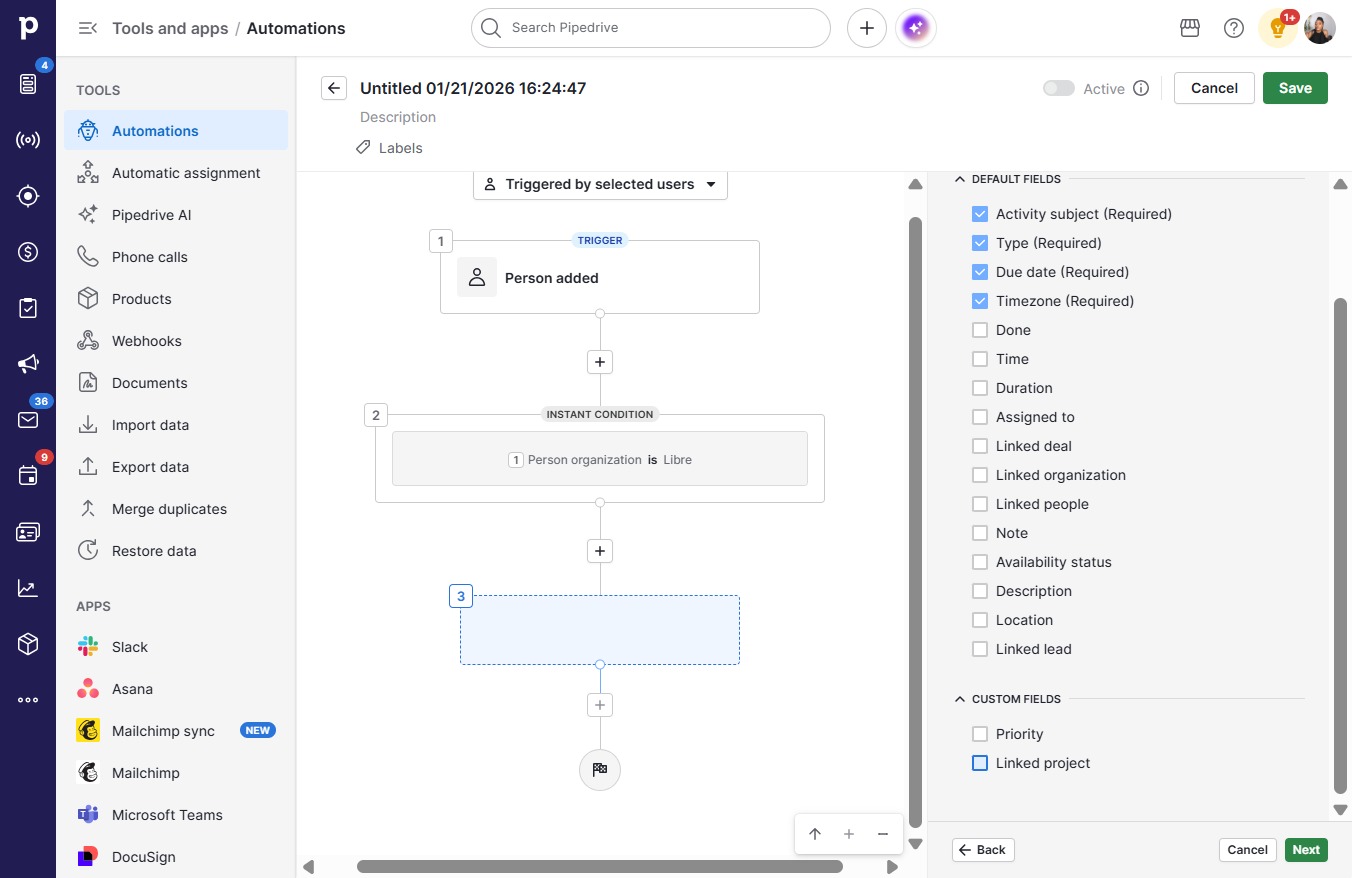
  20. Click Create activity

    Click Create activity
    Loading screenshot…
    100%
  21. Click Next

    Click Next
    Loading screenshot…
    100%
  22. Click on "Click here."

    Click on "Click here."
    Loading screenshot…
    100%
  23. Click Next

    Click Next
    Loading screenshot…
    100%
  24. Click on "Click here."

    Click on "Click here."
    Loading screenshot…
    100%
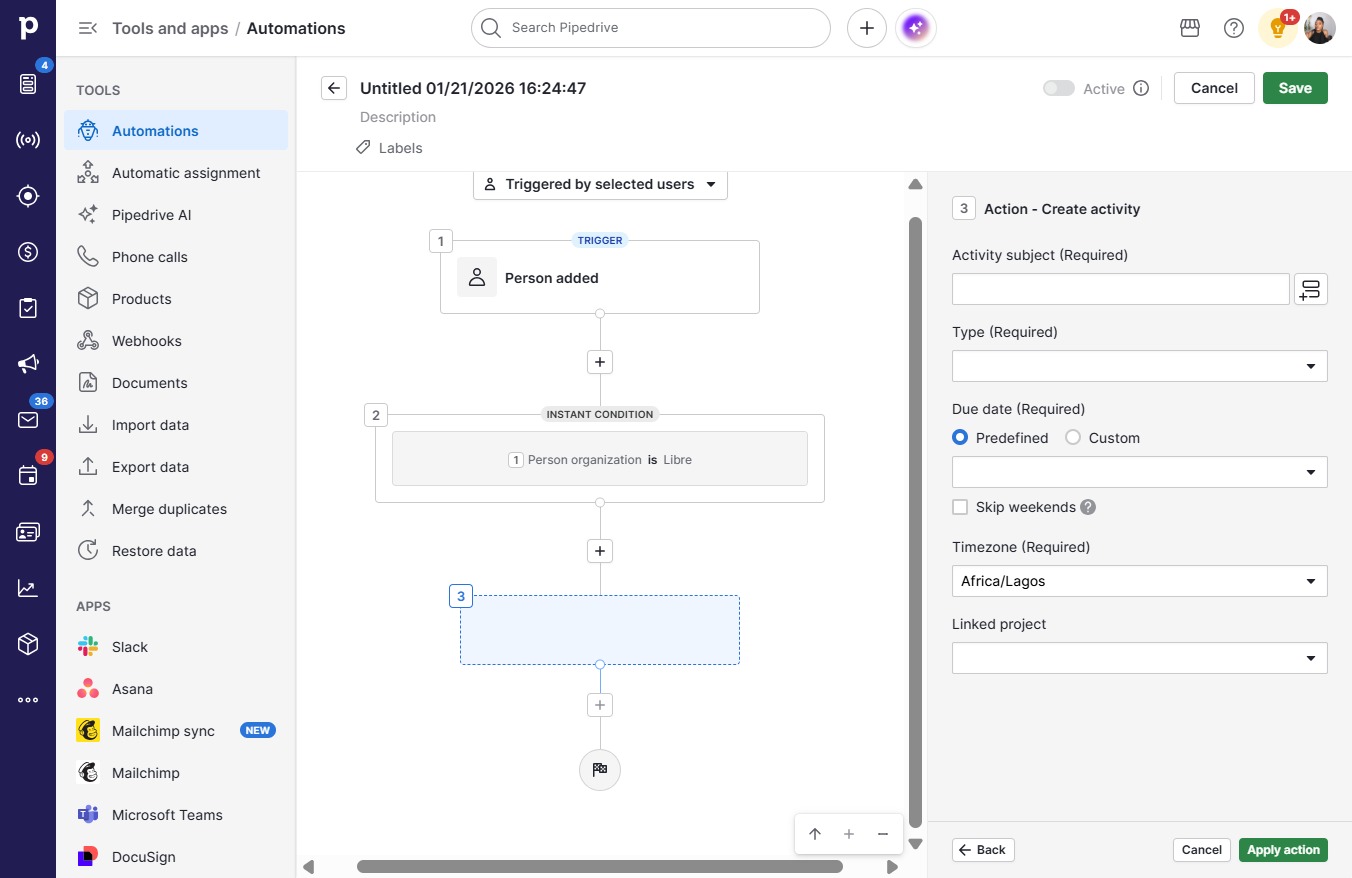
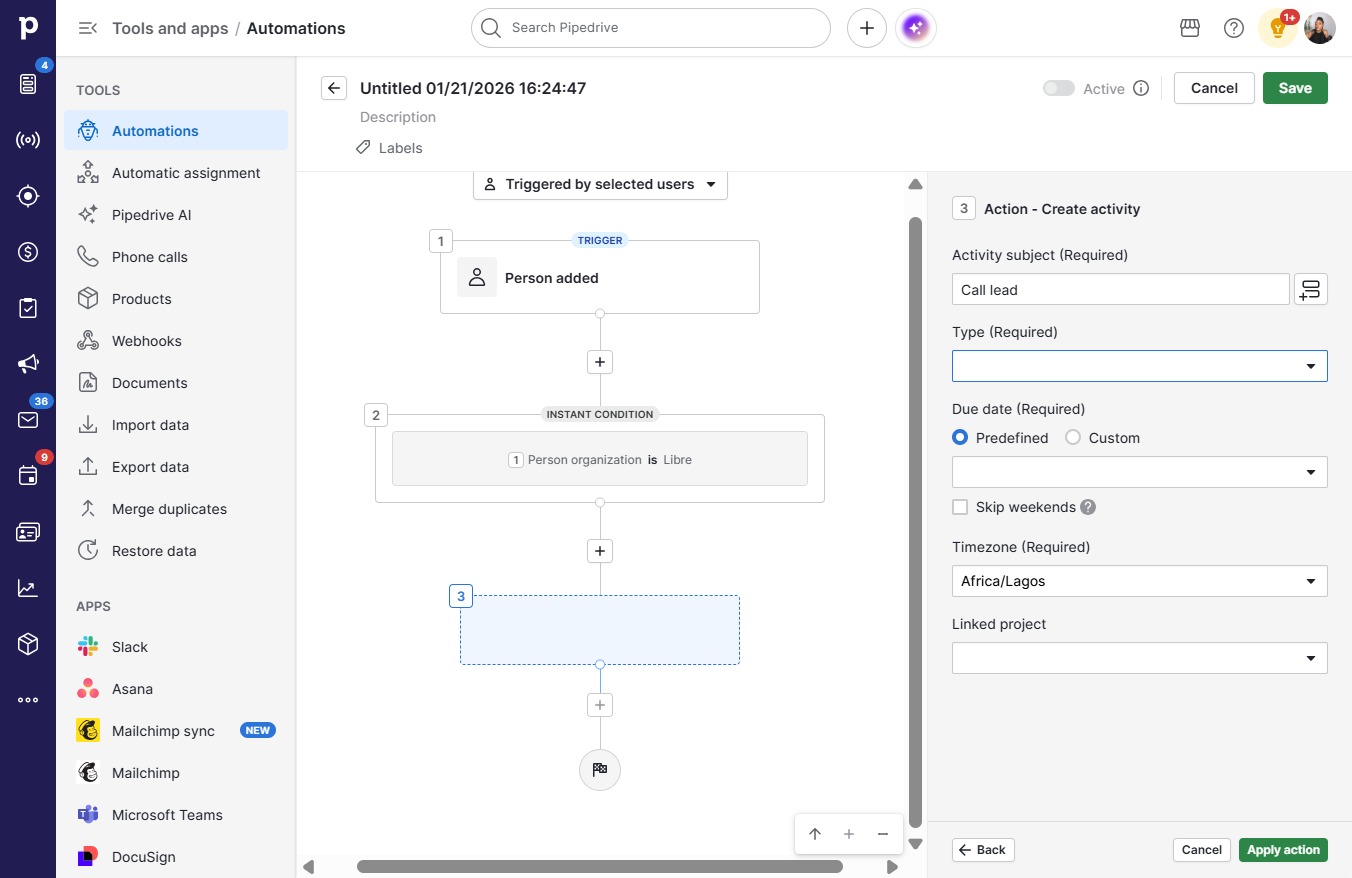
  25. Type "Call lead"

  26. Click on "Click here."

    Click on "Click here."
    Loading screenshot…
    100%
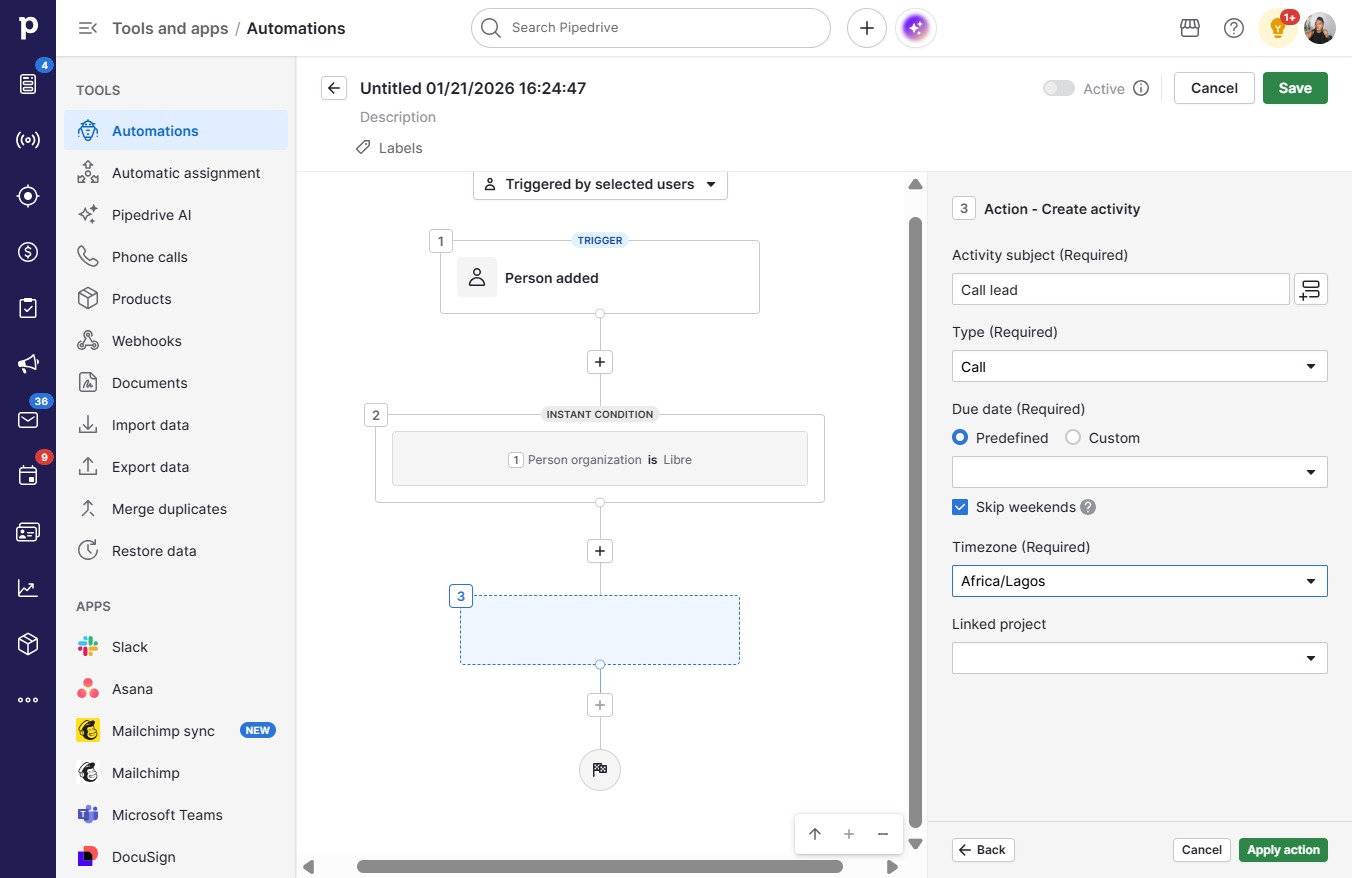
  27. Click Call

    Click Call
    Loading screenshot…
    100%
  28. Click on "Click here."

    Click on "Click here."
    Loading screenshot…
    100%
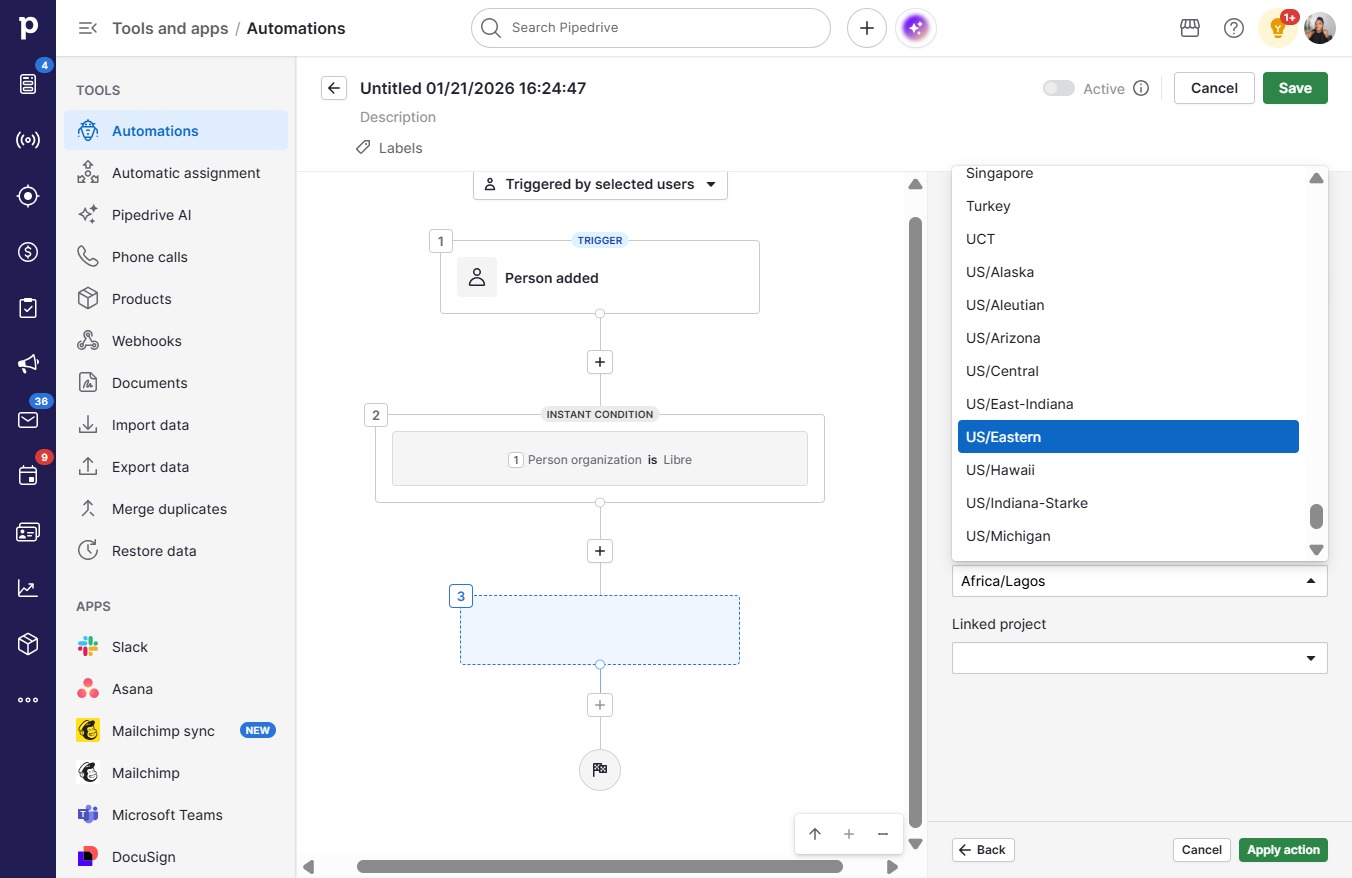
  29. Click Africa/Lagos

    Click Africa/Lagos
    Loading screenshot…
    100%
  30. Click US/Eastern

    Click US/Eastern
    Loading screenshot…
    100%
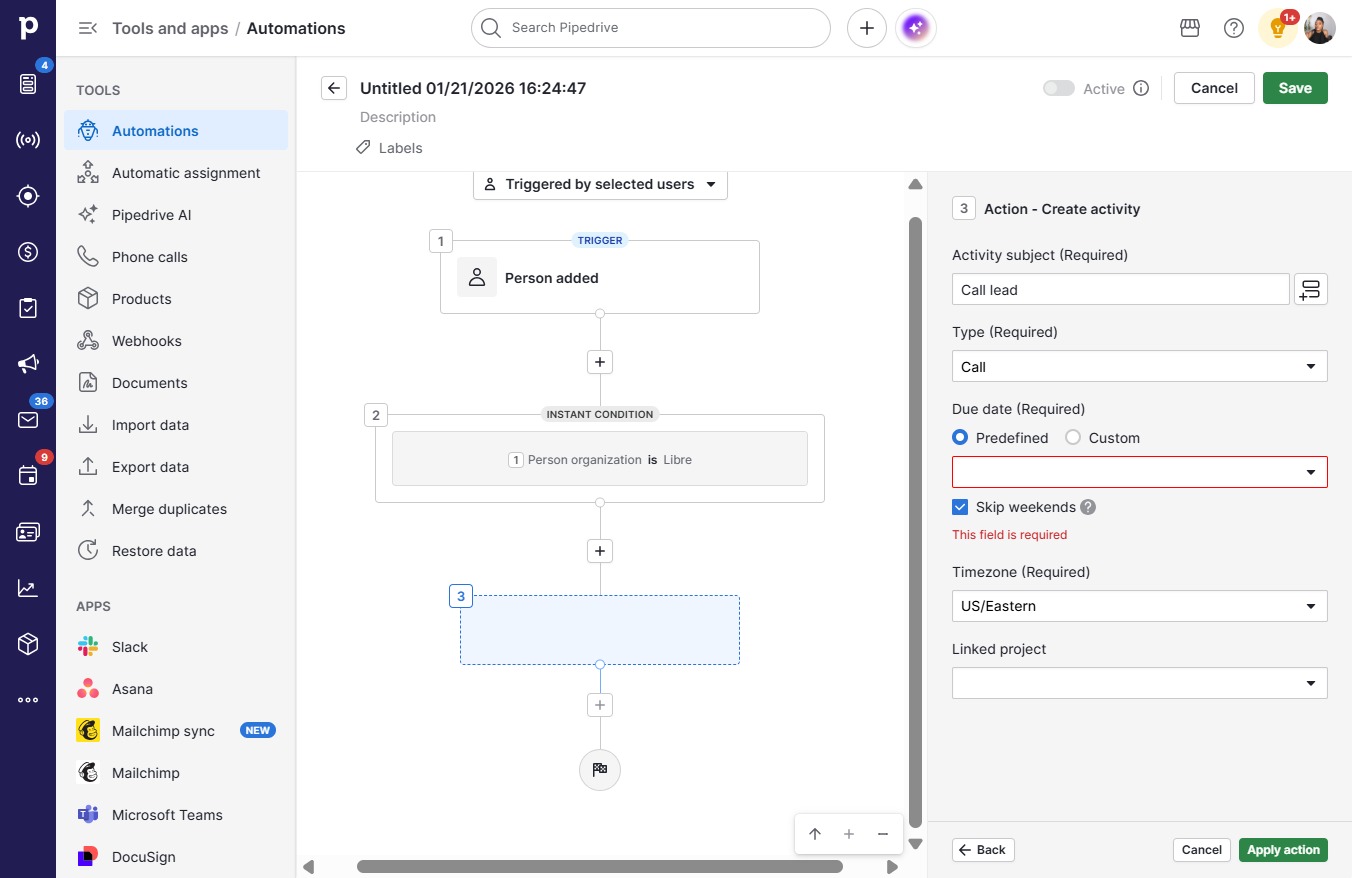
  31. Click on "Click here."

    Click on "Click here."
    Loading screenshot…
    100%
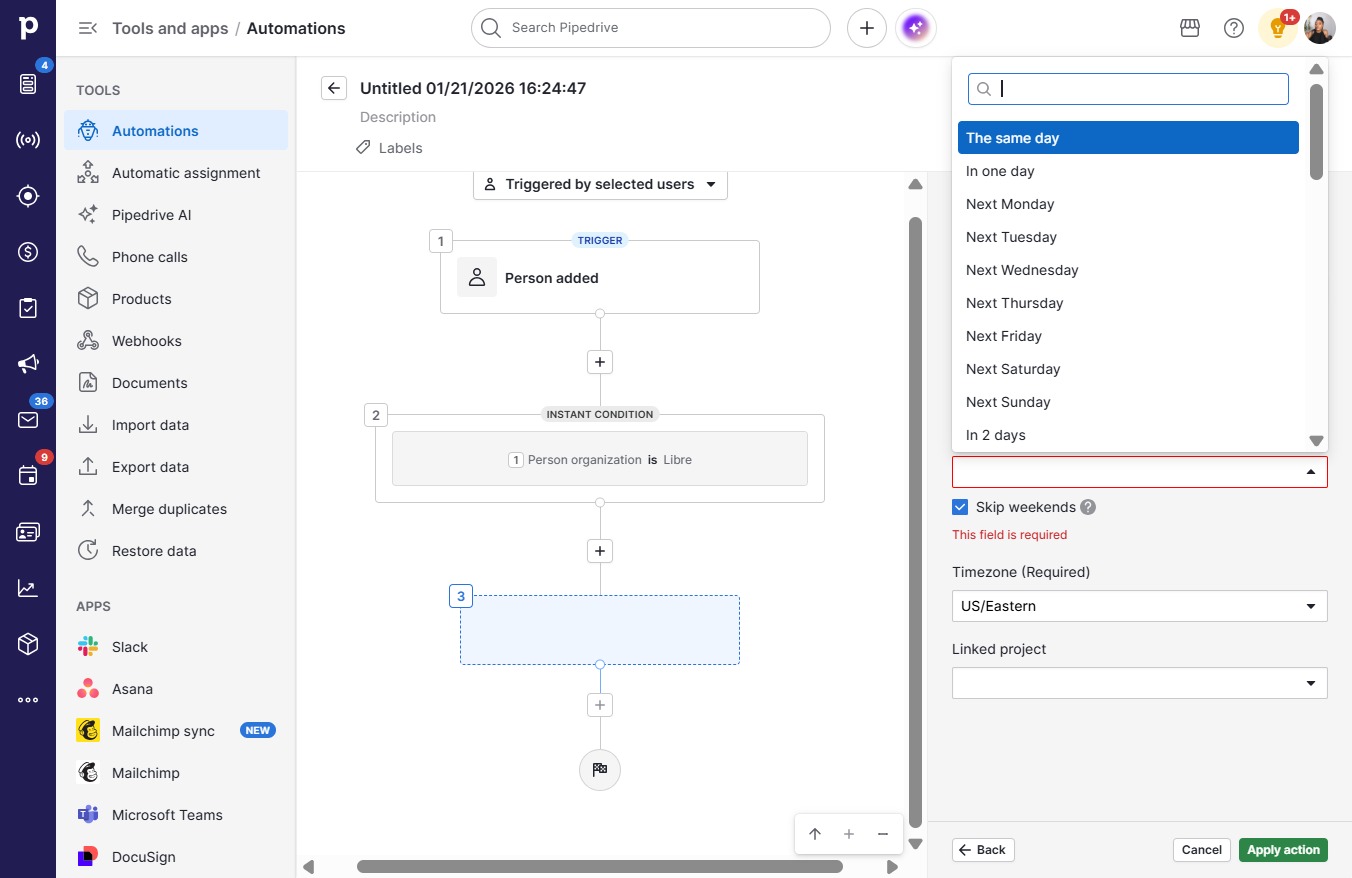
  32. Click The same day

    Click The same day
    Loading screenshot…
    100%
  33. Click Apply action

    Click Apply action
    Loading screenshot…
    100%
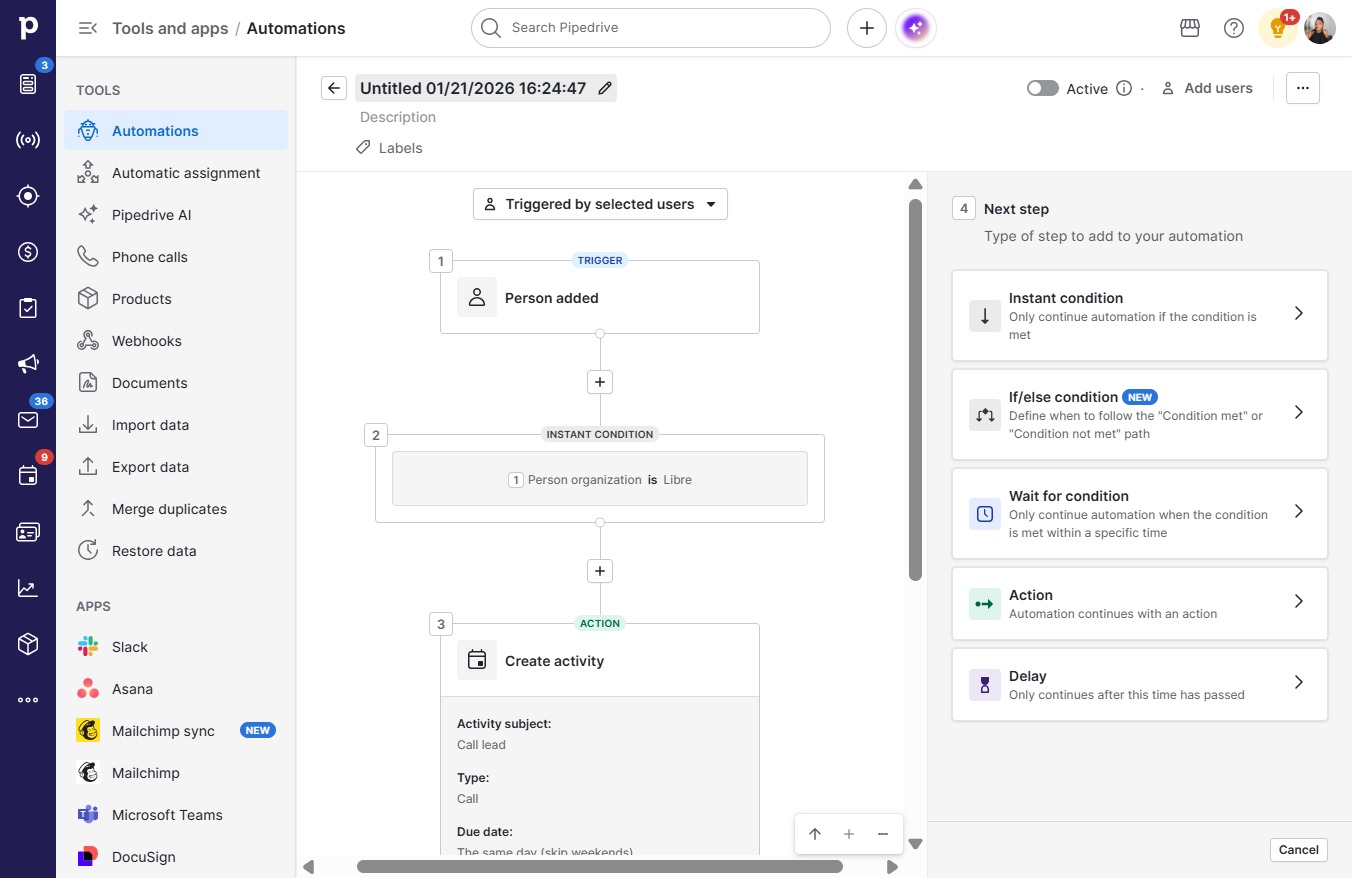
  34. Click Confirm and save

    Click Confirm and save
    Loading screenshot…
    100%
  35. Click Save

    Click Save
    Loading screenshot…
    100%
  36. Click on "Click here."

    Click on "Click here."
    Loading screenshot…
    100%
  37. Press a

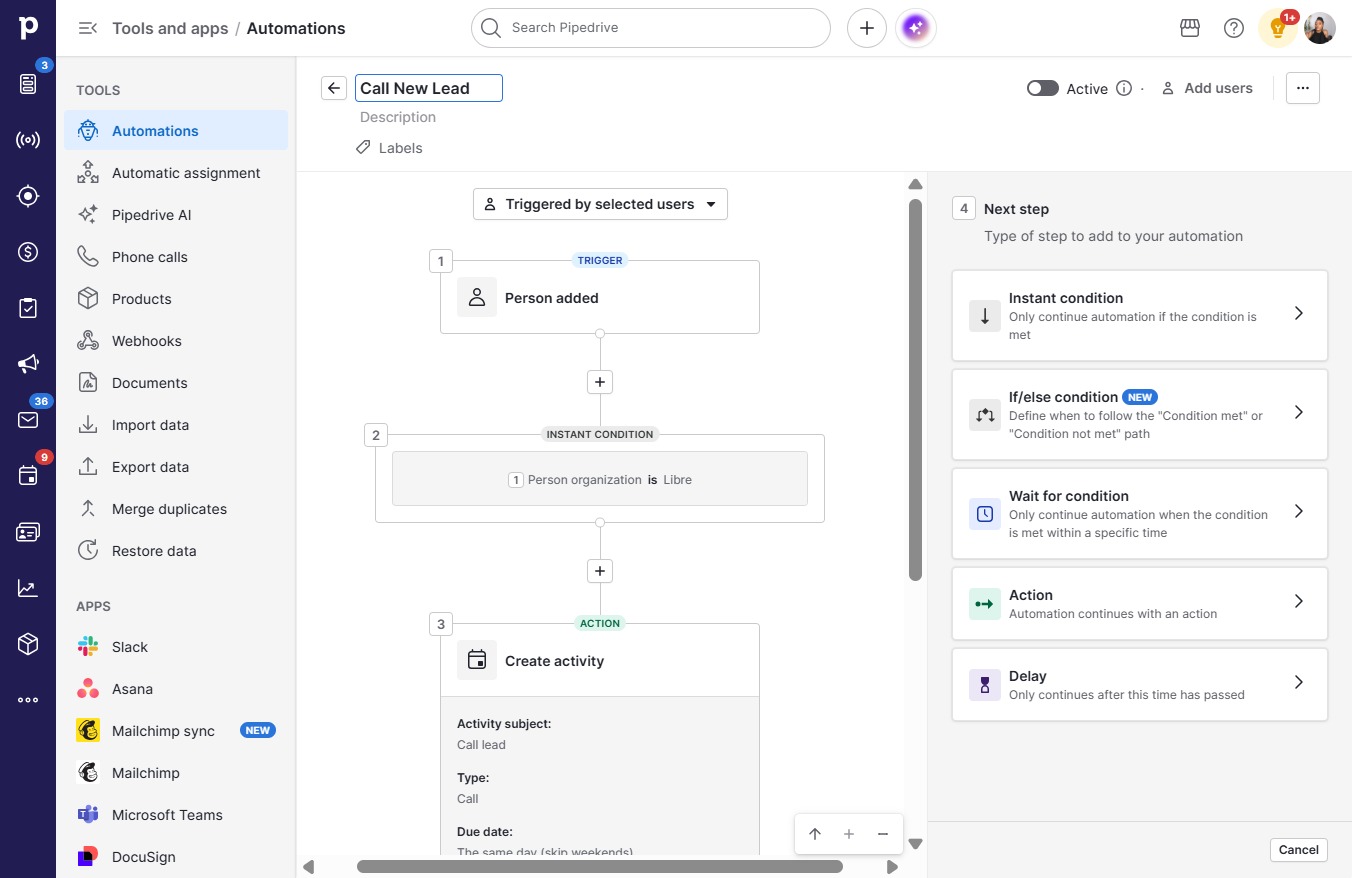
  38. Type "Call New Lead" in Untitled 01/21/2026 16:24:47

  39. Click on "Click here."

    Click on "Click here."
    Loading screenshot…
    100%