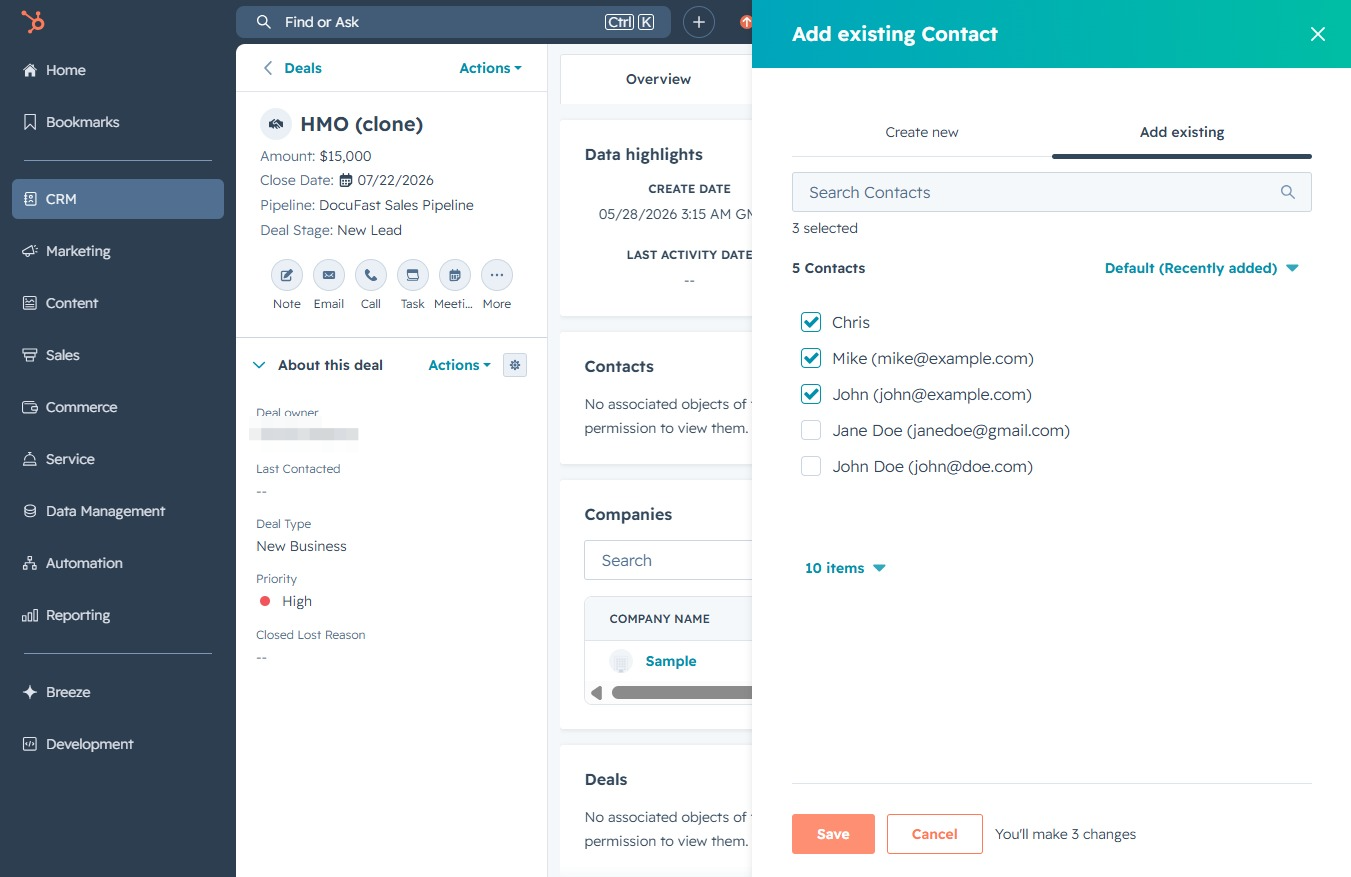
Click the CRM icon
This action opens the CRM section, allowing you to manage customer interactions, view tasks, and track sales activities.
Loading screenshot…
100%
Associate deals with multiple contacts in your CRM by selecting existing contacts to enhance record management and streamline customer relationship workflows.
 viktoria
Associate deals with multiple contacts in your CRM by selecting existing contacts to enhance record management and streamline customer relationship workflows.
This action opens the CRM section, allowing you to manage customer interactions, view tasks, and track sales activities.
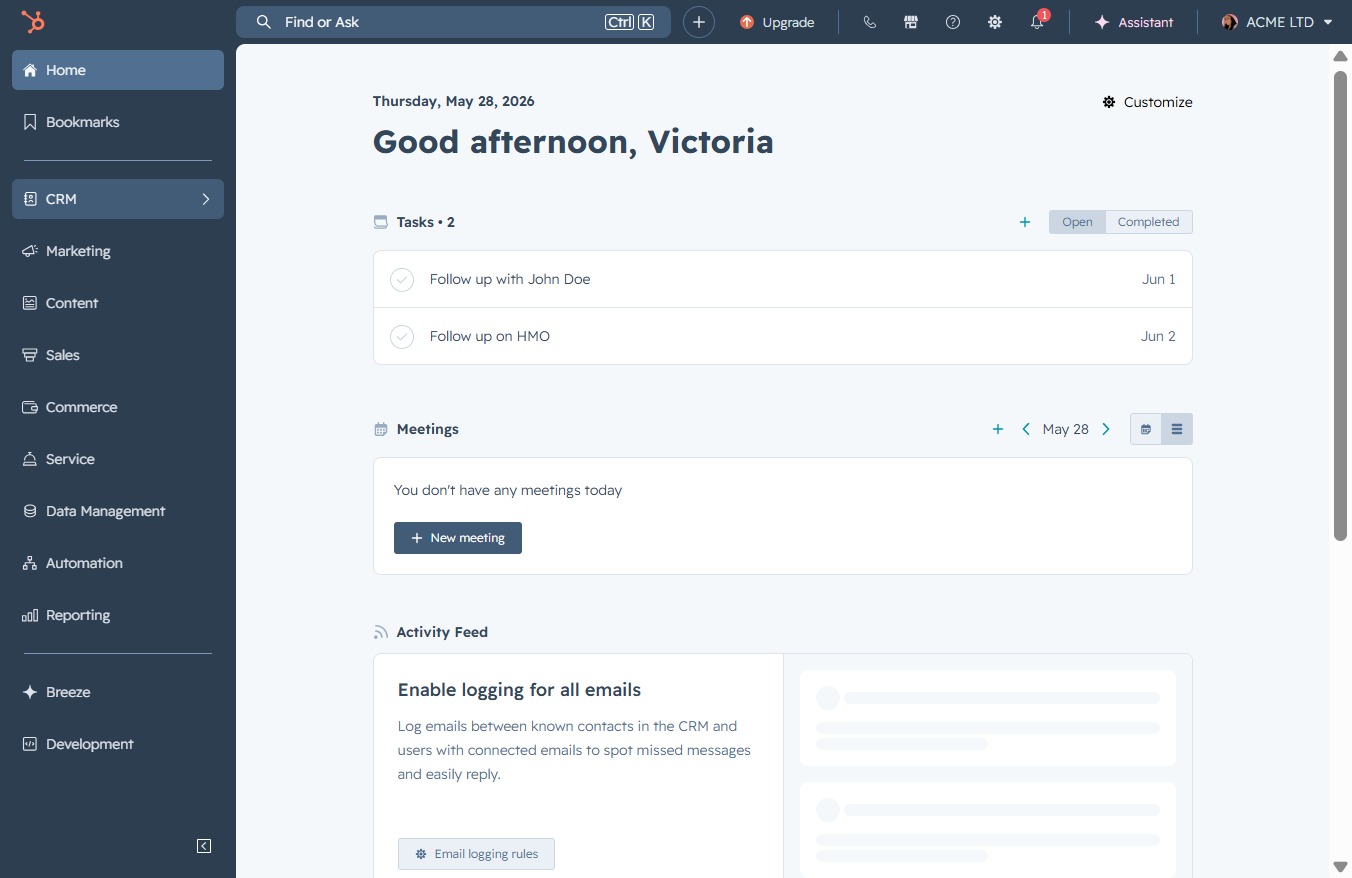
This will navigate you to the Deals section where you can view and manage ongoing transactions and sales opportunities.

Clicking the HMO (clone) link will open the detailed view of the cloned HMO deal, allowing you to review and edit its information.
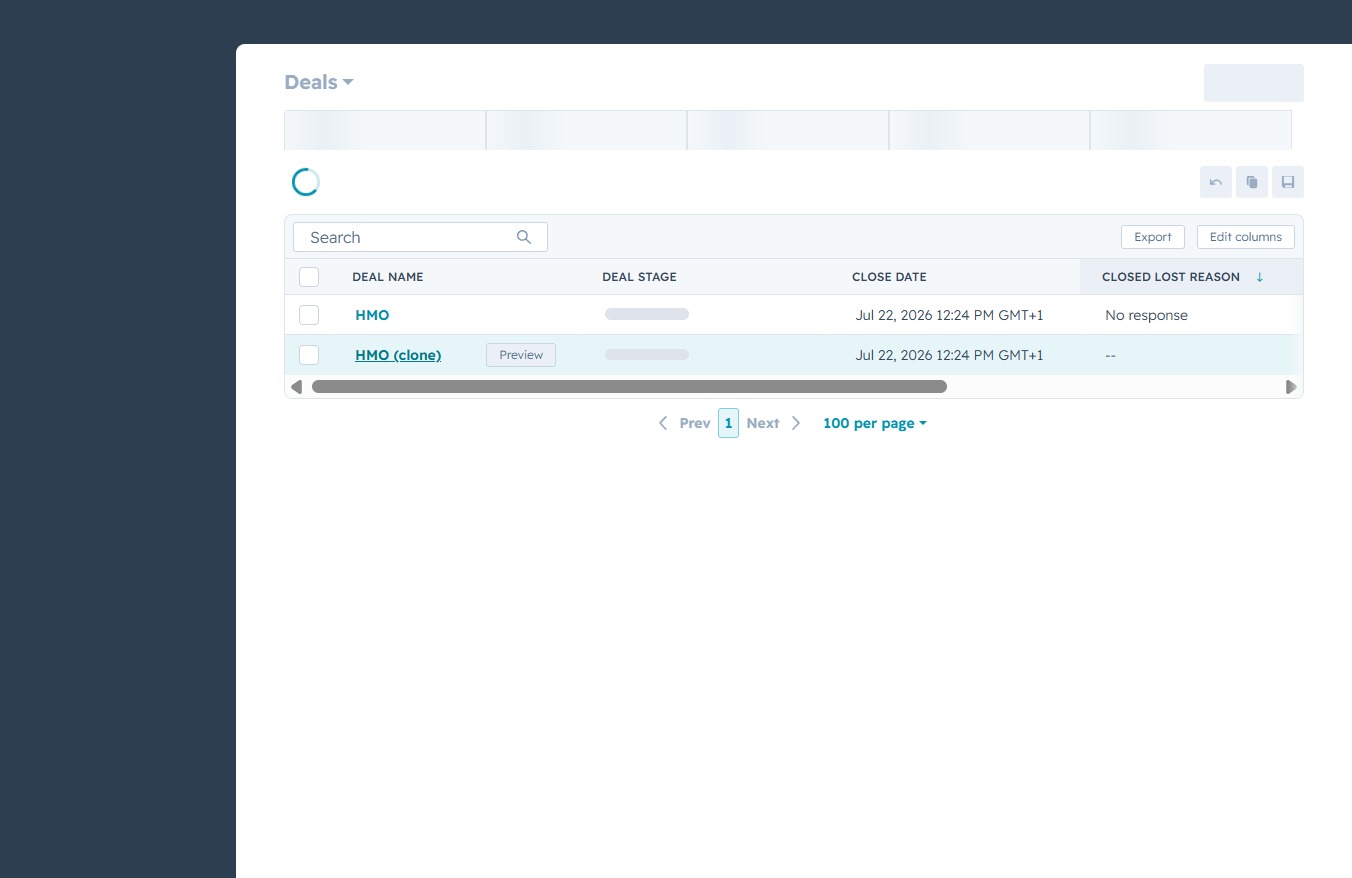
This action will allow you to add a new entry to the selected section, such as Contacts, Companies, or Deals, facilitating easier management of your records.

Selecting this option allows you to choose from existing contacts to associate with the deal. A list of recently added contacts will be displayed for your selection.
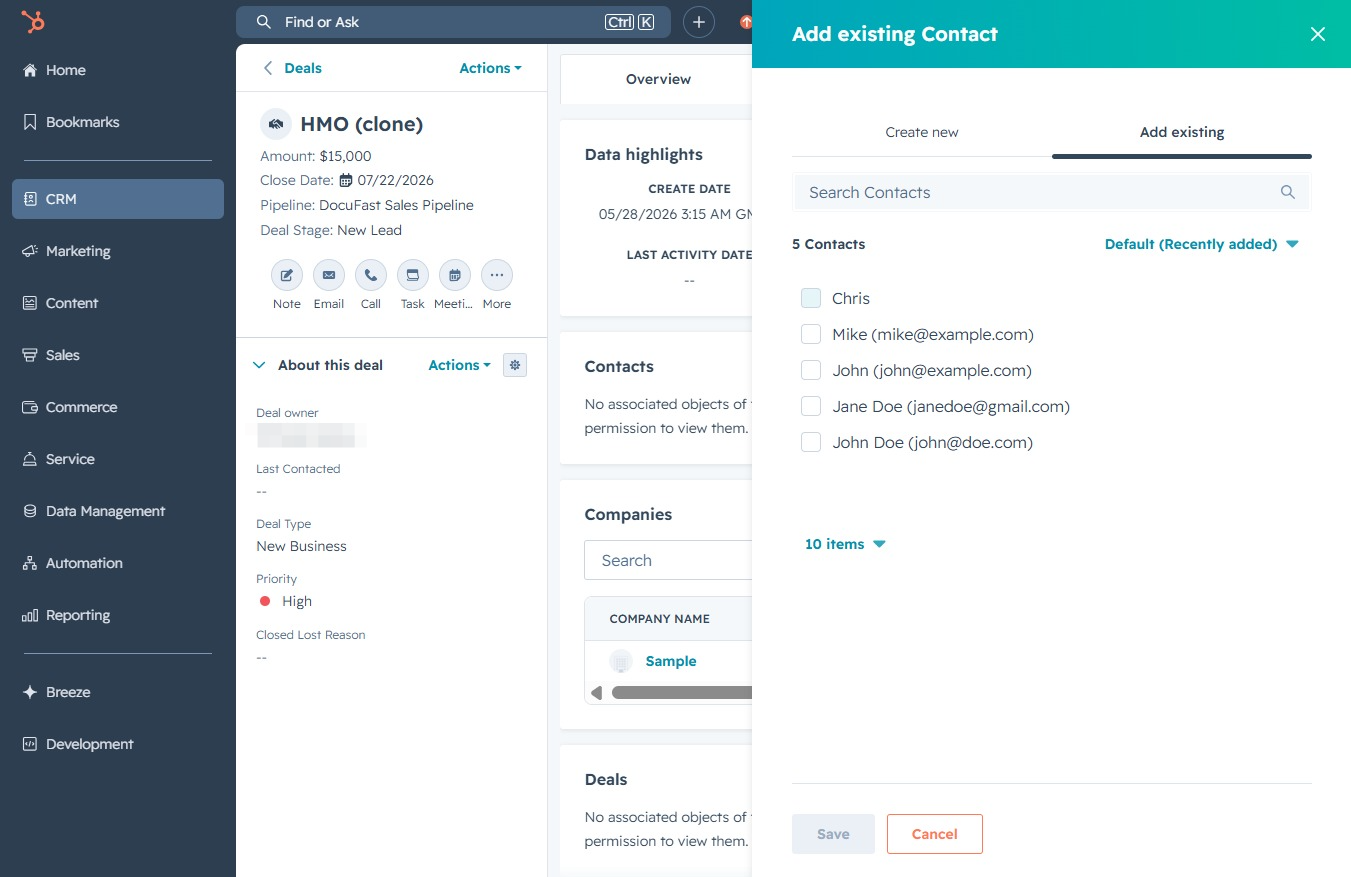
This action allows you to select existing contacts to add to the deal. After clicking, a dialog will appear where you can choose contacts from the list.

This action opens a dialog allowing you to select existing contacts to associate with the deal. You'll be able to view and choose from your contacts, ensuring accurate and efficient record management.
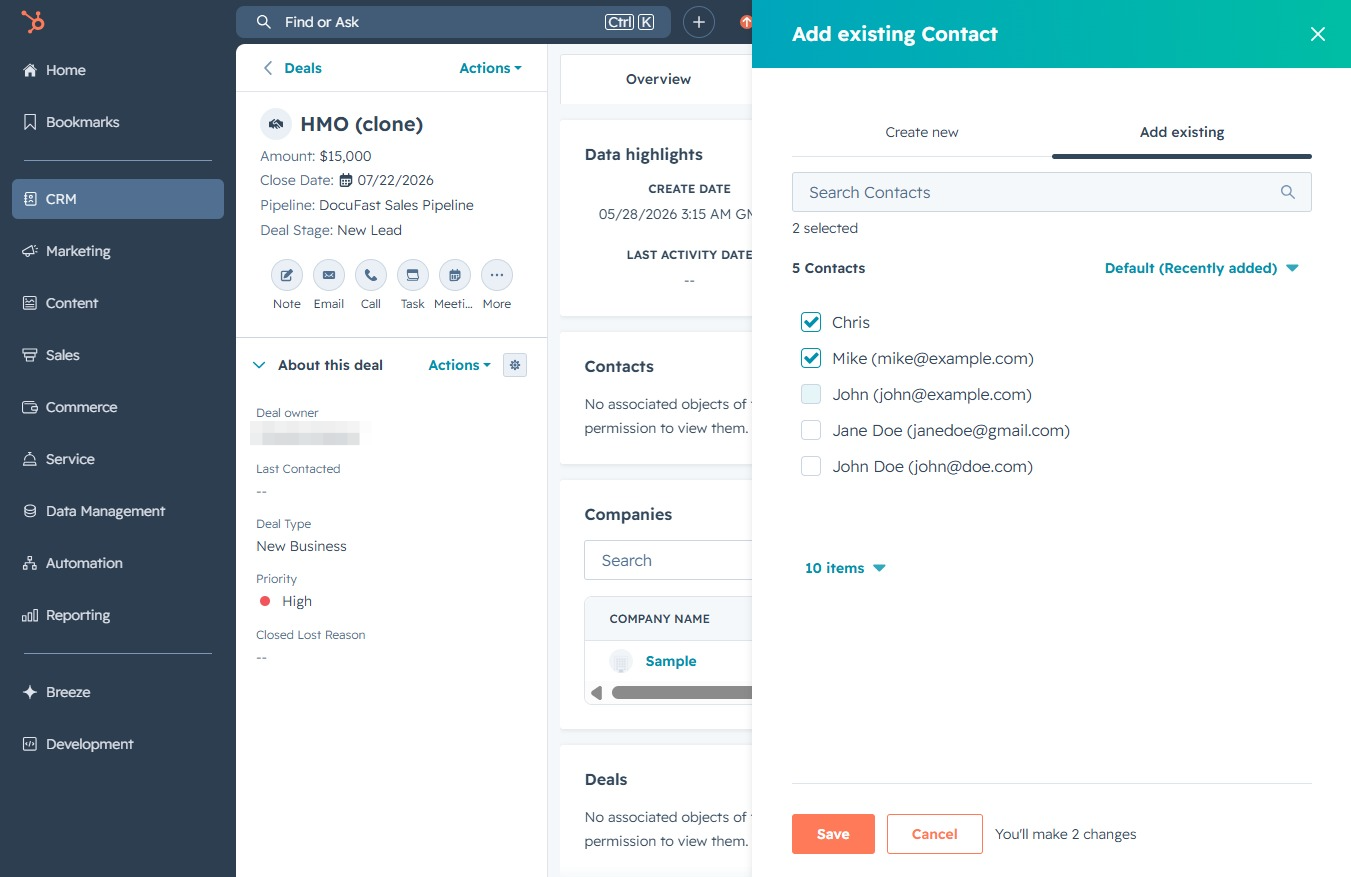
Clicking the Save button will finalize the addition of selected contacts to the deal. This action ensures that the changes are recorded and accessible in the details of the selected deal.