Shared guide

How to assign activities to team members

Learn how to efficiently assign activities to team members by following these simple steps.

victoriaworkflowsvictoriaworkflows
·8 steps·69 views·Published

Learn how to efficiently assign activities to team members by following these simple steps. This guide will walk you through the process of editing locations and notifying team members, ensuring everyone is informed and tasks are clearly delegated.

Step-by-step Guide8 steps
  1. Click on "Click here."
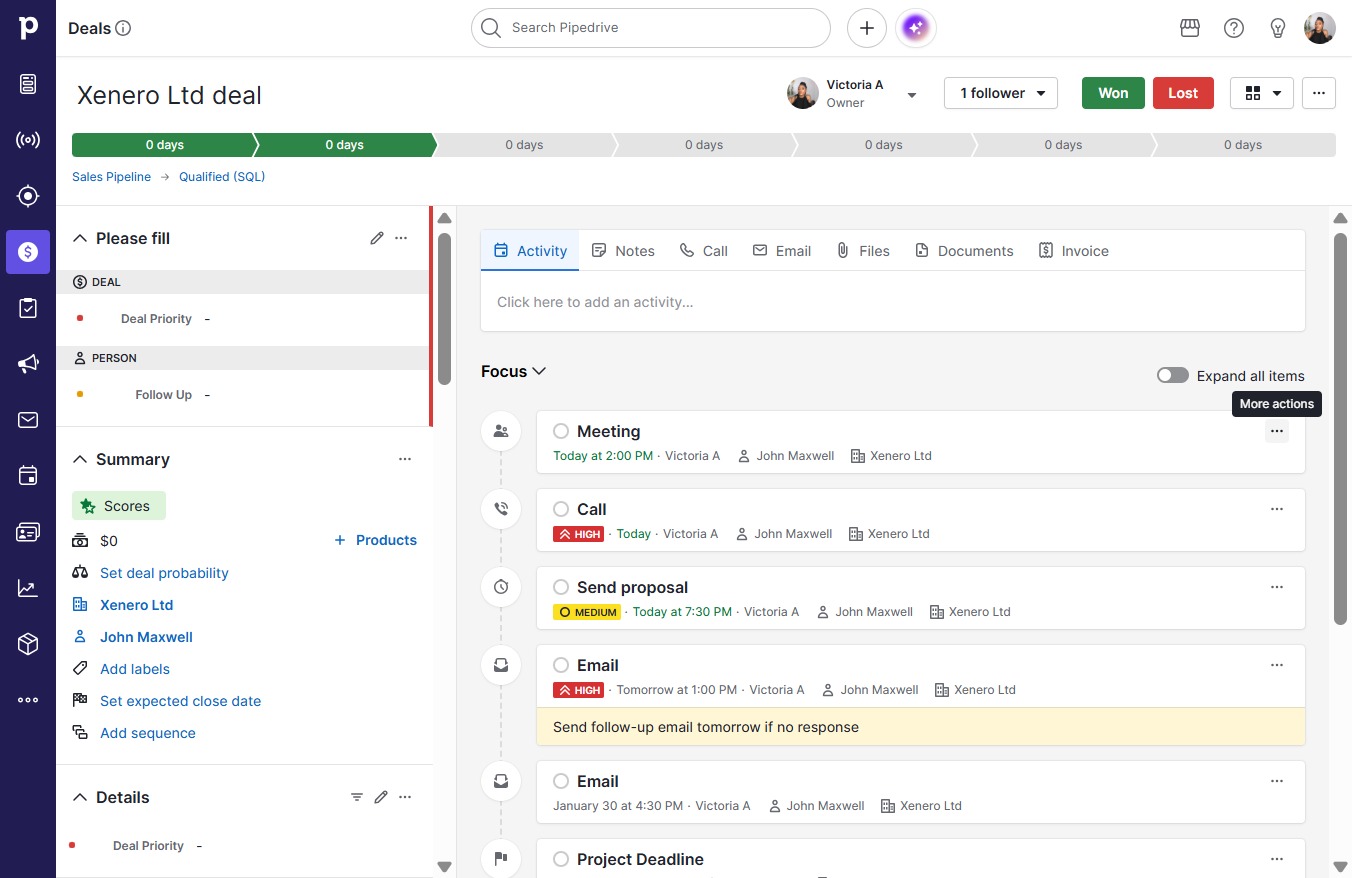
    Click on "Click here."
    Loading screenshot…
    100%
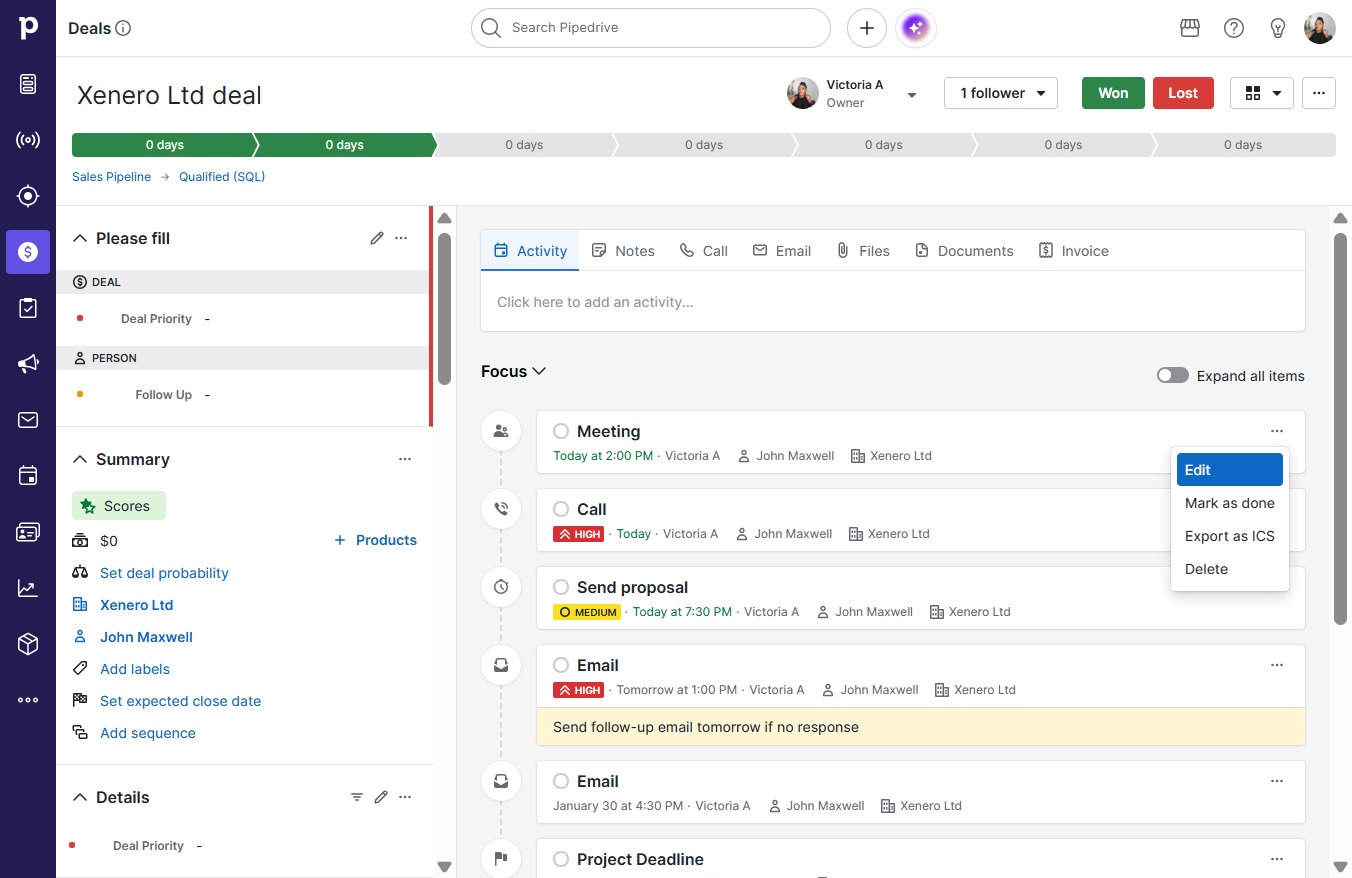
  2. Click Edit

    Click Edit
    Loading screenshot…
    100%
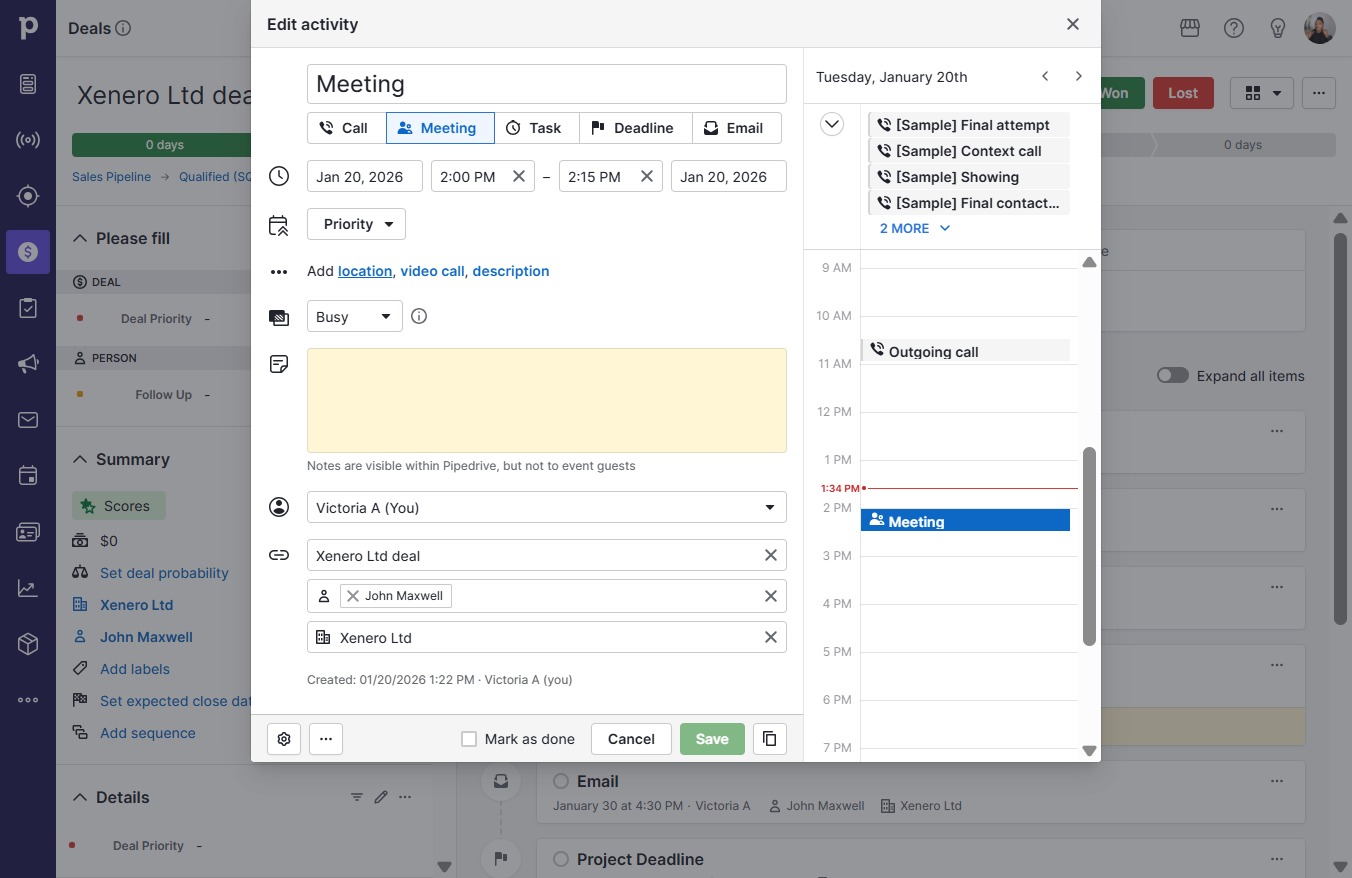
  3. Click location

    Click location
    Loading screenshot…
    100%
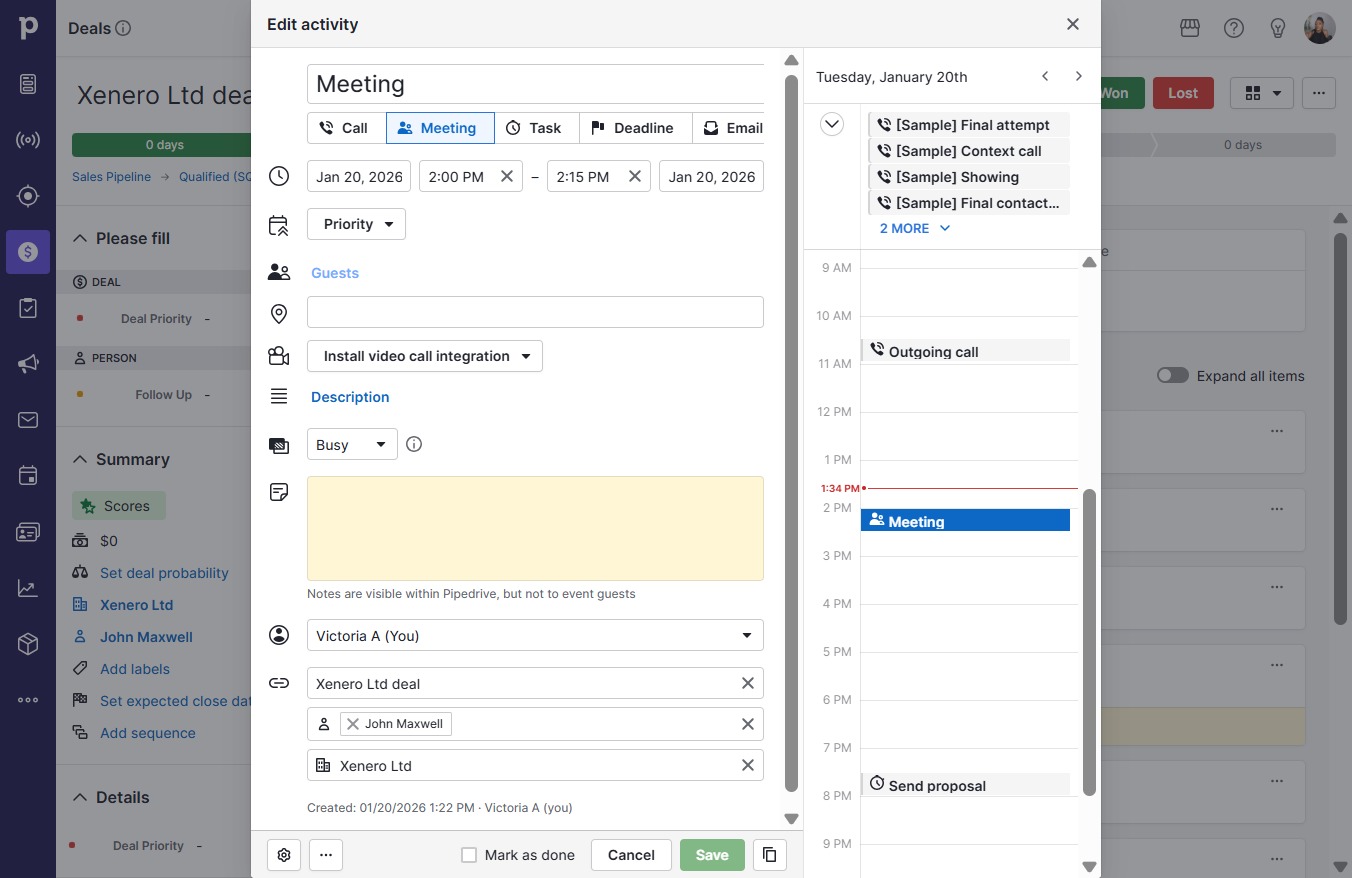
  4. Click on "Click here."

    Click on "Click here."
    Loading screenshot…
    100%
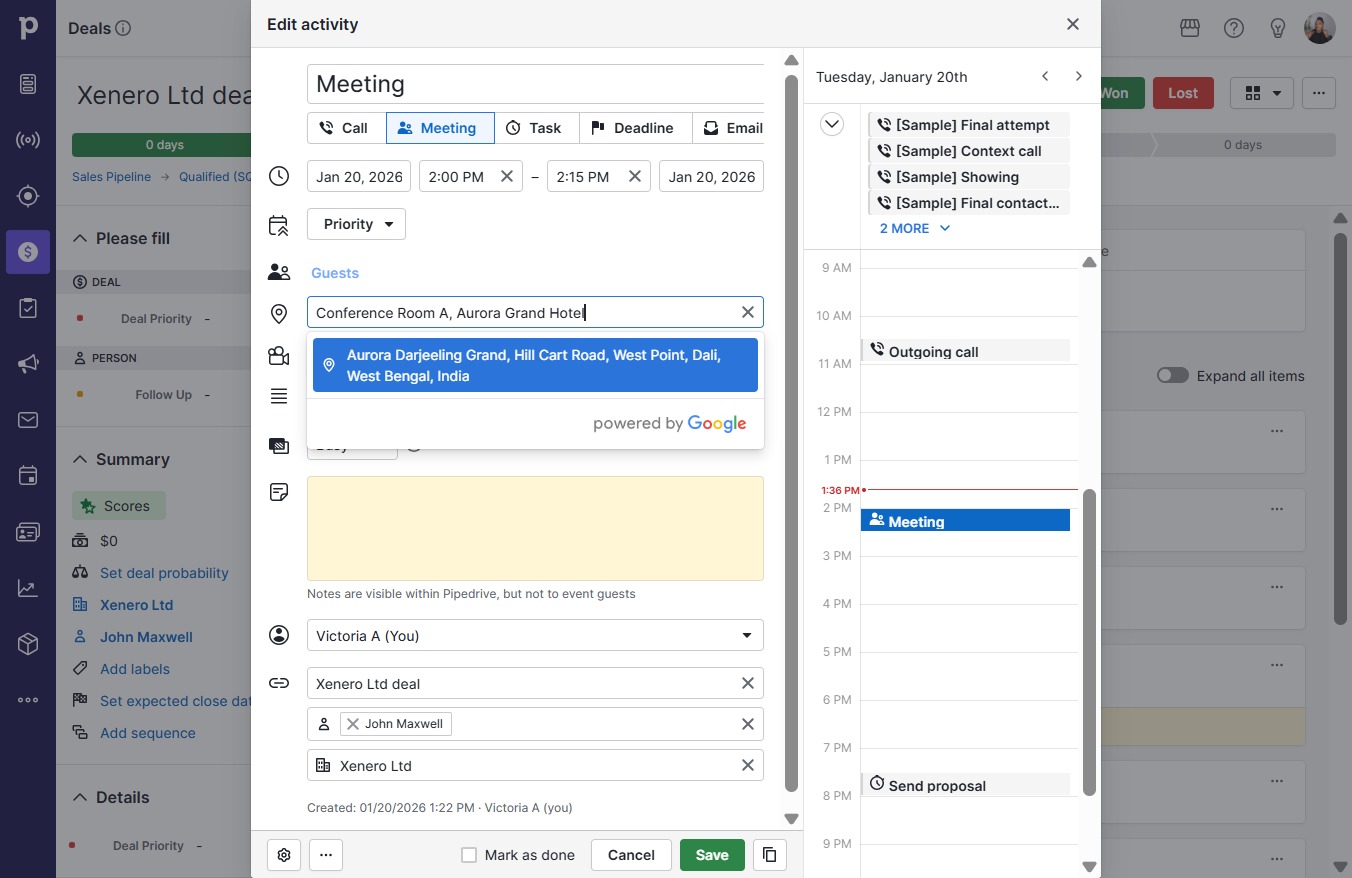
  5. Type "Conference Room A, Aurora Gran..." in Downshift 14 input

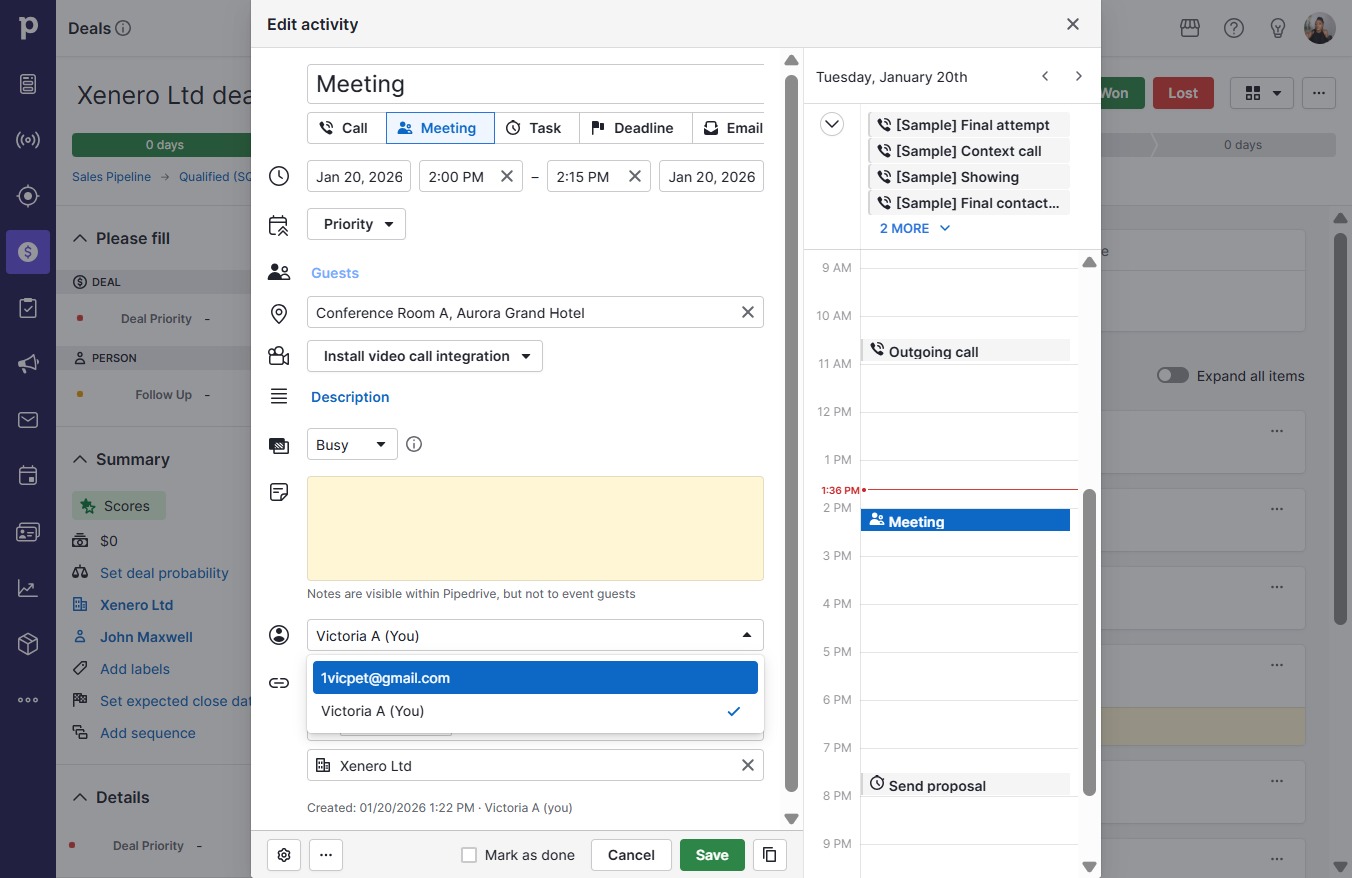
  6. Click Victoria A (You)

    Click Victoria A (You)
    Loading screenshot…
    100%
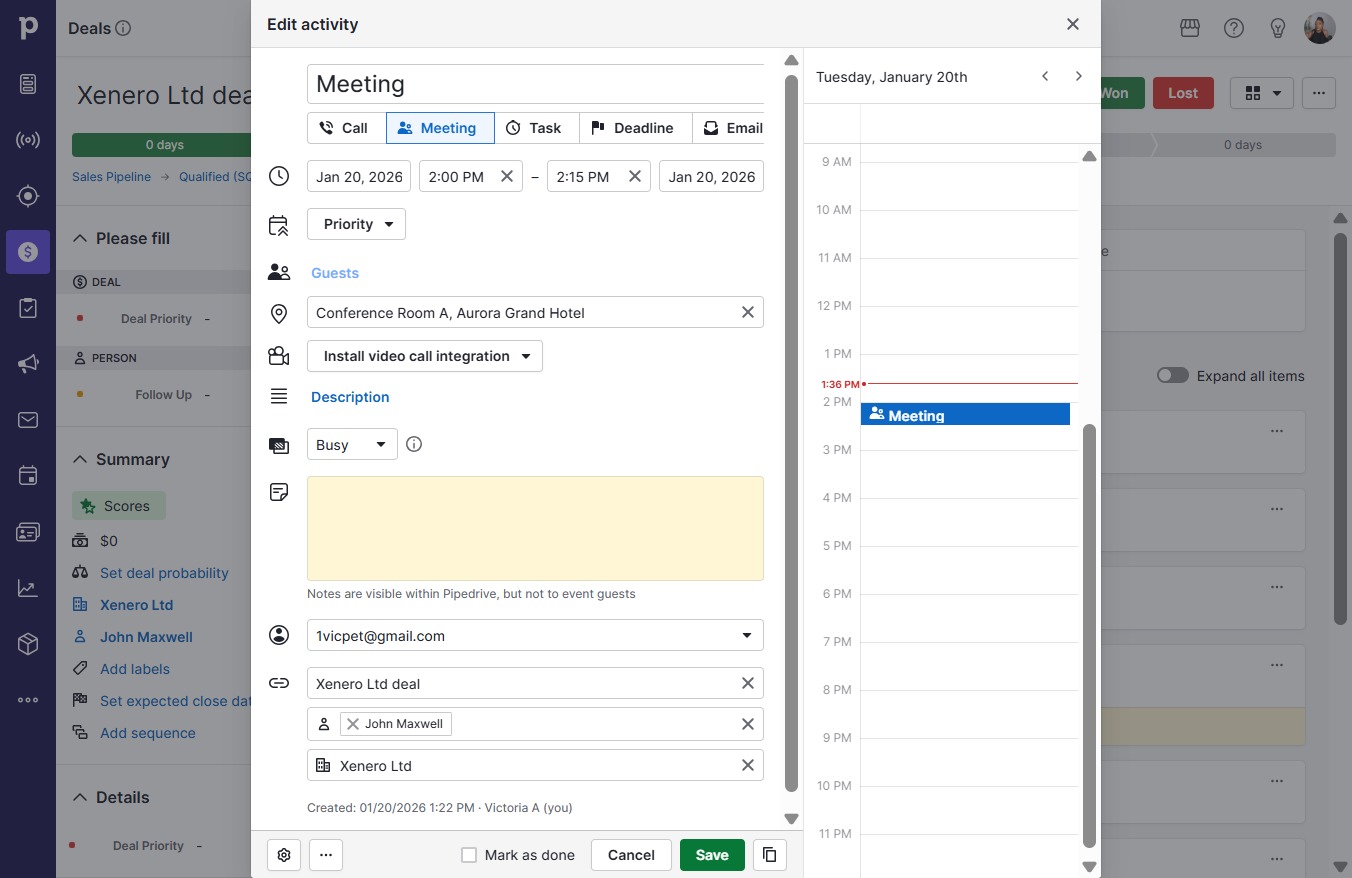
  7. Click 1vicpet@gmail.com

    Click 1vicpet@gmail.com
    Loading screenshot…
    100%
  8. Click Save

    Click Save
    Loading screenshot…
    100%