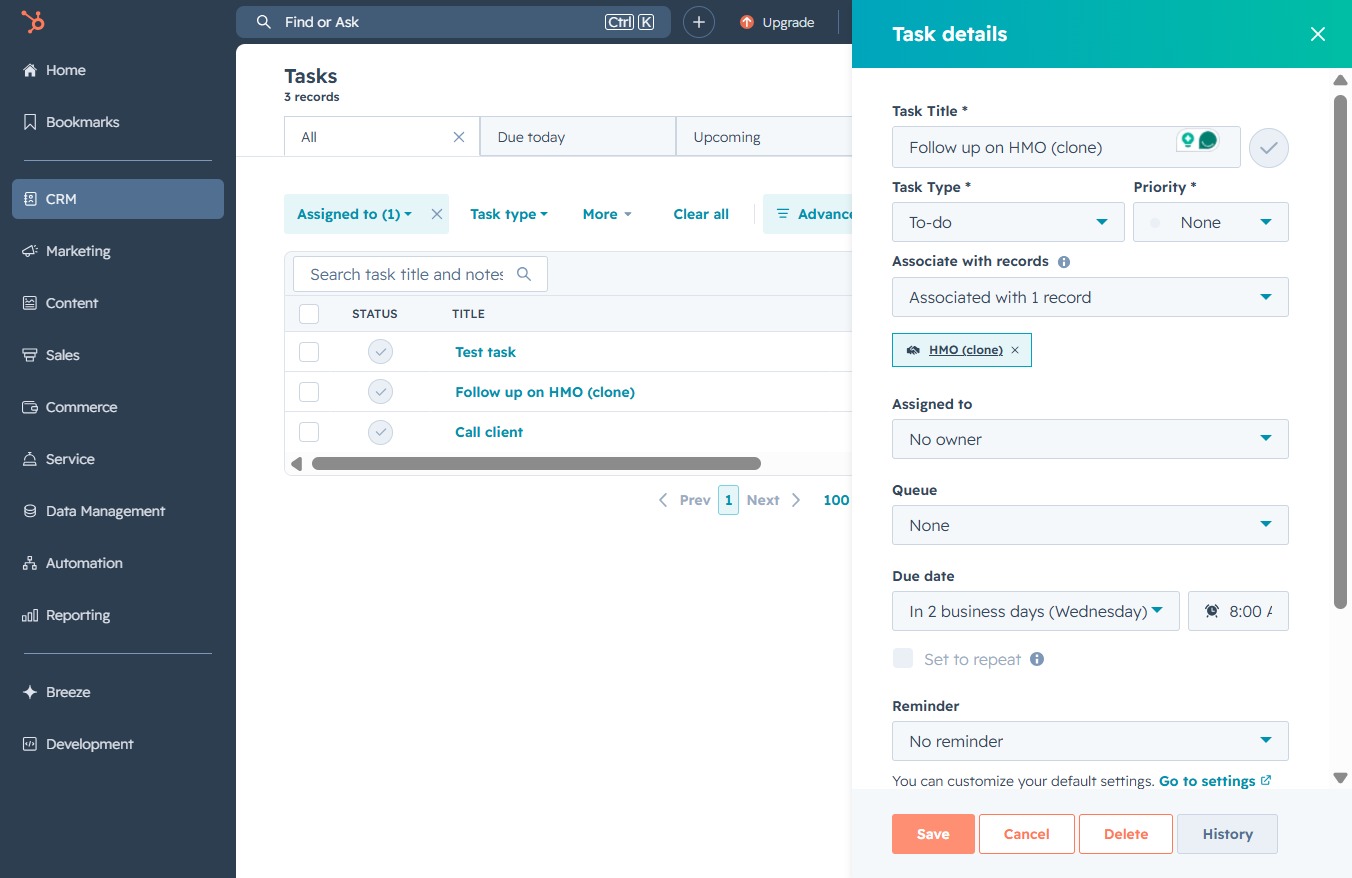
Click the CRM link
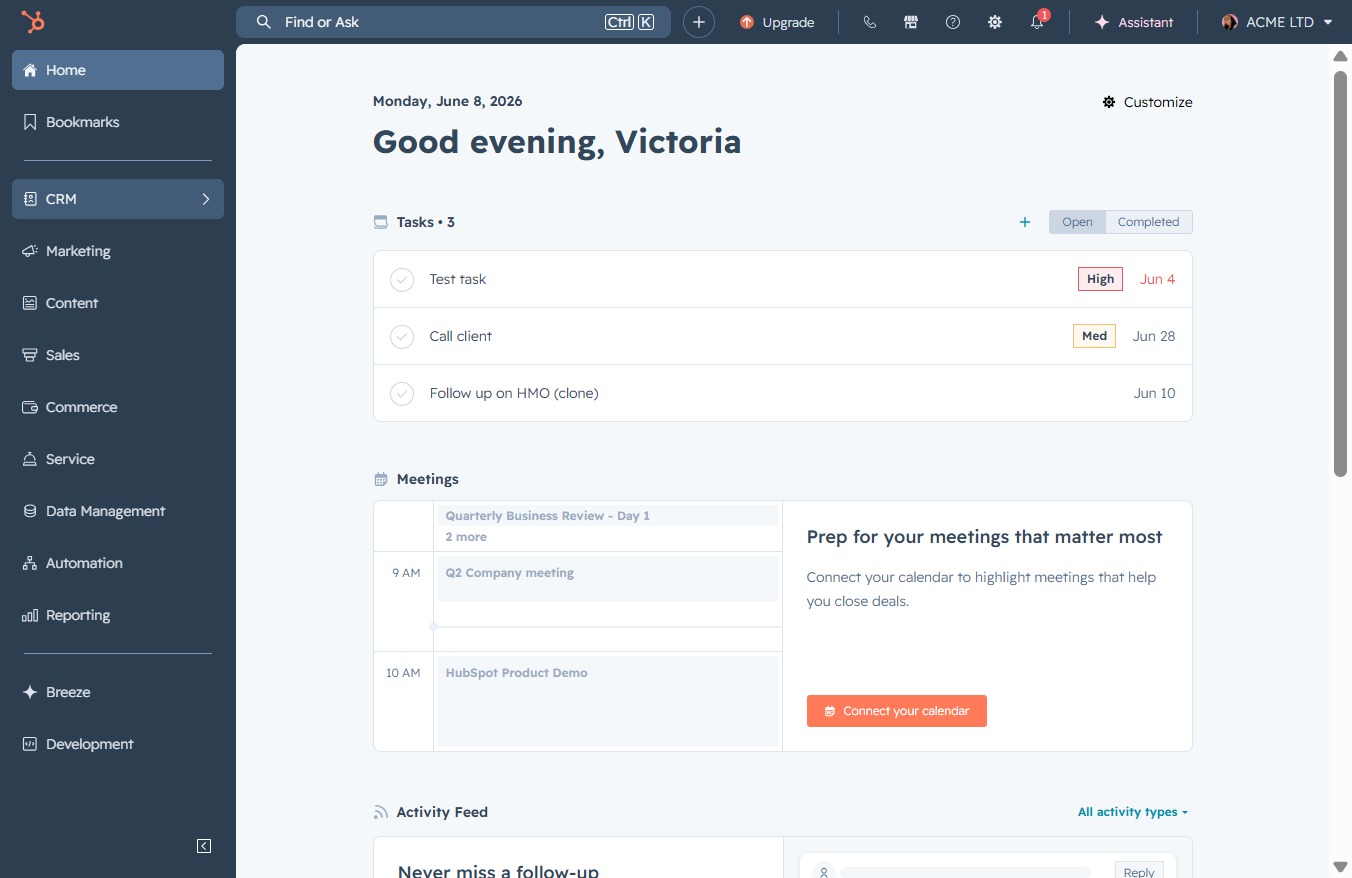
Clicking the CRM link opens the Customer Relationship Management section, where you can manage leads, interactions, and sales opportunities.
Loading screenshot…
100%
Assign tasks to team members in the CRM by editing task details, associating tasks with contacts, and selecting an owner for effective task management.
 viktoria
Assign tasks to team members in the CRM by editing task details, associating tasks with contacts, and selecting an owner for effective task management.
Clicking the CRM link opens the Customer Relationship Management section, where you can manage leads, interactions, and sales opportunities.
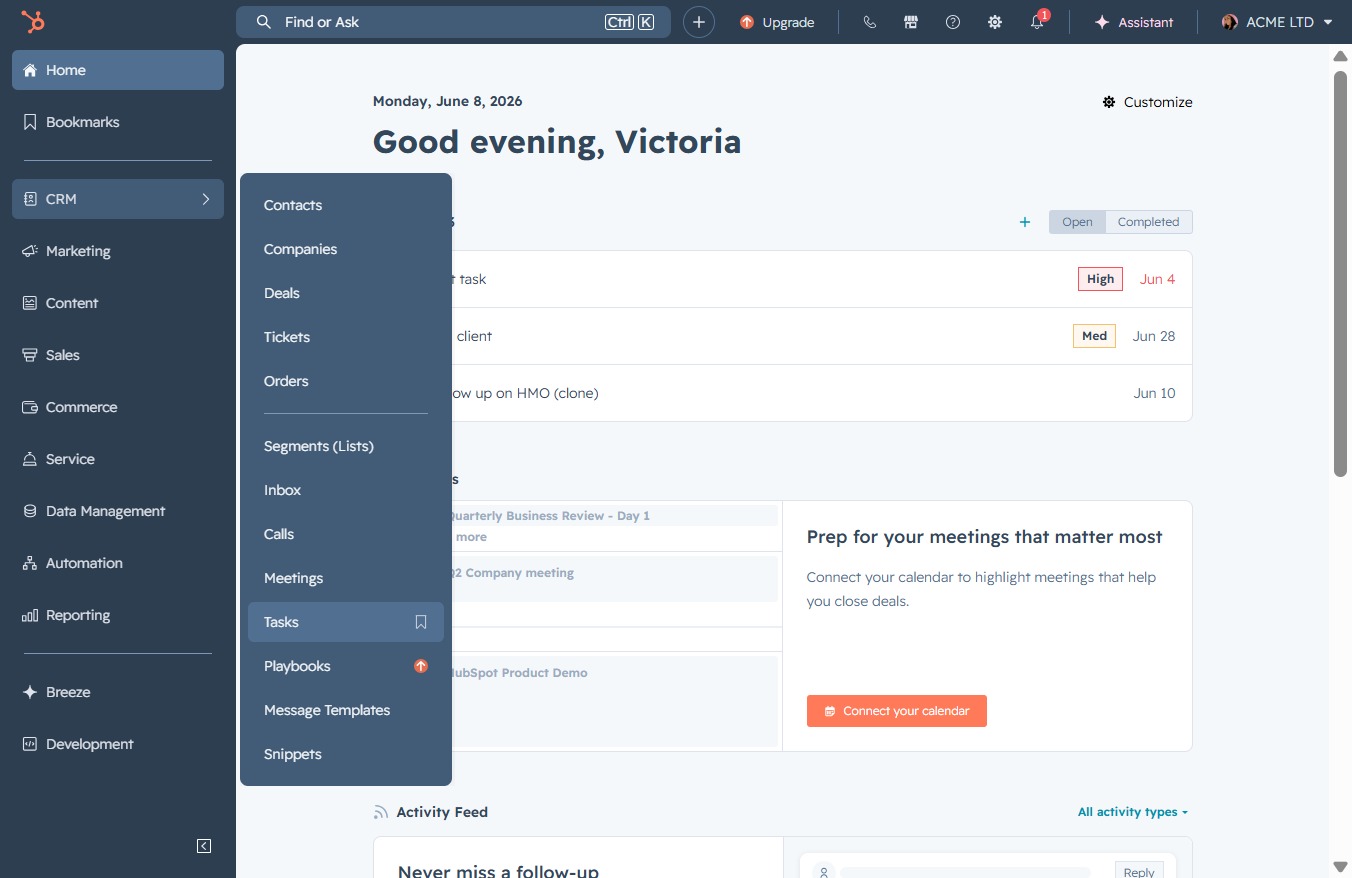
This action opens the Tasks section, allowing you to view and manage your current tasks and to-dos.
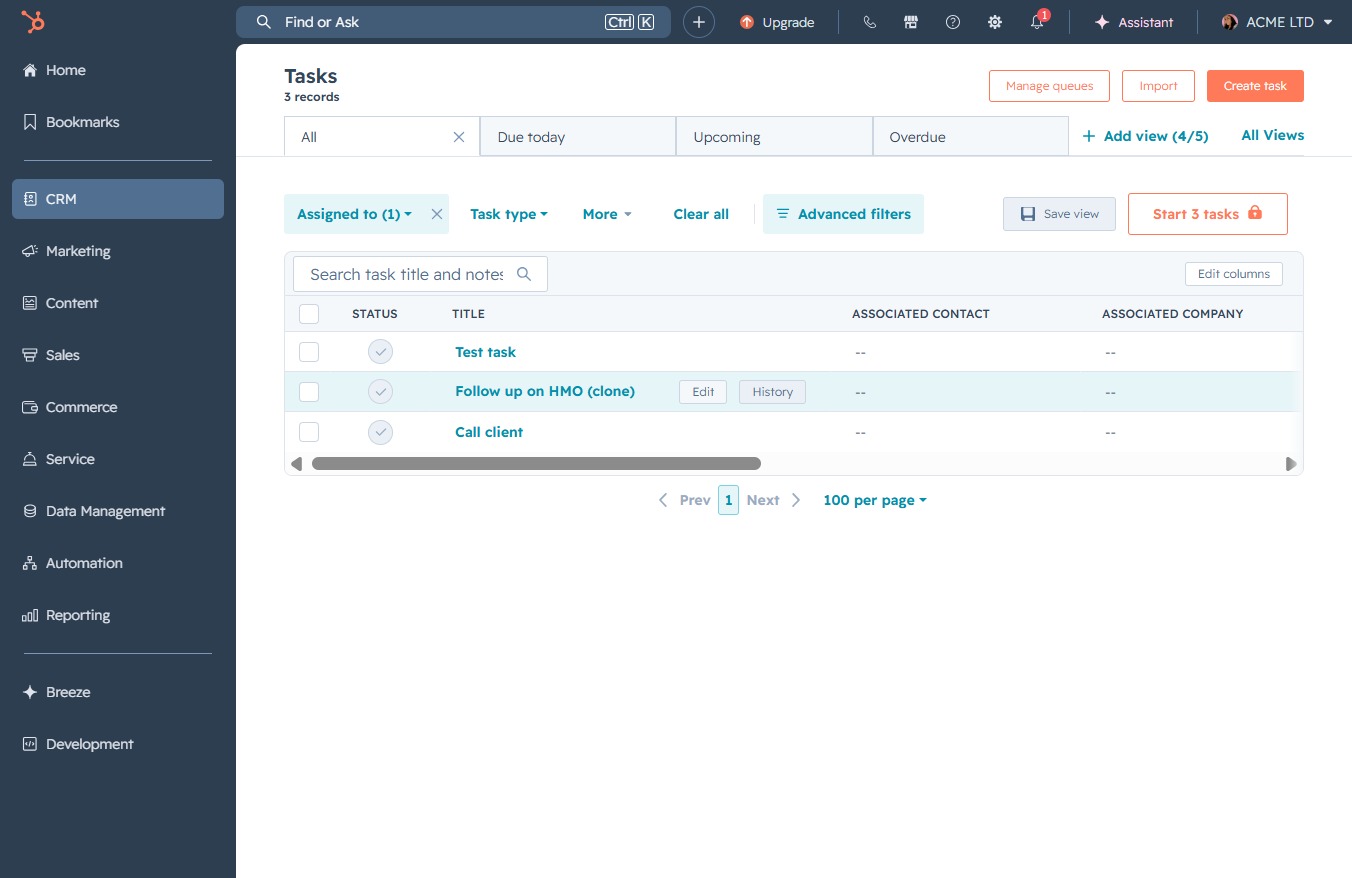
Selecting the Edit button allows you to modify the details of the selected task in your CRM. You can update information such as task status, title, and associated contacts as needed.
Clicking the 'Victoria Adamu' label allows you to associate the selected task with this specific contact, facilitating task management within the CRM.
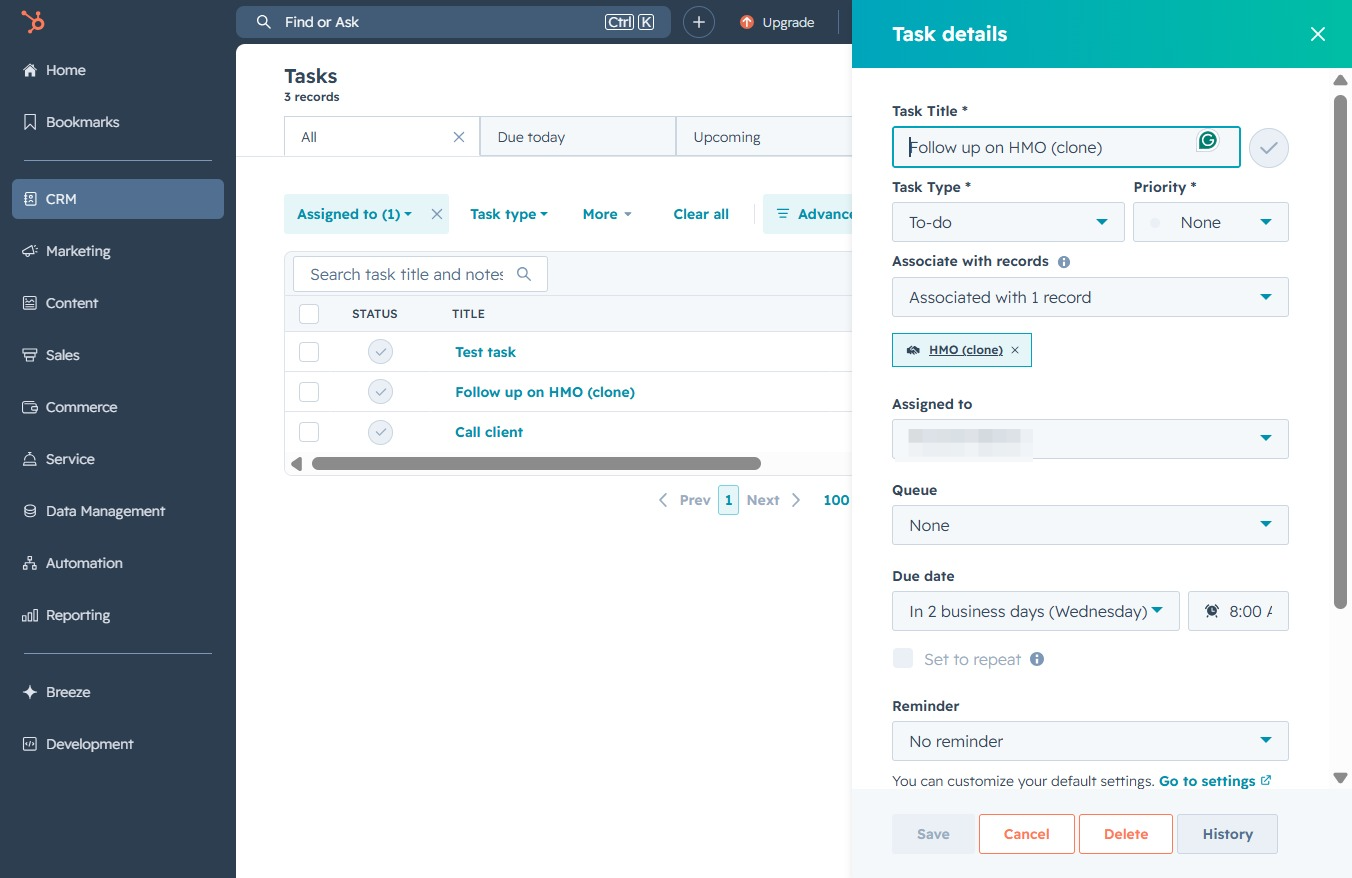
This will allow you to assign the selected task to a user by choosing an owner from the list that appears.

This action will save the details of the task you've edited or created in the Task Details section. Make sure all necessary information is filled out before saving to ensure the task is properly recorded.