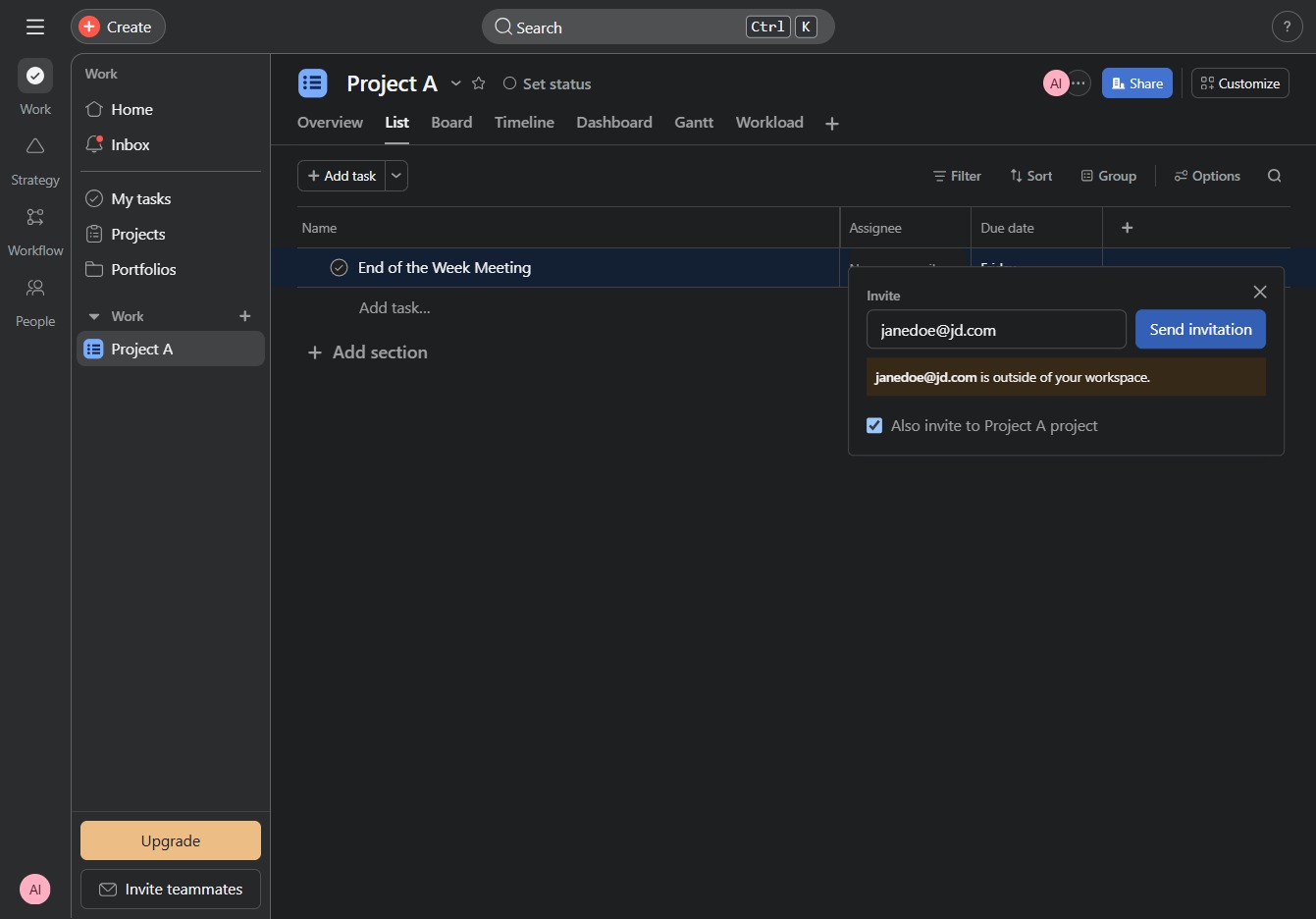
Click on Project A link
This will take you to the detailed view of Project A, where you can manage tasks, settings, and track project progress.
Loading screenshot…
100%
This how-to guide walks you through the steps to assign a task within Project A, including navigating to the project, selecting a task, and inviting team members via email for…
 viktoria
This how-to guide walks you through the steps to assign a task within Project A, including navigating to the project, selecting a task, and inviting team members via email for seamless collaboration. Follow the outlined steps to enhance teamwork and project management efficiency.
This will take you to the detailed view of Project A, where you can manage tasks, settings, and track project progress.
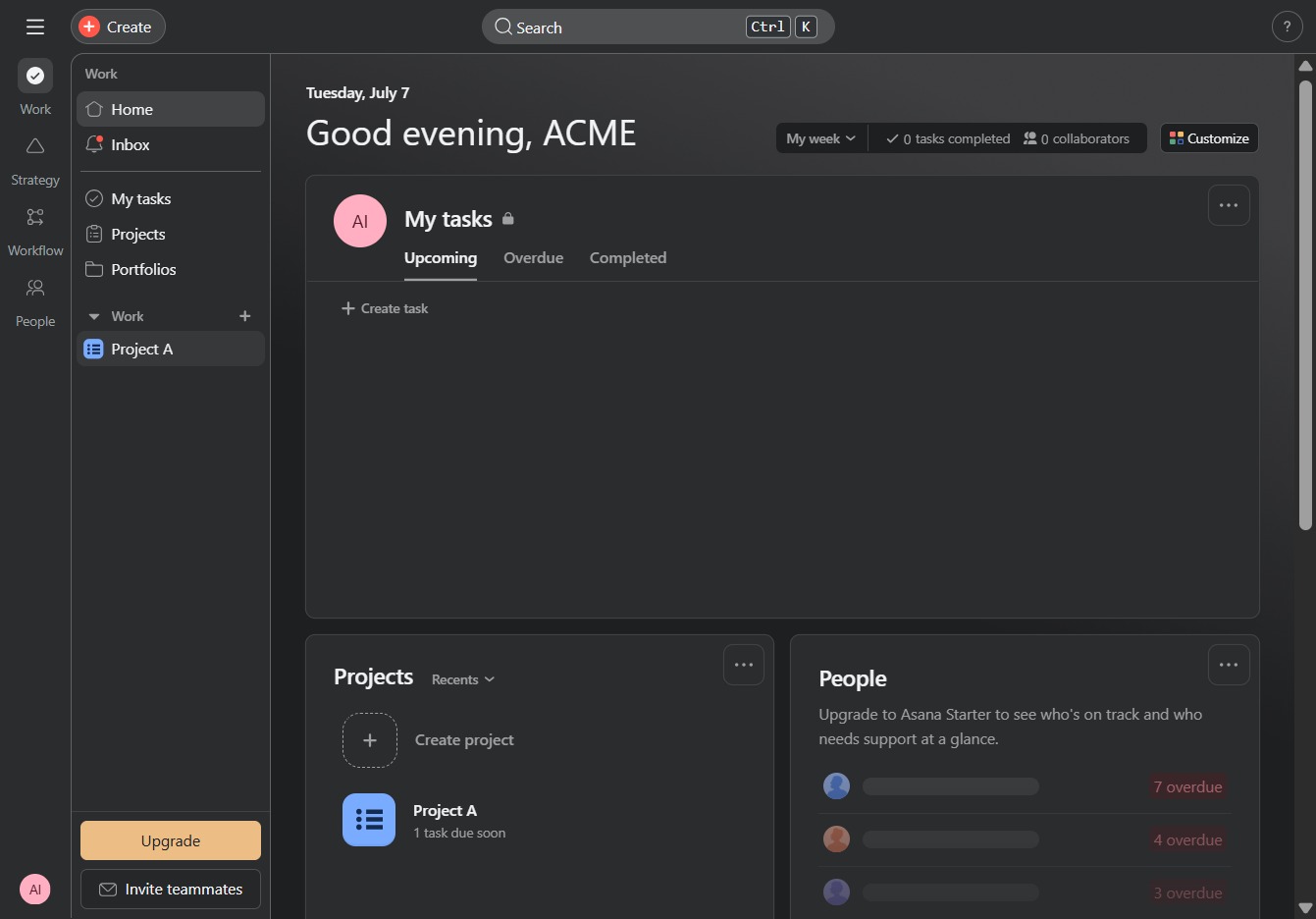
By clicking this button, you can assign the selected task to a team member, facilitating better collaboration within the project.
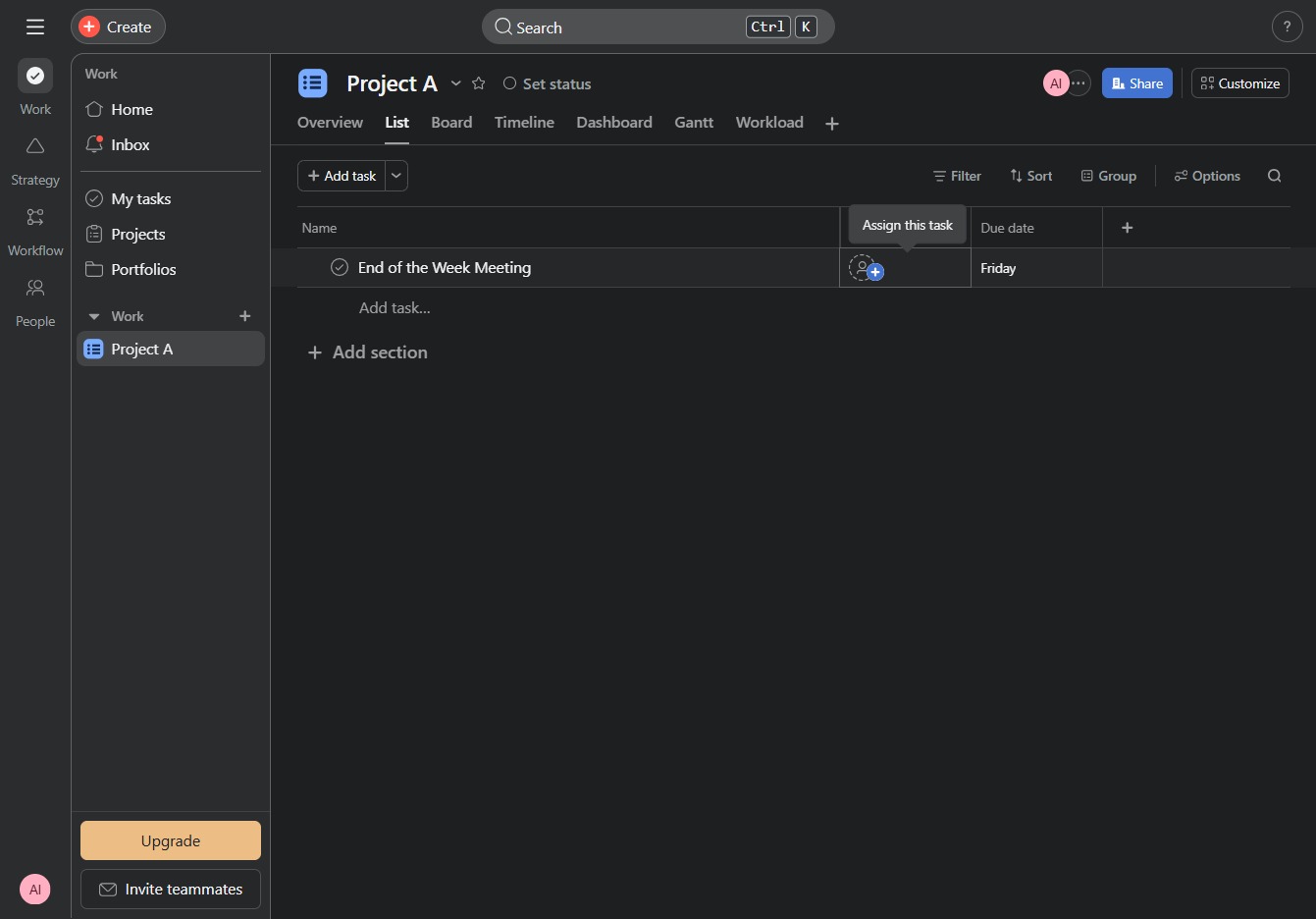
This action allows you to send email invitations to teammates, enabling them to join the project and collaborate effectively.
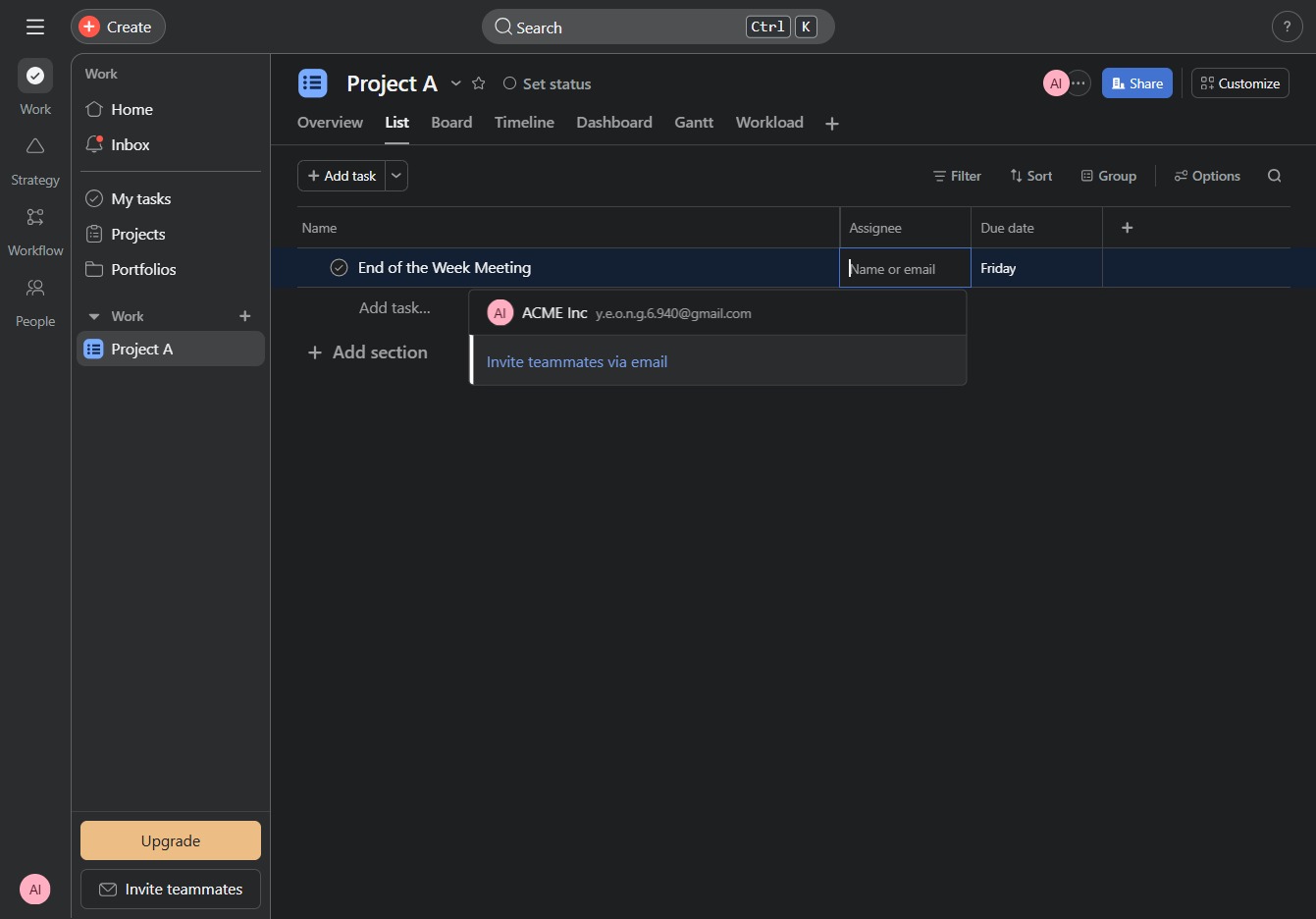
Enter 'janedoe@jd.com' in the Email field to invite this user to your workspace. This action initiates the invitation process, allowing collaboration on Project A.

This action sends an invitation to the specified email address to join the Project A workspace. Ensure the email address is correct before clicking to proceed.