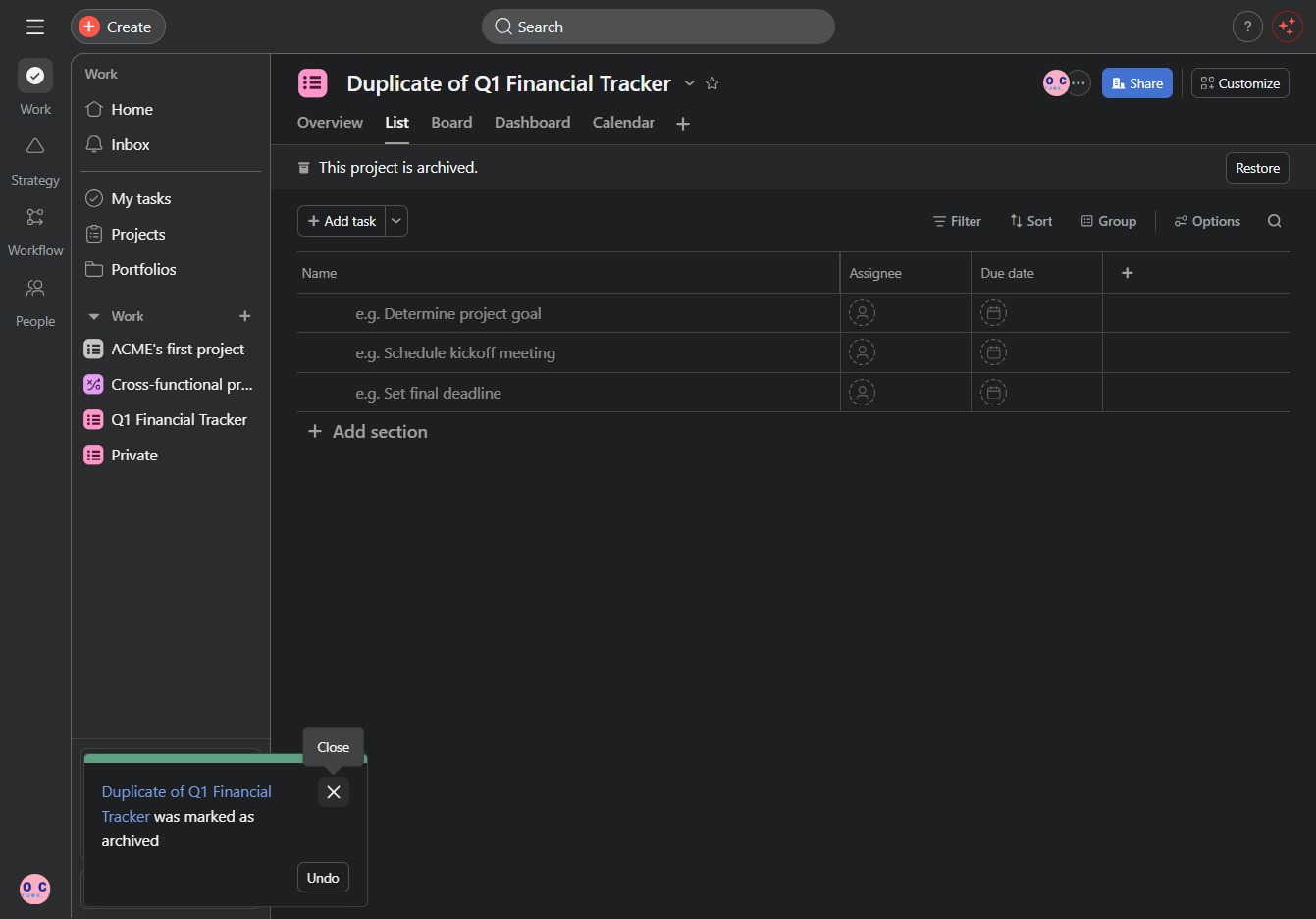
Click the Duplicate of Q1 Financial Tracker
This action will create a copy of the existing Q1 Financial Tracker, allowing you to make modifications or use it as a new template without altering the original.

Loading screenshot…
100%
In this how-to guide, learn the step-by-step process to successfully archive a project while preserving its data for future use.
 viktoria
In this how-to guide, learn the step-by-step process to successfully archive a project while preserving its data for future use. Discover how to create a duplicate of your Q1 Financial Tracker and ensure smooth task management within the archived section.
This action will create a copy of the existing Q1 Financial Tracker, allowing you to make modifications or use it as a new template without altering the original.
By clicking 'Click here,' you can initiate the process to add a new task to your project in the 'Duplicate of Q1 Financial Tracker' section.
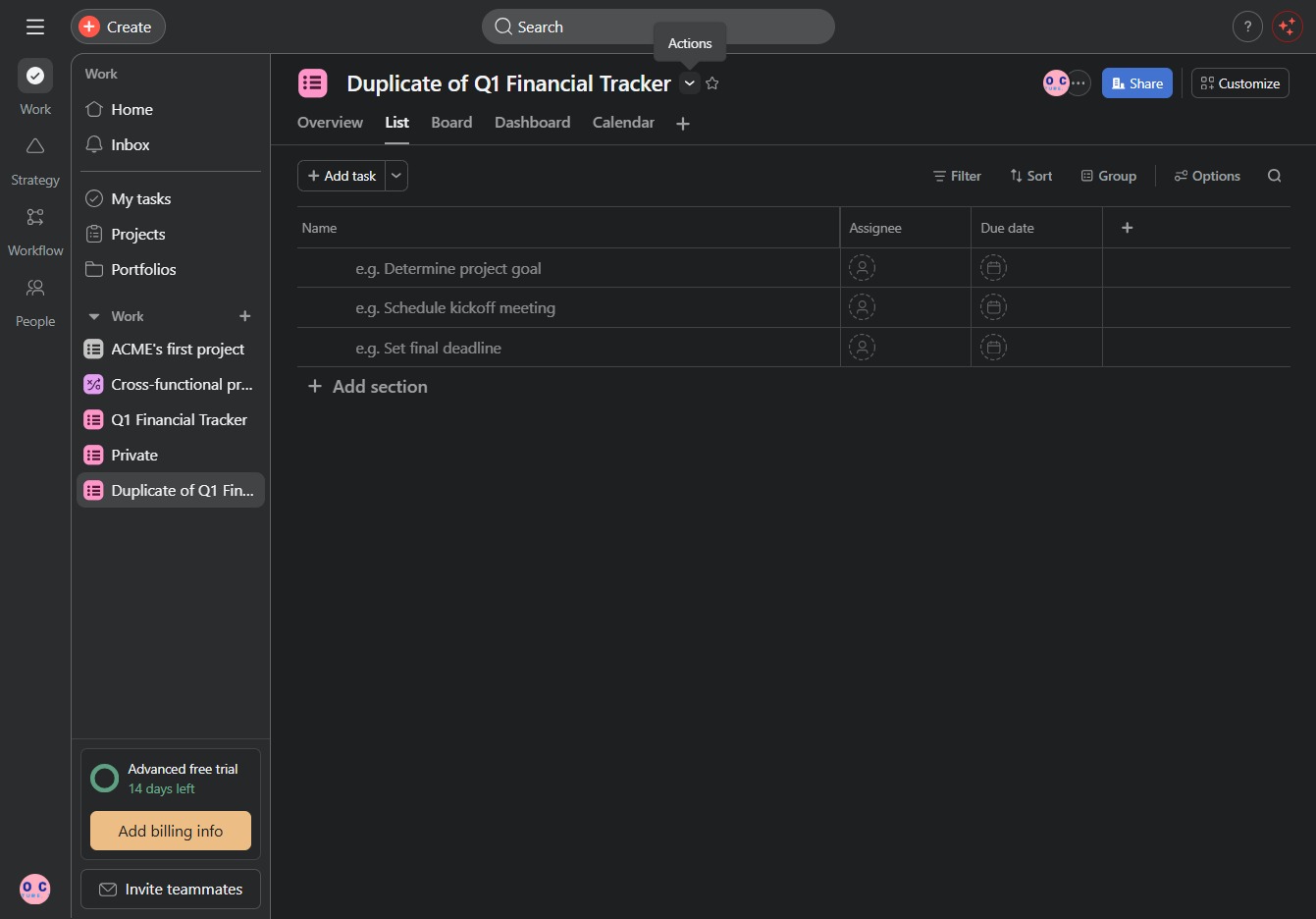
Selecting 'Archive' will move the current project to the archived section, making it inactive but preserving its data for future reference.

Clicking this notification allows you to revert the archiving of the project, bringing it back to active status.