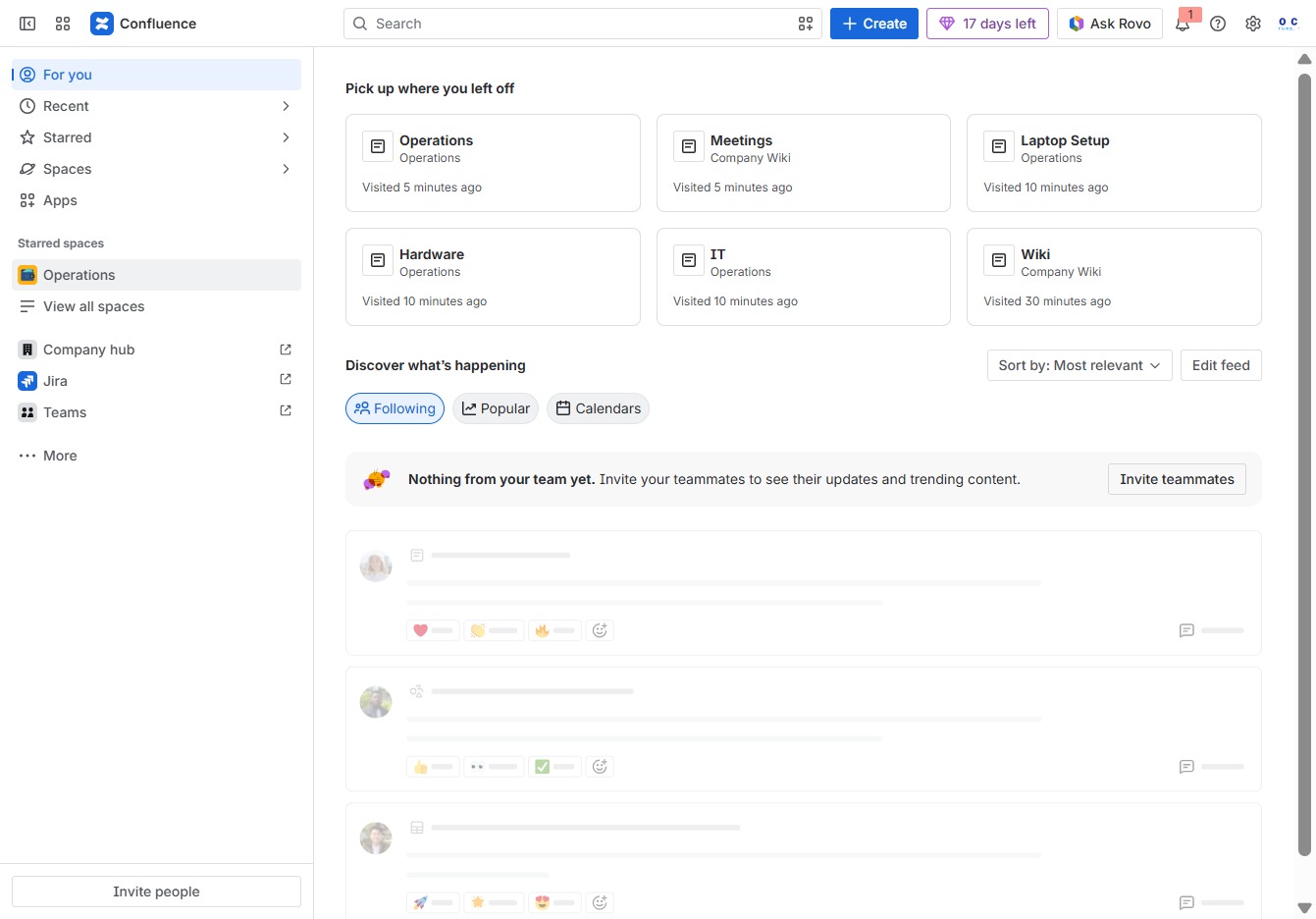
Click the Operations section
This will take you to the Operations page, where you can view and manage relevant documents and tasks related to operations.
Loading screenshot…
100%
This how-to guide provides clear steps to effectively archive a page within your operations workspace.
 viktoria
This how-to guide provides clear steps to effectively archive a page within your operations workspace. Learn how to navigate the necessary settings, manage your Meeting Notes template, and declutter your view while maintaining a record of your archived items.
This will take you to the Operations page, where you can view and manage relevant documents and tasks related to operations.
Clicking the 'More actions' option will display additional settings and options available for the Meeting Notes template, allowing you to manage or customize the template as needed.
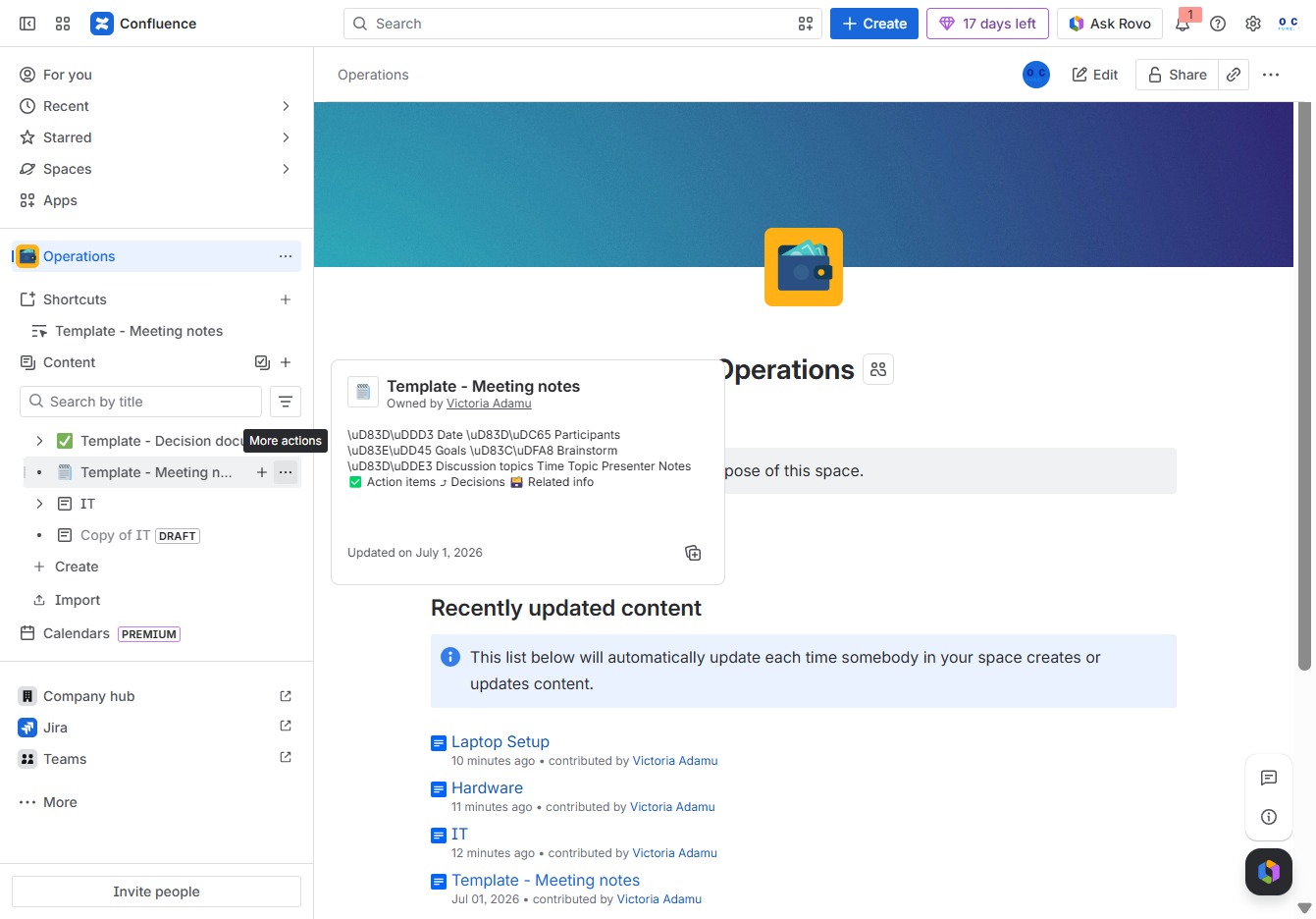
Clicking 'Archive' will remove the selected content from the active view, allowing you to manage your workspace more efficiently by decluttering the visible items.

By clicking the Archive button, you can store this item out of active view while providing a note to explain why it was archived.
