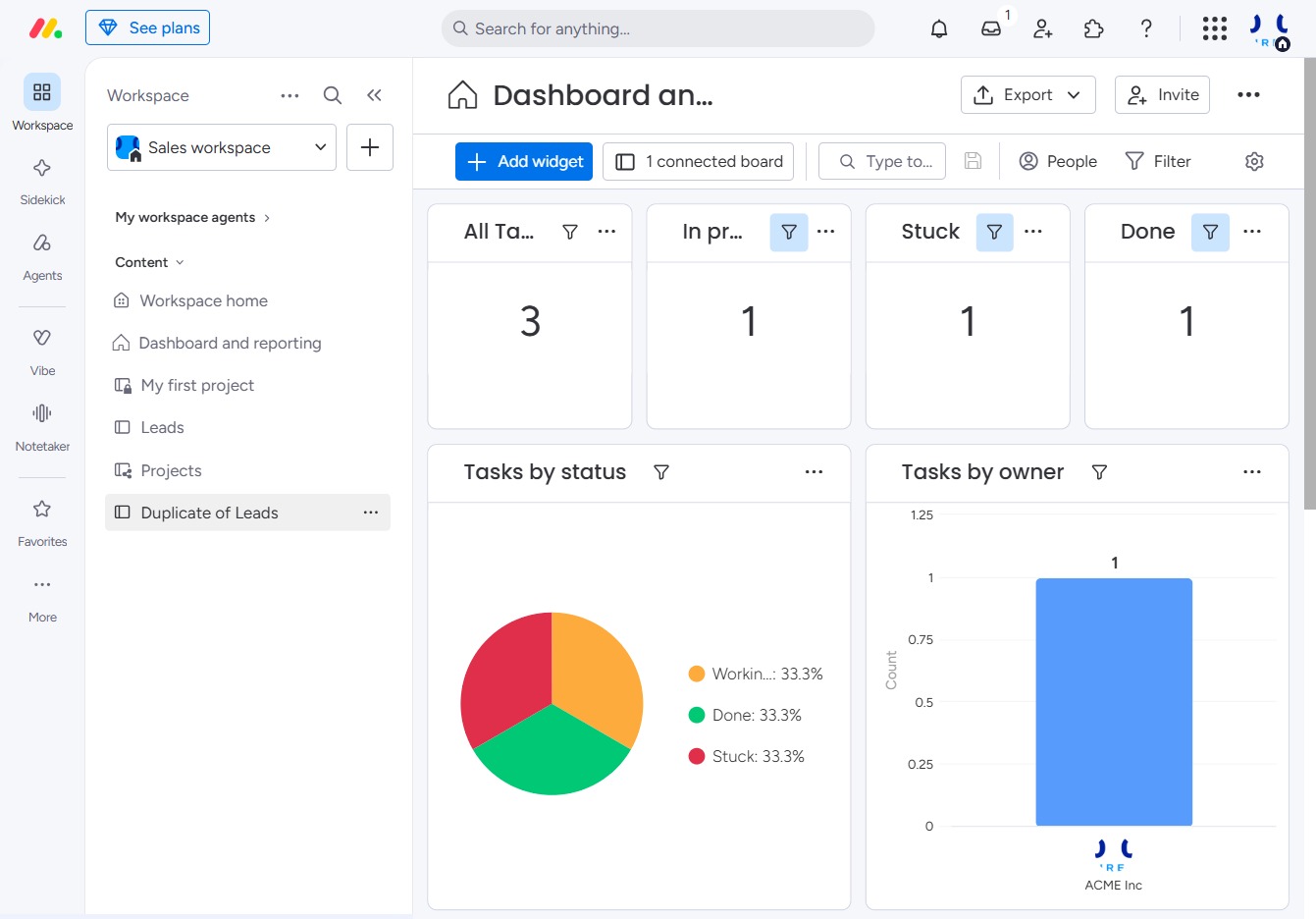
Click the Duplicate of Leads option
This action allows you to create a duplicate entry for the selected leads, making it easier to manage and track similar tasks or projects within your dashboard.
Loading screenshot…
100%
In this guide, you'll learn how to effectively archive a board, creating a duplicate entry for better lead management and tracking of similar tasks within your dashboard.
 viktoria
In this guide, you'll learn how to effectively archive a board, creating a duplicate entry for better lead management and tracking of similar tasks within your dashboard. Follow the steps to navigate to the appropriate area and understand the confirmation required before deleting any items from your workspace.
This action allows you to create a duplicate entry for the selected leads, making it easier to manage and track similar tasks or projects within your dashboard.
This action will take you to a designated area or function related to your current task. Ensure that you are ready to proceed with the next steps in your workflow.
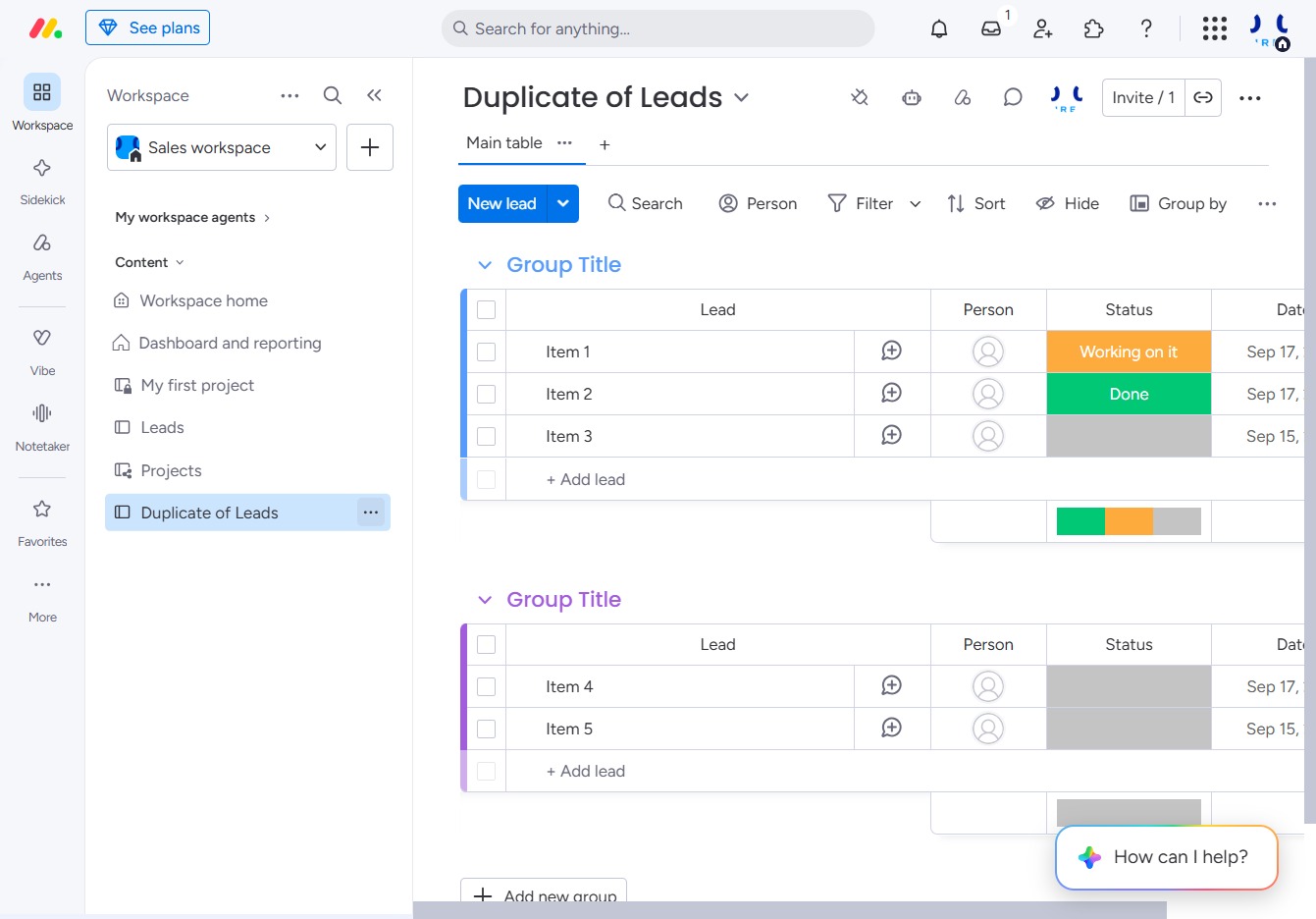
Selecting the Delete option will prompt you to confirm the deletion of the selected item from your workspace. Be cautious, as this action cannot be undone.
