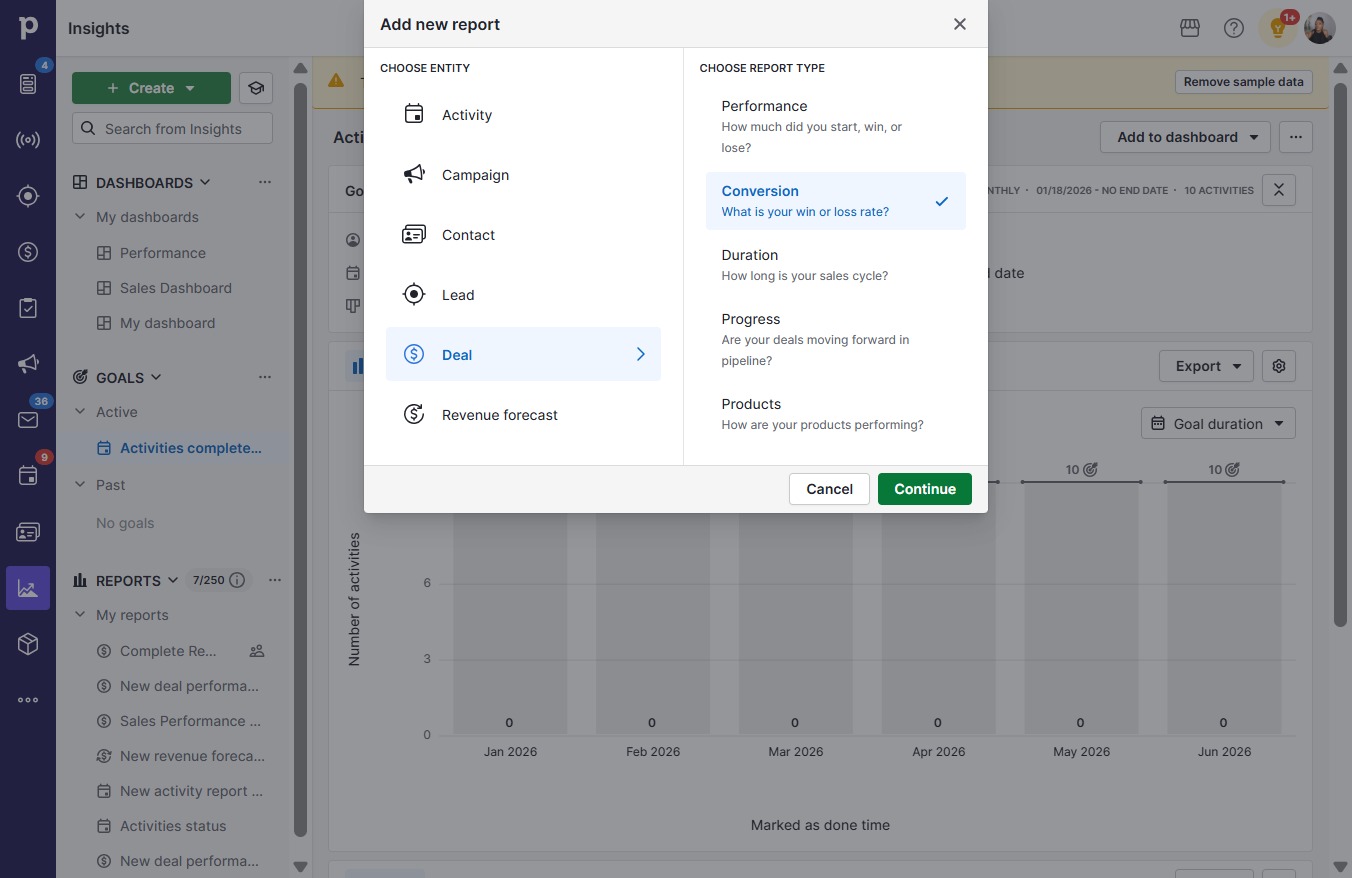
Click Create
Loading screenshot…
100%
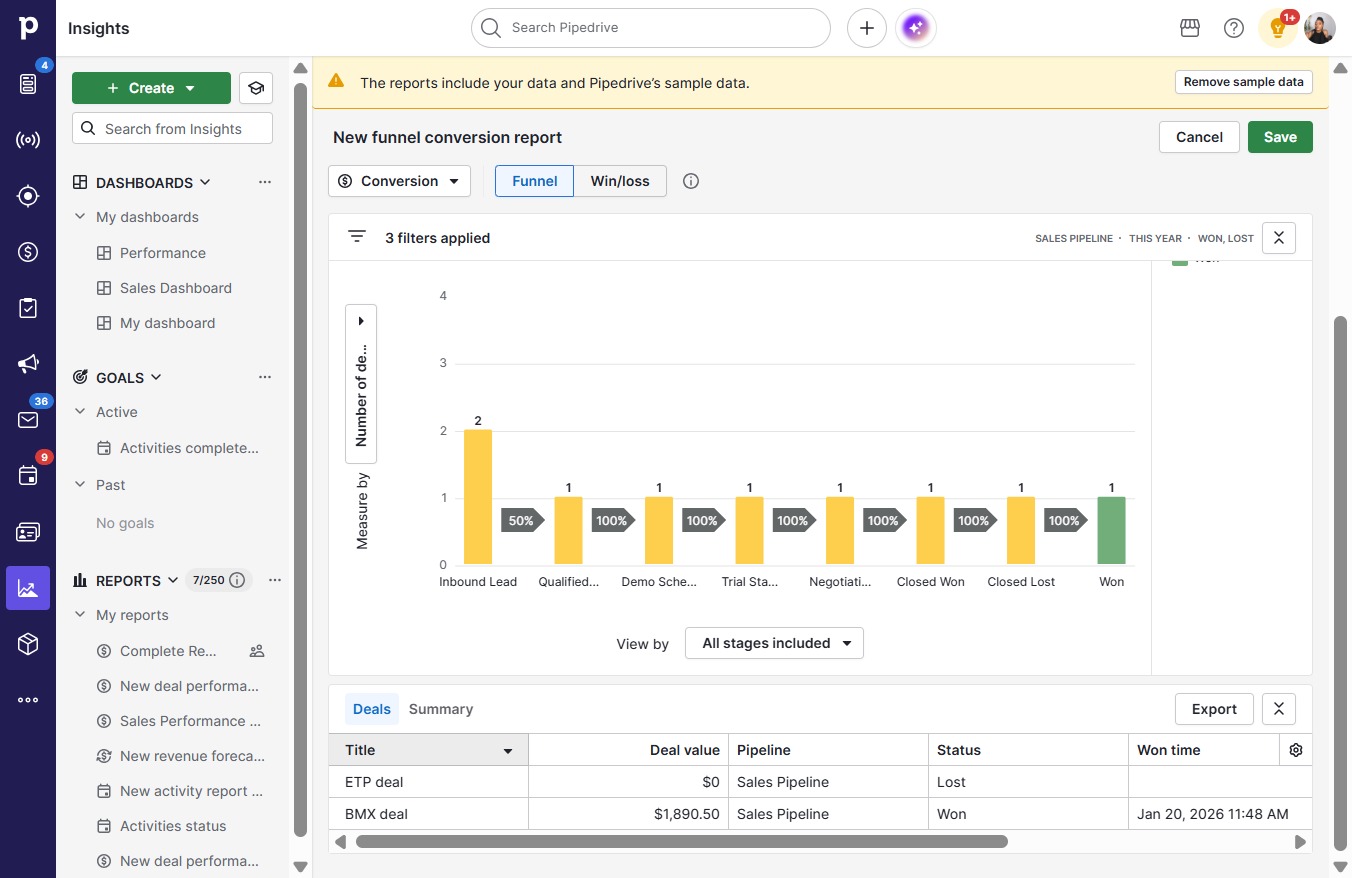
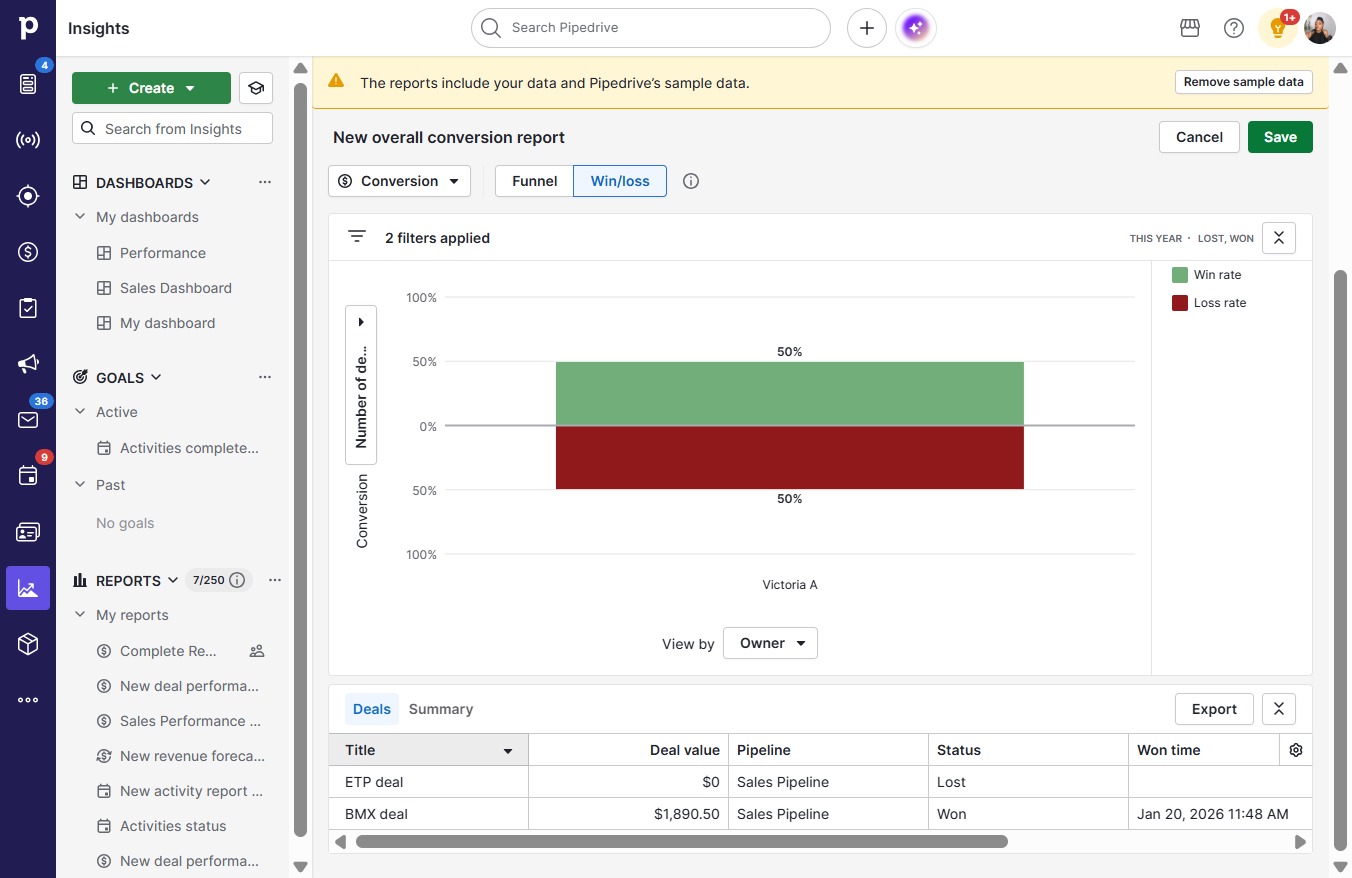
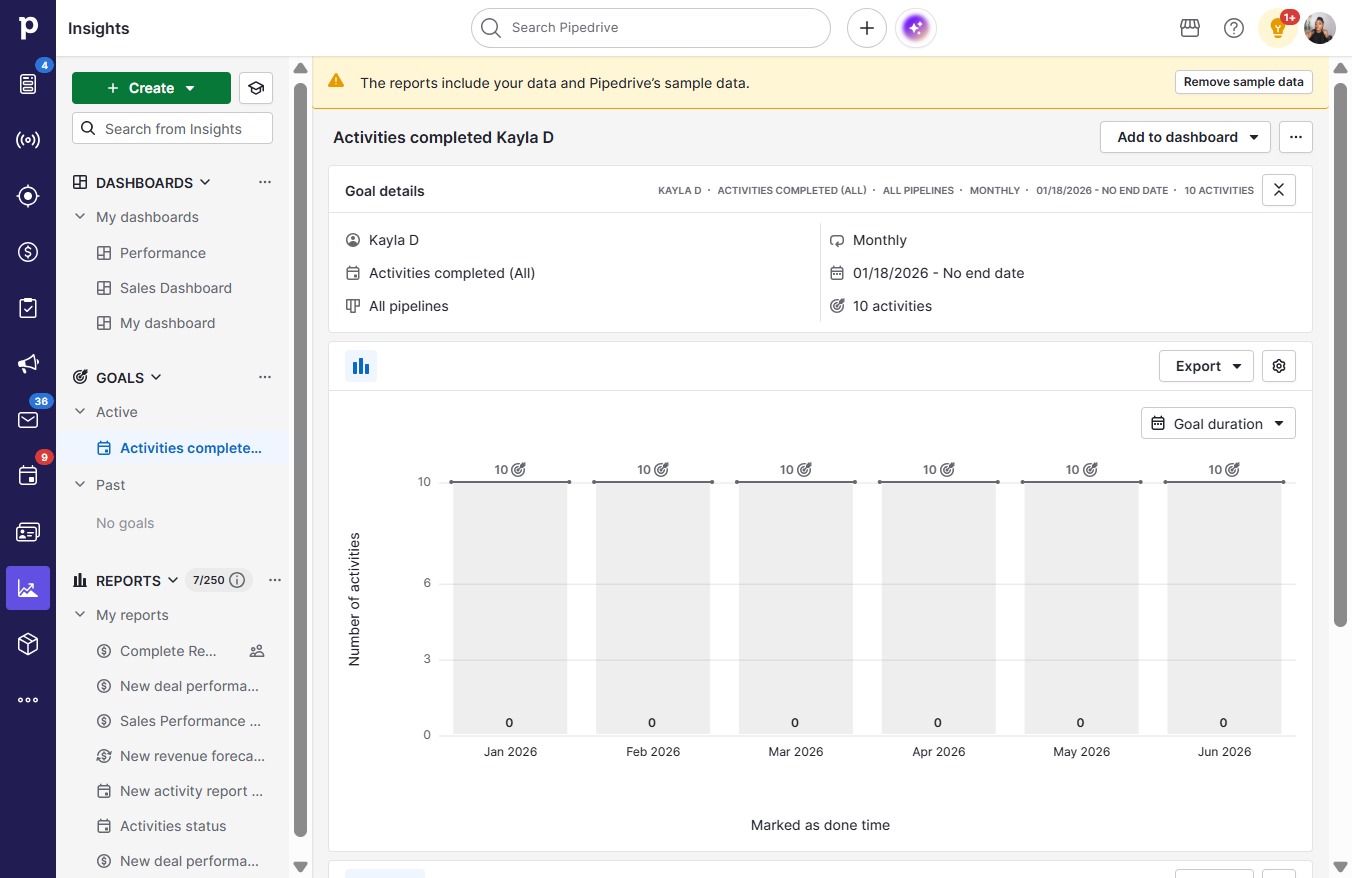
This how-to guide walks you through a step-by-step process to analyze your win/loss ratios, from creating a report to saving and accessing your detailed insights.
 victoriaworkflows
This how-to guide walks you through a step-by-step process to analyze your win/loss ratios, from creating a report to saving and accessing your detailed insights. By following these simple steps, you'll easily generate and customize a report that reflects your performance metrics effectively.