Shared guide

How to analyze conversion rates

This how-to guide walks you through the step-by-step process of analyzing conversion rates, from accessing user insights to creating and saving a detailed report on your sales…

victoriaworkflowsvictoriaworkflows
·11 steps·59 views·Published

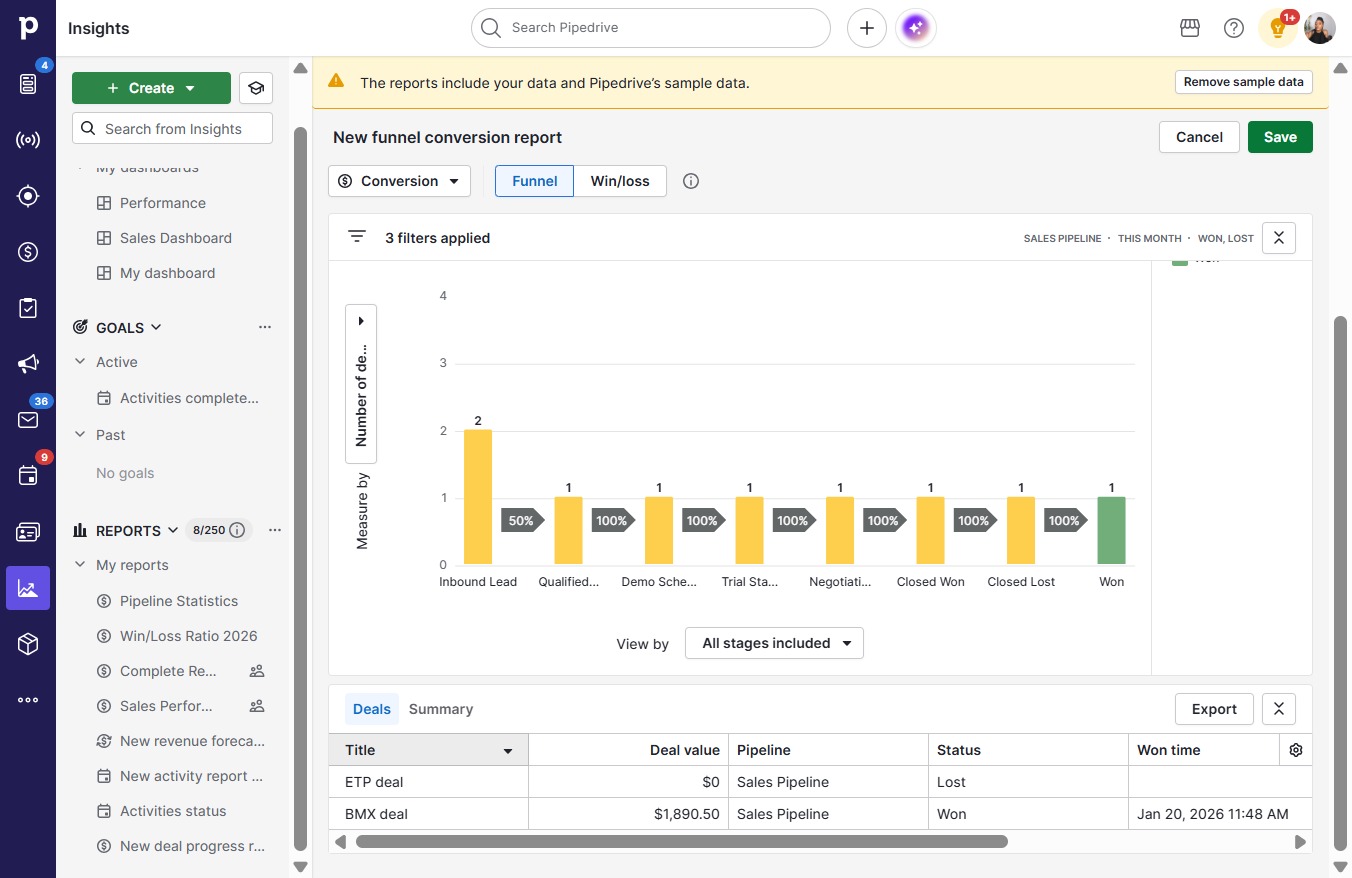
This how-to guide walks you through the step-by-step process of analyzing conversion rates, from accessing user insights to creating and saving a detailed report on your sales pipeline. Follow these instructions to gain valuable insights into your conversion performance for this year and month.

Step-by-step Guide11 steps
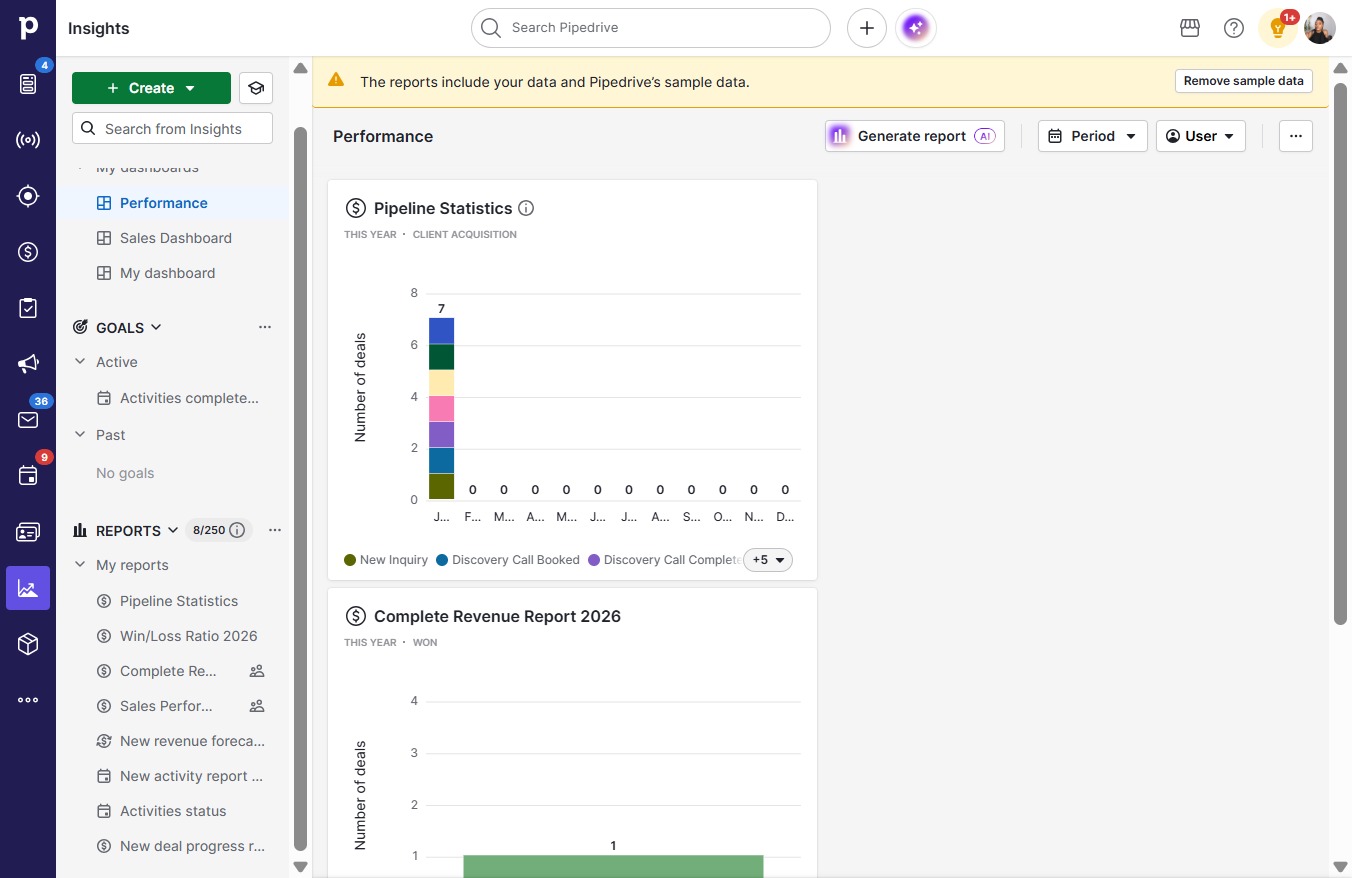
  1. Click on "Click here."
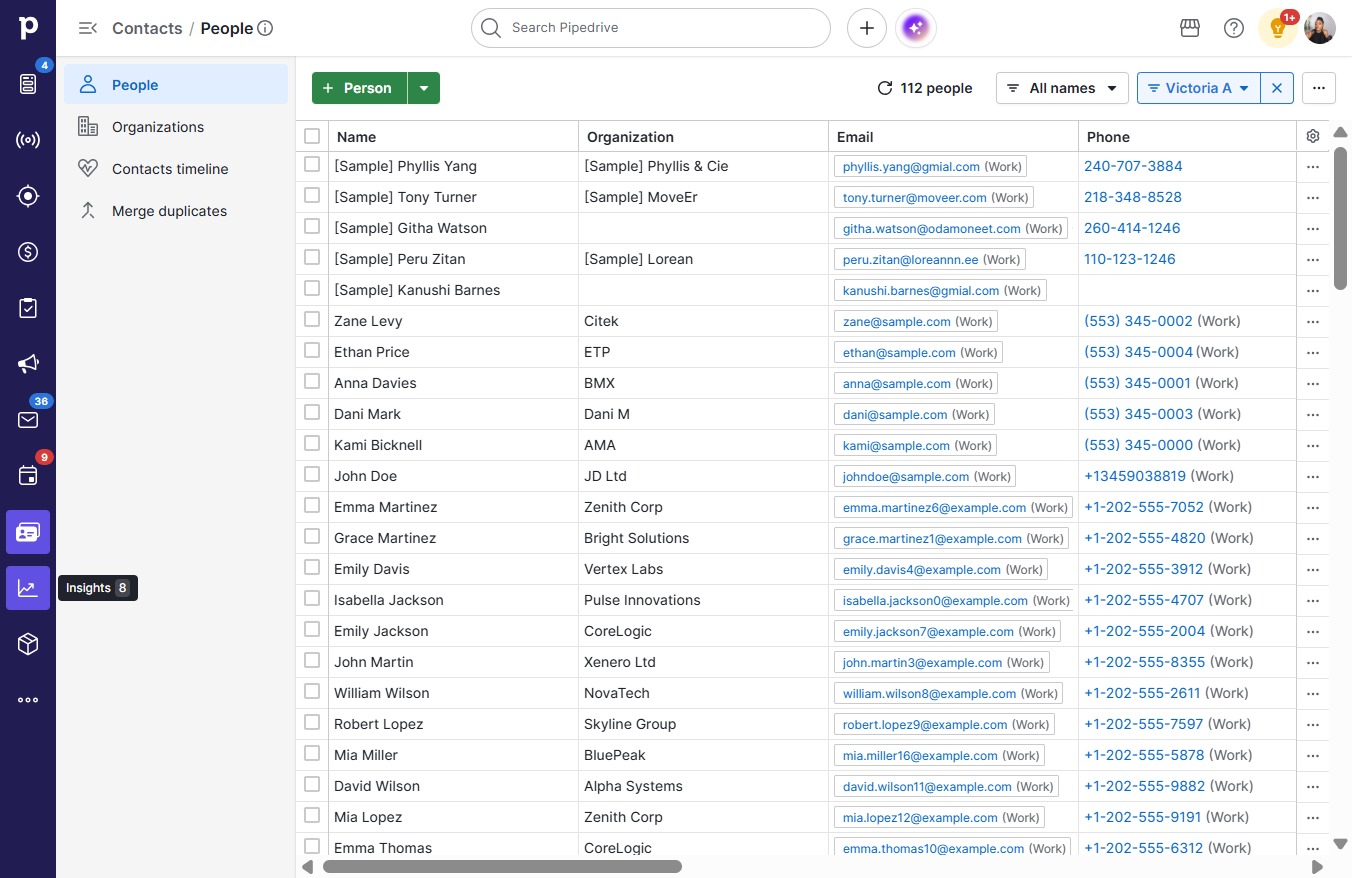
    Click on "Click here."
    Loading screenshot…
    100%
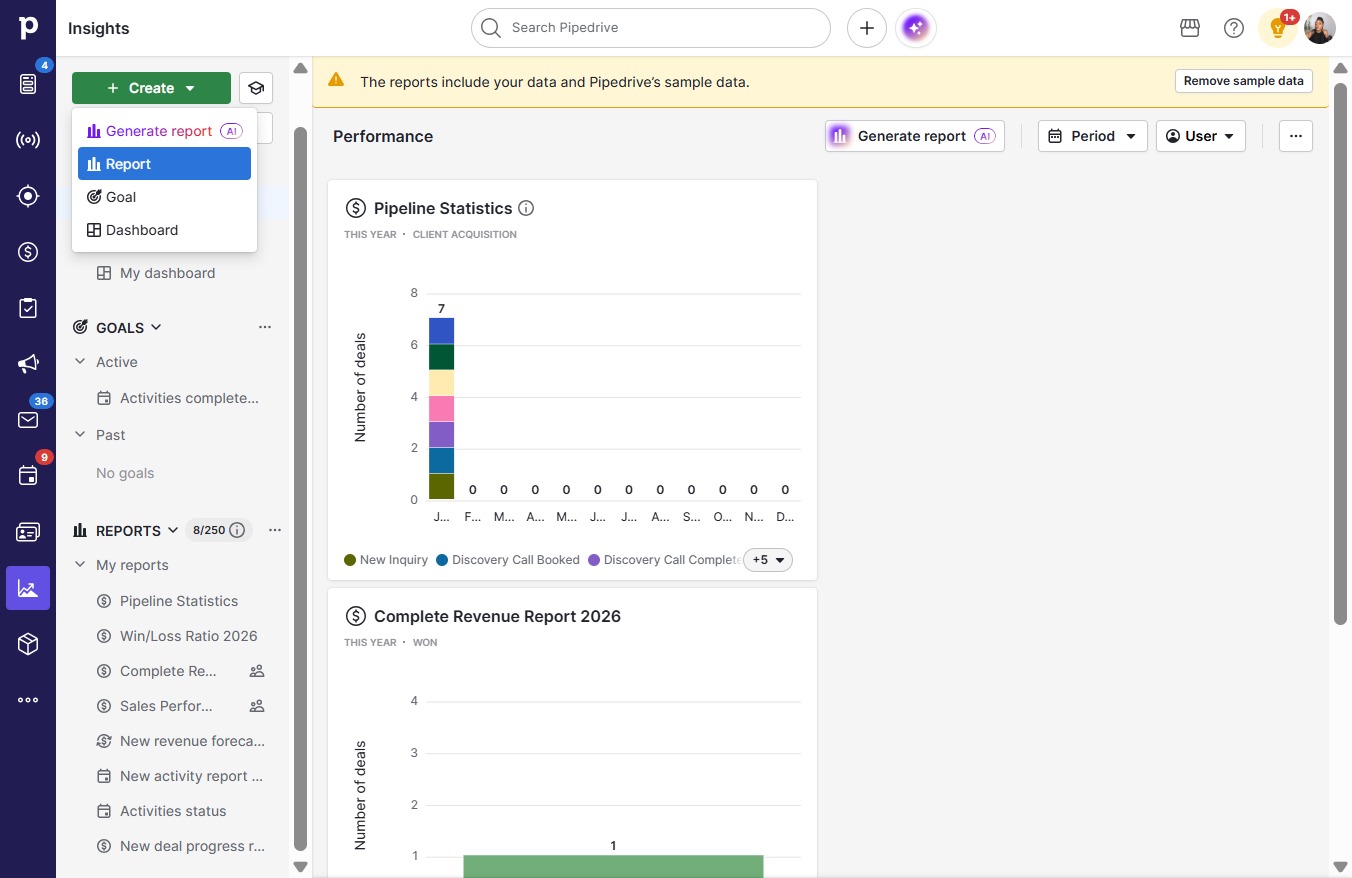
  2. Click Create

    Click Create
    Loading screenshot…
    100%
  3. Click Report

    Click Report
    Loading screenshot…
    100%
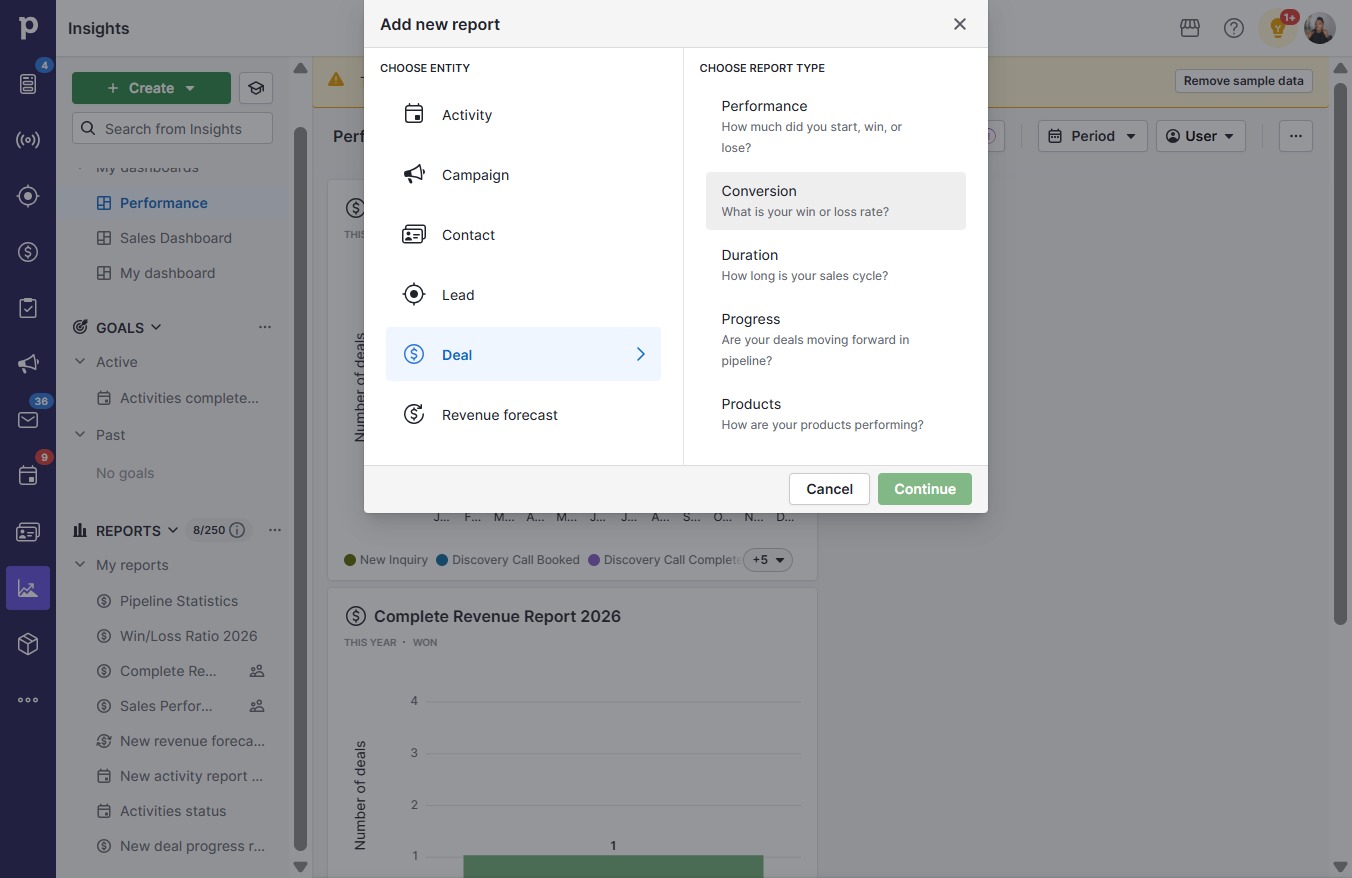
  4. Click Conversion

    Click Conversion
    Loading screenshot…
    100%
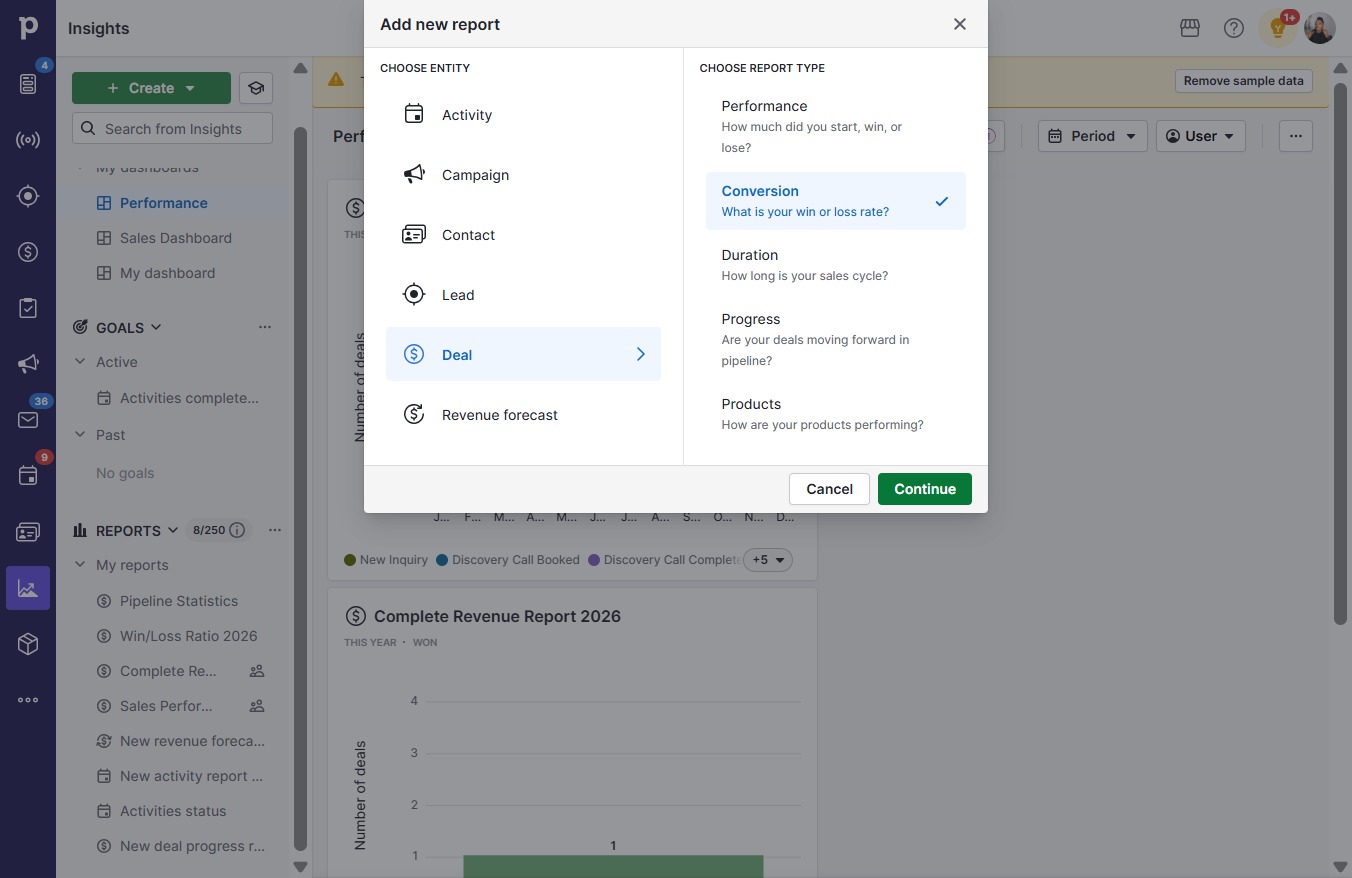
  5. Click Continue

    Click Continue
    Loading screenshot…
    100%
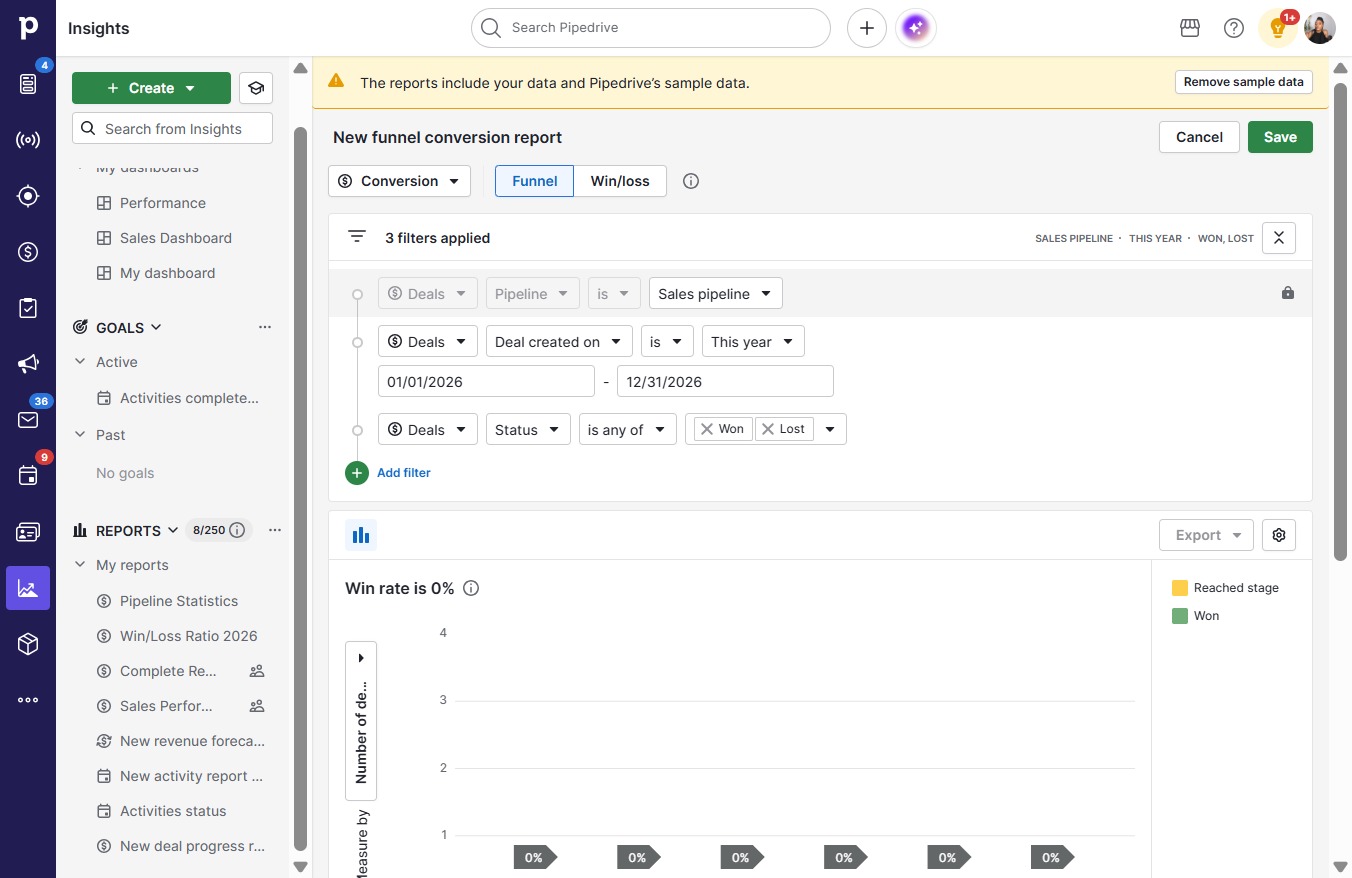
  6. Click on "Click here."

    Click on "Click here."
    Loading screenshot…
    100%
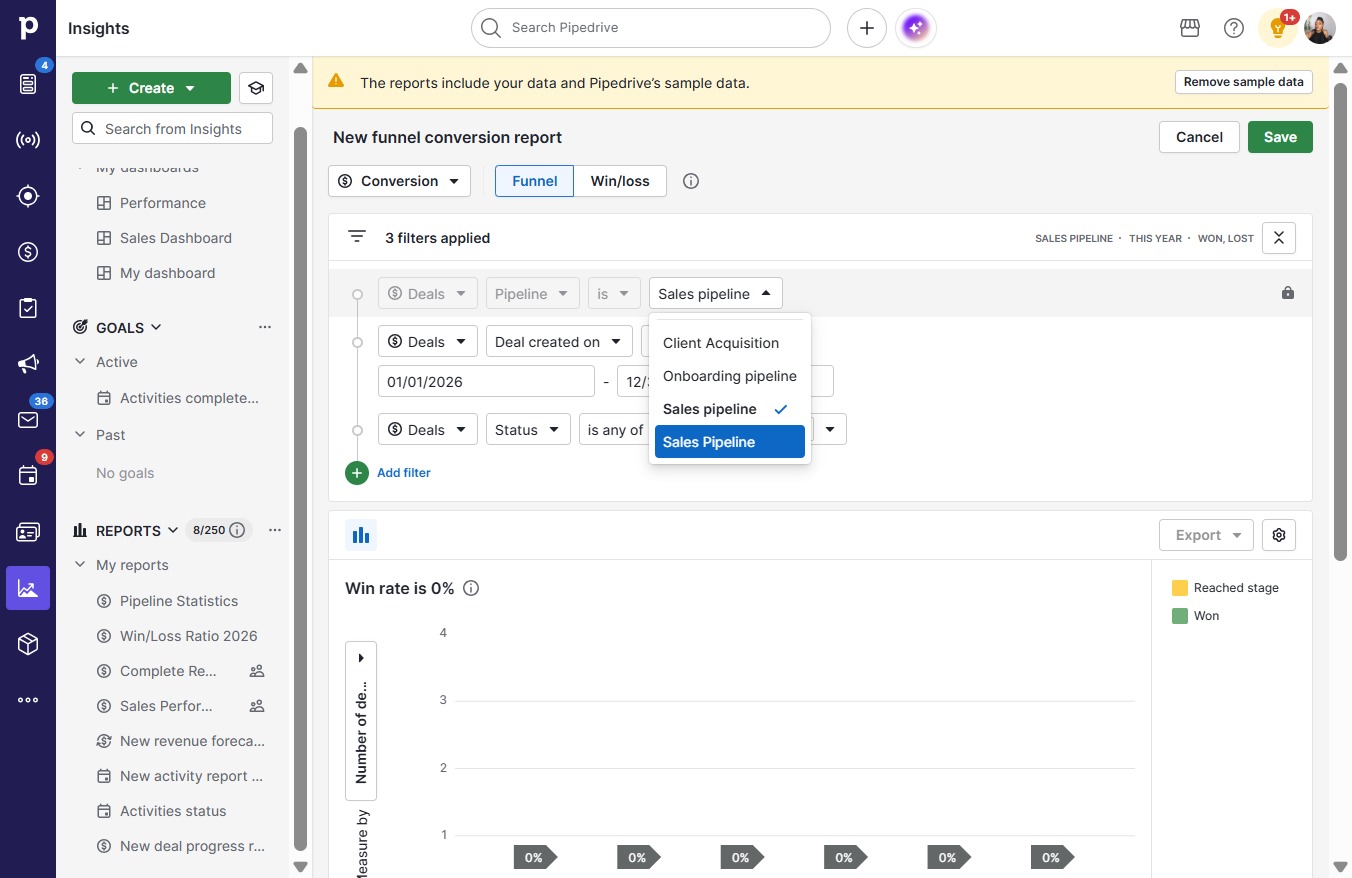
  7. Click Sales Pipeline

    Click Sales Pipeline
    Loading screenshot…
    100%
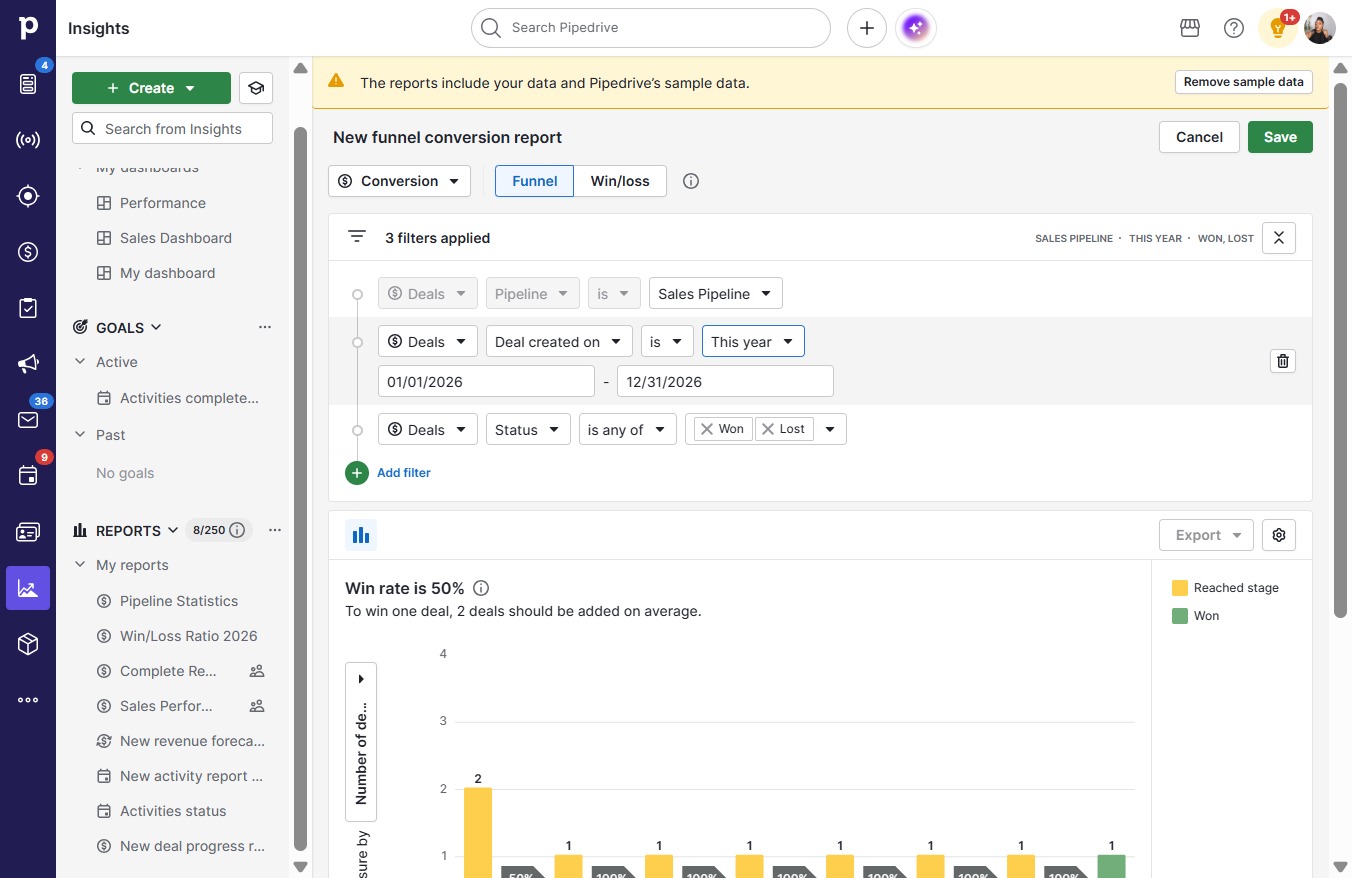
  8. Click This year

    Click This year
    Loading screenshot…
    100%
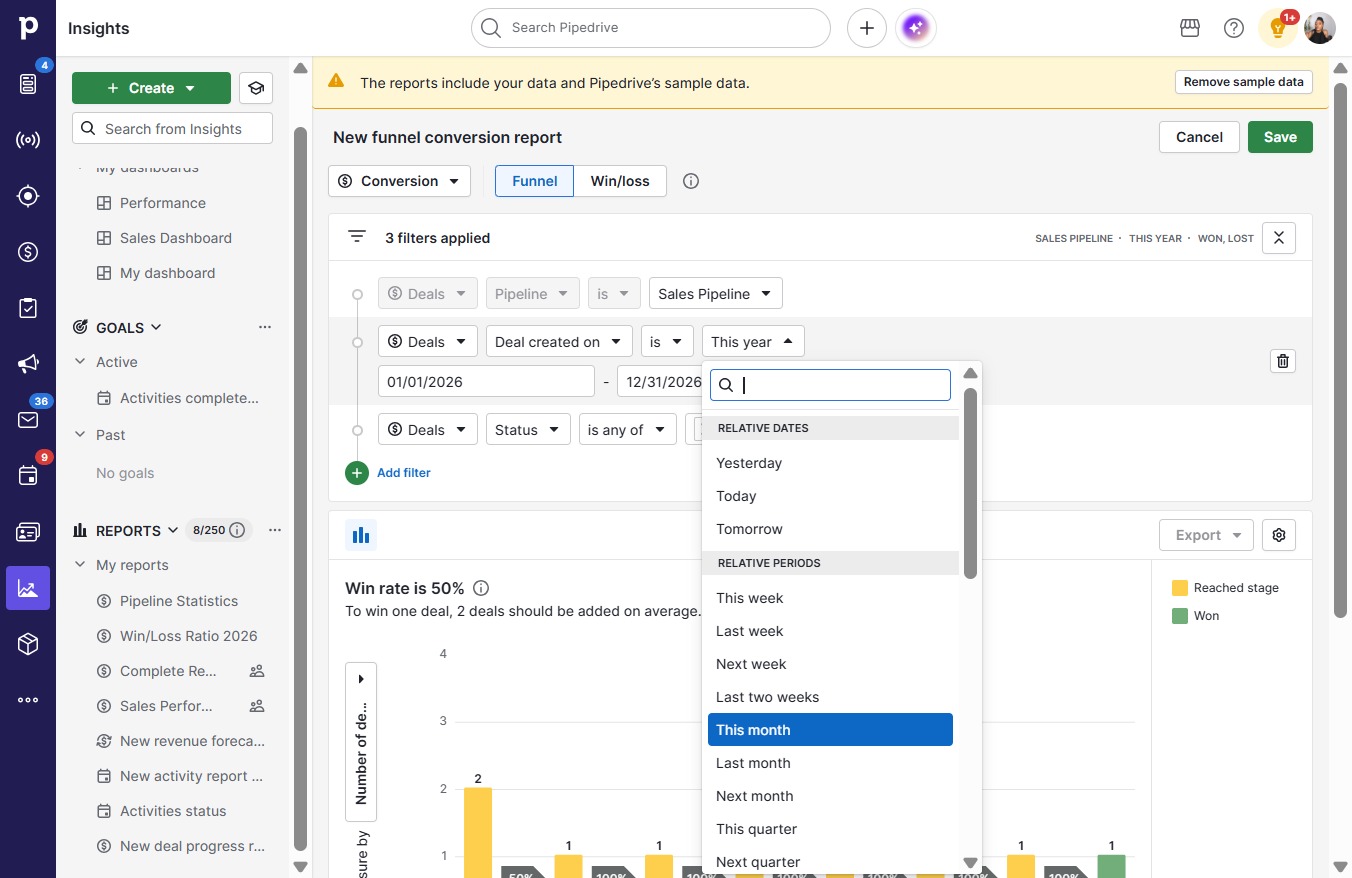
  9. Click This month

    Click This month
    Loading screenshot…
    100%
  10. Click Save

    Click Save
    Loading screenshot…
    100%
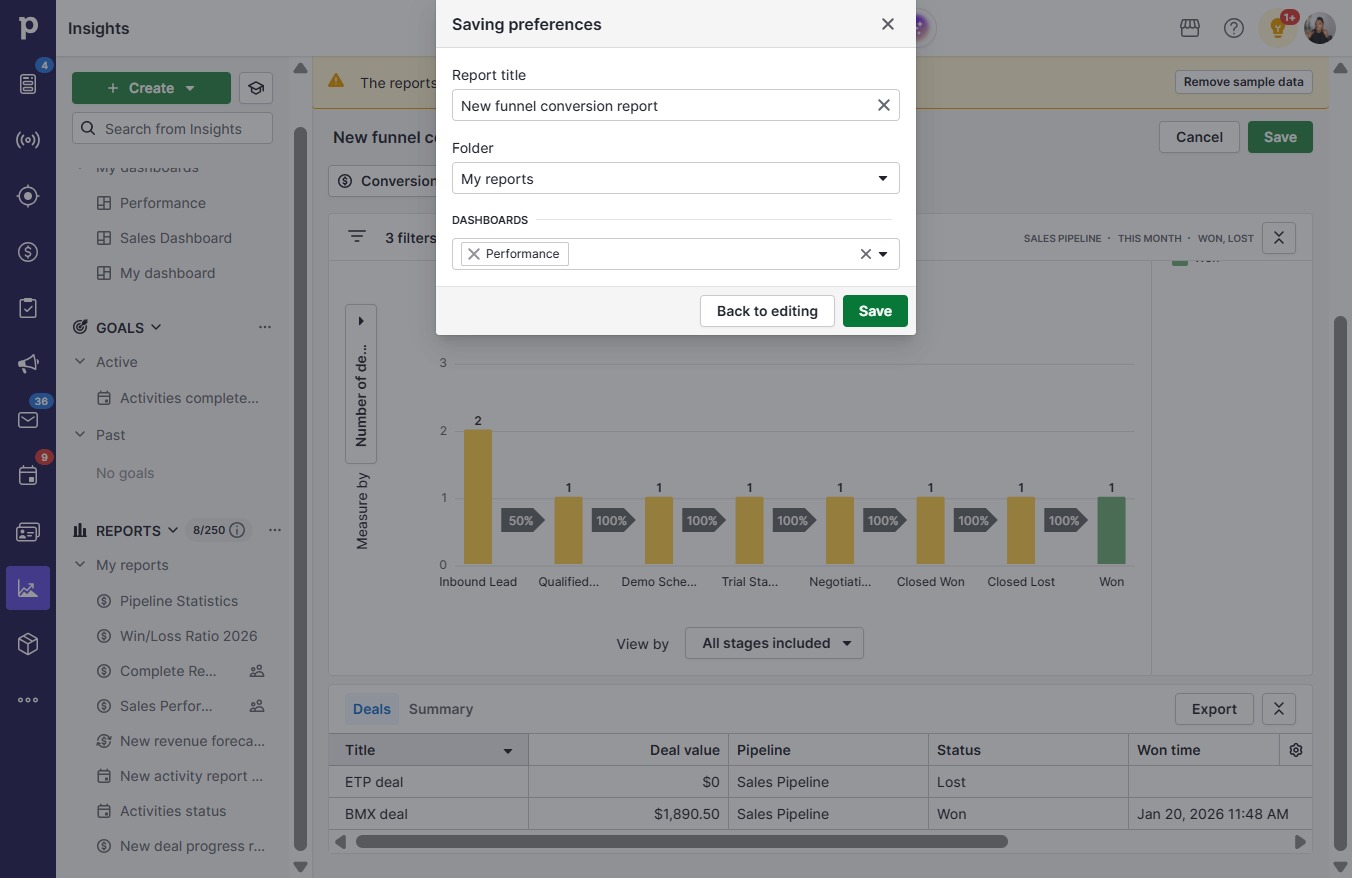
  11. Click Save

    Click Save
    Loading screenshot…
    100%