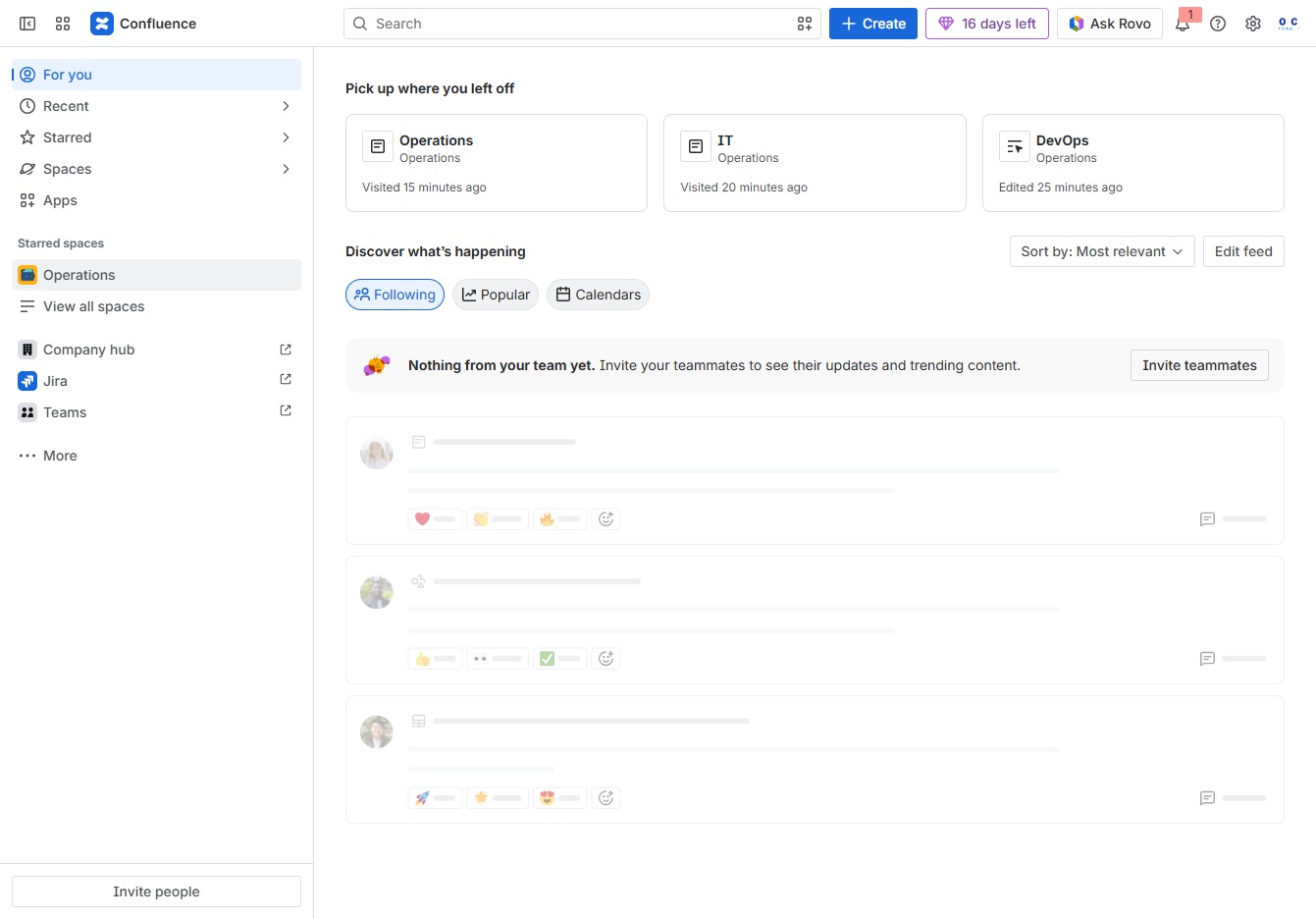
Click the Operations section
Clicking the Operations section takes you to a view where you can manage and track tasks related to operations, providing insights into recent activities and updates.
Loading screenshot…
100%
This how-to guide explains the process of adding videos and multimedia elements to a page in Confluence.
 viktoria
This how-to guide explains the process of adding videos and multimedia elements to a page in Confluence. You'll learn how to navigate the Operations section, access the Laptop Setup details, and utilize editing tools to enhance your content before saving the changes.
Clicking the Operations section takes you to a view where you can manage and track tasks related to operations, providing insights into recent activities and updates.
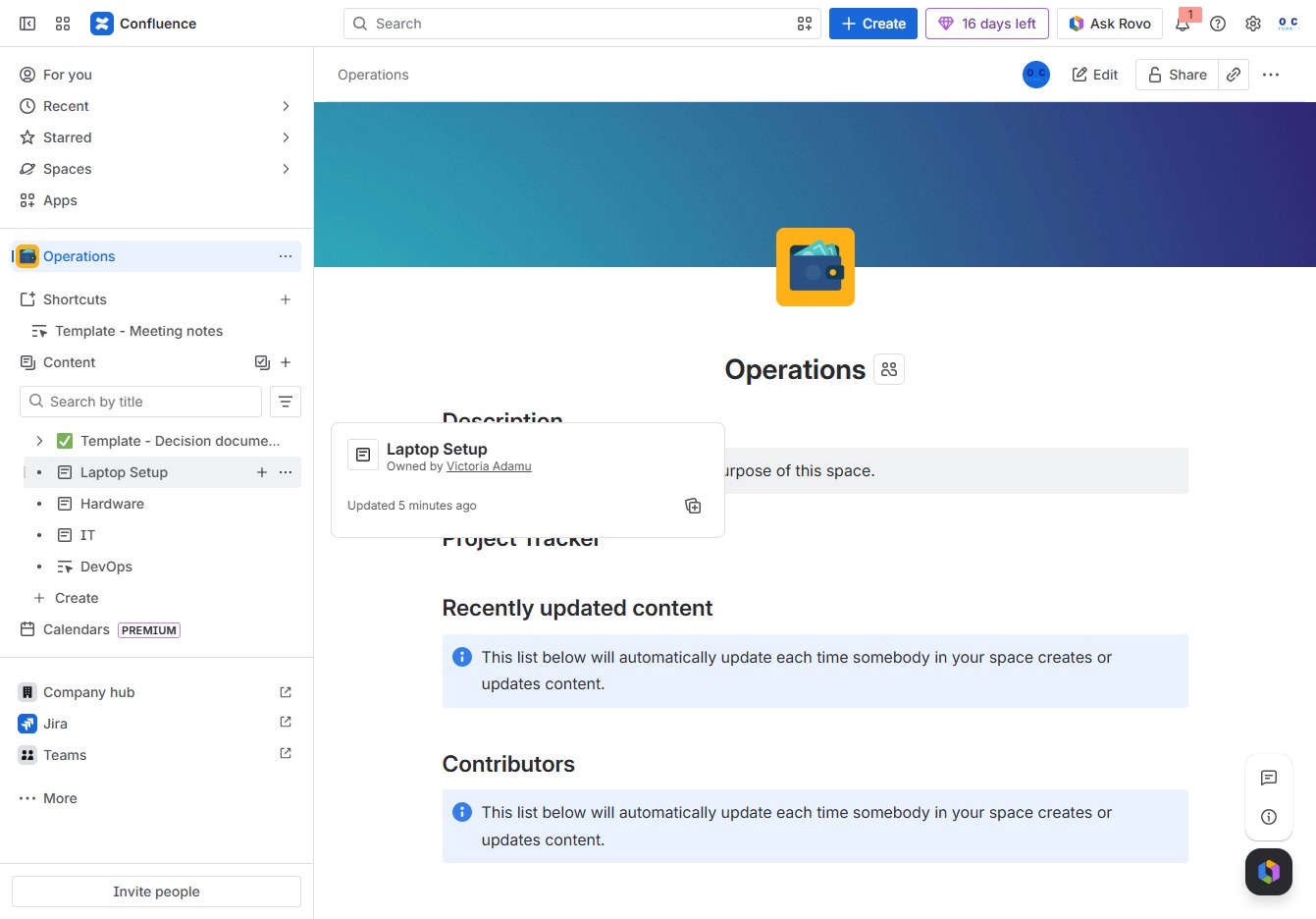
This action will display the details and options available for the Laptop Setup section within the Operations space, allowing you to manage child content related to laptop configurations.
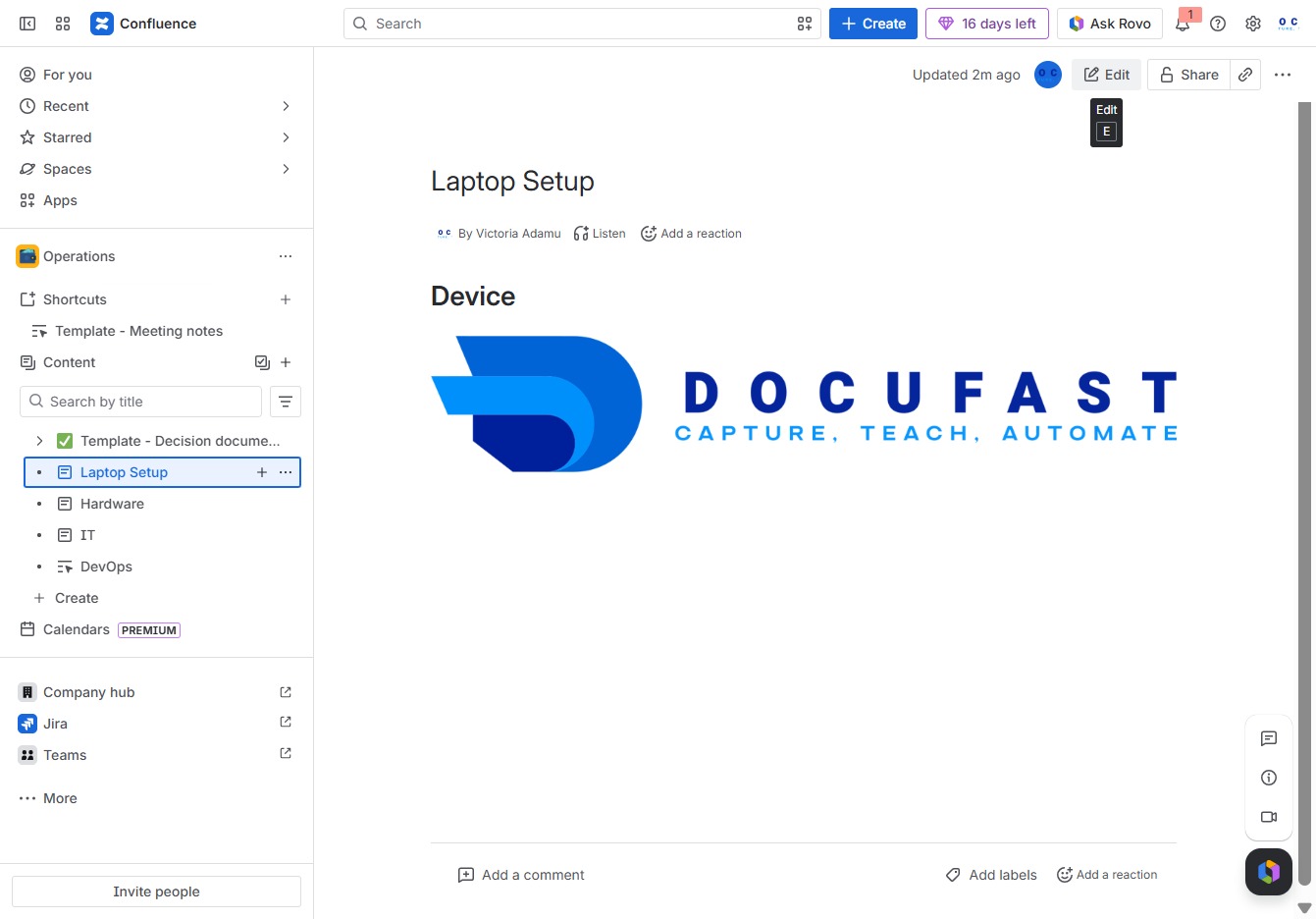
This action allows you to modify the content in the current document. You'll gain access to editing tools specific to the 'Laptop Setup' section in Confluence.
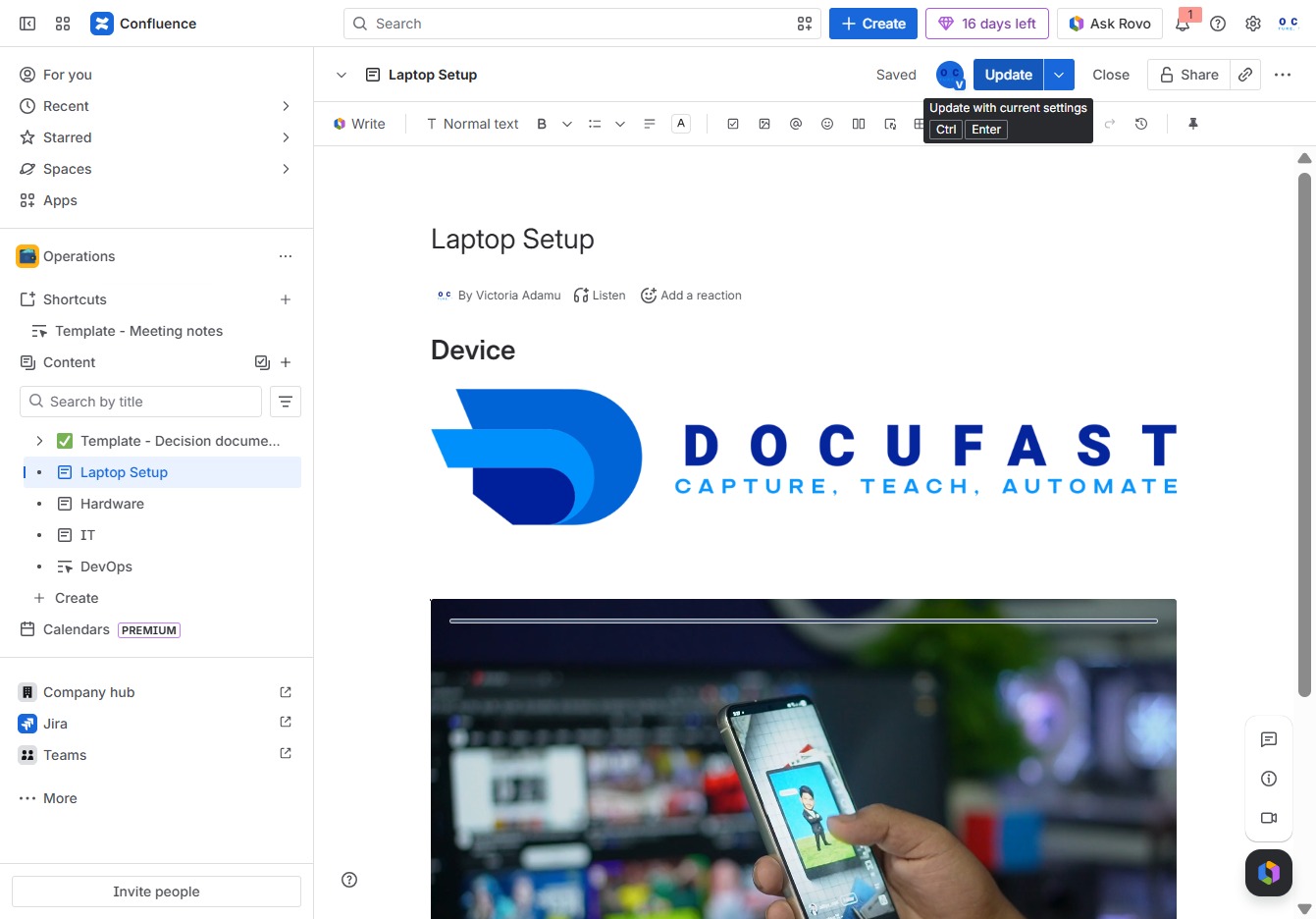
By clicking the Add button, you will be able to include a new item or element in your current document, enhancing the content within the 'Laptop Setup' section.
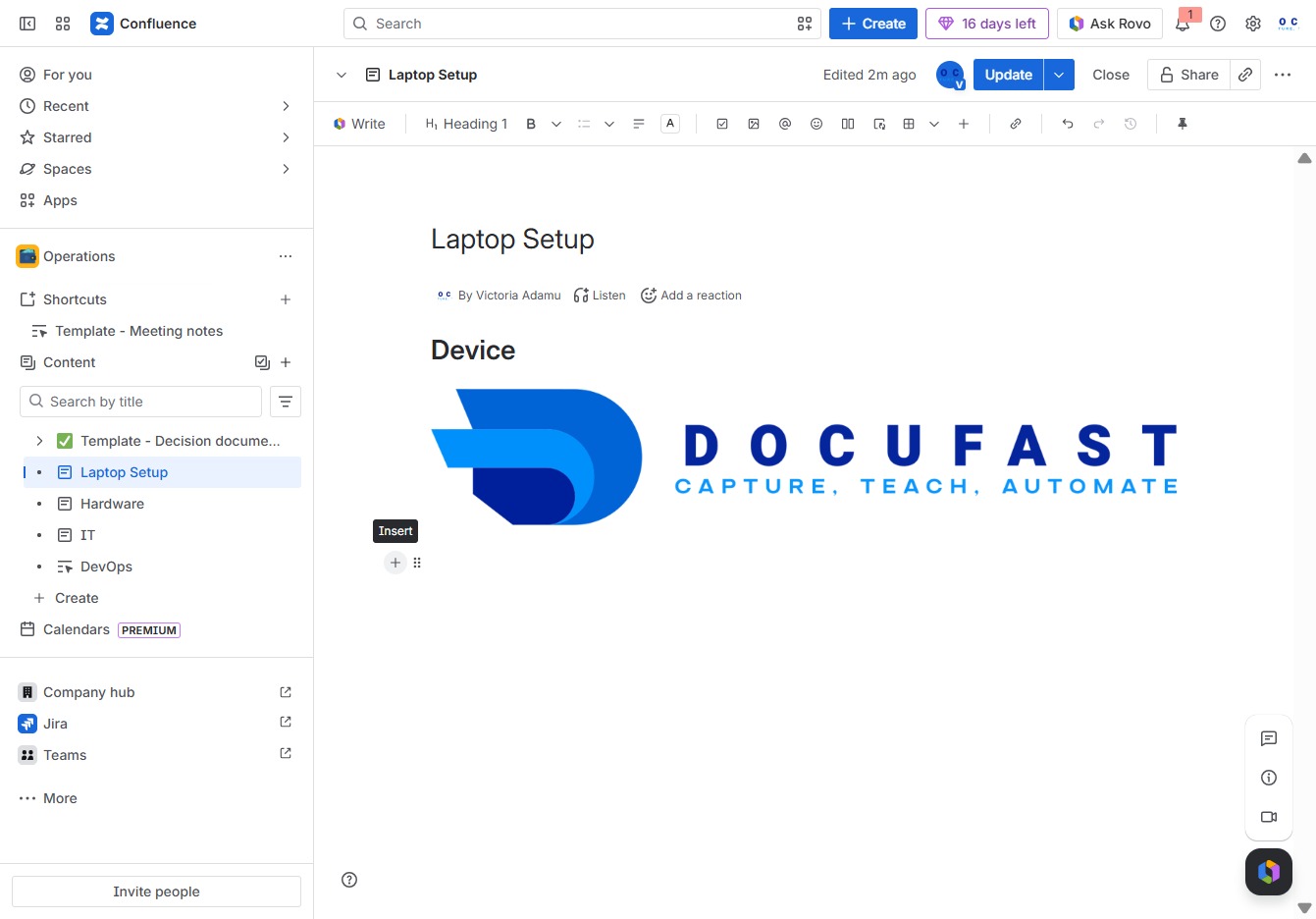
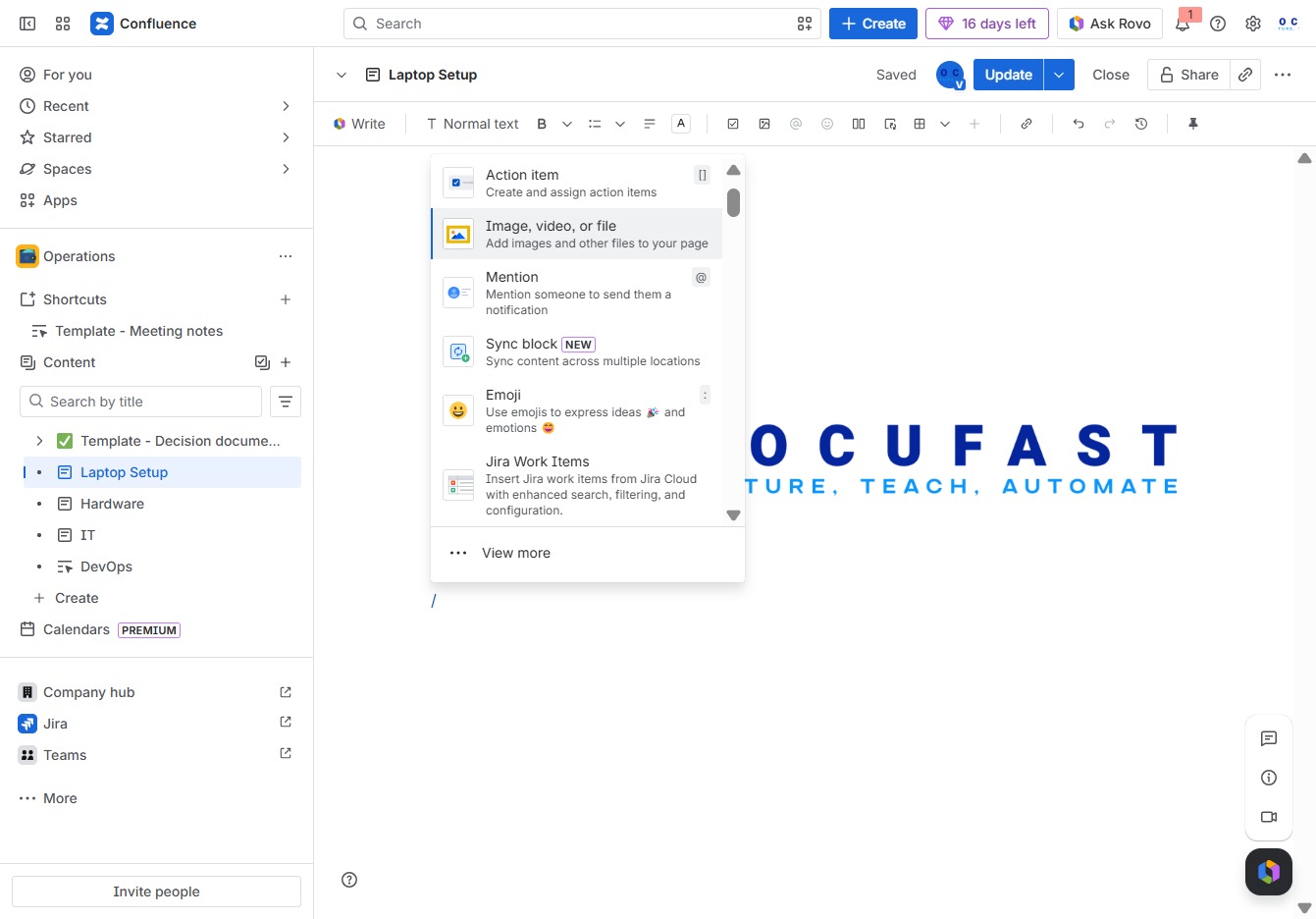
This action allows you to upload images and other files to your page, enhancing your content with visual or multimedia elements.
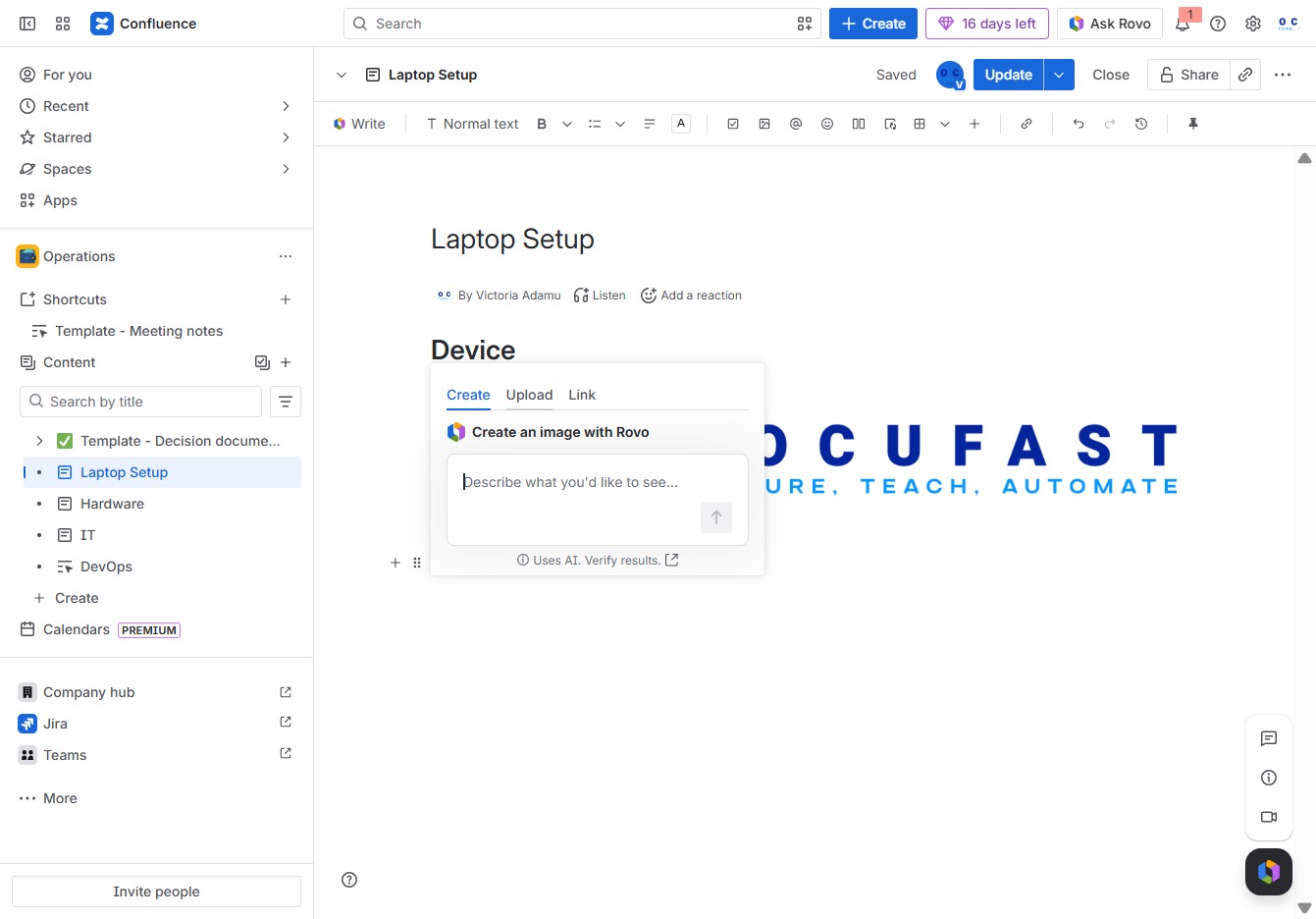
This action opens a dialog where you can describe the image you want to create, facilitating the addition of visual elements to your document.
This action opens your file browser, allowing you to select a file to upload to the document.

This action will apply any changes made to the 'Laptop Setup' page and save them with the current settings. Ensure all updates are finalized before proceeding.