Click the Project A link
By clicking the 'Project A' link, you will access the detailed view of the project, where you can manage tasks, view progress, and collaborate with team members.

Loading screenshot…
100%
This how-to guide provides step-by-step instructions for adding task followers in your project management system.
 viktoria
This how-to guide provides step-by-step instructions for adding task followers in your project management system. Learn how to navigate through project views and manage team member permissions effectively to enhance collaboration on tasks.
By clicking the 'Project A' link, you will access the detailed view of the project, where you can manage tasks, view progress, and collaborate with team members.
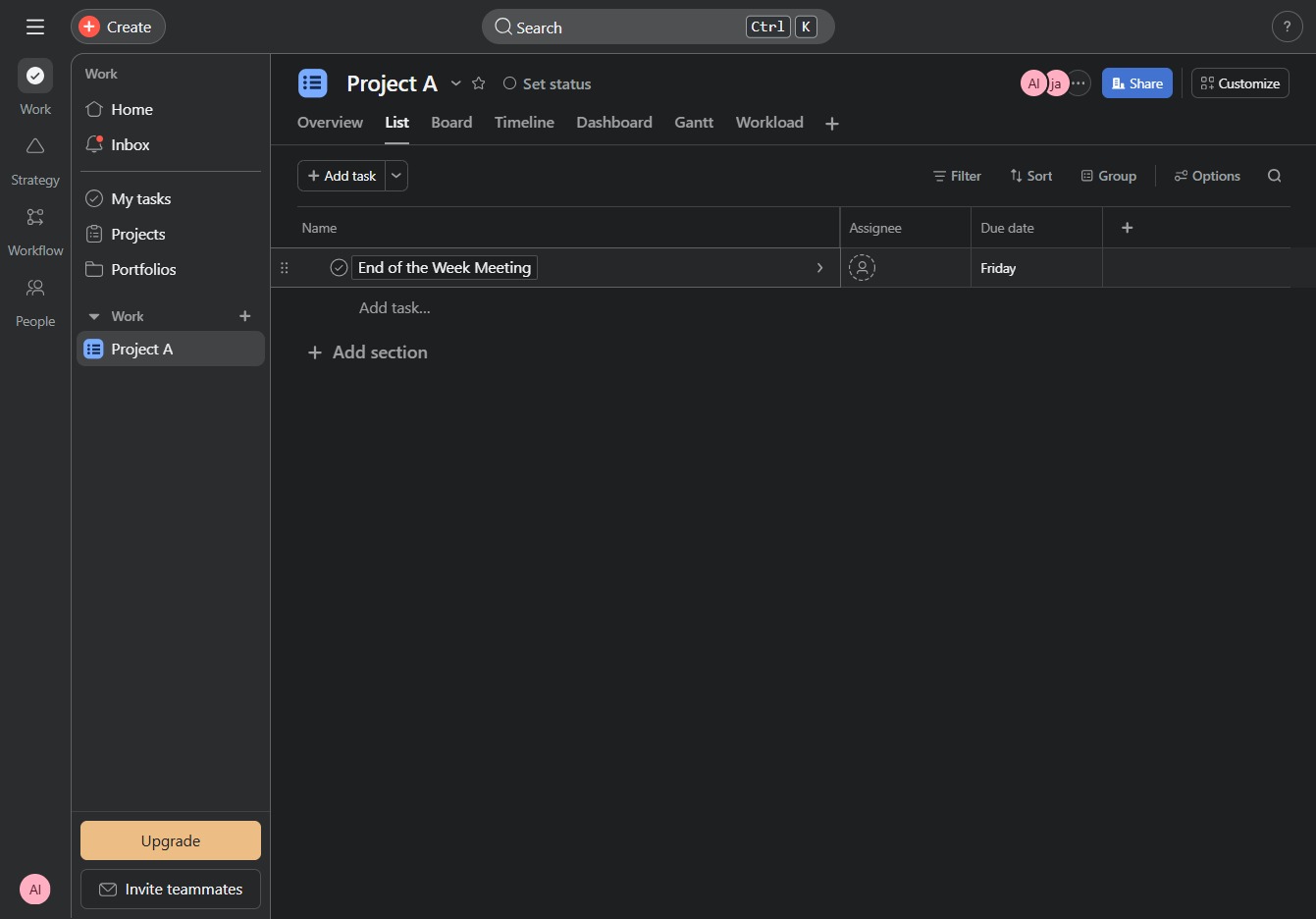
This action selects the 'End of the Week Meeting' task, allowing you to view or edit its details in the project overview.
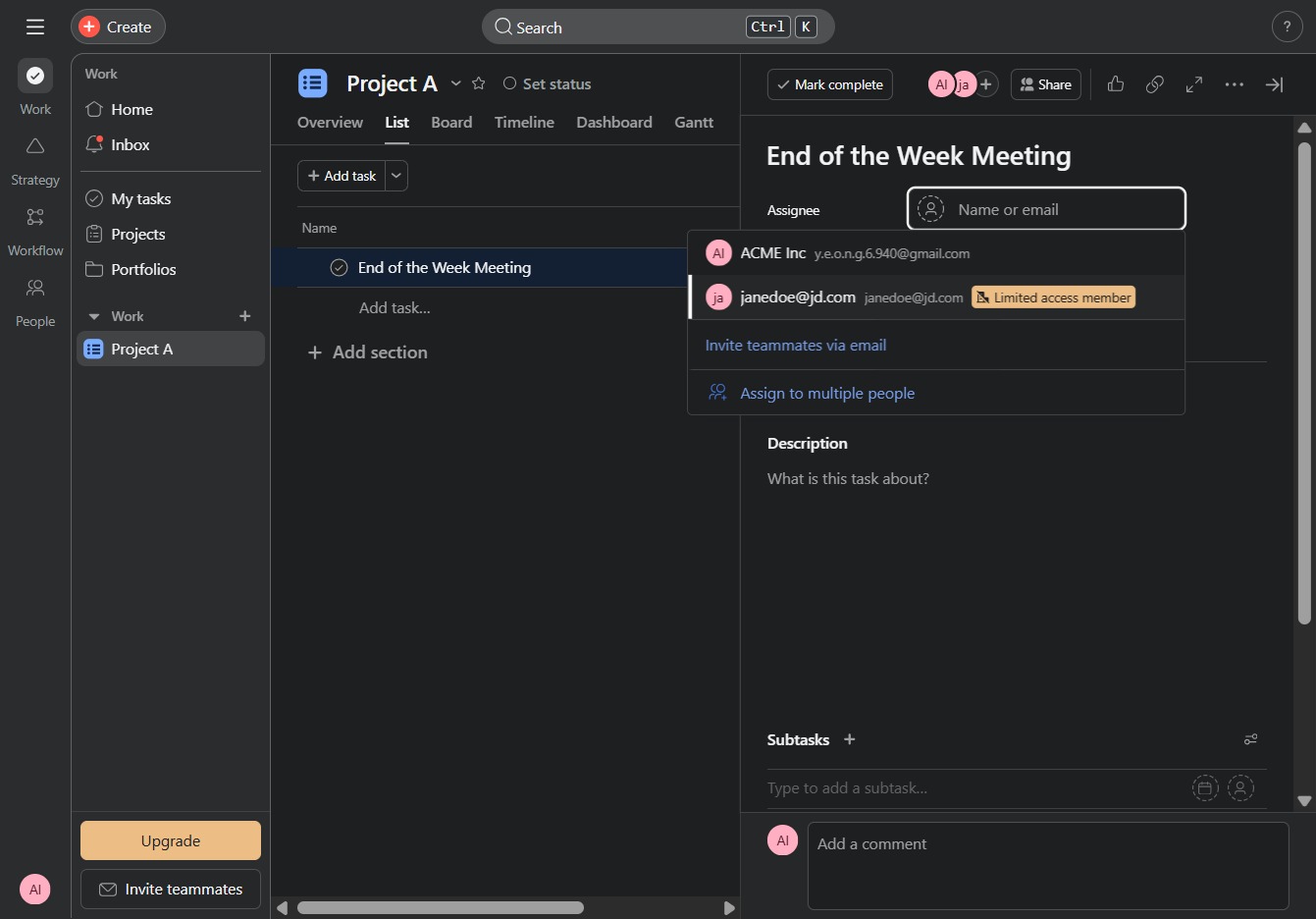
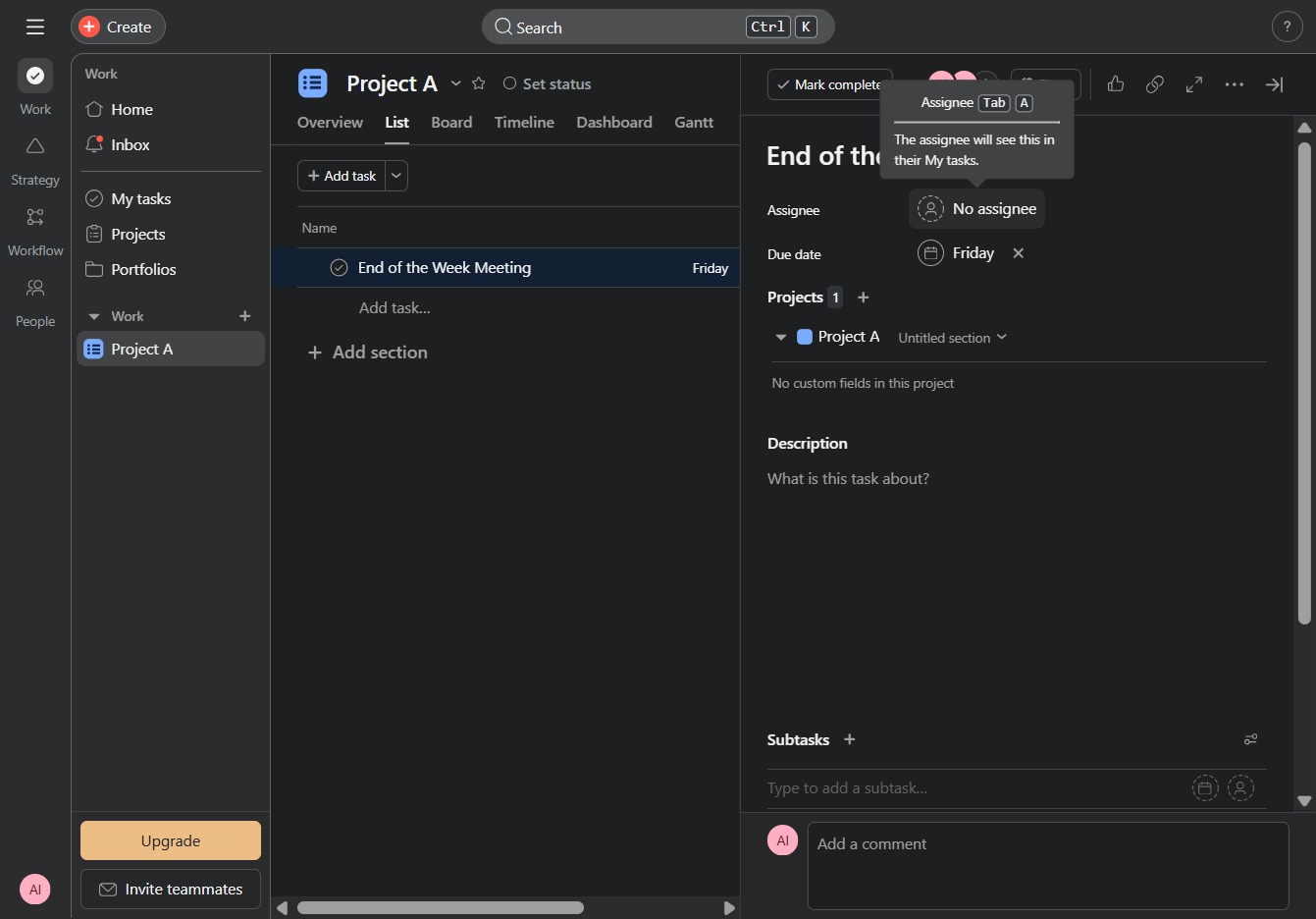
This opens the assignee options, allowing you to assign team members to the current task.
This action will allow you to view and manage the permissions for the selected limited access member associated with the task.