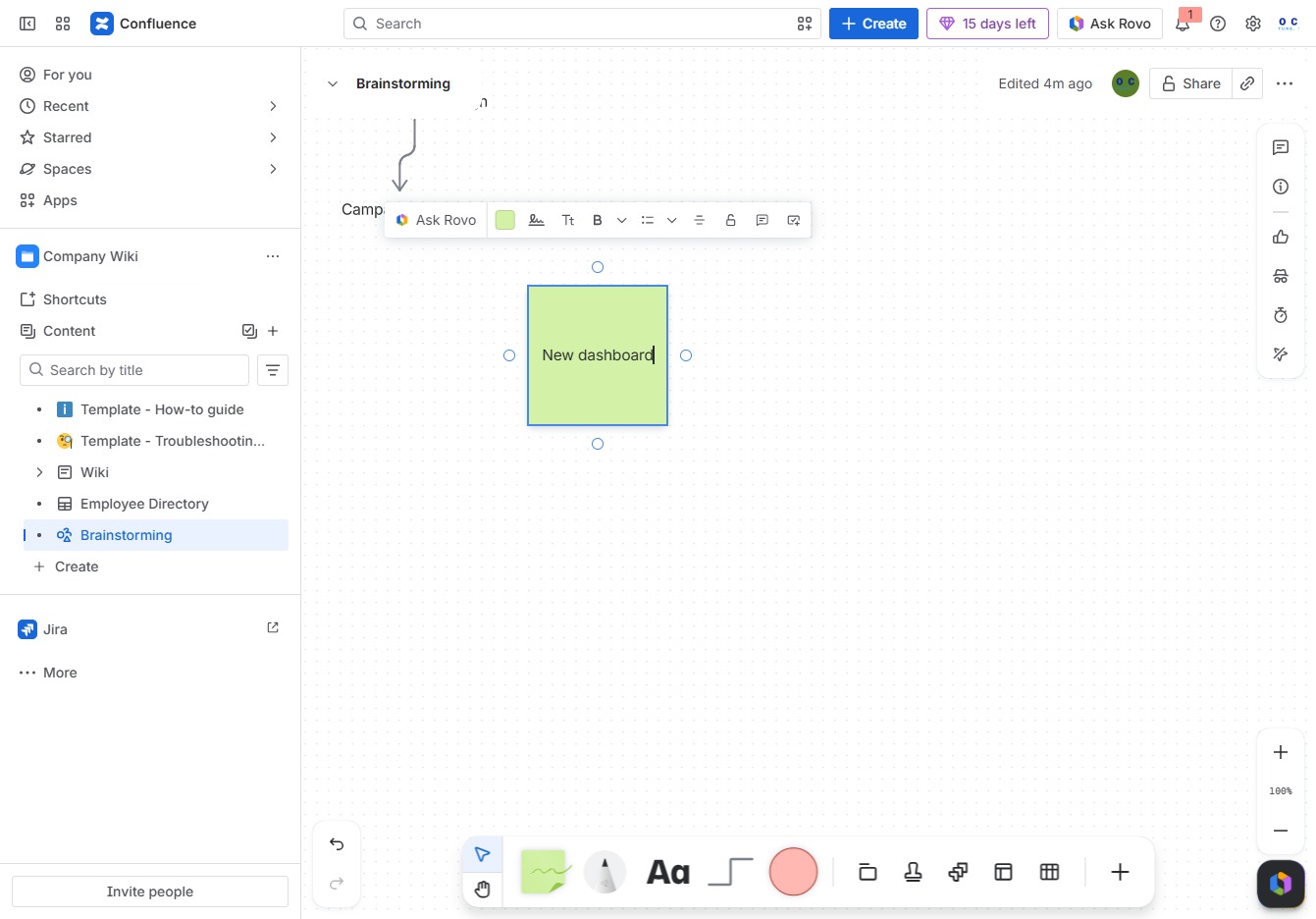
Click the Company Wiki section
By clicking on the Company Wiki section, you will be directed to view and manage the company's shared knowledge base and documents.
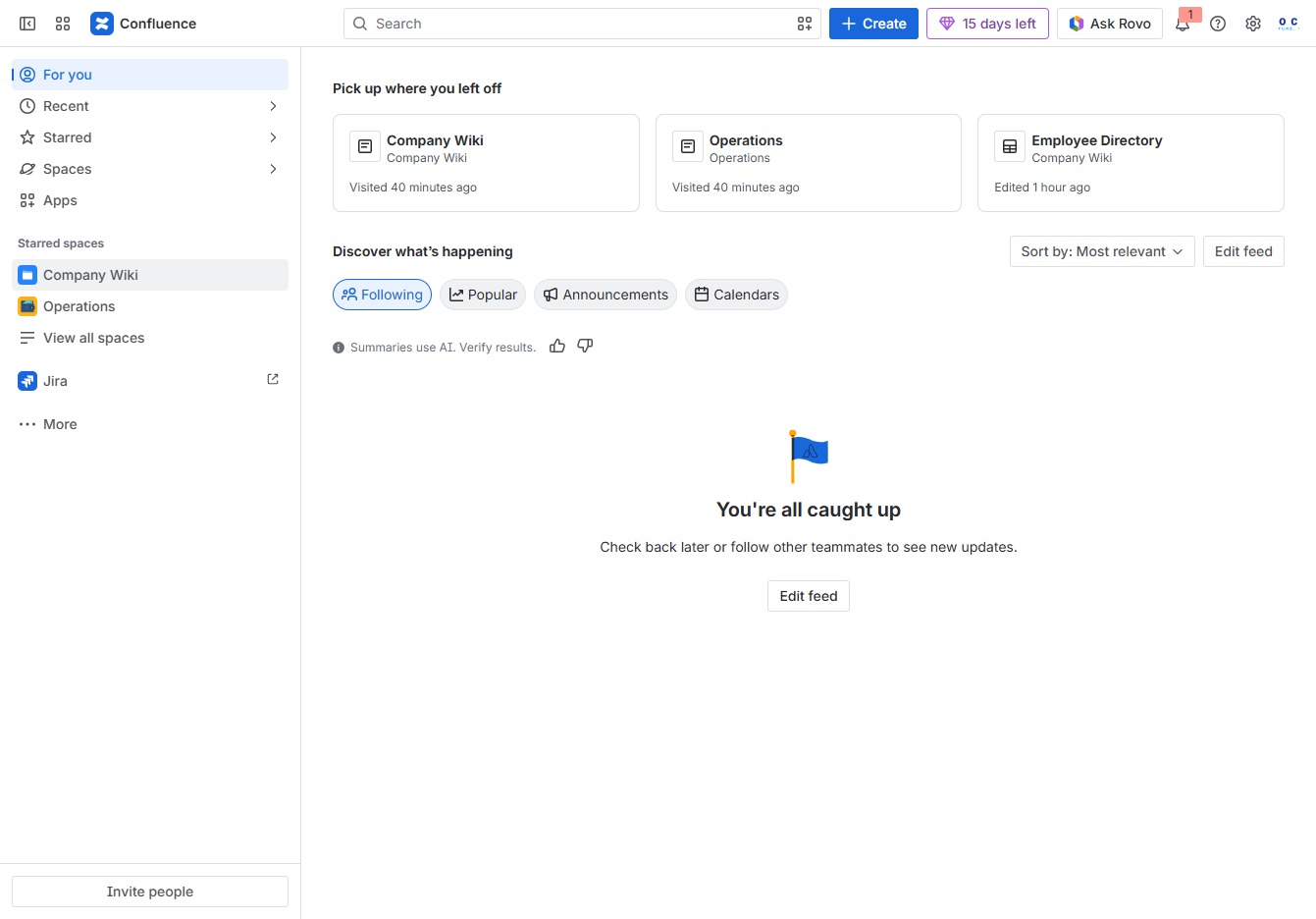
Loading screenshot…
100%
This how-to guide provides step-by-step instructions on adding sticky notes to a whiteboard in Confluence.
 viktoria
This how-to guide provides step-by-step instructions on adding sticky notes to a whiteboard in Confluence. Learn how to navigate the company wiki, create a new dashboard, and customize your brainstorming session to enhance collaboration and organization.
By clicking on the Company Wiki section, you will be directed to view and manage the company's shared knowledge base and documents.
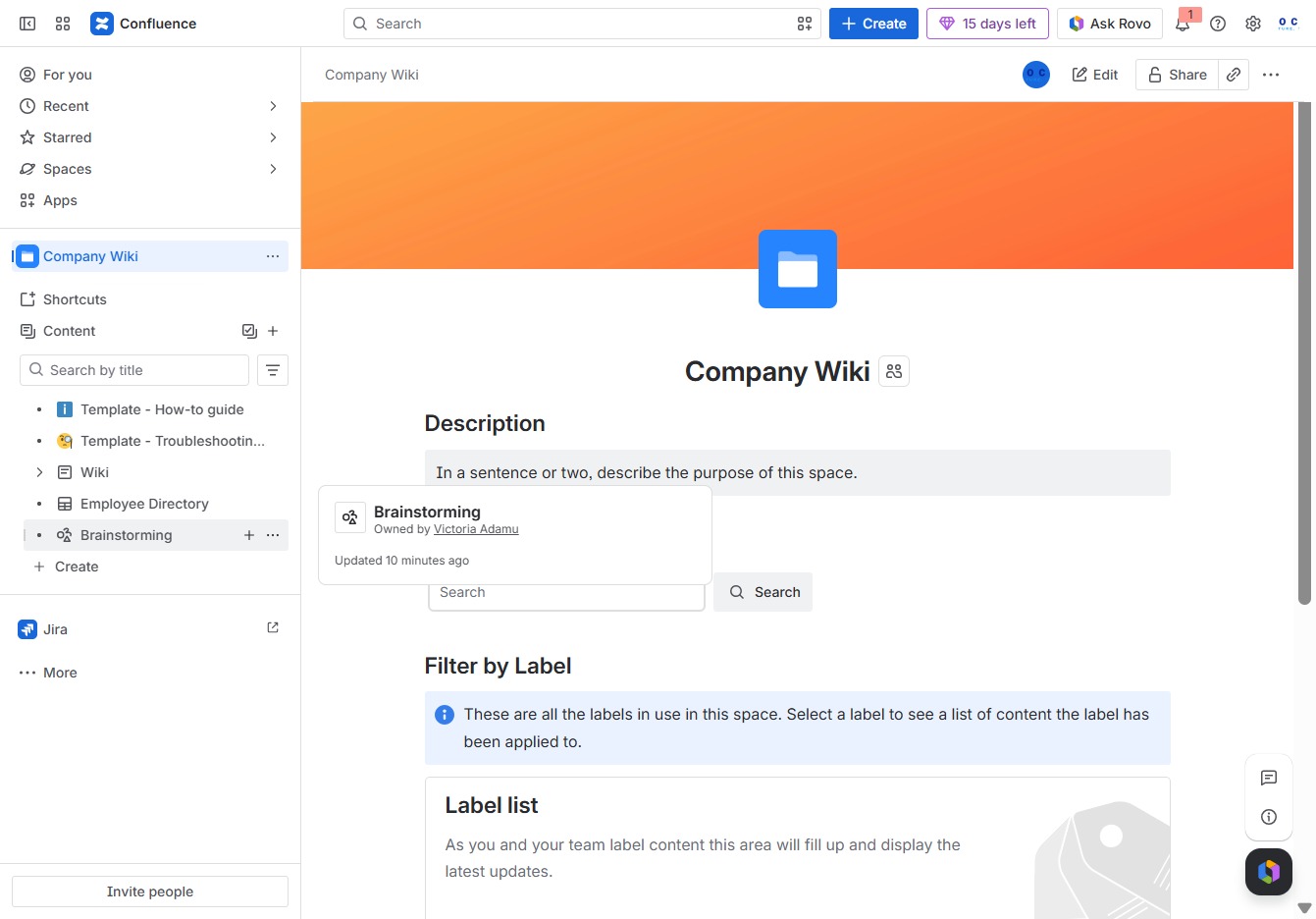
This will open a menu allowing you to create child content related to the Brainstorming section. You can also access more actions specific to Brainstorming from this menu.
This action allows you to access a list of known styles related to your current selection, including options like 'grid' and 'dotted'.

Clicking this link allows you to modify the current brainstorming document in Confluence. You can add text, images, or other content as needed.
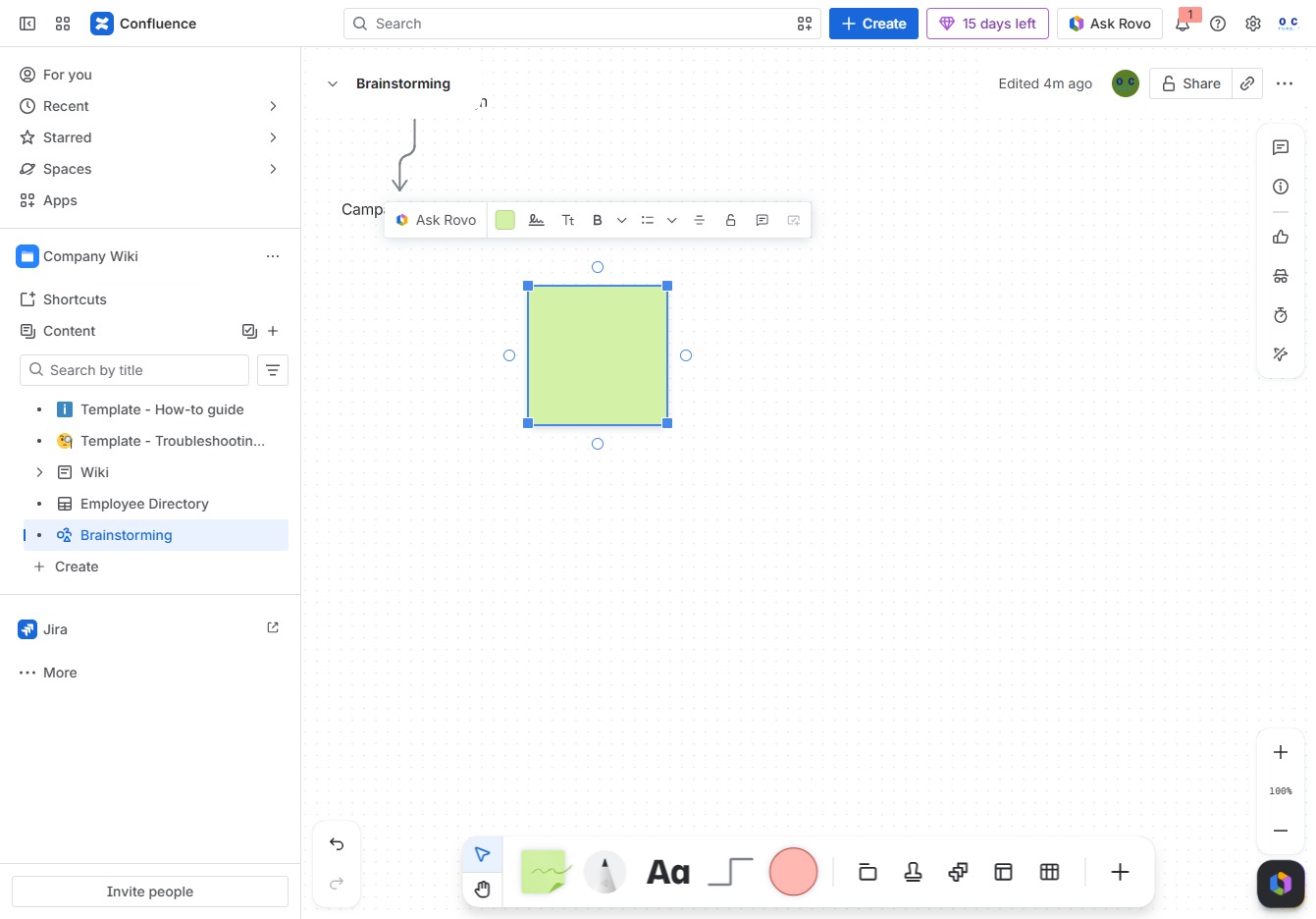
Enter 'New dashboard' into the Ak editor textarea to create a new dashboard within your brainstorming session. This will initiate the setup for your new dashboard layout.