Shared guide

How to add products to your catalog

This how-to guide walks you through the process of adding products to your catalog by navigating through specific project and product sections, entering product information, and…

victoriaworkflowsvictoriaworkflows
·13 steps·63 views·Published

This how-to guide walks you through the process of adding products to your catalog by navigating through specific project and product sections, entering product information, and saving your entries efficiently. Follow these simple steps to enhance your catalog with new offerings.

Step-by-step Guide13 steps
  1. Click on "Click here."

    Click on "Click here."
    Loading screenshot…
    100%
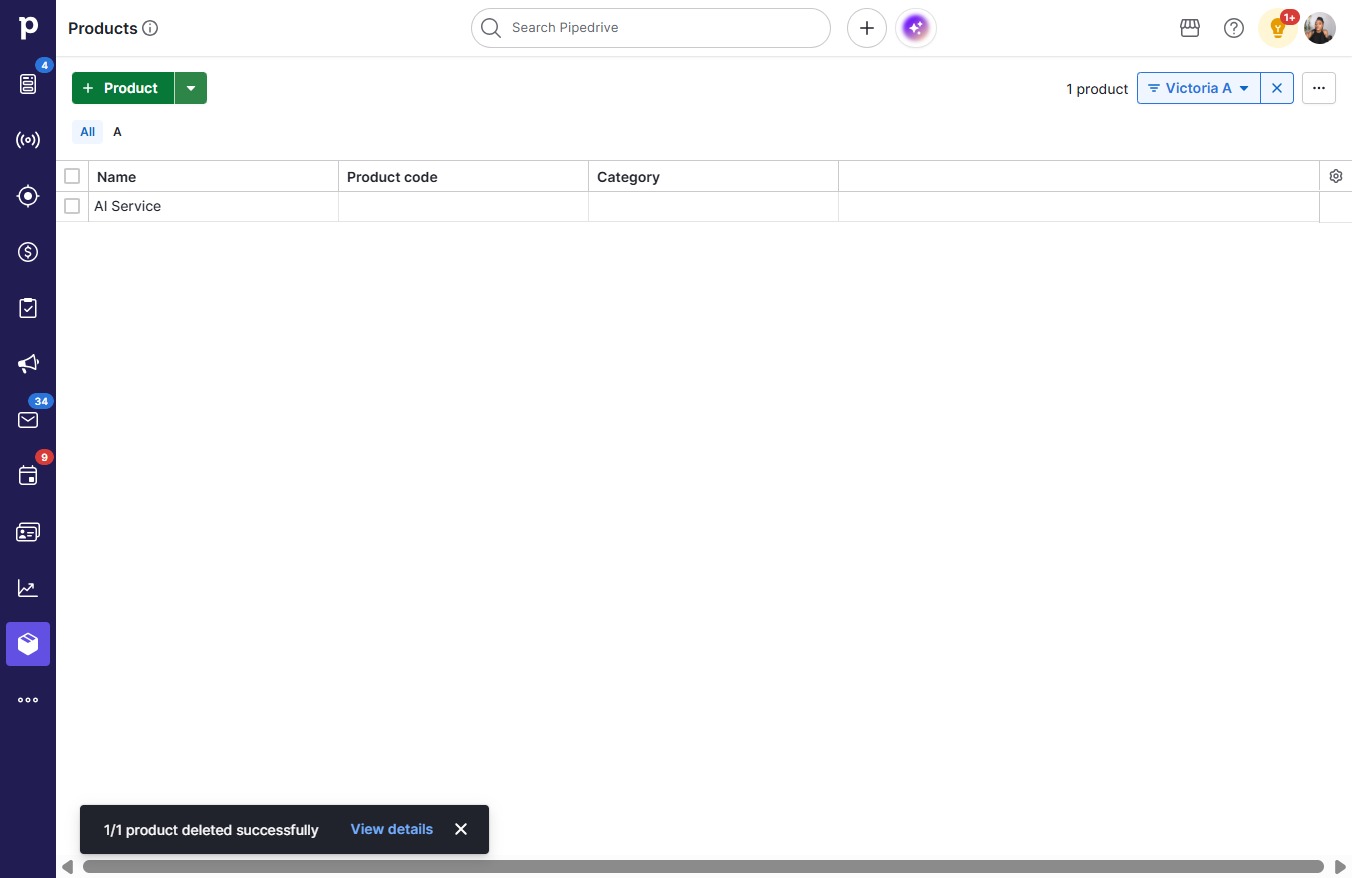
  2. Click Product

    Click Product
    Loading screenshot…
    100%
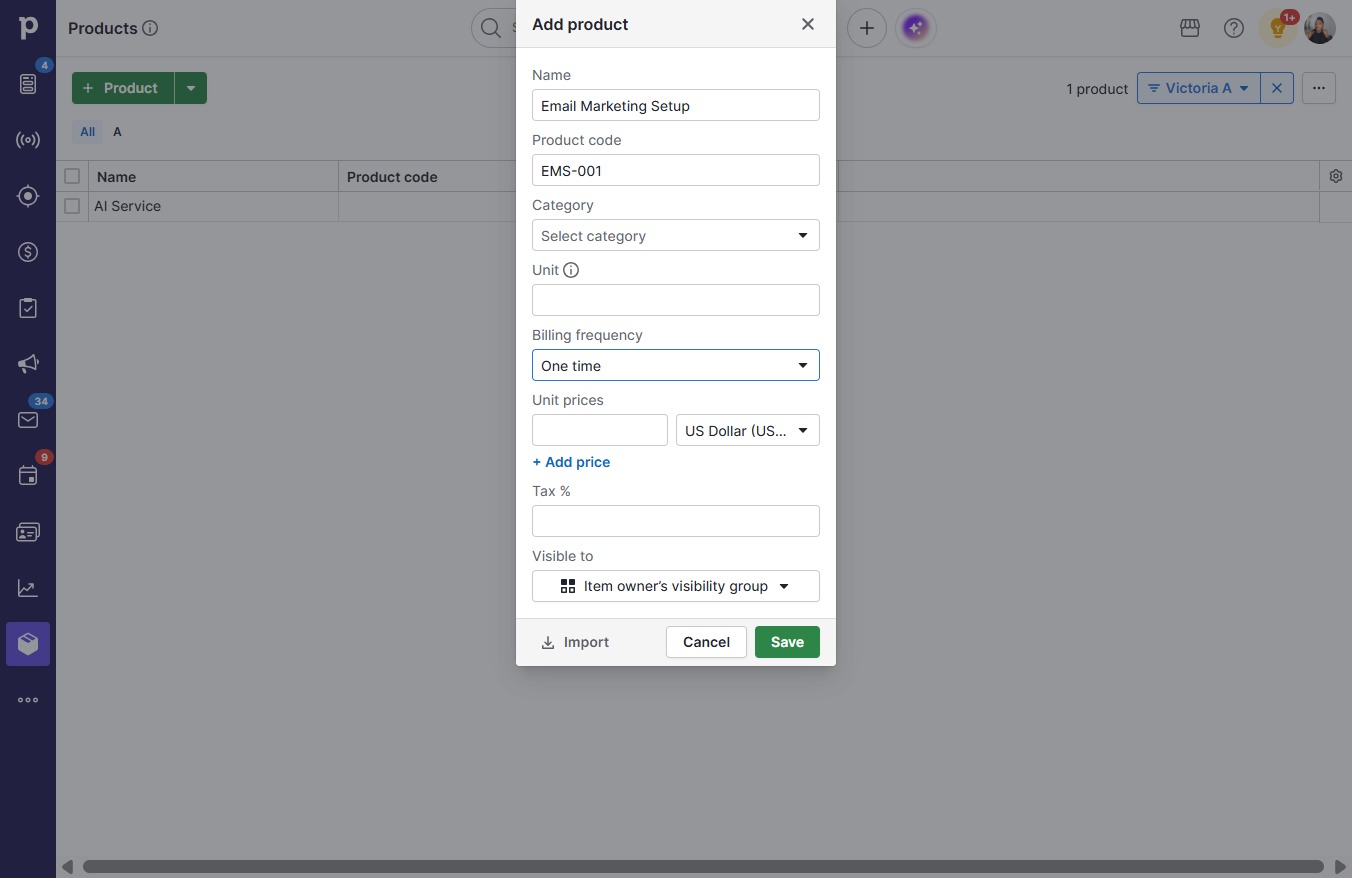
  3. Type "Email Marketing Setup"

  4. Click on "Click here."

    Click on "Click here."
    Loading screenshot…
    100%
  5. Type "EMS-001"

  6. Click One time

    Click One time
    Loading screenshot…
    100%
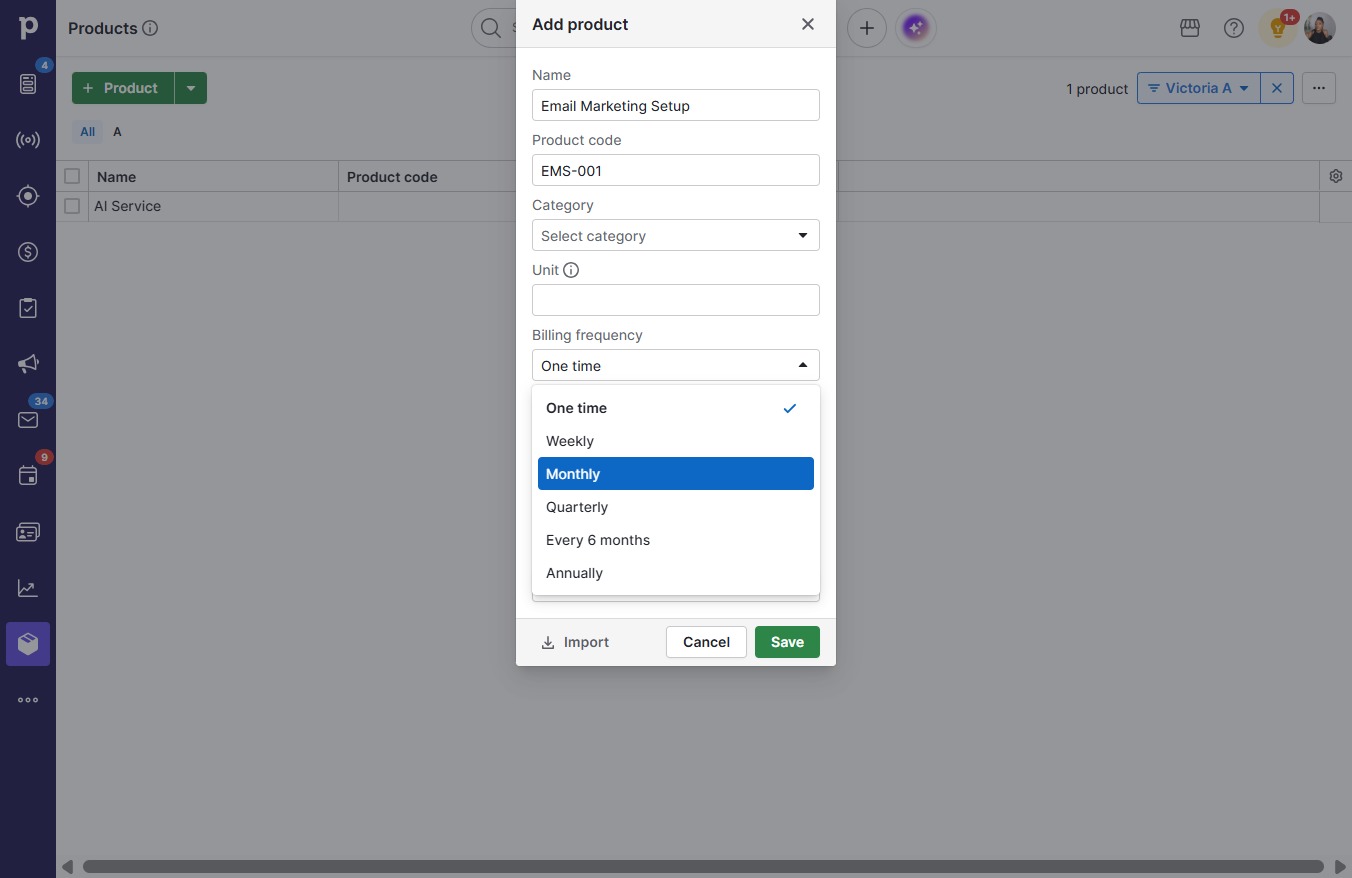
  7. Click Monthly

    Click Monthly
    Loading screenshot…
    100%
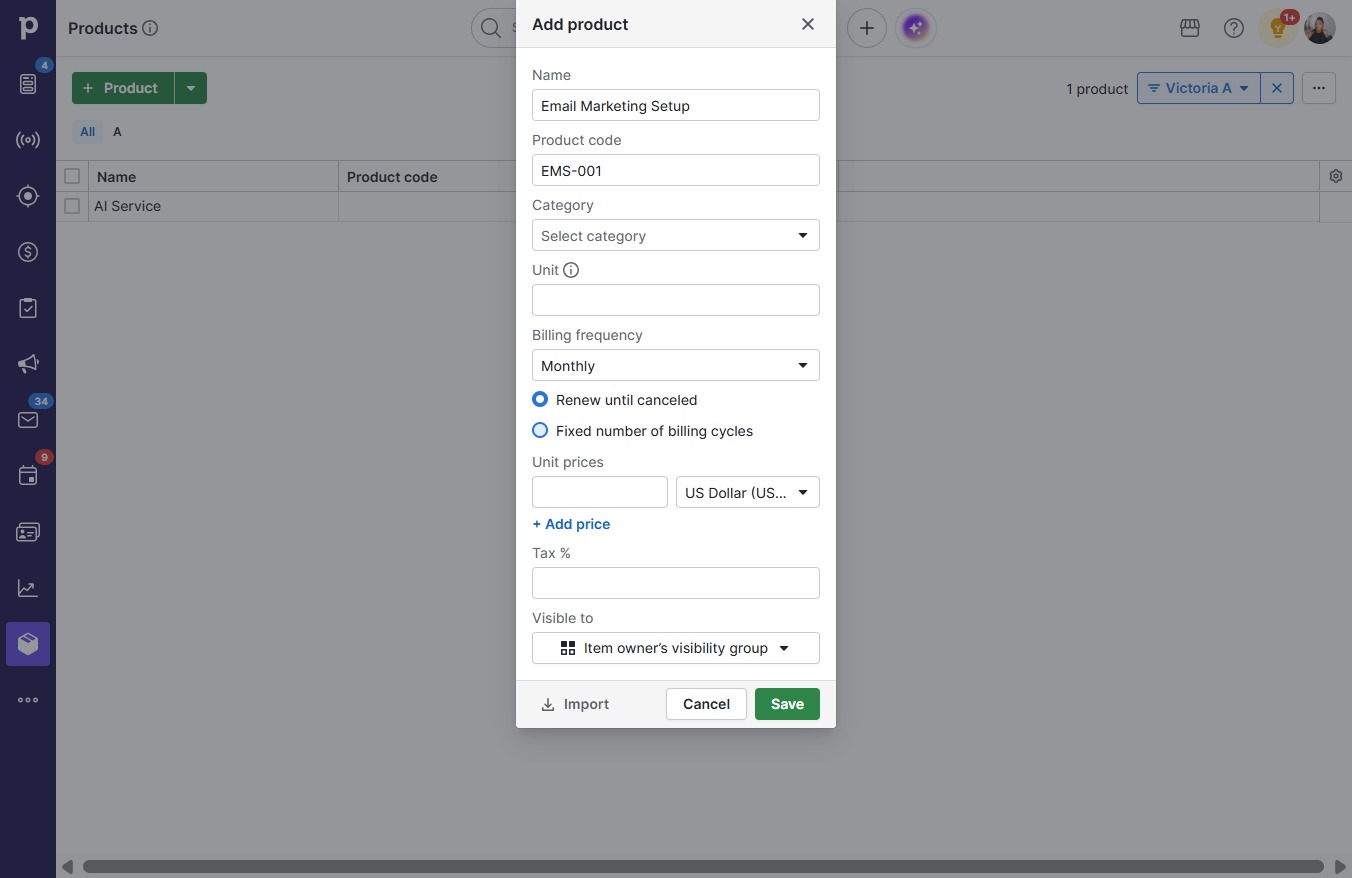
  8. Click on "Click here."

    Click on "Click here."
    Loading screenshot…
    100%
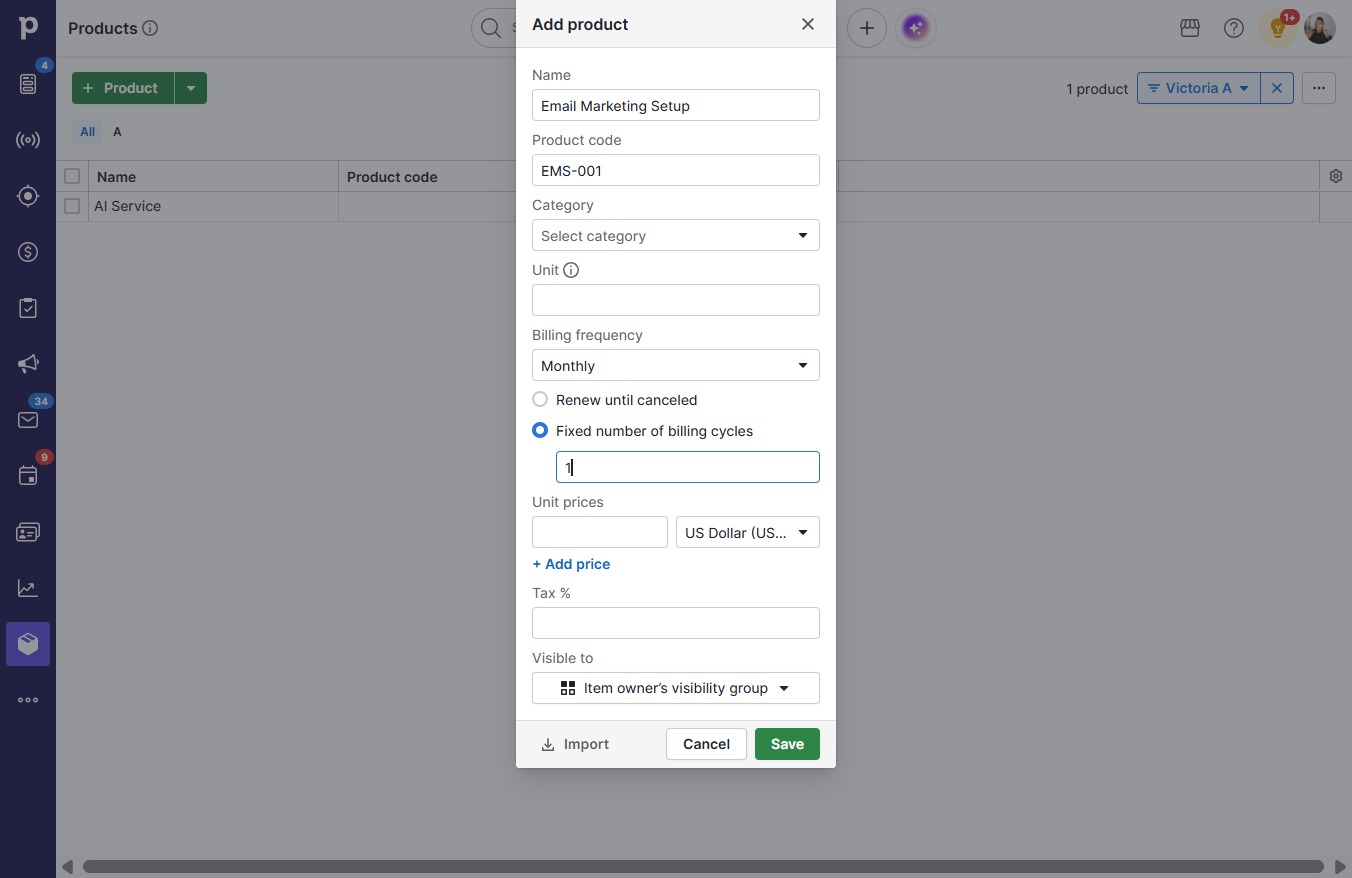
  9. Click on "Click here."

    Click on "Click here."
    Loading screenshot…
    100%
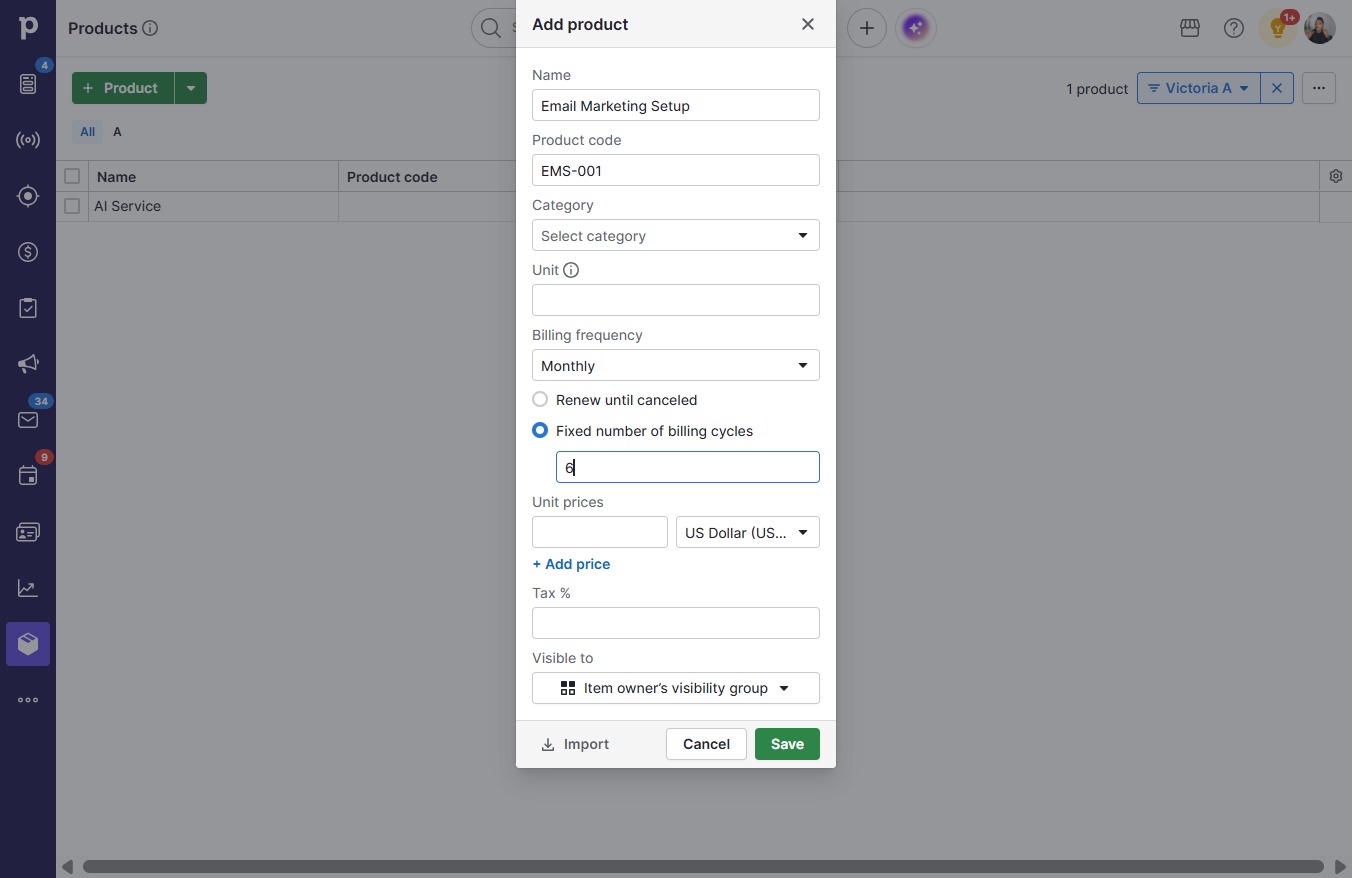
  10. Type "6"

  11. Click on "Click here."

    Click on "Click here."
    Loading screenshot…
    100%
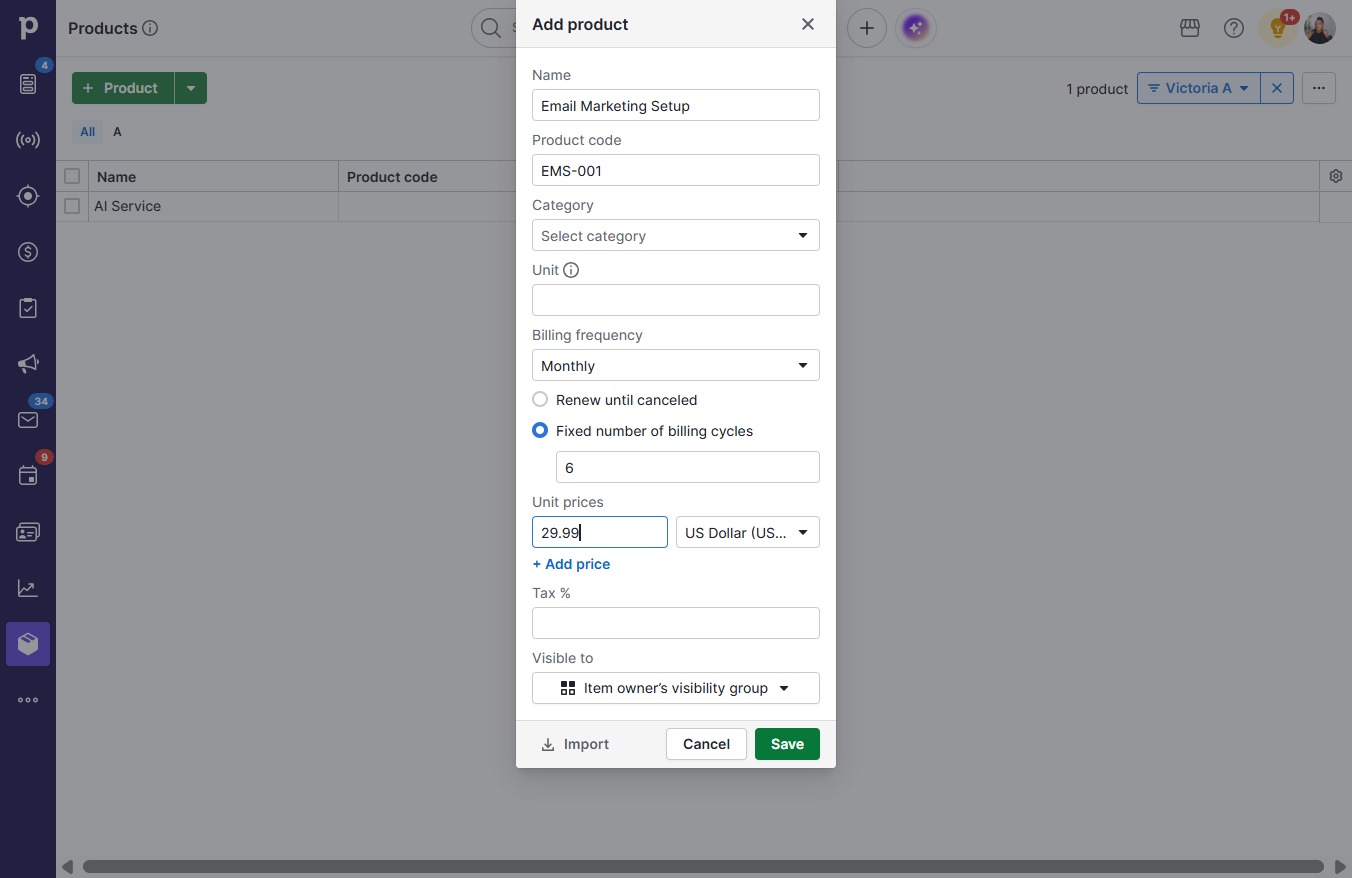
  12. Type "29.99"

  13. Click Save

    Click Save
    Loading screenshot…
    100%