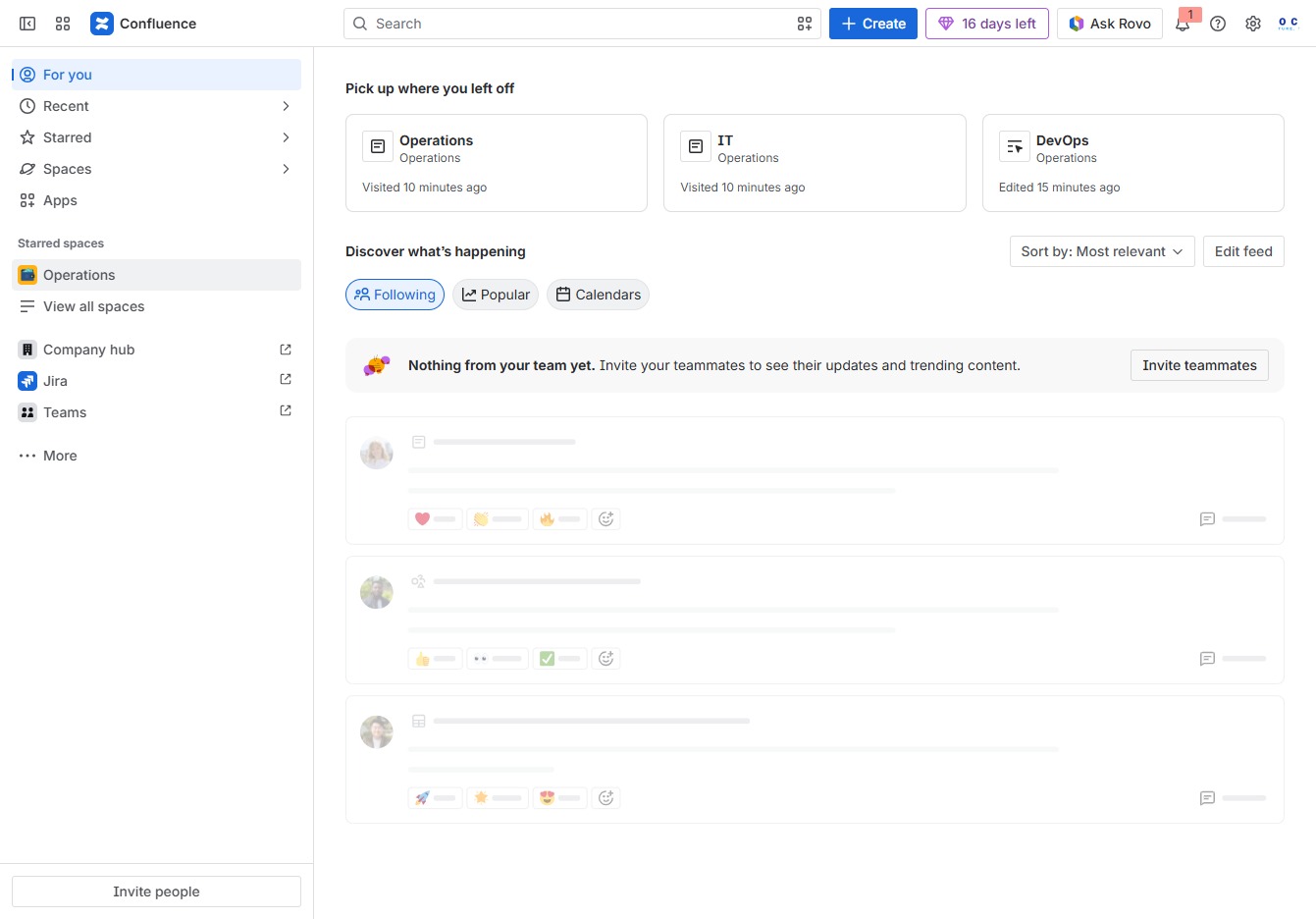
Click the Operations section
This will take you to the Operations overview, where you can see recent updates and activities relevant to the Operations team.
Loading screenshot…
100%
This guide provides a step-by-step approach to adding structured headings to your laptop setup page in Confluence.
 viktoria
This guide provides a step-by-step approach to adding structured headings to your laptop setup page in Confluence. Learn how to navigate to the relevant pages, modify content, and effectively categorize your information for better organization and clarity.
This will take you to the Operations overview, where you can see recent updates and activities relevant to the Operations team.
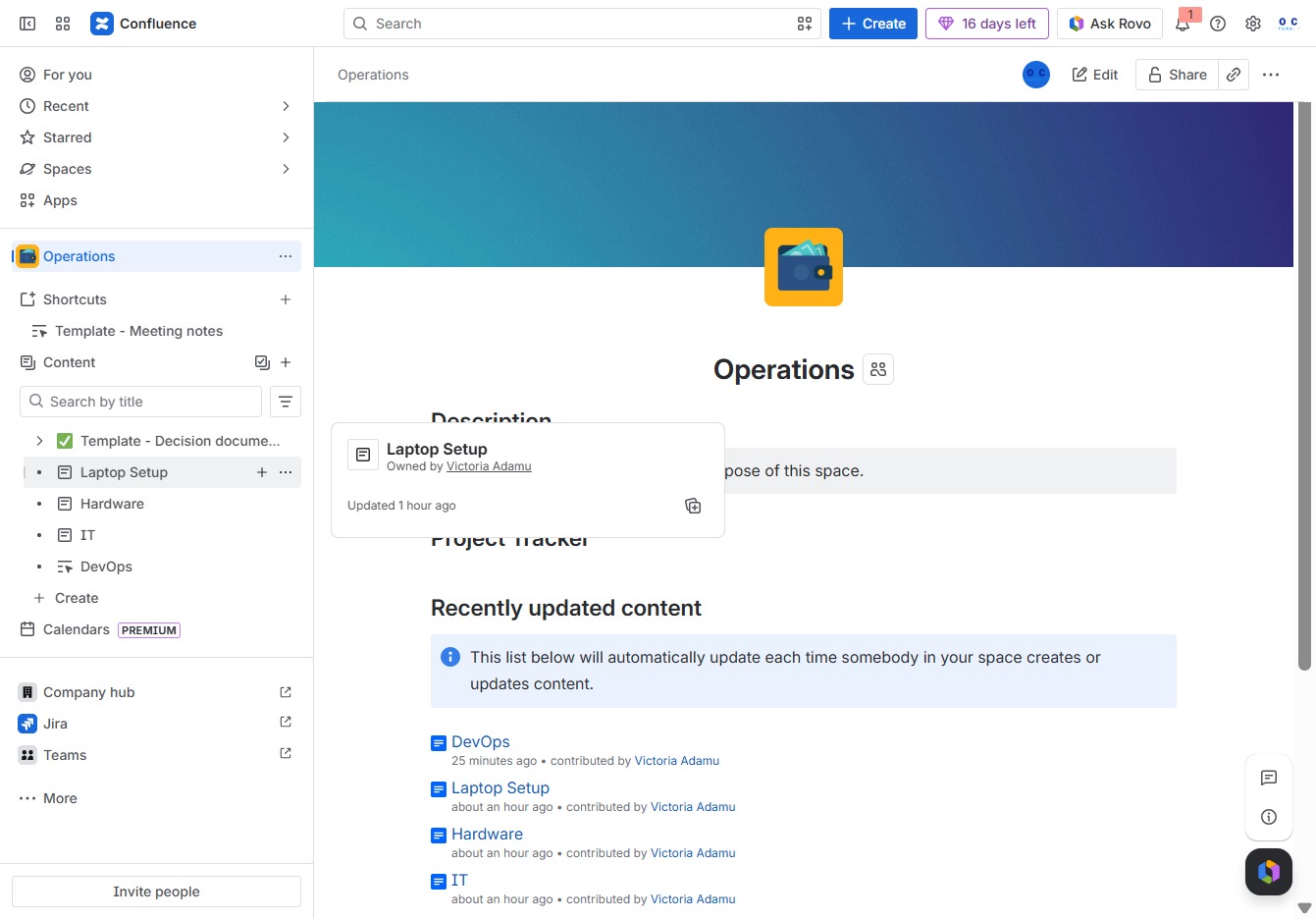
This action will navigate you to the Laptop Setup page, where you can create and manage content related to laptop configurations and setup procedures.
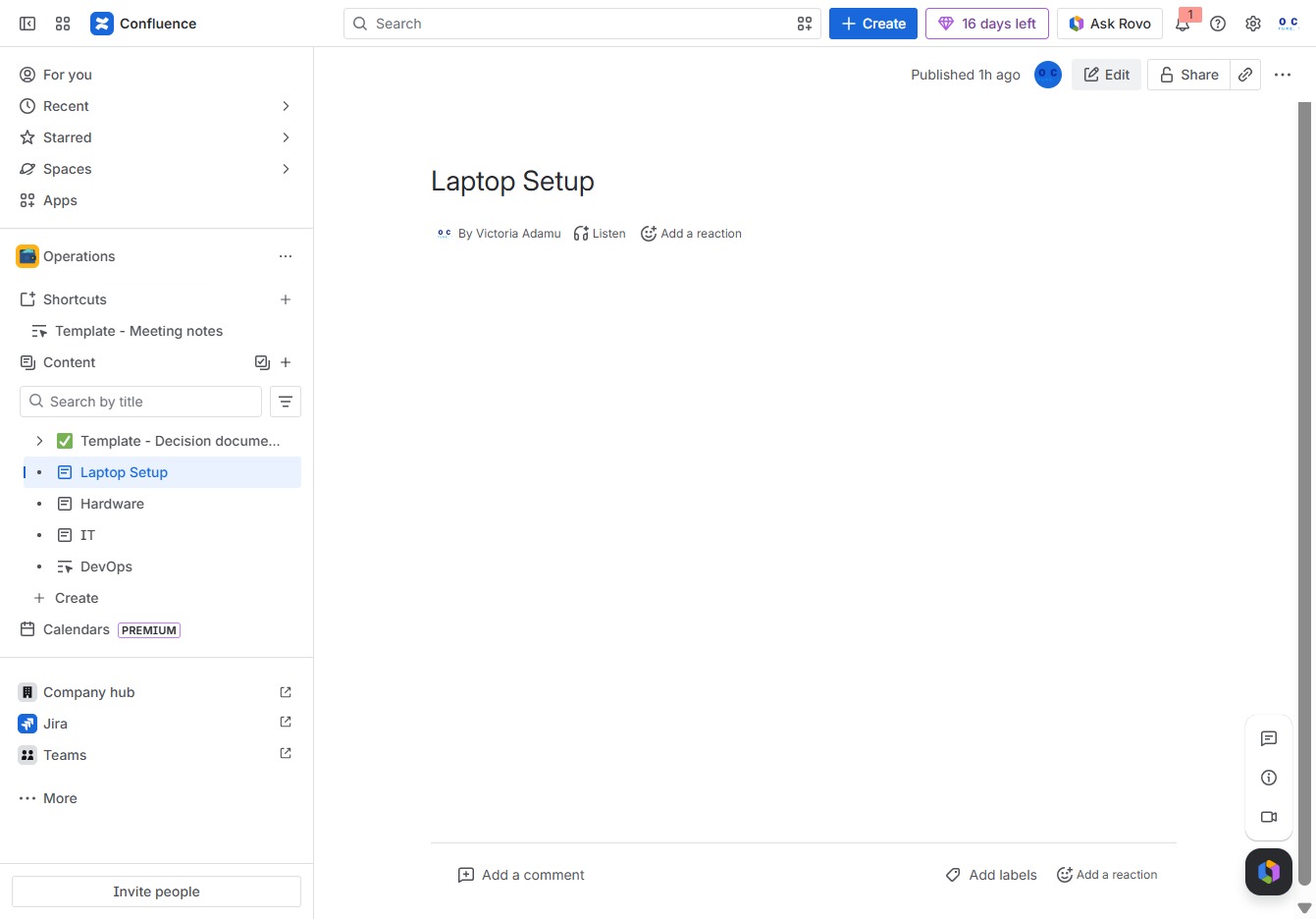
This action allows you to modify the content of the current page, enabling you to make changes and updates to the 'Laptop Setup' document.
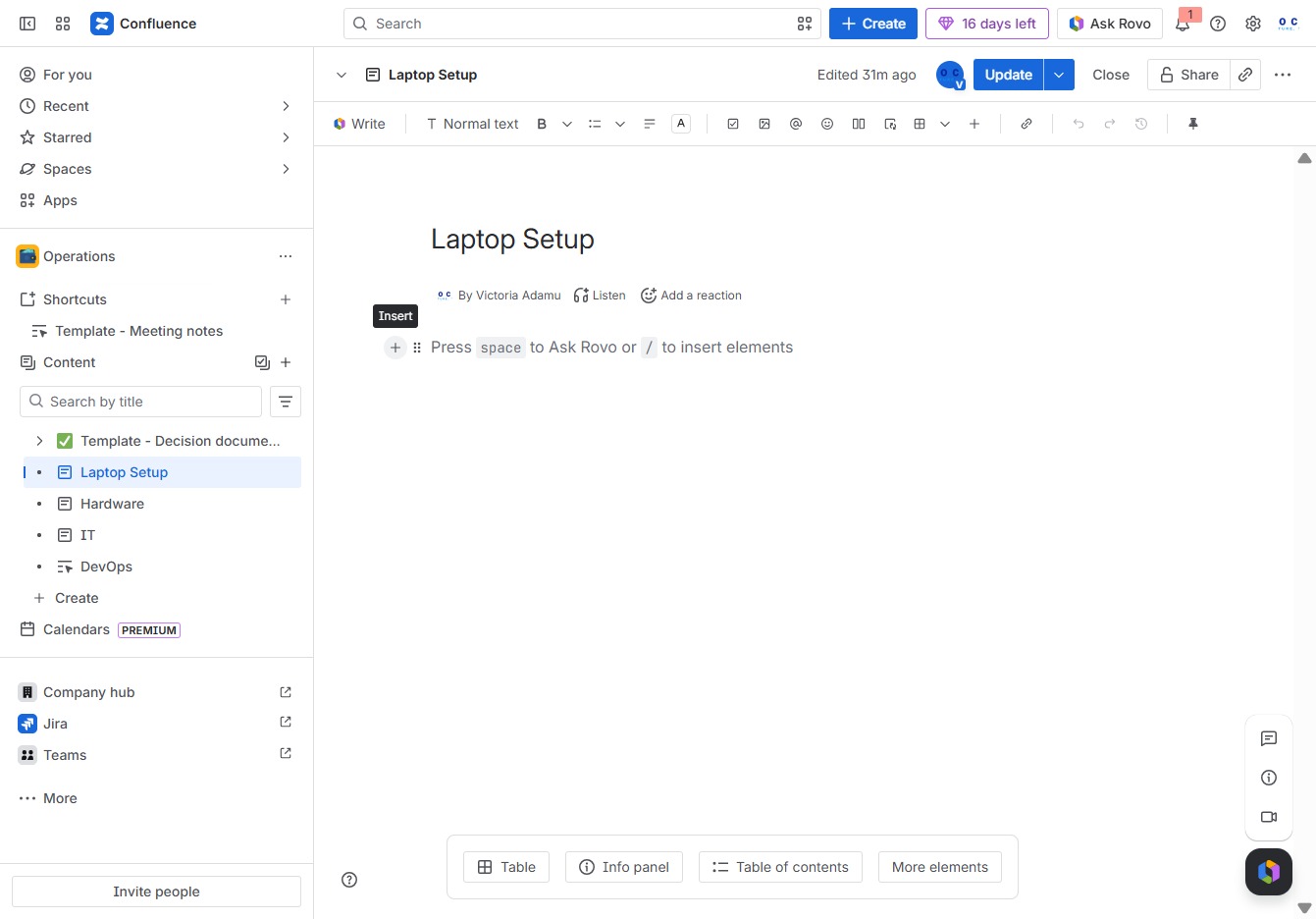
Clicking the 'Add' button will allow you to insert new elements or features into your current document.
Clicking 'Heading 1' will insert a top-level heading into your document, allowing you to structure your content effectively in the 'Laptop Setup' page.
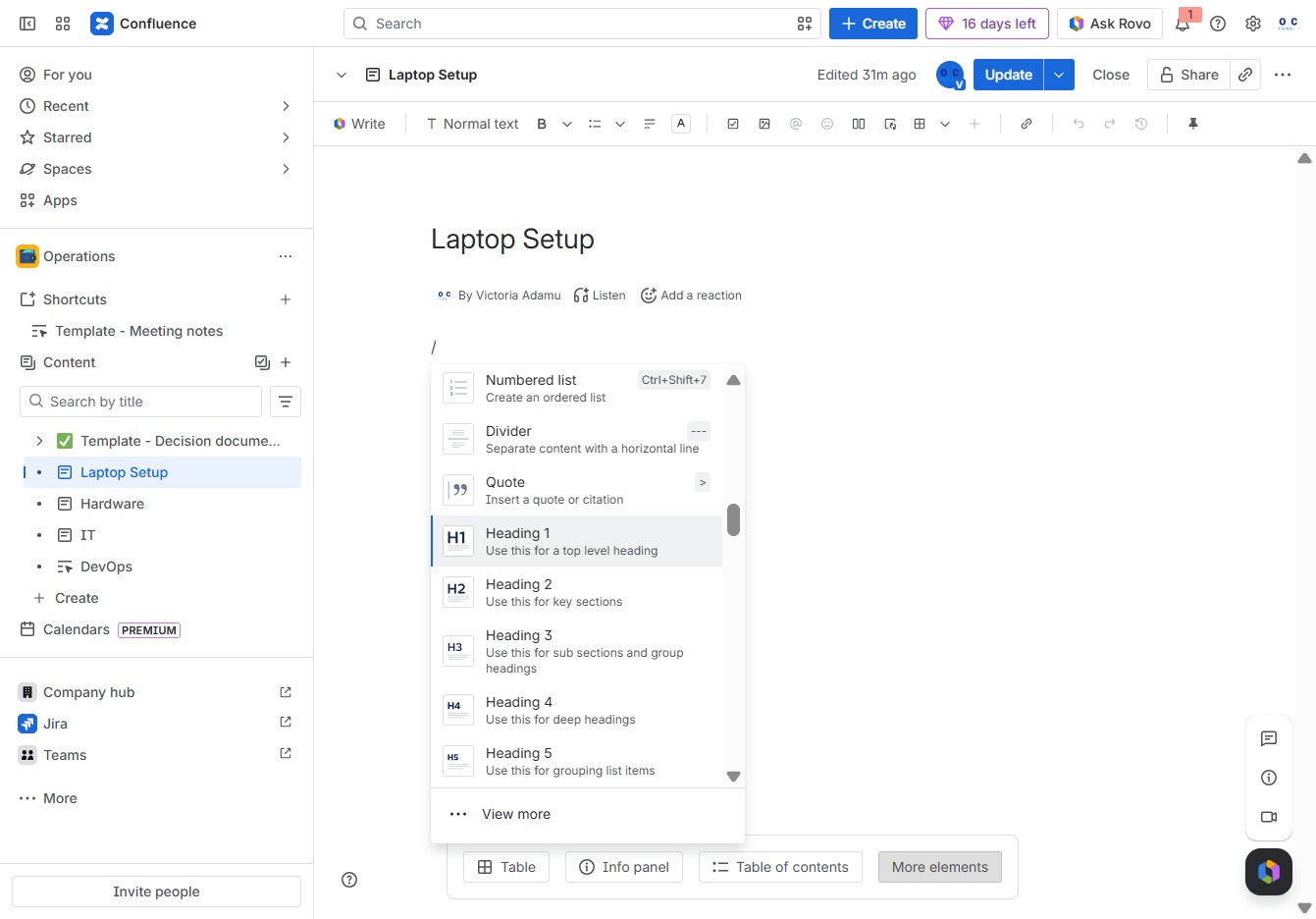
Input 'Device' into the Ak editor textarea to specify the item related to your laptop setup. This action will help categorize or document the necessary device for reference.

This action saves the current changes made to the Laptop Setup page in Confluence. After clicking, the document will refresh to reflect the latest updates.
