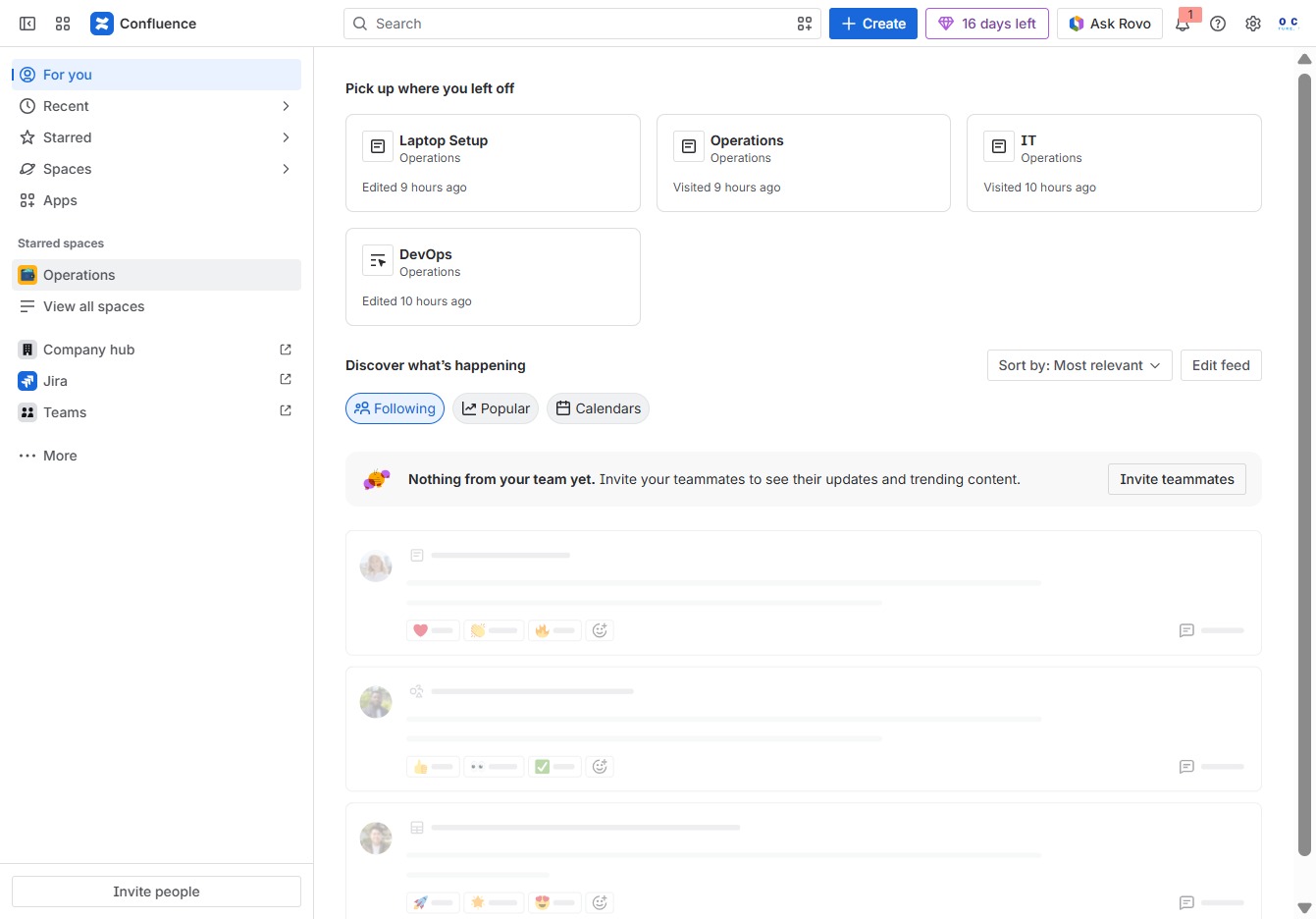
Click the Operations panel
Clicking on the Operations panel opens detailed information and updates related to ongoing operations, allowing you to manage tasks effectively within the Confluence environment.
Loading screenshot…
100%
This guide walks you through the steps to add emojis and icons in Confluence, from accessing the Operations panel to inserting your chosen emoji into a document.
 viktoria
This guide walks you through the steps to add emojis and icons in Confluence, from accessing the Operations panel to inserting your chosen emoji into a document. Learn how to enhance your content and improve organization with visual elements that convey emotion and clarity.
Clicking on the Operations panel opens detailed information and updates related to ongoing operations, allowing you to manage tasks effectively within the Confluence environment.
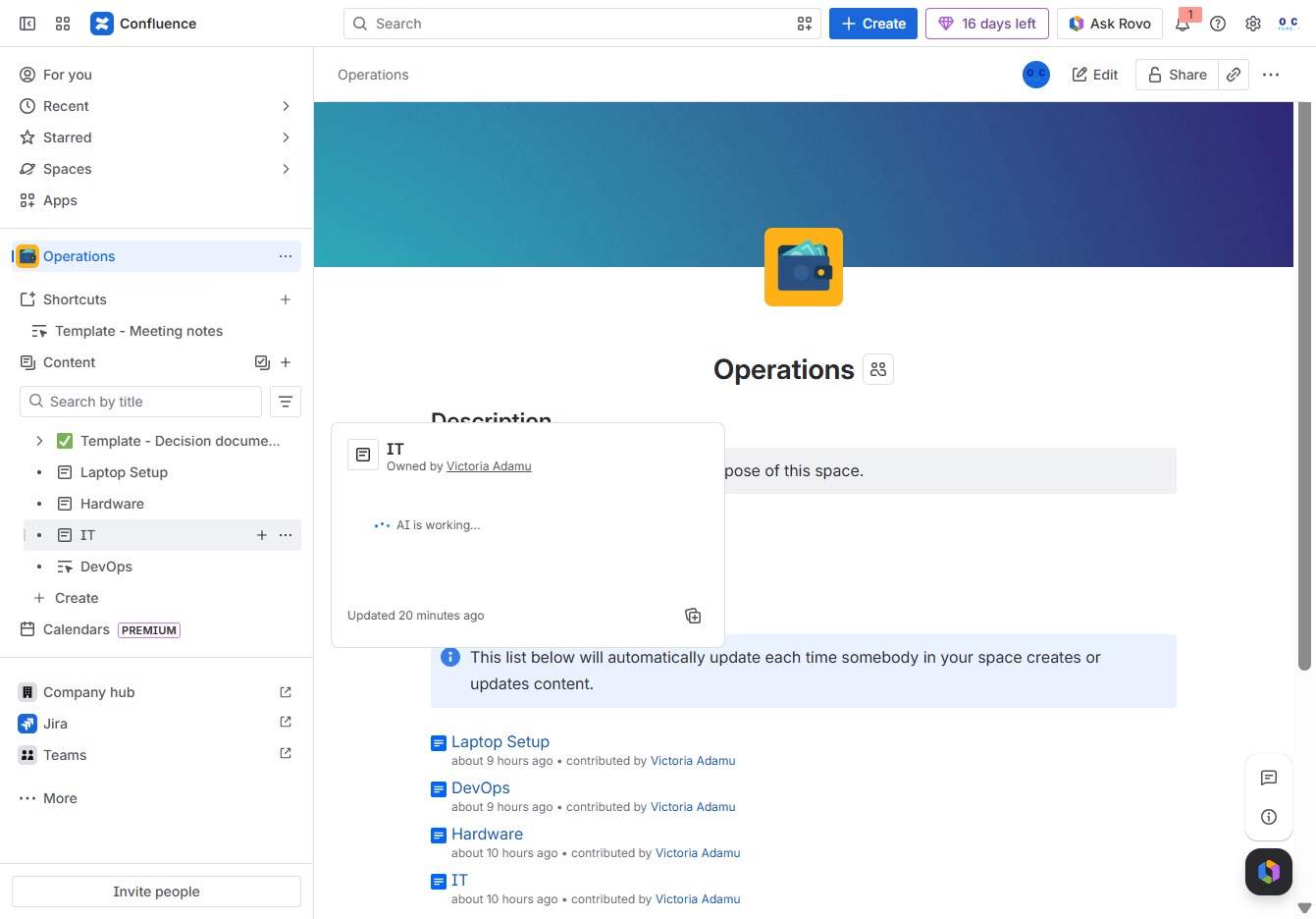
This action will allow you to create new child content under the selected IT section in your Confluence space, enabling better organization of related documents and pages.
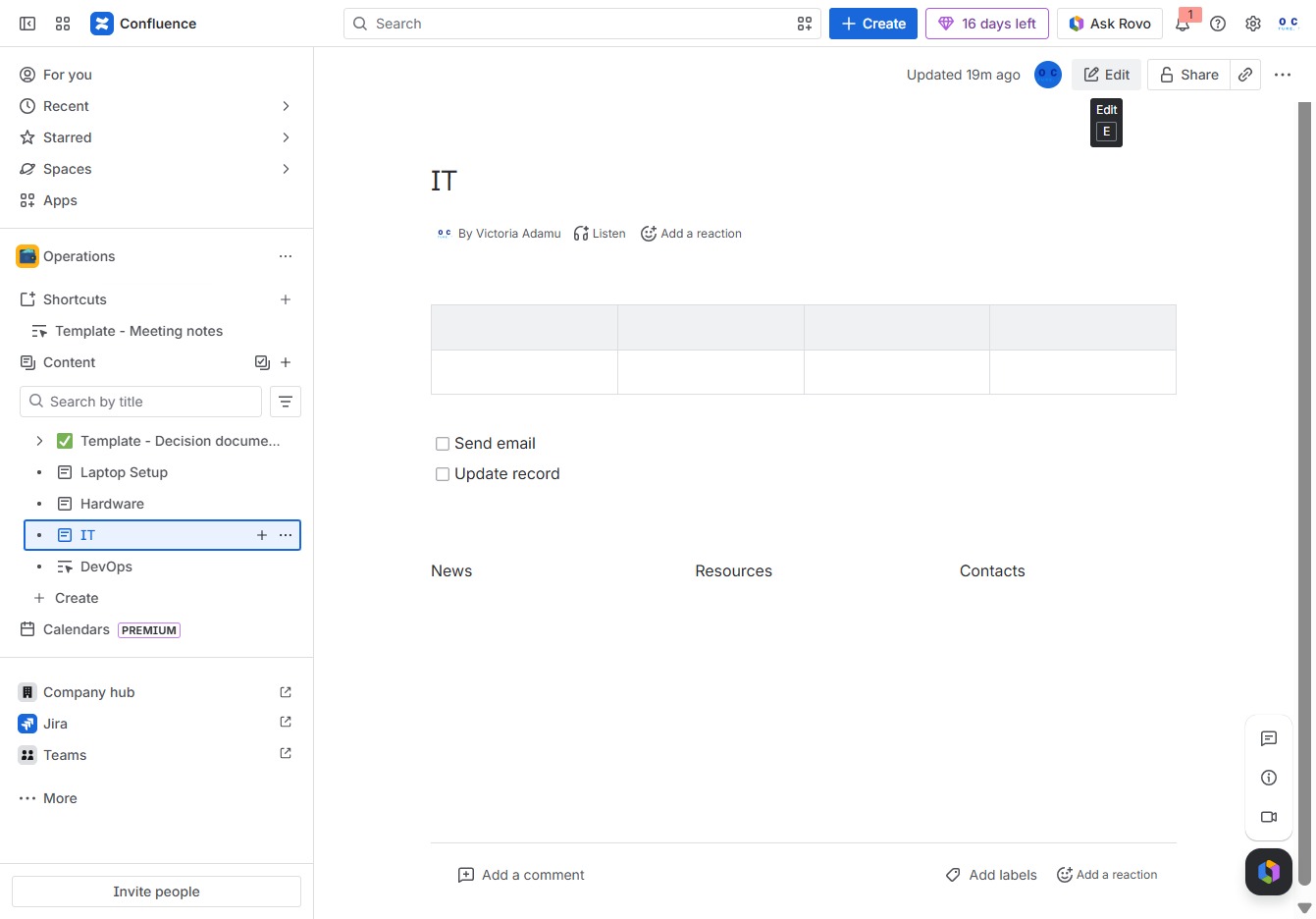
This action opens the document for editing, allowing you to modify the content and structure as needed.
Clicking the 'Add' button will allow you to insert new content or elements into your current document in Confluence.
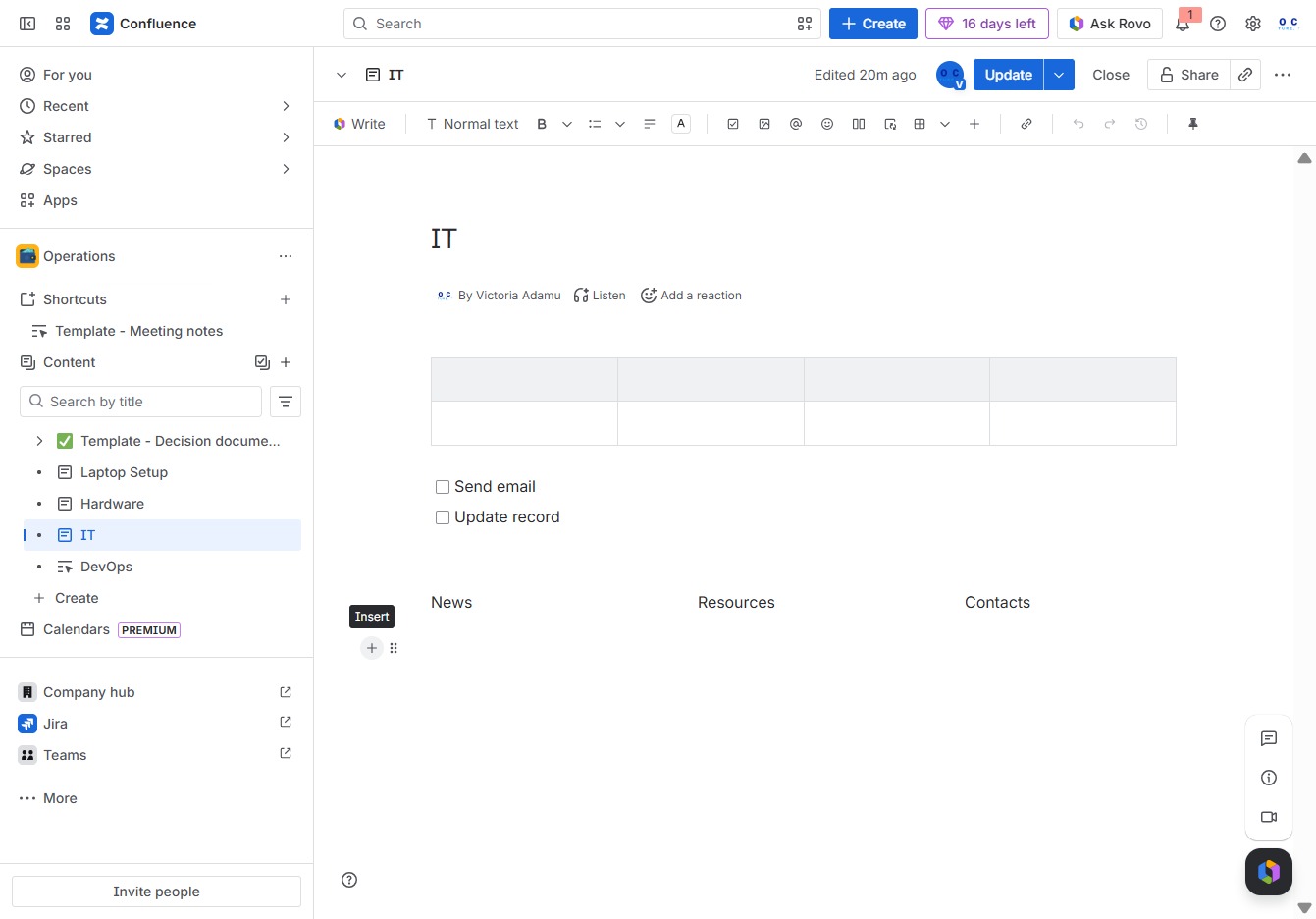
Enter 'EMOJI' in the designated input area to utilize this feature for enhancing your message or content with visual tags.

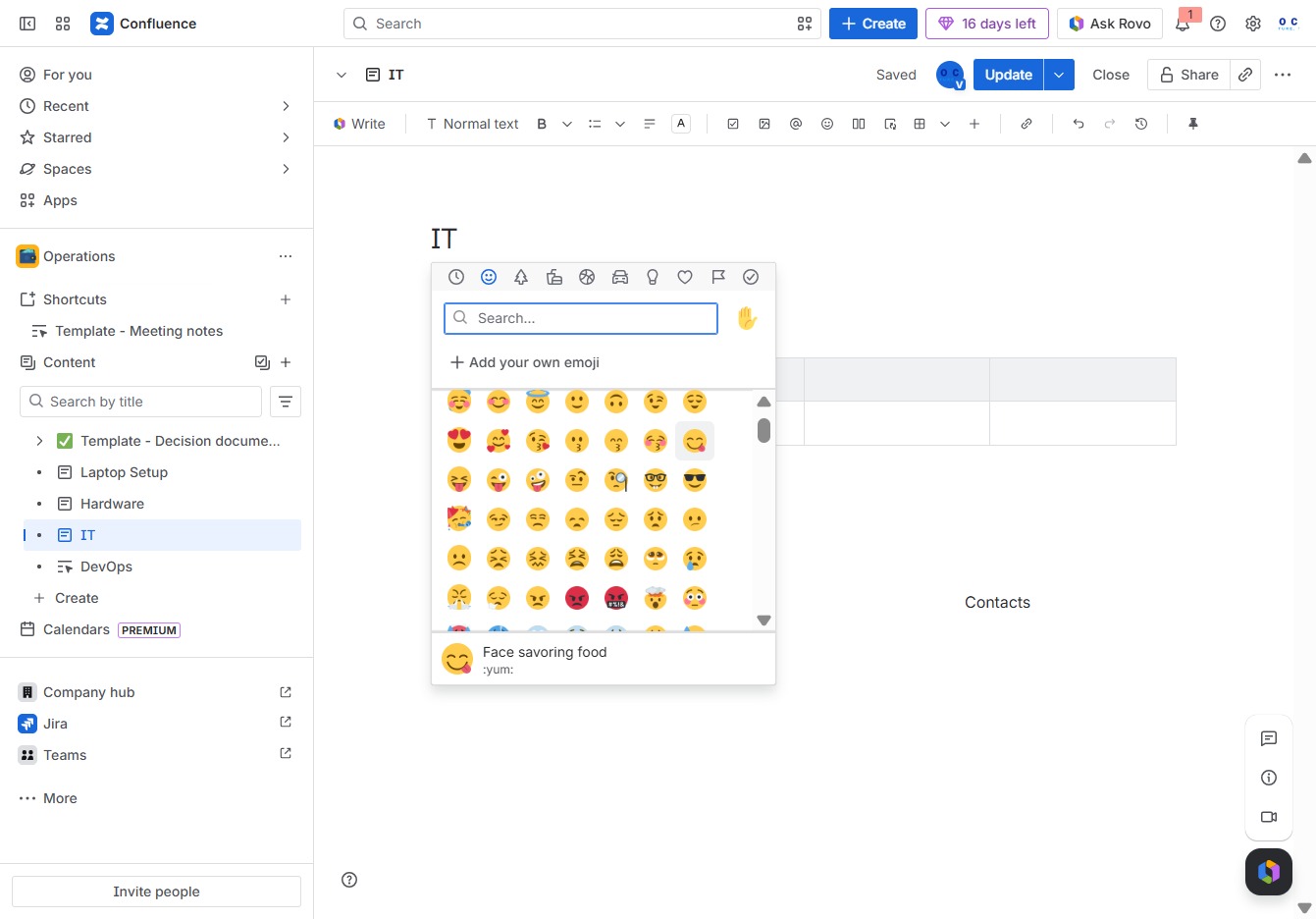
This will allow you to select and insert emojis into your content, enhancing your expression of ideas and emotions within your document.
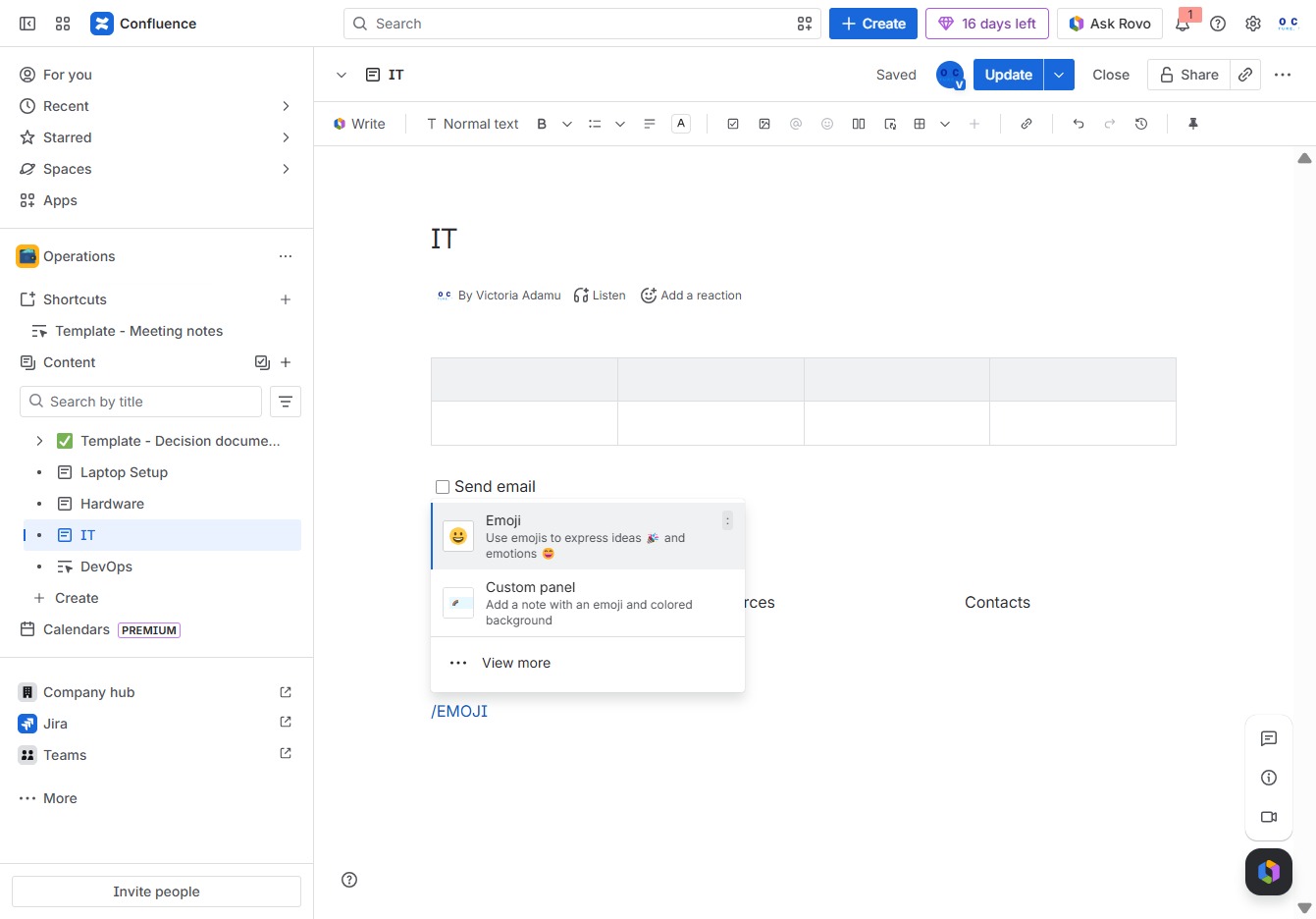
This action inserts the Face Savoring Food emoji into your document at the cursor's position, enhancing your content with an expressive visual.