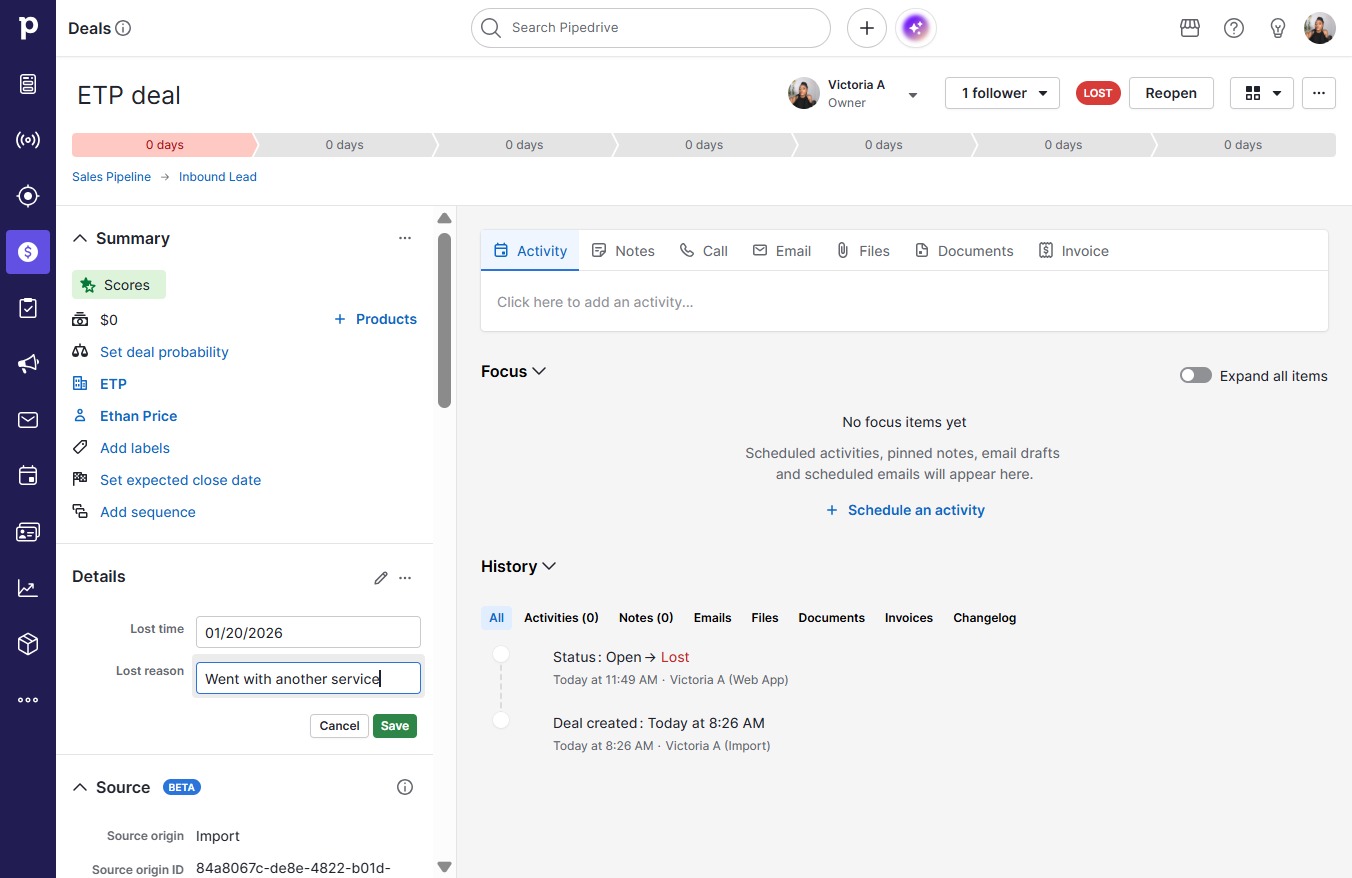
Click on "Click here."
Loading screenshot…
100%
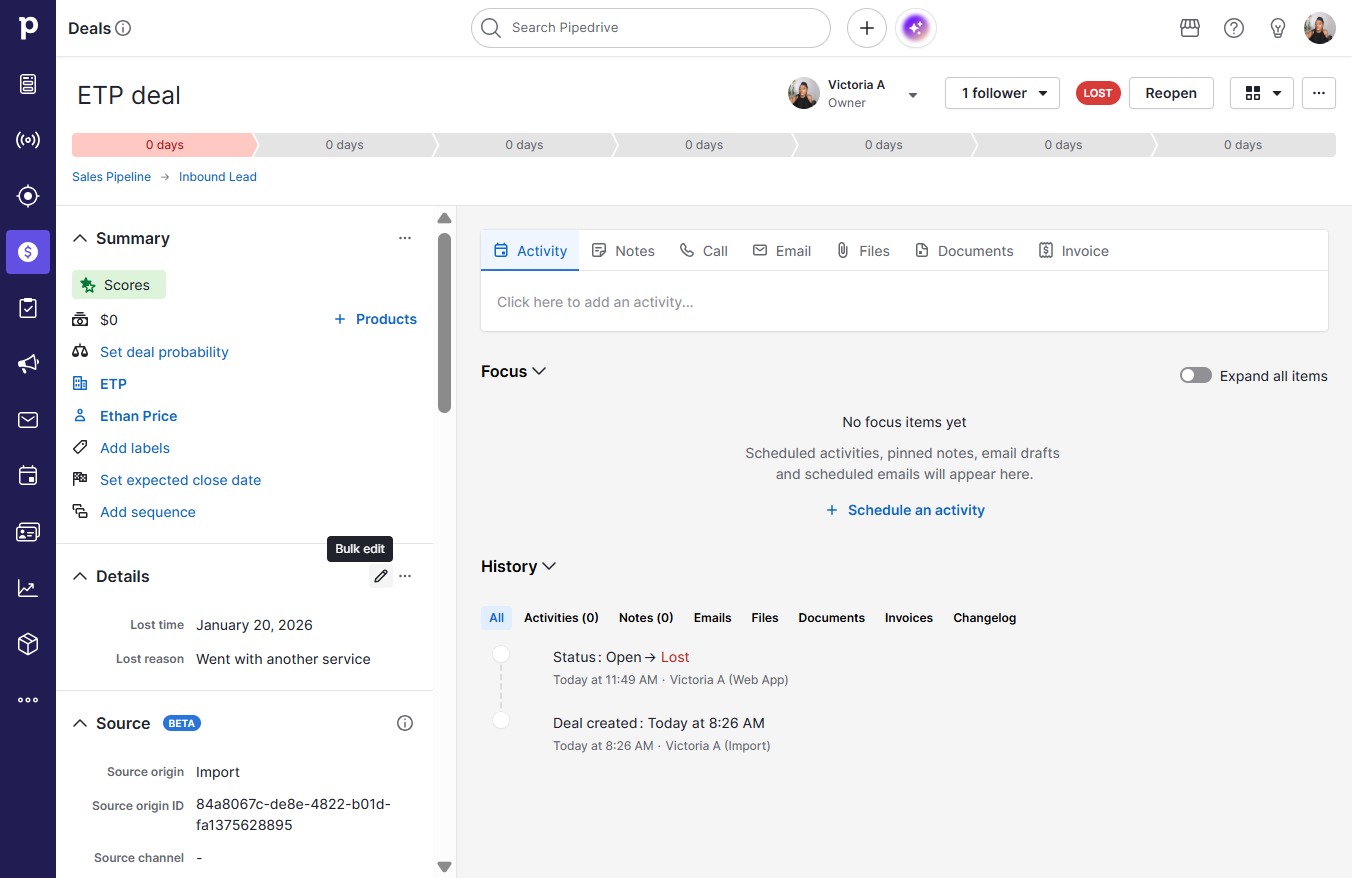
In this guide, you'll learn how to effectively add deal loss reasons to your sales process.
 victoriaworkflows
In this guide, you'll learn how to effectively add deal loss reasons to your sales process. Follow the simple steps to specify why a deal was lost to improve your team's strategies and decision-making.