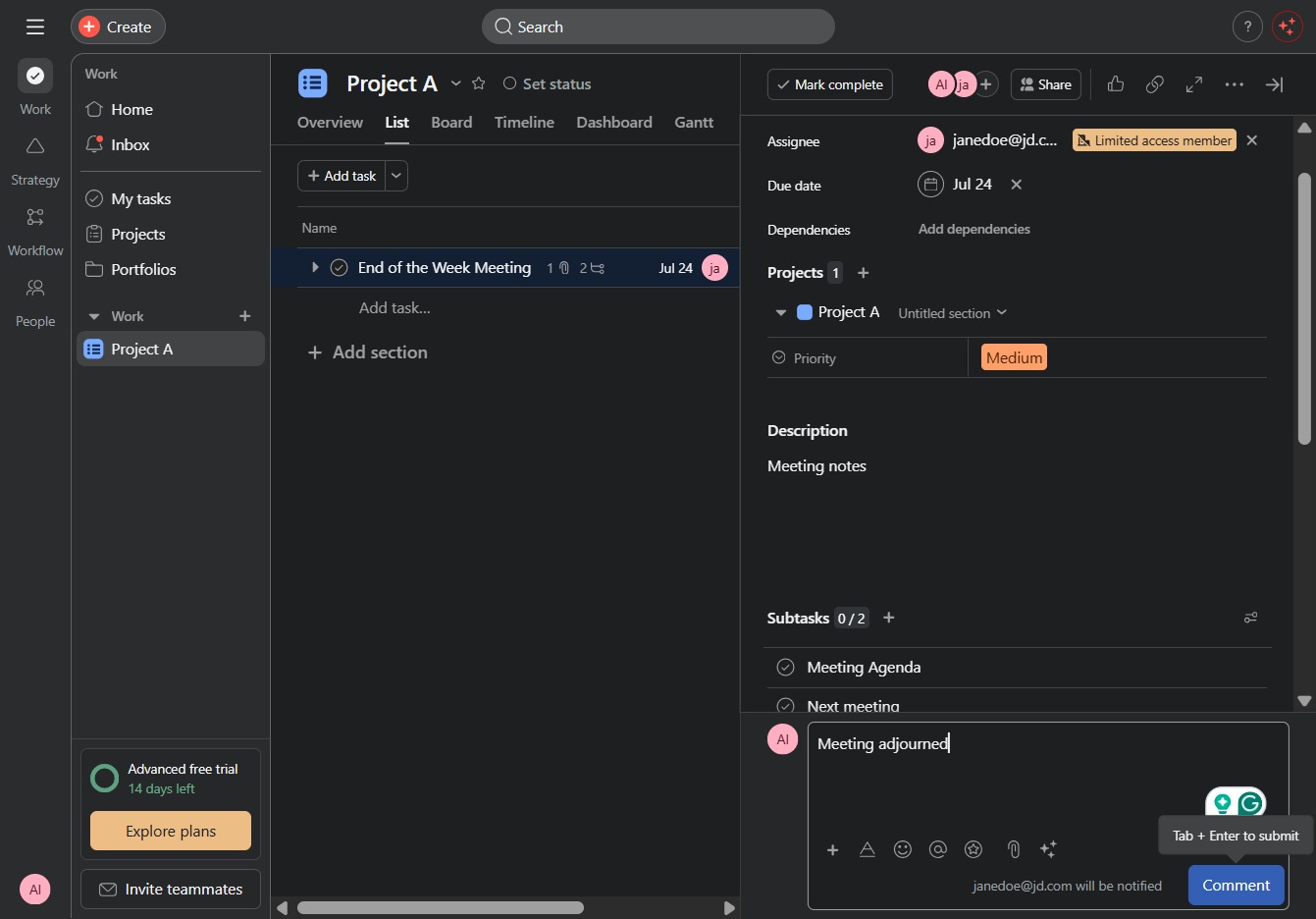
Click Project A
Selecting 'Project A' will navigate you to the project dashboard, where you can view tasks, updates, and additional project details.

Loading screenshot…
100%
This how-to guide demonstrates the process of adding comments to tasks in 'Project A,' covering how to navigate the project dashboard, create tasks, and enter comments for better…
 viktoria
This how-to guide demonstrates the process of adding comments to tasks in 'Project A,' covering how to navigate the project dashboard, create tasks, and enter comments for better team collaboration and organization. Follow the steps to enhance communication and keep everyone updated on task progress.
Selecting 'Project A' will navigate you to the project dashboard, where you can view tasks, updates, and additional project details.
This action opens a dialog to create a new task within the current project, allowing you to enter details such as name, assignee, due date, and priority.
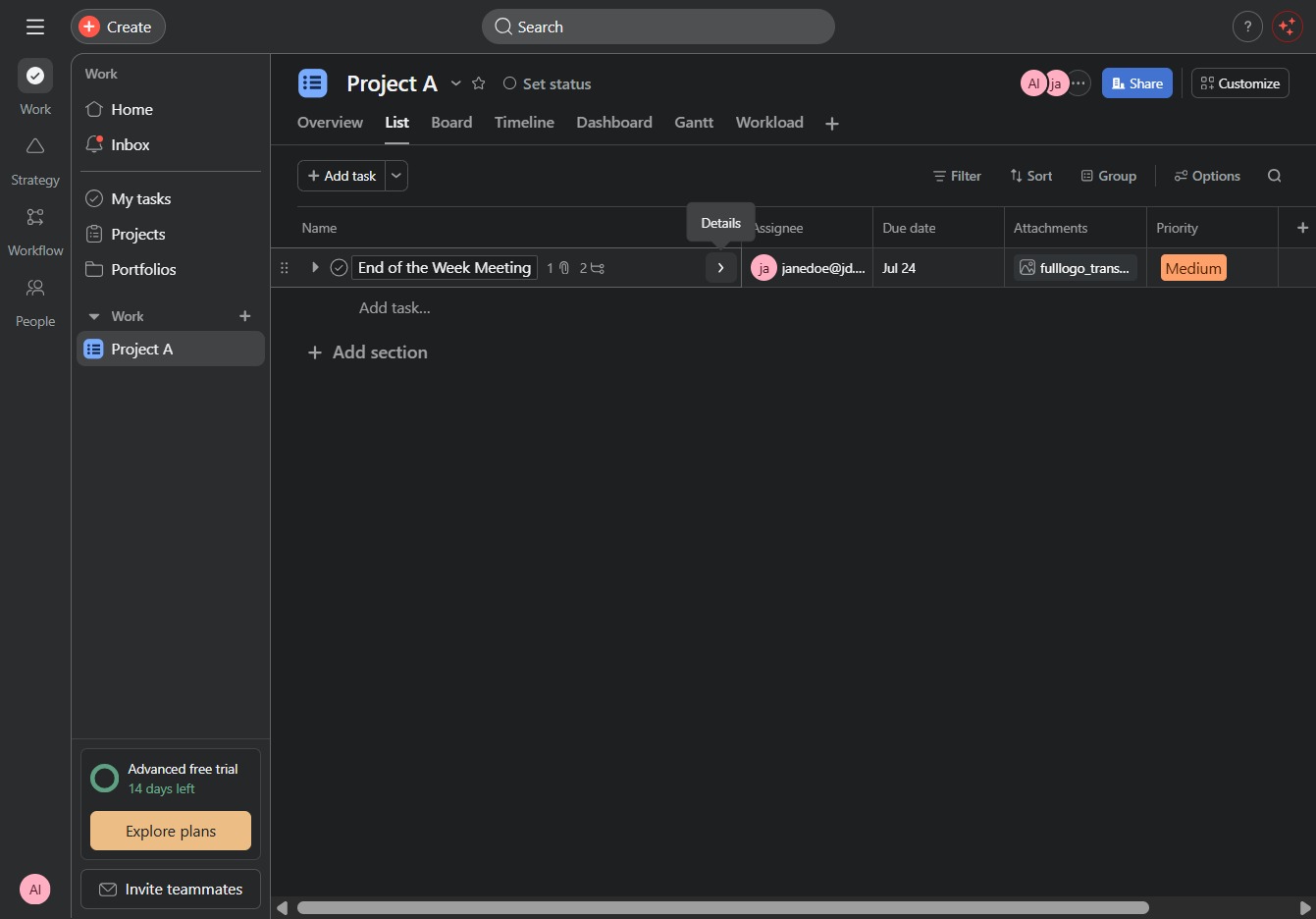
By clicking this link, you can create a new section within the project to organize tasks or information more effectively.

Enter 'Meeting adjourned' in the Edit comment field to finalize your meeting notes. This action updates the comments section associated with your task.

Entering your thoughts or updates in the Comment section allows team members to see your contributions and engage in discussions related to the task.