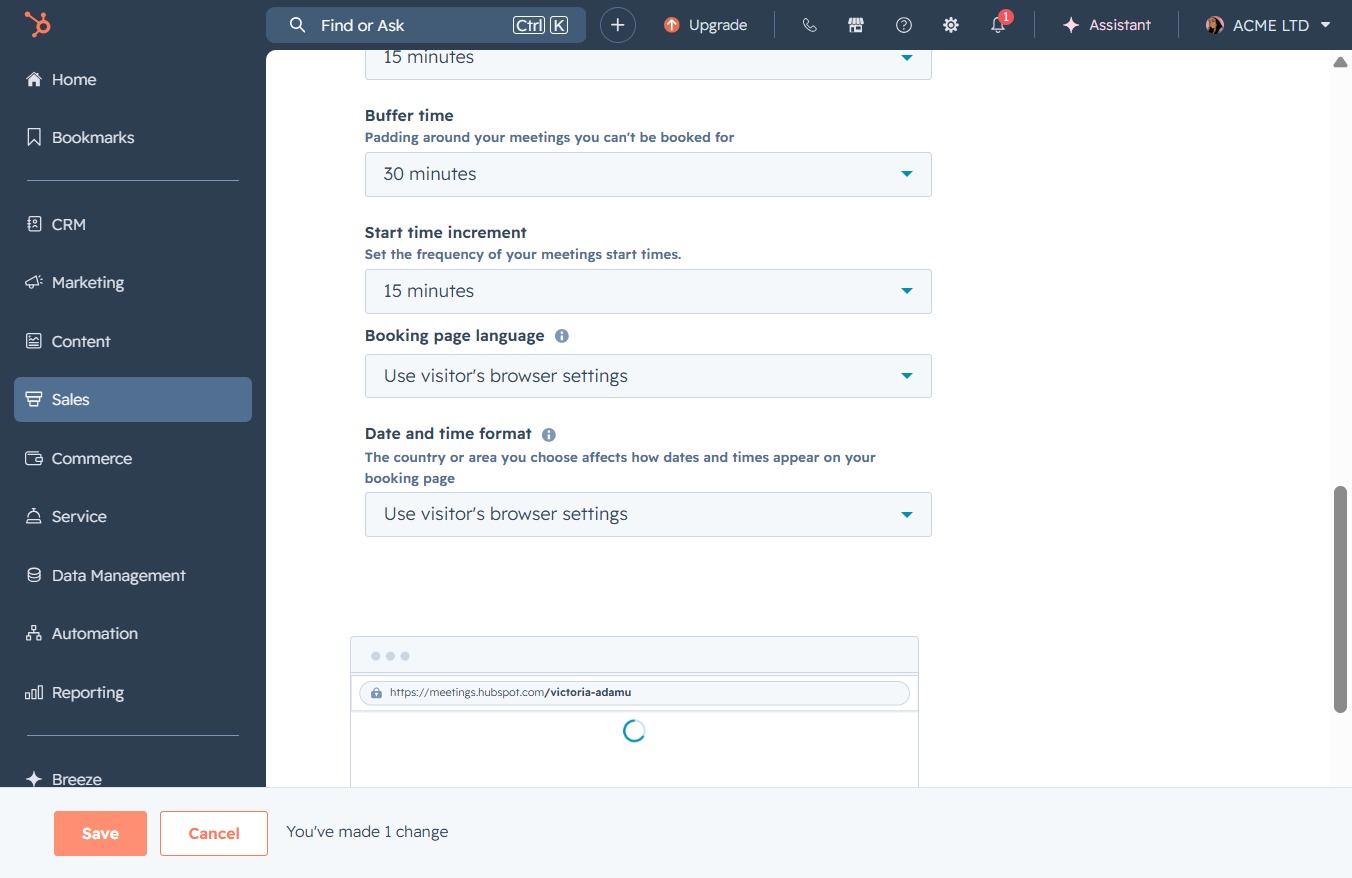
Click the Sales option
This action will take you to the Sales section where you can manage deals, track sales performance, and access relevant reports.
Loading screenshot…
100%
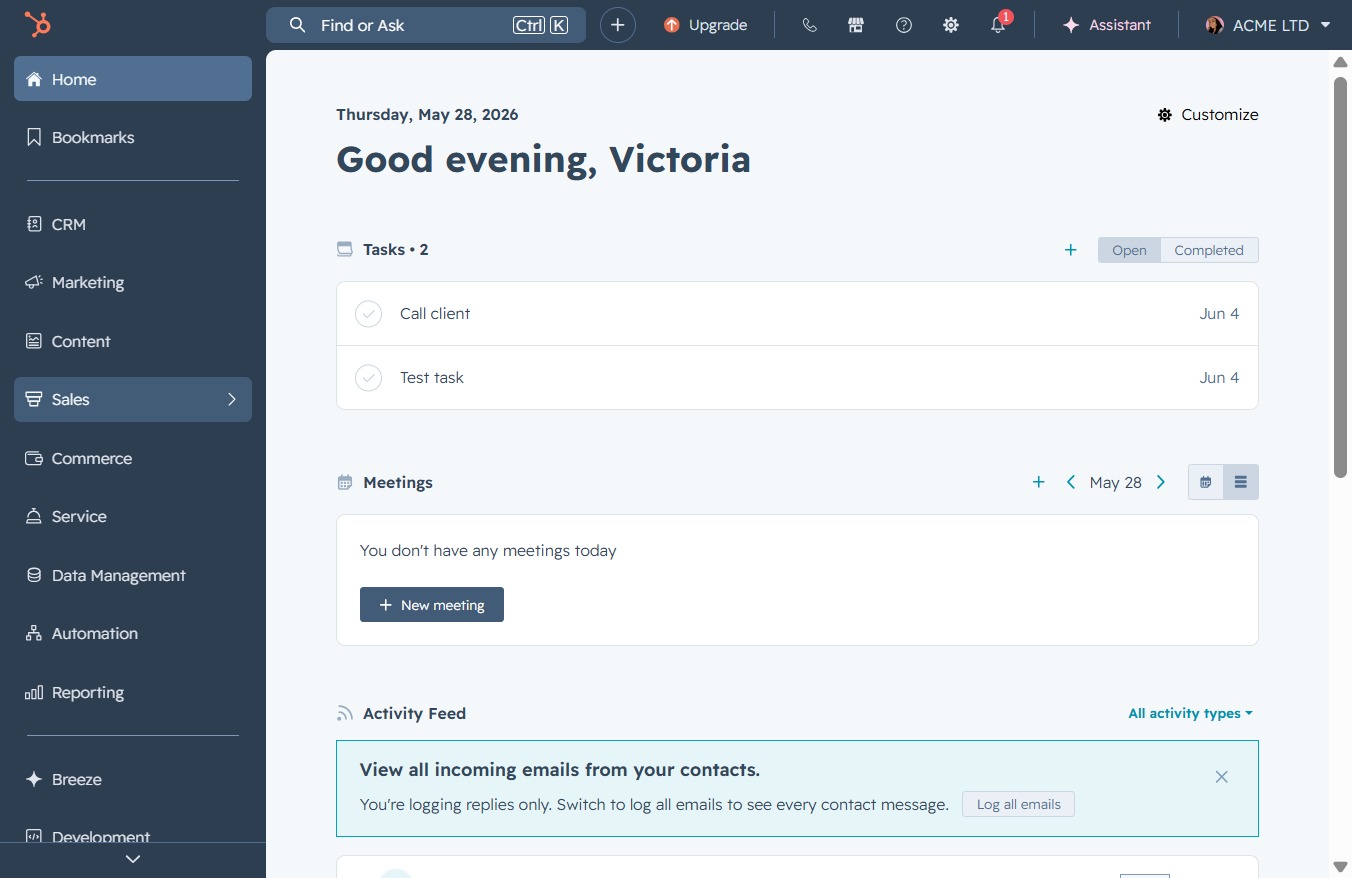
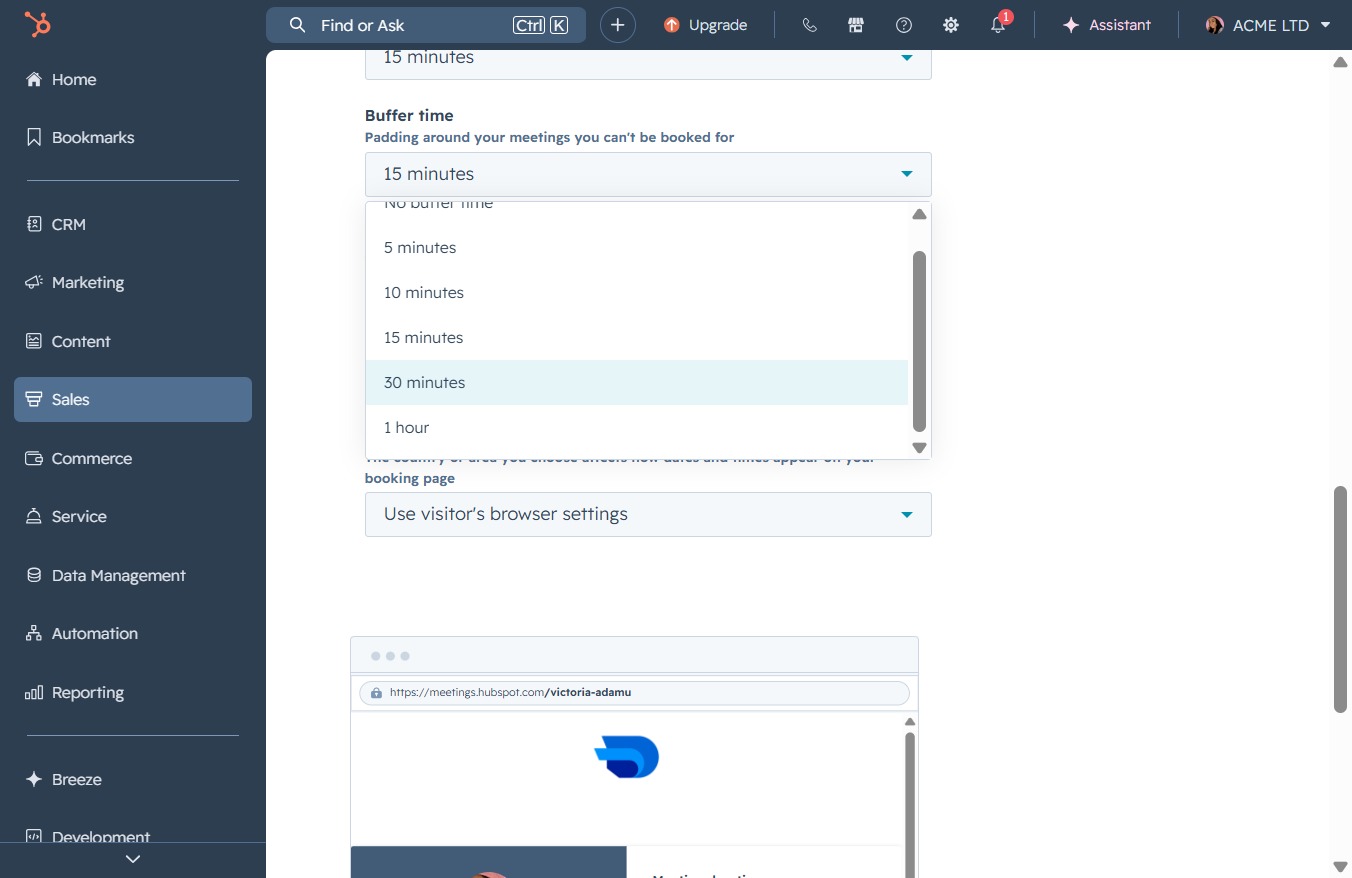
Adjust buffer time for meetings in the Meetings Scheduler to enhance scheduling efficiency, enabling you to set preferred increments like 15 or 30 minutes for better time…
 viktoria
Adjust buffer time for meetings in the Meetings Scheduler to enhance scheduling efficiency, enabling you to set preferred increments like 15 or 30 minutes for better time management.
This action will take you to the Sales section where you can manage deals, track sales performance, and access relevant reports.
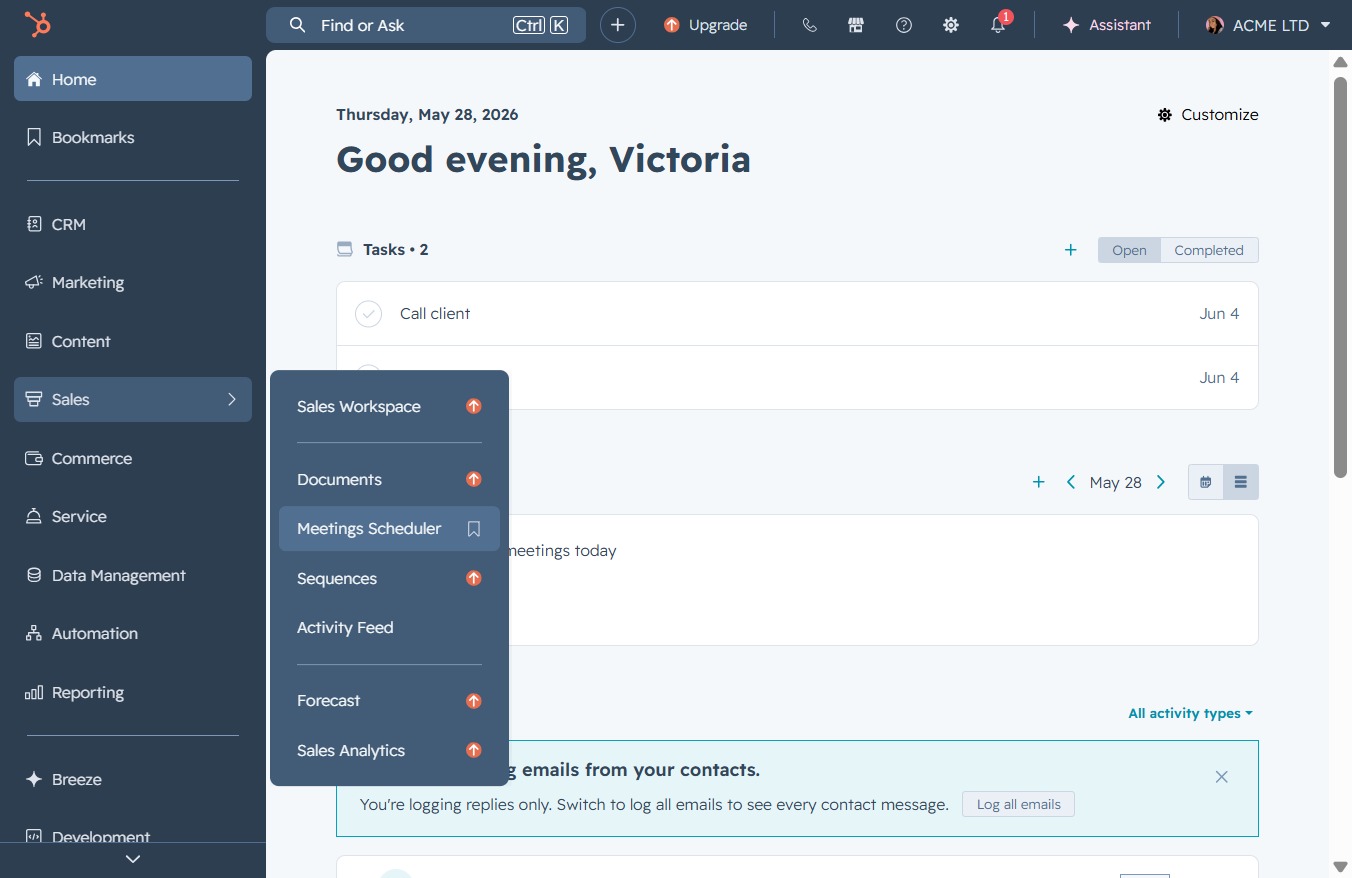
This action opens the Meetings Scheduler interface, allowing you to manage and set up meetings with your contacts.
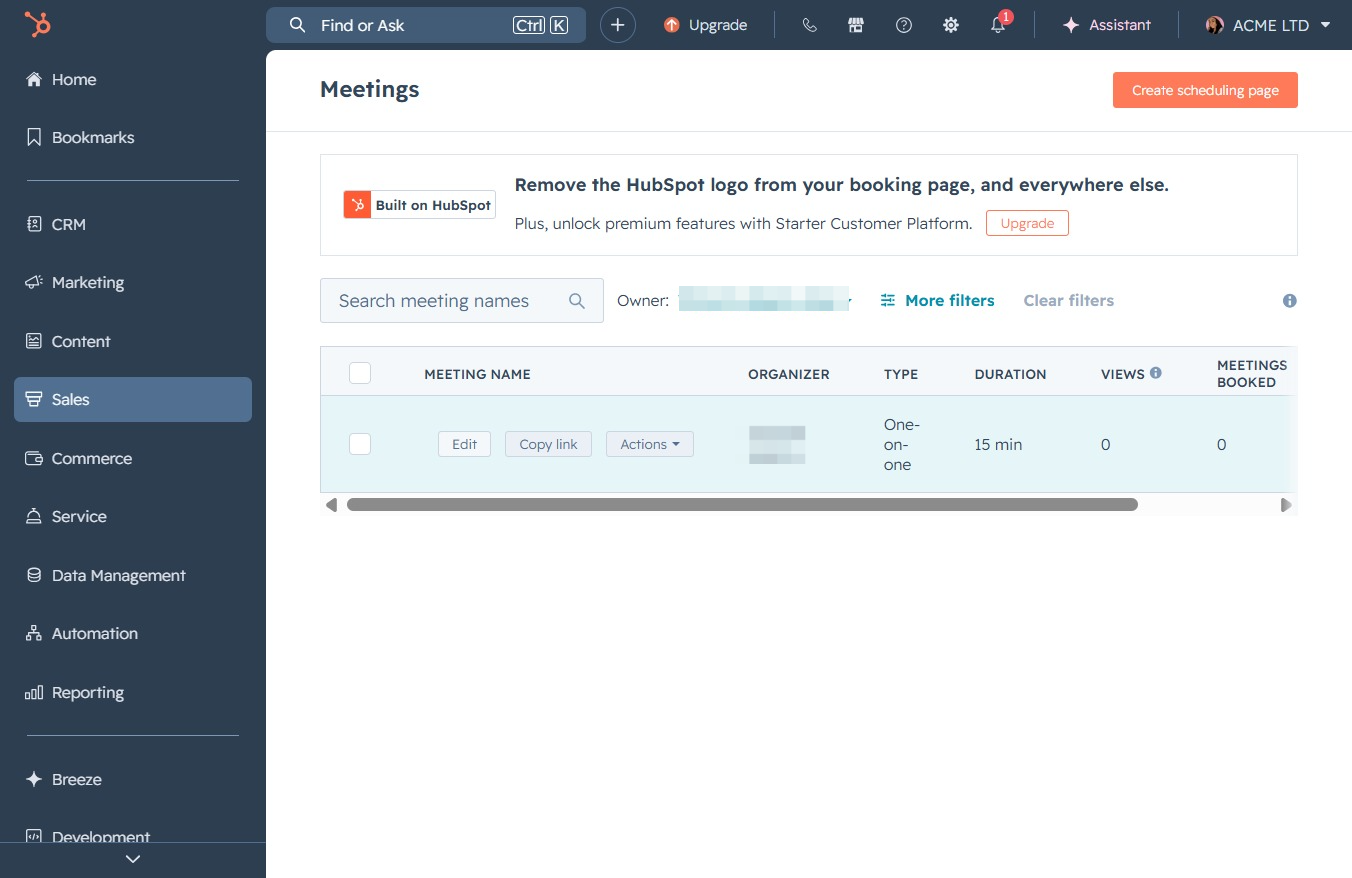
Clicking 'Edit' allows you to modify the selected meeting's details such as the name, organizer, type, and duration.
This action takes you to the Scheduling section, where you can manage and set up meeting timings and availability.
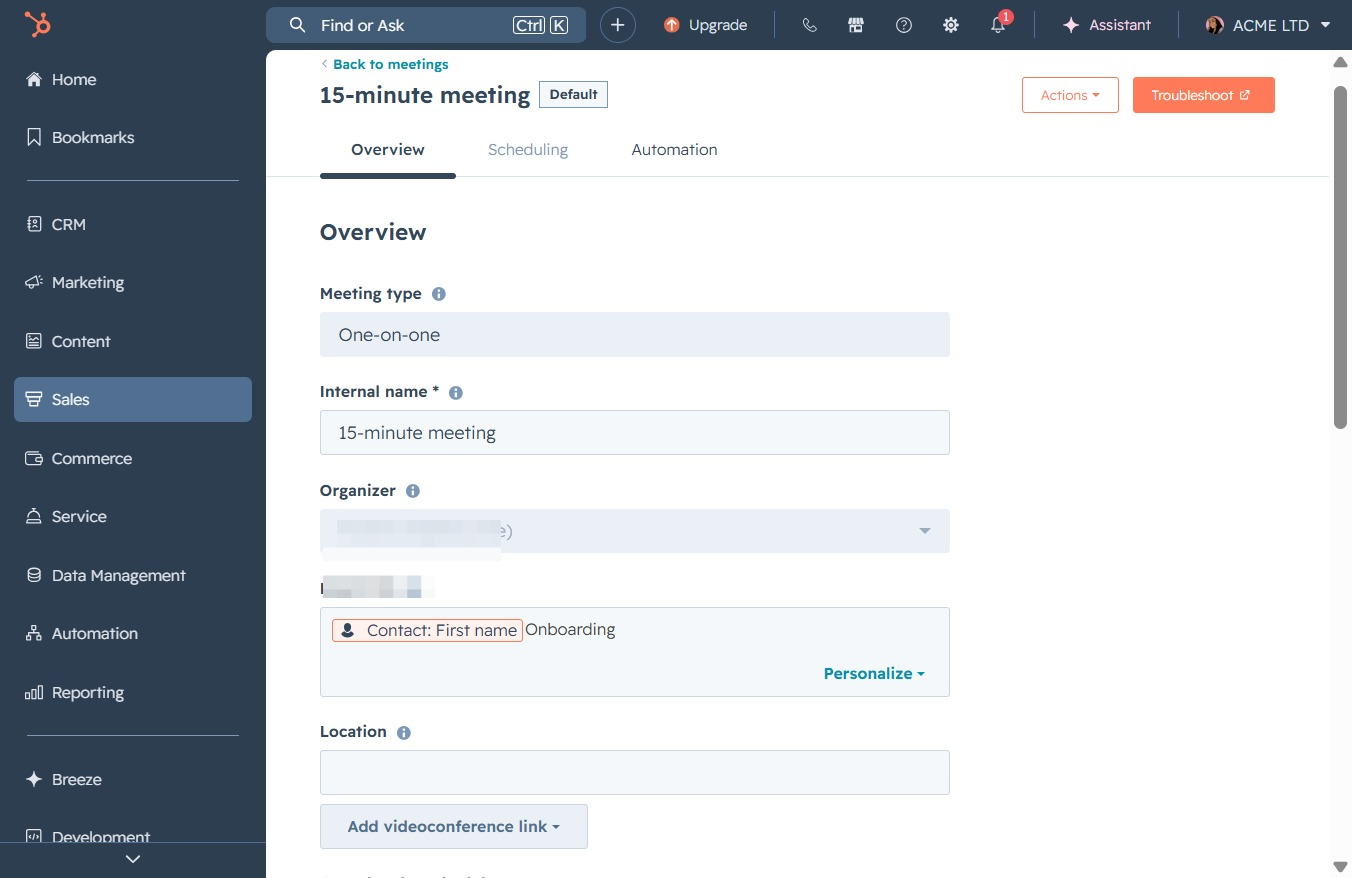
Access advanced configuration options for your user settings. This section allows you to customize preferences related to meeting availability and other settings.
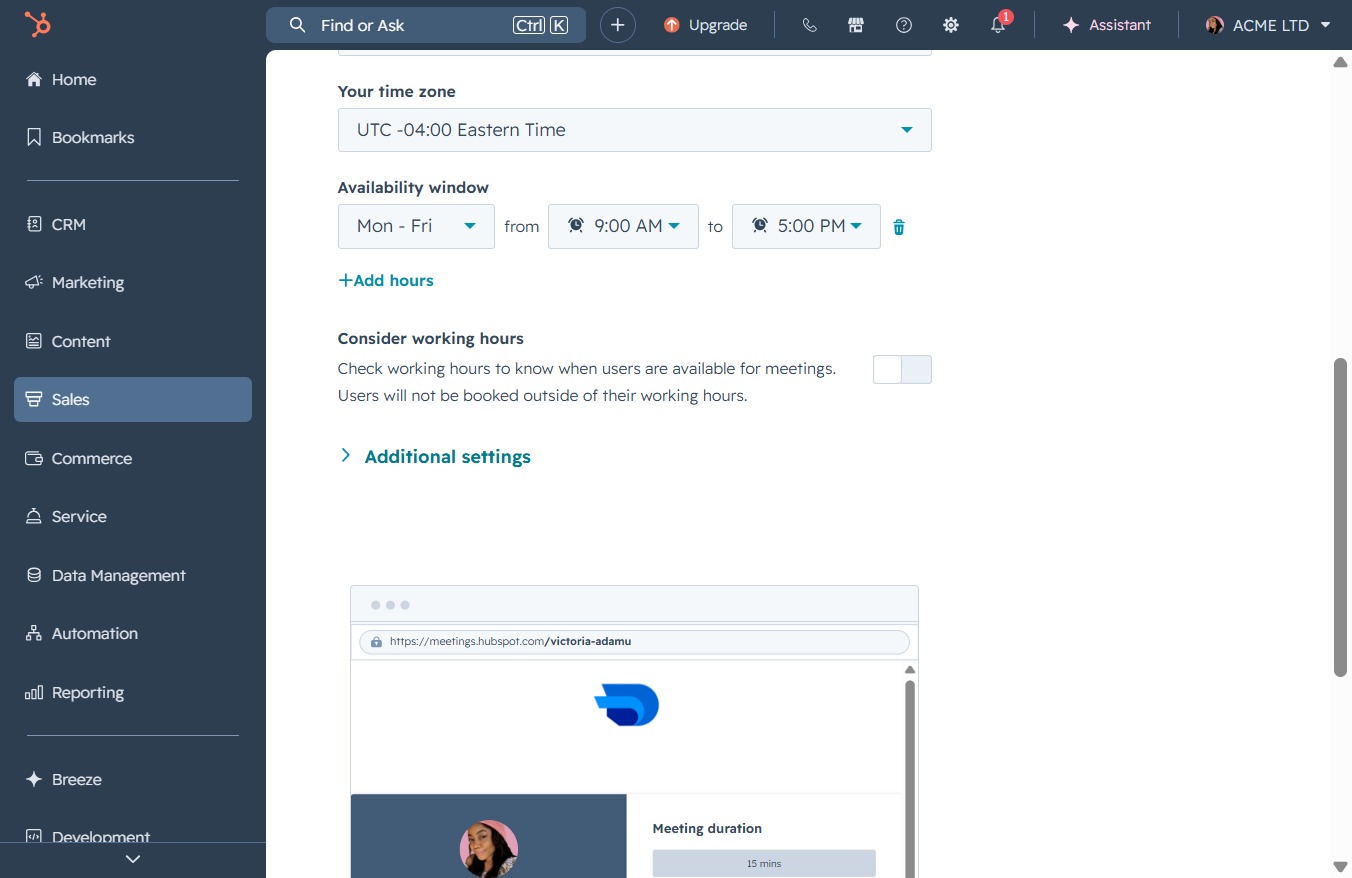
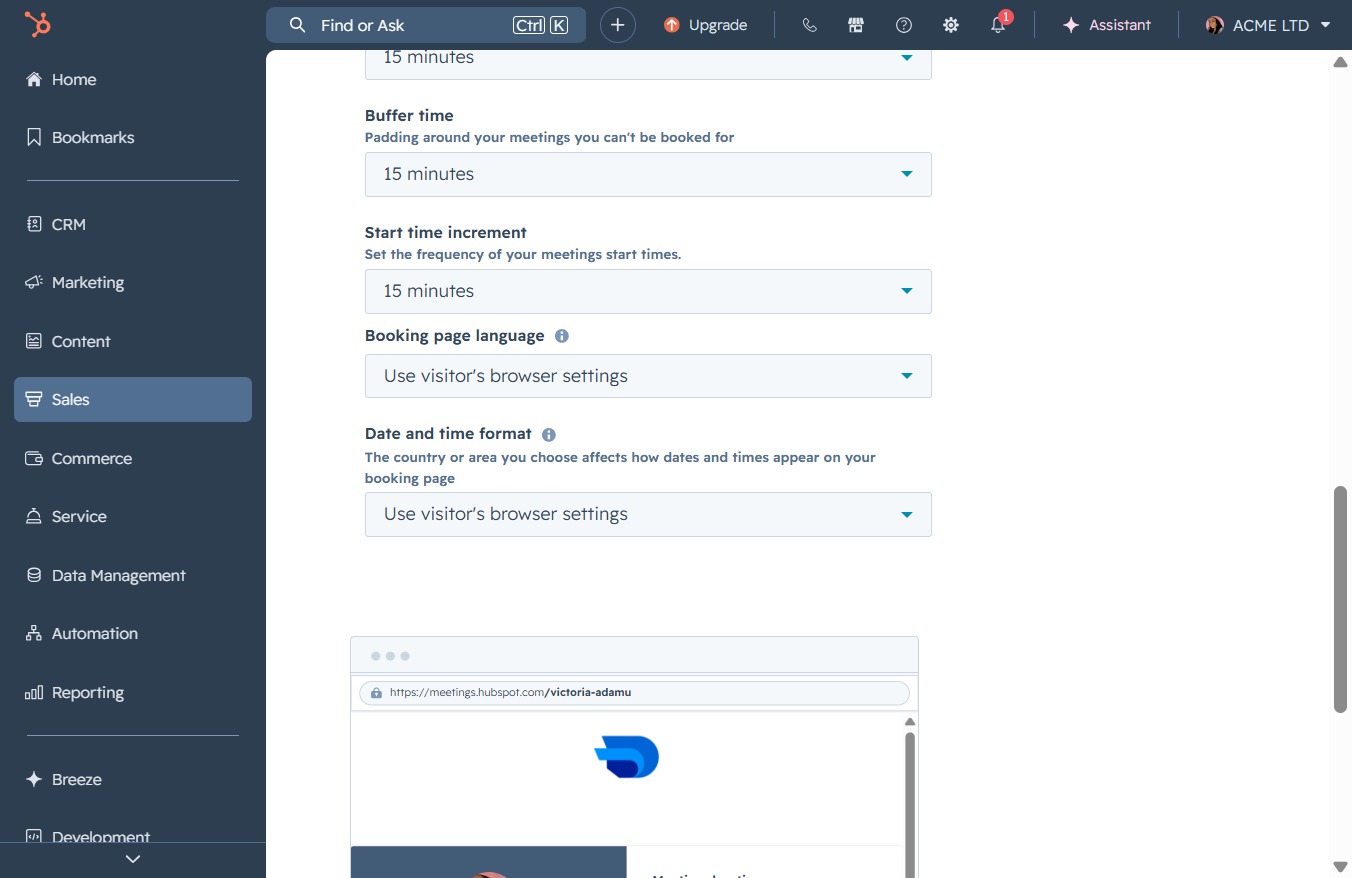
Selecting '15 minutes' sets the duration for meeting start time increments. This affects how frequently the meeting times are available for scheduling on your booking page.
Selecting '30 minutes' sets the buffer time for meetings, allowing you to manage scheduling more effectively.
Clicking this button will save your changes made in the settings for meeting configurations. Ensure all adjustments are correct before saving to avoid losing any updates.