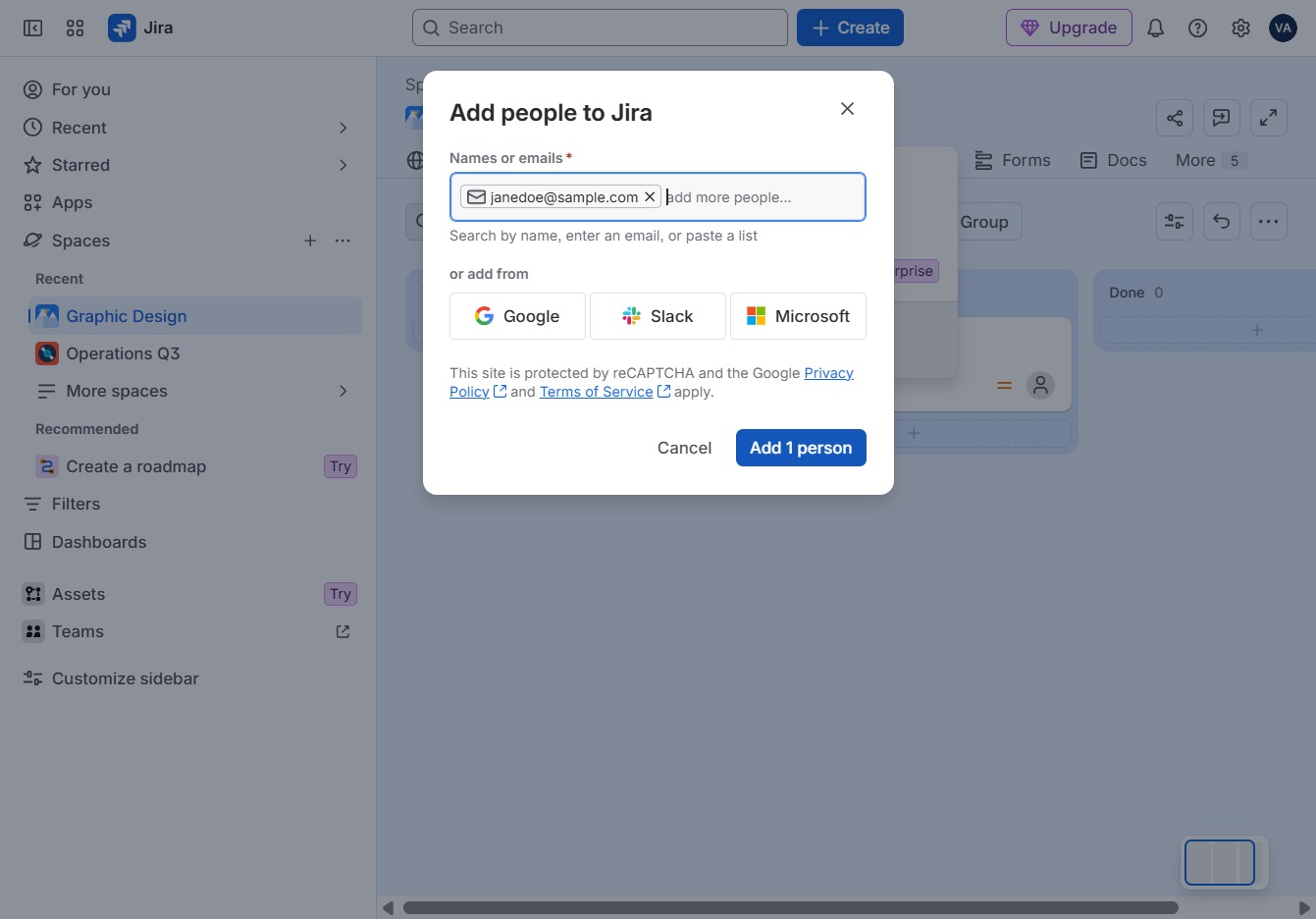
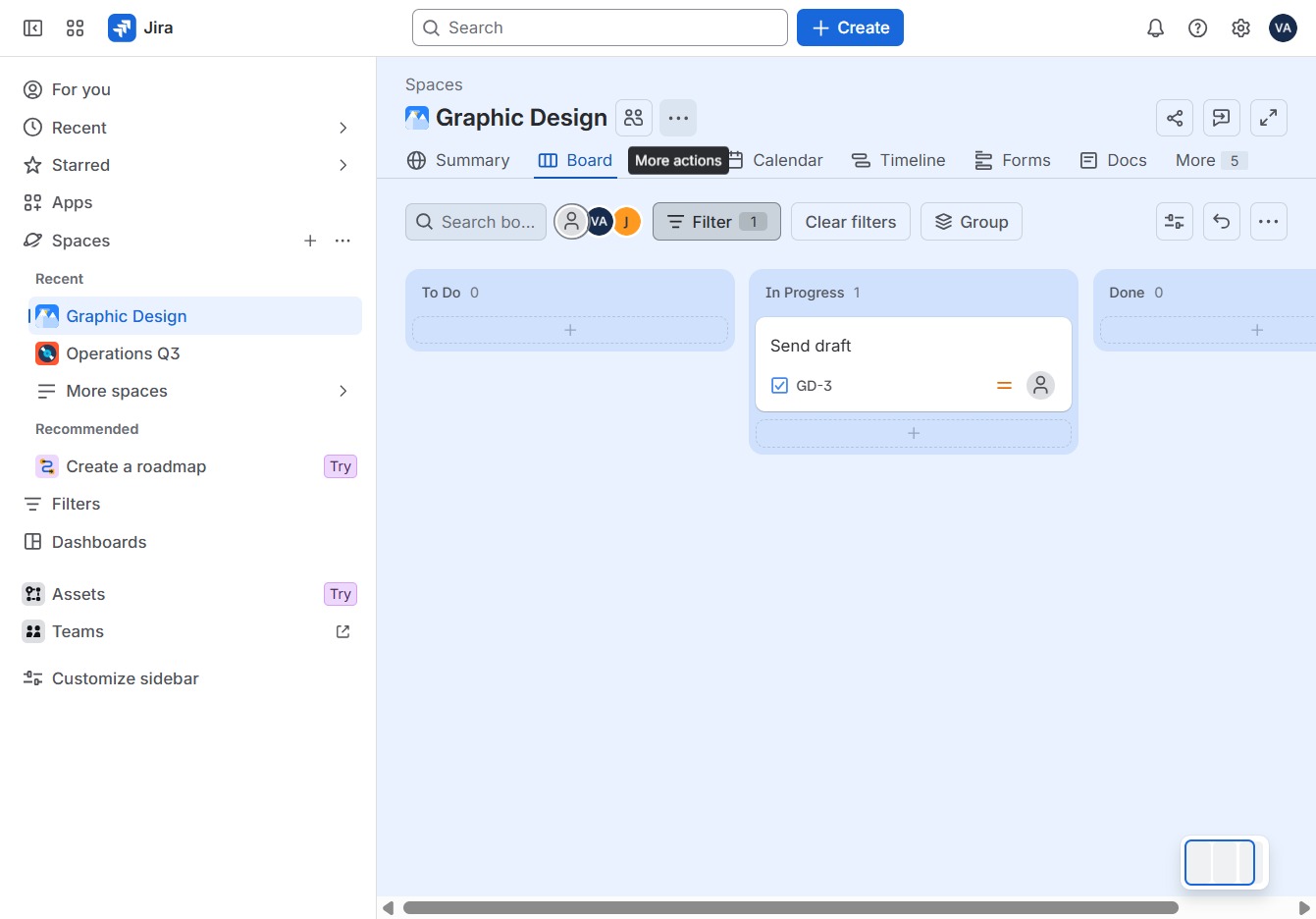
Click More actions
Access additional options related to your current project by clicking on the 'More actions' menu.
Loading screenshot…
100%
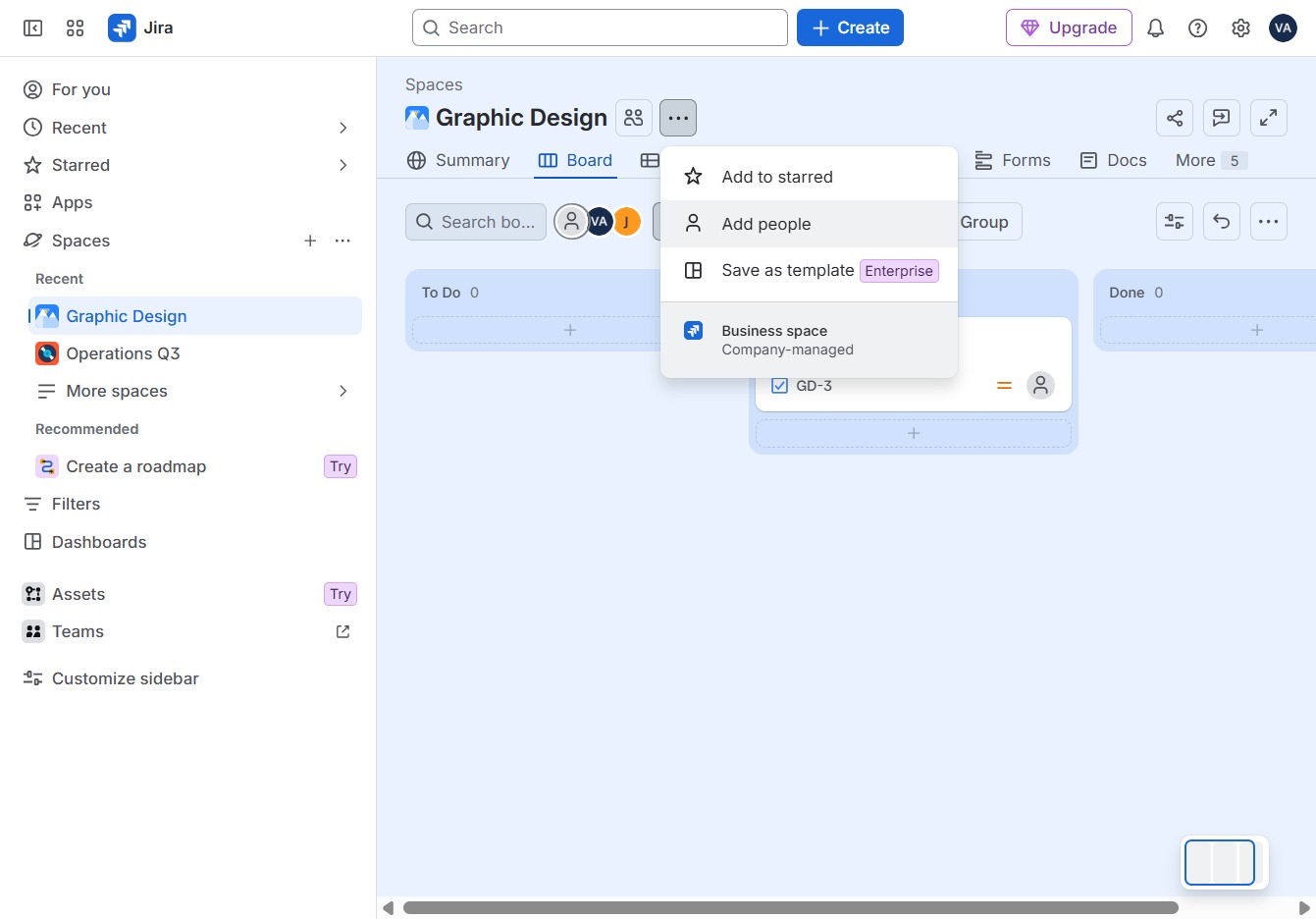
Add team members to your Jira project by utilizing the 'More actions' menu and selecting 'Add people', then enter their email address to include them in the workflow.
 viktoria
Add team members to your Jira project by utilizing the 'More actions' menu and selecting 'Add people', then enter their email address to include them in the workflow.
Access additional options related to your current project by clicking on the 'More actions' menu.
Click 'Add people' to include team members in this workflow.
To proceed, click the button labeled 'Click here'.
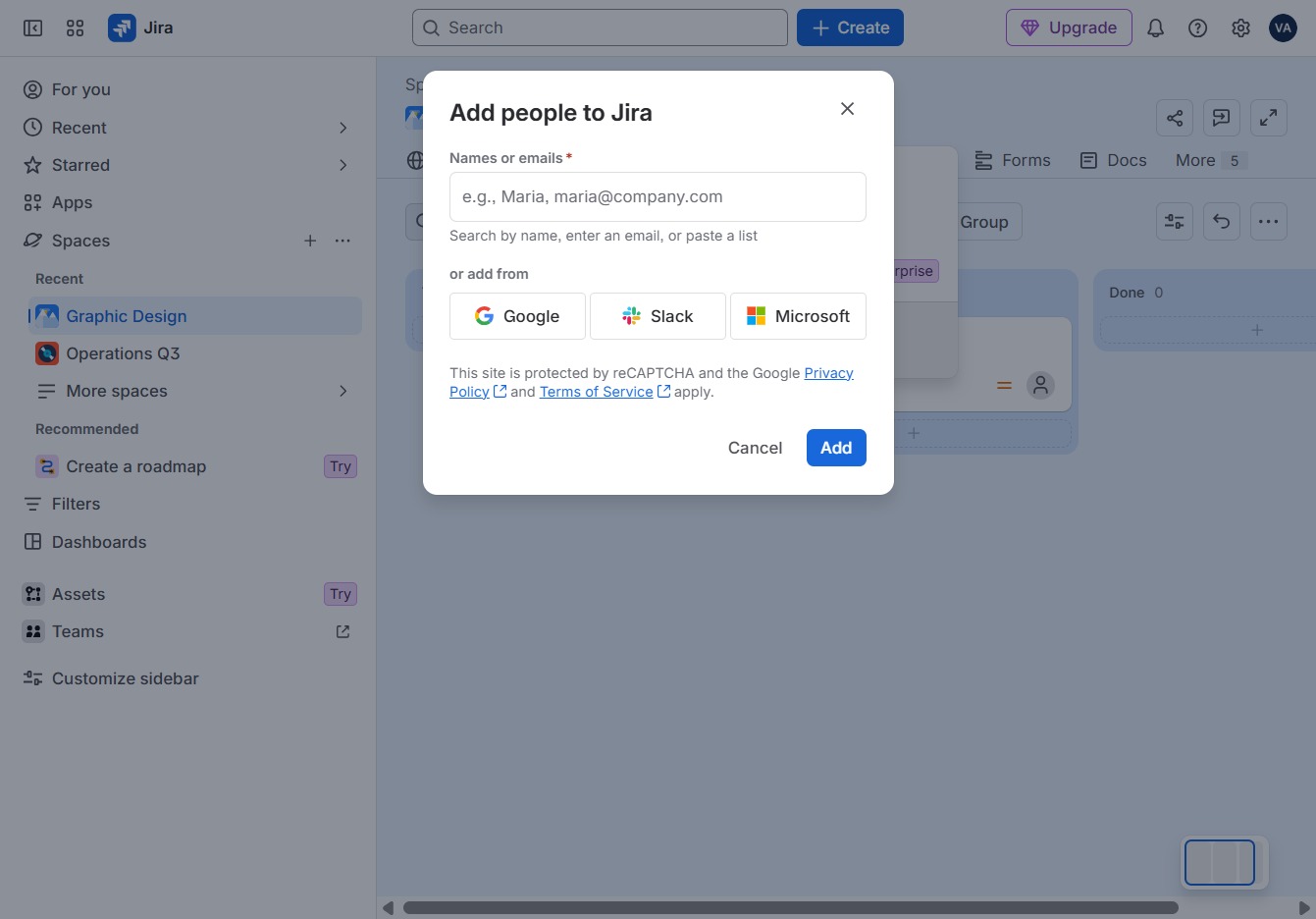
Enter the contact's email address here.
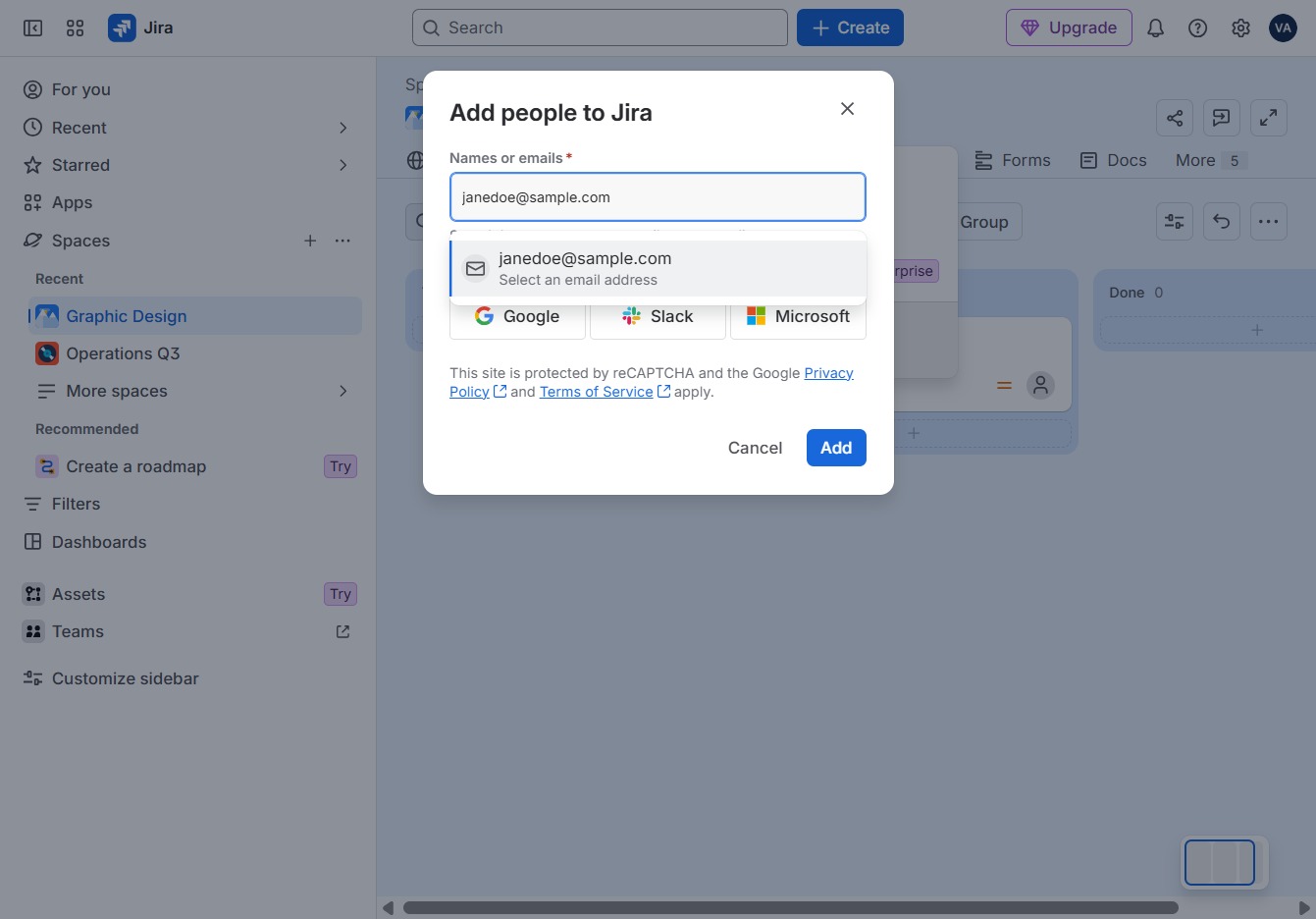
Click on the email field to enter the contact's email address.
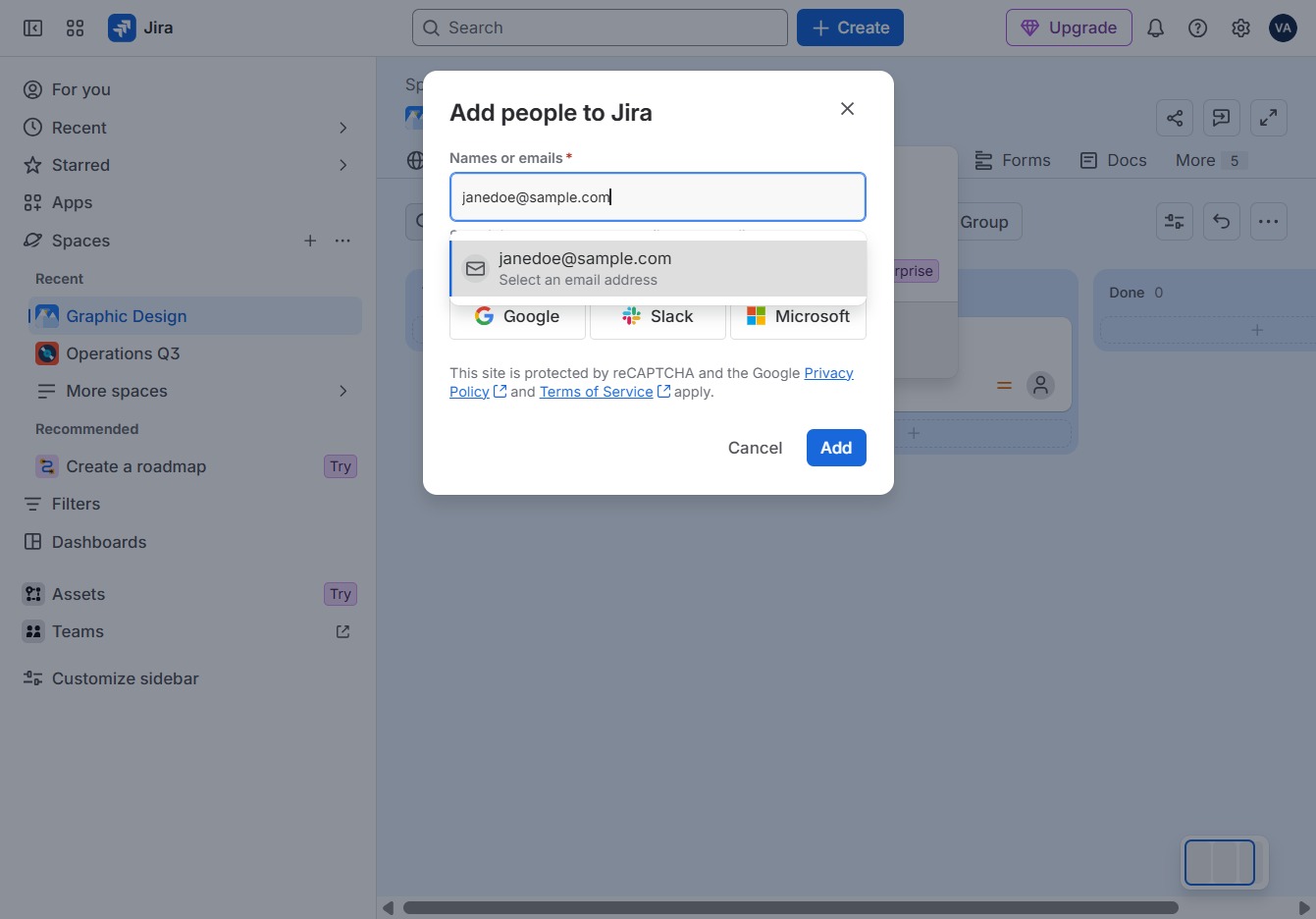
Select 'Add 1 person' to include a new contact in your team.