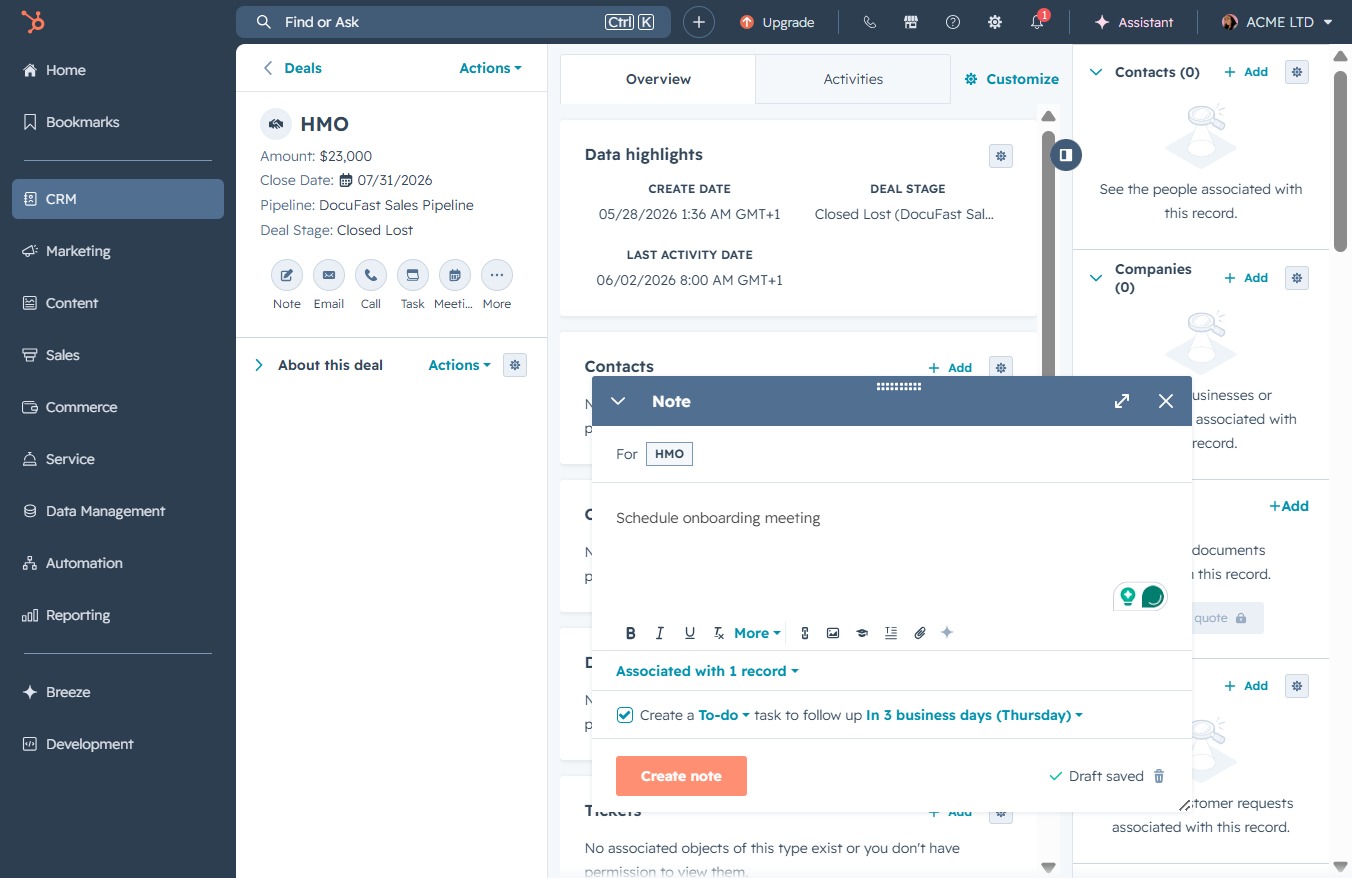
Click the CRM section
Clicking the CRM section takes you to the customer relationship management tools, where you can manage contacts, track deals, and analyze customer interactions.

Loading screenshot…
100%
Add a note to a deal in the CRM system to document key actions, such as scheduling a meeting, ensuring important reminders are easily accessible for future reference.
 viktoria
Add a note to a deal in the CRM system to document key actions, such as scheduling a meeting, ensuring important reminders are easily accessible for future reference.
Clicking the CRM section takes you to the customer relationship management tools, where you can manage contacts, track deals, and analyze customer interactions.
This will take you to the Deals section, where you can manage and view your sales opportunities and pipeline.
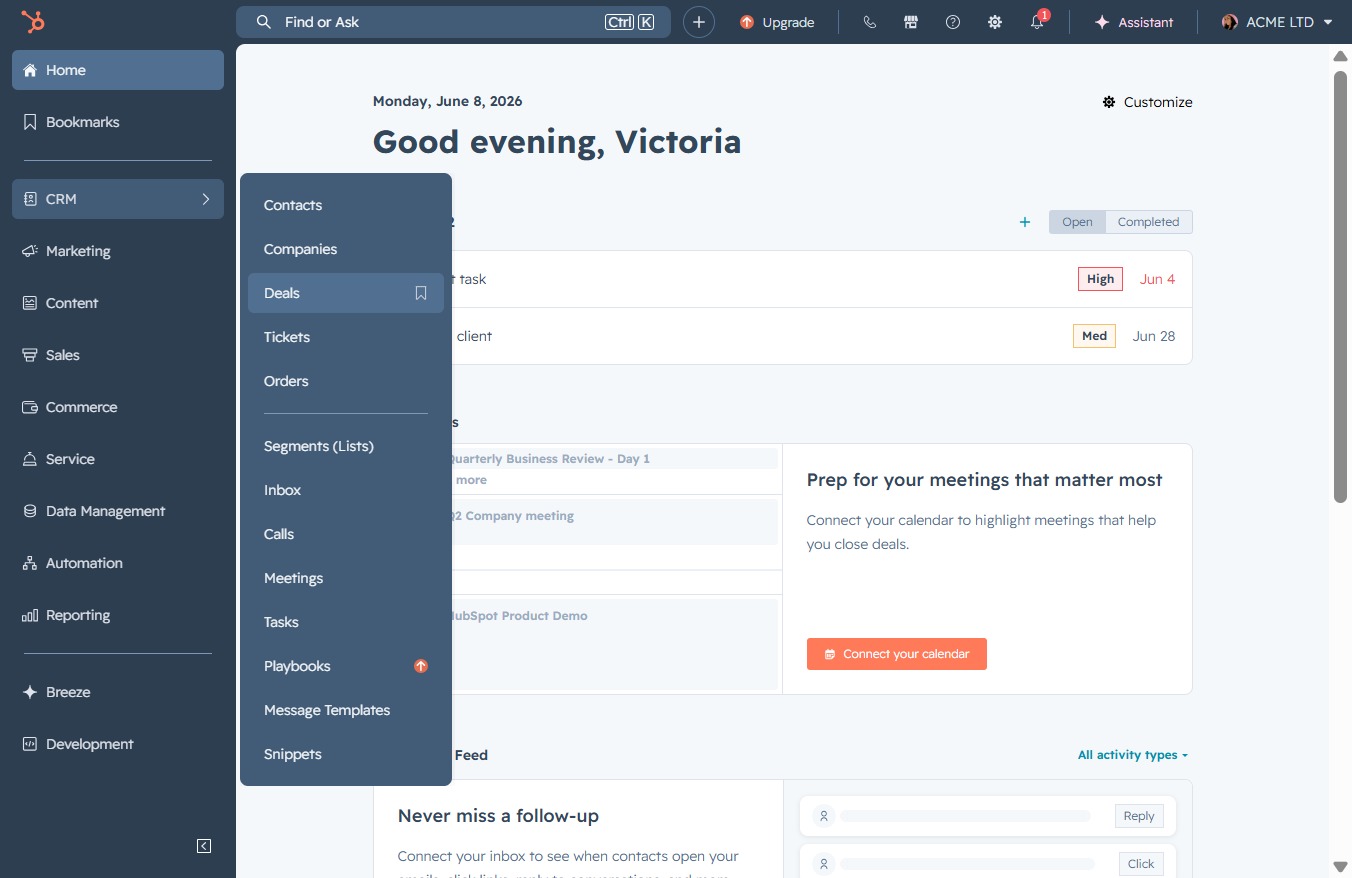
This action will open the details for the HMO deal, allowing you to view more information and make any necessary adjustments.

Clicking this button will allow you to initiate the process of creating a new entry within the current section, enabling you to add relevant details associated with your account or deal.
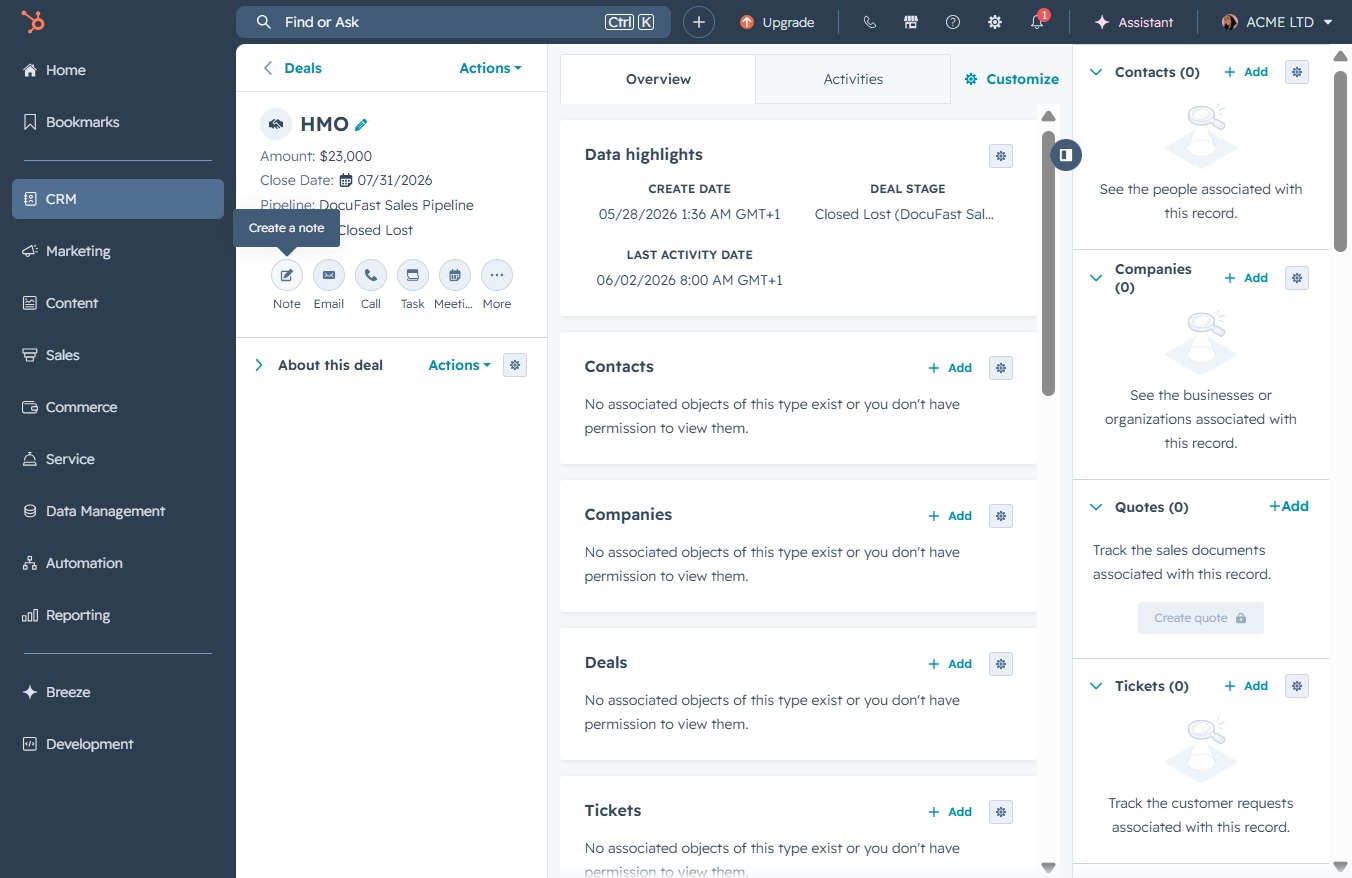
Clicking this link will allow you to enter a new note related to the current deal, providing context and details for future reference.
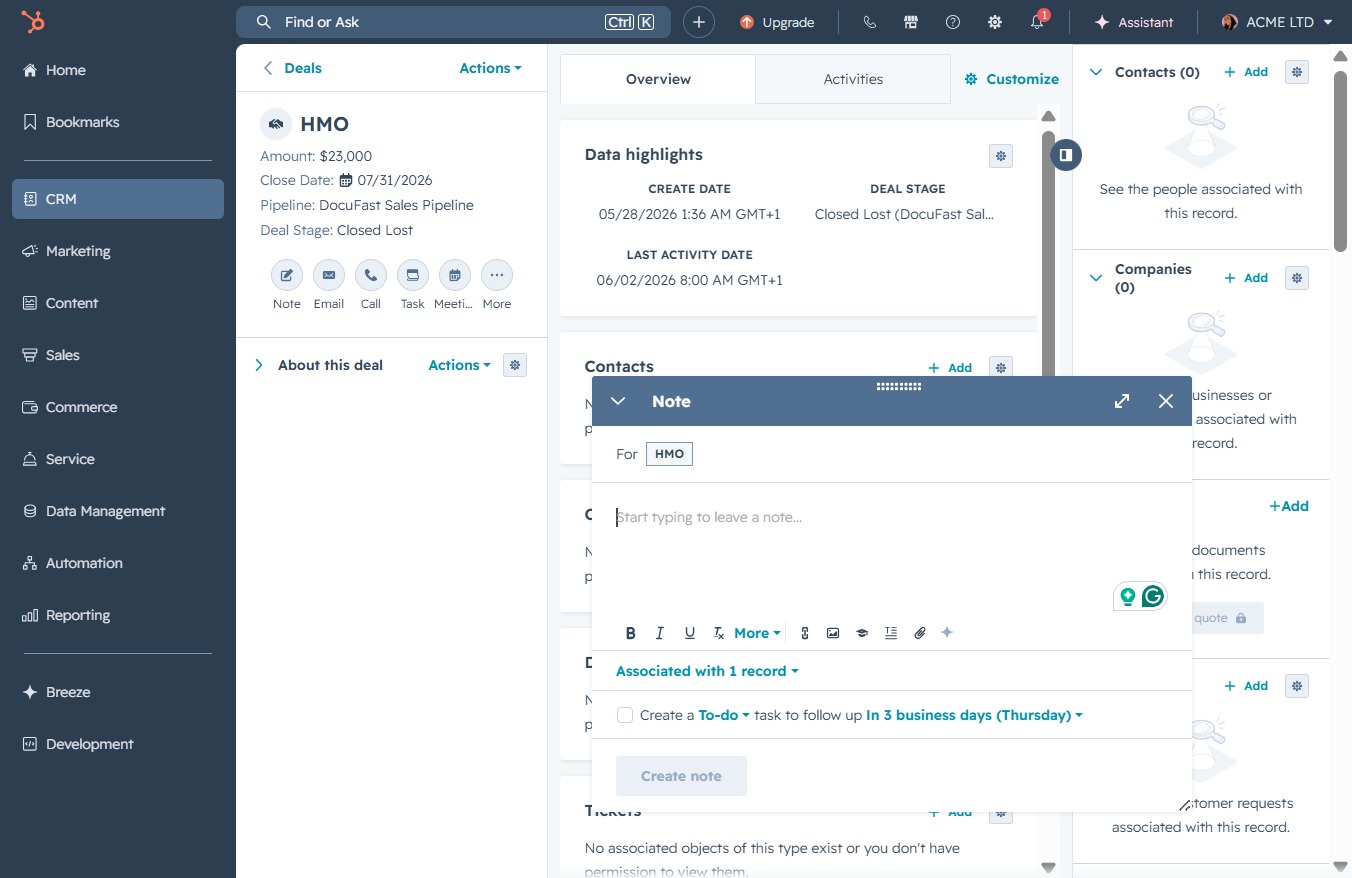
Enter the text 'Schedule onboarding meeting' in the Create a Note section to document this action related to your deal. This note will help track important tasks and reminders within the CRM.
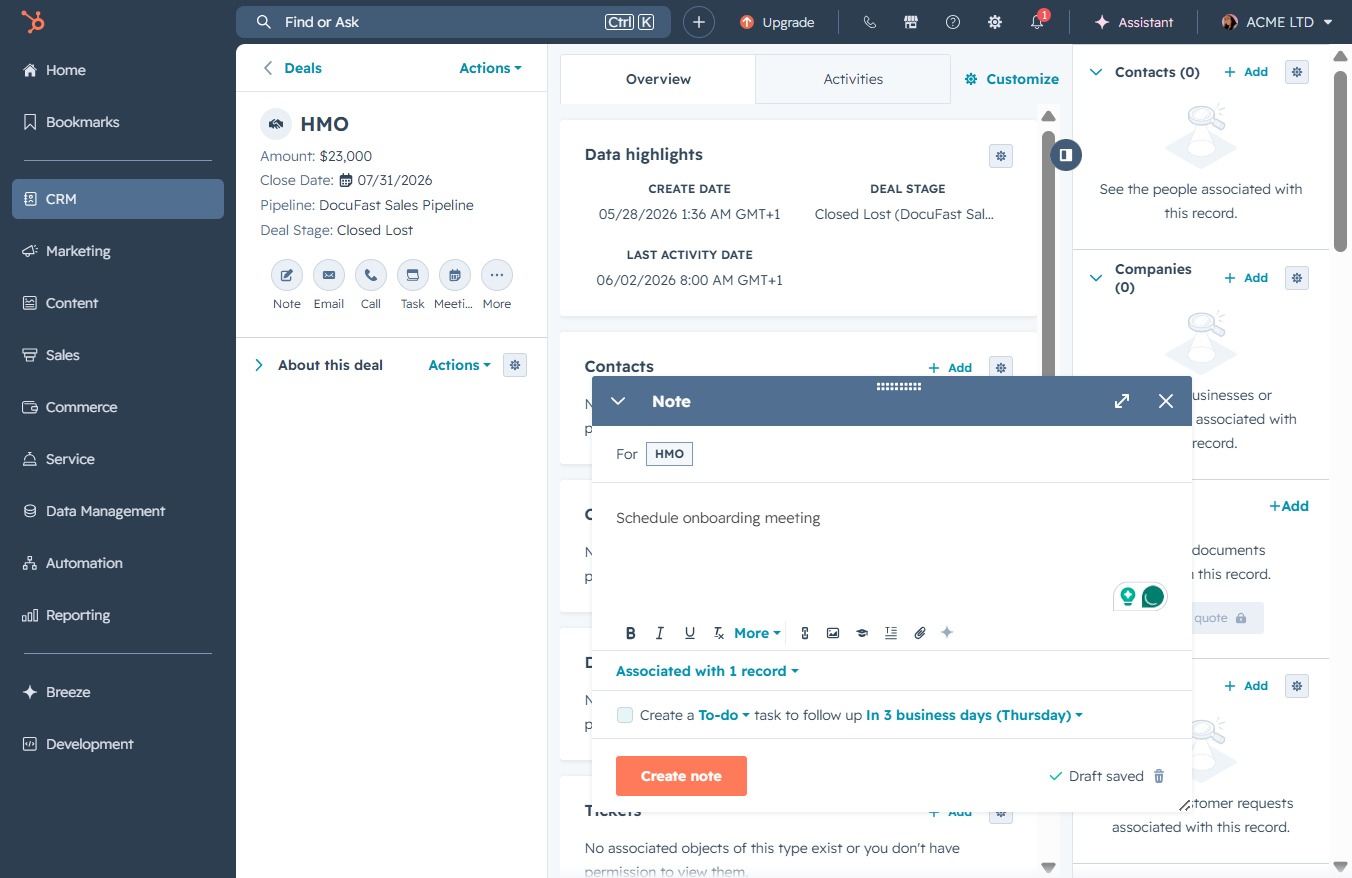
Clicking this link allows you to create a new note for the deal, aiding in collaboration and tracking important information related to the deal.
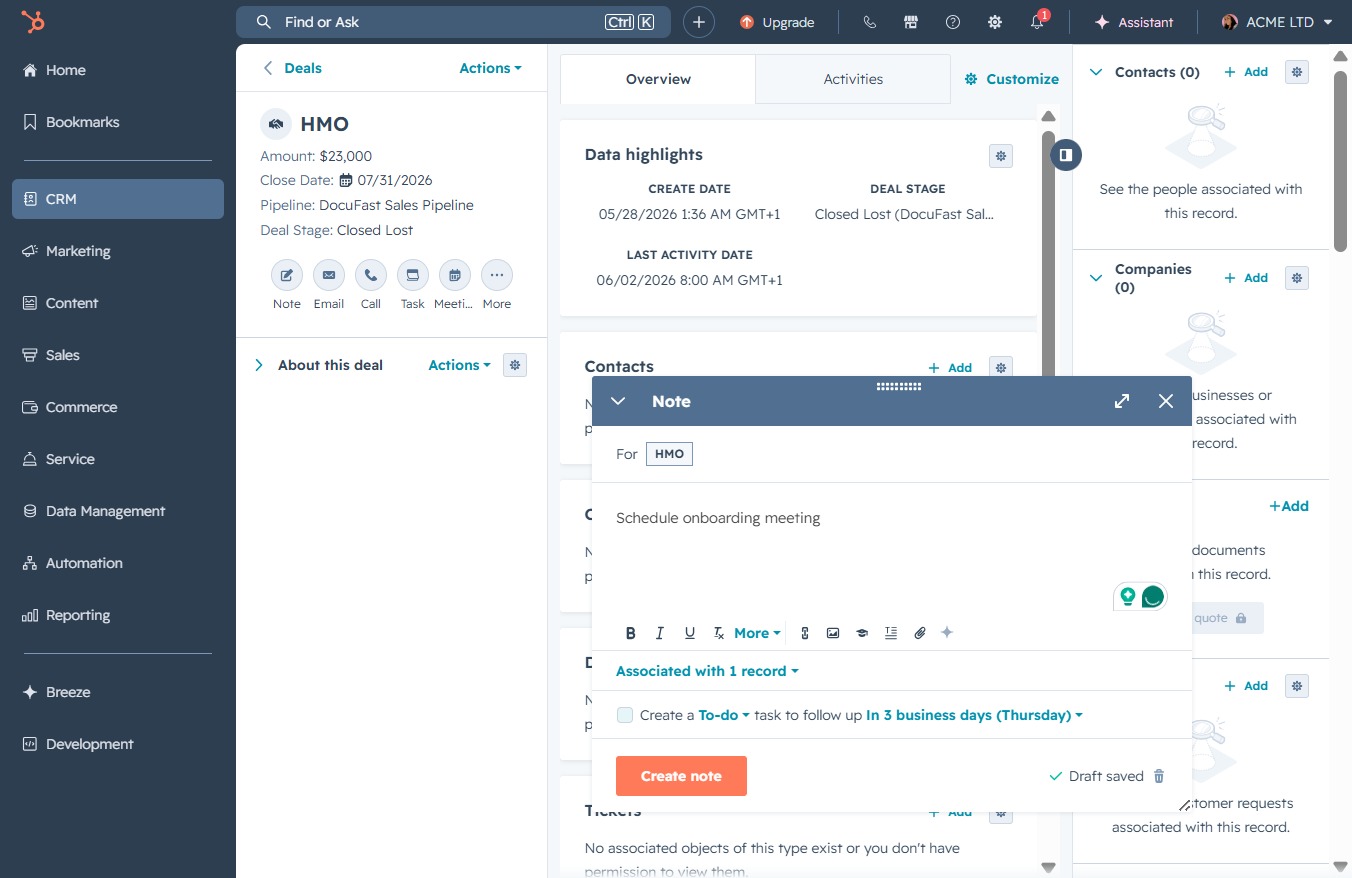
This action opens a dialog allowing you to enter details for a new note associated with the current deal. You can specify the note content and set any relevant reminders.