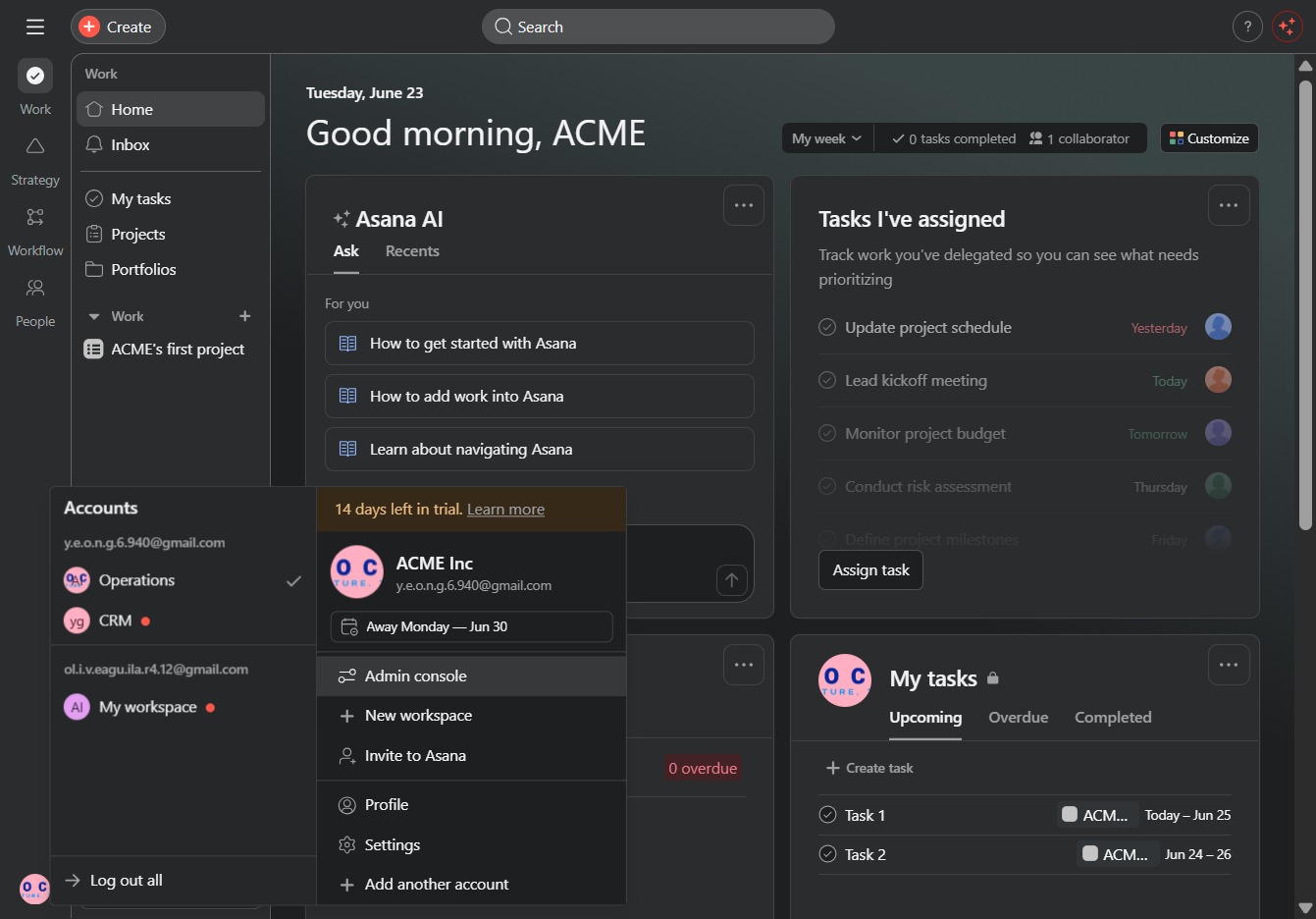
Click the Asana AI section
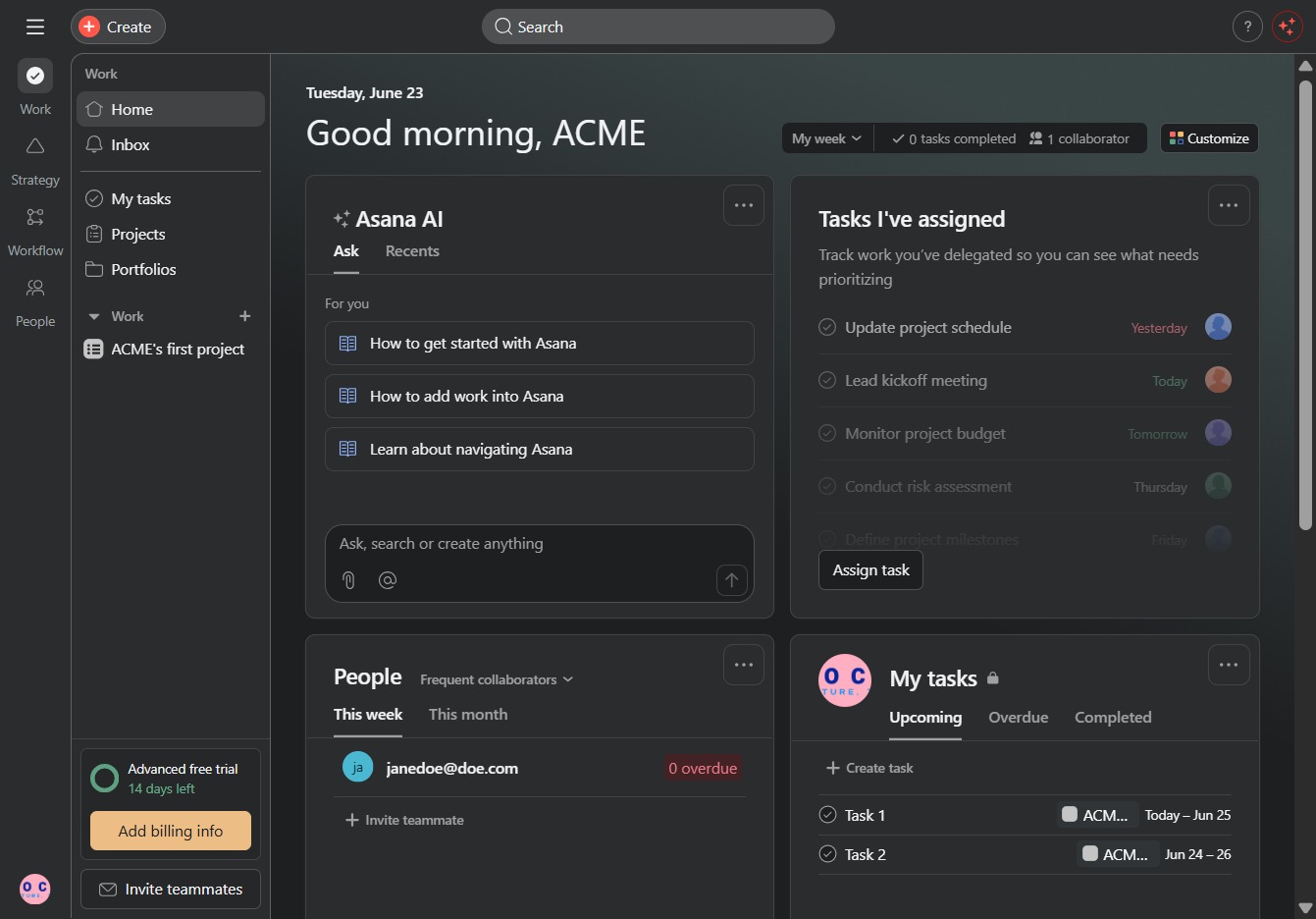
This opens the Asana AI feature where you can ask questions or seek guidance related to using Asana more effectively.
Loading screenshot…
100%
Learn how to access the admin console in Asana by utilizing its AI feature for effective guidance and managing user settings.
 viktoria
Learn how to access the admin console in Asana by utilizing its AI feature for effective guidance and managing user settings. This guide will walk you through the necessary steps to navigate to the admin console and control your workspace permissions seamlessly.
This opens the Asana AI feature where you can ask questions or seek guidance related to using Asana more effectively.
This will open the Admin console, where you can manage user settings and permissions for your workspace.