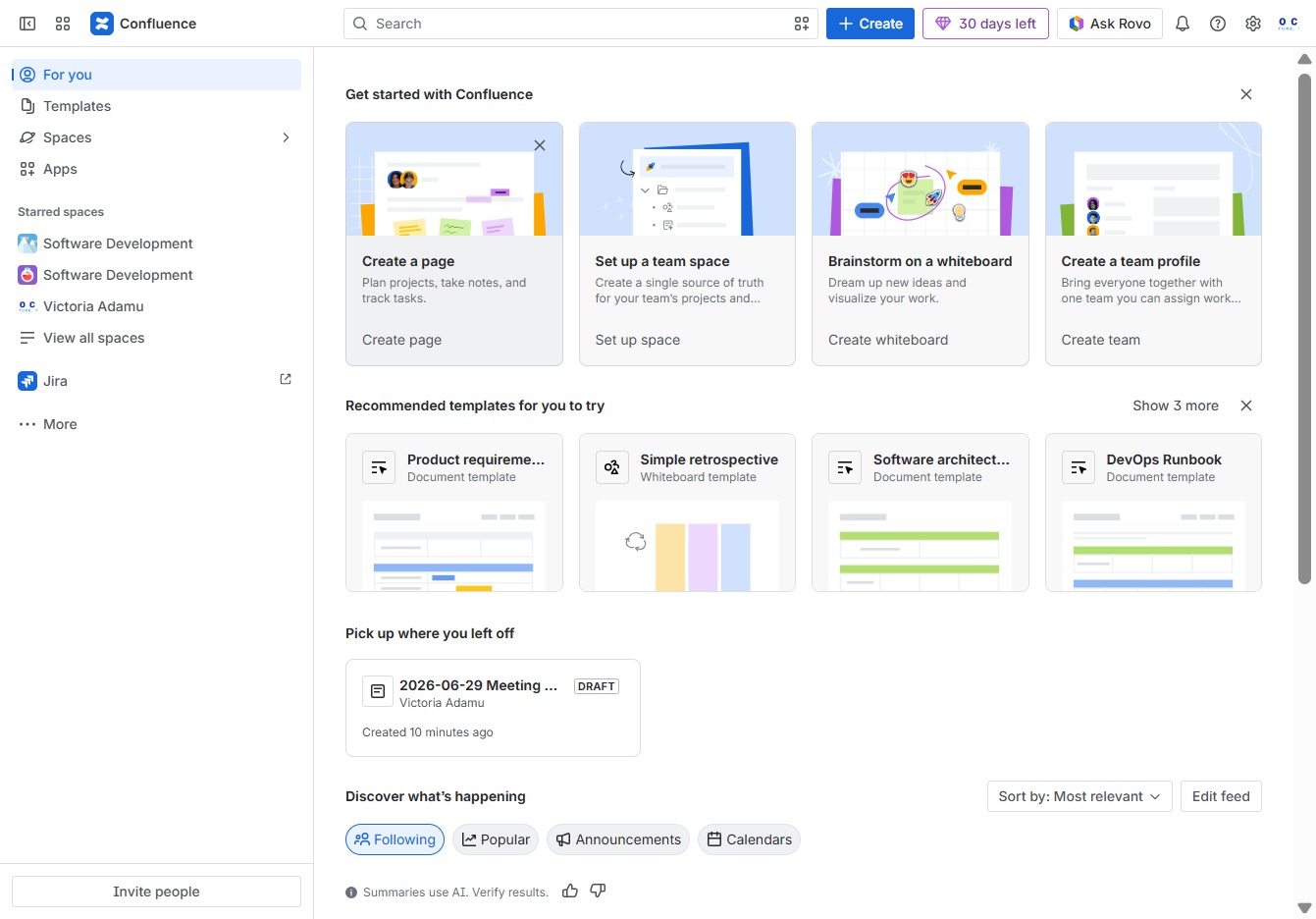
Click the Go to Confluence button
This will navigate you directly to your Confluence workspace where you can access your recent documents and pages.

Loading screenshot…
100%
In this guide, you'll learn how to access your Confluence workspace and navigate to the homepage, where you can easily find your recent documents and create new pages to…
 viktoria
In this guide, you'll learn how to access your Confluence workspace and navigate to the homepage, where you can easily find your recent documents and create new pages to effectively manage projects, notes, and tasks. Follow the simple steps to enhance your productivity with Confluence.
This will navigate you directly to your Confluence workspace where you can access your recent documents and pages.
By clicking this button, you will initiate the process to create a new page in Confluence, allowing you to plan projects, take notes, and track tasks effectively.