Shared guide

Editing for Compliance & Sensitivity

Edit your Docufast guides to ensure compliance, protect sensitive information, and maintain professional standards across all documentation.

Help Center
·4 steps·15 views·Published

Edit your Docufast guides to ensure compliance, protect sensitive information, and maintain professional standards across all documentation.

Step-by-step guide4 steps
  1. Editing for Compliance & Sensitivity Overview

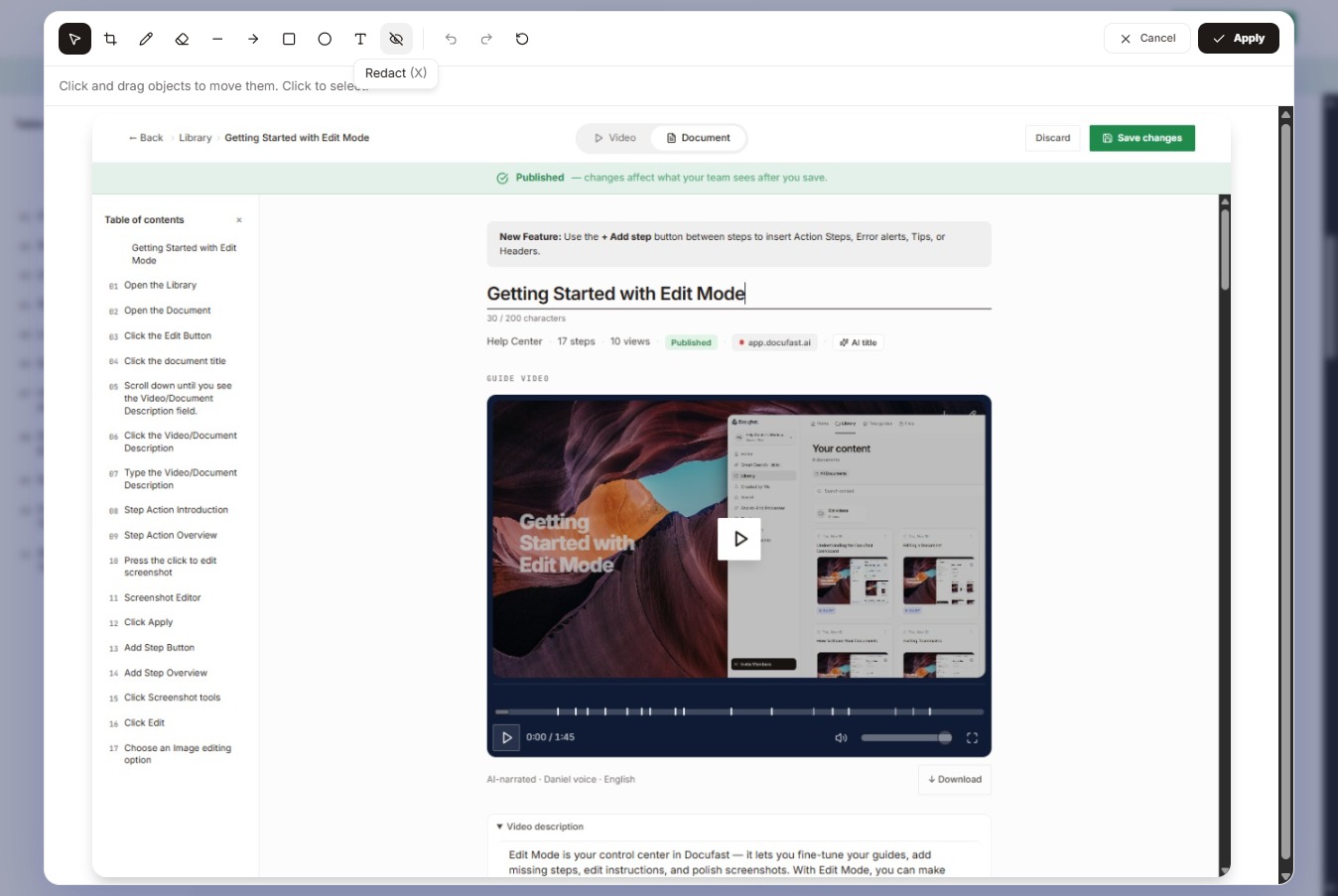
    Not all workflows are just how-to instructions, since some include sensitive data, confidential processes, or regulatory steps. Editing for compliance and sensitivity ensures that your guides avoid exposing private or confidential information and follow internal company policies and industry regulations. Docufast gives you tools to blur sensitive info, redact screenshots, and carefully control the content your team sees, keeping your guides both safe and accurate.
    Editing for Compliance & Sensitivity Overview
    Loading screenshot…
    100%
  2. Identify Sensitive Information

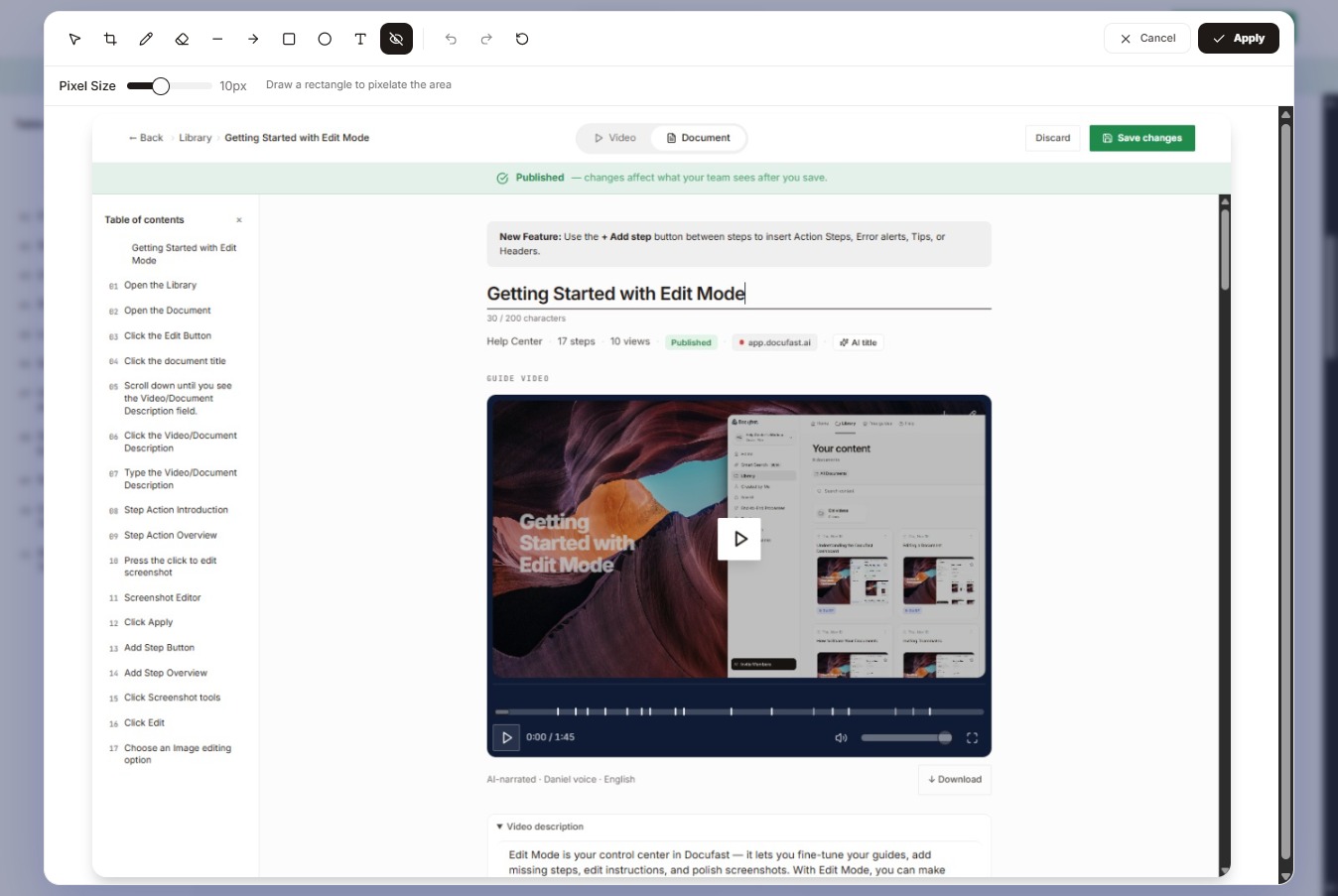
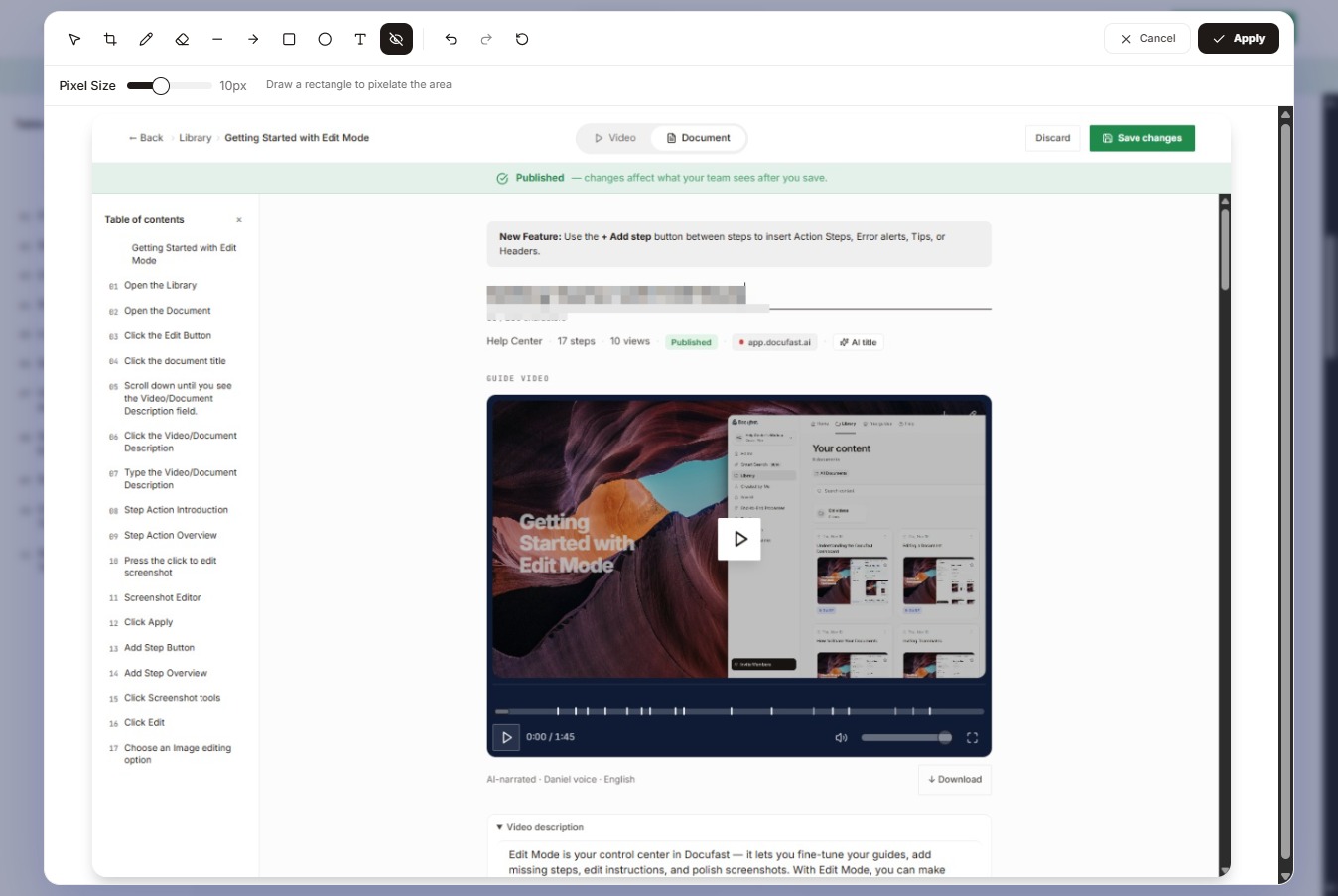
    Now go through your guide and look for personal or customer data such as emails, phone numbers, and account IDs, as well as proprietary or confidential internal processes and any regulatory information that requires careful handling. Once you’re done, click Redact to apply the redaction.

    Identify Sensitive Information
    Loading screenshot…
    100%
  3. Review Step Instructions

    Redact personal or sensitive details to protect confidential information, and adjust the pixelation size to control how blurred those areas appear. You can also annotate or draw to add clarity while keeping sensitive areas protected, and remove any unnecessary sensitive details from your instructions.

    Review Step Instructions
    Loading screenshot…
    100%
  4. Final Review

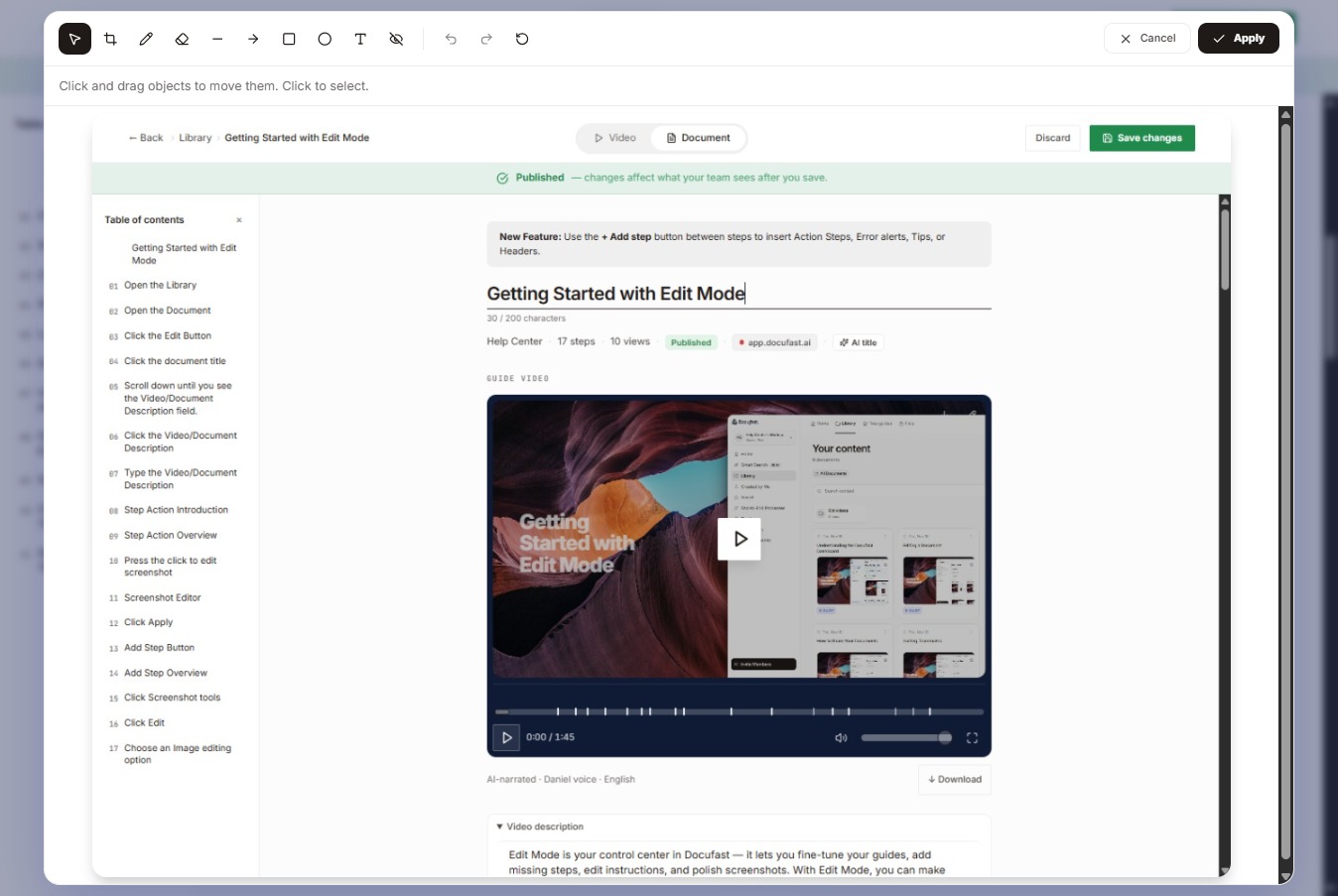
    Double-check that no confidential information is visible. You can also have a compliance officer or team lead review the guide before sharing it, and only share it once it passes that review.

    Final Review
    Loading screenshot…
    100%