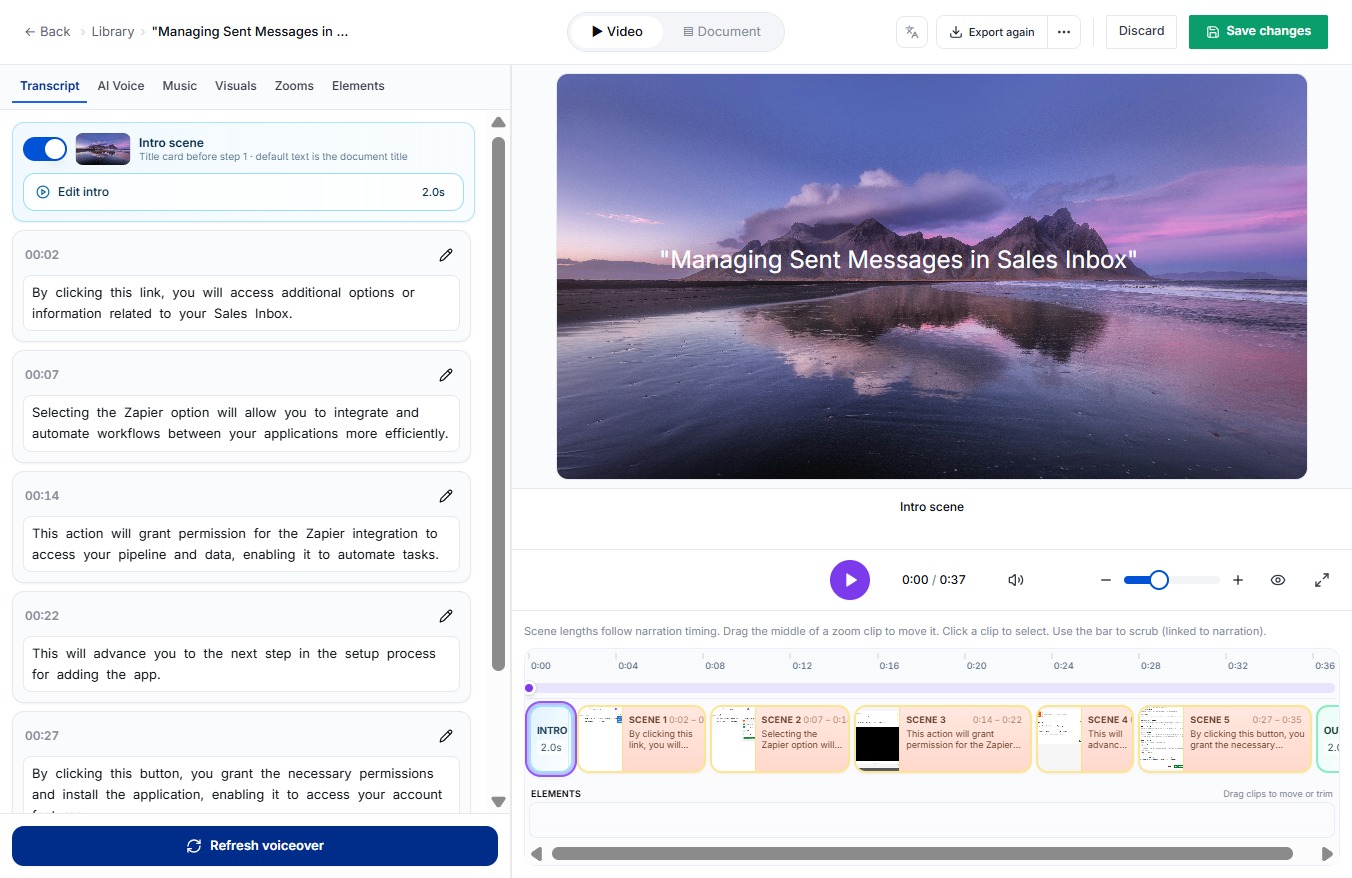
Click the Edit button
By clicking the Edit button, you can modify the selected item or information in your Sales Inbox.

Loading screenshot…
100%
In this how-to guide, you'll learn the essential steps for editing entries in the DocuFast Dashboard, including modifying items in your Sales Inbox, activating introductory and…
 viktoria
In this how-to guide, you'll learn the essential steps for editing entries in the DocuFast Dashboard, including modifying items in your Sales Inbox, activating introductory and outro scenes, and saving your changes effectively. Follow along to enhance your presentation and streamline your document management process.
By clicking the Edit button, you can modify the selected item or information in your Sales Inbox.
By clicking this button, you will activate the introductory scene for the application, enhancing the user experience with an initial overview.

This will activate the outro scene feature, allowing you to finalize your presentation or video with the designated ending visuals.

This action will save all the modifications you have made. Ensure your changes are final before proceeding.
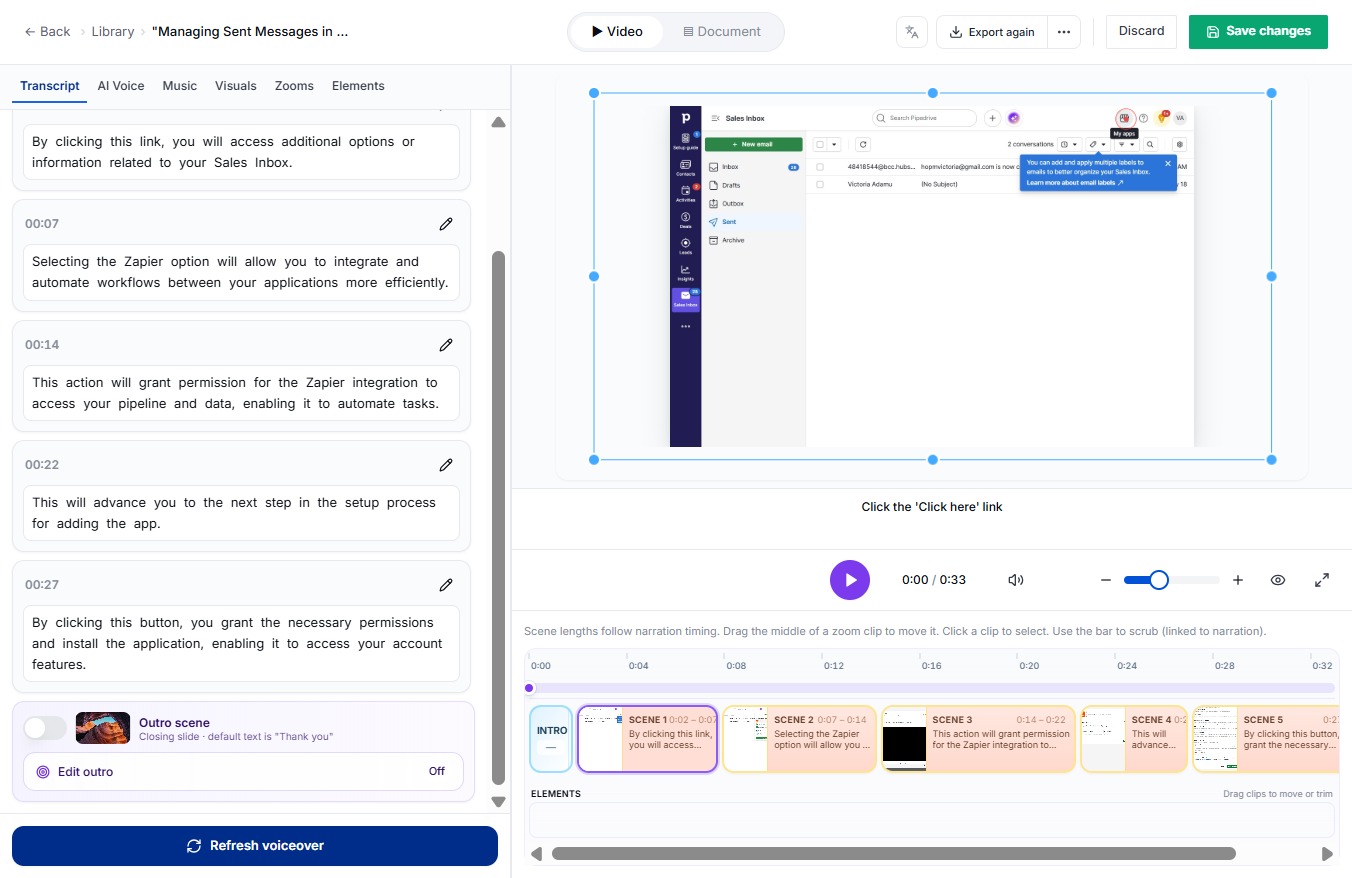
By clicking the Edit button, you will be able to modify the details of the selected item within the interface.

Clicking this button will activate the introductory scene, providing a contextual overview for users before they begin using the application.
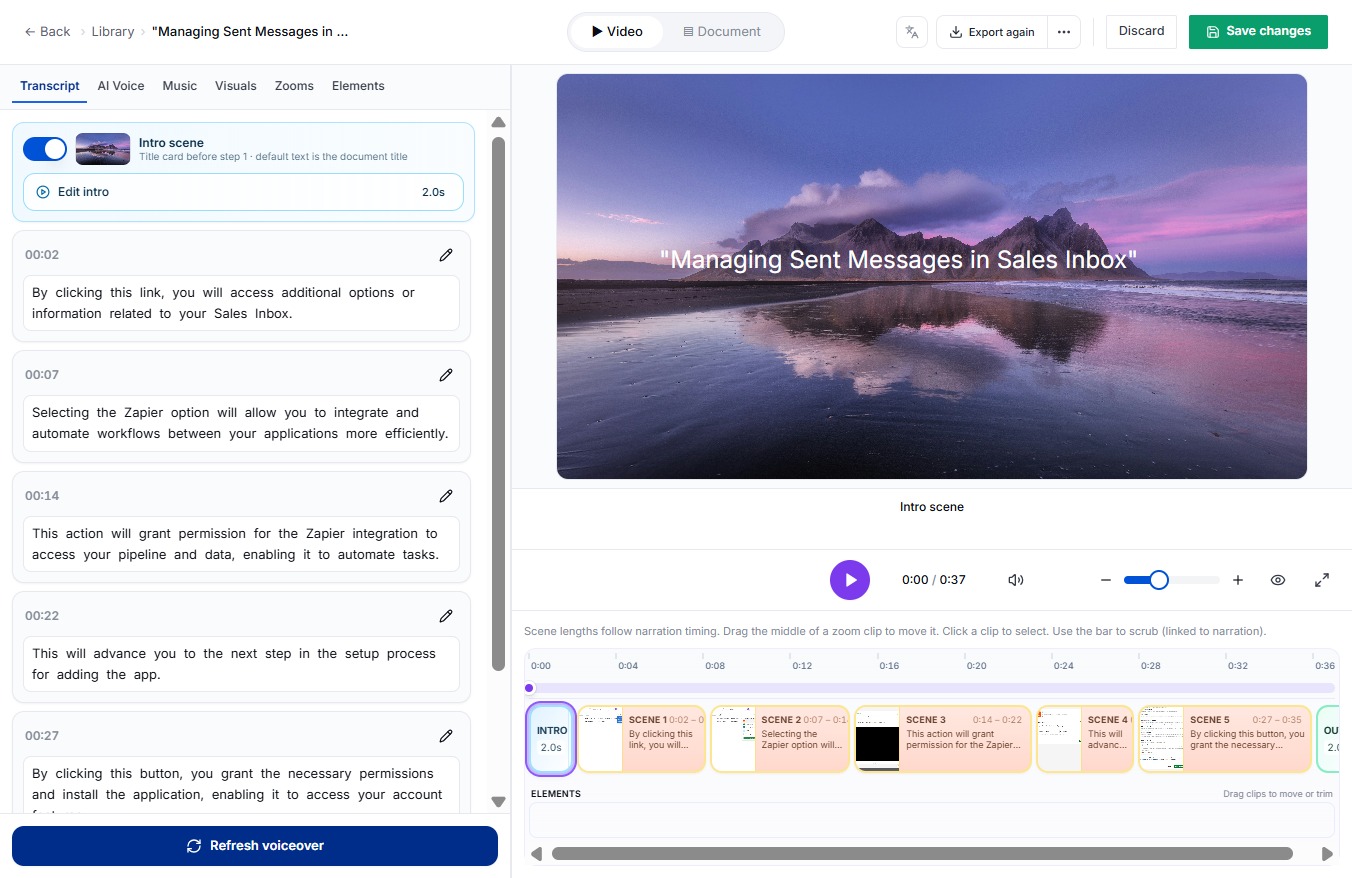
By clicking this button, you activate the outro scene feature that enhances the user experience at the end of your presentation.

By clicking this button, you will save all the modifications made to your settings or preferences.

By clicking this button, you can modify the details or content of the document you're currently viewing.

By clicking this title card, you will access additional options or information related to your Sales Inbox.