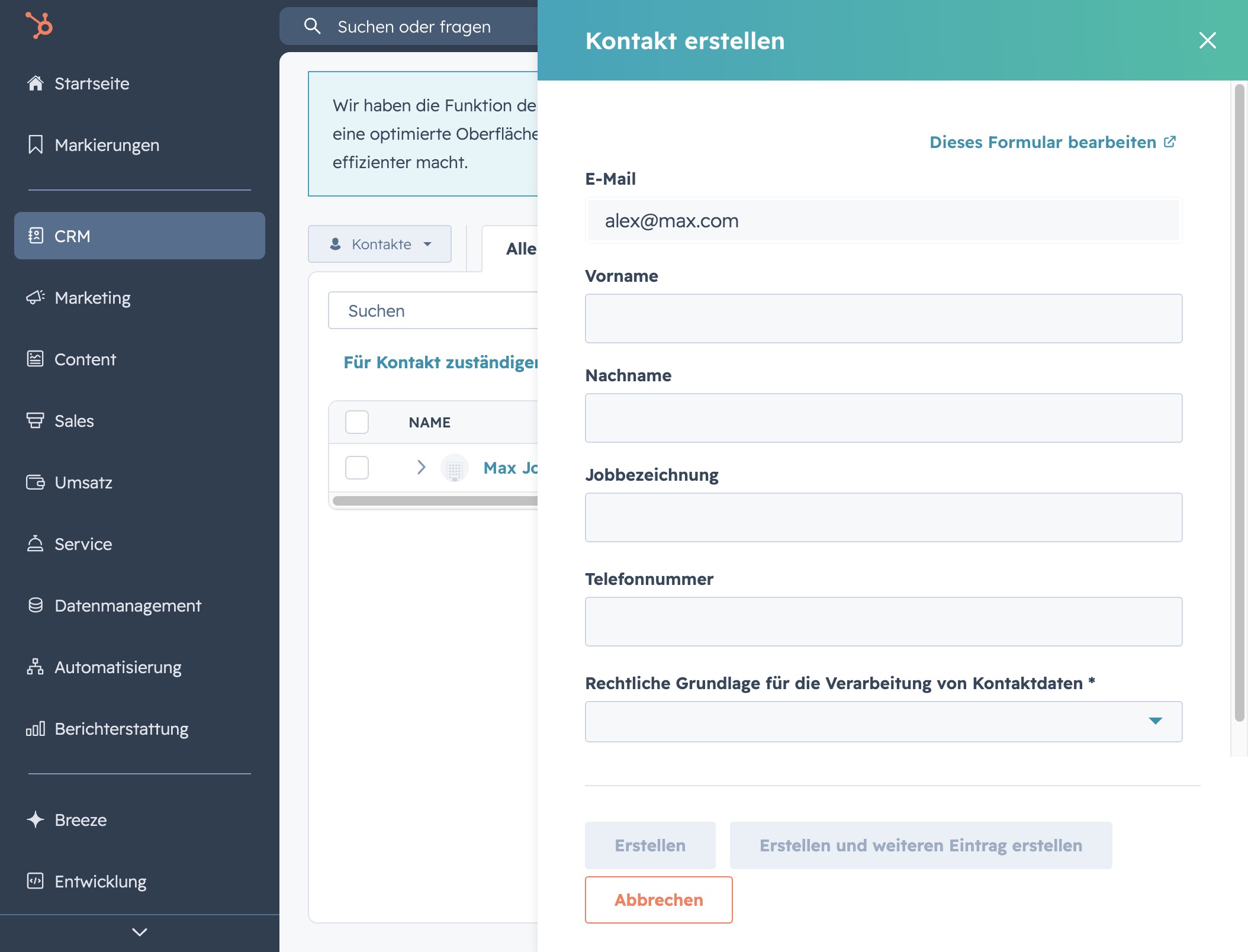
Click the CRM option
Selecting the CRM option will take you to the customer relationship management section, where you can manage and analyze your customer interactions and data.

Loading screenshot…
100%
In this comprehensive how-to guide, you'll learn how to set up and manage your CRM system in HubSpot.
 brian.annan
In this comprehensive how-to guide, you'll learn how to set up and manage your CRM system in HubSpot. From navigating to the CRM section to adding and organizing new contacts, this video walks you through each essential step to streamline customer interactions and data management.
Selecting the CRM option will take you to the customer relationship management section, where you can manage and analyze your customer interactions and data.
This action opens the Kontakte section, where you can manage and view your contacts, allowing for efficient organization and communication.
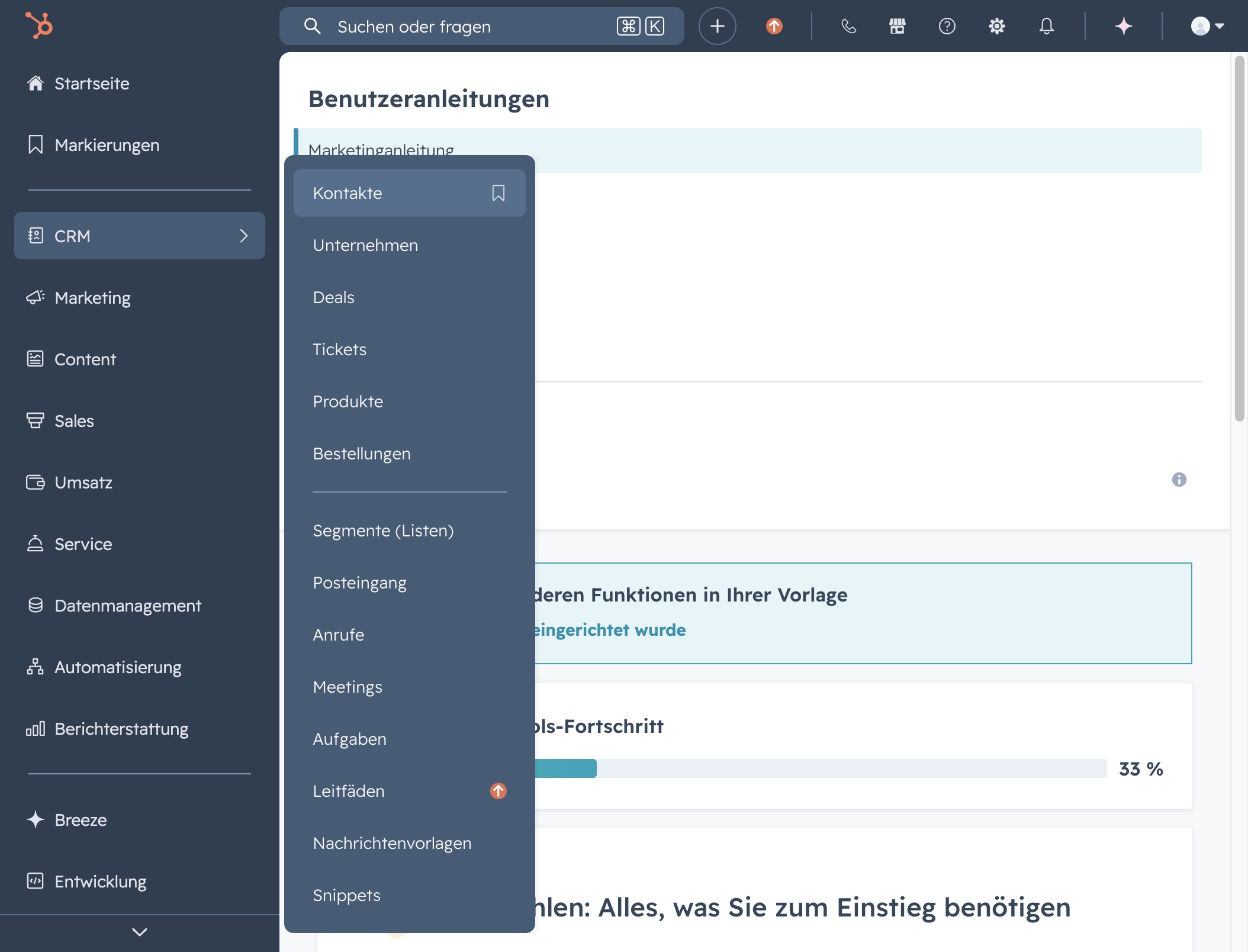
Clicking this button enables you to add new contacts to your CRM system. Follow the prompts to enter the required information for each contact.
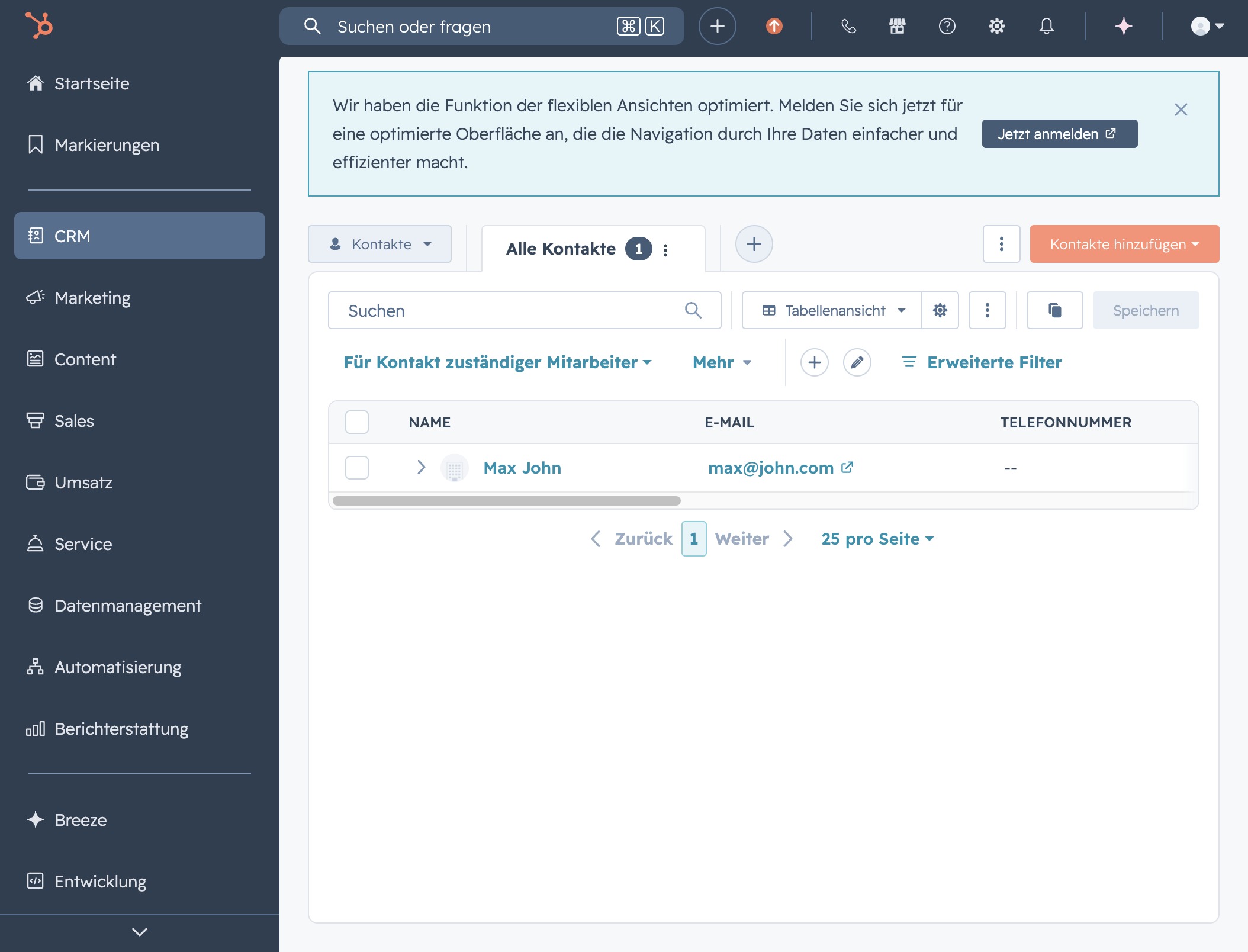
Clicking the 'Neu erstellen' button allows you to create a new contact in the CRM system. This action will open a form where you can enter details for the new contact.
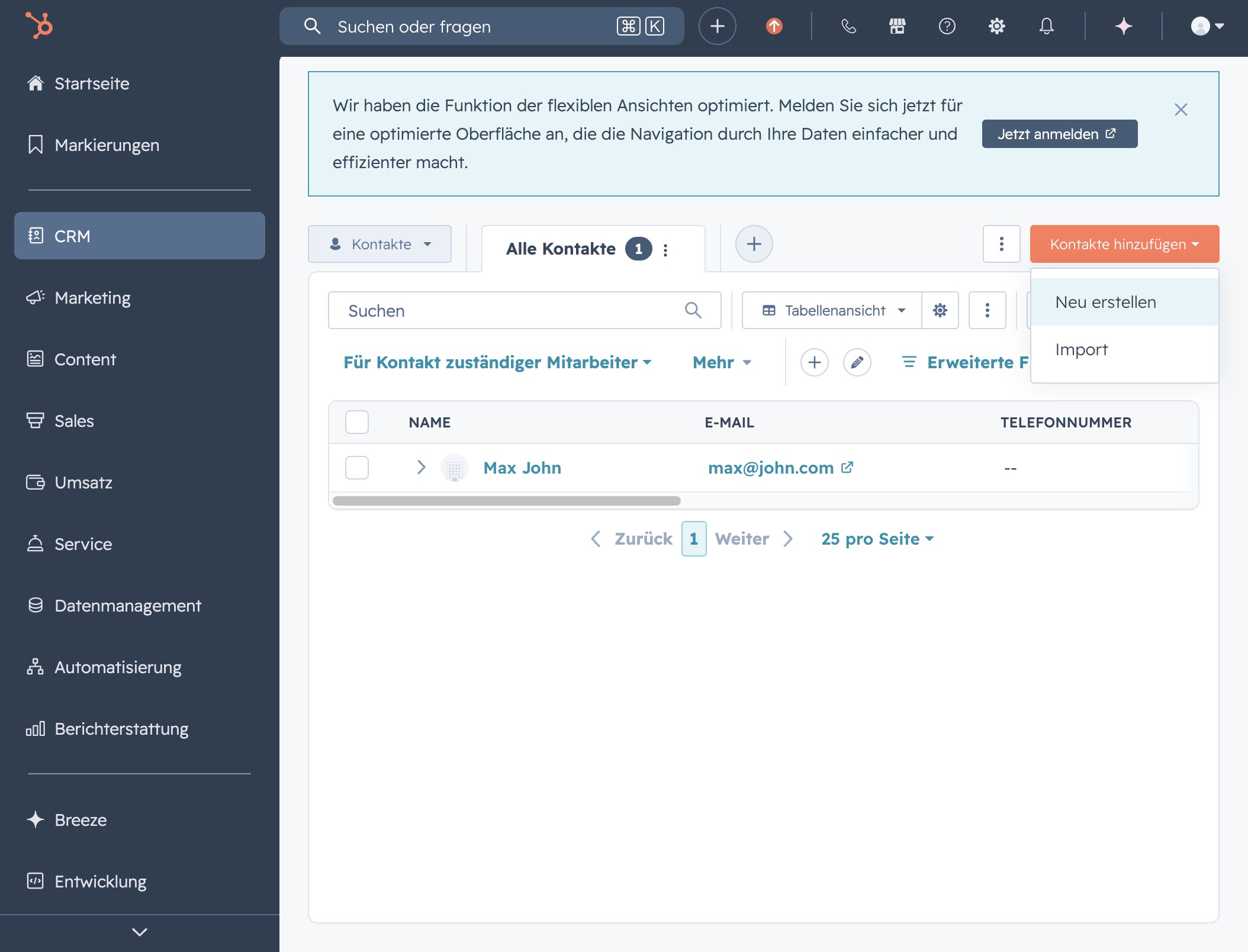
After clicking, you will be directed to a form where you can enter the Email, First Name, and Last Name of the new contact.
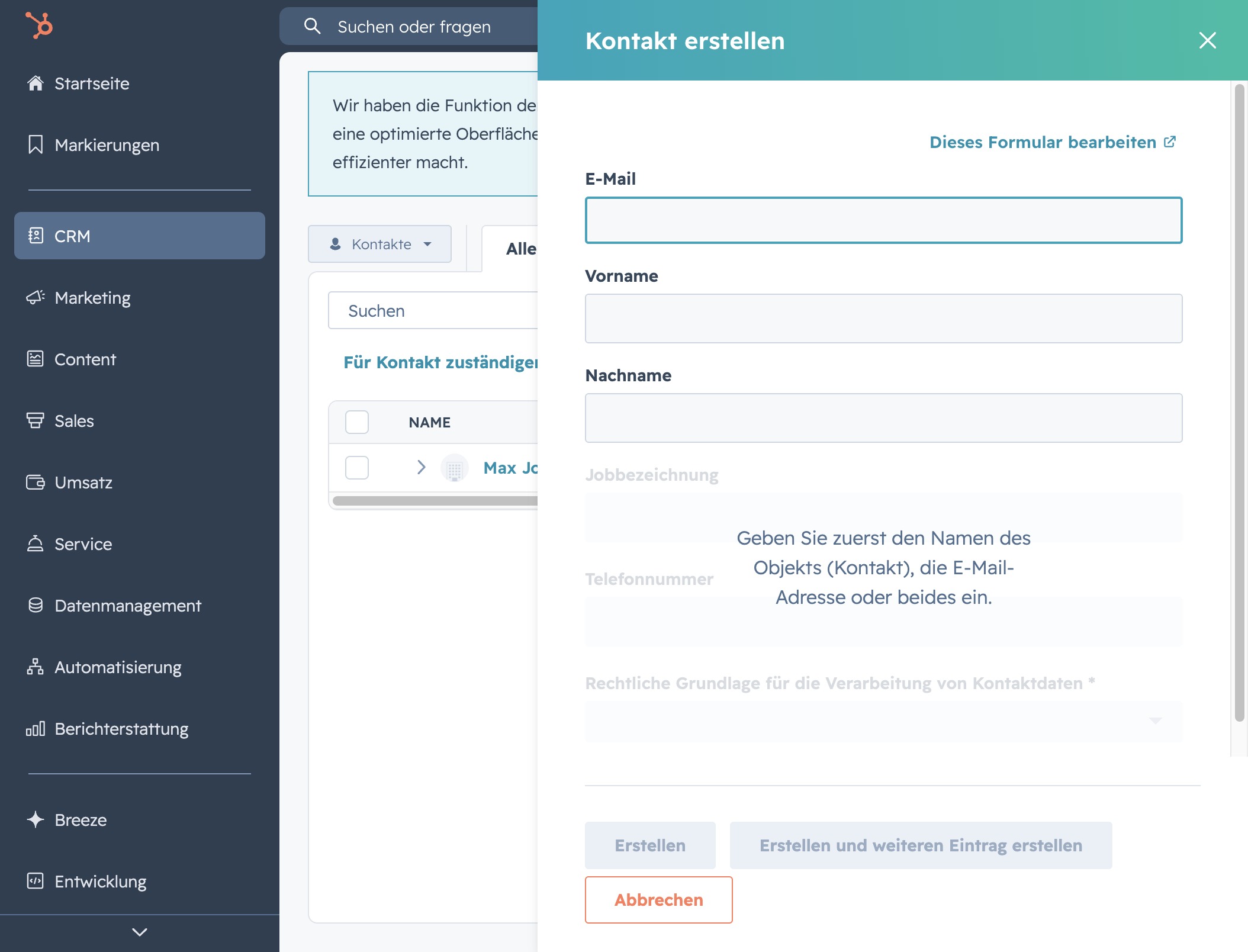
Enter a valid email address in the E-Mail field to create a new contact in the CRM system. This step is necessary to ensure that communication can be established with the new contact.