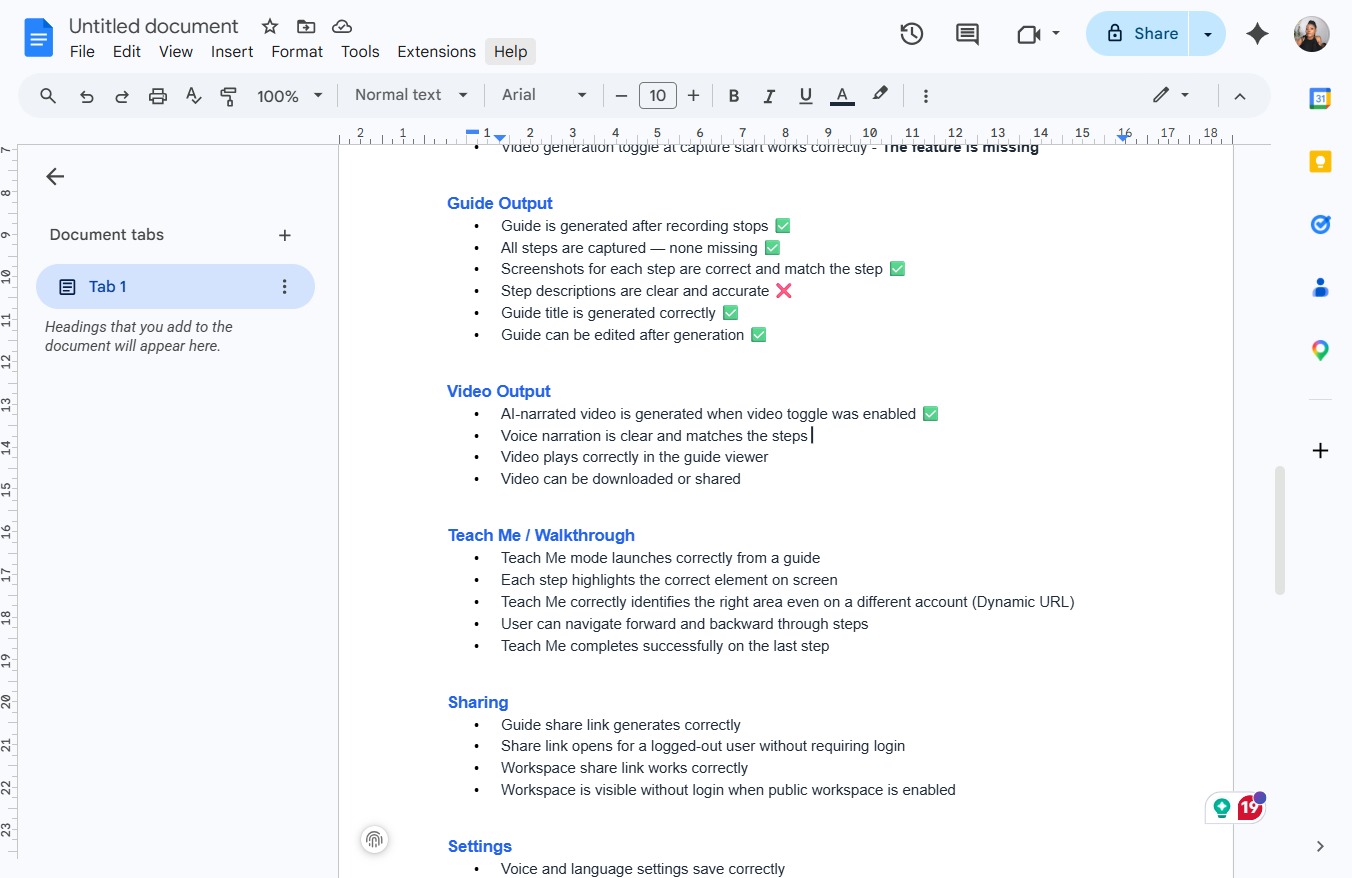
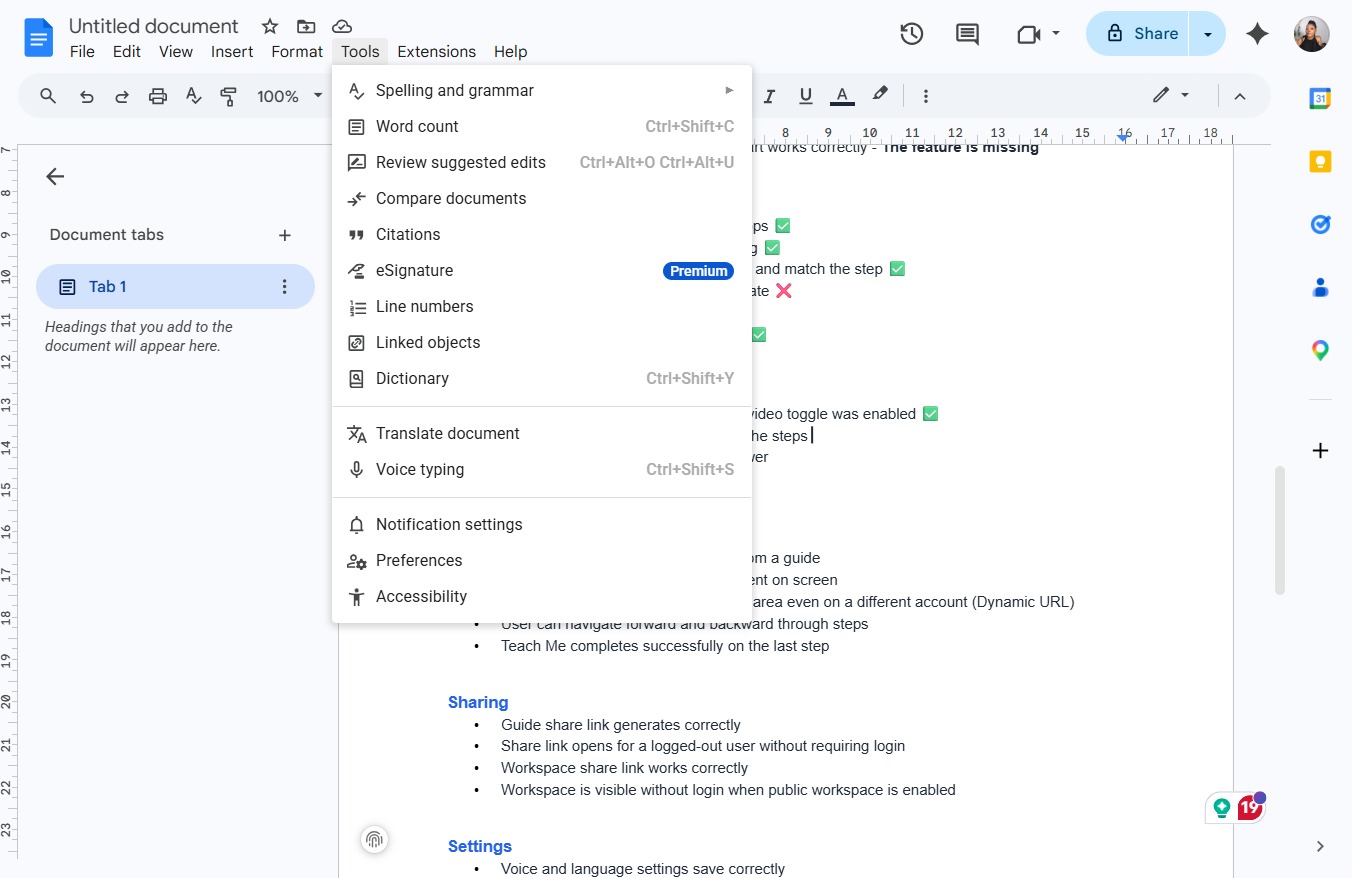
Click the Tools menu edited
This action opens the Tools dropdown menu, allowing you to access various settings and features related to document editing. edited
Loading screenshot…
100%
In this how-to guide, you'll learn the essential steps for creating a new document in Google Docs, including utilizing menus for file management, formatting, and accessibility.
 victoriarichriya
In this how-to guide, you'll learn the essential steps for creating a new document in Google Docs, including utilizing menus for file management, formatting, and accessibility. We'll walk you through navigating the available tools and settings to enhance your document editing experience.
This action opens the Tools dropdown menu, allowing you to access various settings and features related to document editing. edited
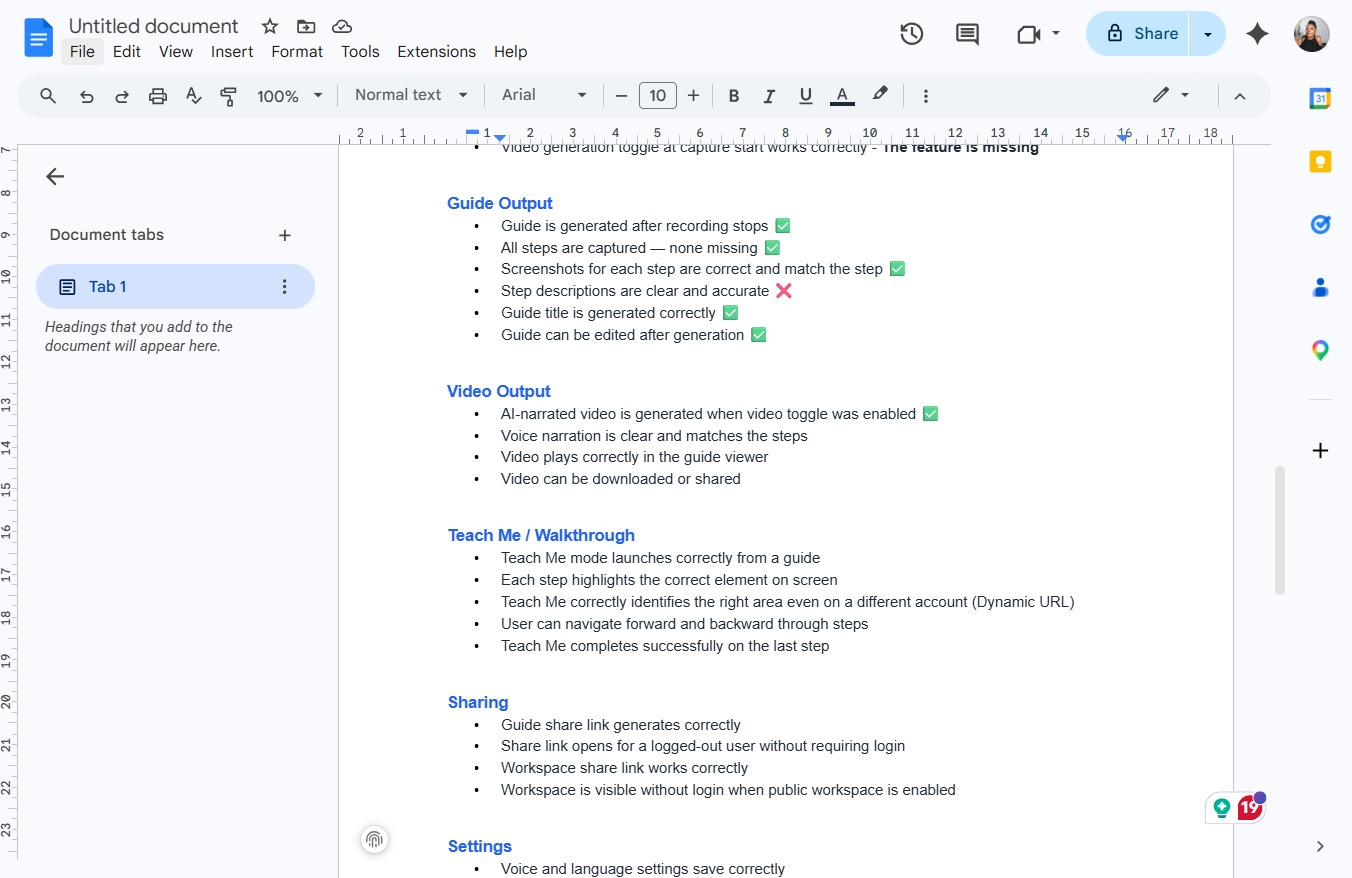
This action opens a dropdown menu containing options related to file management, such as creating, opening, saving, and exporting documents.
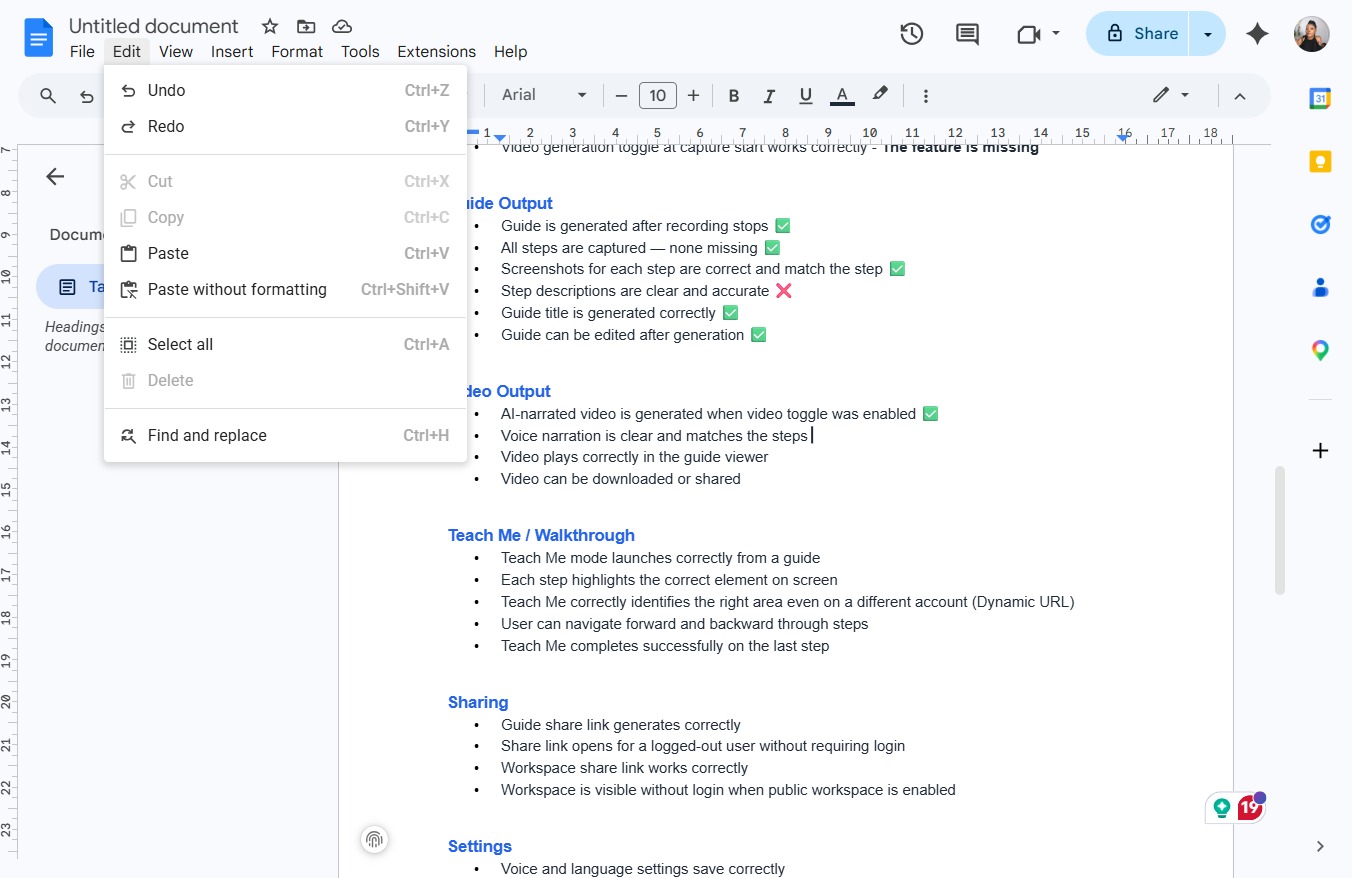
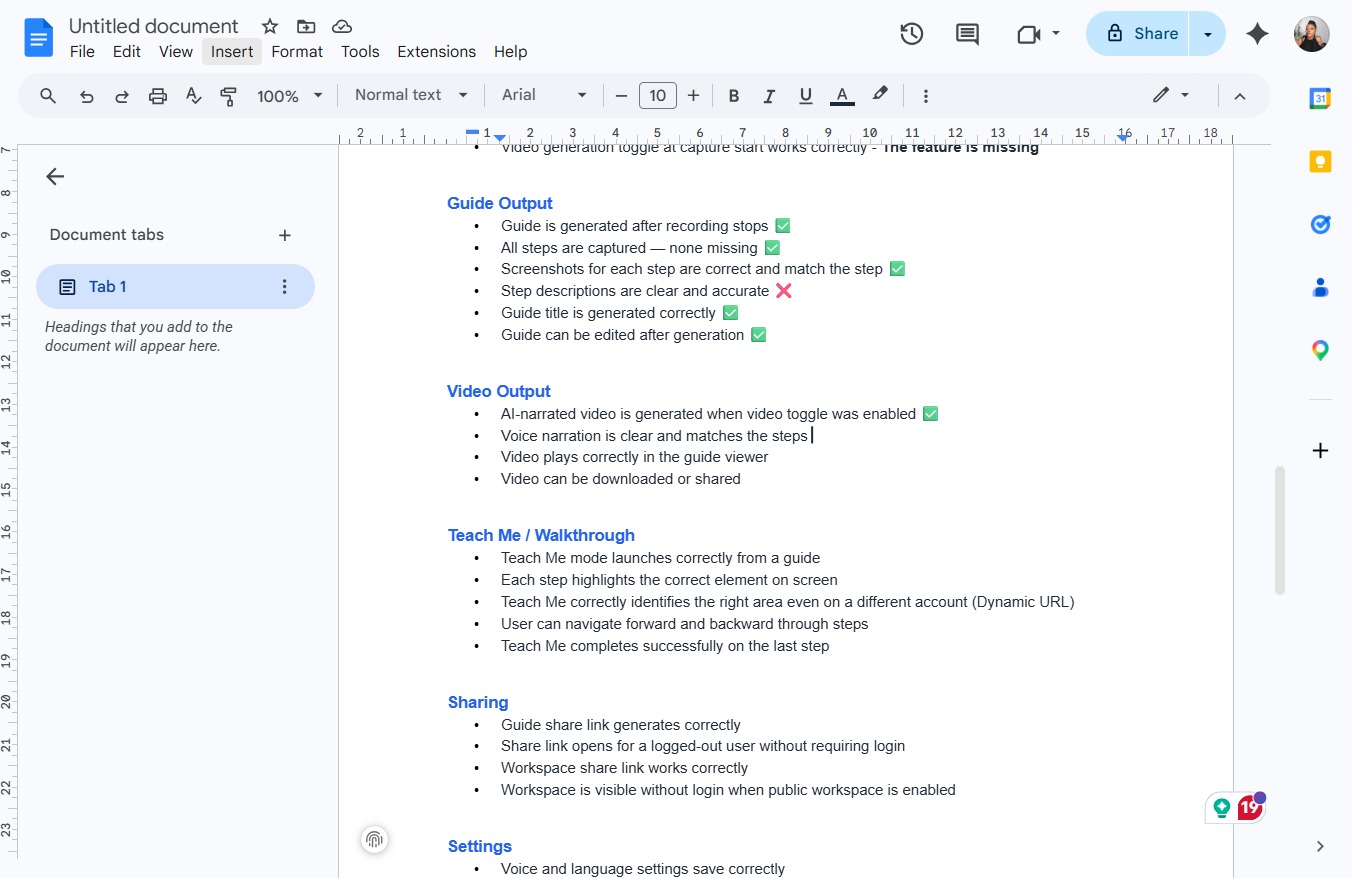
This will open a dropdown menu with various viewing options for your document, allowing you to customize your editing environment.
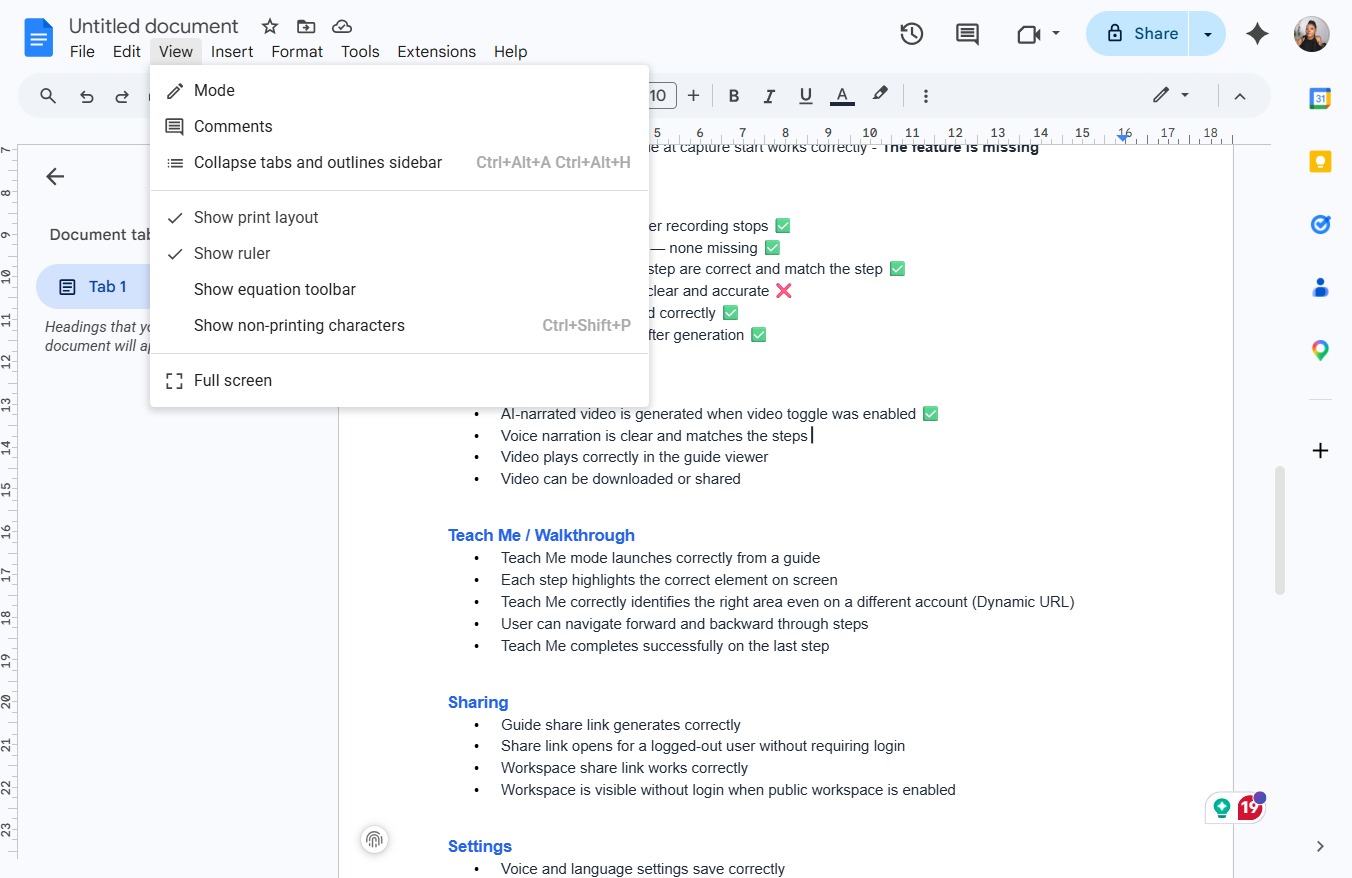
Clicking this menu will reveal various additional functionalities and settings available for enhancing your document. Explore options like spelling, language tools, and more.
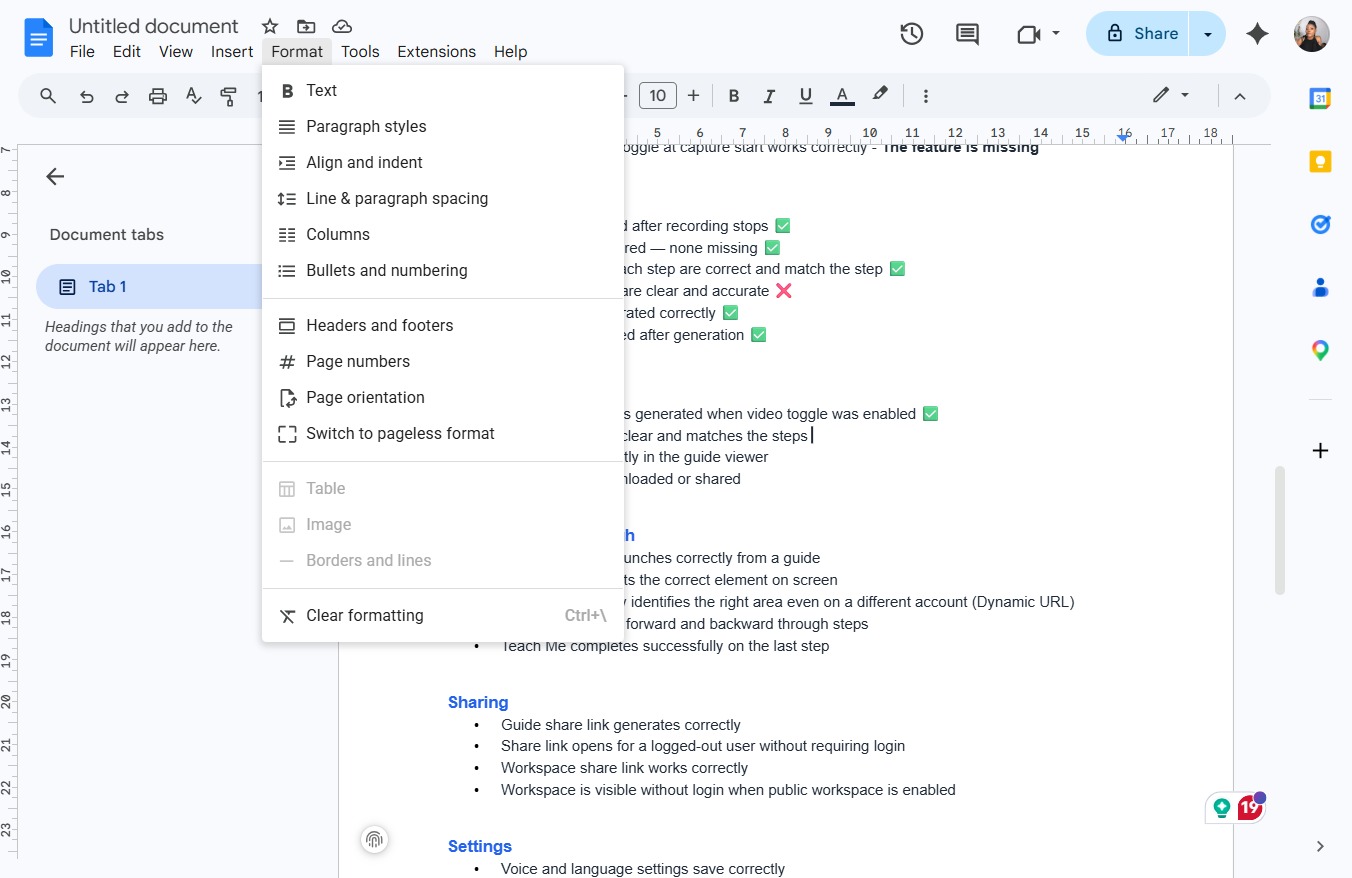
Clicking the Format menu opens a dropdown list of text formatting options, allowing you to customize the appearance of your document.
This action will open the Accessibility settings, allowing you to customize features for better usability.
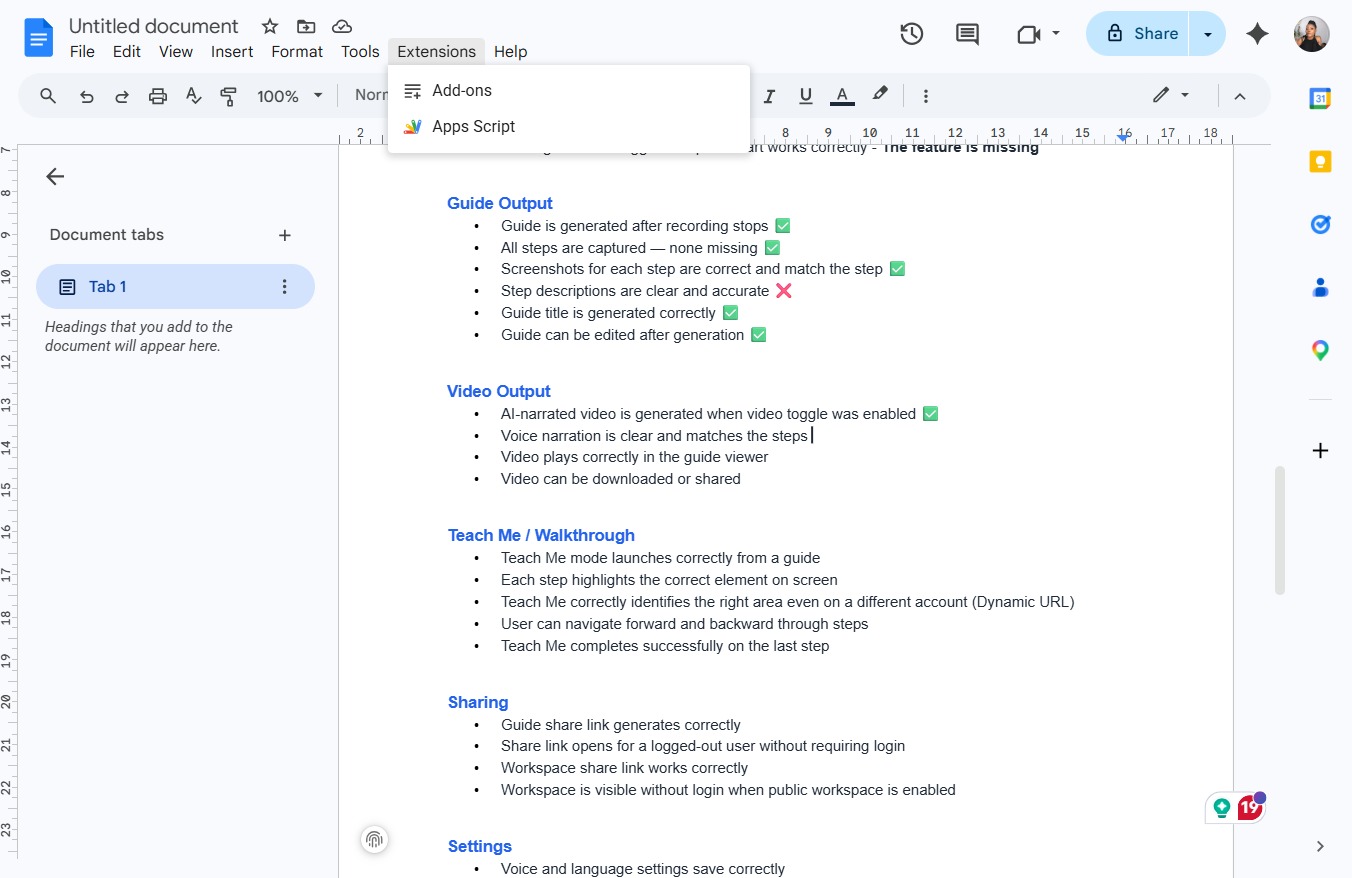
Selecting the Extensions menu opens additional features for enhancing your document editing experience, such as adding scripts or accessing third-party tools.
Clicking the Tools menu allows you to access various tools and options related to document editing and formatting.