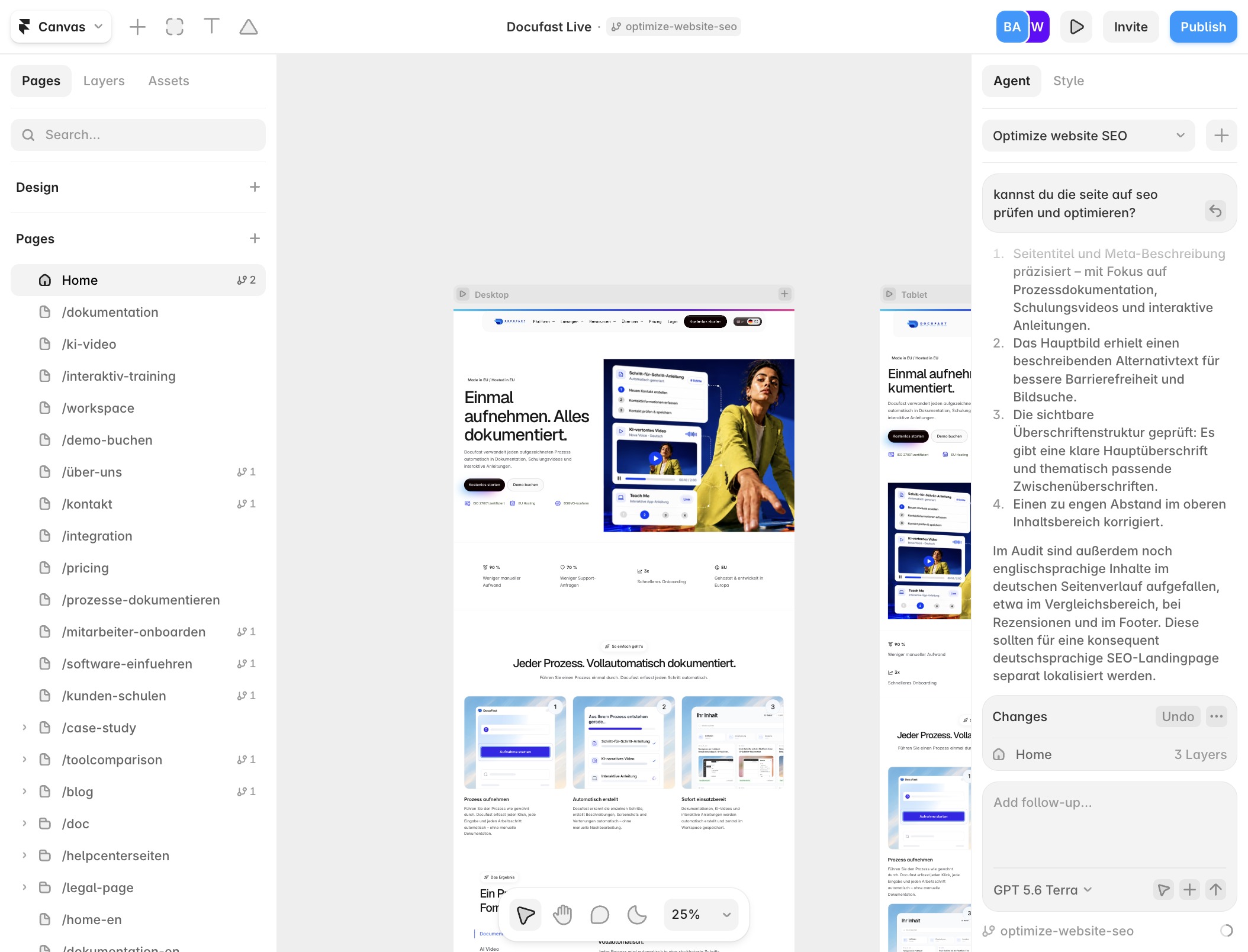
Click on Canvas
You'll interact with the Canvas area, where you can visualize and arrange your design elements effectively, ensuring your project layout is just right.
Loading screenshot…
100%
Create a live document in Framer to effectively arrange design elements, manage your content in the CMS section, and customize your project with new elements.
 brian.annan
Create a live document in Framer to effectively arrange design elements, manage your content in the CMS section, and customize your project with new elements.
You'll interact with the Canvas area, where you can visualize and arrange your design elements effectively, ensuring your project layout is just right.
Navigate to the CMS section where you can manage your content directly within the platform, allowing for streamlined editing and organization of your website's material.

By clicking on the Integration option, you access the relevant section for managing integrations within the platform, allowing you to connect and configure various services as needed.
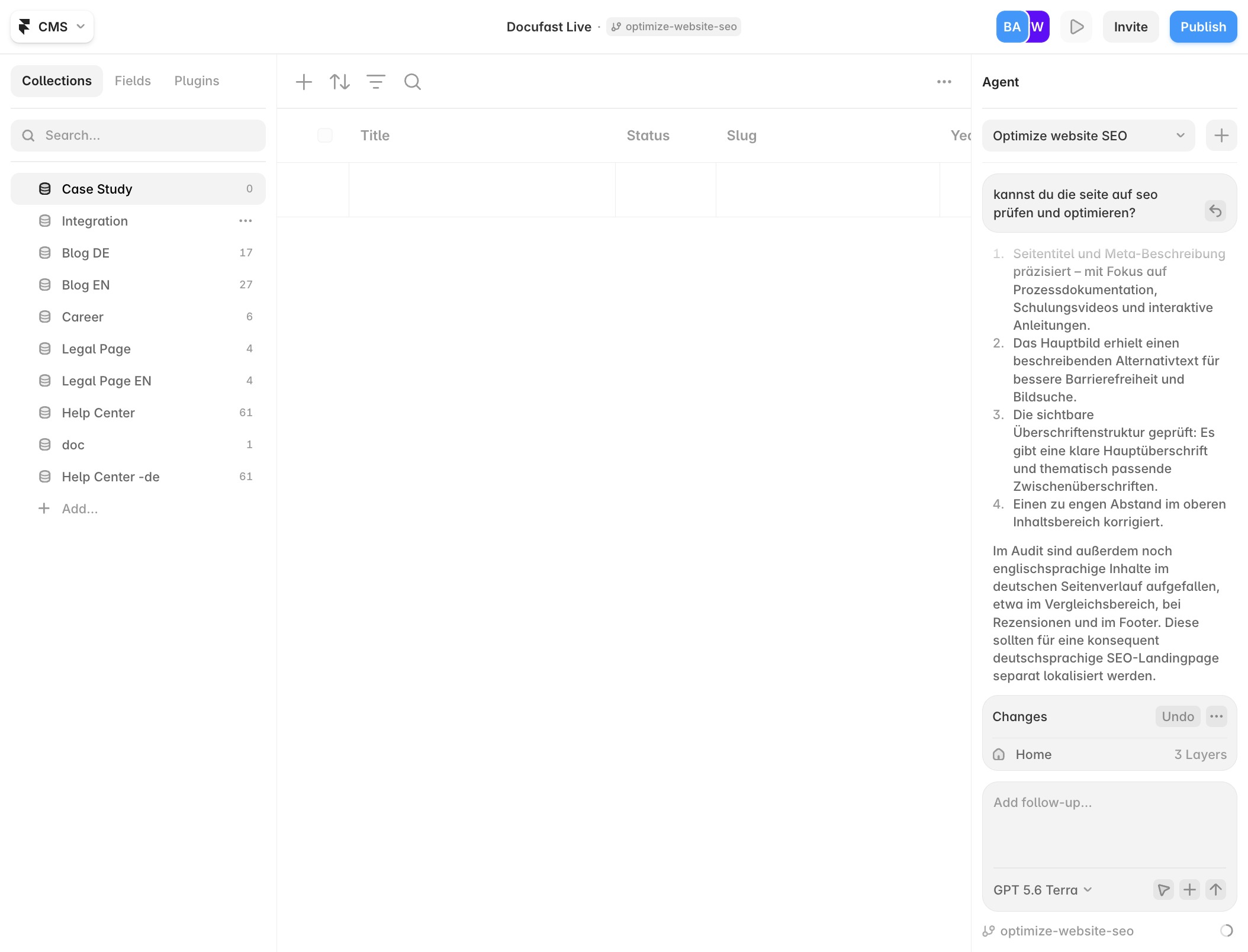
By clicking on the Insert button, you can add new elements or content to your project, making it customizable and tailored to your needs.
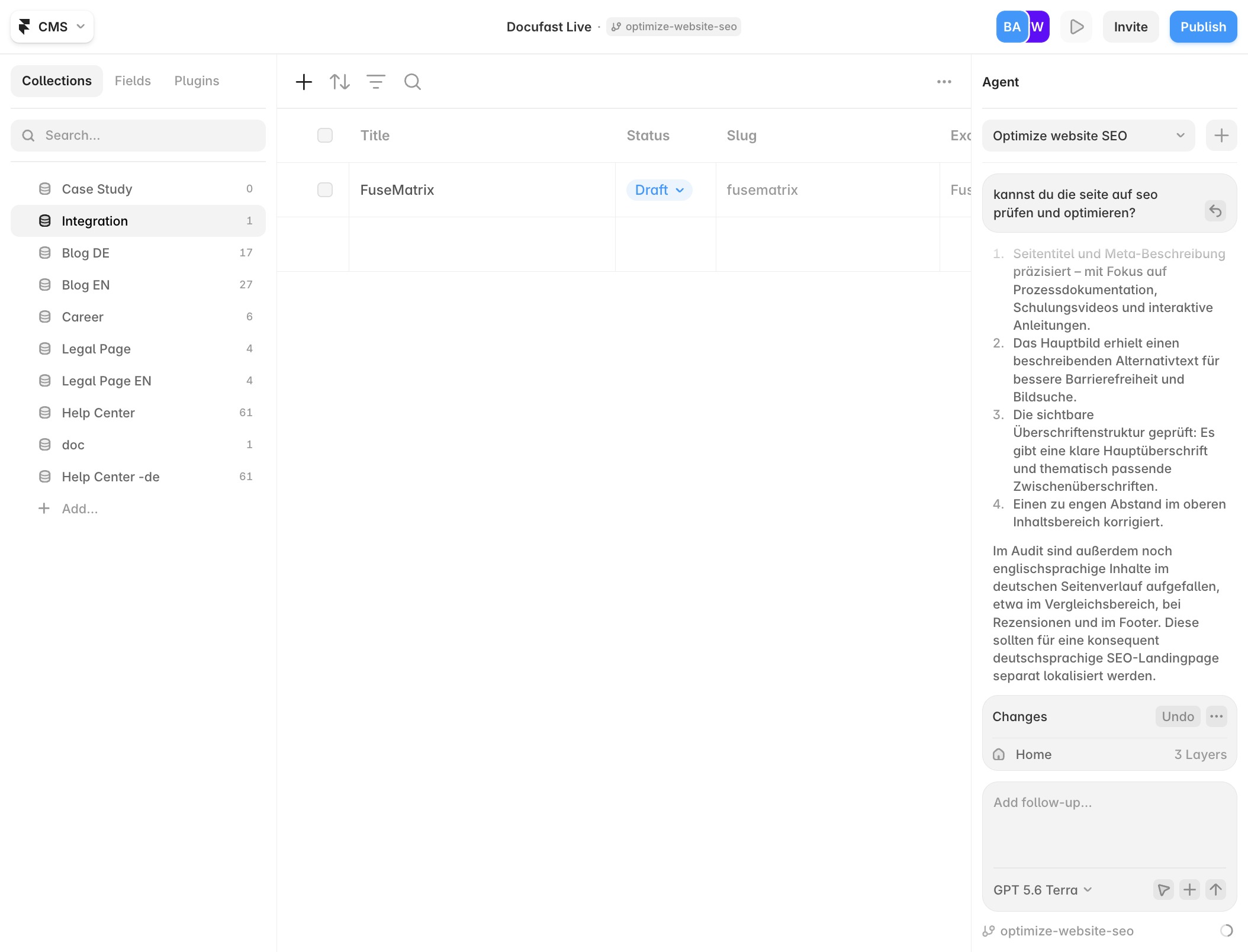
You'll click on the Title field to input a name for your content. This is where you define what your entry will be called, making it easier to identify later.
