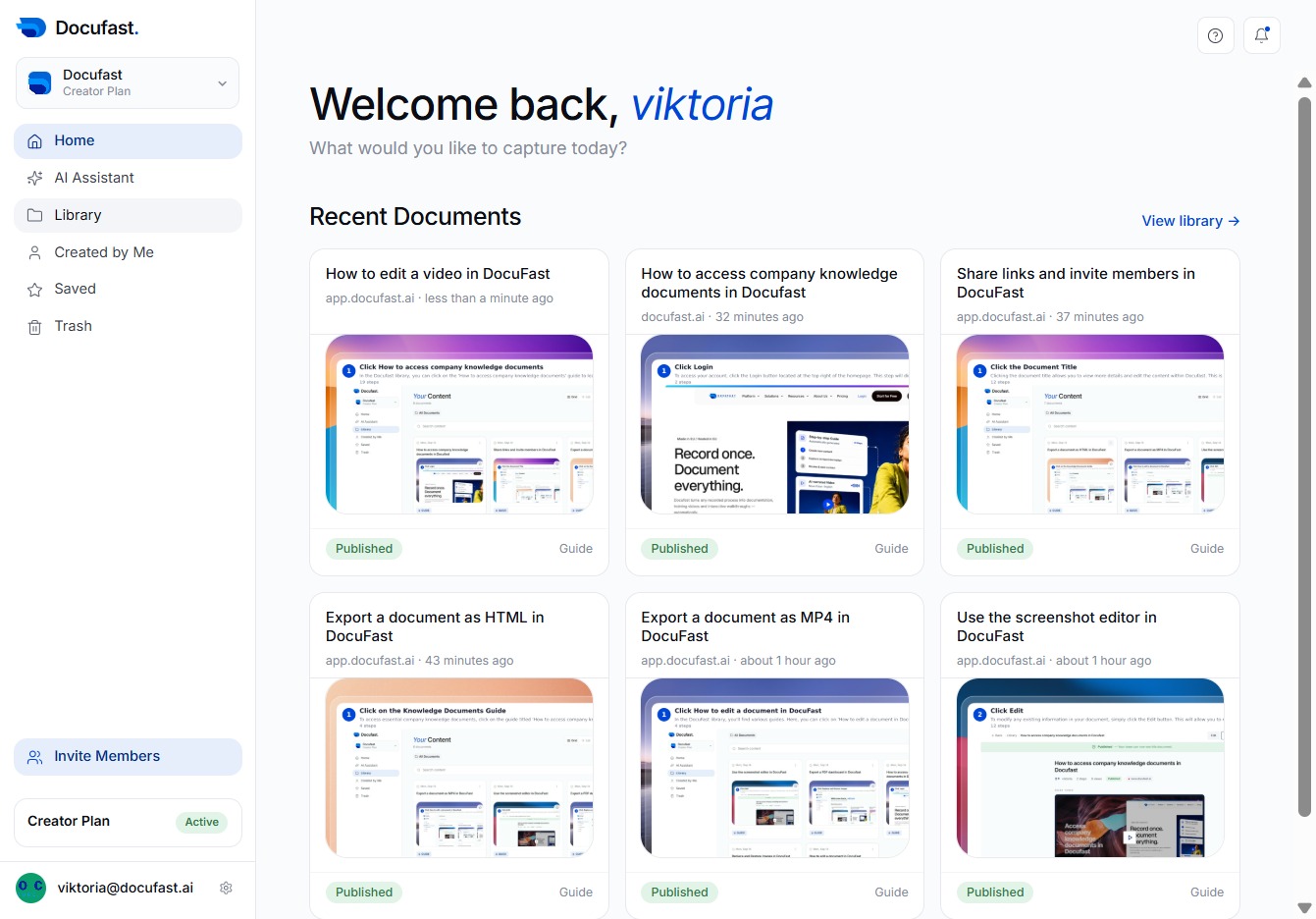
Click Library
By clicking on the Library, you'll access a comprehensive collection of your documents, making it easier to find and manage your favorite resources within DocuFast.
Loading screenshot…
100%
Create a folder in the All Documents section of DocuFast to organize your documents effectively, improving access to your resources in the Library.
 viktoria
Create a folder in the All Documents section of DocuFast to organize your documents effectively, improving access to your resources in the Library.
By clicking on the Library, you'll access a comprehensive collection of your documents, making it easier to find and manage your favorite resources within DocuFast.
You can create a new folder in your Library to keep your documents organized. This makes it easier to manage your content and find what you need when you return.
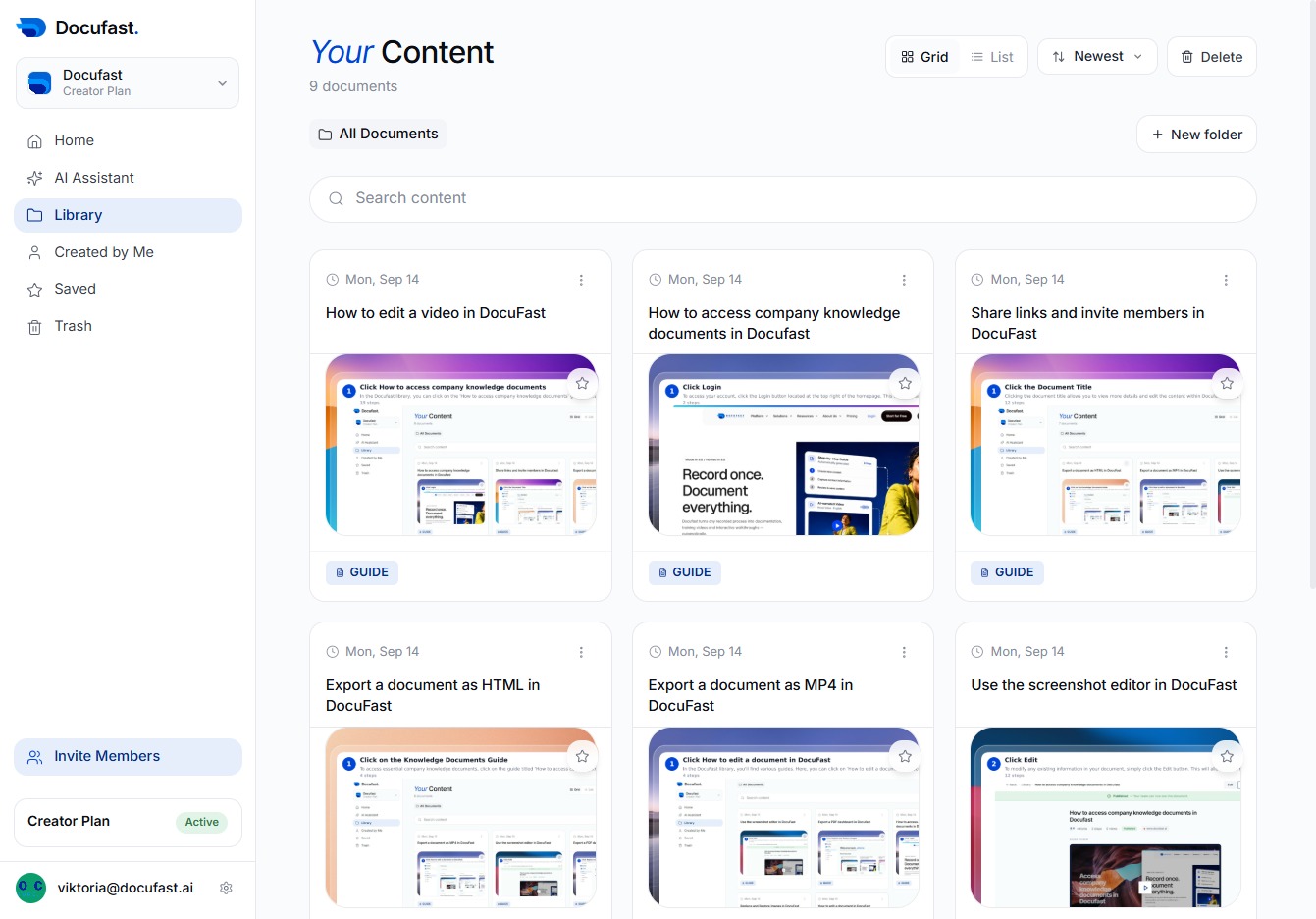
To organize your documents better, you'll want to create a new folder in the All Documents section. Just click on the 'New folder in All Documents' option to get started.
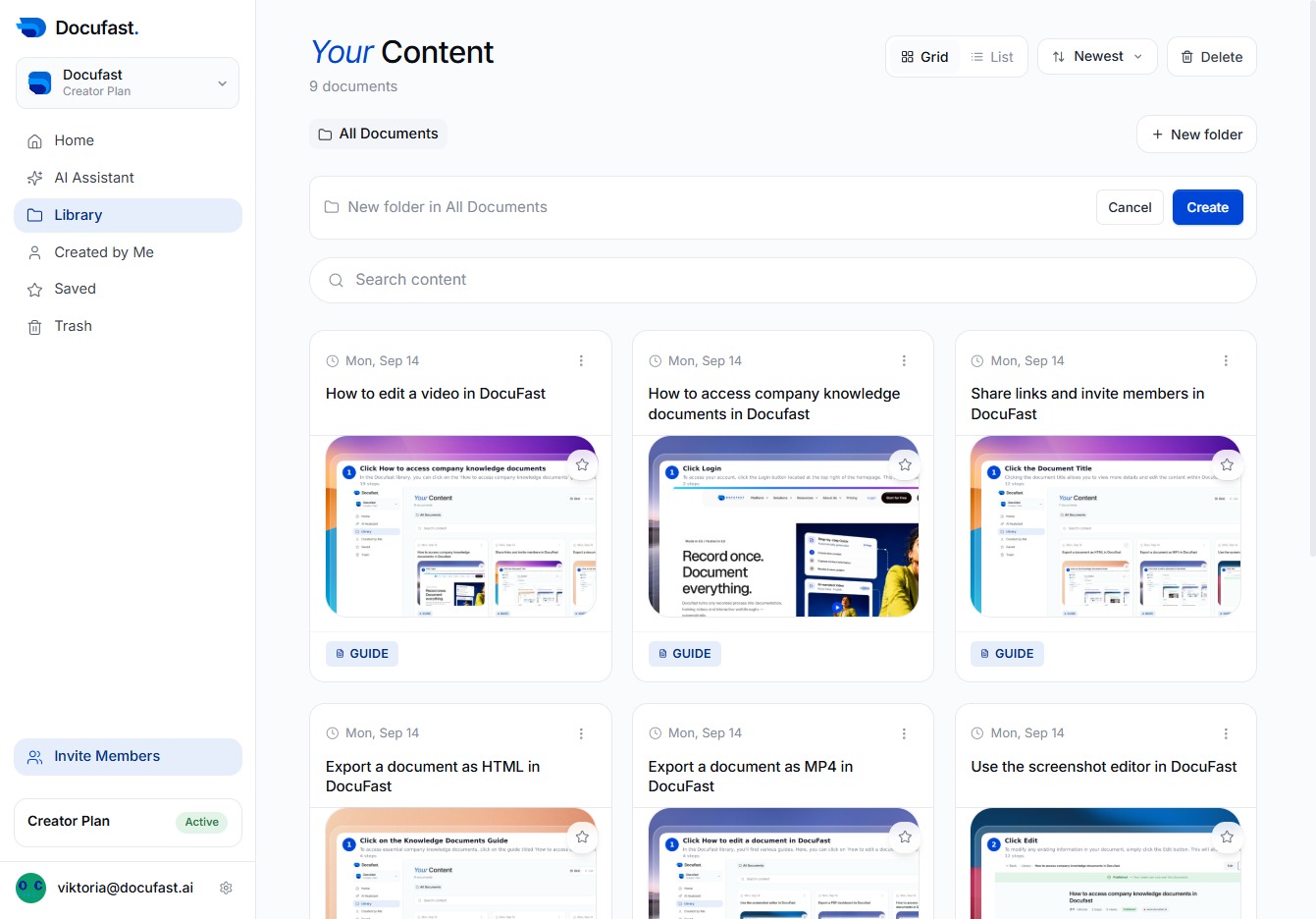
In this step, you'll name the new folder by typing 'Document Creation' in the designated input field. This action helps you organize your documents effectively within the library.

To finalize your new folder, click the Create button. This action will establish your 'Document Creation' folder in the All Documents section, allowing you to start adding content right away.
